Compare commits
| Author | SHA1 | Date | |
|---|---|---|---|
 Codeman maintainer Codeman maintainer
|
d1cd7884d4 | ||
|
Michael Grundberg
|
c375268879 |
No files matched your search
@@ -0,0 +1,28 @@
|
||||
---
|
||||
"aicodeman": patch
|
||||
---
|
||||
|
||||
fix(statusline): stop the plan-usage exporter from stealing the user's statusline (#405)
|
||||
|
||||
Claude Code ranks a repo's `.claude/settings.local.json` above `~/.claude/settings.json`, so
|
||||
the statusLine Codeman injects for the Plan Usage chip shadowed whatever statusline the user
|
||||
had configured globally, and running `claude` by hand in a managed repo rendered the bare word
|
||||
`codeman`. The exporter is now a generated, delegating shim (`src/statusline-shim.ts`, the
|
||||
`deepseek-status-shim` pattern): it forwards the same payload to `/api/status-telemetry` and,
|
||||
concurrently, runs the statusline it shadows and prints that. Codeman's footer appears only when
|
||||
there is nothing to shadow, and with neither the line stays blank. The delegate is resolved at
|
||||
render time from the three settings files Claude Code documents (`workspace.project_dir` first,
|
||||
then `~/.claude/settings.json`), never from an ancestor directory or a user-level
|
||||
`settings.local.json`.
|
||||
|
||||
The injected command is a self-selecting shell guard that runs the shim where it exists and
|
||||
falls through to the inline curl exporter where it does not, so the same bind-mounted
|
||||
`settings.local.json` still reports telemetry from inside a Docker case's container. Ownership
|
||||
accepts both the new `codeman-statusline-shim` token and the old `/api/status-telemetry`
|
||||
command, so repos managed by an older Codeman upgrade in place. `POST /api/status-telemetry`
|
||||
answers an unknown session with an empty body instead of `codeman`, and the session-status
|
||||
footer is empty rather than a brand word when the payload carries nothing to show.
|
||||
|
||||
Turning the Plan Usage chip off now removes the exporter from the workspaces of your live Claude
|
||||
sessions. The removal rides only the settings save that flips the chip off on a device, so a
|
||||
phone whose chip was never on cannot strip the exporter a desktop depends on.
|
||||
@@ -1,5 +0,0 @@
|
||||
---
|
||||
"aicodeman": minor
|
||||
---
|
||||
|
||||
**jcode as a run mode.** Codeman can now start [jcode](https://github.com/1jehuang/jcode) sessions from the Run menu, the phone overview and the API (`mode: "jcode"`, with `jcodeConfig: { model?, resumeSessionId? }`), locally, over SSH and in Docker cases (the agent image installs it). Codeman reads jcode's spinner row to tell a working session from an idle one, the wheel pages jcode's own transcript, and `codeman doctor` and the installer find it. jcode runs every session's tools in one shared background daemon, so closing a jcode tab never stops that daemon, its sessions get no Codeman agent skill and take no `JCODE_*` environment overrides, and a jcode worker's answer is read from its terminal rather than `last-response`; see `docs/jcode-integration.md`.
|
||||
@@ -1,30 +0,0 @@
|
||||
{
|
||||
"name": "codeman",
|
||||
"owner": {
|
||||
"name": "Ark0N",
|
||||
"url": "https://github.com/Ark0N"
|
||||
},
|
||||
"description": "Codeman, self-hosted mission control for AI coding agents. Ships the codeman agent skill: let one Claude Code session spawn, prompt, wait on and read other sessions.",
|
||||
"plugins": [
|
||||
{
|
||||
"name": "codeman",
|
||||
"source": "./plugins/codeman",
|
||||
"description": "Drive Codeman from inside a Claude Code session: spawn worker sessions, prompt them, wait for them, read their answers, clean up. Acts only inside a Codeman-managed session.",
|
||||
"version": "1.42.0",
|
||||
"author": {
|
||||
"name": "Ark0N",
|
||||
"url": "https://github.com/Ark0N"
|
||||
},
|
||||
"homepage": "https://getcodeman.com",
|
||||
"category": "productivity",
|
||||
"keywords": [
|
||||
"codeman",
|
||||
"orchestration",
|
||||
"multi-agent",
|
||||
"session-manager",
|
||||
"tmux",
|
||||
"claude-code"
|
||||
]
|
||||
}
|
||||
]
|
||||
}
|
||||
@@ -9,9 +9,6 @@
|
||||
**/.env
|
||||
**/.env.*
|
||||
!**/.env.example
|
||||
# Same shape: docker/docker-compose.override.yml is the documented home for
|
||||
# host-specific settings, so it must not ride COPY . . into the image either.
|
||||
**/docker-compose.override.*
|
||||
node_modules
|
||||
dist
|
||||
coverage
|
||||
|
||||
@@ -28,15 +28,12 @@ The frontend is plain JS served from `src/web/public/` with no bundler in dev: e
|
||||
CI runs all of these, so save yourself a round trip:
|
||||
|
||||
```bash
|
||||
npm run typecheck # tsc --noEmit, strict mode
|
||||
npm run typecheck # tsc --noEmit, strict mode
|
||||
npm run lint
|
||||
npm run format:check
|
||||
npm run check:frontend-syntax # syntax-checks the plain-JS frontend modules
|
||||
npm run check:browser-excludes # every browser-driven test is kept out of `npm test`
|
||||
npm run check:frontend-syntax # syntax-checks the plain-JS frontend modules
|
||||
```
|
||||
|
||||
`npm install` also installs a `pre-push` git hook that runs these static checks (about 10-40s, machine-dependent) and blocks the push if one fails. It skips itself when you push something other than the checked-out HEAD, or when the tree has uncommitted changes the checks would read. Skip it once with `CODEMAN_SKIP_PREPUSH=1 git push`; it never replaces a `pre-push` hook of your own.
|
||||
|
||||
### Tests
|
||||
|
||||
```bash
|
||||
@@ -55,9 +52,7 @@ npm run test:all # literally everything, environmental failures included
|
||||
|
||||
Expect `test:browser`/`test:mobile`/`test:perf` to fail where the machine cannot provide what they need; read that as "not runnable here", not as a regression. `config/test-suites.ts` holds the globs, and both configs derive from it, so the exclusions and those runners cannot drift apart.
|
||||
|
||||
The browser suite also runs nightly (and on demand) in `.github/workflows/browser-suite.yml`; it is informational, not a gate.
|
||||
|
||||
If you add a test that binds a port, bind port 0 (`new WebServer(0, …)` + `server.boundPort`, or `listen({ port: 0 })` + `address().port`), or use `app.inject()` when no socket is needed; mobile tests call `createTestServer()` and read `server.boundPort`. `test/test-ports-guard.test.ts` fails a `WebServer` built on any other port and a raw `listen` on a fixed one. Never 3000.
|
||||
If you add a test that binds a port, pick a unique one at 3150 or above (search the repo for `const PORT =` first). Never 3000.
|
||||
|
||||
Tests are tmux-safe by design: under vitest, the tmux layer becomes an in-memory mock, so tests cannot touch real sessions.
|
||||
|
||||
|
||||
@@ -1,50 +0,0 @@
|
||||
name: Browser suite
|
||||
|
||||
# The per-push CI gate deliberately skips the Playwright-driven suite (config/test-suites.ts),
|
||||
# so a browser-only regression can merge green. This job runs that suite on a schedule and on
|
||||
# demand, so such a regression (the Shift+Enter keypress bug was one) is caught within a day
|
||||
# instead of by a user. It is NOT a merge gate: a red run means "look", and it never blocks a
|
||||
# push or a PR.
|
||||
#
|
||||
# Needs: chromium (installed below), tmux, and the live server the tests start themselves.
|
||||
# Not run here: test:mobile (per-machine PNG baselines), test:perf (wall-clock), and
|
||||
# codex-predictive-echo (needs a real codex binary; it also skips itself without one).
|
||||
|
||||
on:
|
||||
schedule:
|
||||
- cron: '29 3 * * *'
|
||||
workflow_dispatch:
|
||||
|
||||
permissions:
|
||||
contents: read
|
||||
|
||||
jobs:
|
||||
browser:
|
||||
name: Playwright browser suite
|
||||
runs-on: ubuntu-latest
|
||||
timeout-minutes: 60
|
||||
|
||||
steps:
|
||||
- uses: actions/checkout@v6
|
||||
|
||||
- name: Setup Node.js
|
||||
uses: actions/setup-node@v6
|
||||
with:
|
||||
node-version: 22
|
||||
cache: 'npm'
|
||||
|
||||
- name: Install dependencies
|
||||
run: npm ci
|
||||
|
||||
- name: Install tmux
|
||||
run: |
|
||||
if ! command -v tmux >/dev/null; then
|
||||
sudo apt-get update -qq
|
||||
sudo apt-get install -y tmux
|
||||
fi
|
||||
|
||||
- name: Install chromium
|
||||
run: npx playwright install --with-deps chromium
|
||||
|
||||
- name: Run the browser suite
|
||||
run: npm run test:browser -- --exclude test/codex-predictive-echo.test.ts
|
||||
@@ -34,127 +34,9 @@ jobs:
|
||||
- name: Frontend JS syntax check
|
||||
run: npm run check:frontend-syntax
|
||||
|
||||
# Asks `vitest list` what CI would actually collect, rather than matching
|
||||
# filenames: a browser-driven test missing from BROWSER_TEST_GLOBS
|
||||
# (config/test-suites.ts) passes locally and dies in the test job with
|
||||
# "browserType.launch: Executable doesn't exist".
|
||||
- name: Browser-test exclusion check
|
||||
run: npm run check:browser-excludes
|
||||
|
||||
- name: Format check
|
||||
run: npm run format:check
|
||||
|
||||
# install.sh reaches users through `curl | bash` with nothing between it and
|
||||
# them, and until now nothing in this repo checked it at all: no shellcheck,
|
||||
# no bats, and the vitest gate is Node-only.
|
||||
- name: install.sh syntax
|
||||
run: bash -n install.sh
|
||||
|
||||
# macOS ships bash 3.2 and this runner has bash 5, so the constructs that
|
||||
# actually break a Mac install are invisible here without a container. This
|
||||
# step is what catches them — in particular expanding an EMPTY array under
|
||||
# `set -u`, which bash 3.2 treats as an unbound variable and `bash -n`
|
||||
# cannot see because it is a runtime error, not a syntax one.
|
||||
- name: install.sh runs on bash 3.2 (macOS's version)
|
||||
run: |
|
||||
set -euo pipefail
|
||||
docker run --rm -v "$PWD":/w -w /w bash:3.2 bash -n /w/install.sh
|
||||
docker run --rm -v "$PWD":/w -w /w -e CODEMAN_INSTALL_SH_LIB=1 bash:3.2 bash -c '
|
||||
set -euo pipefail
|
||||
. /w/install.sh
|
||||
detect_all_clis
|
||||
# `shell` declares no binaries, so its offset/length window is length 0.
|
||||
# Iterating it is the empty-array case; reaching here means it did not abort.
|
||||
echo "bash $BASH_VERSION: ${#CLI_IDS[@]} CLIs, $CLI_FOUND_COUNT found"
|
||||
cli_catalog_names >/dev/null
|
||||
cli_catalog_print_install_hints >/dev/null
|
||||
# The install menu with nothing installed and the user answering "s":
|
||||
# skipping must warn and continue, never trip the "failed to install"
|
||||
# gate (it did once, aborting the install before the clone).
|
||||
has_tty() { return 0; }
|
||||
headless_guard() { return 0; }
|
||||
read_reply() { eval "$1=s"; }
|
||||
NONINTERACTIVE=0
|
||||
k=0; while [[ $k -lt ${#CLI_ALL_BINS[@]} ]]; do CLI_ALL_BINS[$k]="no-such-cli-$k"; k=$((k + 1)); done
|
||||
k=0; while [[ $k -lt ${#CLI_ALL_PATHS[@]} ]]; do CLI_ALL_PATHS[$k]="/nonexistent/$k"; k=$((k + 1)); done
|
||||
CLI_DETECT_DONE=""; detect_all_clis
|
||||
offer_ai_cli_install >/dev/null 2>&1
|
||||
echo "bash $BASH_VERSION: skipping the AI CLI install menu continues"
|
||||
'
|
||||
# Issue #382: the dsh identity probe builds an OPTIONAL `timeout` prefix as an
|
||||
# array, and on stock macOS there is no `timeout`, so the array is empty and the
|
||||
# expansion aborts the whole installer under `set -u`. The step above cannot
|
||||
# reach that branch: this image HAS `timeout`, and with no `dsh` on PATH the
|
||||
# probe is never called at all. So hide `timeout` and call it directly.
|
||||
docker run --rm -v "$PWD":/w -w /w -e CODEMAN_INSTALL_SH_LIB=1 bash:3.2 bash -c '
|
||||
set -euo pipefail
|
||||
. /w/install.sh
|
||||
printf "#!/bin/sh\necho \"DeepSeek Harness 0.1\"\n" > /tmp/dsh
|
||||
printf "#!/bin/sh\necho \"dancer shell (Debian dsh)\"\n" > /tmp/not-dsh
|
||||
chmod 755 /tmp/dsh /tmp/not-dsh
|
||||
# A PATH the probe can still work on, minus the binary under test.
|
||||
mkdir -p /tmp/nobin
|
||||
for b in grep sh; do ln -sf "$(command -v $b)" "/tmp/nobin/$b"; done
|
||||
export PATH=/tmp/nobin
|
||||
if command -v timeout >/dev/null 2>&1; then
|
||||
echo "timeout is still on PATH, so this is NOT exercising the empty-array branch" >&2
|
||||
exit 1
|
||||
fi
|
||||
dsh_banner_probe /tmp/dsh
|
||||
if dsh_banner_probe /tmp/not-dsh; then
|
||||
echo "identity probe accepted a foreign dsh" >&2
|
||||
exit 1
|
||||
fi
|
||||
echo "bash $BASH_VERSION: dsh identity probe survives a missing timeout"
|
||||
'
|
||||
# Installer v2: the question phase runs before the build, and every decision it
|
||||
# takes is bash logic over stubbed tailscale state. Drive the flags, the launch
|
||||
# default, the occupied-:443 menu and the rename question with canned answers,
|
||||
# so a bash-4 construct or a flipped default in any of them fails here, not on a
|
||||
# Mac. The JSON parsers need node (absent in this image) and are stubbed; their
|
||||
# own coverage is test/install-sh-invariants.test.ts plus the vitest gate.
|
||||
docker run --rm -v "$PWD":/w -w /w -e CODEMAN_INSTALL_SH_LIB=1 -e HOME=/tmp/h bash:3.2 bash -c '
|
||||
set -euo pipefail
|
||||
mkdir -p /tmp/h
|
||||
. /w/install.sh
|
||||
parse_flags --tailscale --service --name Build-Box --port 4000
|
||||
[[ "$CODEMAN_TAILSCALE" == "1" && "$LAUNCH_PRESET" == "2" && "$TS_NAME" == "Build-Box" && "$CODEMAN_PORT" == "4000" ]]
|
||||
[[ "$(ts_sanitize_name "$TS_NAME")" == "build-box" ]]
|
||||
has_tty() { return 0; }
|
||||
ANSWER=""; read_reply() { eval "$1=\"\$ANSWER\""; }
|
||||
systemctl() { return 0; }
|
||||
LAUNCH_PRESET=""; NONINTERACTIVE=0
|
||||
choose_launch_mode linux >/dev/null 2>&1
|
||||
[[ "$LAUNCH_CHOICE" == "2" ]]
|
||||
check_tailscale() { return 0; }
|
||||
ts_status_field() { case "$1" in "s.BackendState") printf Running ;; "s.Self && s.Self.DNSName") printf "box.tail.ts.net." ;; esac; }
|
||||
ts_backend_state() { printf Running; }
|
||||
ts_dns_name() { printf box.tail.ts.net; }
|
||||
ts_serve_443_target_port() { printf 8080; }
|
||||
ts_serve_find_port_mapping() { :; }
|
||||
ts_serve_port_used() { return 1; }
|
||||
detect_tailscale_serve_url() { :; }
|
||||
tailscale_choose_mapping >/dev/null 2>&1
|
||||
[[ "$TS_SERVE_MODE" == "path" && "$BIND_BASE_URL" == "/codeman" ]]
|
||||
RENAMED=""; tailscale_rename_node() { RENAMED="$1"; }
|
||||
TS_NAME=""; tailscale_choose_name >/dev/null 2>&1
|
||||
[[ -z "$RENAMED" ]]
|
||||
# A flag re-run keeps the password the unit already carries (and so
|
||||
# never writes the unauthenticated ack), and the hand-start line the
|
||||
# done screen prints carries every non-default value.
|
||||
read_existing_binding() { EXISTING_FOUND=1; EXISTING_HOST=0.0.0.0; EXISTING_PASSWORD=s3cret; EXISTING_ACK=0; EXISTING_BASE_URL=""; }
|
||||
CODEMAN_HOST=0.0.0.0; CODEMAN_TAILSCALE=0; unset CODEMAN_PASSWORD; BIND_ACK=0
|
||||
choose_network_binding >/dev/null 2>&1
|
||||
[[ "$BIND_PASSWORD" == "s3cret" && "$BIND_ACK" == "0" ]]
|
||||
BIND_HOST=0.0.0.0; BIND_PASSWORD=x; BIND_ACK=0; BIND_BASE_URL=/codeman; CODEMAN_PORT=4000
|
||||
[[ "$(start_command_hint)" == "CODEMAN_HOST=0.0.0.0 CODEMAN_PASSWORD="*" CODEMAN_BASE_URL=/codeman CODEMAN_PORT=4000 codeman web" ]]
|
||||
RECONFIGURE=0; parse_flags --port 4001; [[ "$RECONFIGURE" == "1" ]]
|
||||
echo "bash $BASH_VERSION: question phase (flags, launch default, occupied :443, rename opt-in, kept password, start line) ok"
|
||||
'
|
||||
|
||||
- name: CLI catalogue artifacts are in sync with stock.ts
|
||||
run: npm run generate:cli-catalog -- --check
|
||||
|
||||
- name: Server boot smoke test
|
||||
run: |
|
||||
set -u
|
||||
@@ -219,8 +101,6 @@ jobs:
|
||||
run: npx vitest run
|
||||
working-directory: packages/xterm-zerolag-input
|
||||
|
||||
# The browser suite also runs nightly (and on demand) in .github/workflows/browser-suite.yml;
|
||||
# that job is informational and never gates a push or a PR.
|
||||
# Note: three suites are excluded from CI, each with its own local runner:
|
||||
# npm run test:browser Playwright + chromium (+ a live server, and a real
|
||||
# codex binary for codex-predictive-echo)
|
||||
|
||||
@@ -48,10 +48,6 @@ Thumbs.db
|
||||
.env.local
|
||||
.env.*.local
|
||||
|
||||
# Local Compose customisation (host-specific, not part of the project)
|
||||
docker-compose.override.yml
|
||||
docker-compose.override.yaml
|
||||
|
||||
# State files (local to each machine)
|
||||
.claude/ralph-loop.local.md
|
||||
|
||||
@@ -84,23 +80,6 @@ tmp/
|
||||
# added there). No trailing slash so it still matches the symlink, not just dirs.
|
||||
/public
|
||||
|
||||
# Video never goes to GitHub (docs/media-assets.md). The only tracked moving
|
||||
# images are the GIFs a public page embeds, in docs/images/; masters, promo cuts,
|
||||
# drafts and captures live in the local media library pr/media/ (ignored above).
|
||||
# The promo branch tracks its Remotion render inputs, so those stay addable.
|
||||
# A deliberate exception elsewhere takes `git add -f`.
|
||||
*.mp4
|
||||
*.webm
|
||||
*.mov
|
||||
*.m4v
|
||||
*.mkv
|
||||
*.avi
|
||||
*.gif
|
||||
!/docs/images/*.gif
|
||||
!/scripts/remotion/public/**/*.mp4
|
||||
!/scripts/remotion/public/**/*.webm
|
||||
!/scripts/remotion/public/**/*.gif
|
||||
|
||||
# Opt-in gesture overlay runtime assets: large MediaPipe wasm + model (~27 MB)
|
||||
# fetched at build/install by scripts/fetch-gesture-assets.mjs, kept out of git.
|
||||
# (The gesture bundle itself, gesture-codeman.js, IS tracked — built from
|
||||
@@ -124,11 +103,5 @@ todo.md
|
||||
@fix_plan.md
|
||||
readme-preview.mjs
|
||||
|
||||
# Prompt uploads land here under each session working dir (runtime artifact);
|
||||
# .claude-images/ is where they landed before the move.
|
||||
.codeman-uploads/
|
||||
# Uploaded images land here under each session working dir (runtime artifact)
|
||||
.claude-images/
|
||||
|
||||
# Local-LLM harness smoke-test config (real IPs/keys) — see the .example.json
|
||||
# alongside it in scripts/, which IS tracked as the template.
|
||||
scripts/local-llm-test.config.json
|
||||
@@ -24,9 +24,8 @@ src/web/public/settings-ui.js
|
||||
src/web/public/sw.js
|
||||
src/web/public/terminal-ui.js
|
||||
src/web/public/voice-input.js
|
||||
src/web/public/upload.html
|
||||
scripts/remotion/
|
||||
|
||||
# Hand-maintained; Prettier escapes underscores in glob paths and corrupts paragraphs.
|
||||
CLAUDE.md
|
||||
src/web/CLAUDE.md
|
||||
docs/releasing.md
|
||||
@@ -12,6 +12,6 @@ Quick pointers:
|
||||
|
||||
- Type check: `tsc --noEmit` · Lint: `npm run lint` · Format: `npm run format:check`
|
||||
- Tests: `npm test` (the CI gate, safe to run bare) or `npm test -- test/<file>.test.ts` for one file
|
||||
- Route tests use `app.inject()`; new tests needing a socket bind port 0 (`new WebServer(0, …)` + `boundPort`); mobile tests use `createTestServer()` and read `server.boundPort`
|
||||
- Route tests use `app.inject()`; new tests needing ports must pick a unique `const PORT =`
|
||||
- Branch off `master` for all work; Conventional Commit-style messages (`fix(mobile): ...`)
|
||||
- Never commit secrets or local state from `~/.codeman/`
|
||||
@@ -1,684 +1,5 @@
|
||||
# aicodeman
|
||||
|
||||
## 1.42.0
|
||||
|
||||
### Minor Changes
|
||||
|
||||
- 1238316: ### Thanks
|
||||
- @JDProfresh for five PRs: prompt uploads that take documents (#621, from the plan in #553), a video Codeman cannot take refused before it uploads (#622), a prompt-cache readout kept to the CLIs that report one and a statusline report with many cache-miss causes no longer thrown away (#623), and two fixes for Claude's workspace trust dialog in a brand-new folder: idle waits that hold until the dialog is answered (#634) and a dialog that gets answered every time (#635).
|
||||
- @Randalix for Codex prompts that really get submitted, sent as one bracketed paste and a separate Enter (#628), and for the careful measurements in #627 that found the cause.
|
||||
- @ludovicfourrage, a first-time contributor, for reporting (#629) and fixing (#632) the nested tmux status bar colour that leaked into live output after a history reload.
|
||||
- @opticon454 for three PRs: a one-time "what's new" note after each update (#618), Previous and Next Session as rebindable shortcuts that refuse a chord another action already uses (#617), and a DeepSeek install from CLI management that ends with a DeepSeek you can run (#616).
|
||||
|
||||
**Git worktrees for a case (#625).** Give every agent on a repository its own checkout. Pick a case whose folder is a git repository, choose **Git worktrees…** in the case picker (**Worktrees** on the phone's case sheet), type a name and pick the CLI: Codeman creates `<case>/.claude/worktrees/<name>` on a new branch `worktree-<name>` and opens a session there, in a tab named after the worktree. **Open** starts another session in a worktree you already have. Removing one runs plain `git worktree remove`, never `--force`, so uncommitted work stays where it is, and Close Session can kill the session and remove its worktree in one go. The layout is the one Claude Code's own `claude --worktree` uses, so each sees the other's worktrees. To keep the main checkout clean, Codeman lists the worktrees folder and the files it writes for sessions in the repository's local `.git/info/exclude`; your `.gitignore` is never touched.
|
||||
|
||||
**Codex sessions turn red when Codex asks you something (#624).** Codex's command and edit approvals, its question dialogs and the trust prompt on a new repository are read straight off the screen and raised the way a Claude permission prompt is: red tab, desktop notification, push, webhook, the phone's NEEDS YOU row and an Approvals Inbox card that tells you to answer in the terminal. An agent driving a codex worker can now wait for that with `until=blocked`.
|
||||
|
||||
**Prompt uploads take documents (#621).** Attach, drop or paste a PDF, a Word, PowerPoint or Excel file, a zip, or a text file (txt, md, csv, tsv, json, log, yaml, xml) and its path lands on your prompt, ready to send, like a photo or a video does. Every file is checked against its actual bytes on the way in, so a program renamed to `.pdf` is refused, and text files must be UTF-8. The saved name keeps a readable part of the original: `Q3 report.pdf` is saved as `paste-...-Q3-report.pdf`. The button in the Compose and paste dialogs now says Attach.
|
||||
|
||||
**Previous and Next Session are rebindable (#617).** Previous Session (Alt/Option+[) and the alternate Next Session (Alt/Option+]) are now ordinary rows in App Settings > Shortcuts, so you can rebind or switch them off like everything else. Capturing a chord another action already uses is refused with a message naming that action (Alt+1 to 9, Ctrl/Shift+Enter and Ctrl/Cmd+V stay reserved), and re-enabling or resetting a shortcut runs the same check. A chord you rebound no longer also types into the terminal: a rebind to Alt+J used to switch tabs and send ESC j to the session too. Built-in defaults like Ctrl+L still reach the CLI.
|
||||
|
||||
**A note after each update (#618).** The first time a browser loads a newer Codeman, a toast lists that release's headline changes, with a **See what's new** button that opens the full release notes. It shows once per version, and a browser that has never opened Codeman before just records the version and stays quiet, so the first note you will see is the one for the release after this one. The headlines are taken from the changelog when the release is cut.
|
||||
|
||||
**Multi-user mode: only admins change server-wide settings.** In multi-user mode any signed-in regular user could rewrite the server's settings (feature switches, run mode, case order, the default model for cron and the orchestrator, the app config), start a self-update, rotate the tunnel QR code, clear stale session state, and sign every user out with Revoke All, admins included. They could also read the Deepgram API key an admin saved. Those writes and operations now answer 403 to a regular user, Revoke All signs them out of their own logins only, and their settings read leaves out the admin's key and case names. In the browser a regular user's per-device settings still save, a change to a server-wide setting shows one notice that only an admin can change it, instead of pretending it was saved, and their own run mode and respawn presets are kept on their device. Single-user mode is unchanged.
|
||||
|
||||
**Fixes.**
|
||||
- **Codex submits long prompts (#628).** Prompts sent through the API, `codeman agent send`, the MCP server, cron or the agent skill go into the pane as one bracketed paste followed by a separate Enter, so Codex no longer leaves them sitting unsent in its composer. A single character (a menu answer like `3` or `y`) is still typed, so numbered dialogs keep picking the option you sent, and a trailing `;` survives, so `find . -exec rm {} \;` arrives whole.
|
||||
- **New Claude sessions in an untrusted folder (#634, #635).** An agent waiting for a fresh session to go idle no longer gets its answer while the workspace trust dialog is still up, so its first prompt can no longer press Enter on the highlighted "No, exit" and kill the session it just started. And the dialog is now answered every time: a screen read that came too soon after the previous one used to be dropped, which now and then left a new session sitting on the dialog. Deleting a session while the dialog is up also stops Codeman reading its dead pane for seconds afterwards.
|
||||
- **Nested tmux colours after a history reload (#632).** Opening a remote or Docker case, or a shell running tmux inside it, no longer hands the nested tmux status bar's green background to whatever the agent prints next.
|
||||
- **The codeman skill with arguments (#642).** The skill works again when Claude Code loads it with arguments ("use codeman to start 5 claude workers"). Claude Code swaps a skill's `$1` and `$2` for words of your request, which broke the pasted helpers; they now use `${1}` and `${2}`, and a cached copy written by the broken version is rewritten on the next run.
|
||||
- **DeepSeek installs ready to run (#616).** Installing the terminal profile finds the `pnpm` next to `dsh` even when the server's own PATH lacks `~/.local/bin`, and the DeepSeek install command adds `pnpm` when the machine has none.
|
||||
- **Unsupported videos refused up front (#622).** An Android `.3gp` or an `.mkv` gets "Unsupported file type" right away, instead of uploading up to a gigabyte and failing at the end.
|
||||
- **Statusline reports (#623).** The prompt-cache readout is stored only for CLIs whose statusline reports one (Claude today), like the model badge, and a Claude report with more than 20 cache-miss causes keeps the first 20 instead of being refused, which used to blank the footer and the plan-usage chip.
|
||||
|
||||
**Fixes applied while landing.** Removing a worktree that is, sits inside or holds a Docker case's workspace is refused before git runs; it would have deleted the folder a container still mounts (#625). Codex's trust prompt also reads as blocked in the variant reached through its "Update available" screen, which ends in "esc back" (#624). The DeepSeek install only adds `pnpm` when none is on PATH, so a machine with a corepack `pnpm` keeps it instead of the whole install failing (#616). Three statements in the upload docs were corrected: only a local agent and a Docker case share the uploads folder (remote sessions are refused), GIFs keep their frames instead of being re-encoded, and a developer note no longer names a release that never shipped (#621). The update note skips the Thanks list and group labels like "Fixes.", still works for a release with no headlines, and is translated for zh-CN (#618).
|
||||
|
||||
**Docs.** The README and its Chinese translation caught up with 1.41.0 and 1.41.1 and show a sharper hero GIF, the Codeman Skill got a wiki page and two GIFs linked from both READMEs, CLAUDE.md was split into the root file, `src/web/CLAUDE.md` and `docs/releasing.md`, the release steps now include the MCP registry publish, and a new note says where video and GIF masters live (not on GitHub).
|
||||
|
||||
## 1.41.1
|
||||
|
||||
### Patch Changes
|
||||
|
||||
- ### Thanks
|
||||
- @timkjr for four PRs: shells that reload from tmux's rendered history instead of replaying old full-screen repaints (#601), the full scrollback of a remote SSH session read from the remote tmux (#602) with no rows lost at the join (#609), and a phone shell Paste that inserts a multi-line block instead of running it line by line (#600).
|
||||
- @aakhter for three PRs: Codex panes that page their transcript with the wheel and touch (#527, fixes #508), new and spawned tabs that land in tab groups (#528), and a Focus section of shortcuts at the top of the vertical rail (#582).
|
||||
- @JDProfresh for three PRs: Claude Code's prompt-cache state per session (#607, step 1 of #554), the phone Attach button with camera-roll video uploads (#606, part two of #553), and an upload that no longer stalls the server on a dead network mount (#605).
|
||||
- @Randalix for clickable `~/`, relative and hard-wrapped file paths plus a folder grid for browsing a whole folder of renders (#604, closes #603).
|
||||
- @opticon454 for three PRs: a Working folder row with a Copy button in Session Options (#593), tab colour, pin and image watcher surviving a restart (#591), and Link Existing saying why it refused a case (#590).
|
||||
- @ideaCompany, a first-time contributor, for rendering local HTML files as real pages in the File Viewer (#547), and for the careful security write-up behind it.
|
||||
- @zomby1, a first-time contributor, for OSC 52 clipboard support (#611).
|
||||
- @Hugo-DDT, a first-time contributor, for two PRs: MCP server sync reading Gemini's bare `url`, OpenCode's V2 layout and `opencode.jsonc` (#599, fixes #586), and DeepSeek permission prompts that no longer offer Approve/Deny buttons that cannot work (#610, from #598).
|
||||
|
||||
**HTML files open as pages, and markdown opens rendered from the terminal (#547).** Click an `.html` path an agent printed (a test report, a coverage page, a dashboard) and the File Viewer now shows it as a real page, with its own scripts, styles, images and data files from its folder, instead of raw source. A **Page** pill switches to the source and its Edit button. The page runs in a sandbox with an opaque origin: it cannot read Codeman's cookies, use Codeman's API or read files outside its own folder. Network access is open, so a dashboard that loads Chart.js or fonts from a CDN works as it would opened from disk. Broad folders (`/`, home, `/tmp`, a drive's mount point) are refused, so put a report in a folder of its own. And a `.md` or `.markdown` path clicked in the terminal now opens the rendered markdown viewer everywhere (main terminal, tiles, split pane, touch), instead of the live log viewer that showed "streaming"; the MD pill still gives the source. Logs, `.txt`, `.json` and code keep the live log viewer.
|
||||
|
||||
**`codeman mcp`: drive Codeman from any MCP client (#615).** A stdio Model Context Protocol server with seven tools (list, start, send, wait, read, interrupt, delete), so Claude Code, Codex, Gemini CLI, Cursor or Claude Desktop can start worker sessions in any installed agent CLI, prompt them, wait for them and read what they did. It is a client of the existing HTTP API with the same guards as `codeman agent`: it refuses control characters in input, never acts on the session it runs in, and by default only touches sessions it started. Setup lines for Claude Code, JSON clients and Codex are in the README and the wiki page "Driving Codeman From An Agent".
|
||||
|
||||
**The codeman skill for every agent CLI (#613).** With **Codeman Agent Skill** on (App Settings > Agents & CLIs > All agent CLIs, still off by default), Codex, Gemini CLI, OpenCode, Antigravity, Grok Build, DeepSeek Harness and OMP sessions now get the same `codeman` skill Claude Code had, in `.agents/skills/codeman`, so an agent in any mode knows how to start and manage worker sessions. `codeman skill install --mode <cli>` installs it by hand.
|
||||
|
||||
**Tiles: move them by hand, or tear one off into its own window (#584).** With the camera gesture overlay on, pinch a tile and carry it onto another tile to swap them, onto an empty cell to move it, or carry a tab onto the grid to add it. With the new **Detach Tiles** setting (App Settings > Appearance, off by default), drag a tile's header out of the window and it pops out into its own window; drop it on another Codeman window's tiles and it moves there. Known limits: all Codeman windows in one browser share one saved tile layout, a drag between two browser profiles is not seen by the source window, and a drag-out held for more than a few seconds can be blocked as a pop-up.
|
||||
|
||||
**Focus section on the vertical rail (#582).** "Add to Focus" in a row's menu (or right-click a web tab) pins a shortcut to that tab in a small collapsible section at the top of the rail. The tab itself stays where it is.
|
||||
|
||||
**Tabs land in groups (#528).** A tab group's menu has **New session**, which starts a session straight into that group. A session an agent spawns lands right after its parent; App Settings > Appearance > Tabs > **Spawned tabs follow their parent** (off by default) keeps it moving with the parent.
|
||||
|
||||
**Folder grid and more clickable paths (#604).** Paths written as `~/...`, relative to the session folder, or broken across terminal lines are now clickable in the terminal and the Response Viewer, and folders are too: a folder opens a grid of its files (renders, screenshots, reports) that you can page through with the arrow keys.
|
||||
|
||||
**Phone Attach button and videos (#606).** On a phone the toolbar has an Attach button that opens the system file sheet directly, without raising the keyboard, and camera-roll videos (mp4, mov, webm, up to 1 GB) upload into `.codeman-uploads/` like images.
|
||||
|
||||
**OSC 52 clipboard (#611).** A program in a session that sets the clipboard with OSC 52 (Claude Code's `/copy`, a tmux yank, vim) now puts the text on your browser's clipboard, in the main terminal and in every tile. Read requests are refused, and a replayed buffer never copies.
|
||||
|
||||
**Prompt-cache readout (#607).** Claude sessions show whether their prompt cache is warm (`cache:until HH:MM`) or cold in the footer and in Session Options > Respawn, restored after a restart, with a reason when a launch will never report it. Display only, nothing changes behaviour.
|
||||
|
||||
**Faster tab switches to fullscreen Claude (#588, #583).** Switching back to a fullscreen Claude tab now loads only its current screen (a few KB) instead of replaying a 1 MB tail of old redraws (about 1.3 to 1.7 s saved per switch). The "Showing the most recent 1.0 MB" bar now appears only when there really is older history and you scroll to the top looking for it, gives a line count, and stays closed once you close it.
|
||||
|
||||
**Fixes.**
|
||||
- **Shells reload cleanly (#601).** A shell tab, tile or split pane reloads from tmux's rendered history, so a prompt no longer appears four or five times and lines no longer go missing after a resize or a full-screen program.
|
||||
- **Remote SSH sessions keep their scrollback (#602, #609).** Loading a remote session's full history reads it from the remote tmux in one bounded ssh round trip, where the local pane kept only a fraction (48 of 279 lines in one measurement, none after a reattach).
|
||||
- **Codex pages with the wheel and touch (#527).** A Codex pane on its alternate screen pages its transcript with PageUp/PageDown from the first wheel notch or swipe, in the main terminal and in tiles, and never pages into an open permission dialog.
|
||||
- **openpyxl spreadsheets preview (#612).** An `.xlsx` written by openpyxl with a cell comment, a table or a chart now opens in the File Viewer instead of failing.
|
||||
- **Phone shell Paste (#600).** A multi-line paste in a shell is inserted as one bracketed paste and waits for Enter, instead of running each line as it arrives.
|
||||
- **Restart keeps tab colour, pin and image watcher (#591).**
|
||||
- **Session Options shows the working folder (#593)**, with a Copy button and a label that says when the folder is on a remote host or mounted into a Docker container.
|
||||
- **Link Existing says why (#590)**, for example "Invalid case name format", instead of "Invalid request body".
|
||||
- **Uploads on a dead mount (#605).** A prompt upload into a workspace on a network mount that stopped answering is refused at once instead of tying up a server thread.
|
||||
- **MCP server sync (#599).** Gemini servers with a bare `url` sync as HTTP, OpenCode's V2 `mcp.servers` layout and `opencode.jsonc` are read.
|
||||
- **DeepSeek approvals (#610).** DeepSeek Harness permission prompts show "Answer in the terminal" in the Approvals Inbox, the phone NEEDS YOU strip and push notifications, instead of Approve/Deny buttons the server always refused.
|
||||
|
||||
**Fixes applied while landing.** Remote SSH and Docker tabs keep their scrollback on a tab switch (they were about to lose it with #588). No colour bleed where remote history meets the live screen (#602, #609). A bare `~` in a Docker case no longer lists the host's home folder, and shell prompts (`user@host:~/proj$`) no longer turn into broken folder links (#604). Spawned sibling tabs keep their creation order (#528). An OSC 52 copy over plain HTTP gives keyboard focus back to the terminal (#611). A refused video upload answers instead of hanging, and the zh-CN "Attach" label of the tile grid is back (#606). The Working folder row fits on phones, with zh-CN text (#593). OpenCode sync no longer stalls on a server named `servers` (#599). Moving a tile to another window no longer overwrites that window's saved layout (#584). HTML pages: a `~/` link to an `.html` file renders as a page instead of falling back to source, `/tmp` is refused even when `TMPDIR` points elsewhere, symlinks cannot get around the hidden-file and file-type rules, workspace confinement is re-checked on every request, media in a page can seek, and the service worker never caches a page (#547). Codex users of `codeman mcp`: the config now forwards the session id, so its self-protection works (#615).
|
||||
|
||||
## 1.41.0
|
||||
|
||||
### Minor Changes
|
||||
|
||||
- 87f1c9c: ### Thanks
|
||||
- @Randalix for `codeman agent` (#557), the session verbs (`ls`, `spawn`, `send`, `wait`, `read`, `interrupt`, `rm`) for agents in every CLI mode, and for moving every test server onto an ephemeral port (#570), which finishes #440. Thanks also for reporting and fixing git's clone errors on non-English hosts (#568, shipped as #572 with your commit).
|
||||
- @opticon454 for five PRs: MCP server sync for GitHub Copilot CLI (#581), an Apply button that saves Settings without closing them (#565), configurable toast and browser-notification display times (#564), in-document links in rendered markdown that scroll to their heading (#563), and npm-based CLI installs that work when the system npm prefix is root-owned (#562).
|
||||
- @JDProfresh for three PRs: pasted and uploaded files moving into a hidden, self-ignoring `.codeman-uploads/` folder (#574, after your #553 proposal), local echo that keeps painting on phones when the view sits above the bottom (#576), and upload failures that say why they failed (#578).
|
||||
- @aakhter for session search on the vertical tab rail (#580), built on the sidebar's existing filter instead of a second one, and for keeping alerted tabs visible during a search.
|
||||
|
||||
|
||||
|
||||
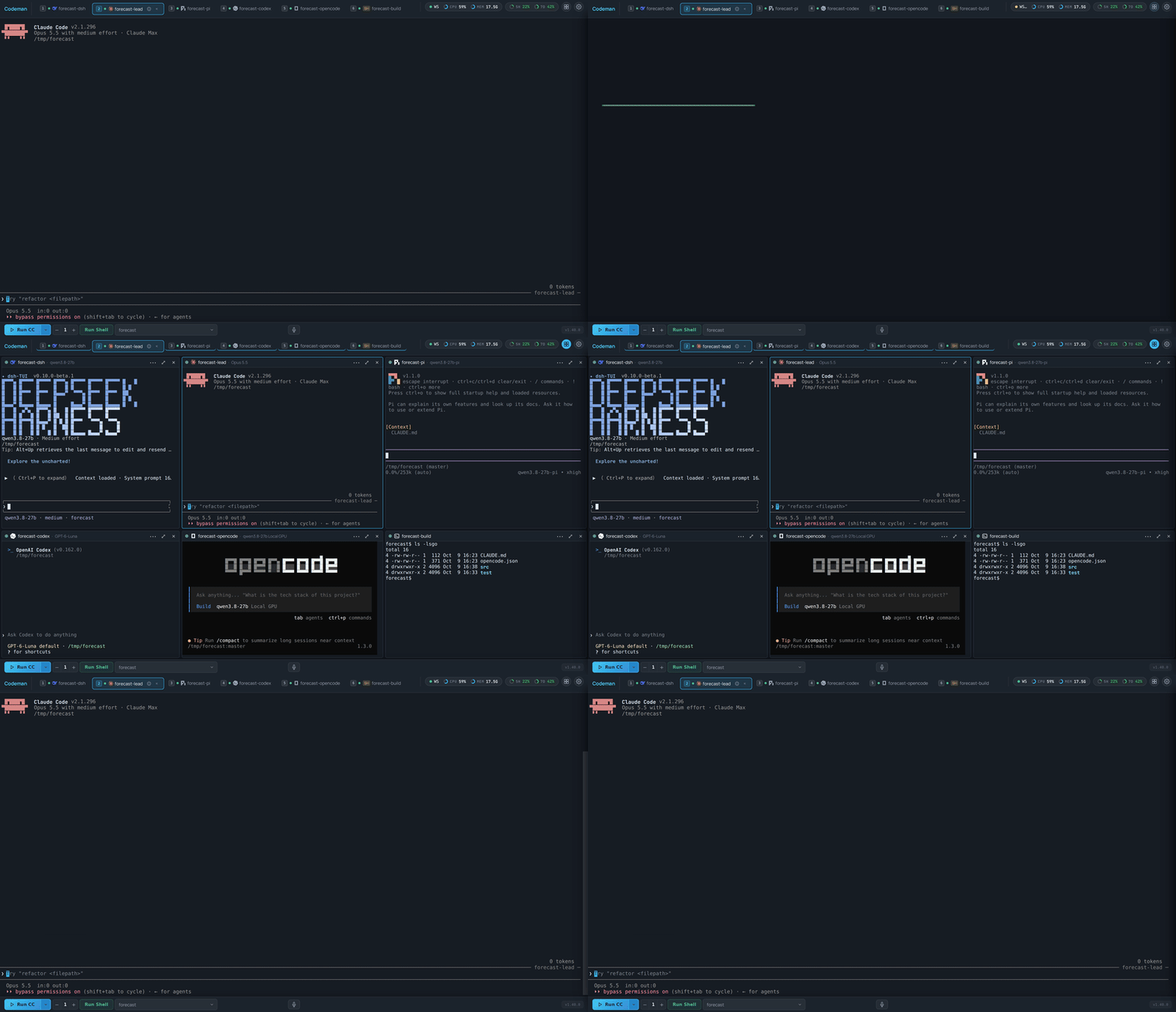
**Tile Animations (#571).** The tile grid from 1.40.0 can now open with a show. App Settings has a new **Animations** section (right after Appearance) that holds every animation setting: the Entrance Theme (moved out of Appearance), the new **Tile Animations** row, and a button that opens the animation lab. Tile styles: **CRT** (each tile switches on as a hot line in a diagonal wave, and switches off to a line and a dot), **Fly from tab** (each tile grows out of its session tab and flies back into it), **Deal** (dealt out of the Tiles button like cards), **Beam down**, **Cascade**, **Pop**, **Soft** and **None**. A styled tile plays in two beats: the frame enters in the tile style, then its screen powers on in the terminal style of your Entrance Theme. Picking a theme presets a matching tile style, and a new **Launch** theme flies the tiles out of their tabs. Off by default (the grid keeps its quick fade), per device, nothing moves under reduced motion, and the animations never cost an extra PTY resize. The terminal pane's Boot entrance style is gone; a saved Boot falls back to off.
|
||||
|
||||
**Tiles open the sessions you care about, and keep your layout.** With no grid arranged yet, the Tiles button (or `Ctrl+Shift+G`) now fills the grid with the sessions that are working first (most recently started first), then the ones waiting on you (a permission prompt or a finished turn you have not seen), then the most recently used, instead of the tabs in strip order, which opened the oldest ones. The session you are on is still always included. Once you arrange a grid (which session sits where, empty cells, the tile count, divider sizes, the focused and zoomed tile), that layout is remembered in this browser and the Tiles button brings it back exactly, however the grid was closed, and so does a reload while it was open. A session that has gone since frees its place, which the same ranking fills. A grid larger than the window opens in full with the focused tile zoomed, instead of being trimmed (and losing the rest of your layout).
|
||||
|
||||
**The wheel scrolls Claude inside a tile (#577).** In a tile or the split's second pane, a Claude session on its fullscreen renderer now scrolls its own conversation with the mouse wheel, exactly like the main terminal: the wheel goes to Claude as mouse reports, aimed at that tile's session and computed from the tile's own screen. Before, the wheel did nothing or scrolled the stale frames left over from loading the tile. Shift+wheel (scroll local history) works in every tile on Windows and Linux too; it was dead there.
|
||||
|
||||
**`codeman agent`: session verbs for every CLI (#557).** Agents in any mode (Codex, OpenCode, Gemini, Pi and the rest, not just Claude) can now drive other Codeman sessions from the command line: `codeman agent ls | spawn | send | wait | read | interrupt | rm`. It is a thin client over the existing session API: every call names the session that made it, `wait` blocks on a signal (`--until stop,exit`) or a literal output marker (`--match`), and exit codes say what happened (`0` ok, `1` error, `2` timeout, `3` exited, `4` refused). Ids shorter than 8 characters are refused, so a stray `rm 9` can never pick a session at random, and `rm` never deletes the session it runs in. See the README section "`codeman agent`" and the wiki page Driving Codeman From An Agent. This is phase 1 of #445.
|
||||
|
||||
**Settings: Apply (#565).** Next to Save, an Apply button saves the same way but keeps Settings open. Switching on MCP server sync makes its Preview and Sync usable straight away, and CLI management's add, enable and disable work without closing and reopening Settings.
|
||||
|
||||
**MCP server sync reaches GitHub Copilot CLI (#581).** With MCP server sync on (App Settings, off by default), Copilot CLI's `~/.copilot/mcp-config.json` now takes part like the agent CLIs' own files: its servers are copied to the others and theirs to it, additively, with the previous file kept as `.codeman-bak`. Copilot joins only when it is installed or already has that file, a server switched off in Copilot is never copied, and `COPILOT_HOME` is followed. Copilot is a sync target only, not a new run mode.
|
||||
|
||||
**Notifications stay up longer if you want (#564).** Settings → Notifications has a Toast display time and a Browser notification display time (1 second to 5 minutes, per device; the defaults stay 3 s and 8 s).
|
||||
|
||||
**CLI logos on tabs can be switched off (#569).** App Settings → Appearance → Tabs → **CLI Logos on Tabs** hides the agent logo on every tab surface (header strip, rails, sidebar, phone chips, the desktop home list) on this device. On by default. Tile headers, split pane headers and the Run menus keep their logos.
|
||||
|
||||
**Search sessions on the vertical rail (#580).** The vertical tab rail has a **Search sessions** box at the top: type part of a name and the rail narrows to the tabs that match (a web tab by its title), across every group, collapsed ones included, without touching your groups, their collapse or the tab order. A tab with an alert stays visible even when its name does not match, so a prompt waiting on you is never filtered away. Escape or × clears it, you can still drag a found tab into a group, and nothing is saved. The sidebar's filter box shares the same filter: a tab with an alert stays visible there too, and in the by-case tab layout a case with no match now hides.
|
||||
|
||||
**Closing a tab is instant.** Closing a session used to take half a second or more before the tab went away. The tab, tile or split pane now goes (and the next session is selected) the moment you click, while the server shuts the session down in the background, and the server side is faster too (about 450 ms down to 200-260 ms for a Claude session): it no longer sleeps fixed intervals, no longer freezes for about 70 ms per close on a synchronous tmux call, and scans for a session's subagents once instead of once per subagent. If the server refuses the close, the tab comes back where it was with the error. This also fixes a bug where a failed close still said "Session closed" while the session kept running.
|
||||
|
||||
**Fixes.**
|
||||
- **Clone errors on non-English hosts (#572, from #568).** Cloning a repository as a case now classifies a failed clone correctly whatever the host's language: a missing branch or tag is "does not exist on the remote" (400) and a missing repository is a 404, instead of a generic 422 with git's German (or any other) error text. Git runs with `LC_ALL=C` for clones and repo status, so the repo status card's error text is English on every host as well.
|
||||
- **Links within a markdown file (#563).** A link to another heading of the same document (`[Install](#installation)`) in the File Viewer or Response Viewer scrolls to that heading instead of doing nothing. Headings get GitHub-style slugs, repeated titles are numbered, and non-ASCII headings work.
|
||||
- **npm CLI installs on a root-owned prefix (#562).** Installing an npm-based CLI from Settings (DeepSeek's `dsh`, pi, ...) no longer fails with EACCES when the system node keeps its global prefix under `/usr`: the install goes to `~/.local`, where Codeman already looks for CLIs. A prefix you set yourself, or one you can write to, is left alone, including when Codeman runs under `npm run`.
|
||||
- **Uploads go to a hidden `.codeman-uploads/` folder (#574).** Images you paste or upload into a prompt are saved in `<workspace>/.codeman-uploads/` instead of `.claude-images/`. The folder ignores itself in git (it carries a `.gitignore` of `*`), stays hidden in the Files panel, and is cleaned up as before: files older than 7 days in an hourly sweep, and the folder when the last session in that workspace closes. The old `.claude-images/` folder gets nothing new and is still swept and removed during 1.41.x. An upload to a remote (SSH) session is now refused with a clear message, since the file would land on the Codeman host where the remote agent cannot read it.
|
||||
- **Typing on a phone after a tab switch (#576, fixes #575).** With local echo on (the default on touch devices), text typed while the terminal sat above the bottom was buffered but never painted, so the keyboard looked dead. The view sits there after every tab switch and after the keyboard closes. The overlay now paints whenever the prompt row is on screen, and hides only when you scroll the prompt out of view.
|
||||
- **Upload failures say why (#578).** When a prompt image upload fails, the toast shows the server's reason (for example a rate limit) instead of only "1 failed".
|
||||
- **The npm page shows the English README.** npmjs.com had been rendering the Chinese README, because npm picks the package's readme from an unsorted file match at publish time. The publish now moves `README.zh-CN.md` aside while it runs (the file and every link to it stay as they are), and the package description and homepage say what Codeman is and point at getcodeman.com.
|
||||
- **New cases ask for clickable file paths.** The CLAUDE.md generated into a new case asks the agent to report every file it created as a full absolute path, which Codeman turns into a link that opens the File Viewer, and mentions the codeman skill for starting and managing worker sessions.
|
||||
|
||||
**For contributors (#570).** Every in-process test server binds an ephemeral port, the mobile suite included, and the port guard now also refuses raw listeners on a fixed port, so two test runs on one machine never collide.
|
||||
|
||||
**Fixes applied while landing.** zh-CN translations for the two new notification display-time settings and for the new Animations section. A session whose name matches an interface word ("Lab", "New session") is no longer translated in the tab strip when the interface is in Chinese. Plus test and doc cleanups left over from review.
|
||||
|
||||
## 1.40.0
|
||||
|
||||
### Minor Changes
|
||||
|
||||
- ### Thanks
|
||||
- @opticon454 for four PRs in this release: the end of Android autocorrect duplicating a line (#541), a Run dropdown that fits and scrolls on any screen (#542), Git status that copes with big folders and slow shares (#543), and a nightly browser-suite workflow plus the three stale browser tests it needed (#540). Thanks also for confirming #550 on a live install.
|
||||
- @JDProfresh, a first-time contributor, for four PRs: Respawn and Ralph back in Claude's Session Options (#550), removing the broken tunnel Upload URL page (#551), the wiki's Contributing page catching up with CONTRIBUTING.md (#552), and a remote-wake test that no longer pins its budget to the millisecond (#559).
|
||||
- @Randalix for making opencode tabs selectable and scrollable again (#555), and for the server reporting the port it really bound, which let the test suite move off fixed ports (#556).
|
||||
- @shenlvkang-collab for Default Codex model and reasoning effort settings (#546), and for the opt-in `window.CodemanHost` bridge that lets a native wrapper app pop a session or a file preview out into a window of its own (#432).
|
||||
- @aakhter for `.xlsx` spreadsheets in the File Viewer (#502), parsed entirely in the browser behind admission limits that held up to round after round of review.
|
||||
|
||||
This is the biggest visual overhaul Codeman has had: a tile grid for driving several sessions at once, a new header, CLI logos everywhere an agent is named, lineage trees, a calmer welcome screen and optional new tab layouts. The defaults are chosen so an upgrade looks familiar: the tab strip stays Classic, the header gets the Compact stats, and the Tiles button is there to try.
|
||||
|
||||
**The tile grid: up to six live sessions side by side.** Click **Tiles** in the header (or press `Ctrl+Shift+G`) and the window splits into a grid of real terminals, each one a full session you can read and type in, with its own connection. Every tile has a small header naming the session, the agent (its logo) and the model it runs (`Claude on Opus 5.5`, `DeepSeek on qwen3.8-27b`, following an in-session `/model` switch), a status dot that turns red and pulses the tile's border when that session needs you, a session menu, zoom (`⤢` or `Alt+Shift+Enter`) and remove (`×`, the session keeps running). Right-click the button for a 2 / 4 / 6 count menu (remembered per device; a hover card explains both clicks). Add sessions by `Ctrl`/`Cmd`+clicking a tab, dragging a tab onto a tile or an empty cell, "Open group as tiles" in a tab group's menu, or just Run while the grid is open. Rearrange by dragging a tile by its header (onto another tile they swap, and an empty cell can sit anywhere), with `Ctrl+Shift+Arrows`, and resize with the column and row dividers; `Alt+Shift+Arrows`, `Ctrl+Tab` and `Alt+[` / `]` move the focus, and the focused tile is the session every panel follows (files, git status, respawn, subagent windows, voice, image paste). Picking a tab that is not tiled shows it on its own and one click brings the grid back; app-driven selections never collapse it. The grid survives a reload (per device, session ids only), opens and closes with a short animation (off under reduced motion), auto-zooms the focused tile when the window gets too small, shows an Attach overlay for a session that is not attached or whose agent exited, and is fully translated into 简体中文. It was built to stay fast with six busy agents: tiles paint first and load their terminals one per frame, a tile replays its history at xterm's own pace and never reads more scrollback than it keeps, the main terminal is parked (no SSE terminal stream) while tiles own the screen, and a window resize refits each tile exactly once. Desktop only (a window at least 1180px wide); the setting is App Settings → Header & Panels → Tiles, on by default on desktop and opt-in on touch tablets. The user guide is the new [Tile Grid](https://github.com/Ark0N/Codeman/wiki/Tile-Grid) wiki page.
|
||||
|
||||
**Split view, rebuilt on the same terminal (#560).** The split's second pane is now a `TerminalTile`, the same component every tile is: its input goes through the exactly-once queue, so a dropped link can no longer lose or double a keystroke; it reconnects on its own after a drop or a server restart; it and its PTY never disagree about size; file paths are clickable and `Ctrl+V` pastes images into it; and app shortcuts, voice and image paste follow the pane you are in. Both panes now name their agent and model above them.
|
||||
|
||||
**A new header.** The header stats come in three styles (App Settings → Header & Panels → Header Stats Style, per device): **Compact**, the new default, draws WS, CPU, MEM and the plan usage windows as two pills where every reading is a ring, a label and a value; **Tiles** gives each one its own box; **As before** keeps the old readout. The icon buttons beside them take the matching shape, and hover now moves the icon, never the button.
|
||||
|
||||
**CLI logos everywhere an agent is named (#532).** The Run menus (toolbar, phone overview picker, custom endpoints, model picker), every agent tab (header strip, rail, sidebar, phone chips, the desktop home rail, Claude's tabs included), the tile and split headers and the welcome screen now show each CLI's own logo instead of a colour dot or a two-letter pill. The marks are inline SVG, follow every skin, and a CLI you added through `clis.json` gets a plain dot.
|
||||
|
||||
**Lineage trees (#544).** The lines from a tab to the tabs it spawned are now one rounded tree per spawning tab, routed through the gaps between tab rows so they never cross a tab or reach the terminal. Every family is always drawn, the selected tab's family is drawn thicker and on top, and a dashed branch now means that child is working.
|
||||
|
||||
**Tab layouts (#538, optional).** App Settings → Appearance → Tabs → **Tab Layout** adds three opt-in arrangements next to the default **Classic** strip: **By state** (a row each for Needs you, Waiting, Working and the rest, most urgent first, flippable with State Order), **By case** (one labelled box per case) and **Ledger** (an aligned grid of equal cells). By state and By case also group the vertical rail and the sidebar. Per device; phones keep their scrolling chip row.
|
||||
|
||||
**A calmer welcome screen.** One primary launcher for the first agent in your catalog (Claude Code on a stock install, the next agent if it is disabled) with its real logo, every other CLI as a slim pill under it, and Cloudflare Tunnel as a quiet link above its QR. The toolbar's "+" and case gear moved into the case picker as "New or link a case…" and "Case settings…" rows, and the duplicate instance stepper is gone (#428).
|
||||
|
||||
**Every session knows its model.** Sessions publish the model they run (`displayModel` on the session state): a custom endpoint's model id, else what the running CLI itself reports (Claude's statusLine, codex's, pi's and opencode's footers, the dsh status line), else the model its config pins (a DeepSeek route) or the one it was launched with. It is persisted, follows `/model` switches, and is stripped of control characters and capped.
|
||||
|
||||
**Idle detection for every agent.** OpenCode, Gemini, Pi and OMP turns now end: their composer bars and spinners are read so a session goes idle when the agent is done instead of spinning "working" forever, codex 0.162's new footer row no longer hides its model or its background-terminal row, and a freshly started or re-attached agent pane now announces its idle to open pages (it used to stay `busy` until a reload). A pane prompted within its first seconds is never settled idle at launch, so send-and-wait cannot resolve before the turn starts.
|
||||
|
||||
**Spreadsheets in the File Viewer (#502).** `.xlsx` files open as a read-only grid with sheet tabs, number formats, merged cells and colours, from the Files panel, attachments or a path an agent prints. They are parsed entirely in your browser in a worker (up to 10 MB) behind admission limits on everything the parser would expand. `.xls` and `.ods` stay download-only, and `file-content` now reports `type: 'spreadsheet'` for `.xlsx`.
|
||||
|
||||
**Default Codex model and reasoning effort (#546).** App Settings has a Default Codex model and a Default Codex reasoning effort, applied to new local Codex sessions (Run menu, Resume and the HTTP API) unless the launch names its own; custom endpoints, Docker and remote sessions keep their own settings.
|
||||
|
||||
**Pop-out windows for native wrapper apps (#432).** A native wrapper (for example an Android app on a foldable) can pop a session, a file preview or a web tab out into a window of its own beside the dashboard through an opt-in, experimental `window.CodemanHost` bridge. Browsers behave exactly as before.
|
||||
|
||||
**Git status for big folders and slow shares (#543).** Two per-device settings under Settings → Bottom bar set how many repositories it lists (up to 50, default 12) and how long one git command may take (5 to 120 s, now 30 s by default), and a repository git cannot read is listed with the reason and counted as `? N` in the indicator instead of silently disappearing.
|
||||
|
||||
**Behaviour change: `Ctrl+W` no longer closes a session.** It is delete-word in every shell and agent CLI, and muscle memory used to kill a session (its pane and CLI, with no confirm) mid-sentence. Close Session has no default key now; bind one in App Settings → Shortcuts if you want it.
|
||||
|
||||
**Removed: the tunnel Upload URL page (#551).** Since the response envelope change it reported "Saved: undefined" and listed nothing. Use the in-app image paste instead. `POST /api/screenshots`, `GET /api/screenshots` and `GET /api/screenshots/:name` (and their `/api/v1` aliases) still work unchanged but log a one-time deprecation warning and will be removed in a future major release.
|
||||
|
||||
**Fixes.** Android keyboards that autocorrect as you type (SwiftKey, Gboard) no longer duplicate the line in the prompt: the corrected word reaches the session exactly once, including when Enter arrives in the same keyboard transaction (#541). opencode tabs: a drag selects text again (so copy-on-select works and `Ctrl+C` copies instead of closing opencode), and the wheel and touch swipes page through opencode's conversation (#555). The Run dropdown no longer runs off the top of the screen: with many CLIs, endpoints and saved URLs it fits between the header and the toolbar, follows the on-screen keyboard and the iPhone safe areas, and scrolls (#542). Claude sessions show the Respawn and Ralph / Todo tabs and the auto-resume toggle in Session Options again, hidden since 1.33.0 (#550, fixes #549). The terminal refits when only its box changes size (a header that grows with the state rows or the lineage gutter used to leave the bottom rows clipped behind the toolbar until a tab switch). A device with any shortcut override no longer gets every App Settings save rejected while the toast still said "Settings saved". Image paste and dictation land in the session they started in. App Settings search finds Split and Tiles by what they do. The Run button family, the Help modal, the shortcut overlay leftovers and the exited-agent tab badge are translated into Chinese.
|
||||
|
||||
**For contributors.** The server reports the port it actually bound (`boundPort`), the tests that shared fixed ports bind ephemeral ones, and a static guard keeps new fixed ports out, so two test runs on one machine no longer collide (#556). A nightly (and on-demand) Playwright browser-suite workflow runs the suites the CI gate cannot, informational and never a gate (#540). The wiki's Contributing page says `npm test` is the CI gate (#552).
|
||||
|
||||
**A final review before shipping.** A last adversarially verified review of the whole release fixed these in the tile view: an image dropped on a tile uploads to that tile's session instead of navigating the browser away; a Claude session started into the grid keeps its welcome banner and transcript; a tile refresh never blanks the screen while it waits; a remote close or a reconnect no longer moves your keyboard into another session's tile; dictation and the phone keyboard's Path and Clear keys reach the focused tile or split pane; each tile caps its live-output backlog and recovers dropped output with one bounded refresh; Redraw on a tile forces the resize it reports; popping out the last tile leaves no frozen view; and "Open group as tiles" no longer pulls an open split into the grid. Also from that review: the By case layout stays one scrolling row on 600 to 767px tablets, the needs-you pulse animates opacity only, a codex session on the ultra effort shows its model, codex's launch defaults are CLI registry data instead of an id check, `npm run build` checks its dependencies before it deletes anything, and the release's new strings (case picker rows, Git status settings, toasts, tile and spreadsheet texts, the Redraw toasts) have zh-CN translations.
|
||||
|
||||
**Fixes applied while landing.** Tiles and the split's Pane B got the same two fixes the main terminal got from contributors: opencode's wheel paging and click reports (#555), and the Android keyboard handling that stops autocorrect duplicating a line (#541). Android: a word composed right before Enter in the same keyboard transaction was sent twice; it now arrives once (#541). Codex: App Settings refuses a Default Codex model the server would reject instead of failing the whole save behind a "Settings saved" toast, and the two Codex rows stack under their labels on phones (#546). Run dropdown: its height follows the on-screen keyboard and both iPhone safe areas, a long custom-endpoint label no longer adds a horizontal scrollbar, and the open menu sits above the keyboard accessory bar (#542). Git status: a lone repository git cannot read is no longer shown as clean and empty, a repeated `timeout` query parameter no longer answers 500, and the timeout field accepts any whole number of seconds (#543). Spreadsheets: cells clipped to nothing at the edge of a very large sheet no longer grow its scroll area, and the preview's fixed texts have zh-CN translations (#502). Pop-out windows: the bridge refuses to pop out without a window channel (the tab could never re-dock), the tab menu follows the host-aware default, and Close window works inside a host window (#432). Every deprecated `/api/screenshots` route now logs its warning, pinned per route (#551). Across the new tab layouts and header styles: lineage lines run between the state labels and the tabs and never through a case box, an open Tiles or Split button stays highlighted in the boxed header styles, a phone keeps the active chip in view when it changes state band, and the Tab Layout and Header Stats Style settings are translated.
|
||||
|
||||
## 1.35.0
|
||||
|
||||
### Minor Changes
|
||||
|
||||
- 6f88e40: ### Thanks
|
||||
- @opticon454 for four PRs in one night: the Git status indicator with its panel of uncommitted and unpushed work and per-file diffs (#537), `codeman doctor` in Settings (#536), creating a case in a custom folder (#535) and the detailed-rail rename clamp fix (#534). Both review rounds came back within half an hour with every item addressed.
|
||||
- @aakhter for making the grouped vertical rail editable end to end (#525), the inline rename write queue and the long-prefix editor layout (#526), and bounded path probes so an unreachable network mount can no longer freeze the server (#516). Every round came back with tests that replay the exact sequences from the review, and the review nits were already fixed before landing.
|
||||
|
||||
**Edit tab groups in the vertical rail (#525).** The grouped rail is now editable from the browser: create, rename, reorder and delete groups, and move tabs between groups or back to Ungrouped, from the row menu, a group menu (Shift+F10, ContextMenu, right-click, or the header glyph, which stays visible on touch screens; F2 renames inline) or a mouse/pen drag. A flat rail offers "Move to new group" to make the first one. Every edit is a named operation saved through the existing `PUT /api/tab-layout`, one write in flight at a time; a version conflict replays the pending operations onto the server's layout and retries, so a concurrent edit from another device survives, and unsaved edits survive a reload. A drag released outside the rail leaves nothing behind, and committing a group rename by clicking elsewhere leaves focus where you clicked. No server changes.
|
||||
|
||||
**Inline rename that keeps up (#526).** Inline renames go through a per-session queue: one PUT at a time in the order they were made, the confirmed name applied even if the editor was reopened or cancelled meanwhile, an editor reopened over a rename in flight starts from that name, and a failed rename always shows its toast. A long `w<n>-<case>` prefix no longer pushes the editor out of its row in the rail or the sidebar, and the detailed rail no longer keeps its 3-line clamp around the editor (#534 found and fixed the same clamp independently).
|
||||
|
||||
**Git status in the bottom bar (#537).** Turn on Settings → Header & Panels → Bottom bar → "Git status" (per-device, off by default) and a small indicator shows the active session's repository at a glance (`● 3` uncommitted files, `↑ 2` commits not pushed, `✓` when everything is committed and pushed). Click it for a draggable window listing the uncommitted files (staged, not staged, untracked, conflicts; click one for its diff; grouped under collapsible folders) and the unpushed commits. A folder holding several projects gets a section per repository found up to two levels down, and an unrelated repository above the workspace (a dotfiles repo in your home folder) is ignored. Read-only and offline: Codeman never fetches or changes the repository, and git never runs on a repository a Docker case can write to. Not shown for Docker or remote sessions. New `GET /api/sessions/:id/git-status` and `GET /api/sessions/:id/git-diff`.
|
||||
|
||||
**Diagnostics in Settings (#536).** Settings → System → Diagnostics runs `codeman doctor` on the server (`GET /api/doctor`) and lists which agent CLIs, tmux, Node and the optional office tools are installed, with versions, paths and install hints. The probe runs in a child process, so a slow `--version` cannot freeze the server, and both the panel and the terminal `codeman doctor` now also look in each CLI's usual install directories, so a CLI installed outside a service's minimal PATH is found. Admin only in multi-user mode.
|
||||
|
||||
**Create a case in a custom folder (#535).** Add Case → Create New has a "Create in a custom folder" option with a Browse button: the case folder is created inside the parent you pick, scaffolded like any other case and listed alongside the rest (deleting it unlinks, never removes files). `POST /api/cases` accepts an optional `path` for the same thing. The folder must not exist or must be empty, and system folders, the home folder, credential folders and the cases directory itself are refused. Nothing is left behind if creation fails part-way. Admin only in multi-user mode.
|
||||
|
||||
**An unreachable mount no longer freezes the server (#516).** A linked case can live on a network mount, and when that mount goes away a hard mount makes `stat()` wait indefinitely; the synchronous probes in the case routes, the workspace hook and statusLine helpers and session creation used to freeze the whole server with it. Those probes now go through one bounded, tri-state probe (present, absent, or unknown when nothing answers in time): a stalled path costs one threadpool worker, paths on the same mount answer "unknown" without a new stat, and unrelated paths keep working. "Unknown" is never treated as "absent": `GET /api/cases/:name` reports an unreachable linked case with `unreachable: true` instead of NOT_FOUND, Run creates a case only on a real NOT_FOUND, and session creation answers OPERATION_FAILED for a folder that did not answer and never scaffolds over it. Tunable with `CODEMAN_PATH_PROBE_TIMEOUT_MS` (default 1500) and `CODEMAN_PATH_PROBE_MAX_STALLED`.
|
||||
|
||||
**Fixes applied while landing.** Tab groups: an edit made while an earlier save was still in flight, and made inapplicable by that save's conflict (its group deleted on another device), is no longer dropped silently but reported like every other dropped edit, and the menus stop offering a new group once the 32-group limit is reached instead of failing with an untranslated error. Rail: a static CI check now pins that no rail or sidebar clamp out-ranks the rename unclamp (the browser test that caught it is outside the gate). Git status: a cached repository list is re-checked against the current Docker workspaces on every poll, a diff larger than 8 MB is cut short instead of failing, a diff click refreshes only that repository, a dotfiles repository above the workspace is identified with one `rev-parse` before any full status (a failing status there no longer hides the repositories below), and "Upstream is gone" now reads "Upstream not on remote", which is also true for a branch that was never pushed. Doctor: candidates are judged like the Run menu's own resolver (a wrong binary on the PATH no longer hides the right one in an install directory, a non-executable file or a relative directory reads as missing), probes are killed with SIGKILL on timeout, a missing optional tool shows ○ instead of ✗, and the contract test no longer runs the machine's installed CLIs. Custom-folder cases: the symlink-resolved target is judged against resolved roots too (home reached through a link, macOS `/private/etc`), a target inside the cases directory is refused, the success toast names the folder the server created, the new labels have zh-CN translations, and the route test can no longer delete a real `~/projects` or the live linked-cases registry when run outside `npm test`.
|
||||
|
||||
## 1.34.0
|
||||
|
||||
### Minor Changes
|
||||
|
||||
- 6aecc3b: ### Thanks
|
||||
- @opticon454 for four PRs in one batch: webhook notifications (#523), MCP server sync (#521), the Shift+Enter keypress fix (#520) and the newline chord plus Key tester (#522). Every review item was answered in one round, and the merge-order map across all four made landing them together easy.
|
||||
- @aakhter for the grouped vertical rail (#517) and its ARIA tree and full-row activation (#519), which give the owner tab-layout API its first frontend, and for the iOS IME composition preview (#499), carried through three careful review rounds including the overlay rework in the zerolag package.
|
||||
- @irisitymichaelgrundberg for per-session Claude models on `POST /api/sessions` (#514) and Codex reasoning effort per session (#515), both kept registry-driven with no CLI id branching.
|
||||
- @timkjr for keeping Pane B painting during a history pull and its "disconnected" marker last in every interleaving (#524), with an old-versus-new table measured in real Chrome.
|
||||
|
||||
**Webhook notifications (#523).** Settings → Notifications → Webhook posts the same events as Web Push (permission prompts, questions, errors, idle) to ntfy, Slack, Discord or any JSON URL, so a headless server can reach a phone with no browser open. Off by default. The URL is a bearer secret: it lives in its own 0600 file (`~/.codeman/webhook.json`), is never returned by the API, and the routes (`GET`/`PUT /api/webhook`, `POST /api/webhook/test`) are admin only in multi-user mode. Delivery goes through the web-tab egress guard (link-local and cloud-metadata targets refused), does not follow redirects, times out after 5 s, dedupes repeats, and neutralises `@everyone`/Slack control characters in agent-supplied text.
|
||||
|
||||
**MCP server sync (#521).** Opt-in (`mcpSyncEnabled`, synced, off by default; `GET`/`POST /api/mcp-sync` answer 403 until it is on). Settings → Agents & CLIs → MCP servers previews or copies each installed, enabled CLI's MCP servers into the others' own config files (Claude, Gemini, Codex, OpenCode, Antigravity). It only adds missing servers, never edits or removes one, skips servers you switched off, keeps a `.codeman-bak` of every file it changes, re-parses the result before writing, writes through symlinked dotfiles, leaves files that receive env values or headers readable by you only, and reports same-name conflicts instead of overwriting. CLIs with no known MCP config (Pi, Grok, OMP, DeepSeek) are listed as unsupported. Adds the `smol-toml` dependency to read Codex's `config.toml` safely.
|
||||
|
||||
**Claude advisor tool.** Claude Code's experimental advisor (a stronger model the session's main model consults at decision points) can now be set per session: an `advisorModel` field on `POST /api/sessions`, `POST /api/quick-start` and `POST /api/ralph-loop/start` (`fable`, `opus`, `sonnet`, or a full id in those families), and a synced App Settings default under Models → Advisor. It rides the launch's one `--settings` JSON rather than the `--advisor` flag, because the flag exits at launch on any pairing the CLI refuses and would leave a dead pane on every respawn. It is persisted, so respawns and both restore paths keep it, and `/advisor` still switches it in-session. Agents using the codeman skill can give their claude workers one with `CODEMAN_WORKER_ADVISOR=opus`.
|
||||
|
||||
**Per-session Claude model (#514) and Codex reasoning effort (#515).** `POST /api/sessions` takes an optional `model` that launches that one Claude session with `claude --model <id>` and writes nothing to disk (`modelOverride` still writes the case default). It is persisted, so both recovery paths relaunch on it. `codexConfig.reasoningEffort` starts a codex session at a chosen effort (`--config model_reasoning_effort=<level>`), and it survives respawn and resume.
|
||||
|
||||
**Grouped vertical rail (#517, #519).** When the owner has tab groups (`/api/tab-layout`), the vertical rail draws them as collapsible sections, with collapse remembered per device, the active row always visible, and lineage arcs anchored to a collapsed group's header. The grouped rail is an ARIA tree with one tab stop and the standard arrow-key model. With no groups, the rail is unchanged byte for byte. Editing groups from the browser comes in a follow-up.
|
||||
|
||||
**iOS IME composition preview (#499).** On iOS Safari, the text an IME is composing (Japanese, Chinese, Korean, and the predictive composition on English keyboards) is now drawn in the terminal before it commits, inside the local-echo overlay when local echo is on. Inert on every other platform. The `xterm-zerolag-input` package gains `setComposition()`.
|
||||
|
||||
**Key tester and newline chord (#522).** Settings → Terminal & Input has a Key tester that shows the keydown/keypress/keyup events the browser reports, to diagnose a device where a shortcut behaves differently. Keys pressed in it never trigger app shortcuts. Shift+Enter's newline chord is now CLI registry data (`capabilities.newline`, line feed by default); no stock CLI changes.
|
||||
|
||||
**Fixes.** Shift+Enter no longer submits the prompt after inserting the newline: the key handler swallowed only `keydown`, so xterm's `keypress` still sent a bare `\r` (#520). Claude sessions created at the same moment (`spawn_workers`, a multi-tab Run) no longer fall out of tmux onto the direct-PTY fallback: the statusLine exporter's temp file name collided within one millisecond (#531). Pane B of the split view keeps painting during a history pull, and its "disconnected" marker stays the last line however a close, a pull and a refresh interleave (#524).
|
||||
|
||||
**Fixes applied while landing.** Webhooks: the App Settings Save button now saves webhook edits too (a refused URL keeps the dialog open with a warning), Send test saves pending edits first, and a Remove URL button clears a saved URL. MCP sync: a config file that fails to parse is reported by line and column only, never by quoting its content, which can hold API keys; the sync follows `CLAUDE_CONFIG_DIR`, `CODEX_HOME`, `XDG_CONFIG_HOME` and `GEMINI_CLI_HOME` from the server's environment and skips a target it cannot place instead of writing a file the CLI never reads; Preview before saving says to save first; and the MCP group is hidden from non-admins in multi-user mode. Grouped rail: a collapsed group's header shows the red or yellow ring of a hidden row that needs you; layout reads rebuild the rail only when something it draws changed, and failed reads back off (5, 10, 20, 40 s) instead of retrying every 5 s forever; a corrupted collapse preference resets instead of disabling collapse; Ctrl+Shift+{ / } only moves a tab within its own group; tapping a group header or row no longer dismisses the phone keyboard; keys pressed on a row's own buttons no longer move tree focus; and screen-reader positions stay correct after a re-sort. Sessions: `model` on `POST /api/sessions` refuses a value starting with a dash, and `model` or `advisorModel` together with `attachRemoteSession` is now a 400 instead of being ignored; non-Claude sessions no longer report or persist Claude's default model. Split view: a refresh queued behind a history pull no longer leaves a second, stale "disconnected" marker above its replay. iOS IME: a composition on an empty prompt now follows the prompt when output or a resize moves it, and the `xterm-zerolag-input` README documents `setComposition()`. The Shift+Enter and Key tester browser tests now drive the shipped handlers instead of copies.
|
||||
|
||||
## 1.33.3
|
||||
|
||||
### Patch Changes
|
||||
|
||||
- f776ad8: ### Thanks
|
||||
- @JDProfresh for rendering Markdown in the File Viewer (#503) through the chat's existing markdown pipeline and sanitizer rather than a second one, plus the Lines and Wrap toggles and the sanitizer fix that stops a document from clobbering `document.app`.
|
||||
- @timkjr for bringing the Shell scroll-to-top history pull to the split view's second pane (#506), following #494's rules down to the back-off, with tests that fail on the code before each fix.
|
||||
- @irisitymichaelgrundberg for the `#session=<id>` dashboard link (#507), so a page that keeps one Codeman window open can switch it between sessions without reloading it.
|
||||
- @dignfei for handing focus back when the Command Palette or the Session Manager closes (#509), and for the six-overlay measurement that showed exactly which two were broken.
|
||||
|
||||
**Markdown files render in the File Viewer (#503).** Opening a `.md` or `.markdown` file now shows it as a document: headings, tables, code blocks with the same copy buttons as the chat, images relative to the file, and links to other documents that open inside the viewer. An `MD` pill switches back to the source, and Edit works from either view. Plain text gets a `Lines` gutter (never part of a copy) and a `Wrap` toggle, all three remembered per device. `.avif` images preview inline, and printed `.avif`/`.ico` paths open the viewer instead of the tail view. An in-workspace file path clicked in the terminal still opens the live tail view.
|
||||
|
||||
**Link a dashboard window to a session (#507).** An outside page, such as a task board, that keeps one Codeman window open can now switch it to a session by pointing it at `/#session=<id>`. Only the fragment changes, so the page stays loaded and the switch is an ordinary tab selection. A link to a session the dashboard does not list yet waits up to 30 seconds for it to appear and then shows "Session not found"; picking another tab, going Home or opening a web tab cancels the wait. Following a link does not count as looking at the session, so its idle alert stays armed. The fragment is documented in `docs/extending-codeman.md` and is now a stable surface under `docs/versioning-policy.md`.
|
||||
|
||||
**Escape no longer strands the keyboard (#509).** Closing the Command Palette or the Session Manager now hands focus back to whatever held it before they opened, usually the terminal, so you can keep typing without clicking first. An Escape pressed while neither is open changes nothing.
|
||||
|
||||
**Split view: a Shell Pane B scrolls back into tmux history (#506).** Wheel up at the top of a Shell session in the split view's second pane now pulls the most recent 1 MiB of its tmux history and keeps your place, the same as the primary pane since 1.33.2.
|
||||
|
||||
**Fixes applied while landing.** Markdown opened from an attachment card no longer resolves relative images and links against the workspace root, where they could show a missing image or open a different file of the same name; they render as their alt text and link text instead. Rendered files no longer turn every source line break into a hard break the way chat messages do, so a README wrapped at 80 columns reads as flowing paragraphs. Absolute-path links inside a rendered document open in that document's session. A disconnected Pane B keeps its "disconnected" marker as the last line even when the socket closes in the middle of a history pull. Closing the Session Manager through a row's "Switch to session" or "Open folder" no longer pulls focus back from the terminal to the header button.
|
||||
|
||||
## 1.33.2
|
||||
|
||||
### Patch Changes
|
||||
|
||||
- e439cf0: ### Thanks
|
||||
- @aakhter for keeping web-tab events private to their owner in multi-user mode (#501), with end-to-end isolation tests that fail without the fix, and for the browser-test exclusion check and pre-push hook (#500), including the hooks-dir resolution that never writes outside the repo's own `.git/hooks`.
|
||||
- @opticon454 for keeping CLIs installed from Settings across Docker container updates (#490) and for the static Git identity for the Docker images (#492).
|
||||
- @timkjr for letting a Shell pane's scroll-to-top reach tmux history (#494), with tests that fail on the commit before each fix.
|
||||
- @JDProfresh for tracking down why wheel and touch scrolling did nothing in Claude's default inline view (#498), with the tmux measurements that proved it.
|
||||
- @irisitymichaelgrundberg for the follow-up that makes an agent waiting on artifact comments raise its alert again (#491).
|
||||
|
||||
**A tab stays busy while Claude waits for its own workers.** When Claude hands work to an ultracode workflow or background agents, it ends its turn with `✻ Waiting for 1 dynamic workflow to finish` and resumes by itself when they report back. The idle probe used to call that session idle for the whole wait, and at phone width nothing on screen changes for minutes. A new optional registry field, `capabilities.workDetect.awaitingLine`, names that closing row, and only the newest column-0 row directly above the composer counts, so the session goes idle normally once the follow-up turn ends.
|
||||
|
||||
**Prompts sent through the API are no longer left unsent.** A prompt posted to `POST /api/sessions/:id/input` without `useMux` was written into the pane in one piece, and Claude Code (measured on 2.1.283) takes a burst of about a hundred characters or more as a paste, so the trailing `\r` became a newline and the prompt sat on the composer while the route answered 200. Short prompts went through, which is why it looked random; Codex and OpenCode showed the same thing. A plain prompt (printable text plus exactly one trailing `\r`) now goes through tmux: the text is typed, Enter is pressed as its own key, and the server presses it again while the prompt is still on the composer. Raw frames (escape sequences, a bracketed paste, a line feed, a bare `\r`) and an explicit `"useMux": false` keep the direct write. The same fix reaches cron jobs in "Paste (direct)" input mode, which reported `prompt_sent` for a prompt that never left the composer: the text is written raw, Enter follows as its own write 300 ms later, and the session presses it again while the prompt is still unsent. A cron run with no session to write to now fails instead of reporting the prompt as sent.
|
||||
|
||||
**Scrolling works again in Claude's default inline view (#498).** Wheel and touch gestures were forwarded to every Claude 2.1.187+ session as mouse reports, but only Claude's fullscreen renderer (`CLAUDE_CODE_NO_FLICKER=1`, or `"tui": "fullscreen"` in `~/.claude/settings.json`) listens for them, so in the default view scrolling did nothing. Codeman now forwards them only while Claude has mouse tracking switched on, and otherwise scrolls the terminal's own scrollback.
|
||||
|
||||
**Shell panes scroll back into tmux history (#494).** Scrolling to the top of a Shell pane now pulls the most recent 1 MiB of its tmux history, so output that arrived in a burst is reachable without pressing **Load full history**, which still loads the rest.
|
||||
|
||||
**An agent waiting on artifact comments alerts again (#491).** A session whose agent published an artifact and is waiting for somebody to comment on it now raises the normal idle alert and lands in NEEDS YOU, instead of being treated as busy with background work.
|
||||
|
||||
**Web-tab changes stay private in multi-user mode (#501).** The `webview:changed` event reached every connected user, exposing the ids of other users' web-tab creates, edits and deletes. It now carries the tab's owner and reaches that owner plus admins only. Single-user mode is unchanged apart from a new optional `owner` field on the event.
|
||||
|
||||
**Phone header tabs look like tabs (#504).** On phones every header tab is now a chip with a fill and a border, the Alt+N digit (a keyboard hint a phone cannot use) is hidden, names get 80px instead of 50px, and the strip fades at whichever edge still has tabs scrolled out of view.
|
||||
|
||||
**Docker: CLIs installed from Settings survive container updates (#490).** On the Compose deployment, CLIs installed from App Settings (DeepSeek, Pi and other npm-based CLIs) now go to `~/.local` on the persistent home mount, and `~/.local/bin` is on the image PATH, so recreating the container no longer discards them. Anything installed from Settings before this release has to be installed once more after the rebuild.
|
||||
|
||||
**Docker: a static Git identity for the server and agent images (#492).** Set `GIT_USER_NAME` and `GIT_USER_EMAIL` in `docker/.env` (or `CODEMAN_AGENT_IMAGE_GIT_USER_NAME` / `CODEMAN_AGENT_IMAGE_GIT_USER_EMAIL` on a bare-host install) and the identity is written to `/etc/gitconfig` in the server image and the Docker-case agent image. A half-set pair is refused on every build path. Both Docker changes edit `server.Dockerfile`, so the in-app updater asks Compose deployments to rebuild with `docker/Start-Codeman.sh` instead of updating in place.
|
||||
|
||||
**Contributor tooling (#500).** `npm run check:browser-excludes`, now a CI step, fails when a test that drives a real browser is still collected by `npm test`. `npm install` also installs a pre-push hook that runs the static CI checks before a push; it steps aside when the pushed ref is not HEAD or the tree has uncommitted changes the checks would read, and `CODEMAN_SKIP_PREPUSH=1 git push` skips it once.
|
||||
|
||||
**Fixes applied while landing.** A Shell pane's scroll-to-top (#494) no longer re-pulls the same window on every gesture once the browser's 50,000-row scrollback is full, and a pull that hit the byte cap no longer claims the older history is gone. The scroll-routing diagnostics (#498) now log whether Claude has mouse tracking on. The artifact-comment check (#491) also refuses a footer cut off in the middle of the chip. The pre-push hook (#500) steps aside when `npm` is not on PATH, as in some GUI git clients, instead of blocking every push. The Docker Git identity error (#492) names the two variables to set. New tests pin the image PATH order, the identity on both agent-image build paths, and the `?full=1&tail=` terminal route.
|
||||
|
||||
## 1.33.1
|
||||
|
||||
### Patch Changes
|
||||
|
||||
- ### Thanks
|
||||
- @irisitymichaelgrundberg for closing sessions whose agent exited cleanly (#486), built carefully around every way a pane exit can lie (a SIGKILL with no status, a single misread), with the `.claude-images` guard split into its own commit as asked.
|
||||
- @opticon454 for the live-refreshing case picker and Manage search (#483), and for the uv/uvx, libsecret and pnpm additions to the Docker images (#487, #485).
|
||||
|
||||
**Finished sessions close themselves (#486).** A session whose agent you ended with `/exit` is now closed the same way the X button closes it, so finished sessions stop piling up on the board; the conversation stays resumable from the Resume list and the lifecycle log records "agent exited cleanly (status 0)". Only an explicit exit status 0 with no signal, confirmed by two pane reads, qualifies: a crashed or OOM-killed agent keeps its row with the exit code on the tab. The phone overview and desktop home rail now say `exited` instead of `idle`, reboot restore no longer offers to rebuild a session whose agent had exited, and closing one session no longer deletes the `.claude-images` directory that a sibling session in the same case still uses. Thanks @irisitymichaelgrundberg.
|
||||
|
||||
**Search in the phone Select Case sheet (#488).** The bottom sheet gains a "Search cases" field that filters by name (every word must match, any order, ignoring case), Enter picks the case when exactly one row is left, and Escape clears then closes. Also fixes a dead band under Create New Case and a list shorter than the sheet could show.
|
||||
|
||||
**An oversized paste no longer jams a session's input (#484).** A single input over the 64 KiB frame limit used to be refused by both transports, retried every 2 s forever, block every later input for that session and come back from localStorage on each reload. Pastes over the limit are now split into in-limit frames delivered in order (up to 1 MiB; larger ones are refused with a toast and never queued), a refused frame is dropped instead of retried, frames persisted by an older build are pruned on load, and the WebSocket answers an oversized frame with an explicit `too_large` error instead of silence.
|
||||
|
||||
- 8841bcc: Add a search box to the Manage tab of the Add Case dialog. It filters the case list by name or path, and the reorder arrows are disabled while a filter is active so a swap cannot involve a hidden case.
|
||||
- 8841bcc: The case picker now refreshes its list from `/api/cases` when it opens and every 5 seconds while it stays open, so folders deleted or created on disk appear without a page reload. If the selected case has been removed, the picker falls back to another case without saving it as the last-used one.
|
||||
|
||||
Thanks @opticon454.
|
||||
|
||||
- 77ba41f: Install `uv` and `uvx` in the Compose server image and the agent image, so MCP servers launched with `uvx` (such as the Nginx Proxy Manager MCP) can be enabled by Codex instead of failing with `uvx` not found. Both images also install `libsecret-1-0`, the native library the `keytar` dependency of the Azure DevOps MCP (`@azure-devops/mcp`) needs; without it the server crashes before answering the MCP initialize handshake.
|
||||
|
||||
The Compose server image now also carries `pnpm`: `dsh plugin` spawns a literal `pnpm` with no npm fallback, so the Run menu's "DeepSeek - add a terminal profile" button failed with `dsh: pnpm not found on PATH` there. Because this release changes `server.Dockerfile`, the in-app updater asks Compose deployments to rebuild the image (`Update-Codeman.sh`) rather than applying it in place.
|
||||
|
||||
Thanks @opticon454 (#487, #485).
|
||||
|
||||
## 1.33.0
|
||||
|
||||
### Minor Changes
|
||||
|
||||
- CLI management from Settings (#476, finishing the CLI registry work from #343). `~/.codeman/clis.json` used to be hand-edit only; with the new opt-in `cliManagementEnabled` switch (synced, default OFF) App Settings → Agents & CLIs can enable or disable any CLI, install a missing stock CLI with its vetted install command, and add, edit or remove custom CLIs. Six new endpoints back it (`GET`/`POST /api/clis`, `PUT /api/clis/:id`, `POST /api/clis/:id/install`, `PUT /api/clis/custom/:id`, `DELETE /api/clis/:id`), documented in `docs/api-reference.md`. Every write is refused while the switch is off, is admin-only in multi-user mode, is serialized on one queue, and refuses to overwrite a `clis.json` that does not parse or has group/world permission bits. A custom entry is re-validated through the same schema as the stock ones and its install text is never executed. `shell` cannot be disabled. The Run menu and the welcome screen are now built from the enabled catalogue, so the welcome screen also offers Codex, Shell and any custom CLI, and the stock Claude entry is labelled "Claude Code".
|
||||
|
||||
Models: Opus 5.5 (`claude-opus-5-5`, 1M context capable) is offered in App Settings → Models and in task routing (#480).
|
||||
|
||||
Self-update: on a macOS `launchd-daemon` install, a Homebrew node upgrade could leave `update-status.json` stuck at `queued`, which made every later update fail with "An update is already in progress." The updater now falls back to `node` on PATH when the server's own node binary is gone, and an in-flight status that has not been written for 15 minutes is failed on the next read. A graceful shutdown that hangs is now force-exited after 10 s (and the launchd updater SIGKILLs a server that has not exited after 30 s), so launchd can start the new build instead of leaving the service down (#478). Both fixes protect updates that start FROM this release.
|
||||
|
||||
Session Manager (Cmd+K): rows keep their `mode`, `claudeSessionId` and `resumeId`, so the ⋯ menu's Resume session relaunches a Codex row as Codex on its own conversation, and the mode badge shows as it does on the home list (#477).
|
||||
|
||||
Maintainer fixes applied while landing #457: renaming a tab to the name it already has (the Session Options field saves on blur) is now a no-op, so it no longer pins the placeholder as the `/resume` title again; Docker sessions skip the transcript title sync, since their transcript lives in the container; and the agent skill's messaging examples no longer use a `w<N>-` name as the peer name.
|
||||
|
||||
Tests: the suite strips every inherited `CODEMAN_*` variable, so running it inside a Docker Compose deployment no longer writes into the deployment's real case root (#479).
|
||||
|
||||
### Thanks
|
||||
- @opticon454 for CLI management (#476), the last piece of the CLI registry, with every review item answered in one round, and for splitting the test isolation fix out into #479.
|
||||
- @shenlvkang-collab for the `/resume` title fix (#457) and the careful diagnosis behind it.
|
||||
- @julian3xl for the Session Manager row fix (#477), their first contribution.
|
||||
|
||||
### Patch Changes
|
||||
|
||||
- 69a7128: fix(sessions): stop pinning the `w1-myapp` placeholder as Claude's session title. Local Claude spawns passed the tab name as `--name`, which is also the `/resume` picker entry and the terminal title, and a pinned title stops Claude generating its own, so every conversation of a case showed up in `/resume` as the same `w1-myapp` and none got a generated title. Only a name the user chose is pinned now; placeholder and auto-named tabs let Claude title the conversation again. Renaming a Claude tab also reaches `/resume`: the new name is appended to the conversation's transcript as the `custom-title` row `/rename` writes (a tab that was spawned with `--name` keeps re-appending its own title until its next respawn, so the rename wins from then on). Orchestrators that rely on a fixed peer name should give workers a descriptive `sessionName` rather than a `w<N>-` one.
|
||||
|
||||
## 1.32.1
|
||||
|
||||
### Patch Changes
|
||||
|
||||
- 13e652e: Terminal copy: copying text out of a Claude Code or Codex pane no longer puts the pane's two-column transcript gutter on the clipboard, so pasted lines arrive flush instead of indented (#469). The width comes from the CLI registry (`capabilities.transcriptGutter`, 2 for claude and codex, measured on live panes) and is only a ceiling: a selection only ever shifts as a block, so its own indentation survives. Other CLIs and shells are untouched. It works in split panes and detached session windows too, and can be turned off per device in App Settings under Selection & clipboard.
|
||||
- 13e652e: Sessions: recovering a Claude session whose tmux pane had died relaunched `claude --session-id <id>`, which Claude refuses once that id has a transcript, so the pane died again straight away and the conversation was stranded. The relaunch now resumes the conversation (`--resume <id> || --session-id <id>`), including when tmux lost the whole session (#467).
|
||||
- 00f022c: Terminal: when a burst of output overflows the render queue and a frame has to be dropped, the repaint that repairs it is now retried until it actually happens, instead of being scheduled once and silently skipped when another load was in flight (#470).
|
||||
- 13e652e: Mobile: a long press on blank terminal space on Android Chrome no longer opens the keyboard and blanks the terminal (#471, fixes #360). The long-press guards are now armed before the press is checked for selectable text, so a press on empty space is swallowed the same way a press on a word already was.
|
||||
- 13e652e: Sessions: a tab whose agent has exited (the CLI quit, but tmux kept the pane) now says so with a muted dot and an `exited (137)` badge, instead of looking like an idle session (#466, part 1 of #446). The state is published as `paneExit` on the session and survives a restart. Nothing closes such sessions yet; that is part 2.
|
||||
- 13e652e: Docker: optional GitHub CLI and Azure CLI for private repositories (#472). Both are off by default. With `CODEMAN_INSTALL_GH=1` / `CODEMAN_INSTALL_AZ=1` as build args in `docker-compose.override.yml`, the server image gets `gh` and/or `az` (with the `azure-devops` extension) wired in as git credential helpers, so after one `gh auth login` or `az login` from a shell session, Add Case → Clone Repo can clone private GitHub and Azure DevOps repositories. `CODEMAN_AGENT_IMAGE_INSTALL_GH` / `_AZ` do the same for the Docker-case agent image, and only then are the sign-ins copied into new case containers. In multi-user mode a non-admin's clone runs with the credential helpers cleared. This changes `server.Dockerfile`, so Compose deployments need a `Start-Codeman.sh` rebuild rather than an in-app update.
|
||||
- 13e652e: Run menu: the Gemini, Antigravity and OMP run buttons now show their own colours on every skin; they rendered in Claude blue on all skins except OG (#463). The CLI registry's `accent` values were also corrected to the colours the UI really paints, and a test now guards the stylesheet trap that caused it.
|
||||
- 13e652e: Terminal: five ways the browser terminal could silently stop being correct are fixed (#431, #464). The browser terminal and the PTY can no longer disagree about their width, which is what produced doubled lines and half-overwritten text ("text gets muffled sometimes"): there is now one function that sizes the terminal, and every resize is answered with the geometry the PTY really holds. A replay clear goes through the terminal's own queue, so bytes written just before it no longer fuse into the next snapshot. A renderer that stops painting after an iOS PWA is backgrounded heals itself instead of needing a reload. Every terminal capture has a deadline that also covers the response body, and a capture that runs out of time during a tab switch falls back to the bounded tail instead of leaving a blank pane. Output lost to a half-open WebSocket is repainted on the next successful open. The service worker's precache list is now generated by the build and its cache is rotated per build, so old releases' assets no longer pile up.
|
||||
- 13e652e: Docker: new `docker/Update-Codeman.sh` for the major-update path the docs used to describe by hand (#465). It rebuilds the image with `--no-cache` before taking the stack down, clears the build-artefact volumes, refuses to run when another checkout's Compose project already owns the same name, and then hands over to `Start-Codeman.sh`.
|
||||
- 13e652e: Approvals: a session that is idle only because it is waiting on its own background work (Claude Code's `1 monitor` footer chip, or a Codex background terminal) no longer raises the yellow NEEDS YOU alert or a push (#473, fixes #468). Its idle item is opened already acknowledged, and the tab, the home screens and the rail show a small `watching` badge next to the state instead. The item still exists in the Approvals Inbox, and the TUI's pending count now leaves acknowledged items out.
|
||||
- b404dac: Maintainer fixes applied while landing this batch:
|
||||
- Terminal (#431): while another device holds the pane's width, a resize retry no longer re-fits xterm to the container and re-wraps the whole buffer every 30 s, and no longer clears scrollback for a redraw that never comes. The PTY's spawn geometry is now recorded at attach, so `ptyGeometry` never reports a size the PTY never held.
|
||||
- Terminal (#470): the `TERMINAL DROP` crash-trail line is logged once per recovery window instead of once per dropped frame (which wiped the rest of the trail within a second), and a refresh that died at its fetch deadline is no longer retried.
|
||||
- Sessions (#467): the resume pin also covers the branch where tmux lost the whole session, the conversation id Codeman reports follows what the relaunch actually resumed, and the test setup strips `CLAUDE_CONFIG_DIR` so the suite stays green for anyone running a separate Claude config dir.
|
||||
- Sessions (#466): detailed sidebar and rail rows show an `exited` pill instead of `idle`, the exit is announced to screen readers, and the user manual's tab-appearance table lists the new state.
|
||||
- Approvals (#473): a failed pane capture clears the `watching` badge rather than keeping a stale one (a failure now falls toward an alert, not toward silence), and the header bell's count leaves acknowledged items out, matching the TUI.
|
||||
- Run menu (#463): the Gemini and Antigravity run buttons no longer render two-tone on phones, Gemini's registry accent matches its tab badge, and a test now guards the stylesheet trap for every run mode.
|
||||
- Docker (#465): `Update-Codeman.sh` removes exactly the two build-artefact volumes it names instead of every named volume in the project, reports a failing `docker compose` instead of exiting silently, and its docs and comments were corrected. (#472): the multi-user notes say that a non-admin's seeded Docker case also receives the gh/az sign-in when those switches are on.
|
||||
|
||||
### Thanks
|
||||
- @irisitymichaelgrundberg for four PRs in this release: the `watching` badge that stops background work from raising false alerts (#473, from their own report #468), the exited-agent badge (#466) and the dead-pane resume fix (#467), both from their report #446, and the transcript-gutter strip for copied text (#469), a follow-up to their #451.
|
||||
- @rounakdatta for the terminal resilience work (#431) and the dropped-frame recovery (#470), both from their report #464, and for answering four rounds of review in full.
|
||||
- @opticon454 for private-repository support in the Docker images (#472), the `Update-Codeman.sh` script (#465) and the run-button colour fix (#463).
|
||||
- @DodgyBadger for the Android long-press fix (#471), from their own report #360.
|
||||
|
||||
## 1.32.0
|
||||
|
||||
### Minor Changes
|
||||
|
||||
- d47f93a: feat(custom-model): the model picker puts the ready model first
|
||||
|
||||
When a custom endpoint has more than one model, the Run menu's picker now promotes one row to the top instead of showing raw discovery order: the model llama-swap reports loaded and ready right now (tagged "Currently loaded", the one a launch attaches to with zero wait), else the model you last launched on that harness and endpoint (tagged "Last used", remembered per device). The endpoint's default keeps its own pill, nothing is ever auto-chosen, and a plain OpenAI-compatible server or an endpoint that does not answer within a second simply keeps the old order. The probe is bounded on the client too, so a GPU box that is off no longer holds the picker closed for five seconds.
|
||||
|
||||
- d47f93a: feat(split-pane): view two live sessions side by side
|
||||
|
||||
A new Split button in the header (opt-in in App Settings, off by default, desktop only at 1180px and wider) opens a picker and shows a second live session beside the active one: its own terminal, its own WebSocket, and a divider you can drag. When either session ends the view collapses back to one pane, with Pane B promoted to the primary when it is Pane A that ended. Nothing is persisted on purpose in this first cut, so a page reload always returns to a single pane. Pane B is deliberately plainer than the primary pane (no local-echo overlay, CJK input, touch handling or keyboard accessory bar); the design and the v2 boundaries are in discussion #452.
|
||||
|
||||
- 72d437a: Installer v2. `curl -fsSL https://getcodeman.com/install | bash` now looks at the machine first, asks at most three questions up front (how the dashboard is reached, optionally what to call the machine on your tailnet, whether to run Codeman as a background service), does the install unattended behind progress spinners with the output in `~/.codeman/install.log`, and ends on the URL with a QR code to scan. One consent covers every missing package and sudo asks for your password once. Flags pipe through `bash -s --` (`--tailscale | --lan | --local`, `--name <n> | --no-rename`, `--service | --run | --no-start`, `--yes`, `--password`, `--port`), `install.sh status` prints the URL and the QR code again, and the cloudflared question moved out of the main flow into `install.sh cloudflared`. On the Tailscale route, a `:443` that already belongs to another app gets Codeman under `https://<node>/codeman` (or on a second port) instead of a dead end, the node can be renamed opt-in (`--name`, `install.sh name`, undone by uninstall), and the HTTPS-certificates toggle is polled with the admin page opened for you. Also fixed on the way: the installer's own `npm install` no longer lets the postinstall start a stray server on port 3000 (the service crash-looped on EADDRINUSE while the done screen said "running"), the LAN address comes from the default route rather than the first interface, a hand-written LaunchDaemon on a headless Mac is left alone, a flag re-run keeps an existing dashboard password, and the done screen's start command carries the sub-path and port it was installed with.
|
||||
- d47f93a: feat(mobile): a Compose key for writing prompts on a phone
|
||||
|
||||
The agent keyboard bars on phones replace their Paste key with Compose: a real multiline editor with autocorrect and spellcheck, per-session drafts kept in memory only, image attach that never writes into the terminal early, and a Send that delivers the text as one paste followed by Enter, so a long prompt no longer has to be typed blind into the terminal composer. Anything you had already typed into the terminal is picked up into the editor. Shell sessions keep the direct Paste key. This is the manual first slice from #359; the auto-open setting and terminal tap routing are a separate follow-up.
|
||||
|
||||
### Patch Changes
|
||||
|
||||
- d47f93a: refactor(run-menu): one table-driven launcher for every external CLI
|
||||
|
||||
The eight near-identical per-CLI launch functions in the Run menu collapsed into one launcher driven by a table that a CI test keeps in step with the CLI registry, and a second no-id-branching guard now covers the frontend the way the backend guard covers the server. No behaviour change: the refactor was verified byte-identical across 288 launch permutations against the previous code.
|
||||
|
||||
- e899af4: Maintainer fixes applied while landing the above. The model picker's promoted row keeps its Default pill (the promotion tag and the default marker are two pills now, and they render as pills in the picker rather than as plain text). The phone composer keeps its bottom gutter on folding devices (the generic fold rule used to erase it), a whitespace-only draft is no longer sent, and its dialog is translated on a zh-CN UI. A split that collapses mid-drag no longer leaves the page stuck in resize-cursor mode, Pane B refuses a session that has no live process, and a burst of refresh frames replays once instead of twice. The `</head>` script injections on the page render use replacer functions, so a CLI label containing `$'` can no longer splice the document into the inline script, and the frontend no-id-branching guard now catches comparisons on any variable name.
|
||||
- 6ef71ec: ### Thanks
|
||||
- @timkjr for split-pane sessions (#453): five review rounds turned around in two days, and the pointer-capture edge case measured in a real browser rather than reasoned about.
|
||||
- @DodgyBadger for the mobile prompt composer (#444), a first contribution that took the scope back down to one slice when asked, and that verified the delivery path against a live tmux pane and a live Claude Code composer instead of trusting the diff.
|
||||
- @opticon454 for putting the ready model first in the picker (#459) and for collapsing the eight Run-menu launch functions into one (#458), proven byte-identical across 288 launch permutations instead of argued.
|
||||
|
||||
## 1.31.0
|
||||
|
||||
### Minor Changes
|
||||
|
||||
- 035bfbc: feat(remote): wake a sleeping remote host from Codeman
|
||||
|
||||
A remote SSH case pointing at a machine that suspends used to fail the same way every
|
||||
time: the session was there, the host was not, and typing into it went nowhere. A host
|
||||
can now carry a wake target, either a MAC address for Wake-on-LAN (Codeman builds the
|
||||
magic packet itself, so nothing reaches a shell) or a wake command of your own, and
|
||||
Codeman uses it when you ask for the host: when you type into a sleeping session, when
|
||||
you press the wake button on the banner, or when you start or attach a session on that
|
||||
host. Input you type while it wakes is buffered and flushed once it is back, up to 4 KB,
|
||||
and a chunk over that is refused outright rather than delivered as a fragment.
|
||||
|
||||
Waking only ever happens because you asked. No watcher, dropped-session handler or
|
||||
boot-recovery path can reach it, since a machine woken by a reconnect watcher would come
|
||||
back seconds after every suspend.
|
||||
|
||||
- fbee1b2: feat(custom-model): pick a custom endpoint straight from the Run menu
|
||||
|
||||
#393 landed the backend for custom model endpoints and left it reachable only over the
|
||||
HTTP API. This is the rest of it. Turn on Custom model endpoints in App Settings, save
|
||||
an endpoint, and the Run dropdown grows a Custom Endpoints section built live off the
|
||||
CLI registry, one entry per harness that can actually redirect plus each endpoint you
|
||||
saved. Pick one and it launches that harness pointed at your server, asking which model
|
||||
first when the endpoint has more than one. Endpoints re-discover themselves every five
|
||||
minutes, and one unreachable endpoint never blocks the others. App Settings gains full
|
||||
add, edit and delete for endpoints.
|
||||
|
||||
Seven of the harnesses (opencode, Codex, Gemini, Pi, Grok, DeepSeek and OMP) now launch
|
||||
directly onto the endpoint with no restart at all, where before you watched a native
|
||||
boot followed immediately by a second one. Claude still launches and then restarts in
|
||||
place, which its own resume makes far less jarring.
|
||||
|
||||
Most of this release's work went into things that only show up against a real server,
|
||||
and each was found that way rather than in tests: a freshly launched CLI reporting
|
||||
itself busy for its own startup and getting refused; Claude Code assuming a large
|
||||
context window for a model it does not recognise and silently overflowing a small one;
|
||||
a model whose real context is below what Claude Code's own system prompt costs, which
|
||||
no setting can fix and which now warns before launching into a certain failure; and the
|
||||
big one, llama.cpp running exactly one model at a time, so applying a selection can
|
||||
unload the model another session is using. That last case now asks first, tells you
|
||||
which session it affects, and keeps a "loading model" notice on screen for the whole
|
||||
swap window, so a prompt sent mid-swap reads as loading rather than as an answer from
|
||||
whatever was loaded a moment ago. A background sweep also catches the reverse: your
|
||||
session's model being evicted later by somebody else's ordinary use.
|
||||
|
||||
Two things worth knowing if you drive this over the HTTP API or run multi-user. The two
|
||||
questions an apply can ask (the model's context window is too small, and loading it will
|
||||
unload the model another session is using) are now answered by separate
|
||||
`confirmedContext` and `confirmedSwap` fields rather than one `confirmed`. They shared a
|
||||
flag until now, and since the context check runs first, confirming that one silently
|
||||
agreed to evict another session's model as well. The old `confirmed` still means both.
|
||||
And `CLAUDE_CONFIG_DIR` is now admin-only in multi-user mode: it joined claude's
|
||||
privileged env keys, so a non-granted owner can no longer set it through `envOverrides`,
|
||||
and an already-persisted one is dropped on reboot-restore, which returns that session to
|
||||
the default Claude account rather than the per-client one it was pointed at. Single-user
|
||||
installs are unaffected.
|
||||
|
||||
Remote SSH and Docker sessions are refused for now, since their restart reattaches a
|
||||
durable tmux rather than relaunching the agent.
|
||||
|
||||
### Patch Changes
|
||||
|
||||
- c9515b1: fix(terminal): keep the output a pane capture could not contain. Opening a session, a backpressure refresh, a clear-terminal reload and a full-history re-pull all load the screen from a tmux pane capture, and anything the CLI printed between that capture and the end of the load used to be dropped, so its next partial redraw landed on a frame the terminal had never seen: missing or garbled output right after a tab switch or a refresh, plainest in a shell session. Each load now replays exactly the output that arrived after the capture, through one shared rule for all four paths, and a refresh that restores your scroll position no longer snaps back to the bottom afterwards.
|
||||
- 3edf9aa: fix(terminal): replay a pane capture at the geometry it was taken at
|
||||
|
||||
Opening a session could draw a frame built for a pane bigger than your terminal. A
|
||||
taller pane wrote its overflow rows onto the last line and lost the rows underneath
|
||||
(against a 50-row pane, a 30-row terminal rendered 28 of a 45-line command and drew
|
||||
the survivors twice), and a wider one wrapped every row and scrolled the whole frame
|
||||
up by one. The terminal response now reports the geometry the capture was really
|
||||
taken at, so the browser can see the mismatch and replay once at the size that stuck.
|
||||
A pane that cannot be sized to fit is diagnosed once per session instead of on every
|
||||
tab switch.
|
||||
|
||||
- 035bfbc: ### Thanks
|
||||
- @irisitymichaelgrundberg for three terminal fixes in one release: keeping the output a pane capture could not contain (#436), replaying a capture at the geometry it was taken at (#435, five rounds and a Playwright suite that fails against the merge base), and trimming the padding out of a copied selection (#451), where the scan-instead-of-regex call avoided a 2.9s freeze nobody would have traced back to a copy.
|
||||
- @timkjr for a first contribution that found a real silent failure: the Instance count stepper next to the Run button had only ever applied to Claude, so on the other eight run modes it launched one session and said nothing (#454).
|
||||
- @Randalix for Wake-on-LAN on remote hosts (#439), built and live-tested against a real sleeping machine, and for reading the whole diff again between rounds rather than only the parts that were asked about.
|
||||
- @opticon454 for turning #393's backend-only custom model endpoints into the whole feature (#430), and for validating it against a real llama-swap box rather than against the tests: the `/props` versus `/running` context discrepancy and the DeepSeek `/v1` root cause were both tracked down to the SDK source instead of guessed at.
|
||||
|
||||
- c376534: fix(run): make the Instance count stepper work for every non-Claude mode
|
||||
|
||||
The Instance count stepper next to the Run button only ever applied to Claude.
|
||||
Setting it to 3 and launching OpenCode, Codex, Gemini, Antigravity, Pi, OMP, Grok or
|
||||
DeepSeek started exactly one session, with no error and no hint that the control had
|
||||
done nothing. All eight now launch the count you asked for, and the opening banner
|
||||
says how many are starting. The one exception is a launch started from the Custom
|
||||
Endpoints section of the Run menu, which always starts a single session.
|
||||
|
||||
- 19ffe9b: fix(input): make sure a prompt sent through the API actually leaves the composer. Claude Code 2.1.277 started ignoring Enter for the first 30 to 50 seconds after the composer paints while still accepting the typed text, so a prompt sent right after a session came up sat unsent in the pane and every waiter (send-and-wait, the agent skill, cron, the maintainer bot) burned its whole timeout on a turn that never started. The server now reads the pane after every programmatic write that carried Enter and presses Enter again, on a 2 to 60 second schedule, only while the composer verifiably still holds the text it sent; an empty composer, other text, or a pane with no composer at all ends it. The agent skill's `sendwait` gets the same loop for servers that predate this, and its preamble version moves to 1.30.1 so an already-seeded agent picks up the fresh copy.
|
||||
- f9edb33: fix(terminal): trim the padding out of a copied selection
|
||||
|
||||
Copying out of a pane put a wall of spaces on the clipboard. xterm hands back
|
||||
whole screen rows and trims only the cells that were never written to, so the
|
||||
real spaces a full-screen program paints across the unused part of a row count
|
||||
as content: measured against Claude Code in a 282-column pane, single lines
|
||||
arrived carrying 138 trailing spaces. Pasting that into a chat client or an
|
||||
editor meant deleting the whitespace by hand, while Windows Terminal, iTerm2 and
|
||||
GNOME Terminal all trim it for you. A copy now drops the trailing run from every
|
||||
line, on all four paths (the Ctrl+C chord, right-click, the phone selection
|
||||
button and Auto Copy), while leading indentation is left exactly as it is. An
|
||||
Alt+drag rectangular selection is copied verbatim, because its columns lining up
|
||||
is the point of that gesture. A selection holding nothing but padding is refused
|
||||
rather than copied as bare line breaks.
|
||||
|
||||
## 1.30.0
|
||||
|
||||
### Minor Changes
|
||||
|
||||
- da933d7: Offer to rebuild the sessions a host reboot destroyed. A reboot takes the tmux server down with it, so every pane dies and the board comes up empty. Codeman now works out what was running, and the board offers to restore it behind a click. The conversations come back; the terminal scrollback does not, and the banner says so.
|
||||
|
||||
### Patch Changes
|
||||
|
||||
- a1c35da: Stop a phone keyboard losing the last character of every message it sends. Android soft keyboards commit the last typed character and send the Enter key in one InputConnection transaction, so the `input` event and the Enter keydown are both processed before any zero-delay timer runs. The orphaned-input recovery from #388 only resolved its candidate on such a timer, and lost it both ways: xterm emits `\r` synchronously from the Enter keydown, so the local-echo composer submitted the prompt before the recovered character existed, and that `\r` bumped the "did xterm speak for this keystroke" counter, so the candidate then stood itself down and dropped the character outright. Pending candidates are now drained synchronously at the next keydown, from xterm's custom key handler, which runs before xterm processes that key, so the counter still holds the value it had while the candidate's own keystroke was current, and the recovered byte reaches the composer ahead of the Enter. Typing on a physical keyboard is unaffected: there, the timer has already resolved the candidate before the next key arrives.
|
||||
- 3f2928a: The installer's hint for a launcher-only CLI (DeepSeek today) now says why it is a docs link rather than a command you can run, and points at the thing that resolves it: the package installs a launcher that still needs a terminal profile, and Codeman's Run menu can add one in a click. Driven by a generated `CLI_LAUNCHER_ONLY` flag rather than an id check, so it covers any future entry of that shape. Also removes three dead lookup helpers and two never-read generated arrays from `install.sh`, skips a disabled entry's probe instead of filtering it afterwards, and corrects a comment that claimed the non-interactive default is always Claude Code (on a wget-only host its curl one-liner is filtered out first).
|
||||
- 0e1191b: Maintainer fixes applied while landing the above. A session restored after a reboot keeps the name you gave it (the rebuild dropped the field that records who named a session, so a hand-renamed session came back looking auto-named and the next prompt overwrote it), and no longer types `continue` into itself on its own: a pending auto-resume stamp from before the reboot is dropped rather than re-armed, since the pane is new and one click could otherwise arm several unattended prompts at once. Auto-resume itself stays on and re-arms on the next real usage-limit message. The restore offer is also hidden in a detached single-session window, which has no tab strip to put restored sessions in, and a conversation that goes live while an earlier session in the same batch is starting is no longer restored a second time.
|
||||
- 0e1191b: ### Thanks
|
||||
- @irisitymichaelgrundberg for the reboot-restore banner (#442), and for the three real reboots behind it rather than a mocked one.
|
||||
- @shenlvkang-collab for tracking down why Android keyboards lost the last character of every message (#441), including the half where the character was not late but gone.
|
||||
- @opticon454 for going back and closing out the loose ends left as "worth knowing rather than fixing" after #380 (#429).
|
||||
|
||||
- de864e7: Keep the terminal anchored where you are reading while an agent streams (#358). Scrolling up during a Codex response could still be dragged back to the live bottom by the next redraw: the flush captured the viewport before writing and restored it immediately after, but xterm parses asynchronously, so at that moment the buffer had not moved yet, the restore compared the anchor against itself and did nothing, and the redraw landed a tick later with nothing left to pull the view back. The restore now runs inside xterm's own write callback, which is the first point at which the redraw's effect exists, and it holds across consecutive and chunked redraws. It is dropped if you switch sessions or a history replay starts before the write parses, since the anchor indexes the buffer it was captured from.
|
||||
|
||||
## 1.29.1
|
||||
|
||||
### Patch Changes
|
||||
|
||||
- 5b920cb: Auto-name sessions from the first prompt (#376, opt-in). With the new synced **Auto-name Sessions** setting on (App Settings → Appearance → Tabs, default off), a tab that still carries its generated name takes a title from the first real prompt you submit, keeping the case prefix: `w3-myapp` becomes `w3-myapp: fix the login redirect`. The strip shows the title with the prefix in the tooltip, and the next session in that case still counts up. It happens once per session, only for prompts you type or send through the input API (never a Ralph, respawn, cron or approval answer), never for shells, and a name you set yourself is never touched. Slash commands such as `/clear` do not become titles. The title is derived locally from the prompt's first sentence; no text leaves the machine. `nameSource` (`placeholder` / `auto` / `manual`) is a new additive field on session state.
|
||||
|
||||
Landed with the fixes the review of #376 asked for: first prompt only (not every prompt), a user-input gate so Ralph, respawn, cron and approval writes cannot name a tab, the prefix form so the case identity and `w<n>` counter survive, and a keystroke tracker that handles a bare Esc, bracketed pastes, wheel reports, Tab and history recall instead of mis-titling the tab.
|
||||
|
||||
### Thanks
|
||||
- @shenlvkang-collab for #376, the auto-naming idea and the ownership plumbing (`nameSource`, the listener wiring, the restore path) it shipped with.
|
||||
|
||||
## 1.29.0
|
||||
|
||||
### Minor Changes
|
||||
|
||||
- **Custom model endpoints, HTTP API first** (#393). Any run mode that has a mechanism for it can be pointed at a custom OpenAI-compatible endpoint (a local llama.cpp, llama-swap, Ollama or vLLM, or a cloud gateway) instead of its native backend, per session. Endpoints are stored in `~/.codeman/custom-model-hosts.json` (`GET/POST/PUT/DELETE /api/model-endpoints`, admin-only in multi-user mode), their model lists are discovered from the endpoint's own `/v1/models`, and `POST /api/sessions/:id/custom-model` applies one to a session by restarting its CLI in place. The mechanism is per-CLI registry data (`capabilities.customModelInjection`): env vars for Claude, Gemini, Grok and DeepSeek, `OPENCODE_CONFIG_CONTENT` for opencode, an isolated config dir for Codex, Pi and OMP, unsupported for Antigravity. Verified live against a llama-swap server for claude, opencode, pi, grok and omp; gemini and deepseek reach the server and fail for reasons not yet understood, and codex only speaks the Responses API, so a plain chat-completions server cannot serve it. Those three are documented as gaps rather than shipped as working. The toolbar picker is a follow-up; until it lands the feature is HTTP-API only (`docs/custom-model-endpoints.md`), and the `customModelEndpointsEnabled` setting is declared but read by nothing yet. Merged with maintainer follow-ups: clearing a selection now actually clears it (the injected vars are delivered by `tmux setenv`, which `respawn-pane` inherits, so the relaunched CLI came back still pointed at the endpoint; retired keys are now `setenv -u`'d before the respawn), applying a model to a local claude session no longer kills the pane (the relaunch pins `--resume <id>` with the `--session-id` fallback, since Claude Code refuses a session id that already has a transcript), pi, omp and grok now select the generated model through a registry-declared `launchModel` (`custom/<id>`, `-m codeman-custom`) instead of writing a config the CLI then ignored, remote and Docker sessions are refused with a clear 400 until those paths are plumbed, the selection survives a Codeman restart, discovery goes through the egress-guarded `webviewFetch()`, key-bearing files are written 0600 and the per-session config dir is removed with the session, and the design plan moved from the repo root to `docs/custom-model-endpoints-plan.md`. Along the way the multi-user clamp learned about `GOOGLE_GEMINI_BASE_URL`, `GROK_BASE_URL`, `CODEX_HOME`, `PI_CONFIG_DIR` and `OPENCODE_CONFIG_CONTENT`, which were already reachable through `envOverrides` and now count as privileged keys.
|
||||
|
||||
**Single-page apps work as web tabs, and a frame that reloads comes back** (#402). A history-routed dashboard (React Router, Vue Router, a Vite dev server) read `/webview/<cap>/` as its `location.pathname` and rendered its own "page not found" the moment its script ran. The proxy's runtime shim now masks the prefix off the document URL before any page script runs, while every URL the page emits still goes through the rewrite layers (now including `Worker`, `SharedWorker`, `sendBeacon` and `window.open`). A navigation the page starts itself afterwards (a dev server's full reload, a root-absolute `location.href`) used to land on Codeman's root with no capability; it is now recognised by shape, answered with a static recovery page that posts the lost path to the owning tab, and the frame is remounted inside the prefix at that path, bounded to five recoveries a minute per frame. Merged with maintainer follow-ups: the recovery path is sanitised properly (a leading backslash, or a tab/newline the URL parser deletes before parsing, resolved `/\evil.com` to a foreign origin in a direct-mode tab); a reload on the dashboard's landing page is recovered too, on password-protected and passwordless installs alike (it used to render Codeman's own shell inside the web tab); and the recovery page is written down as the third unauthenticated 200 in the security table and `docs/security-architecture.md`, with the route-enumeration property it implies stated rather than left to be discovered.
|
||||
|
||||
**Shift arrows for Codex on the phone keyboard bar** (#408). Two keys, `⇧←` and `⇧→`, send the Shift-modified arrows Codex binds to editing the last queued message and walking the prompt stack (verified against Codex 0.154.0's `/keymap`). Merged with a maintainer follow-up: the keys are shown only on Codex sessions (a `codex-enabled` class on the bar, the same shape as the Read My Mind key), because tapping one in any other session did nothing except hand that session to plain PTY echo for the rest of the prompt.
|
||||
|
||||
**Remote (SSH) cases can finally show you their files** (#421, fixes #415). File previews, downloads, text reads and the out-of-workspace attachment path resolved every path against the Codeman host's own filesystem, so in a remote case every click ended in "File not found" while the file plainly existed on the other machine. A single new ssh read layer (`src/remote-files.ts`, built on the same `buildSshConnectionArgs()` the launch uses) probes realpath and stat for the file and the workspace root in one round trip, then streams the body with `cat` (or a `tail`/`head` slice for a `Range`), so the 200/206/416 contract holds and nothing is buffered on the server. Symlinks are resolved on the host that can resolve them, containment is checked against the resolved remote root, the size cap applies to the remote size before a byte is requested, an unreachable host is a 502 rather than a 404, and there is deliberately no local fallback: a same-named file on the Codeman host is never served under a remote name. Writes, Office previews and generated thumbnails answer 400 for a remote case instead of a misleading 404. Merged with maintainer follow-ups: the `readlink -f` fallback resolved only the directory chain, so on a host without it a symlink's final component was returned unresolved and `ws/notes.txt -> ~/.ssh/id_rsa` passed containment while `cat` served the key; it now follows the last component with plain `readlink` for a bounded number of hops and fails closed (404) on a loop or the cap; `PUT /api/sessions/:id/file-content` answers 400 for a remote case as the PR already claimed (it still validated against the local filesystem, so a same-named local directory took the write); ssh children are bounded by a small semaphore (`CODEMAN_MAX_REMOTE_FILE_SSH`, default 4) covering the attachment-history fan-out, which now probes the whole history in one batched call, and the fire-and-forget magic-link registrations an injected agent could use to fork hundreds of `ssh` processes; probe records are NUL-delimited and index-keyed so a newline in a filename cannot shift one path's result onto the next; and a 502 body never carries the ssh command line.
|
||||
|
||||
**Docker Compose: bind-mount ownership, override files, a `codeman` runtime account, and no more stale volumes** (#377). A missing bind source (first run, cleared appdata, restored backup) is created root-owned by the daemon, and the unprivileged server crash-looped on `EACCES` when Compose was run directly; the image now starts through an entrypoint that corrects a root-owned bind mount and drops to `PUID:PGID` with `setpriv`, and the compose file adds back only the capabilities that needs. `Start-Codeman.sh` honours `docker-compose.override.yml` (naming a Compose file with `-f` silently disables Compose's own discovery of it), pre-creates the cases directory like it already did for appdata, and detects when the checkout's HEAD or lockfile moved under the `codeman-node-modules`/`codeman-dist` volumes and refreshes them, which used to leave a `docker compose build` serving stale compiled routes. The default runtime account is named `codeman` (it was `opencode`), the four global agent CLIs live in their own `/opt/codeman-cli` prefix so the runtime account can update them in place without owning `/usr/local/bin`, and `CODEMAN_ALLOWED_HOSTS` is documented and forwarded. Merged with maintainer follow-ups: `cap_add` gains `KILL` (with `init: true` tini runs as root while the server runs as `PUID`, and without CAP_KILL its SIGTERM forward failed and the server was SIGKILLed on every `compose down`/`restart`); the CLI prefix is appended to `PATH` rather than prepended and the root entrypoint pins its own `PATH`, since a `PUID`-writable directory ahead of `/usr/bin` let the runtime account plant a `setpriv` that ran as root on the next start; the entrypoint decides with a real writability probe as the runtime identity instead of an owner comparison, so ACLs, group-writable trees and NFS/CIFS mounts work and only a genuinely unwritable directory is refused, by name; the cases directory is created with the runtime owner after `PUID`/`PGID` are known; the build-source marker is written only when a refresh actually happened, an empty Compose project name falls back to `down --volumes`, the build runs before the `down` so the stack is offline only for the recreate, `docker-compose.override.*` stays out of the image, and `test/docker-entrypoint.test.ts` pins `cap_add` against what the entrypoint needs. ⚠️ Compose users: run `Start-Codeman.sh` once for this release rather than a plain `docker compose up`, so the rebuilt image, the refreshed volumes and the new entrypoint arrive together.
|
||||
|
||||
**Selected text is visible again on the light skins** (#423, part of #360). Every skin palette named its selection layer `selection`, the key xterm renamed to `selectionBackground` in v5, so all seven skins had been painting xterm's default white at 30% instead of the colour next to it in the palette. Dark skins hid it; on the four light skins a selection was white on near-white. The key is renamed and `test/skin-themes.test.ts` pins it. CI additionally exercises `install.sh`'s dsh identity probe with `timeout` missing under bash 3.2 (#422), the guard #382's fix shipped without.
|
||||
|
||||
**Eight fixes salvaged from #375** (dignfei; landed with the author's commits preserved, the rest of that PR is covered below). Shift+drag starts a text selection in a pane whose mouse reports go to the CLI, and right-click copies the selection. Ctrl- and Alt-modified navigation keys typed through the CJK composer reach the CLI as the modified sequences instead of plain arrows. A browser whose reliable-input sequence counter fell behind the server's watermark (a restored tab, a cleared localStorage) now recovers: the duplicate ACK carries `dup: true` plus the watermark, the client lifts its counter and re-sends, so a session that had silently stopped accepting typed prompts accepts them again. An SSE reconnect that lands on the session you are already looking at keeps its terminal buffer and resyncs instead of resetting the whole terminal. The hidden offline overlay and the file-preview overlay only apply `backdrop-filter` while shown, which removes a stale compositing layer that swallowed clicks. One adopted Docker container can back several cases at different in-container directories, and the adopt panel gains a "copy an existing case" picker. Of the PR's 27 commits, 14 had already shipped through #357, the selection theme key rename shipped as #423, and foreign tmux adoption plus SSH password auth stay with the author.
|
||||
|
||||
### Thanks
|
||||
- **@opticon454** for custom model endpoints (#393), including the part nobody enjoys: working out each CLI's real endpoint mechanism against real binaries and writing down which ones do not work yet instead of claiming they do; and for the Docker Compose deployment fixes (#377), rebased and reworked through three review rounds.
|
||||
- **@shenlvkang-collab** for making single-page apps route inside web tabs and recovering a frame that reloads (#402), the best-engineered PR of this batch, and for the Codex Shift arrows on the phone keyboard bar (#408), verified against Codex's own keymap.
|
||||
- **@dignfei** for the eight fixes salvaged from #375 (terminal selection and copy, CJK navigation keys, input recovery, SSE reconnect, overlay compositing, multi-case adopted containers), landed under their own name.
|
||||
- **@Randalix** for reporting #415 and then fixing it themselves with the whole missing ssh read side for remote cases (#421), with a real-shell test for the probe script and a full route suite.
|
||||
|
||||
### Patch Changes
|
||||
|
||||
- 349a89e: fix(webview): let a proxied single-page app route on its own path, and recover a frame that reloads
|
||||
|
||||
A dashboard served through a web tab saw `/webview/<cap>/` as its `location.pathname`, and
|
||||
no app has a route for that: a React Router, Vue Router or Vite dev-server page painted its
|
||||
HTML and CSS and then replaced them with its own "page not found" the moment its script ran.
|
||||
The proxy's runtime shim now rewrites the history entry to the path the page would see on its
|
||||
own origin before any page script runs, while every URL the page emits still goes through
|
||||
the existing rewrite layers (plus `Worker`, `sendBeacon` and `window.open`, which the masked
|
||||
Referer can no longer rescue). A navigation the page starts itself afterwards — a dev
|
||||
server's full-reload HMR, a root-absolute `location.href` — lands on Codeman's root with no
|
||||
capability; it is recognised by shape (an iframe navigation asking for HTML for a path Codeman
|
||||
does not serve), answered with a static page that tells the owning tab which path was lost,
|
||||
and the tab remounts the frame inside the prefix at that path. That answer is served before
|
||||
the credential checks, so it never counts as a failed login.
|
||||
|
||||
- 013a5d9: File previews, downloads and text reads now work in a **remote (SSH) case**.
|
||||
|
||||
A remote case's working directory is an absolute path on the _remote_ host, but the
|
||||
file routes resolved it with local `fs` — so a clicked path (or the File Viewer) always
|
||||
failed as "File not found" even though the file existed and the session was clearly
|
||||
working in that directory. `GET /api/sessions/:id/file-raw`, `file-content`,
|
||||
`file-preview` and `file-thumbnail` now resolve and read through the same
|
||||
`buildSshConnectionArgs()` connection the launch uses (`src/remote-files.ts`, one
|
||||
`realpath`+`stat` probe per request returning both the file and the workspace root).
|
||||
|
||||
Clicked paths that point OUTSIDE the case directory (a remote `/tmp` scratchpad capture,
|
||||
a screenshot elsewhere in the remote home) go through the attachment routes, which had
|
||||
the same local-`fs` assumption: registration, the by-id `raw` stream, the metadata poll
|
||||
and the attachment history list now resolve over ssh as well, so the click-path works
|
||||
whether the file sits inside or outside the case. Which host a record is read from
|
||||
follows the SESSION, never the path string — the same absolute path means a different
|
||||
file on each host, and a remote session never falls back to a local file.
|
||||
|
||||
The guards are unchanged in strength: the workspace boundary is still enforced (now
|
||||
resolved on the host that can actually resolve it), the sensitive-path blocklist and
|
||||
the size cap (`CODEMAN_MAX_DOWNLOAD_BYTES`) still apply before any bytes are read, and
|
||||
`Range` requests keep working, so remote `<video>`/`<audio>` seeking behaves like a
|
||||
local file. An unreachable host is reported as `502` with the remote reason instead of
|
||||
a misleading 404. Nothing is ever copied to the Codeman host.
|
||||
|
||||
Still not available for remote cases, and now said explicitly instead of 404-ing:
|
||||
editing a file (`edit=1` / `PUT` answer 400, the viewer hides its Edit affordance),
|
||||
office-document previews and generated thumbnails (both need the bytes on the server's
|
||||
disk), the file tree / path picker, and `tail-file`. Docker cases are unaffected (their
|
||||
workspace is bind-mounted at the same absolute path).
|
||||
|
||||
- b357fe8: Add Shift+Left and Shift+Right buttons to the default and extended mobile agent keyboard bars, shown only on Codex sessions, enabling Codex queued-message editing and prompt-stack navigation. Flush locally buffered drafts before navigation and keep terminal focus after taps.
|
||||
- 9acc5aa: Fix an invisible terminal text selection on the light skins (#360). Every xterm palette declared its selection colour under the key `selection`, which xterm.js renamed to `selectionBackground` in v5. An `ITheme` is a plain object, so the unknown key was dropped without an error and every skin fell back to xterm's own default of `rgba(255,255,255,0.3)`: unnoticeable on the dark skins, which wanted roughly that anyway, and effectively invisible on Paper Gray, Solarized Light, Catppuccin Latte and Rosé Pine Dawn, where white at 30% over a near-white background moves a channel by about 3/255. Selecting text on those skins now highlights it, with desktop drag-select and the mobile long-press both fixed by the same rename.
|
||||
|
||||
## 1.28.2
|
||||
|
||||
### Patch Changes
|
||||
|
||||
- **Terminal font weight** (#417, from discussion #403). App Settings → Terminal → Font gains two
|
||||
per-device rows, Normal font weight and Bold font weight, each a select from Default plus 100 to 900. Claude Code marks bold with a bare `ESC[1m` and no colour change, so with a family that ships
|
||||
only a regular and a bold face a bold heading reads as body text; setting normal to 300 turns that
|
||||
one small step into an obvious one. Both slots resolve against their own xterm default (an unset
|
||||
bold never inherits normal), apply live to the terminal, both echo overlays and open Agent Teams
|
||||
panes, and the bundled JetBrains Mono `@font-face` is declared over the font's real 100 to 800 axis
|
||||
instead of 400 to 700, without which every weight below 400 rendered identically to 400 on a stock
|
||||
install.
|
||||
|
||||
**Phones up to 599px get the phone layout** (#390, fixes #389). The phone tier's cutoff moves
|
||||
from 430px to 600px in the JS classifier, mobile.css and every test and doc that pins it, so the
|
||||
iPhone Plus and Pro Max sizes, the Pixel Pro and the Z Fold cover display (430 to 460px) get the
|
||||
phone header, the Enter key and the accessory bar instead of the tablet layout. Verified on a real
|
||||
iPhone 17 Pro Max; a Safari page zoom below 100% widens the reported viewport, which is why the
|
||||
cutoff is 600 rather than 480.
|
||||
|
||||
**The plan-usage statusline exporter no longer touches your settings files** (#361, diagnosed in
|
||||
#405). Codeman used to write its exporter into a workspace's `.claude/settings.local.json`, which
|
||||
Claude Code ranks above `~/.claude/settings.json`, so it replaced your own statusline for ANY
|
||||
`claude` run in that directory, including outside Codeman, and rendered the bare word `codeman`
|
||||
when run by hand. The exporter is now passed to `claude` as an ephemeral `--settings` flag when
|
||||
Codeman spawns it and is never written to disk; your own statusline (project-local, project, then
|
||||
`~/.claude/settings.json`) is wrapped and printed through inside Codeman sessions, and a hand-run
|
||||
`claude` sees nothing of Codeman. Workspaces an older Codeman wrote to self-heal the first time a
|
||||
session starts there. Telemetry collection follows the Plan Usage chip setting, read fresh at every
|
||||
Claude session create and respawn; an absent setting means on, and a device writes the switch only
|
||||
when it flips the chip, so a phone (chip off by default) saving its font size can no longer switch
|
||||
collection off for the desktop. The exporter prints nothing when it cannot reach Codeman, the
|
||||
telemetry route answers an unknown session with an empty body, and the footer is empty rather than
|
||||
a brand word. Known limit: sessions inside a Docker case do not feed the chip yet (the flag rides
|
||||
local spawns only; the chip is account-wide, so any local Claude session covers it).
|
||||
|
||||
**`install.sh` and the Docker agent image read the CLI catalogue** (#380). Adding a CLI to
|
||||
`src/config/cli-registry/stock.ts` and running `npm run generate:cli-catalog` wires it into the
|
||||
installer's detection, install menu and closing reminder, and into the agent image's npm layer;
|
||||
each of those was a separate hand-kept list before, and OMP had been missing from the installer's
|
||||
detection entirely. The install menu offers every enabled CLI that can drive a pane (eight, rather
|
||||
than the fixed two), DeepSeek is deliberately withheld because `npm install -g @deepseek-ai/dsh`
|
||||
installs only a launcher with no runnable profile, a wget-only host keeps the entries that never
|
||||
needed curl, and the agent image respects `enabled`. The script stays bash 3.2 compatible and CI
|
||||
now executes it inside a real `bash:3.2` container. Choosing "s" (Skip) in the menu continues to
|
||||
the clone and build instead of aborting.
|
||||
|
||||
**iPhone Duo support** (#407). A visual-viewport resize that changes the WIDTH is the device
|
||||
changing shape and is never read as the virtual keyboard: closing an iPhone Duo (626 to 466pt wide)
|
||||
or rotating any phone used to latch the keyboard layout with no keyboard on screen, sticky until the
|
||||
device was opened again. The seven centred overlays keep their dialogs out of the hinge through the
|
||||
CSS Viewport Segments variables (inert on devices that do not fold), the phone path picker and
|
||||
preview stay flush under 600px, and a shape change with the keyboard up baselines to the layout
|
||||
viewport so the settle event after a rotation no longer closes the keyboard layout. Two Duo device
|
||||
profiles join the test matrix.
|
||||
|
||||
**Codeman is its own Claude Code plugin marketplace.** `/plugin marketplace add Ark0N/Codeman`
|
||||
followed by `/plugin install codeman@codeman` installs the codeman agent skill as a plugin, from
|
||||
`plugins/codeman/` (a mirror of `skills/codeman/` kept byte-identical by a test), which is a small
|
||||
separate directory on purpose: a plugin root carrying a `package.json` gets an `npm install` on
|
||||
every installer's machine. A Claude Code holding both the plugin and a user-level or per-case copy
|
||||
lists the skill twice; pick one route.
|
||||
|
||||
Housekeeping: the maintainer's Telegram PR bot moved out of this repository (it is a client of the
|
||||
HTTP API like any other), the COM flow gained a Discussions announcement step, and the changelog's
|
||||
Thanks sections were backfilled for 1.22.0 to 1.28.1.
|
||||
|
||||
### Thanks
|
||||
- @irisitymichaelgrundberg for the font-weight analysis in #403 that this release implements, and the statusline diagnosis in #405
|
||||
- @JDProfresh for the phone breakpoint fix (#390)
|
||||
- @timkjr for moving the statusline exporter off disk (#361)
|
||||
- @opticon454 for driving the installer and the agent image from the CLI catalogue (#380)
|
||||
|
||||
## 1.28.1
|
||||
|
||||
### Patch Changes
|
||||
@@ -704,13 +25,6 @@
|
||||
comma-grouped rather than wrapped in `:is()`, so each arm keeps its own (0,2,0)
|
||||
specificity and `mobile.css`'s matching overrides still win on source order.
|
||||
|
||||
### Thanks
|
||||
|
||||
1.28.1 is a same-day follow-on to 1.28.0, so the thanks for this pair belong here too:
|
||||
- **@shenlvkang-collab** for the path picker's typed-path jump and name/date sort (#399), and for the care in the edges: the retry is bounded to one parent level, a typo keeps the listing you had instead of resetting to the root, and a full file path lands in its folder with the entry already selected.
|
||||
- **@irisitymichaelgrundberg** for Claude truecolor in panes (#409), and above all for flagging the one reading they could not prove: that suppressing truecolor may have made Claude's block collapse into the background rather than fixing anything. That paragraph is why this got measured instead of taken on trust, and the measurement changed the changelog.
|
||||
- **@timkjr** for trapping Ctrl+Z in agent sessions (#404), for finding that Caps Lock flips `ev.key` to `'Z'` without setting `shiftKey` so a plain `=== 'z'` check misses exactly the keystroke the guard exists for, and for stating up front that an agent CLI already holds its tty with ISIG off rather than overselling the fix.
|
||||
|
||||
## 1.28.0
|
||||
|
||||
### Minor Changes
|
||||
@@ -783,11 +97,6 @@
|
||||
`terminal-overrides ",*:Tc"` on its own tmux server, so 24-bit color already reaches the
|
||||
browser for the CLIs that ask for it.
|
||||
|
||||
### Thanks
|
||||
- **@shenlvkang-collab** for the path picker's typed-path jump and name/date sort (#399), and for the care in the edges: the retry is bounded to one parent level, a typo keeps the listing you had instead of resetting to the root, and a full file path lands in its folder with the entry already selected.
|
||||
- **@irisitymichaelgrundberg** for Claude truecolor in panes (#409), and above all for flagging the one reading they could not prove: that suppressing truecolor may have made Claude's block collapse into the background rather than fixing anything. That paragraph is why this got measured instead of taken on trust, and the measurement changed the changelog.
|
||||
- **@timkjr** for trapping Ctrl+Z in agent sessions (#404), for finding that Caps Lock flips `ev.key` to `'Z'` without setting `shiftKey` so a plain `=== 'z'` check misses exactly the keystroke the guard exists for, and for stating up front that an agent CLI already holds its tty with ISIG off rather than overselling the fix.
|
||||
|
||||
## 1.27.0
|
||||
|
||||
### Minor Changes
|
||||
@@ -884,14 +193,6 @@
|
||||
and nothing ever deleted them (236 orphans on a working machine); the sweep keeps
|
||||
every live session's file and only takes orphans older than seven days.
|
||||
|
||||
### Thanks
|
||||
|
||||
1.26.0 carries no contributor PRs of its own. It lands the day after 1.25.0, so the thanks for that pair belong here too:
|
||||
- @mtiller for the reverse-proxy base URL (#381).
|
||||
- @dignfei for attaching cases to running containers (#357).
|
||||
- @shenlvkang-collab for the response viewer fix (#369), the first-hand conversation hook (#367) and the phone Add Case fix (#368).
|
||||
- @opticon454 for the case picker default (#383).
|
||||
|
||||
## 1.25.0
|
||||
|
||||
### Minor Changes
|
||||
@@ -985,11 +286,6 @@
|
||||
case, which without the plugin falls back to the classic builder Docker has deprecated.
|
||||
`docker-compose` is not copied; Codeman never shells out to it.
|
||||
|
||||
### Thanks
|
||||
|
||||
1.24.4 is a same-day follow-on to 1.24.3, so the thanks for that pair belong here too:
|
||||
- @opticon454 for #349, and for a write-up that made an infrastructure PR quick to review
|
||||
|
||||
## 1.24.3
|
||||
|
||||
### Patch Changes
|
||||
@@ -1070,12 +366,6 @@
|
||||
modules, handler counts, frontend module count and app.js size, install.sh size) and
|
||||
documenting several subsystems that had no entry.
|
||||
|
||||
### Thanks
|
||||
|
||||
1.24.2 is a hotfix on top of 1.24.1, so the thanks for that pair belong here too:
|
||||
- @opticon454 for #350, with a reproduction that made this a confirmation rather than a hunt
|
||||
- @timkjr for reporting #352, and for finding it while verifying Docker support for someone else's PR
|
||||
|
||||
## 1.24.1
|
||||
|
||||
### Patch Changes
|
||||
@@ -1175,11 +465,6 @@
|
||||
so cancelling a rename stored an EMPTY session name and the tab fell back to its
|
||||
folder label. Escape now cancels without a request, in every layout.
|
||||
|
||||
### Thanks
|
||||
|
||||
1.23.0 carries no contributor PRs of its own. It lands the day after 1.22.0, so the thanks for that pair belong here too:
|
||||
- **@aakhter** built both halves of the new tab experience: the owner-scoped, server-authoritative tab-layout foundation with recipient-safe SSE publication and an unusually deep test suite (#335), and the resizable vertical session rail with accessible pointer/keyboard sizing and careful FitAddon handoff (#334). Fifth and sixth merged PRs, and the layout work also fixed real multi-user ordering leaks along the way.
|
||||
|
||||
## 1.22.0
|
||||
|
||||
### Minor Changes
|
||||
@@ -1192,9 +477,6 @@
|
||||
|
||||
- Fix the file preview's dead pop-out control: a real detach button now opens the previewed file in a browser tab (raw route for PDFs/images/media/text, converted-PDF preview for docx/pptx) and the copy button reports when a preview has no text to copy instead of silently doing nothing. Review-driven hardening for the new tab features: PUT /api/session-order drops unknown ids again instead of rejecting the whole write (a session deleted inside the browser's debounce window could silently lose the user's reorder), a failed mux restore no longer blocks explicit session/webview deletion for the process lifetime (the automated stale sweep stays fail-closed), and the vertical rail gains the axis-awareness the sidebar-only predicates missed: correct drag-reorder insertion, active-tab scroll-into-view, floating windows anchored beside rail tabs, connector redraws on rail scroll, server-seeded orientation applied on first load, a pre-paint stamp so vertical mode no longer flashes through the header strip, and a 12px session-name default matching the sidebar's historical size so untouched installs are not restyled.
|
||||
|
||||
### Thanks
|
||||
- **@aakhter** built both halves of the new tab experience: the owner-scoped, server-authoritative tab-layout foundation with recipient-safe SSE publication and an unusually deep test suite (#335), and the resizable vertical session rail with accessible pointer/keyboard sizing and careful FitAddon handoff (#334). Fifth and sixth merged PRs, and the layout work also fixed real multi-user ordering leaks along the way.
|
||||
|
||||
## 1.21.0
|
||||
|
||||
### Minor Changes
|
||||
|
||||
@@ -2,11 +2,11 @@
|
||||
|
||||
This file provides guidance to Claude Code (claude.ai/code) when working with code in this repository.
|
||||
|
||||
> Deep implementation detail lives in [`docs/architecture-invariants.md`](docs/architecture-invariants.md). This file holds the rules that prevent mistakes; that file holds the mechanisms, file inventories, and the history behind each rule. Pointers below are written as `→ architecture-invariants#anchor`. When the goal is raw throughput, [`docs/SPEEDRUN.md`](docs/SPEEDRUN.md) is the fast-execution protocol (it removes ceremony, never the safety rules here). The user-facing manual is `docs/wiki/` (mirrored to the GitHub wiki by CI; see the CI note under Additional Commands), and `AGENTS.md` deliberately just points here.
|
||||
> Deep implementation detail lives in [`docs/architecture-invariants.md`](docs/architecture-invariants.md). This file holds the rules that prevent mistakes; that file holds the mechanisms, file inventories, and the history behind each rule. Pointers below are written as `→ architecture-invariants#anchor`. When the goal is raw throughput, [`docs/SPEEDRUN.md`](docs/SPEEDRUN.md) is the fast-execution protocol (it removes ceremony, never the safety rules here).
|
||||
>
|
||||
> **This file is in `.prettierignore` on purpose.** Prettier's markdown printer escapes underscores inside the glob-heavy paths used throughout (`agent-*.jsonl` became `agent-\_.jsonl`, collapsing backtick spans and corrupting a whole paragraph). Do not remove the ignore entry, and do not run `prettier --write` on it.
|
||||
>
|
||||
> **Repo root is kept short on purpose** (the README sits below the file listing on GitHub). Config lives in `config/` (`eslint.config.js`, `knip.json`, the vitest configs), Prettier's config is the `"prettier"` key in `package.json`, and `SECURITY.md` is under `.github/`. Root-only files are the ones tools genuinely require there: `CLAUDE.md` + `AGENTS.md` (loaded from the root by Claude Code / Codex), `CHANGELOG.md` (changesets writes it next to `package.json`), `tsconfig.json`, `.editorconfig`, `.nvmrc`/`.npmrc`, `.prettierignore` (resolved relative to cwd), `LICENSE` (GitHub detection), `.dockerignore` (the build context is the repo root, so Docker resolves it there and nowhere else) and `install.sh` (its raw URL is the published install one-liner). `.claude-plugin/marketplace.json` is root-only for the same reason: `/plugin marketplace add Ark0N/Codeman` reads it from the repo root and nowhere else, which makes the repo its own plugin marketplace. The one plugin it lists is `plugins/codeman/` (manifest + README + a MIRROR of `skills/codeman/`), and ⚠️ the plugin is a small separate directory on purpose: `claude plugin install` copies the plugin root into its cache, and a plugin root that carries a `package.json` gets an **npm install** at install time (measured with the repo root as plugin root: 832 MB, 511 packages and this repo's postinstall on every installer's machine), while a symlink to `skills/codeman` would dangle in the copy. `skills/codeman/` stays the single source; `scripts/sync-plugin.mjs` mirrors it and writes `package.json`'s version into both manifests inside `version-packages`, and `test/plugin-manifest.test.ts` pins the byte-identity, the versions, the absence of a `package.json` in the plugin root and that no other component (`commands/`, `agents/`, `hooks/`, `.mcp.json`, `settings.json`) rides along. `npm run check:plugin` runs that drift check plus both strict validations with EXPLICIT paths (`plugins/codeman`, `.claude-plugin/marketplace.json`): a bare `.` argument copied out of prose reads as a full stop and gets dropped, which surfaces as `missing required argument 'path'`. Needs the `claude` CLI, so it is a local check, not a CI step. Don't relocate those.
|
||||
> **Repo root is kept short on purpose** (the README sits below the file listing on GitHub). Config lives in `config/` (`eslint.config.js`, `knip.json`, the vitest configs), Prettier's config is the `"prettier"` key in `package.json`, and `SECURITY.md` is under `.github/`. Root-only files are the ones tools genuinely require there: `CLAUDE.md` + `AGENTS.md` (loaded from the root by Claude Code / Codex), `CHANGELOG.md` (changesets writes it next to `package.json`), `tsconfig.json`, `.editorconfig`, `.nvmrc`/`.npmrc`, `.prettierignore` (resolved relative to cwd), `LICENSE` (GitHub detection), `.dockerignore` (the build context is the repo root, so Docker resolves it there and nowhere else) and `install.sh` (its raw URL is the published install one-liner). Don't relocate those.
|
||||
|
||||
## Quick Reference
|
||||
|
||||
@@ -34,7 +34,6 @@ This file provides guidance to Claude Code (claude.ai/code) when working with co
|
||||
- To land a commit on master **without** switching branches (which would yank the tree out from under the other session): `git push origin HEAD:master` then `git branch -f master HEAD`. Never `git checkout master` to "fix" it.
|
||||
- **Never `git add -A`/`git add .`** — stage explicit paths. A sweep will pick up another session's WIP.
|
||||
- Another session's broken WIP can block `npm run build`, since `tsc` is the first step and the build gates on it. That is not your bug to fix. ⚠️ `tsc` still EMITS on type errors, so a failed `npm run build` leaves a rebuilt `dist/index.js` compiled from their tree; check what it pulled in before restarting the service. To deploy frontend-only changes past a blocked `tsc`, run the asset stage of `scripts/build.mjs` (everything after the `tsc`/`chmod` lines is independent of it).
|
||||
- **A pre-push failure in a file you did not touch is another session's WIP.** Push with `CODEMAN_SKIP_PREPUSH=1 git push` and leave it alone. (The hook already skips itself when the tree has uncommitted changes in a path it checks, so this mostly happens once the other session has committed.)
|
||||
|
||||
## CRITICAL: Always Test Before Deploying
|
||||
|
||||
@@ -50,15 +49,39 @@ The production server caches static files for 1 year, `immutable` (`maxAge: '1y'
|
||||
|
||||
Uses [Semantic Versioning](https://semver.org/) (`MAJOR.MINOR.PATCH`) via `@changesets/cli`. What SemVer actually covers (the CLI, documented env vars, **and the HTTP/SSE API under `/api/v1`**: endpoint paths, response envelope, `errorCode` values and SSE event names are public/stable; on-disk state, internal TS modules, and experimental features are internal/unstable) is defined in `docs/versioning-policy.md`. Third-party integration surfaces are documented in `docs/extending-codeman.md`. Security reporting + known limitations live in `.github/SECURITY.md`.
|
||||
|
||||
When the user says **COM** (`COM` = patch, `COM minor`, `COM major`): **Read [`docs/releasing.md`](docs/releasing.md) and follow every step in order**; never improvise a release from memory. It covers the changeset, `npm run version-packages`, the `**Version**` line below, the branch check and explicit-path commit, deploy, the getcodeman.com badge, watching BOTH CI workflows, the MCP registry publish, and the Discussions announcement.
|
||||
When user says "COM":
|
||||
|
||||
**Version**: 1.42.0 (must match `package.json`)
|
||||
1. **Determine bump type**: `COM` = patch (default), `COM minor` = minor, `COM major` = major
|
||||
2. **Create a changeset file** (no interactive prompts). Write a `.md` file in `.changeset/` with a random filename:
|
||||
|
||||
```bash
|
||||
cat > .changeset/$(openssl rand -hex 4).md << 'CHANGESET'
|
||||
---
|
||||
"aicodeman": patch
|
||||
---
|
||||
|
||||
Detailed description of ALL changes since last release (not just the most recent commit — review full git log since last version tag)
|
||||
CHANGESET
|
||||
```
|
||||
|
||||
Replace `patch` with `minor` or `major` as needed. Include `"xterm-zerolag-input": patch` on a separate line if that package changed too.
|
||||
|
||||
3. **Consume the changeset**: `npm run version-packages` (auto-bumps `package.json` files, updates `CHANGELOG.md`, runs `npm install --package-lock-only`, and verifies lockfile sync via `scripts/check-lockfile-sync.mjs` — all in one command; never hand-edit `CHANGELOG.md` or `package-lock.json` versions)
|
||||
4. **Sync CLAUDE.md version**: Update the `**Version**` line below to match the new version from `package.json`
|
||||
5. **Commit and deploy**: verify the branch first (`git branch --show-current`), then stage EXPLICIT paths — never `git add -A`, which has swept another session's WIP into a release. `git status --short` and account for every line before committing:
|
||||
`git add <paths> && git commit -m "chore: version packages" && git push && npm run build && systemctl --user restart codeman-web`
|
||||
6. **Refresh the getcodeman.com version badge**: the landing page's status bar carries the release version (`v<x.y.z> · getcodeman.com · MIT`), so it goes stale on every release if nobody bumps it. The site source and its deploy script are maintained outside this repository, on the maintainer's machine only; follow the local site handbook there, which also covers the numbers strip and `sitemap.xml` refresh that belong in the same pass. Poll production (`curl -s https://getcodeman.com/ | grep v<x.y.z>`) before calling it done, since the edge lags a deploy by up to a minute. Not applicable to contributor clones — skip it and say so.
|
||||
7. **Wait for CI**: after `git push`, TWO workflows fire per master push — `CI` and `Release` (the npm publish + GitHub release). List both runs for the pushed commit with `gh run list --commit $(git rev-parse HEAD) --json databaseId,workflowName` and watch EACH with `gh run watch <id> --exit-status`. Confirm both pass before considering the release done (`gh run list -L 1` returns only one of the two).
|
||||
|
||||
CI runs `npm run check:lockfile` on every push/PR, so lockfile drift fails the build even if the `version-packages` script is bypassed.
|
||||
|
||||
**Version**: 1.28.1 (must match `package.json`)
|
||||
|
||||
## Project Overview
|
||||
|
||||
Codeman is a Claude Code session manager with web interface and autonomous Ralph Loop. Spawns Claude CLI via PTY, streams via SSE, supports respawn cycling for 24+ hour autonomous runs.
|
||||
|
||||
**Tech Stack**: TypeScript (ES2022/NodeNext, strict mode), Node.js, Fastify, node-pty, xterm.js. Supports Claude Code, OpenCode, Codex (OpenAI), Gemini (Google, enterprise-only since Google's June 2026 consumer cutover), Antigravity (`agy`, Google), Pi (pi.dev), Grok Build (`grok`, xAI), DeepSeek Harness (`dsh`), OMP (`omp`) and jcode (`jcode`) CLIs via pluggable CLI resolvers (`SessionMode = 'claude' | 'shell' | 'opencode' | 'codex' | 'gemini' | 'antigravity' | 'pi' | 'grok' | 'deepseek' | 'omp' | 'jcode'`).
|
||||
**Tech Stack**: TypeScript (ES2022/NodeNext, strict mode), Node.js, Fastify, node-pty, xterm.js. Supports Claude Code, OpenCode, Codex (OpenAI), Gemini (Google, enterprise-only since Google's June 2026 consumer cutover), Antigravity (`agy`, Google), Pi (pi.dev), Grok Build (`grok`, xAI), DeepSeek Harness (`dsh`) and OMP (`omp`) CLIs via pluggable CLI resolvers (`SessionMode = 'claude' | 'shell' | 'opencode' | 'codex' | 'gemini' | 'antigravity' | 'pi' | 'grok' | 'deepseek' | 'omp'`).
|
||||
|
||||
**TypeScript Strictness** (see `tsconfig.json`): `noUnusedLocals`, `noUnusedParameters`, `noImplicitReturns`, `noImplicitOverride`, `noFallthroughCasesInSwitch`, `allowUnreachableCode: false`, `allowUnusedLabels: false`.
|
||||
|
||||
@@ -72,30 +95,44 @@ Codeman is a Claude Code session manager with web interface and autonomous Ralph
|
||||
|
||||
| Task | Command |
|
||||
| ------------------------------ | -------------------------------------------------------------------------------------------------------------------------------------------------------------------------------------------------------------- |
|
||||
| Terminal dashboard | `codeman tui` (`--list` prints the numbered list and exits, `codeman tui <n>` attaches to row n; both short-circuit before any screen setup). Needs a TTY; without a server it starts attach-only. `docs/tui.md` |
|
||||
| Dev with TLS | `npx tsx src/index.ts web --https` |
|
||||
| Override window title hostname | `npx tsx src/index.ts web --title-hostname <name>` (default: `os.hostname()` — `codeman:<name>` is used for tab title, title-flash, and OS desktop notification prefix) |
|
||||
| Bind a non-loopback host | `npx tsx src/index.ts web --host 0.0.0.0` (or `-H`; env `CODEMAN_HOST`; default `127.0.0.1`). Without `CODEMAN_PASSWORD` it **starts but warns loudly** — see Common Gotchas + `docs/security-architecture.md` |
|
||||
| Mount under a reverse-proxy sub-path | `npx tsx src/index.ts web --base-url /codeman` (env `CODEMAN_BASE_URL`; default `/`). Normalized in `src/config/base-path.ts` (`''` = root). See Reverse-proxy base path below + `docs/wiki/Remote-Access.md` |
|
||||
| Continuous typecheck | `tsc --noEmit --watch` |
|
||||
| Watch-mode test | `npm run test:watch -- test/<file>.test.ts` (runs the CI gate's config; pass a file to narrow it) |
|
||||
| Test coverage | `npm run test:coverage` |
|
||||
| Dead-code sweep | `npm run knip` (config in `config/knip.json`, passed via `--config`) |
|
||||
| Rebuild gesture overlay | `npm run build:gesture` (esbuild `packages/gesture-control/src/codeman/entry.ts` → `src/web/public/gesture/gesture-codeman.js`; commit the result) |
|
||||
| Regenerate the CLI catalogue | `npm run generate:cli-catalog` (`--check` to fail on drift). Rewrites `config/clis.stock.json` **and** the marked block in `install.sh` from `stock.ts`. ⚠ **Commit both.** They are what `install.sh` and the Docker agent image read, since neither can import TypeScript; `test/cli-catalog-sync.test.ts` and a CI `--check` step fail if either goes stale. See `docs/cli-registry.md` |
|
||||
| Build the docker agent image | `node scripts/build-agent-image.mjs --no-cache` (builds `codeman/agent:base` from `docker/agent.Dockerfile`; prerequisite for Docker cases; `--engine`/`--image`). ⚠ **Always `--no-cache`** — a plain rebuild re-uses the cached `npm install -g` layer and silently keeps the CLIs frozen at their original versions, which once shipped a BROKEN codex while reporting success. See `docs/docker-cases.md` |
|
||||
| Browser-test exclusion check | `npm run check:browser-excludes` (`scripts/check-browser-test-excludes.mjs`; runs in CI, <1s). Fails if a test importing playwright/puppeteer is still collected by `config/vitest.ci.config.ts`; add it to `BROWSER_TEST_GLOBS` in `config/test-suites.ts` |
|
||||
| Pre-push hook | Installed by `npm install` (`scripts/git-hooks.mjs`, via postinstall): runs the static CI checks (~10-40s) before `git push`. Skip once: `CODEMAN_SKIP_PREPUSH=1 git push`. Skips itself with a notice when HEAD is not the pushed commit or the tree has uncommitted changes the checks would read. Marker-owned, so a hand-written `pre-push` is never overwritten; installs ONLY into the repo's own `<git-common-dir>/hooks` (worktree-safe; a `core.hooksPath` elsewhere, e.g. a global one, is left alone) |
|
||||
| Gesture playground | `npm run dev` **in** `packages/gesture-control/` (standalone vite demo, fake tabs) |
|
||||
| Check public-asset formatting | `npm run check:public-assets` (prettier-checks `src/web/public/**` text assets; `scripts/check-public-assets.mjs`) |
|
||||
| Frontend JS syntax check | `npm run check:frontend-syntax` (`scripts/check-frontend-syntax.mjs`; runs in CI) |
|
||||
| Excluded-suite runners | `npm run test:browser` · `npm run test:mobile` · `npm run test:perf` · `npm run test:all` (everything, environmental failures included) — see Testing |
|
||||
| Production start | `npm run start` |
|
||||
| Production logs | `journalctl --user -u codeman-web -f` |
|
||||
| Detached server | `codeman web -d` (`--status`, `--stop`; pidfile+log at `dataPath('web.pid'/'web.log')`). ⚠ Refuses to start a 2nd server on one data dir — see Instance isolation |
|
||||
| Install/remove the service | `codeman service install` / `status` / `uninstall` (systemd user unit on Linux, LaunchAgent on macOS; names from `config/service-names.ts`) |
|
||||
| Dependency doctor | `codeman doctor` (alias `check-deps`; `--json`, `--category core\|office\|other`). Probes Node/Claude CLI/tmux/LibreOffice/MS Office against `config/dependency-registry.ts`; engine is pure given an injectable `ProbeHost` |
|
||||
| PR review bot (maintainer) | `npm run pr-bot -- check` / `scan` / `review <N> [--no-telegram]` / `run` / `install-service`. Reviews open PRs in Codeman sessions and reports over Telegram; `docs/pr-bot.md` |
|
||||
| Multi-user accounts | `codeman users add <name>` / `passwd <name>` / `list` / `rm <name>` (writes `~/.codeman/users.json`, mode 0600; see Multi-user mode) |
|
||||
|
||||
**CI**: `.github/workflows/ci.yml` (push to master/main + PRs, Node 22) runs two jobs: **(1)** `check:lockfile`, `typecheck`, `lint`, `check:frontend-syntax`, `check:browser-excludes`, `format:check`, then a **server boot smoke test** (`tsx src/index.ts web --port 3151` must answer `/api/status` within 30s); **(2)** the **unit/integration test suite** via `npm run test:ci` (`config/vitest.ci.config.ts` — excludes the browser-driven `test/mobile/**` suite, `perf-*` benchmarks, and the Playwright tests in `BROWSER_TEST_GLOBS`; globs live in `config/test-suites.ts`), followed by the **`packages/xterm-zerolag-input` package tests** (a bare `npx vitest run` in that directory; its vitest is hoisted by the root `npm ci`, so no separate install, and `npm test` at the root does NOT run them). `npm test` runs this same config, so local green == CI green. Tests are tmux-safe in CI: `TmuxManager` no-ops all shell commands under `VITEST` (see Testing). A third workflow, `wiki-sync.yml`, fires only on master pushes touching `docs/wiki/**` and mirrors that directory to the GitHub wiki (browser edits to the wiki are overwritten by the next sync, so fix pages via `docs/wiki/`). `browser-suite.yml` runs `npm run test:browser` (minus codex-predictive-echo) nightly and on demand via `workflow_dispatch`; it is informational and never gates a push or PR.
|
||||
**CI**: `.github/workflows/ci.yml` (push to master/main + PRs, Node 22) runs two jobs: **(1)** `check:lockfile`, `typecheck`, `lint`, `check:frontend-syntax`, `format:check`, then a **server boot smoke test** (`tsx src/index.ts web --port 3151` must answer `/api/status` within 30s); **(2)** the **unit/integration test suite** via `npm run test:ci` (`config/vitest.ci.config.ts` — excludes the browser-driven `test/mobile/**` suite, `perf-*` benchmarks, and 5 Playwright tests; globs live in `config/test-suites.ts`). `npm test` runs this same config, so local green == CI green. Tests are tmux-safe in CI: `TmuxManager` no-ops all shell commands under `VITEST` (see Testing).
|
||||
|
||||
**Code style**: Prettier (`singleQuote: true`, `printWidth: 120`, `trailingComma: "es5"`) — config lives in the **`"prettier"` key of `package.json`**, not a `.prettierrc` (keeps the repo root short; editors read it natively). `.prettierignore` stays at the root because Prettier resolves it relative to cwd. ESLint flat config (`config/eslint.config.js`) allows `no-console`, warns on `@typescript-eslint/no-explicit-any`. Ignores: `app.js`, `scripts/**/*.mjs`, `src/web/public/vendor/**`, `scripts/remotion/**`.
|
||||
|
||||
**Prettier scope is deliberately narrow.** `npm run format` globs only `src/**/*.ts` and `src/web/public/**` (`lint` only `src/**/*.ts`), and `.prettierignore` then exempts most of `src/web/public/*.js` (app.js, styles.css, **mobile.css**, index.html, and 15 hand-formatted modules) plus `CLAUDE.md`. Those files are hand-formatted by design; `npm run check:public-assets` and `check:frontend-syntax` are what guard them (NUL bytes + JS syntax), not Prettier. Do not "fix" a file by adding it back to Prettier's scope.
|
||||
**Prettier scope is deliberately narrow.** `npm run format` globs only `src/**/*.ts` and `src/web/public/**`, and `.prettierignore` then exempts most of `src/web/public/*.js` (app.js, styles.css, **mobile.css**, index.html, upload.html, and 15 hand-formatted modules) plus `CLAUDE.md`. Those files are hand-formatted by design; `npm run check:public-assets` and `check:frontend-syntax` are what guard them (NUL bytes + JS syntax), not Prettier. Do not "fix" a file by adding it back to Prettier's scope.
|
||||
|
||||
## Common Gotchas
|
||||
|
||||
- **Single-line prompts only** — `writeViaMux()` sends text+Enter separately; multi-line breaks Ink. ⚠️ **Input must END with `\r` or Enter is never sent**: `sendInput()` only issues `send-keys Enter` when the payload contains a carriage return, a `\r`-less `POST /api/sessions/:id/input` still succeeds (send-and-wait even reports `delivered:true`) while the text sits unsubmitted on the composer, and any `wait` burns its whole timeout on a turn that never started. Embedded newlines are stripped, not rejected, so `"echo A\necho B\r"` runs the joined `echo Aecho B`. ⚠️ **Claude Code 2.1.277+ ignores Enter for the first 30-50 s after the composer paints** while still taking the typed text (measured 2026-09-19: an Enter at 28 s stranded the prompt, one at 51 s submitted it), so text+`\r` sent at readiness sits unsent with `0 tokens` and a `wait` burns its timeout. So the SERVER verifies every programmatic write that carried a `\r`: `SubmitVerifier` (`session-submit-verifier.ts`, armed from `writeViaMux`) reads the pane on a 2 s to 60 s schedule and re-sends Enter only while the LAST composer line (the CLI's own `promptGlyph`) verifiably still holds the head of what was sent; an empty composer, other text, or no composer line at all (a shell, a direct-PTY session) ends it, and a newer write replaces the schedule. The skill's `sendwait` keeps its own copy of the loop (`_composer_text` in `skills/codeman/preamble.sh`) for servers that predate this. The `shift+tab` footer only means the composer painted, never that Enter is accepted. ⚠️ **A prompt must never be written into the pane as ONE burst**: Claude Code 2.1.283 takes a `<text>\r` burst of ~100+ chars as a paste, its `\r` lands as a NEWLINE and the prompt strands (a later raw `\r` does not recover it, a tmux `send-keys Enter` does). So `POST .../input` routes a plain prompt (`isPlainPromptInput()`, route-helpers.ts: printable text + exactly one trailing `\r`) through `writeViaMux` even without `useMux`, AWAITED so the browser's serialized POST fallback keeps frame order; raw frames and an explicit `useMux:false` keep the direct write
|
||||
- **Single-line prompts only** — `writeViaMux()` sends text+Enter separately; multi-line breaks Ink. ⚠️ **Input must END with `\r` or Enter is never sent**: `sendInput()` only issues `send-keys Enter` when the payload contains a carriage return, a `\r`-less `POST /api/sessions/:id/input` still succeeds (send-and-wait even reports `delivered:true`) while the text sits unsubmitted on the composer, and any `wait` burns its whole timeout on a turn that never started. Embedded newlines are stripped, not rejected, so `"echo A\necho B\r"` runs the joined `echo Aecho B`
|
||||
- **ESM only** — Never `require()`, use `await import()`. `tsx` masks CJS/ESM issues in dev but production breaks
|
||||
- **Package ≠ product name** — npm: `aicodeman`, product: **Codeman**. Release renames tags accordingly. Both `aicodeman` and `codeman` bin aliases are installed (`package.json` `bin`)
|
||||
- **Global regex `lastIndex`** — Shared `g`-flag patterns in loops must reset `lastIndex = 0` first, or use the `execPattern()` helper in `utils/regex-patterns.ts` (resets automatically)
|
||||
- **`envOverrides` flow `CLAUDE_CODE_*` / `OPENCODE_*` / `CODEX_*` / `GEMINI_*` / `GOOGLE_*` / `ANTIGRAVITY_*` / `PI_*` / `GROK_*` / `XAI_*` / `DSH_*` / `DEEPSEEK_*` env vars, plus exact-key `CLAUDE_CONFIG_DIR`** — Set via `POST /api/sessions { envOverrides }`, stored on `Session._envOverrides`, exported by `tmux-manager.buildEnvExports()` at spawn time, persisted in `SessionState.envOverrides`. **Do NOT** write these to `<case>/.claude/settings.local.json` — that's the old path and creates UI/disk drift. (`GOOGLE_*` is the deliberately-broad Vertex-AI namespace for Gemini — see Multi-CLI prefix discipline.) `CLAUDE_CONFIG_DIR` (#255, exact match via `ALLOWED_ENV_KEYS` in `schemas.ts`) points a session at a separate Claude account/config dir for per-client subscriptions; it persists to state.json (a path, not a secret; losing it on restart would silently switch accounts). ⚠️ A relocated config dir writes transcripts outside `~/.claude/projects`, so the response viewer, subagent windows, ultracode panel and Read My Mind capture go blind for that session unless the user symlinks `projects` back into the shared tree (`ln -s ~/.claude/projects <configDir>/projects`). ⚠️ It is also one of claude's `privilegedEnvKeys` (Custom Model Endpoint Profiles, since it can redirect a session's traffic same as any other injected var), so in multi-user mode setting it via `envOverrides` is admin-only, and a non-granted owner's already-persisted `CLAUDE_CONFIG_DIR` is stripped on reboot-restore — silently returning that session to the default Claude account rather than the one it was pointed at (see `session-env-clamp.ts`). → [architecture-invariants#per-session-env-overrides-exact-key-allowlist-and-claude_config_dir](docs/architecture-invariants.md#per-session-env-overrides-exact-key-allowlist-and-claude_config_dir)
|
||||
- **`envOverrides` flow `CLAUDE_CODE_*` / `OPENCODE_*` / `CODEX_*` / `GEMINI_*` / `GOOGLE_*` / `ANTIGRAVITY_*` / `PI_*` / `GROK_*` / `XAI_*` / `DSH_*` / `DEEPSEEK_*` env vars, plus exact-key `CLAUDE_CONFIG_DIR`** — Set via `POST /api/sessions { envOverrides }`, stored on `Session._envOverrides`, exported by `tmux-manager.buildEnvExports()` at spawn time, persisted in `SessionState.envOverrides`. **Do NOT** write these to `<case>/.claude/settings.local.json` — that's the old path and creates UI/disk drift. (`GOOGLE_*` is the deliberately-broad Vertex-AI namespace for Gemini — see Multi-CLI prefix discipline.) `CLAUDE_CONFIG_DIR` (#255, exact match via `ALLOWED_ENV_KEYS` in `schemas.ts`) points a session at a separate Claude account/config dir for per-client subscriptions; it persists to state.json (a path, not a secret; losing it on restart would silently switch accounts). ⚠️ A relocated config dir writes transcripts outside `~/.claude/projects`, so the response viewer, subagent windows, ultracode panel and Read My Mind capture go blind for that session unless the user symlinks `projects` back into the shared tree (`ln -s ~/.claude/projects <configDir>/projects`). → [architecture-invariants#per-session-env-overrides-exact-key-allowlist-and-claude_config_dir](docs/architecture-invariants.md#per-session-env-overrides-exact-key-allowlist-and-claude_config_dir)
|
||||
- **Effort is NOT an env var** — never carry effort as `CLAUDE_CODE_EFFORT_LEVEL`: the env var hard-locks effort and blocks in-session `/effort` switching (incl. ultracode). It flows as the dedicated `effort` payload field → `Session._effort` → `claude --effort <level>` for regular levels incl. `max` (the settings `effortLevel` key is `enum(["low","medium","high","xhigh"]).catch(undefined)` — `max` gets SILENTLY dropped there), or `claude --settings '{"ultracode":true}'` for ultracode (rejected by `--effort`). Both are soft defaults the user can override anytime. Legacy env-var entries are auto-migrated by the Session constructor and unset from tmux sessions in `applyEnvOverrides()`. See `buildEffortCliArgs()` in `session-cli-builder.ts`, tests in `test/effort-injection.test.ts`
|
||||
- **The advisor rides `--settings`, NEVER the `--advisor` flag**: Claude Code's advisor tool (a stronger model consulted at decision points, code.claude.com/docs/en/advisor) flows as the `advisorModel` payload field → `Session._advisorModel` (persisted, so respawn and reboot restore keep it) → the `advisorModel` key in the launch's ONE `--settings` JSON, merged with ultracode and the statusLine exporter by `buildAdvisorSettings()` (`session-cli-builder.ts`). ⚠️ The flag EXITS at launch on any pairing the CLI refuses (`claude --advisor haiku` exits 1, so does Fable before its usage-credit consent), which would leave a dead pane on every respawn; the settings key degrades to "no advisor" instead. ⚠️ `isAdvisorModel()` (fable/opus/sonnet aliases or full ids, no haiku) is also the injection guard for the single-quoted argument. Soft default: `/advisor` still switches it in-session. App Settings key `claudeAdvisorModel` (SYNCED, `''` = leave it to the CLI). Remote/docker quick-start refuses it, like `effort`, and so does a remote attach on `POST /api/sessions`. Tests: `test/advisor-model.test.ts`
|
||||
- **Model choice: a persistent default in `settings.local.json`, a per-session `--model`, never env** — the App Settings **Claude Model** picker (`claudeModel` in `settings.json`) is read by `session-ui.js` at session create (wins over the legacy 1M-Opus toggles `opusContext1m`/`opusContext1mEnabled`), sent as the `modelOverride` payload field, and `updateCaseModel()` (`hooks-config.ts`) writes/deletes the `model` key in `<case>/.claude/settings.local.json`. This is the intended exception to the envOverrides rule above: model legitimately lives in `settings.local.json` (a soft default — in-session `/model` still works); env vars do not. A caller that wants one session on a model without touching the case sends `model` on `POST /api/sessions` instead: it goes out as `claude --model <id>`, writes nothing, wins over the app-wide default, and is persisted as `SessionState.model` so both recovery paths relaunch on it (`test/routes/session-routes-claude-model.test.ts`, `test/session-model-recovery.test.ts`). ⚠️ Claude only, via the `model.source` capability (`cliTakesSessionModel()`), never a mode check: refused for other CLIs and on a remote attach, and published by `toState()` for claude alone (cron hands its Claude default to every CLI with a model).
|
||||
- **Model choice flows via `settings.local.json`, NOT `--model` or env** — the App Settings **Claude Model** picker (`claudeModel` in `settings.json`) is read by `session-ui.js` at session create (wins over the legacy 1M-Opus toggles `opusContext1m`/`opusContext1mEnabled`), sent as the `modelOverride` payload field, and `updateCaseModel()` (`hooks-config.ts`) writes/deletes the `model` key in `<case>/.claude/settings.local.json`. This is the intended exception to the envOverrides rule above: model legitimately lives in `settings.local.json` (a soft default — in-session `/model` still works); env vars do not
|
||||
- **Multi-CLI prefix discipline** — env-var prefix is CLI-specific (`CLAUDE_CODE_*` vs `OPENCODE_*` vs `CODEX_*` vs `GEMINI_*` vs `ANTIGRAVITY_*` vs `PI_*` vs `GROK_*` vs `DSH_*`) and the `ALLOWED_ENV_PREFIXES` allowlist in `schemas.ts` enforces this; non-prefix exceptions are exact keys in `ALLOWED_ENV_KEYS` (currently only `CLAUDE_CONFIG_DIR`), never a widened prefix. Gemini additionally allowlists the **broad `GOOGLE_*`** namespace (intentional: Vertex AI auth needs `GOOGLE_CLOUD_PROJECT`/`GOOGLE_APPLICATION_CREDENTIALS`/`GOOGLE_GENAI_USE_VERTEXAI`; it is the loosest allowlist entry, affecting only the user's own spawned CLI), and Grok allowlists **`XAI_*`** for the same vendor-namespace reason (`XAI_API_KEY` is grok's documented auth var). When adding a setting, decide which CLI(s) it applies to and gate the env export accordingly. Never blanket-forward all prefixes. ⚠️ Pi is the case that proves the rule: its ~34 provider keys (`ANTHROPIC_API_KEY`, `OPENAI_API_KEY`, `HF_TOKEN`, …) share NO prefix, and the allowlist is one GLOBAL list applied by a refine with no mode context, so admitting them for pi would widen it for every mode at once — they stay out, and pi users authenticate via `/login` or the server process's own env. ⚠️ DeepSeek repeats pi's lesson exactly: a dsh `settings.yaml` can nominate ANY env var as a provider credential (`apiKeyEnv`), so only the vendor namespaces `DSH_*` (launcher inputs incl. `DSH_PERMISSION_MODE`) and `DEEPSEEK_*` (`DEEPSEEK_API_KEY`/`DEEPSEEK_BASE_URL`) are admitted; foreign provider keys authenticate from dsh's own files or the server env. Resolver design pattern: `docs/opencode-integration.md`, `docs/pi-integration.md`, `docs/grok-integration.md`, `docs/deepseek-integration.md`
|
||||
- **Zod `.optional()` rejects `null`** — accepts `undefined` only. When the frontend builds a request body with `JSON.stringify`, an explicit `null` field is preserved on the wire and fails validation with `INVALID_INPUT`. Convert `null` → `undefined` before stringifying (e.g. `field: value ?? undefined`), or declare the schema `.nullish()`. This has caused real shipped bugs twice
|
||||
- **Local-echo overlay stays on screen**: the overlay lays its wrapped lines out DOWNWARD from the prompt row, and the text has not reached the PTY yet, so the CLI never learns the prompt is long and nothing scrolls to make room. With the keyboard up only a handful of rows are visible, so a long prompt used to run off the bottom and the user typed blind. The block now grows UPWARD once it would pass the last visible row (optional `totalRows` in `RenderParams`; the line divs are opaque, so they cover transcript above), and a prompt taller than the viewport keeps its TAIL. ⚠️ Separately, `_shrinkPaddingToFit()` (mobile-handlers.js) must never shrink `main`'s padding-bottom below the MEASURED height of the fixed bars: on phones the toolbar and accessory bar are `position: fixed`, so that padding is the only thing reserving room for them, and taking it pulled the terminal's bottom row behind them. Tests: `packages/xterm-zerolag-input/test/overlay-renderer.test.ts`, `test/mobile-keyboard-bottom-padding.test.ts`.
|
||||
@@ -103,7 +140,6 @@ Codeman is a Claude Code session manager with web interface and autonomous Ralph
|
||||
- **Default bind is loopback-only; non-loopback without a password starts but warns** — the server defaults to `--host 127.0.0.1`. Binding non-loopback (`--host`/`-H`/`CODEMAN_HOST`) without `CODEMAN_PASSWORD` starts anyway but prints a loud warning; `--allow-unauthenticated-network` / `CODEMAN_ALLOW_UNAUTHENTICATED_NETWORK=1` acknowledges it. ⚠️ The production systemd unit passes no `--host`, so prod binds **localhost only**: reach it via `tailscale serve`/tunnel to `127.0.0.1`. A loopback bind is reachable through a same-host tunnel but NOT by a browser hitting the box's LAN IP. `install.sh` is separate and prompts for the binding (defaulting to LAN + a password), and preserves the existing binding on re-runs. → [architecture-invariants#default-bind-and-the-non-loopback-warning-path](docs/architecture-invariants.md#default-bind-and-the-non-loopback-warning-path), `docs/security-architecture.md`
|
||||
- **Instance isolation / multi-instance attach danger** — the data dir (`~/.codeman`) and tmux socket (`tmux -L codeman`) are PROCESS-WIDE and shared by every Codeman on the machine, derived from `CODEMAN_INSTANCE` via `src/config/instance.ts`. ⚠️ A 2nd instance on the SAME socket **discovers and attaches PTYs to the first instance's live sessions**, resizing and mutating them. `$HOME` isolation is NOT enough because tmux is system-global. To run two instances, give each a distinct `CODEMAN_INSTANCE` (scopes dir + socket together), or set `CODEMAN_TMUX_SOCKET` + `CODEMAN_DATA_DIR` individually; `scripts/run-beta.sh` does this for a beta alongside prod. **Any new `~/.codeman/...` path MUST go through `dataPath()`**, never `join(homedir(), '.codeman', …)`, and **any new `tmux -L` caller through `resolveTmuxSocketName()`** (both in `config/instance.ts`): the TUI shells out to tmux from a second process, and a hardcoded `codeman` there would point a beta instance at prod's panes. → [architecture-invariants#instance-isolation-and-the-multi-instance-attach-danger](docs/architecture-invariants.md#instance-isolation-and-the-multi-instance-attach-danger)
|
||||
- **node-pty's macOS `spawn-helper` ships without `+x`** (issues #6, #204): `node-pty@1.1.0` publishes `prebuilds/darwin-<arch>/spawn-helper` as mode 0644, and macOS launches every PTY through it, so a stock macOS install fails every session start with `Error: posix_spawnp failed.` **Linux can never reproduce it**: `spawn-helper` is an `OS=="mac"` gyp target and node-pty ships no Linux prebuild, so node-gyp always emits an executable helper there. ⚠️ The flip side of that: since Linux has no prebuild, `npm install` **needs a C/C++ toolchain there** (`make`, `g++`, `python3`), so `install.sh` checks for and installs one alongside Node/tmux/git — a stock Ubuntu 24 server has none and died inside node-gyp with `not found: make`. Do not drop that step. ⚠️ Look in **`prebuilds/<platform>-<arch>/`**, not just `build/Release/`, which does not exist on macOS. Repair is a chmod, never a mandatory rebuild (that would require Xcode CLI tools and deletes `prebuilds/` before compiling): `npm run fix:node-pty` chmods every helper then proves it by really opening a PTY. `spawnPtyWithHelperRepair()` (`utils/node-pty-repair.ts`) wraps every `pty.spawn()` in `session.ts` and self-heals a broken install on the first failure. → [architecture-invariants#node-ptys-macos-spawn-helper-must-be-executable](docs/architecture-invariants.md#node-ptys-macos-spawn-helper-must-be-executable)
|
||||
- **User-chosen paths are probed BOUNDED, never with `existsSync`/`statSync`** (#516): a linked case or a `workingDir` can sit on a network mount that stopped answering. A synchronous check there freezes the whole server, and an unbounded async `stat`/`lstat`/`readFile` holds one of libuv's threadpool workers (4 by default, shared with every `fs`, `dns.lookup` and `crypto` call) until the mount returns. On a request or spawn path use `probePath()`/`probePathKind()` (`utils/bounded-path-probe.ts`, read its `@fileoverview`). ⚠️ `unknown` is NEVER `absent`: nothing is created, scaffolded or 404'd on it. Bulk scans keep the stall cap; a request for ONE path the user named may pass `{ pastCap: true }`, which still stops at the ceiling that keeps one worker free; and a helper that would otherwise touch the path skips whatever is still `unknown`. User-facing errors for it go through `describeUnknownPath()`, so a refused probe is not reported as a broken folder.
|
||||
- **Headless screenshots: `deviceScaleFactor` MUST be 1, and write unique filenames** — under DSF=2 xterm's WebGL renderer draws glyphs at ~2× nominal size while still *reporting* nominal cell dims, so only the pixels reveal it and only the terminal font looks wrong. And overwriting a fixed output path leaves OS image viewers showing the old render, which reads as "the fix didn't work"; `scripts/capture-real-overview.mjs` mints a timestamped filename per run. Seed the per-device `localStorage` keys (`codeman:skin`, `codeman-font-size`, `codeman-app-settings`) so the capture matches a real device. → [architecture-invariants#headless-screenshot-capture](docs/architecture-invariants.md#headless-screenshot-capture)
|
||||
|
||||
**Import conventions**: Utils from `./utils`, types from `./types` (barrel), config from specific `./config/*` files.
|
||||
@@ -112,134 +148,141 @@ Codeman is a Claude Code session manager with web interface and autonomous Ralph
|
||||
|
||||
### Core Files (by domain)
|
||||
|
||||
**Read before touching a subsystem**: respawn → `docs/respawn-state-machine.md`; Ralph → `docs/ralph-wiggum-guide.md`; orchestrator → `docs/orchestrator-loop-architecture.md`; cron → `docs/cron-discovery.md`; DeepSeek (`dsh` is a PROFILE LAUNCHER, not an agent) → `docs/deepseek-integration.md`; TUI (`src/tui/`, a CLIENT of the server, never a second brain; only `tui-app` + `tui-client` do IO over a pure core) → `docs/tui-plan.md`. Pure helpers are split out of `session.ts` and the other large files on purpose, so tests exercise the shipped code: keep new logic that way.
|
||||
| Domain | Key files | Notes |
|
||||
| ---------------- | -------------------------------------------------------------------------------------------------------- | -------------------------------------------------------------------------------------------------- |
|
||||
| **Entry** | `src/index.ts`, `src/cli.ts`, `daemon-control`, `service-installer`, `config/service-names`, `cli-style` | The last three back `web -d` / `service install`; `cli-style` is the shared palette/table/spinner/confirm kit |
|
||||
| **TUI** | `src/tui/`: `tui-app` ★ + `tui-client` (the only IO) over a pure core (`-model`, `-layout`, `-render`, `-keys`, `-ansi`, `-composer`, `-approvals`, `-digest`, `-sse`, `-types`) | `codeman tui`, a CLIENT of the server, never a second brain. Design doc: `docs/tui-plan.md`; user guide `docs/tui.md` |
|
||||
| **DeepSeek** | `src/utils/deepseek-cli-resolver.ts`, `src/deepseek-status-shim.ts`, `src/deepseek-web-server.ts` (background `dsh web`, not a session) | `dsh` is a PROFILE LAUNCHER, not an agent; read `docs/deepseek-integration.md` first |
|
||||
| **Session** | `src/session.ts` ★, `session-manager`, `session-auto-ops`, `session-cli-builder`, `session-task-cache`, `session-order` (pure), `session-pty-exit-breaker`, `session-trust-dialog` (pure), `usage-limit-patterns`, `usage-telemetry`; `src/services/unified-session-service.ts` | Pure/unit-tested helpers are split out of `session.ts` on purpose |
|
||||
| **Mux** | `src/mux-interface.ts`, `src/mux-factory.ts`, `src/tmux-manager.ts` ★, `src/proc-tree.ts` (pure, bounded descendant walk) | |
|
||||
| **Respawn** | `src/respawn-controller.ts` ★ + 4 helpers (`-adaptive-timing`, `-health`, `-metrics`, `-patterns`) | Read `docs/respawn-state-machine.md` first |
|
||||
| **Ralph** | `src/ralph-tracker.ts` ★, `src/ralph-loop.ts` + 5 helpers (`-config`, `-fix-plan-watcher`, `-plan-tracker`, `-stall-detector`, `-status-parser`) | Read `docs/ralph-wiggum-guide.md` first |
|
||||
| **Orchestrator** | `src/orchestrator-loop.ts`, `-planner`, `-verifier` | Read `docs/orchestrator-loop-architecture.md` first |
|
||||
| **Cron** | `src/cron/cron-service.ts`, `cron-time.ts` (pure next-run math), `cron-input.ts` | Read `docs/cron-discovery.md` first. Distinct from legacy `ScheduledRun` (`/api/scheduled`) |
|
||||
| **Agents** | `src/subagent-watcher.ts` ★, `team-watcher`, `bash-tool-parser`, `transcript-watcher`, `workflow-run-watcher` | `workflow-run-watcher` is STANDALONE and never touches `subagent-watcher` |
|
||||
| **AI** | `src/ai-checker-base.ts`, `ai-idle-checker.ts`, `ai-plan-checker.ts` | |
|
||||
| **Tasks** | `src/task.ts`, `task-queue.ts`, `task-tracker.ts` | |
|
||||
| **State** | `src/state-store.ts`, `run-summary.ts`, `session-lifecycle-log.ts`, `intent-store.ts`, `tab-layout.ts` (pure model) + `-service` (sole mutation boundary) + `-persistence` + `-legacy-order` | |
|
||||
| **Infra** | `src/hooks-config.ts`, `push-store`, `tunnel-manager`, `image-watcher`, `file-stream-manager`, `remote-hosts` + `remote-reconnect` (pure), `docker-hosts` + `docker-export` | Remote/docker case overlays; see Key Patterns |
|
||||
| **Web tabs** | `src/webview-store.ts`, `webview-capabilities.ts`, `src/web/webview-proxy.ts` (pure), `src/web/routes/webview-routes.ts` | Dashboard URLs as tabs; NOT a SessionMode |
|
||||
| **Search** | `src/search-service.ts` | Pure in-memory core for `GET /api/search` |
|
||||
| **Attachments** | `src/attachment-registry.ts`, `attachment-magic`, `generated-artifact-attachments`, `session-attachment-history`, `document-preview-cache`, `document-thumbnailer`, `document-conversion-limiter`, `config/attachment-guard` | See Key Patterns |
|
||||
| **Plan** | `src/plan-orchestrator.ts`, `src/prompts/*.ts`, `src/templates/` (`claude-md.ts` + `case-template.md`) | `templates/` holds the CLAUDE.md scaffold generated into new cases |
|
||||
| **Web** | `src/web/server.ts` ★, `sse-events.ts`, `routes/*.ts` (25 modules + barrel; `session-routes.ts` ★), `route-helpers.ts`, `ports/*.ts`, `middleware/auth.ts`, `schemas.ts`, `self-update.ts`, `plan-usage-latest.ts`, `ws-connection-registry.ts`, `heic-jpeg-converter.ts` + `heic-jpeg-worker.ts` | |
|
||||
| **Frontend** | `src/web/public/app.js` (~6.7K lines, core) + 32 modules + `sw.js` | See Frontend section for the load order, which is authoritative |
|
||||
| **Types** | `src/types/index.ts` (barrel) → 22 domain files; also `src/types.ts` root re-export | See `@fileoverview` in index.ts |
|
||||
|
||||
★ = Large, central file (>50KB) — read its `@fileoverview` first. All files have `@fileoverview` JSDoc — read that before diving in. Discovery aid: `grep -l '@fileoverview' src/web/routes/*.ts` lists all route modules; same grep works for `src/types/`, `src/web/public/*.js`.
|
||||
|
||||
**Local packages**: `packages/xterm-zerolag-input/` (local echo overlay, single-source, see Gotchas). `packages/gesture-control/` (`codeman-gesture-control`, hand-tracking overlay source, built via `npm run build:gesture`).
|
||||
|
||||
**Config**: `src/config/` — flat files plus the `cli-registry/` subdir, no barrel (`index.ts`) exists; import from the specific file. ⚠️ There are TWO `config/` directories: the repo-root `config/` holds tooling only (ESLint, knip, the vitest configs, `test-suites.ts`), while runtime config lives in `src/config/`. Throughout this file a bare `config/<name>.ts` in a code context means `src/config/<name>.ts`.
|
||||
**Config**: `src/config/` — 21 files, no barrel (`index.ts`) exists; import from the specific file.
|
||||
|
||||
**Utilities**: `src/utils/` — re-exported via index. Key: `CleanupManager`, `LRUMap` (⚠ NOT in the barrel — import from `./utils/lru-map.js` directly), `StaleExpirationMap`, `BufferAccumulator`, `stripAnsi`, `Debouncer`, `KeyedDebouncer`. Also: `claude-cli-resolver`/`opencode-cli-resolver`/`codex-cli-resolver`/`gemini-cli-resolver`/`antigravity-cli-resolver`/`pi-cli-resolver`/`grok-cli-resolver`/`deepseek-cli-resolver`/`omp-cli-resolver` (CLI path resolution, one per `SessionMode`, all nine sharing the lookup chain in `cli-executable-resolver`: server PATH, then that CLI's install dirs, then an interactive login shell LAST, since it is the only step that spawns anything and it is what finds nvm/Homebrew installs under a service manager's minimal PATH; ⚠ `pi-`, `grok-` and `deepseek-cli-resolver` additionally probe the binary's identity, since `pi` is a generic name, `grok` has npm squatters, and Debian ships an unrelated `dsh`), `file-query` (⚠ Files-panel search matcher, glob-by-two-pointer, never RegExp), `string-similarity` (fuzzy matching), `regex-patterns` (ANSI/token/spinner patterns), `assertNever` (exhaustive checks), `token-validation` (auth tokens), `nice-wrapper` (process priority), `shell-resolver` (⚠ resolves a real login shell for `mode: 'shell'`; the literal string `$SHELL` used to be expanded by the SERVER's shell, which is empty in a container), `event-loop-monitor` (a sync `execSync` freezes the port while the process stays alive, leaving no trace), `dependency-checker` + `dependency-report` (the `codeman doctor` probe engine, registry in `config/dependency-registry.ts`).
|
||||
|
||||
### Data Flow
|
||||
|
||||
1. Session spawns `claude --dangerously-skip-permissions` via node-pty
|
||||
2. PTY output buffered, ANSI stripped, parsed for JSON messages
|
||||
3. WebServer broadcasts to SSE clients at `/api/events`
|
||||
4. State persists to `~/.codeman/state.json` via StateStore
|
||||
|
||||
### Key Patterns
|
||||
|
||||
**Input**: `session.writeViaMux()` for programmatic/curl input via one tmux bracketed paste (`paste-buffer -p`) + `send-keys Enter`, single-line only. A single character is typed with `send-keys -l` instead, because selection dialogs ignore a pasted digit. Interactive **browser** input goes through a durable **exactly-once** layer: a stable `clientId` + monotonic per-session `seq` persisted to localStorage until the server ACKs, so a dropped link cannot lose or double-deliver a prompt. `ws-connection-registry.ts` supersedes only same-TAB reconnects, so two tabs on one session coexist. → [architecture-invariants#input-delivery-and-ws-resilience](docs/architecture-invariants.md#input-delivery-and-ws-resilience)
|
||||
**Input**: `session.writeViaMux()` for programmatic/curl input via tmux `send-keys -l` + `send-keys Enter`, single-line only. Interactive **browser** input goes through a durable **exactly-once** layer: a stable `clientId` + monotonic per-session `seq` persisted to localStorage until the server ACKs, so a dropped link cannot lose or double-deliver a prompt. `ws-connection-registry.ts` supersedes only same-TAB reconnects, so two tabs on one session coexist. → [architecture-invariants#input-delivery-and-ws-resilience](docs/architecture-invariants.md#input-delivery-and-ws-resilience)
|
||||
|
||||
**Agent wait primitives**: bounded long-polls: `GET /api/sessions/:id/wait`, `GET .../wait-output` (literal substring, **never** regex) and `wait`/`waitTimeout` on `POST .../input`. Registry `session-wait-registry.ts` (pure), bounds `config/agent-wait.ts`. ⚠️ A timeout is a 200 (`wait.timedOut`). ⚠️ `stop` exists for `claude` and `deepseek` ONLY (rule lives in `hooksAvailableForMode()`), `blocked` also for a CLI declaring `capabilities.workDetect.blockedLine` (codex, read off the screen; `blockedSignalAvailable()`): explicit request elsewhere is a 400. ⚠️ Send-and-wait registers the waiter BEFORE the write; teardown must `notifySignal('exit')` BEFORE `cancelAll()`; hangup abort listens on `reply.raw` (guarded by `writableFinished`), never `req.raw`; liveness comes from `isPaneDead`, never `session.pid`. ⚠️ Signals are edge-triggered with no history: gather fan-outs via send-and-wait or `wait-output` markers. Packaged as the `skills/codeman` skill (`codeman skill install`, plugin marketplace, or injection behind `agentSkillEnabled`, SYNCED, default OFF, into the directory each CLI scans: `capabilities.agentSkillDir`, `.claude/skills` for claude, `.agents/skills` for the others, none for pi): injection is add-only, marker-owned (`applyAgentSkill`), refuses symlinks, and refreshes a marker-owned user-level copy (`refreshUserAgentSkill`). → [architecture-invariants#agent-wait-primitives](docs/architecture-invariants.md#agent-wait-primitives), `docs/api-reference.md`
|
||||
**Agent wait primitives**: bounded long-polls so an agent driving Codeman from a shell can block instead of poll: `GET /api/sessions/:id/wait` (lifecycle signal), `GET /api/sessions/:id/wait-output` (literal substring, **never** regex) and `wait`/`waitTimeout` on `POST /api/sessions/:id/input`. Registry in `session-wait-registry.ts` (pure, no `Session` reference), bounds in `config/agent-wait.ts`. ⚠️ **A timeout is a 200** (`wait.timedOut`), never an error, so callers loop over short waits. ⚠️ `stop`/`blocked` are hook-driven and fire for **`claude` and `deepseek` ONLY** (`shell` installs none either); asking for one explicitly on any other mode is a 400, the default set silently drops them. `deepseek` qualifies because the DeepSeek Harness TUI REPORTS idle/working/blocked to its supervisor and Codeman is that supervisor (`deepseek-status-shim.ts`), so its signals are definitive rather than inferred — `hooksAvailableForMode()` in `session-wait-registry.ts` is the one place that rule lives. ⚠️ Send-and-wait registers the waiter BEFORE the write (a separate POST-then-wait races and reports the PREVIOUS turn), and both teardown paths must `notifySignal('exit')` BEFORE `cancelAll()`. ⚠️ Client-hangup abort listens on **`reply.raw`** guarded by `writableFinished`: on `req.raw`, `close` fires when the request BODY ends, which on a POST killed every send-and-wait instantly and no `app.inject()` test could see it. ⚠️ Worker liveness cannot come from `session.pid` — for a tmux session that is the local attach client, which outlives a worker dying inside its pane — so it is probed at the mux layer (`isPaneDead`, ~750 ms cache) on blocking waits only, never on the input hot path. ⚠️ Signals are edge-triggered with no history: one that fires with no waiter registered is unobservable afterwards, so gather fan-outs with send-and-wait or latched `wait-output` markers, never fire-and-forget-then-sequential-signal-waits. ⚠️ **`deepseek` is therefore the one non-claude mode the skill drives like claude** — `spawn_workers alpha beta:deepseek` is a mixed fleet in one call, and `sendwait`/`last_text` need no variant. Two traps are baked into the preamble rather than left to the agent: the harness's boot `idle` report lands ~300 ms BEFORE its composer paints (2.26 s vs 2.56 s, measured), so readiness must come from the composer and never from the signal, or a send-and-wait resolves on the boot edge and reports a turn that never ran; and `sendwait` asks for `wait:"stop,exit"` rather than the default set, because that set also carries `idle`, which for an external CLI is inferred from output stabilization — on a dsh worker whose TUI repaints rarely, a re-wait resolved in 0 ms with `signal:"idle"` on a turn with minutes left to run. The primitives are packaged as the **`skills/codeman` agent skill**: installable via `codeman skill install [--case <name>]` / `skill uninstall`, or auto-injected into a case's `.claude/skills/` on Claude session create behind `agentSkillEnabled` (SYNCED, default OFF). Injection is ADD-ONLY at create, marker-owned (`applyAgentSkill` in `hooks-config.ts` never touches an unmarked user copy) and refuses symlinks (this repo's own `.claude/skills/codeman` is a symlink to the source, which the injector must never write through). ⚠️ Claude Code loads a same-named USER-LEVEL skill (`~/.claude/skills/codeman`, written once by `codeman skill install` with no `--case`) over the per-case copy, and nothing used to refresh it: a stale Aug-9 user copy shadowed every fresh injection (2026-08-14: agents ran the old recipes, spawned workers serially and lost their lineage arcs), so session create now also refreshes a marker-owned user copy (`refreshUserAgentSkill`; refresh-only, never installs, foreign/symlink refused). Session create additionally pre-seeds the skill's §0 preamble cache (`seedAgentSessionPreamble` → `${XDG_CACHE_HOME:-~/.cache}/codeman-agent-<id>.sh`, local claude sessions only), single-sourced from `skills/codeman/preamble.sh` and pinned byte-identical to SKILL.md's §0 heredoc by `test/agent-skill.test.ts`, so the skill's bootstrap is a two-line loader instead of a ~150-line paste the model types out (~47 s of generation, measured live). → [architecture-invariants#agent-wait-primitives](docs/architecture-invariants.md#agent-wait-primitives), `docs/api-reference.md`
|
||||
|
||||
**Agent CLI (`codeman agent …`, `src/cli-agent.ts`)**: the command-line client for the wait primitives and the session verbs, for agents the skill does not reach (pi, shell, no `jq`; `seedAgentSessionPreamble` covers every local session whose CLI takes the skill, `capabilities.agentSkillDir`; every pane still exports `CODEMAN_MUX`/`CODEMAN_SESSION_ID`/`CODEMAN_API_URL`). It is a CLIENT: no new route, no second transport (the plan's "Socket API" non-goal stands), every call carries `X-Codeman-Parent-Session`, only `spawn`'s quick-start carries `X-Codeman-Agent-Origin` (pinned in test/cli-agent.test.ts), auth (`src/codeman-credentials.ts`, shared with `codeman attach` and the TUI) from `CODEMAN_PASSWORD` or the data dir's `.env` (the same reader `codeman attach` uses — `readCodemanEnvFile`). Verbs return exit codes (`0` ok / `1` error / `2` timeout / `3` exited / `4` refused) instead of calling `process.exit`, so `test/cli-agent.test.ts` drives every verb against a recording fake transport plus the real `httpRequest` against a local server. ⚠️ Three guards live in code, not prose, and the tests pin them: refuse without `CODEMAN_MUX=1`+`CODEMAN_API_URL` (never guess a URL); `send` transmits printable text + `\r` only (`inputRefusal`: any byte < 0x20 or DEL refuses BEFORE the transport — opencode's `Ctrl+C` is `app_exit`), ESC exists solely as `interrupt` with no `\r`; `rm` fails closed (`deleteRefusal`: empty id, self shorter than 8, prefix match in EITHER direction, re-checked on the resolved id). ⚠️ The routes accept FULL ids only — an 8-char prefix is a 404 (measured live) — while `ls` prints prefixes, so `resolveSessionId` maps a short id through `GET /api/v1/sessions` and refuses an ambiguous one. It also refuses any id under 8 characters (exit 4, on every verb, before any request), the same floor as the server's `PARENT_SESSION_ID_MIN_PREFIX`, so `rm 9` can never pick an arbitrary session. ⚠️ A 400 for `--until stop` on a hook-less mode is passed through verbatim, never papered over: the marker path is the answer there. `spawn` on a readiness timeout exits 2 and LEAVES the session for inspection (the skill's `spawn_worker` deletes it; the CLI's caller is often a human); its stdout is the id ALONE (prose on stderr) so `SID=$(…)` works. ⚠️ Two server answers that look like success and are not: `delivered:false` without `duplicate` (the bytes went into a dead pane — the field exists so a client says "restart" instead of "wait longer") and `wait.ended:true, signal:null` (the worker died during a `stop`/`idle` wait: the registry satisfies only waiters that listed `exit`, then cancels the rest) — both exit 3, checked BEFORE the happy paths in `waitExitCode`. → README "`codeman agent`", `docs/api-reference.md`
|
||||
**Agent-created case marker** (`src/agent-case-marker.ts`): a case directory `POST /api/quick-start` **creates** for an agent-driven spawn gets a `.codeman-agent-case.json` marker, so the scratch workspaces a long orchestration leaves behind (one per worker, and deleting the session does not remove them) can still be told apart from the user's real projects months later. `GET /api/cases` publishes it as `agentCreated`; `GET /api/cases/agent-created` is the read-only cleanup listing, adding `inUse` (a live session's `workingDir` is that case) and `modifiedAt`; Add Case → Manage badges each one and offers a review-then-delete sweep. The signal is the skill preamble's `X-Codeman-Agent-Origin` header (or an `agentOrigin` body field), falling back to a RESOLVED `parentSessionId` — nothing in the browser UI sets lineage, so a create request naming its spawning session came from an agent by construction, and that fallback is what still labels workers spawned by a stale skill copy. ⚠️ **Only the branch that CREATES the directory may write it.** A linked case, a cloned repo or any pre-existing path must never be labelled: the label drives a recursive-delete affordance, and mislabelling someone's repo there is the one failure mode that costs real work. `POST /api/sessions` takes an existing `workingDir`, so it writes no marker at all, by construction. ⚠️ Reading is TOTAL: anything that is not a well-formed version-1 marker (truncated write, hand-edited junk) reads as *not* agent-created rather than as a half-trusted entry, and deleting the file is the supported way to adopt a scratch case as a real one — which is what the `note` written into it tells whoever finds it. ⚠️ Removal stays on the existing `DELETE /api/cases/:name`, one name at a time, so there is exactly ONE recursive-delete path; the UI's sweep names every directory in its confirm and EXCLUDES an `inUse` case outright rather than confirming it away. ⚠️ Marker in the case dir rather than a registry under `~/.codeman`: it survives a wiped data dir or a different instance, is removed by the same `rm -rf` that removes the case (so no stale-entry pruning), and a user who runs `ls -a` can see what labelled their directory. Adding the header changed the preamble, so `CODEMAN_PREAMBLE` was bumped (1.22.0) — a cached copy is version-checked, and forgetting the bump leaves every already-seeded agent sending the old headers. Tests: `test/agent-case-marker.test.ts`, `test/routes/agent-case-marker-routes.test.ts`.
|
||||
|
||||
**MCP server (`codeman mcp`, `src/mcp-server.ts`)**: a Model Context Protocol server on stdio for any MCP client, a CLIENT of the HTTP API like `codeman agent` (reuses its `httpRequest`, `inputRefusal`, `buildSendBody`; no new route). Seven tools: `list_sessions`, `start_session`, `send_prompt`, `wait_for_session`, `read_output`, `interrupt_session`, `delete_session`. ⚠️ Dual-era: answers the legacy `initialize` handshake (2024-11-05 to 2025-11-25) AND the 2026-07-28 revision (per-request `_meta` with `protocolVersion` + `clientCapabilities`, `server/discover`, `resultType: "complete"` on every modern result); a modern `tools/list`/`server/discover` MUST carry `ttlMs` + `cacheScope` (Claude Code 2.1.296 drops every tool without them: measured). ⚠️ stdout is protocol only; logs go to stderr. ⚠️ The URL comes from `--url`/`CODEMAN_API_URL`, never a guess, and unconfigured it still lists tools (registries introspect) while every call answers how to configure it. ⚠️ Prompt/interrupt/delete only sessions the PROCESS started (in-memory allowlist, so a restart fails closed) or, inside a pane, the calling session's own children, unless `--allow-any-session`; never its own session. ⚠️ `read_output` returns text ONLY, no `structuredContent` (a client that prefers it showed the model metadata instead of the output: measured). Waits default 45 s (Codex's MCP tool timeout is 60 s). Registry manifest `config/mcp-registry/server.json` (`mcpName` in package.json, version kept by `scripts/sync-plugin.mjs`). Tests: `test/mcp-server.test.ts`.
|
||||
|
||||
**Agent-created case marker** (`src/agent-case-marker.ts`): a case dir that `POST /api/quick-start` CREATES for an agent-driven spawn (signal: the preamble's `X-Codeman-Agent-Origin` header / `agentOrigin` field, else a resolved `parentSessionId`) gets `.codeman-agent-case.json`, published as `agentCreated` on `GET /api/cases`; `GET /api/cases/agent-created` is the cleanup listing (`inUse`, `modifiedAt`) behind Add Case → Manage. ⚠️ Only the branch that CREATES the directory may write it: never label a linked case, cloned repo or pre-existing path (it drives a recursive delete). ⚠️ Reading is total: anything but a well-formed v1 marker reads as not agent-created. ⚠️ Removal stays on `DELETE /api/cases/:name` (the ONE recursive-delete path), and the sweep excludes `inUse` cases. ⚠️ Changing the preamble's headers requires bumping `CODEMAN_PREAMBLE`. → [architecture-invariants#agent-created-case-marker](docs/architecture-invariants.md#agent-created-case-marker)
|
||||
|
||||
**Agent preamble cache GC**: the §0 preamble seeded per local session whose CLI takes the skill (`capabilities.agentSkillDir`) (`$XDG_CACHE_HOME/codeman-agent-<id>.sh`) is now REMOVED with the session (`removeAgentSessionPreamble` from `_doCleanupSession`, `killMux` only — a detach leaves the session recoverable and its agent would come back to a loader whose file we deleted) and swept at boot (`pruneAgentSessionPreambles(this.sessions.keys())`, once, after restore, so every session this instance owns is in the keep set). Nothing removed them before: 236 leftovers measured on a working machine, the oldest three weeks old. ⚠️ The sweep needs BOTH guards — never a live session's file at any age (the two-line loader reads it mid-run), and `AGENT_PREAMBLE_MAX_AGE_MS` (7d) of age on top, which is what keeps ANOTHER instance's sessions (whose ids this process cannot see) out of the blast radius. Losing one is degradation, not breakage: the §0 fallback block rewrites it. Tests live with the seed's in `test/agent-skill.test.ts`.
|
||||
**Agent preamble cache GC**: the §0 preamble seeded per claude session (`$XDG_CACHE_HOME/codeman-agent-<id>.sh`) is now REMOVED with the session (`removeAgentSessionPreamble` from `_doCleanupSession`, `killMux` only — a detach leaves the session recoverable and its agent would come back to a loader whose file we deleted) and swept at boot (`pruneAgentSessionPreambles(this.sessions.keys())`, once, after restore, so every session this instance owns is in the keep set). Nothing removed them before: 236 leftovers measured on a working machine, the oldest three weeks old. ⚠️ The sweep needs BOTH guards — never a live session's file at any age (the two-line loader reads it mid-run), and `AGENT_PREAMBLE_MAX_AGE_MS` (7d) of age on top, which is what keeps ANOTHER instance's sessions (whose ids this process cannot see) out of the blast radius. Losing one is degradation, not breakage: the §0 fallback block rewrites it. Tests live with the seed's in `test/agent-skill.test.ts`.
|
||||
|
||||
**Idle detection**: Multi-layer (completion message → AI check → output silence → token stability). See `docs/respawn-state-machine.md`.
|
||||
|
||||
⚠️ **A `❯` sighting is NOT the end of a turn, and neither is silence.** Claude redraws the composer all through a turn, and its working line (`✻ Actualizing… (13m 23s · …)`) is invisible to `SPINNER_PATTERN`, keyword lists and the raw stream. `_confirmIdle()` (session.ts) requires the pane to go quiet AND the SCREEN (`capturePaneText()` + the working-line pattern) to agree; a sustained run of repaints (`session-activity.ts`) marks a turn as started. ⚠️ The workspace-trust dialog's `❯` (on `No, exit`) arms the check too, so the same capture holds idle off while `isTrustDialogScreen()` matches inside `TRUST_DIALOG_WINDOW_MS`: an agent that waited for idle and prompted the dialog confirmed `No, exit` and killed the pane. ⚠️ The composer glyph and working line are per-CLI registry DATA (`capabilities.workDetect`), never Claude constants; a CLI declaring neither falls back to Claude's pair. ⚠️ `workingLine` is config-supplied and runs on the PTY hot path, so it must compile through `compileVersionRegex()` in BOTH the schema refine and `_workingLinePattern()` (ReDoS guard; null, not throw). → [architecture-invariants#idle-detection-composer-glyph-and-working-line](docs/architecture-invariants.md#idle-detection-composer-glyph-and-working-line)
|
||||
⚠️ **A `❯` sighting is NOT the end of a turn, and neither is silence.** Claude redraws the composer (`❯`) about once a second all through a turn, so the old "saw a ❯, wait 2s → idle" rule flipped every working session to idle two seconds in (measured: a session mid-tool-call at 17 minutes reporting `status:"idle"`). Its working indicator is `✻ Actualizing… (13m 23s · ↓ 47.5k tokens)`: the glyph animates through `· ✢ ✳ ∗ ✻ ✽`, the gerund is randomized, and the finished line (`✻ Cooked for 2m 49s`) carries the same glyph, so neither `SPINNER_PATTERN` (braille, not what current versions draw) nor a keyword list can see it. Matching the new line in the STREAM does not work either: tmux ships partial repaints, so the whole line reaches the PTY only every few tens of seconds. So: `_confirmIdle()` (session.ts) requires the pane to go quiet, and then asks the SCREEN via `capturePaneText()` + `CLAUDE_WORKING_LINE_PATTERN` before believing it; a sustained run of repaints (`session-activity.ts`, pure + unit tested) is what marks a turn as started, with the same screen probe vetoing keystroke echo. Idle now lands ~3-5s after a turn ends instead of 2s into one. ⚠️ **The composer glyph and the working line are per-CLI registry DATA** (`capabilities.workDetect`, #385), not Claude constants: claude declares `❯` plus the pattern above, codex declares `›` plus `[Ee]sc to interrupt`, and a CLI that declares neither falls back to Claude's pair, which is what every session used before the registry carried one. Before that, this whole mechanism was gated Claude-mode-only on the reasoning that an external CLI has no `❯`, which was true and still left every Codex session reporting `idle` for its entire life. ⚠️ `workingLine` is config-supplied (a user `clis.json` can set it) and the compiled pattern runs on the PTY hot path, so it goes through `compileVersionRegex()` in BOTH the schema refine and `_workingLinePattern()`: a nested quantifier there is a ReDoS against the event loop, and the helper returns null rather than throwing so the fallback is structural.
|
||||
|
||||
⚠️ **A turn that ENDED waiting for its own workers is working, not idle.** Claude closes such a turn with `✻ Waiting for 1 dynamic workflow to finish` (background agents / ultracode) and resumes by itself; `capabilities.workDetect.awaitingLine` makes the idle probe count it as work. ⚠️ Claude never redraws that row, so it stays on screen after the workers finish: test it ONLY as the newest column-0 row above the composer (`isAwaitingWorkers()`), never pane-wide and never on the stream. → [architecture-invariants#idle-detection-composer-glyph-and-working-line](docs/architecture-invariants.md#idle-detection-composer-glyph-and-working-line)
|
||||
**Workspace-trust dialog auto-accept** (`session-trust-dialog.ts`, pure + unit tested): Claude Code asks once per directory ("Is this a project you created or one you trust?") before it will read or edit anything, and since Codeman sessions run permission-skipping or classifier-guarded modes the answer is always yes, so a session parked on that dialog is simply stuck. ⚠️ **Match the compacted SCREEN, never the stream.** tmux repaints a row by writing each word and then a cursor-forward (`\x1b[C`) instead of a space, and Ink colours each word separately, so the wire carries `I\x1b[Ctrust\x1b[Cthis\x1b[Cfolder`; stripping the escapes leaves `Itrustthisfolder`, because the spaces are not there to strip, they were never sent. A plain `includes('trust this folder')` therefore never matched a single chunk and the auto-accept was silently DEAD for every session that hit the dialog. `compactScreenText()` removes ALL whitespace instead (plus the `ESC ( B` charset selects that `stripAnsi` does not cover, which would otherwise land inside a phrase as a literal `(B`), which survives both that repaint style and the spaced full-screen redraw. ⚠️ **Never answer it with a blind `\r`.** The layout has changed under us at least twice, and Claude Code 2.1.252 dropped the option numbers, put "No, exit" FIRST and highlights IT by default, so the Enter that answered the old dialog now picks *exit* and the pane dies (`Pane is dead (status 1)`) seconds after the session starts. `trustDialogNextKey()` reads the `❯` marker and returns ONE step at a time (an arrow while the cursor is on the wrong option, Enter only once the screen shows it on the trust option), with the pane re-read between steps, so a dropped arrow costs a repaint instead of the session; a frame that does not say which option is highlighted returns null and waits for the next repaint. ⚠️ The LAST marked option in the text wins, because the direct-PTY fallback reads an append-only buffer where every repaint since launch is still present and an older frame must not out-vote the freshest one. ⚠️ Answering types into a live session, so THREE guards must all hold and none is redundant: a **startup-only window** (`TRUST_DIALOG_WINDOW_MS`, 90s, since the dialog renders before the main UI and leaving it open forever would let an agent transcript that merely QUOTES the dialog trigger an Enter, this file being an example), a **two-marker match** requiring a trust phrase AND one of the dialog's own confirm affordances (`isTrustDialogScreen`), and an **attempt cap** (`TRUST_DIALOG_MAX_ATTEMPTS`, 6: a keystroke can land while Ink is still mounting the widget and be dropped, which is the other half of why sessions got stuck here, but retrying forever would hammer keys into whatever came next; it was 3 while one Enter answered the dialog, and answering now costs at least two keystrokes). ⚠️ It reads `capturePaneText()` and falls back to a deliberately SHORT tail of the terminal buffer only on a direct-PTY session, which has no pane: that buffer is append-only, so a longer tail would keep re-matching a dialog answered minutes ago. ⚠️ **The scan must schedule its own next read** (`_trustDialogTimer`, cleared in `_clearAllTimers()`): it runs from the PTY `onData` handler, which was enough while one Enter answered the dialog, but the arrow that moves the cursor is the LAST output the pane produces, so a two-keystroke answer waiting on more output parks forever with the cursor sitting on the right option (measured on a live 2.1.252 spawn: cursor moved at 6 s, then nothing).
|
||||
|
||||
⚠️ **A codex dialog is BLOCKED, read off the screen, and only ever an ALERT.** Codex has no hook for its approval, question and trust dialogs, so `capabilities.workDetect.blockedLine` names their chrome and `web/screen-blocked.ts` raises what a `permission_prompt` hook raises, as an `answerInTerminal` item. ⚠️ Never key a keystroke off that match (the agent writes most of the pane), and never hand its item a `capture` (the inbox's sweep is Claude-shaped; the session's 2 s re-read owns the clear). A blocked screen beats the working line. → [architecture-invariants#screen-read-blocked-dialogs-codex](docs/architecture-invariants.md#screen-read-blocked-dialogs-codex)
|
||||
|
||||
⚠️ **A quiet pane is not always a pane that wants you.** A CLI can declare an optional `capabilities.workDetect.watchingLine` (a monitor, background shell or cloud hand-off it is still running); the idle probe reads it into `Session.watching` and `notePrompt()` opens that idle item ALREADY acknowledged, so no surface alerts. Only `idle` is eligible, and the label is pane-derived and prompt-injectable, so a pattern must anchor on chrome only that CLI draws. → [architecture-invariants#the-watching-signal-a-quiet-pane-that-is-not-waiting-for-you](docs/architecture-invariants.md#the-watching-signal-a-quiet-pane-that-is-not-waiting-for-you). Tests: `test/session-watching.test.ts`, `test/watching-no-alert.test.ts`.
|
||||
|
||||
**An exited agent in a live pane** (`paneExit`, #446): panes use `remain-on-exit on`, so `/exit` leaves a pane, session and pid that look alive; `TmuxManager.startPaneExitWatcher()` publishes `SessionState.paneExit` via `session:updated`. ⚠️ Never set `status: 'error'` or null the `pid` for it; the field is TRI-STATE (absent = UNKNOWN, never alive, scoped by `Session.paneExitApplies`); an absent `#{pane_dead_status}` is not 0; a path that starts a command in a pane must clear the record AND persist. A clean exit is CLOSED via `cleanupSession()` (`pane-exit-sweep.ts`): only an explicit numeric status 0 with no signal, confirmed by 2 reads, with no start/attach in flight (`paneLifecycleInFlight`) and not within 10 s of one (a startup error keeps its row); a crashed agent keeps its row. → [architecture-invariants#an-exited-agent-in-a-live-pane-paneexit](docs/architecture-invariants.md#an-exited-agent-in-a-live-pane-paneexit)
|
||||
|
||||
**Dead-pane respawn resume pin** (`_buildRespawnPaneOptionsWithResumePin()`, session.ts): recovering a dead pane, like a custom-model `restartCli()`, must pin the conversation or claude refuses the reused `--session-id`. The pin takes the first transcript-backed candidate (chain tail, launch seed, own id), never `_claudeSessionId`, adds nothing when none is backed, and is never applied to remote or docker sessions. → [architecture-invariants#dead-pane-respawn-the-resume-pin](docs/architecture-invariants.md#dead-pane-respawn-the-resume-pin)
|
||||
|
||||
**Workspace-trust dialog auto-accept** (`session-trust-dialog.ts`, pure): Claude Code's per-directory trust dialog is always answered yes, or the session is stuck. ⚠️ Match the compacted SCREEN (`compactScreenText()`, all whitespace removed), never the stream (tmux sends words joined by cursor-forwards, not spaces). ⚠️ Never answer with a blind `\r` (newer versions highlight "No, exit" first): `trustDialogNextKey()` returns ONE key per re-read frame (arrow, then Enter only once `❯` is on the trust option), and the LAST marked option wins. ⚠️ All three guards must hold: startup window `TRUST_DIALOG_WINDOW_MS` (90s), two-marker match (`isTrustDialogScreen`), attempt cap `TRUST_DIALOG_MAX_ATTEMPTS` (6). ⚠️ Read `capturePaneText()`; only a direct-PTY session falls back to a SHORT buffer tail. ⚠️ The scan must schedule its own next read (`_trustDialogTimer`, cleared in `_clearAllTimers()`), not rely on PTY output, and a throttled read is DEFERRED onto that timer, never dropped (the dialog's paint is often the pane's last output); a stopped session never scans. → [architecture-invariants#workspace-trust-dialog-auto-accept](docs/architecture-invariants.md#workspace-trust-dialog-auto-accept)
|
||||
|
||||
**Process-tree walks are bounded** (`proc-tree.ts`, pure): `collectDescendants(pid, byParent)` is the ONE descendant traversal, fed by one cached `ps -eo pid=,ppid=` snapshot (`refreshProcSnapshot()` in tmux-manager.ts: async, in-flight-shared, and ANY error discards the result rather than caching a truncated `ps`). ⚠️ Never walk a process tree with per-node `pgrep` or unbounded recursion (the unbounded version took a machine down): the walk must terminate on cycles, cap depth (`PROC_WALK_MAX_DEPTH`) and node count (`PROC_WALK_MAX_NODES`), and never spawn anything. ⚠️ Keep it in its own module so the test exercises the shipped code, and report truncation through `onTruncated` naming both caps, never silently. → [architecture-invariants#process-tree-walks-are-bounded](docs/architecture-invariants.md#process-tree-walks-are-bounded)
|
||||
**Process-tree walks are bounded** (`proc-tree.ts`, pure + unit tested): `collectDescendants(pid, byParent)` is the ONE descendant traversal, fed by a single cached `ps -eo pid=,ppid=` snapshot (`refreshProcSnapshot()` in tmux-manager.ts: in-flight-shared, async because `execSync`'s timeout cannot return at all while spawnSync waits on an unkillable child, and ANY error discards the result rather than caching a truncated `ps`, which would make whole subtrees invisible to the kill path). ⚠️ **The unbounded version took a machine down** (2026-07-30): it ran `pgrep -P <pid>` once per node and recursed with no visited set, no depth limit and no node cap, so across ~28 adopted tmux trees the fan-out exploded while each `pgrep` blocked in the WSL kernel reading `/proc/<pid>/cgroup`, ending at ~13,000 `pgrep` processes in D-state, a load average above 13,000, and a machine recoverable only by restarting WSL, which cost every running session. Three properties make that impossible and each has a test: a cycle terminates (a real tree has none, a stale snapshot can still produce one), depth is capped (`PROC_WALK_MAX_DEPTH`), node count is capped (`PROC_WALK_MAX_NODES`). The fourth is structural: the function takes a snapshot and cannot spawn anything at all. ⚠️ It lives in its own module because as a private method of `tmux-manager.ts` the regression test had to keep its own COPY of the algorithm, which is a test that passes while the shipped code rots. ⚠️ Truncation is reported through `onTruncated` rather than silently, with BOTH caps named: a silent depth cap hides a deep tree exactly as effectively as a silent node cap hides a wide one.
|
||||
|
||||
**Auto-resume on usage limit** (opt-in per session, top of the Respawn tab): when Claude halts on a subscription limit, `usage-limit-patterns.ts` (pure, unit-tested) parses the reset time and `SessionAutoOps` arms a timer for reset+2min, then sends Esc + `continue`. ⚠️ Respawn cycles are blocked while paused (`isLimitPaused` guard in `onIdleDetected`), which is what prevents `/clear` from wiping the paused conversation. Claude-mode only. → [architecture-invariants#auto-resume-on-usage-limit](docs/architecture-invariants.md#auto-resume-on-usage-limit)
|
||||
|
||||
**Plan-usage chip** (`showPlanUsageLimits`, per-device: desktop default **ON**, handhelds OFF): resolve DISPLAY only through `planUsageChipEnabled()` (settings-ui.js). The same setting is the server-side COLLECTION switch, read fresh by `readPlanUsageTelemetryEnabled()` (hooks-config.ts) at every claude create/respawn. ⚠️ An ABSENT key reads as ON in the reader; `GET /api/settings` must never write. ⚠️ A save sends `showPlanUsageLimits` ONLY when it flips the chip on that device (`planUsageCollectionFlip()`), or a phone switches collection off for every desktop. Claude data comes from the statusLine exporter, injected as an EPHEMERAL `claude --settings` flag (`resolveStatusLineCliCommand`), never written to disk, WRAPPING a user's own statusLine, posting to `POST /api/status-telemetry`. Codex comes from a read-only `account/rateLimits/read` poll (main bucket only). The statusline's `prompt_cache` object (Claude Code v2.1.251+) is kept by `StatusTelemetrySchema` (every documented scalar field, null-tolerant; `parsePromptCache()` in usage-telemetry.ts normalizes only the stored subset) and shown in the footer as `cache:until HH:MM` / `cache:cold` (only when the user has no statusline of their own) and in Session Options → Respawn (`#promptCacheStatus`, fed by `Session.promptCache` in `toState()` plus the change-only `session:promptCache` SSE event, worded by the pure `CodemanPromptCache.format`): warm-until/cold, the re-cache stake, the hit rate, the last miss's causes, and a `Context compacted at HH:MM` note after a compaction or a tool-result clearing (stamped on the first warm report whose `recache_tokens_if_cold` is null after one that carried it, never from `expected_rebuilds`, which Claude Code bumps only at the next request; NEVER an alert). ⚠️ `Session.setPromptCache()` stamps `compactedAt` onto a NEW object (never mutating the parsed report) and the route broadcasts the STORED object; the last report is restored on restart (constructor `promptCache`, like `displayModel`) and the readout is time-aware (a passed `expiresAt` reads cold, not stale-warm). It is the source of truth for the cache TTL, never the plan tier. → [architecture-invariants#plan-usage-chip-statusline-telemetry](docs/architecture-invariants.md#plan-usage-chip-statusline-telemetry), `docs/usage-limits-display-plan.md`
|
||||
**Plan-usage chip** (`showPlanUsageLimits`, per-device: desktop default **ON**, handhelds OFF via the mobile block in `getDefaultSettings()`): resolve it ONLY through `planUsageChipEnabled()` in settings-ui.js, which backs all three call sites (the App Settings checkbox, the chip's visibility, and the Claude `statusLineTelemetry` flag on session create). It renders compact Claude and Codex provider rows. Claude data comes from Codeman's marked `statusLine.command` exporter, which POSTs `rate_limits` to `POST /api/status-telemetry` and never overwrites a user's hand-authored statusLine. ⚠️ **Injecting a statusLine SHADOWS the user's own** (#405): a repo's `.claude/settings.local.json` outranks `~/.claude/settings.json`, and the old inline exporter printed Codeman's footer in its place, so a hand-run `claude` in any managed repo showed the bare word `codeman`. The exporter is therefore a generated, delegating shim (`src/statusline-shim.ts` writes `dataPath('codeman-statusline-shim.mjs')`, the `deepseek-status-shim` pattern) that forwards the blob and, concurrently, runs the statusline it shadows and prints THAT; the route's footer fills in only when there is nothing to shadow, and with neither it prints NOTHING (the route answers an unknown session with an empty body and `formatSessionStatusText(null)` is `''`: never a brand word). ⚠️ The delegate resolves at RENDER time from exactly the three documented files, `.claude/settings.local.json` + `.claude/settings.json` under `workspace.project_dir` (the launch dir), then `~/.claude/settings.json`, first non-ours wins: no ancestor walk and no user-level `settings.local.json`, since delegating to a command Claude Code would have ignored is the original failure in a new coat. ⚠️ **The injected command stays self-contained shell**: `if [ -x <node> ] && [ -f <shim> ]; then exec …; fi;` followed by the inline curl exporter, so the SAME bind-mounted `settings.local.json` renders the shim on the host and the curl inside a Docker case's container, where neither the host's node nor `~/.codeman` exists. Ownership (`isCodemanStatusLine()`) accepts the version-free `codeman-statusline-shim` token OR the `/api/status-telemetry` path; dropping the second makes every repo an older Codeman managed read as hand-authored. ⚠️ `statusLineTelemetry` is a settings-save ACTION field in BOTH directions: `true` on every save while the chip is on (re-injects into every live Claude workspace, remote pseudo-paths skipped), `false` ONLY on the save that turned the chip OFF on that device (`statusLineTelemetryAction()` in settings-ui.js), which removes our entry from those workspaces. Nothing called `applyStatusLineConfig(dir, false)` before, so turning the chip off left the line in every repo it had ever reached. The flip-only rule is what keeps a phone whose chip was never on from stripping the exporter a desktop depends on; a second device with the chip still on re-injects on its next save or session create and shows the last snapshot meanwhile. Main Codex usage comes from a read-only host `account/rateLimits/read` app-server poll at startup and every 5 minutes; exclude model-specific buckets such as Spark, and omit the Codex row when no signed-in limit is available. Distinct from auto-resume, which reacts to Claude's limit *message* rather than showing live %. → [architecture-invariants#plan-usage-chip-statusline-telemetry](docs/architecture-invariants.md#plan-usage-chip-statusline-telemetry), `docs/usage-limits-display-plan.md`
|
||||
|
||||
**Orchestrator**: State machine that turns a user goal into a phased plan and drives it to completion: `idle → planning → approval → executing → verifying → (replanning) → completed/failed`. `OrchestratorLoop` (engine) delegates plan generation to `orchestrator-planner` and per-phase verification gates to `orchestrator-verifier`, executing phases via team agents/`task-queue`. State persists under the `orchestrator` key in `state.json`. Distinct from Ralph (single-session autonomous loop) — orchestrator coordinates multi-phase, multi-agent execution. See `docs/orchestrator-loop-architecture.md`.
|
||||
|
||||
**Cron (`CronJob`s)**: saved, named jobs on a recurring schedule (`once`/`interval`/`daily`/`weekly`) with per-job run history. ⚠️ **Distinct from the legacy `ScheduledRun`** (`/api/scheduled`, a run-now duration-bounded loop); the two never interact and keep separate `Scheduled*` / `Cron*` names. `CronService` **reuses the existing session layer** rather than rebuilding tmux logic. Next-run math is pure and unit-tested in `cron-time.ts` (server-local timezone). The schedule is advanced BEFORE launch so a slow launch cannot re-trigger. → [architecture-invariants#cron-jobs](docs/architecture-invariants.md#cron-jobs), `docs/cron-discovery.md`
|
||||
|
||||
**Remote sessions + remote SSH cases**: a case can point at a remote host. The agent runs in a durable remote `tmux -L codeman-remote`, fronted by a LOCAL tmux pane running `ssh`. Attached (`owned:false`) sessions **detach, never kill**; owned ones propagate `kill-session`. Auto-reconnect (`remoteAutoReconnect`, default ON) revives ONLY when `remoteTmuxSessionAlive()` proves the remote session alive. ⚠️ Classify that probe by EXIT STATUS (`classifyRemoteAliveExit`), never stdout. ⚠️ **Command-injection surface: every ssh command line must flow through `buildSshConnectionArgs()`**; never hand-build one. ⚠️ Remote file reads (`src/remote-files.ts`, attachment routes too) take browser paths only as `shellescape`d tokens, resolve symlinks fail-closed, cap on the REMOTE size, never copy to local disk, are bounded by `src/remote-ssh-limiter.ts`, and pick the host from the SESSION, never the path; no writes over ssh (the `PUT` guard must precede local path validation). ⚠️ Route remote cases through `POST /api/quick-start`, not `POST /api/sessions`. → [architecture-invariants#remote-sessions-over-ssh](docs/architecture-invariants.md#remote-sessions-over-ssh), [#remote-ssh-cases](docs/architecture-invariants.md#remote-ssh-cases), `docs/remote-sessions.md`
|
||||
**Remote sessions + remote SSH cases**: a case can point at a remote host. The agent runs inside a durable remote `tmux -L codeman-remote` (session name `codeman-ssh-<id>`, deliberately failing the remote Codeman's `SAFE_MUX_NAME_PATTERN` so an instance on the target host never adopts it), fronted by a LOCAL tmux pane running `ssh`. Attached (`owned:false`) sessions **detach, never kill** on tab close; owned ones propagate `kill-session`. A bounded-backoff watcher auto-reconnects dropped sessions (`remoteAutoReconnect`, default ON). ⚠️ **It revives ONLY when the durable remote tmux session is verifiably still alive** (`remoteTmuxSessionAlive()`, a `has-session` probe over ssh, #355): a clean agent exit (Ctrl-C, Ctrl-D, `exit`) tears that session down, and `isPaneDead()` cannot tell it from a transport drop, so the watcher used to relaunch a FRESH agent after every clean exit (claude only looked fine because its `|| --resume` fallback masked it). An unreachable host answers `undefined`, which also means do not revive. ⚠️ `has-session` prints NOTHING on success, so the probe is classified by EXIT STATUS (`classifyRemoteAliveExit`: 0 alive, ssh's 255 or a timeout unknown, anything else gone); reading stdout classified every live session as gone and silently disabled transport-drop reconnects. The answer is cached per session and forgotten whenever the pane is seen alive again, or a stale `true` from one transport drop would revive the next clean exit. ⚠️ **Command-injection surface: every ssh command line must flow through `buildSshConnectionArgs()`**, which `shellescape`s every user field. Never hand-build an ssh line elsewhere. ⚠️ Run flows must route remote cases through `POST /api/quick-start`, not `POST /api/sessions` (which stat-validates `workingDir` locally and has no `caseName`). → [architecture-invariants#remote-sessions-over-ssh](docs/architecture-invariants.md#remote-sessions-over-ssh), [#remote-ssh-cases](docs/architecture-invariants.md#remote-ssh-cases), `docs/remote-sessions.md`
|
||||
|
||||
**Wake-on-LAN (`remote-wake.ts`)**: optional `RemoteHost.wakeMac` (magic packet) or `RemoteHost.wakeCommand` (single executable, no shell, takes precedence) lets HTTP input, `POST /api/sessions/:id/wake` and the user's create/attach (`ensureHostAwake`) wake a sleeping host. ⚠️ Only an explicit user request may wake: never give the registry to the auto-reconnect watcher, `handleRemoteSessionDropped`, boot recovery or `cron-service.ts`, and `GET /api/sessions/:id/reachability` must never wake. ⚠️ Detection is a throttled bare TCP probe; never add `ServerAliveInterval`, and a `jumpHost`/`socksProxy`/`ProxyCommand` host is reachability-UNKNOWN (`isProbeable()`): never buffer, gate or banner on it. ⚠️ In multi-user mode a non-admin attach 403s BEFORE host lookup. ⚠️ WS keystrokes bypass the registry, so the banner (`host-wake-ui.js`) must not promise queued input. Waiting requests use the 40 s `REMOTE_WAKE_REQUEST_READY_TIMEOUT_MS`. → [architecture-invariants#remote-ssh-cases](docs/architecture-invariants.md#remote-ssh-cases)
|
||||
**Docker cases**: a case can point at a **container**, with any of the CLI run modes running inside it. Like remote-SSH this is a **LOCATION OVERLAY on cases, never a `SessionMode` of its own**. Exactly one long-lived container **per case**, shared by all its sessions, so killing a session kills only that session's in-container tmux and **never** `docker stop` while siblings remain. The workspace is a real host dir bind-mounted at the **same absolute path**, which is what keeps file-routes/watchers on real host bytes and makes the in-container transcript projHash match the host. Credentials are **seeded** (RO mount, copied into the container once) rather than shared RW, so in-container CLIs never write refreshed tokens back to the host, and bind mounts are excluded from `docker commit` so exports stay secret-free. **NEVER a create-time `-e` for secrets, NEVER `--privileged`, NEVER the docker socket.** Config drift is detected via a label hash and a drifted launch is REFUSED rather than silently launched with stale config. ⚠️ A case may instead **ADOPT** a container the user already runs (`DockerCase.owned === false`, mirror of remote-SSH's `owned:false`): Codeman only `exec`s into it and never creates, starts, stops, restarts or removes it, so a missing or stopped container FAILS CLOSED with an actionable message instead of being fixed. Absent = owned, so existing cases are byte-identical. The guarantee is enforced at four independent layers because it cannot be observed by using the feature: `buildDockerStopCommand`/`buildDockerRemoveCommand` throw during pure STRING CONSTRUCTION, `removeDockerContainer` refuses again, drift reports "none" (an adopted container carries no `codeman.confighash` label, so a real comparison would 409 the launch forever), and the boot reaper skips it. ⚠️ Two lifecycle touches the original design missed and that are easy to re-introduce: the full-image export `docker commit`s the container (refused for an adopted case) and the workspace export `docker pause`s it first (skipped — it freezes the owner's processes for the length of the tar). ⚠️ `owned` is applied AFTER `dockerConfigHash`, which takes an explicit field list, or every pre-existing case would trip the drift gate at once. ⚠️ Run modes for a container case come from the CONTAINER (`availableModes`, live-probed): gating the run menu on HOST CLIs (#201) is right for local sessions and wrong here, since a host with no `claude` may run a container that ships one. ⚠️ **A failed probe means opposite things per ownership** — for an ADOPTED case it is a fault worth reporting, for an OWNED one it is the NORMAL state before the first session (the launch chain creates the container), so treating it as a fault hid every agent mode on every freshly linked Docker case behind "start it yourself first". That is why `CaseInfo.docker.owned` is on the wire. ⚠️ Claude is launched WITHOUT `--dangerously-skip-permissions` when the container's exec user is root (Claude Code refuses the flag as root and the refusal is visible only inside the container); which flag to drop is a per-CLI fact, so it is the registry's `overlays.docker.rootCommand`, never a branch. ⚠️ Adoption is **admin-only in multi-user mode**, unlike `docker-link`: linking creates OUR container, whose one bind mount `isWorkingDirAllowed` has already confined, while an adopted container's mounts belong to its owner and one mounting `/` hands the adopter the host. The same reasoning admin-gates the container listing and the in-container directory browser; the preflight instead admits a non-admin for a container already linked to a case they own, because the run menu probes it for every docker case. ⚠️ On the loopback-only prod bind a container cannot reach 127.0.0.1, so in-container hooks need `CODEMAN_DOCKER_BRIDGE_HOOKS=1`; otherwise idle detection falls back to output-based. → [architecture-invariants#docker-cases](docs/architecture-invariants.md#docker-cases), `docs/docker-cases.md` (user guide), `docs/docker-cases-plan.md` (design)
|
||||
|
||||
**Docker cases**: a case can point at a **container** running any CLI mode inside it, a **LOCATION OVERLAY on cases, never a `SessionMode`**. One long-lived container **per case**, shared by its sessions: killing a session kills only its in-container tmux, **never** `docker stop` while siblings remain. The workspace is bind-mounted at the **same absolute path**. Credentials are **seeded**, never shared RW. **NEVER a create-time `-e` for secrets, NEVER `--privileged`, NEVER the docker socket.** A drifted config (label hash) REFUSES the launch. ⚠️ An **adopted** container (`DockerCase.owned === false`) is only `exec`ed into: never create, start, stop, restart, remove, `docker commit` or `docker pause` it; fail closed. Test `owned === false`, never truthiness. ⚠️ Apply `owned` AFTER `dockerConfigHash`. ⚠️ Run modes come from the CONTAINER (`availableModes`), and a failed probe is normal for an OWNED case. ⚠️ Root exec user drops the bypass flag via the registry's `overlays.docker.rootCommand`, never a branch. ⚠️ Adoption is admin-only in multi-user mode. ⚠️ Loopback prod needs `CODEMAN_DOCKER_BRIDGE_HOOKS=1` for in-container hooks. → [architecture-invariants#docker-cases](docs/architecture-invariants.md#docker-cases), `docs/docker-cases.md`
|
||||
**Docker Compose deployment** (`docker/`, contributed): Codeman itself runs in a container and spawns Docker cases as **SIBLING** containers through the mounted host socket (Docker-outside-of-Docker), never nested. That inverts one assumption the bare-host path takes for granted: the daemon no longer shares Codeman's filesystem, so a bind source valid *inside* Codeman means nothing to it. `resolveDockerDaemonMountSource()` translates sources under HOME into the daemon's namespace via `CODEMAN_DOCKER_HOST_HOME`, and `CODEMAN_CASES_PATH` points the cases dir at a host-absolute bind mount so a workspace resolves to the SAME absolute path on both sides (which is what keeps the transcript projHash matching, per Docker cases above). ⚠️ **`CODEMAN_CASES_PATH` must move every consumer or none**: it is resolved once in `config/cases-dir.ts` because `src/cli.ts` resolves case paths too, and when only the server's `CASES_DIR` learned the override, `codeman skill install --case <name>` reported "Case not found" on exactly the deployment the override exists for. ⚠️ **`.dockerignore` patterns match the WHOLE context-relative path**, so a bare `.env` line excludes only the ROOT file: `docker/.env` (which holds `CODEMAN_PASSWORD` and any provider keys) rode `COPY . .` into the image until `**/.env` was added — verified in both directions with a real build context. ⚠️ A Compose LONG-form bind (`type: bind`) **creates a missing host source directory ROOT-OWNED** rather than refusing, so any bind source the runtime user must write to has to be pre-created and chowned. `CODEMAN_DOCKER_DISABLE_SWAP_LIMIT=1` drops `--memory-swap` (and filters only that one kernel warning) for hosts without swap accounting; `--memory` still applies. ⚠️ The deployment ALSO self-updates in place (the repo bind mount at `/opt/codeman` + a restart-by-exiting supervisor) — see Self-update below and `docs/docker-self-update.md` before touching `server.Dockerfile`, the compose file or `.env.example`, since each is an input to the updater's environment gate. `docs/docker-compose.md` + `docker/README.md` (user guides)
|
||||
|
||||
**Docker Compose deployment** (`docker/`): Codeman runs in a container and spawns Docker cases as **SIBLING** containers via the host socket, never nested. `resolveDockerDaemonMountSource()` maps HOME bind sources into the daemon's namespace (`CODEMAN_DOCKER_HOST_HOME`); `CODEMAN_CASES_PATH` makes workspaces resolve to the same absolute path on both sides. ⚠️ `CODEMAN_CASES_PATH` must move every consumer: resolve it only via `config/cases-dir.ts`. ⚠️ `.dockerignore` matches whole paths: keep `**/.env` or `docker/.env` secrets ship in the image. ⚠️ Long-form binds create missing sources ROOT-OWNED: `Start-Codeman.sh` pre-creates them, and `docker/entrypoint.sh` (root, `cap_add: [CHOWN, DAC_OVERRIDE, KILL, SETGID, SETUID]` against `cap_drop: ALL`, `KILL` for tini; pinned by the test) fixes ownership then drops to `PUID:PGID` via `setpriv`, never re-owning foreign dirs. ⚠️ Append `/opt/codeman-cli` and `~/.local/bin` to `PATH`, never prepend. ⚠️ `server.Dockerfile`, the compose file and `.env.example` feed the self-updater's environment gate (`docs/docker-self-update.md`). → [architecture-invariants#docker-compose-deployment](docs/architecture-invariants.md#docker-compose-deployment), `docs/docker-compose.md`
|
||||
**CLI registry** (`src/config/cli-registry/`): every run mode is a `CliEntry` — discovery (search dirs, version + identity probes), the launch argv template, env handling, the `capabilities` flags that replace per-CLI branching, and the `overlays` that back the remote/docker pane commands. **No code outside `stock.ts` may branch on a CLI id**; behaviour that genuinely differs is either a capability field or a NAMED PROFILE selected by one (`profiles.ts`), and `test/cli-registry-no-id-branching.test.ts` fails the build if an id check reappears — it matches `===`, `!==`, `case '<id>':` and `[...].includes(mode)`, because an earlier `===`-only version let 36 negated branches survive the conversion (including a seven-mode Ralph chain whose own comment asked the next person to keep it in step with `isExternalCliMode()` by hand). ⚠️ Config contains no shell text: an entry declares typed argv tokens, literals are validated against a safe-word pattern at LOAD time (a bad literal rejects the whole entry — a silently dropped `--no-approve` is not cosmetic), and values resolve through patterns NAMED in code, so a user `clis.json` cannot widen its own validation. ⚠️ `external`, `hooks` and `altScreen` are three INDEPENDENT capabilities on purpose; deriving one from another shipped the `until=stop`-hangs-on-shell bug. ⚠️ Two capability fields carry a REGEX from config (`discovery.version.regex` and `capabilities.workDetect.workingLine`) and both must compile through `compileVersionRegex()`, which caps length and refuses nested quantifiers; `workingLine` is the one that runs on the PTY hot path. ⚠️ **`param` is TWO namespaces.** `launch.params` keys, `env.configSetenv[].fromParam` and `capabilities.privilegedParams[].param` all name a LAUNCH PARAM; the legacy `<Mode>Config` wire field is a separate namespace, bridged only by `launch.legacyConfigAliases`. Getting `privilegedParams[].param` wrong is SILENT — it is the multi-user bypass clamp's only handle on a CLI's privilege switch, and a wrong name clamps nothing with no load error and no failing test — so `schema.ts` rejects an entry naming a param it never declared. Codex is the entry where the two names differ (`bypassApprovals` vs `dangerouslyBypassApprovals`) and therefore the one that catches a regression. ⚠️ Six fields are DECLARED-FOR-LATER and read by nothing (`shortBadge`, `accent`, `capabilities.echo`/`wheelForward`/`keyboardAccessory`/`maxFrameBytes`): all frontend behaviour, transcribed rather than measured, so re-measure before wiring one up; the list is pinned so it cannot quietly grow. Spawn commands are pinned as literal strings in `test/cli-registry-spawn-golden.test.ts`, remote/docker pane commands in `test/location-overlay-commands.test.ts`. ⚠️ That second golden no longer covers **remote claude or remote omp**: both now have their own arm in `buildRemoteLaunchCommand` (a `--session-id || --resume` pair, and `--continue`, so a respawn continues the same conversation) and never reach `defaultRemoteCommandForMode`, which is what that test asserts. Their real pins are `toContain` substrings in `test/tmux-manager.test.ts` and `test/remote-shared-sessions.test.ts`; changing either arm will NOT fail the golden. ⚠️ Anything reading the registry resolves it AT CALL TIME (`sessionModeSchema()`, `allowedEnvPrefixes()`, `dependencyRegistry()`, the resolvers' `searchDirs` thunks) — a module-level const freezes at first import, so a CLI enabled while the server ran moved the run menu but not that surface. `~/.codeman/clis.json` overrides any entry (read-only in this release; nothing writes it, so importing the registry has no filesystem side effects). → `docs/cli-registry.md`
|
||||
|
||||
**CLI registry** (`src/config/cli-registry/`): every run mode is a `CliEntry` (discovery, launch argv template, env handling, `capabilities`, and the `overlays` behind remote/docker pane commands). **No code outside `stock.ts` may branch on a CLI id**: use a capability field or a NAMED PROFILE (`profiles.ts`); `test/cli-registry-no-id-branching.test.ts` and `test/frontend-cli-no-id-branching.test.ts` enforce it. ⚠️ Config holds typed argv tokens, never shell text; literals are validated at LOAD time and a bad one rejects the whole entry. ⚠️ Keep `external`, `hooks` and `altScreen` independent; never derive one from another. ⚠️ Config regexes (`discovery.version.regex`, `capabilities.workDetect.workingLine`, `capabilities.workDetect.watchingLine`, `capabilities.workDetect.awaitingLine`, `capabilities.workDetect.blockedLine`, `capabilities.modelDetect.screenLine`) must compile through `compileVersionRegex()`. ⚠️ `privilegedParams[].param` names a LAUNCH PARAM, not the legacy `<Mode>Config` field (bridged only by `launch.legacyConfigAliases`); a wrong name silently clamps nothing. ⚠️ Resolve the registry AT CALL TIME, never in a module-level const. ⚠️ Remote claude/omp arms of `buildRemoteLaunchCommand` are not covered by the pane-command golden. `~/.codeman/clis.json` overrides entries. It is WRITTEN only by the opt-in CLI management routes (`cliManagementEnabled`, default OFF; `/api/clis`, `cli-registry-routes.ts`), and only through `mutateRegistryFile()` in `registry-writer.ts`, which serializes mutations and refuses (409) a file that does not parse or has group/world permission bits rather than overwriting it. Importing the registry still writes nothing. → [architecture-invariants#cli-registry](docs/architecture-invariants.md#cli-registry), `docs/cli-registry.md`
|
||||
**External CLI modes (OpenCode, Codex, Gemini, Antigravity, Pi, Grok, DeepSeek, OMP)**: `isExternalCliMode()` in `session.ts` gates Claude-specific behavior off (Ralph tracker, BashToolParser, token/CLI-info parsing, ❯-prompt readiness); these CLIs render their own TUIs, so readiness is output stabilization instead. ⚠️ **Work detection is no longer part of that gate**: it is per-CLI `capabilities.workDetect` data (see the ❯ note above), so a CLI that declares its own glyph and working line gets the same screen-probed idle confirmation claude gets, and one that declares neither keeps the output-stabilization behaviour. All eight **require tmux with no direct PTY fallback**, because secrets are injected via socket-scoped `tmux setenv` and never on the spawn command line. ⚠️ `run*()` in `session-ui.js` MUST unwrap the `{success,data}` envelope; reading the raw shape silently breaks the run. ⚠️ **Codex sessions use PREDICTIVE WRITE-THROUGH echo, never the buffer overlay** (`_localEchoPolicy` in `_updateLocalEchoState`, terminal-ui.js): codex's composer reacts per keystroke ("/" pops a live-filtering picker, arrows edit server-side state, the composer grows as it wraps), so buffer-until-Enter starved it into issues #218/#219/#220/#222 and stays disabled (`_localEchoEnabled` remains false for codex). Instead, `PredictiveEchoAddon` (separate `vendor/xterm-predictive-echo.js` bundle) paints each keystroke at the predicted cell while the wire path stays BYTE-IDENTICAL: the onData hook (`_predictHookOnData`) is a plain statement with no `return`, so control always falls through into the untouched send path — pinned by vm and E2E byte-identity tests. Predictions reconcile against the parsed buffer and only while the cursor sits on the measured composer row (`isCodexComposerRow`, `/^› /`). Codex also **drops keystrokes that share a PTY read with a bracketed paste**, so flushed text and the paste sequence must go out as separate delayed writes (mirroring the Enter branch's delayed `\r`). Tests: `test/local-echo-codex-gating.test.ts`, `test/codex-predictive-echo.test.ts` (E2E vs real codex), `packages/xterm-zerolag-input/test/codex-replay.test.ts`. ⚠️ **Pi is the opposite kind of CLI and needs the opposite instincts**: it has NO permission prompts and no sandbox, so there is no bypass flag to send and Codeman must not invent one; its privileged knob is the tri-state `approveProjectTrust` (`--approve`/`--no-approve`), which makes pi EXECUTE repo-local `.pi/extensions` TypeScript, so the multi-user clamp puts pi in the **materialize** branch (an absent config still yields `--no-approve` for a non-granted owner) and `--api-key` is never wired. Pi stays OUT of `isAltScreenStripMode()` (main-screen TUI, and its 0.84.0 fullscreen mode is runtime-switchable via `/settings`, where the alt screen is load-bearing), and lands on the `'buffer'` echo policy via the `_updateLocalEchoState` fallthrough. Pi's own tests: `test/pi-mode.test.ts`, `test/routes/external-cli-bypass-clamp.test.ts`; user guide `docs/pi-integration.md`. ⚠️ **Grok is codex-shaped on permissions but opencode-shaped on rendering**: its bypass switch is `alwaysApprove` (`--always-approve`, grok's `bypassPermissions` mode — the Run button sends it `true` like antigravity's, and the clamp's only-if-sent branch strips it for non-granted owners), while its fullscreen alt-screen TUI keeps it OUT of `isAltScreenStripMode()`; the resolver version-probes `grok --version` like pi's (npm squatters exist for the name — `GET /api/grok/status` surfaces path + version), and grok lands on the `'buffer'` echo policy via the fallthrough (UNMEASURED against a live authenticated session; if its composer turns out per-keystroke-reactive like codex, flip it to the `'off'` branch). Grok's own tests: `test/grok-mode.test.ts`, `test/grok-cli-resolver.test.ts`; user guide `docs/grok-integration.md`. ⚠️ **DeepSeek breaks three of this family's assumptions, so do not pattern-match it onto its siblings.** (1) The agent is a **PROFILE, not the binary**: `dsh` is a launcher over `$DSH_HOME/profiles/<name>` and DeepSeek ships only `web`/`headless`/`base`, so the terminal front door is ALWAYS third-party and "installed" ≠ "runnable" — the Run button gates on `isDeepSeekRunnable()` (binary AND a pane-capable profile) while `isDeepSeekAvailable()` gates the "add a profile" affordance; a `web`/`headless` profile is refused at spawn because it cannot drive a pane. (2) The permission switch is the **`DSH_PERMISSION_MODE` env export, not a flag** (`read-only`/`workspace-write`/`danger-full-access`) — the harness has none, and this is the one legitimate exception to the effort-style env-var ban because it is read with `??` as a boot-time default, so it stays soft; absent = `workspace-write`, which asks, hence the only-if-sent clamp branch, clamping to `workspace-write` (never `read-only`, which would break the workspace). ⚠️ **That clamp needs a second half Line truncated
|
||||
|
||||
**External CLI modes (OpenCode, Codex, Gemini, Antigravity, Pi, Grok, DeepSeek, OMP, jcode)**: `isExternalCliMode()` in `session.ts` gates Claude-specific behavior off (Ralph tracker, BashToolParser, token parsing, ❯ readiness; readiness is output stabilization); work detection is per-CLI `capabilities.workDetect` data, not this gate. All nine **require tmux, no direct PTY fallback** (secrets go via socket-scoped `tmux setenv`, never the command line). ⚠️ `run*()` in `session-ui.js` MUST unwrap the `{success,data}` envelope. ⚠️ **Codex uses predictive write-through echo, never the buffer overlay**: `_predictHookOnData` must never `return` (wire path stays byte-identical), and flushed text and a bracketed paste must go out as separate delayed writes. ⚠️ **Pi**: no bypass flag, never invent one; `approveProjectTrust` executes repo code, so it is in the clamp's **materialize** branch; never wire `--api-key`. ⚠️ **Grok**: `alwaysApprove` is stripped for non-granted owners (only-if-sent). ⚠️ **DeepSeek**: the agent is a PROFILE (Run gates on `isDeepSeekRunnable()`); the permission switch is the `DSH_PERMISSION_MODE` env var, so `clampEnvOverridesForOwner()` must DROP `DSH_PERMISSION_MODE`, `DSH_HOME` and `DEEPSEEK_BASE_URL` for non-granted owners; `hooksAvailableForMode()` is per-SESSION for it (pass `sessionHookOptions(session)`) and is never a stand-in for `mode === 'claude'`; answers come from `deepseek-transcript.ts`, paired by header `cwd` + boot window, never newest-mtime. ⚠️ **OMP**: `OMP_AUTH_BROKER_URL`/`_TOKEN` are clamped the same way. ⚠️ **jcode**: every pane is a client of ONE shared per-user daemon and the tools run in the daemon with ITS env, so jcode gets no agent skill and no `JCODE_*` envOverrides prefix (a per-session value would act as another session or reach every one); `last-response` is an honest empty (external + `transcript: 'none'`, never the segmenter or the Claude scan); ⚠️ that daemon is a descendant of whichever pane started it, so `capabilities.sharedDaemon` makes `killSession` spare descendants outside the pane's process group (`descendantsInPaneGroup()`, `proc-tree.ts`), or closing that one tab cuts every other jcode session off; it resolves through the generic registry resolver, with no per-CLI resolver module (`docs/jcode-integration.md`). → [architecture-invariants#external-cli-modes-opencode-codex-gemini-antigravity-pi-grok-deepseek-omp-jcode](docs/architecture-invariants.md#external-cli-modes-opencode-codex-gemini-antigravity-pi-grok-deepseek-omp-jcode)
|
||||
**DeepSeek web UI** (`POST`/`GET`/`DELETE /api/deepseek/web`, `deepseek-web-server.ts`): the Run menu's "DeepSeek web UI..." entry supervises ONE background `dsh web` child process, deliberately **NOT a shell session**. The session version worked and was still wrong in use: it put a terminal tab on screen next to the web tab the user actually asked for, every single time, and nothing about a long-lived HTTP server needs to be a tab. ⚠️ What a session gave for free now has to be paid for explicitly, and every piece is load-bearing: **exactly one** server (a second click REUSES it rather than racing it for a port, which two sessions structurally could not do), **restarted when the browser authority changes** (`--trusted-host` fences dsh's `/api` against the browser authority, and a Codeman reachable at both loopback and a tailnet name has two, so whoever asks last wins: the asker is by definition the origin about to load the page), **killed on shutdown** (`stopDeepSeekWeb()` in the server teardown, because the child is detached so its whole plugin tree can be signalled at once, which also means it would OUTLIVE Codeman and hold its port against the next start), and **failures returned to the caller**, since with no tab there is nowhere for a stack trace to land. ⚠️ The port search starts at dsh's own default 3080 and walks 40, never fixed: that default is precisely the port most likely to be taken already by the user's own `dsh web`, and hardcoding it killed this feature with EADDRINUSE once. Free-port detection BINDS rather than connects (a connect probe cannot tell "free" from "listening but not answering yet"), so it is racy by nature and the caller still waits for the server to really answer before reporting success. ⚠️ Both `POST` and `DELETE` sit at the **same privilege bar as the profile installer** (`canUsernameRunPrivilegedCommands`) even though the action reads as "open a page": booting a dsh profile executes the plugin code in it, and the server is a single shared instance, so stopping it in multi-user mode takes it out from under other users' tabs.
|
||||
|
||||
**DeepSeek web UI** (`POST`/`GET`/`DELETE /api/deepseek/web`, `deepseek-web-server.ts`): the Run menu's "DeepSeek web UI..." entry supervises ONE background `dsh web` child process, deliberately **NOT a shell session**. ⚠️ Every piece is load-bearing: exactly one server (a second click REUSES it), restarted when the browser authority changes (`--trusted-host`, last asker wins), killed on shutdown via `stopDeepSeekWeb()` (the detached child would otherwise outlive Codeman and hold its port), and failures returned to the caller. ⚠️ Never hardcode the port: search from 3080 across 40, detect free ports by BINDING, then wait for the server to really answer. ⚠️ Both `POST` and `DELETE` must stay behind `canUsernameRunPrivilegedCommands` (booting a profile runs its plugin code; the server is shared). → [architecture-invariants#deepseek-web-ui](docs/architecture-invariants.md#deepseek-web-ui)
|
||||
**Run launch synchronization**: the Run entrypoint holds an in-flight lock and disables `#runBtn` for the whole launch (≥500ms), so a double click cannot create duplicate sessions with the same `w<n>-<case>` name. `_ensureCreatedSessionVisible()` runs before `selectSession()`, and `_onSessionCreated()` stays an idempotent upsert, so POST-first and SSE-first ordering both produce exactly one rendered tab. ⚠️ **Closing has the mirror-image race and one owner**: `closeSession()` reads `wasActive` BEFORE its `await` and announces the delete via `_closingSessions`, while `_onSessionDeleted` skips the active-session handoff for an id in that set. Both used to read `activeSessionId` after the fact, so the `session_deleted` broadcast for your own delete could null it first and closing the tab you were on landed on the welcome screen instead of the next session, on the same build, depending on timing. The fallback also picks the first order entry that is still in `sessions` (a dead id can linger in `sessionOrder`, same reason Alt+N indexes a live-filtered list). A delete from ANOTHER client still shows the welcome screen, which is the honest answer when what you were looking at was taken away. Tests: `test/session-close-fallback.test.ts`. → [architecture-invariants#run-launch-synchronization](docs/architecture-invariants.md#run-launch-synchronization)
|
||||
|
||||
**Custom Model Endpoint Profiles** (opt-in, `customModelEndpointsEnabled`, SYNCED, default OFF; `docs/custom-model-endpoints.md`): points a session at a user-configured OpenAI-compatible endpoint (store `custom-model-hosts.ts`, `~/.codeman/custom-model-hosts.json`, 0600). `authStyle` is `bearer` or `api-key`, never both headers (hangs the server). The per-CLI redirect is registry data, `capabilities.customModelInjection` (`env` / `configContentEnv` / `configDir` / `unsupported`), computed by the pure `custom-model-injection.ts`; ⚠️ `configDir` writes an isolated per-session config, NEVER the user's real `~/.codex`/`~/.pi`/`~/.omp`/grok config. ⚠️ Claude applies via `Session.restartCli()` (a relaunch in the existing pane, so the conversation is pinned as `resumeSessionId`), the rest one-shot at launch; retired env keys must also be `setenv -u`'d (`_pendingEnvUnsets`), since tmux env survives `respawn-pane`. ⚠️ Remote/Docker sessions are refused (400). ⚠️ Persist only KEYS (`__customModel`), never values (they carry the API key). ⚠️ Every redirectable var must be in that CLI's `privilegedEnvKeys`, and `ANTHROPIC_*` stays out of claude's `allowedPrefixes`. ⚠️ The Run-menu picker builds entries from `window.__codemanCustomModelClis` (escaped via `escapeScriptJson()`), never a hardcoded CLI id list, and launches through `run()` via a temporary `_runMode` swap, never `setRunMode()`. → [architecture-invariants#custom-model-endpoint-profiles](docs/architecture-invariants.md#custom-model-endpoint-profiles)
|
||||
**Session lineage lines** (tab → tab it spawned, `sessionLineageLines`, per-device, desktop default ON): a create request may name the session that spawned it, as a `parentSessionId` body field on `POST /api/sessions` / `POST /api/quick-start` or the `X-Codeman-Parent-Session` header (the agent skill sets that once on its shared curl invocation, so every spawn recipe carries it). `resolveParentSessionId()` (route-helpers.ts) **resolves rather than trusts** it: exact id, else a UNIQUE ≥8-char prefix (ids reach agents truncated), it must be a live session the caller can see AND carry the same owner, and **anything unresolvable is DROPPED, never a 400** — a cosmetic field must not be able to fail a worker spawn. It rides `toState()` into `session_created`, so there is no new SSE event. ⚠️ Rendering is an ADDITIONAL LAYER on the existing SVG pass (`_appendLineageConnectionLines` called at the tail of `_updateConnectionLinesImmediate()`, exactly like ultracode), sharing one batched read→write reflow and the `tab:<id>` rect cache; geometry is pure in `computeLineagePath()` (constants.js). ⚠️ **ONE shape, and the second one was the bug**: every pair (flat strip or wrapped) gets a U-bridge hanging below the strip, anchored on both tabs' BOTTOM edges. A wrapped strip used to get a parent-bottom → child-TOP bezier with a ~14px row gap to bend in, which drew a flat line hidden in the gap with siblings overprinting. ⚠️ The dip is a **mis-tuned-in-both-directions corridor** (44px cap = straight thread at strip-wide spans, #285; 104px cap + full row offset = ~106px over-bow into the terminal, 2026-08-15): it now hangs from the **STRIP's bottom edge** (fallback: lower tab bottom), capped at 64px, with NO per-row offsets stacked on top — the strip-bottom baseline is also what keeps a row-1 pair's arc from drawing through row 2's tab labels. ⚠️ **Colors are keyed on the SPAWNING tab, not per child**: every arc leaving one tab is the same color however many workers it spawns, so the strip reads as "these five came from w1, those two came from w2" — per-child coloring gave one tab's own children a different color each, which is the distinction the colors exist to make. A child that spawns in turn is a parent in its own right and gets its own color for the arcs below it, so a chain changes color at each generation while each generation's fan-out stays uniform. Assignment cycles `CodemanLineage.COLORS` in first-seen order per parent id (first entry empty = the skin-tuned `--session-blue`, so the first spawning tab keeps it; the rest vivid fixed hexes), memoized rather than derived from draw index (the SVG is wiped and rebuilt constantly, so an index-based color would flicker), and set inline as `--lineage-color` so styles.css keeps owning opacity/glow/dash. `test/session-lineage-lines.test.ts` drives the real `_appendLineageConnectionLines()` and asserts the painted property, since testing the color function alone would pass just as happily with the child id passed back in. ⚠️ **Desktop only**: the overlay is `z-index: 999` and the desktop header is 100 (arcs paint over it, which is what lets them touch tab bottoms), but under 1024px mobile.css makes the header `fixed; z-index: 1200` and would bury them. ⚠️ Paths carry `data-agent-id="lineage:<childId>"` because that is what `_applyLineEntrances()` queries — that one attribute is what gives them the entrance animation and its negative-`animation-delay` resume across `svg.innerHTML=''`. ⚠️ `.session-tabs` is `overflow-x: auto`, so a scrolled-out tab still HAS a rect (over the logo); edges with an endpoint outside the strip are skipped, and a passive `scroll` listener re-anchors the rest.
|
||||
|
||||
⚠️ **llama-swap endpoints** (one model at a time): the apply routes check `GET /running` and return `requiresConfirmation` before evicting a model another live session uses; `confirmedSwap` and `confirmedContext` are SEPARATE flags and must stay so. Claude alone gets a context floor (`CLAUDE_MIN_SAFE_CONTEXT_TOKENS`); context is parsed from `/running`'s `cmd`, never trusted from `/props`. Backend log lines come from llama-swap's `/api/events` `upstream` source, never `/logs`. → [architecture-invariants#custom-model-endpoint-profiles](docs/architecture-invariants.md#custom-model-endpoint-profiles)
|
||||
**PR bot** (`scripts/pr-bot/`, maintainer tooling, NOT part of the server; `docs/pr-bot.md`): a daemon (`codeman-pr-bot` user unit) that lists open PRs with `gh`, reviews each head commit once in a Codeman claude session named `prbot-<n>` running in a private `git clone --shared` under `~/.codeman/pr-bot/worktrees/` (a clone, NOT a linked worktree: Claude Code reads a linked worktree's project settings from the MAIN checkout, so its `opus[1m]` pin silently overrode the bot's `modelOverride`, measured), and reports verdict + ranked findings + recommendation to Telegram with buttons. ⚠️ It reviews on its own but **never writes to GitHub on its own**: merge / close / post-comment / approve-CI happen only from a Telegram command or button from the configured chat, and merge/close/post take a second confirmation tap (`runConfirmed` in `bot.ts` is the one write site). ⚠️ The shared checkout is never checked out or reset by it (it only fetches into `refs/pr-bot/<n>`, which also anchors the clone's objects against gc), a clone's `node_modules` is a SYMLINK into the main checkout unless the PR changes the lockfile (then the link is unlinked before `npm ci`), and `src/web/public/vendor` is copied per file, never linked, because postinstall regenerates it in place. Readiness/end-of-turn follow the codeman skill's rules (composer first, trust dialog read off the screen, `stop,blocked,exit` never `idle`). The Telegram token + chat id come from the existing notifier bot's `~/codeman-cases/telegram/.env`. Type-checked via `config/tsconfig.pr-bot.json` (part of `npm run typecheck`), linted/formatted with `src/`; tests `test/pr-bot-report.test.ts`, `test/pr-bot-state.test.ts`, `test/pr-bot-commands.test.ts` (the confirm-before-write flows against stubbed `gh`/Telegram).
|
||||
|
||||
**MCP server sync** (opt-in, `mcpSyncEnabled`, SYNCED, default OFF; `src/mcp-sync.ts`, `GET`/`POST /api/mcp-sync`): copies each installed, enabled CLI's user-level MCP servers into the others. It is the ONE subsystem that writes another CLI's REAL user config (`~/.claude.json`, `~/.codex/config.toml`, `~/.gemini/*`, opencode's), which is why it is opt-in and admin-only in multi-user mode (both verbs 403 for a non-admin, and the Settings group is hidden for them). Where each CLI keeps the file is registry data, `capabilities.mcpConfig` (`{ path, format, relocation? }`), never a branch on the id. ⚠️ Tools that sync but are not run modes (GitHub Copilot CLI, the first) are plain data in `MCP_SYNC_ONLY_TOOLS` (`src/mcp-sync-targets.ts`), take part only when installed or already configured, and their companion `settings.json` (`disabledMcpServers`) is read, never written; a test must clear their relocation vars too. ⚠️ ADDITIVE only: a name already defined, in any shape, is never edited or removed (a different same-name definition is a reported conflict), and a server switched off in its own CLI is never copied. ⚠️ Never write a file that did not parse; re-parse the NEW text and require every added server to read back before the tmp+rename (written through a symlink, previous file kept as `<file>.codeman-bak`, one apply at a time, else 409). ⚠️ A file that receives copied `env`/`headers` (secrets) is left `0600`, and so is the backup. ⚠️ Responses carry server NAMES only, never env values, headers or file text: a parse failure is reported by line and column (`describeMcpSyncError`), never the parser's own message (smol-toml and V8 both quote source). ⚠️ `mcpConfig.relocation` names the env var the CLI reads to move its file (`CLAUDE_CONFIG_DIR`, `CODEX_HOME`, `XDG_CONFIG_HOME`, `GEMINI_CLI_HOME`, and `COPILOT_HOME` for Copilot), resolved from the SERVER env at call time; a relative value reports the target `skipped`, never a guessed write, and a per-session `envOverrides` relocation is not followed. Tests must pass `home` (which drops the `process.env` default) or clear those vars first. → `docs/cli-registry.md` (MCP server sync), `docs/api-reference.md`, `docs/wiki/Settings-Reference.md`
|
||||
**Unified session list**: `GET /api/sessions/unified` merges live sessions, persisted state, lifecycle-log history, and transcript files into one deduped list (pure core in `src/services/unified-session-service.ts`). ⚠️ **Transcript history is THREE stores, not one**, because each CLI keeps its conversations in its own: Claude's `~/.claude/projects`, omp's `~/.omp/agent/sessions` and codex's `~/.codex/sessions` (#386). Rows fold into their owning session via the `claudeSessionId → Codeman id` alias map, so resumed and `/clear`-respawned sessions do not appear twice; that field is named for Claude and carries whatever id the CLI names its conversation with, which for every non-Claude row diverges from the Codeman id by construction. ⚠️ **`resumeId` is set by a SCANNER row only, never by a live session**, and that is what makes it safe to resume on: a row carrying one is a conversation already on disk, so `resumeHistorySession()` sends `codexConfig.resumeSessionId` and a row without one is a genuinely fresh session. Every surface that re-projects these rows has to carry the field through, the phone overview included, or a tap on that surface silently starts a second conversation. No terminal buffers in the response, unlike `/api/sessions`. Backs the Cmd+K Session Manager, plus pinning and cross-device tab order (`PUT /api/session-order`; pure merge helpers in `src/session-order.ts`, pushing device wins and server-only ids are never dropped). → [architecture-invariants#unified-session-list-and-session-manager](docs/architecture-invariants.md#unified-session-list-and-session-manager)
|
||||
|
||||
**Auto-named sessions** (`autoNameSessions`, SYNCED, default OFF): a placeholder tab (`w3-myapp`) takes its first real prompt as a title in the `<prefix>: <title>` form, so the case identity and `w<n>` counter survive. Ownership is `SessionState.nameSource` (`placeholder` | `auto` | `manual`; the `name` setter / `PUT /api/sessions/:id/name` makes it `manual`, never touched again). ⚠️ `applyAutoName()` flips to `auto` even if the string is unchanged, so only the FIRST titled prompt names the tab. ⚠️ Only user input counts: `SessionWriteOptions.fromUser` is set by the browser WS path and `POST /api/sessions/:id/input` ONLY; any new user-input path must set it (and the send-key Shift+Enter path must call `trackUserInput()`). ⚠️ The pure tracker (`session-auto-name.ts`) sits on the raw keystroke stream with an explicit rule per key; add a rule for any new key class. ⚠️ `nameSource` also decides `--name`: only a `manual` name is pinned on the claude CLI (`Session.cliPinnedName`), since `--name` is also the `/resume` title; a rename appends a `custom-title` row to a LOCAL, non-docker transcript, and a same-name PUT is a no-op (never flips to `manual`). Tests: `test/session-auto-name.test.ts`. → [architecture-invariants#auto-named-sessions-first-prompt--tab-title](docs/architecture-invariants.md#auto-named-sessions-first-prompt--tab-title)
|
||||
**Owner tab layouts** (COD-359, `tab-layout*.ts` + `GET`/`PUT /api/tab-layout`): named tab GROUPS over the flat tab strip, scoped per owner (`SINGLE_USER_LAYOUT_OWNER` = `@single` when multi-user is off), persisted under the `tabLayouts` key in state.json. A layout is `{version, groups[], ungrouped[], updatedAt}` whose refs point at either a session or a saved webview (`TabRefKind`), capped at 32 groups / 512 refs. ⚠️ **BACKEND ONLY as of 1.24.1**: nothing in `src/web/public/` calls these routes yet, so a UI built on top is new frontend work, not a rewiring job. ⚠️ **`TabLayoutService` is the single mutation boundary** and every lifecycle caller (session created/removed, webview created/deleted, a legacy order PUT) describes ONE completed server action and gets AT MOST ONE versioned write; writing layout state from a route or a manager directly is what the service exists to prevent. ⚠️ The layout does not replace `PUT /api/session-order`, it PROJECTS onto it: `tab-layout-legacy-order.ts` is the pure translation both ways (`putLegacyOrder()` recomposes a global order from the owner's groups), so changing one side without the other silently desyncs the tab strip from the stored layout. ⚠️ **Reconciliation is gated on a SUCCESSFUL restore** (`markRestorationComplete` / `markRestorationFailed` / `markRestorationSkipped`, plus `assertDeletionReady()`): pruning refs against a session list that failed to load would delete live tabs, so a failed restore must leave the layout untouched. `PUT` takes exactly `{baseVersion, layout}` (any other key shape is a validation error), answers a stale `baseVersion` with the current layout rather than clobbering, and is capped at 128 KiB. Broadcasts `tab:layoutChanged`, owner-routed via `deriveTabLayoutSseHint`.
|
||||
|
||||
**Maintainer bot (external)**: the Telegram bot that reviews open PRs and triages discussion threads in Codeman sessions used to live at `scripts/pr-bot/`. It moved OUT of this repository on 2026-09-14, to `~/codeman-cases/prbot/` (its own private git repo, systemd unit `codeman-pr-bot`, guide + agent rules in its own `README.md` and `CLAUDE.md`). It is a CLIENT of Codeman's HTTP API like any other, so nothing here depends on it and it is not part of the server, the CLI or the npm package. ⚠️ It spawns real sessions named `prbot-<n>` / `dscbot-<n>` on the local Codeman and holds clones under `~/.codeman/pr-bot/`, so those session names and that data dir are taken; it also fetches PR heads into `refs/pr-bot/*` of this checkout and must never check out, reset or clean it. The CHANGELOG entries for 1.25.0 and earlier still describe it, which is history rather than drift.
|
||||
**Hook events**: Claude Code hooks trigger via `/api/hook-event`. Key events: `permission_prompt`, `elicitation_dialog`, `elicitation_complete`, `elicitation_response`, `idle_prompt`, `stop`, `teammate_idle`, `task_completed`, `prompt_submitted` (UserPromptSubmit, #367: a Claude pane reports its live conversation id first-hand). See `src/hooks-config.ts`; upstream hook semantics mirrored in `docs/claude-code-hooks-reference.md`. ⚠️ **Every claude session INSTALLS the hooks block into its workspace** (`applyWorkspaceHooks` in hooks-config.ts → `ensureCodemanHooks`, an add-only merge that keeps a user's own handlers), from EVERY claude create path — both interactive routes, cron fires, legacy scheduled runs, the plan-orchestrator one-shots — and from `restoreMuxSessions()` for sessions recovered on server start (that boot sweep skips a workspace that no longer exists, so a deleted repo with a surviving tmux session is never resurrected as an empty dir). Before 2026-08-15 hooks were written ONLY when Codeman created the case DIRECTORY, so a linked case / cloned repo — where most sessions actually run — had no hooks at all and every hook-driven surface was silently dead there: an AskUserQuestion dialog blocked the pane while the tab and the phone overview both read a calm `idle`, with no Approvals Inbox item, no push, no definitive `stop`/`idle_prompt` for respawn and no `stop`/`blocked` for the wait endpoints. The escape hatch is the synced `workspaceHooksEnabled` setting (App Settings → Agents & CLIs → Claude, **default ON**); OFF restores the old behavior, where a Codeman block that is already there is still refreshed when stale (COD-91) but one is never added. ⚠️ Route the decision through `applyWorkspaceHooks` rather than calling `ensureCodemanHooks` at a new site, or the setting silently stops applying to that path. ⚠️ Claude Code RE-READS `settings.local.json`, so an already-running session starts firing hooks without a restart (measured 2026-08-15) — and the notification for a blocking dialog is delayed by Claude Code (~30s), so the alert trails the dialog. ⚠️ An AskUserQuestion / plan-selection dialog arrives as **`permission_prompt`**, not `elicitation_dialog` (that one is MCP elicitation), so it renders as the RED "needs you" alert, not the yellow idle one.
|
||||
|
||||
**Unified session list**: `GET /api/sessions/unified` merges live sessions, persisted state, lifecycle-log history and transcript files into one deduped list (pure core `src/services/unified-session-service.ts`), backing the Cmd+K Session Manager, pinning and cross-device tab order (`PUT /api/session-order`, `src/session-order.ts`). ⚠️ Transcript history is THREE stores (`~/.claude/projects`, `~/.omp/agent/sessions`, `~/.codex/sessions`), folded via the `claudeSessionId → Codeman id` alias map (not Claude-only despite the name). ⚠️ `resumeId` is set by a SCANNER row only, never a live session; every surface that re-projects these rows (phone overview included) must carry it through, or a tap silently starts a second conversation. → [architecture-invariants#unified-session-list-and-session-manager](docs/architecture-invariants.md#unified-session-list-and-session-manager)
|
||||
**Approvals Inbox** (cross-session queue of prompts waiting on a human; `approvalsInboxEnabled`, SYNCED, default OFF: every surface is opt-in; only the store and answer endpoints run regardless, so flipping it ON shows anything already pending): `web/approval-inbox.ts` is a `sessionWaits`-style singleton fed by `/api/hook-event`, holding at most ONE item per session (a new prompt supersedes), claude-mode only, in-memory. Cards are answered via `POST /api/approvals/:id/answer`, which sends a digit / Esc / idle-prompt text through `writeViaMux` (menu answers never carry `\r`). ⚠️ `option` digits are accepted ONLY when they match options parsed from the captured pane frame, and the answer path RE-CAPTURES the pane first (a dialog that no longer parses on screen means the keystroke would land in the composer, so refuse with 409). ⚠️ Resolution on the heuristic `working` signal ALONE is restricted to `idle` items; a permission/question item gets the pane-VERIFIED variant on that same signal (`resolveIfDialogGone()` → `verifyStillAnswerable()`), so the heuristic only decides when to LOOK and the screen decides the outcome. That is what clears a dialog answered in the terminal mid-turn; the other definitive signals are `stop`, `elicitation_complete`/`elicitation_response`, exit/delete, answer, supersede and the 12h TTL. ⚠️ **Viewing a session ACKNOWLEDGES its idle item, it does not resolve it** (`POST /api/approvals/session/:sessionId/viewed` → `acknowledgedAt` → `approval:updated`): the item stays pending (still answerable, still Read My Mind context) and only stops arming the yellow tab alert. That flag is what makes the clear durable, since the view-clears-idle rule used to live in one browser's memory and `seedApprovals()` re-armed the alert on the next reload while other devices never heard about it at all; the local half is `markIdleAlertSeen()` (app.js), called from BOTH `selectSession` paths, including the already-active early return, where a click could otherwise never clear the alert. ⚠️ **Only a HUMAN opening a session acknowledges**: `selectSession(id, { auto: true })` marks the three selections the APP makes (boot restore, a solo window opening its target, the fallback after the active session is closed) and skips the acknowledgement, so a page load cannot silently spend an alert the user never saw. The flag defaults to user-initiated, so an untagged call site fails toward acknowledging rather than toward an alert nothing can clear; `test/session-select-ack-gate.test.ts` pins both the gate and the tagged call sites. Idle-only by construction (`acknowledge()` defaults to `['idle']`): looking at a permission/question dialog does not answer it. ⚠️ Same rule on the input path: `_ackDelivery` (app.js) spends the IDLE alert only, via that same `markIdleAlertSeen()`. It used to `clearPendingHooks(sessionId)` with no kind, so one keystroke wiped a RED alert on that device while the dialog was still up, the other devices stayed red, and a reload re-seeded it. ⚠️ Claude Code fires no "permission answered" hook (only `elicitation_complete`/`elicitation_response`, i.e. the question flavor), so an answered-in-the-terminal dialog would otherwise sit pending until `stop`: `GET /api/approvals` therefore runs a **staleness sweep** over the caller's own items via `verifyStillAnswerable()`, which is deliberately the conservative check the answer path uses (only an item whose ORIGINAL frame parsed options can be dropped, so an unreadable capture keeps the alert rather than losing a live one). ⚠️ **`applyCapture()` is therefore ADD-ONLY for `options`**: a re-capture that parses nothing must never erase a parse an earlier one found. Claude Code delays the Notification hook behind the dialog (measured 6s, documented ~30s), so the 600ms re-capture routinely lands on a frame the user has ALREADY answered; clearing the field there made the item permanently unsweepable, because `verifyStillAnswerable()` reads a MISSING `options` as "we never could read this dialog" and keeps such items answerable by design. The red "needs you" then survived every sweep AND every page reload, went away only on `stop` (2026-08-20: a confirmed question left a tab flowing red for ~8 minutes while the turn ran on), and the stale card still accepted an answer, typing a bare `1` into a composer with no dialog under it. Pinned by `test/approval-inbox.test.ts`. ⚠️ A frame that parses no options is CONCLUSIVE in exactly two cases, and the second one closes the late-hook hole: the item once parsed options (they cannot vanish while the dialog is up), or the frame shows Claude actively running a turn. A modal dialog BLOCKS the turn, so the two cannot coexist — measured on v2.1.237, a live-dialog frame carries neither the `… (13s` timer NOR the `esc to interrupt` footer, which the dialog replaces with `Enter to select · ↑/↓ to navigate · Esc to cancel`. Anything else stays answerable, so an unreadable capture Line truncated
|
||||
|
||||
**Owner tab layouts** (`tab-layout*.ts` + `GET`/`PUT /api/tab-layout`): named tab GROUPS over the flat strip, scoped per owner (`@single` when multi-user is off), persisted as `tabLayouts` in state.json. The frontend reads AND edits it (`tab-layout-browser.js` + the grouped-rail block in app.js): the vertical rail draws the owner's groups as collapsible sections (collapse is per-device localStorage), and with no groups or a failed read the rail is the flat list. Groups are created, renamed, reordered and deleted, and rows moved between them, from the row/group menus (Shift+F10 on a header too) and by pointer drag in the grouped rail. A ref may carry `focus: true` ("Add to Focus" in the row/web-tab menu, the named `setFocus` operation): the rail then draws a SHORTCUT to it in a pinned, collapsible Focus section (`_renderTabFocus()`), its own element in `#tabRail` ABOVE `#sessionTabs`, so it shows on the flat rail too and is never a row, tree item, Alt+N slot, lineage anchor or drag target. ⚠️ Every copy of a ref (`copyRef` in tab-layout-browser.js, `parseRef`/`mapRef` in tab-layout.ts) must carry `focus` like `placement`: the browser PUTs whole layouts, so a dropped field is erased on the next save by whoever saves. ⚠️ Grouping is a render layer only: `sessionOrder`, Alt+N and every other order consumer still read the server-projected session order, and a grouped row's markup is the flat row's markup. ⚠️ Only the GROUPED rail is an ARIA tree (`role=tree`, headers owning `role=group`s, one roving `tabindex=0`); the strip, sidebar and flat rail stay `tablist`/`tab`. ⚠️ Every browser write is a named operation through ONE serialized `PUT /api/tab-layout` at a time (`createEditCoordinator`): a 409 replays the operations onto the server's layout and retries (bounded), and an SSE reload is deferred while a write is in flight. Never PUT the layout from anywhere else in the frontend (the `pagehide` keepalive in `_persistPendingTabLayoutEdits` is the one deliberate exception). ⚠️ Placing a NEW session in a group rides its create request (`tabGroupId` on `POST /api/sessions` / `/api/quick-start`) into `TabLayoutService.sessionCreated()`, which registers the session inside the owner lock and places it in the same write; never place a created session with a follow-up PUT. A spawned child lands after its parent; whether it keeps FOLLOWING it until moved by hand is the synced `spawnedTabsFollowParent` setting (default OFF: pinned `manual` in the creating write), read fresh in `sessionCreated()`. ⚠️ A legacy order PUT marks a child `manual` ONLY when the requested order splits it from its parent's block (`applyLegacySessionRank`), and the browser never echoes create/delete through `PUT /api/session-order`: the server already re-projected and broadcast it. Web-tab OPENNESS stays per device. ⚠️ `TabLayoutService` is the single mutation boundary (one completed server action = at most one versioned write); never write layout state from a route or manager directly. ⚠️ The layout PROJECTS onto `PUT /api/session-order` via `tab-layout-legacy-order.ts`; change both sides together. ⚠️ Reconciliation is gated on a SUCCESSFUL restore (`markRestorationComplete`/`assertDeletionReady()`): a failed restore must leave the layout untouched or live tabs get pruned. → [architecture-invariants#owner-tab-layouts](docs/architecture-invariants.md#owner-tab-layouts)
|
||||
**Read My Mind intent profiles** (phase 1 of `docs/readmymind-plan.md`; `readMyMindEnabled`, SYNCED, default OFF): per-CASE profiles (user-stated `goals` + the user's recent real prompts), keyed by owner + realpath(workingDir) so they survive `/clear`/respawns and multi-user scoping is structural. Capture rides the transcript (`transcript:user_prompt` from `transcript-watcher.ts`), NOT the input paths: `POST /input` sees only programmatic prompts and the WS channel is raw keystrokes. The listener lives inside `startTranscriptWatcher()`'s `if (!watcher)` block (outside it would duplicate per hook event) and is claude-only + gated on the setting per event. Store: `src/intent-store.ts` singleton, `intents.json` written 0600 tmp+rename (prompts can contain secrets; never fed to `/api/search`). Endpoints: GET/PUT/DELETE `/api/sessions/:id/intent` + POST `/api/sessions/:id/readmymind` (`readmymind-routes.ts`, ownership via `findSessionOrFail` WITH `req`; registrations stay the bare `app.<method>('path')` shape, the endpoints.md drift scanner cannot see generics). **Phase 2 (predictor + 🧠 button)**: `readmymind-context.ts` is the PURE budgeted assembler (9 ranked sources, drop order siblings→away→workspace→tools, sections 1-4 truncate only); IO lives in `readmymind-collectors.ts` (transcript TAIL read — the live watcher keeps only a 500-char snippet — + git signals, skipped for remote-SSH cases) and the route; `readmymind-predictor.ts` reuses the AiCheckerBase spawn mechanics standalone (verdict-shaped base vs freeform JSON) as a mutable singleton routes call and tests stub. Claude-mode only (400), one in flight per session (409 CONFLICT), model = `readMyMindModel` setting defaulting to `AI_CHECK_MODEL` (opus, decided). Frontend `readmymind-ui.js`: header 🧠 marker-hidden (`btn-readmymind--hidden`) until the setting is ON; phones hide it in mobile.css and get a keyboard-accessory 🧠 key instead (ships in BOTH bar templates, revealed by the `rmm-enabled` class on the BAR element — setMode() rebuilds button innerHTML, so per-key state would be wiped; synced at init + every `applyHeaderVisibilitySettings()`). Alternate suggestions render as tappable rows that swap into the editable field without losing edits; Rethink rejects the whole shown set and carries the optional steer note (`#readMyMindSteer`, sent as `steer`, shown in ready + empty-result phases, cleared on each open). Suggestions render via value/`textContent` ONLY and Send/Insert go through `POST /input` (server-side, so the sendEnterKey/local-echo trap does not apply) — nothing auto-sends, ever. User guide: `docs/readmymind.md`.
|
||||
|
||||
**Hook events**: Claude Code hooks trigger via `/api/hook-event` (`permission_prompt`, `elicitation_dialog`, `elicitation_complete`, `elicitation_response`, `idle_prompt`, `stop`, `teammate_idle`, `task_completed`, `prompt_submitted`); see `src/hooks-config.ts` and `docs/claude-code-hooks-reference.md`. ⚠️ Every claude session installs the hooks block into its workspace (add-only merge) from every create path and from `restoreMuxSessions()`, gated by `workspaceHooksEnabled` (SYNCED, default ON). ⚠️ Route that decision through `applyWorkspaceHooks`, never call `ensureCodemanHooks` at a new site, or the setting silently stops applying. ⚠️ An AskUserQuestion / plan-selection dialog arrives as `permission_prompt` (RED alert), not `elicitation_dialog` (MCP elicitation). → [architecture-invariants#hook-events-and-workspace-hook-installation](docs/architecture-invariants.md#hook-events-and-workspace-hook-installation)
|
||||
|
||||
**Reboot restore** (`src/reboot-restore.ts` pure + `web/reboot-restore-registry.ts` + `routes/reboot-restore-routes.ts` + `reboot-restore-ui.js`): after a host reboot kills every pane, Codeman holds an IN-MEMORY plan of the destroyed sessions and a banner offers to rebuild them. ⚠️ The heuristic only decides whether to ASK. ⚠️ Rebuild is TAKE-then-build (entries leave the plan before the first `await`, single-flighted per owner). ⚠️ Re-check grant, workspace and already-live at click time, reading already-live FRESH per entry; key confinement on the entry's OWNER, never the caller. ⚠️ Rebuilt sessions come back disarmed: no respawn/Ralph, `rearmAutoResumeSchedule: false`, and pass `nameSource` through. ⚠️ Undo a failed rebuild with `discardPartiallyBuiltSession()`, NEVER `cleanupSession()`. Claude-mode only, never remote/docker. Tests: `test/reboot-restore.test.ts`. → [architecture-invariants#reboot-restore](docs/architecture-invariants.md#reboot-restore)
|
||||
|
||||
**Approvals Inbox** (`approvalsInboxEnabled`, SYNCED, default OFF; the store and answer endpoints run regardless): `web/approval-inbox.ts` is an in-memory queue fed by `/api/hook-event` (answerable items claude-only; DeepSeek's and codex's screen-read ones are alert-only `answerInTerminal`), at most ONE item per session, answered via `POST /api/approvals/:id/answer` through `writeViaMux` (menu answers never carry `\r`). ⚠️ Accept `option` digits ONLY if they match options parsed from a fresh RE-CAPTURE of the pane; a dialog no longer on screen is a 409. ⚠️ Resolve permission/question items only via the pane-verified `verifyStillAnswerable()`; the heuristic `working` signal alone may resolve `idle` items only. ⚠️ `applyCapture()` is ADD-ONLY for `options`. ⚠️ Viewing ACKNOWLEDGES an idle item (never resolves it) and only a human selection does: app-made selections pass `selectSession(id, { auto: true })`; `_ackDelivery` spends the IDLE alert only. ⚠️ `handleInit` seeds tab alerts from `GET /api/approvals` REGARDLESS of the setting. → [architecture-invariants#approvals-inbox](docs/architecture-invariants.md#approvals-inbox)
|
||||
|
||||
**Read My Mind intent profiles** (`readMyMindEnabled`, SYNCED, default OFF; `docs/readmymind-plan.md`): per-CASE profiles (goals + recent prompts) keyed by owner + realpath(workingDir), captured from the transcript (`transcript:user_prompt`), never the input paths; the listener must stay inside `startTranscriptWatcher()`'s `if (!watcher)` block. Store `src/intent-store.ts` → `intents.json`, ⚠️ written 0600 tmp+rename and never fed to `/api/search` (prompts carry secrets). Routes in `readmymind-routes.ts` (ownership via `findSessionOrFail` WITH `req`); predictor = pure `readmymind-context.ts` + IO in `readmymind-collectors.ts` + `readmymind-predictor.ts`, claude-only, one in flight per session (409). ⚠️ Suggestions render via value/`textContent` ONLY and nothing auto-sends, ever. Frontend `readmymind-ui.js`. → [architecture-invariants#read-my-mind-intent-profiles](docs/architecture-invariants.md#read-my-mind-intent-profiles)
|
||||
|
||||
**Voice dictation via Claude** (`claudeVoiceEnabled`, SYNCED, default OFF): the mic transcribes through this machine's Claude Code login (the CLI `/voice` backend) instead of Deepgram; the browser captures, `src/web/voice-stream.ts` relays to Anthropic. ⚠️ The OAuth token never reaches the page. ⚠️ Credentials are READ-ONLY (`src/claude-credentials.ts`): never refresh them (it rotates the refresh token and can sign the user out of their CLI). ⚠️ Capture must be linear16/16 kHz/mono via an AudioWorklet; `voice-pcm-worklet.js` borrows voice-input.js's `?v=` token, so edit the two together. ⚠️ Claude transcript frames are cumulative: replace, never append. → [architecture-invariants#voice-dictation-via-claude](docs/architecture-invariants.md#voice-dictation-via-claude)
|
||||
**Voice dictation via Claude** (`claudeVoiceEnabled`, SYNCED, default OFF): the mic button can transcribe through this machine's Claude Code login instead of a Deepgram key, using the same speech-to-text service the CLI's own `/voice` mode uses. ⚠️ **Claude Code's voice mode itself is unusable here**: it opens the HOST's microphone (`sox`/`arecord`), and the CLI runs in a headless tmux pane while the human is in a browser elsewhere. So Codeman captures in the browser and borrows only the backend. Audio goes browser → Codeman → Anthropic (`src/web/voice-stream.ts`): the OAuth token never reaches the page, and the browser only sends PCM and receives text. ⚠️ Credentials are **read-only** (`src/claude-credentials.ts`) and Codeman never refreshes them — a refresh rotates the refresh token and could sign the user out of their own CLI; an elapsed token reports `expired` instead. ⚠️ Capture MUST be linear16/16 kHz/mono, so it uses an **AudioWorklet**, not MediaRecorder (which cannot emit raw PCM); `voice-pcm-worklet.js` is fetched from JS, so it is invisible to `cacheBustAssets` and borrows voice-input.js's `?v=` token — **edit the two together**. ⚠️ Transcript frames carry the WHOLE running transcript, not deltas: the Claude path replaces where the Deepgram path appends. Provider choice is `voiceSettings.provider` (`auto` prefers Claude → Deepgram → Web Speech). → `docs/claude-voice-plan.md`
|
||||
|
||||
**Agent Teams**: `TeamWatcher` polls `~/.claude/teams/`, matches to sessions via `leadSessionId`. Teammates are in-process threads appearing as subagents. Enable: `CLAUDE_CODE_EXPERIMENTAL_AGENT_TEAMS=1`. See `docs/agent-teams/`.
|
||||
|
||||
**Circuit breakers**: the Ralph breaker prevents respawn thrashing (`CLOSED` → `HALF_OPEN` → `OPEN`; reset via `/api/sessions/:id/ralph-circuit-breaker/reset`). **Distinct: the PTY-exit breaker** (`session-pty-exit-breaker.ts`) trips after repeated rapid PTY exits and blocks auto-restarts. ⚠️ It resets ONLY via an explicit `{clearBreaker:true}` body on `POST /api/sessions/:id/interactive`; the frontend's auto-reattach in `selectSession()` sends no body and must never clear it. → [architecture-invariants#circuit-breakers-ralph--pty-exit](docs/architecture-invariants.md#circuit-breakers-ralph-and-pty-exit)
|
||||
|
||||
**Full-scrollback replay**: `GET /api/sessions/:id/terminal?full=1` returns the whole tmux scrollback ALONE (`source='mux-full-history'`), superseding the byte buffer. First load of each non-shell TUI session requests it (`_fullHistoryLoaded`); Shell selection, drop recovery, clear and a tile's load use `SHELL_LOAD_QUERY` (constants.js), a bounded window of tmux's RENDERED history (`?full=1&tail=1MiB&alt=recording&lines=10000`), never the raw byte recording, whose full-screen repaints replayed at another pane height push copies of their top row into scrollback; the route reports a client `lines=` bound below the history ceiling that left lines in tmux as `truncationReason: 'tail'`, and `alt=recording` falls back to the visible frame over the tailed byte recording when the pane is in the alternate screen (a nested tmux in a remote or Docker case keeps no tmux history; vim/less take it too while open). A Shell scroll-to-top pulls a bounded `?full=1&tail=` window (a window no longer than the browser's buffer is skipped before the downgrade guard, so it never marks the session exhausted); the unbounded pull stays behind **Load full history**. A Shell split-pane Pane B has its own copy of the bounded pull against its own xterm (`TerminalTile._pullHistory`, terminal-tile.js); keep the two in step. → [architecture-invariants#split-pane-sessions](docs/architecture-invariants.md#split-pane-sessions) ⚠️ The capture ends with a RELATIVE cursor move back to the pane's caret (never `CUP`), so no line-deleting transform may run over it; those skips key on `isFullCapture`, never on `?full=1` alone. ⚠️ A re-pull must never shrink the buffer (`_replayWouldShrinkBuffer()`). ⚠️ `captureCols`/`captureRows` are absent when no frame was positioned: test `Number.isFinite`, never truthiness. ⚠️ A frame dropped at the 128 KiB render cap MUST be recovered, and the recovery verifies itself: `_scheduleDroppedOutputRecovery` re-arms (bounded by `DROP_RECOVERY_MAX_ATTEMPTS`) while `_onSessionNeedsRefresh` reports no repaint, but never after a capture-fetch `'deadline'`. → [architecture-invariants#full-scrollback-replay](docs/architecture-invariants.md#full-scrollback-replay)
|
||||
**Full-scrollback replay**: `GET /api/sessions/:id/terminal?full=1` returns the entire tmux scrollback, bounded by the configured history limit. On success the capture is returned ALONE (`source='mux-full-history'`), superseding the byte buffer so nothing duplicates. The first load of each non-shell TUI session per page requests `full=1` (`_fullHistoryLoaded` Set); Shell selection and automatic drop recovery always use a bounded 1 MiB `?tail=` window. Shell loads the rest only when **Load full history** is pressed; ordinary scrolling must not trigger a multi-megabyte reset+replay on xterm's main thread. Other modes may re-pull at the TOP (cooldown-guarded — tmux repaints bursty output in place, so browser scrollback shrinks while tmux's history stays complete). Live writes are one-chunk-in-flight, released by xterm's parse callback, so xterm's private queue cannot bypass the browser's 128 KiB render cap. While WebSocket owns terminal I/O, duplicate SSE terminal events are dropped before JSON parsing, and recovery is single-flight per active session. ⚠️ **A `full=1` capture ENDS with a cursor move back to the pane's own caret position**, counted UP from the last replayed row — without it the caret stays where the last character landed, which for an agent CLI is the status line, and every cursor-relative update the CLI sends afterwards is measured from the wrong row. The move is relative, not `CUP`: absolute row addressing is only right while the browser's rows equal the pane's, and `resizeWindow` does not wait for tmux, so a capture can be taken before a requested resize applies. That makes row alignment load-bearing on this path: no transform that can DELETE A LINE may run over the capture, so it keeps its trailing blank rows and skips redraw-bloat stripping, the banner trim and the leading-whitespace strip. ⚠️ Those three skips key on whether a capture actually CAME BACK (`isFullCapture`), never on `?full=1` alone — the fallback to the byte history is a stream of successive frames that must still be stripped, and a session with no mux takes it on every load. A capture holding nothing visible returns '' so the byte history survives instead of a blank screen replacing it. ⚠️ A full re-pull must never DOWNGRADE the buffer: a repaint-mode CLI pane keeps no tmux history, so its capture is one frame and the reset+rewrite would delete history mid-scroll — `_replayWouldShrinkBuffer()` refuses it and slows that session's cooldown to 60s. → [architecture-invariants#full-scrollback-replay](docs/architecture-invariants.md#full-scrollback-replay)
|
||||
|
||||
**Terminal scrollback strip + wheel/touch forwarding**: codex/claude/gemini get the FULL strip (alt-screen, `3J`, mouse DECSETs); tmux-backed opencode gets the MIDDLE strip (alt-screen toggles + mouse DECSETs, `3J` kept); every other tmux-backed mode (shell/antigravity/pi/grok/deepseek/omp) gets the NARROW strip (alt-screen toggles only). Table: `CliCapabilities.altScreen` JSDoc, pinned in test/claude-scrollback-strip.test.ts. ⚠️ Gated on `useMux`: direct-PTY sessions must keep the alt screen. Wheel and touch forward to the CLI for **claude ≥ 2.1.187 ONLY, and only while it has mouse tracking on** (`cliMouseTracking`: fullscreen claude sets it, its default inline renderer does not and scrolls locally like codex); ⚠️ never re-add codex without a fresh measurement (it ignores SGR wheel reports). ⚠️ `getClaudeCliVersion()` must never cache a FAILED probe. ⚠️ Hand-report clicks only while the CLI has mouse tracking on: `_shouldReportMouseToCli()` gates all three report sites on `cliMouseTracking` (from `_recordStrippedMouseMode()`, session.ts), or a plain shell prints the reports as literal text. ⚠️ A `TerminalTile` (grid tile, split Pane B) forwards the wheel as SGR reports, pages it and reports clicks through these SAME gates with itself as the target (its terminal, its session, never `activeSessionId`), and scrolls Shift+wheel itself (xterm makes it a horizontal no-op); never copy the mode lists into terminal-tile.js. Read `_logScrollRouting()` before diagnosing a scroll report. → [architecture-invariants#terminal-scrollback-strip-flavors-and-wheeltouch-forwarding](docs/architecture-invariants.md#terminal-scrollback-strip-flavors-and-wheeltouch-forwarding)
|
||||
**Detached start + service install**: `codeman web -d` relaunches the same entry script `detached:true` (setsid); `nohup` is not what makes it survive. ⚠️ Both `-d` and `service install` must REFUSE when a server is already up on this data dir (pidfile + `/api/status` probe), or a second instance attaches to the first one's live sessions. ⚠️ Never report success not observed: poll `/api/status` until the child answers or dies. `--stop` must verify the pid still looks like Codeman (`ps -o command=`) before signalling. Unit/label names live only in `config/service-names.ts`. `service install` bakes the installing shell's PATH into the unit and never writes `CODEMAN_PASSWORD` into it. → [architecture-invariants#detached-start-and-service-install](docs/architecture-invariants.md#detached-start-and-service-install)
|
||||
**Terminal touch gestures: link taps and text selection**: on a touch device xterm's own handlers see neither — `touch-action: none` plus touchstart's preventDefault suppress the browser's compatibility mouse events, `_installMobileTapMouseGuard` drops the trusted ones that still arrive, and the synthetic `mousedown`/`mouseup` pair dispatched for mouse REPORTING goes to the `.xterm` root, an ANCESTOR of the screen element the linkifier and SelectionService listen on. So both gestures are driven explicitly. ⚠️ **A tap activates the link under it** through the SAME provider that feeds the hover linkifier (`_terminalLinkAtPoint`, containment mirroring xterm's `_linkAtPosition`), synchronously inside `touchend` — that is what keeps the user gesture `window.open` needs — and BEFORE any mouse report, mirroring `_handleDesktopTerminalClick`'s skip for a hovered link. Two rows keep their meaning: the caret's logical line (`_tapIsOnCaretLine`, where a tap places the cursor in text the USER typed) and TUI-owned rows (`_isActionableMobileTerminalTap`, answering a dialog). ⚠️ The caret line is the boundary rather than the tap INTENT, because a shell classifies every tap as `'input'` and gating on that would leave every URL in shell output inert. ⚠️ **Long-press selects** by driving xterm's public `select()` (renderer-independent — under WebGL the glyphs are pixels and native selection cannot exist), drag or a further tap extends, and Copy goes through `copyTerminalSelection()` for its execCommand fallback on plain-HTTP installs. Three guards are load-bearing and each came from a real phone: the compat mouse pair after `touchend` (xterm focuses on mousedown and SelectionService resets the model there, so the keyboard sprang up and the selection vanished on lift), the platform's own ~500ms long-press (Android Chrome focuses the nearest editable element — the helper textarea — through no event a handler can preventDefault, so a bounded focus guard blurs it and `contextmenu` is suppressed for the gesture window), and `copyTerminalSelection()`'s closing `terminal.focus()` (right on desktop, wrong on a phone). Tests: `test/terminal-touch-tap.test.ts`.
|
||||
|
||||
**Self-update** (App Settings → System → Updates): in-app updater for git-clone installs under a supervisor (`systemd`, `launchd`, `launchd-daemon`, `docker-compose`, else `none`). The work runs in a DETACHED `scripts/self-update.sh` writing `update-status.json`, polled across the restart; pure helpers in `src/web/self-update.ts`. ⚠️ Compose: the restart kills the script, so nothing may be appended after the `restarting` marker; the repo must stay a host bind mount over `/opt/codeman` and the image must keep devDependencies + toolchain. ⚠️ `evaluateEnvironmentGate()` refuses releases that change `server.Dockerfile`/`docker-compose.yaml` or add `.env.example` keys, re-evaluated on `POST /api/system/update`; unknowns fail OPEN, but the exit-to-restart needs `--restart-by-exit 1` (`CODEMAN_RESTART_BY_EXIT=1` only in the Compose file). ⚠️ Keep the agent CLIs in `server.Dockerfile` pinned. → [docs/docker-self-update.md](docs/docker-self-update.md), [architecture-invariants#self-update](docs/architecture-invariants.md#self-update)
|
||||
**Auto Copy (copy-on-select)** (`autoCopySelection`, per-device, default OFF): a finished terminal selection lands on the clipboard with no keystroke. ⚠️ It fires at the END of a gesture, never in `onSelectionChange` (that callback runs per cell crossed, so copying there is one clipboard write per mouse move); it only ARMS `_autoCopyPending`, and a document-level `mouseup` listener flushes. ⚠️ The flush is SYNCHRONOUS inside the handler because both clipboard paths need user activation (Firefox gates `navigator.clipboard.writeText` on it, and the plain-HTTP `execCommand` fallback must run in the gesture's own task); a timer or a wait for `onSelectionChange` loses it, invisibly in Chrome. ⚠️ Touch needs its OWN calls from `_endTouchSelectionGesture()`/`_selectTouchSelectionLine()`: that path `preventDefault()`s its touchend, so no mouseup ever arrives and the toggle would be dead on phones. ⚠️ Unlike `copyTerminalSelection()` it must NOT clear the selection (the text would vanish under the cursor that highlighted it) and must NOT focus the terminal (that opens the on-screen keyboard over it); focus is RESTORED to whatever held it, which only matters for the `execCommand` fallback. Guards are pure in `decideAutoCopy()` (constants.js): off, blank/whitespace-only, and a 1M-char cap (an autoscrolling drag can sweep the whole 50k-line scrollback), refused rather than truncated with a toast pointing at Ctrl+C. Silent on success except once per page load; failures toast, throttled 10s. Tests: `test/terminal-auto-copy.test.ts`.
|
||||
|
||||
**Reverse-proxy base path** (`--base-url` / `CODEMAN_BASE_URL`, default `/`; pure single source `src/config/base-path.ts`, normalized to `''` or `/foo`): mounts Codeman under a sub-path behind a proxy that forwards the prefix unchanged. Few choke points: `stripBasePath()` in Fastify's `rewriteUrl` (routes stay prefix-agnostic; unprefixed requests still answer), one `onSend` hook rebasing `Location`, `renderIndexHtml` rewriting `<base href>` + injecting `window.__CODEMAN_BASE__`, and `CodemanBase.url()` (constants.js) for runtime URLs. ⚠️ Keep template asset refs RELATIVE, and route every root-absolute frontend URL (EventSource/WebSocket/`window.open`/src) through `CodemanBase.url()`. ⚠️ Web-tab proxy egress goes through `proxyPrefixFor(cap, basePath)`; ingress parsers stay base-agnostic. ⚠️ `--base-url` must ride `buildWebArgs` and `resolveServicePlan`. Tests: `test/base-path.test.ts`. → [architecture-invariants#reverse-proxy-base-path](docs/architecture-invariants.md#reverse-proxy-base-path)
|
||||
**Ctrl+V paste trap** (`image-input.js`): `Ctrl+V` routes through `_handleImagePaste()`, which appends a hidden `contenteditable` trap, focuses it, and reads the clipboard out of the paste event that lands there. Images upload and their saved paths are typed into the session; text goes through `terminal.paste()` so bracketed-paste markers survive. ⚠️ **The trap must consume exactly ONE paste event.** Two routes deliver one for a single keypress and Firefox fires both: `document.execCommand('paste')` dispatches a trusted event and still returns `false`, because the trap cancels it, while Chromium refuses that command and dispatches nothing; separately, the keydown's own default action delivers a paste to the now-focused trap, because returning `false` from the custom key handler never cancels the DOM event (see smart copy above). Measured on a live install: Firefox two events per keypress, Chromium and WebKit one. Handling both wrote the clipboard to the PTY twice, and right-click → Paste stayed correct because it carries no keydown. ⚠️ Removing the `execCommand('paste')` call would also end the doubling, and all three engines still deliver one event without it, but it stays for the mobile engines a desktop measurement cannot reach: where a browser aims the key's default action at the element focused when the keydown began, the command is the only route into the trap, and the trap is the only place image blobs are read. The one-shot flag lives on the trap rather than on a browser check, so any count produces one insert. Tests: `test/image-paste-trap.test.ts`. → [architecture-invariants#terminal-paste-ctrlv](docs/architecture-invariants.md#terminal-paste-ctrlv)
|
||||
|
||||
**Terminal scrollback strip + wheel/touch forwarding** (#205): codex/claude/gemini get the FULL strip (alt-screen, `3J`, mouse DECSETs); tmux-backed shell/opencode/antigravity/omp get a NARROW strip (alt-screen toggles only — it removes tmux's own attach-time `smcup`, which otherwise parks xterm in the scrollback-less alt buffer and turns the wheel into arrow keys). ⚠️ Gated on `useMux`: direct-PTY fallback sessions must keep the alt screen for vim/less/htop. Wheel AND touch forward to the CLI transcript for **claude ≥ 2.1.187 ONLY** at ANY scroll position (snap-to-bottom first); Shift+wheel and the `terminalWheelLocalScrollback` setting stay local. ⚠️ Codex was in that list and must never go back without a fresh measurement: codex-cli 0.147.0 ignores SGR wheel reports entirely (`mouse_any_flag=0`, inline viewport, transcript pushed into terminal scrollback), so forwarding produced a dead wheel (#227 follow-up). `_wheelScrollLines()` reads `ev.deltaMode` (Firefox = LINE units). ⚠️ When that gate is FALSE on a claude session whose local buffer is hollow (`baseY === 0`), the gesture becomes coalesced PageUp/PageDown key sends (`_maybePageCliTranscript`) instead of a no-op; ⚠️ and `getClaudeCliVersion()` must never cache a FAILED probe (one timeout used to disable forwarding process-wide until restart). ⚠️ **A click is hand-reported to the CLI only while the CLI actually has mouse tracking on.** The full strip removes the mouse DECSETs, so xterm's `mouseTrackingMode` is permanently `none` there and the browser hand-encodes SGR reports (`_sendSyntheticSgrTap`); without state it did that on EVERY click, so a stripped-mode pane running a plain shell (CLI exited, or a shell started inside a claude-mode session) received reports it never asked for and printed them as literal text (`[<0;88;20M`), garbling the next typed line. `_recordStrippedMouseMode()` (session.ts) records what the strip removes, `toState()` publishes `cliMouseTracking`, and `_shouldReportMouseToCli()` gates all three report sites on it. Only 1000/1001/1002/1003 count (1005/1006 are encodings, 1007 is alt-scroll), and the change broadcasts UNdebounced since a dialog can be clicked inside the 500ms window. `_logScrollRouting()` prints the routing decision and its inputs once per session — read it before diagnosing a scroll report. → [architecture-invariants#terminal-scrollback-strip-flavors-and-wheeltouch-forwarding](docs/architecture-invariants.md#terminal-scrollback-strip-flavors-and-wheeltouch-forwarding)
|
||||
**Detached start + service install** (issue #231): `codeman web -d` relaunches the SAME entry script with `detached:true` (setsid), so there is no controlling terminal and no shell job entry. ⚠️ `nohup` is NOT what makes this work: Node re-arms SIGHUP to its default disposition even when it inherits "ignore", and `cli.ts` handles SIGHUP with a graceful shutdown, so a delivered HUP still stops the server. ⚠️ Both `-d` and `service install` must REFUSE when a server is already up on this data dir (pidfile check + `/api/status` probe): a second instance on the shared tmux socket attaches PTYs to the first one's live sessions. ⚠️ Neither may report success it has not observed — the parent polls `/api/status` until the child answers or dies, since `launchctl load` and a clean spawn are both silent about a server that starts and immediately exits. `--stop` verifies the pid still LOOKS like a Codeman server (`ps -o command=`) before signalling, because pids get recycled. Unit/label names live in `config/service-names.ts` so install.sh, `detectSupervisor()` and `service install` cannot drift into supervising two copies; they are instance-scoped, and identical to the historical names for the default instance. `service install` bakes the installing shell's PATH into the unit (launchd gives a job `/usr/bin:/bin:/usr/sbin:/sbin`, which finds neither a Homebrew/nvm `node` nor `tmux`/`claude`) and never writes `CODEMAN_PASSWORD` into it. → [architecture-invariants#detached-start-and-service-install](docs/architecture-invariants.md#detached-start-and-service-install)
|
||||
|
||||
**Self-update** (App Settings → System → Updates): in-app updater for git-clone installs supervised by systemd/launchd (`systemd`, `launchd`, `launchd-daemon`, `docker-compose`, else `none` → "restart manually"). The update restarts the very process running it, so the real work runs in a DETACHED `scripts/self-update.sh` that outlives the restart and writes progress to `update-status.json`, which the browser polls across the connection drop. `src/web/self-update.ts` splits pure helpers (unit-tested) from IO wrappers. npm installs report as non-updatable. ⚠️ **The Compose deployment is the one supervisor that does NOT outlive the restart**: there the restart IS the container exiting (`restart: unless-stopped` relaunches it), which kills the script too — safe only because the terminal `restarting` marker is written BEFORE the kill, so nothing may be appended after it. Two config facts make it work at all and both are load-bearing: the repo is a HOST BIND MOUNT over `/opt/codeman` (a pull into the baked image copy would land in the writable layer and be silently discarded by the next `up`), and the runtime image keeps devDependencies + a build toolchain (`npm run build` is tsc+esbuild, and node-pty has no Linux prebuild), which is why `npm prune --omit=dev` is gone and the updater passes `--include=dev` against `NODE_ENV=production`. ⚠️ An in-place container update applies CODE ONLY — a restart reuses the existing image and config — so `evaluateEnvironmentGate()` REFUSES a release that changes `server.Dockerfile`/`docker-compose.yaml` (sha256 vs the baseline `Start-Codeman.sh` writes to `docker-env-applied.json` on every start) or adds `.env.example` keys the user's `.env` lacks, and refuses when the restart policy would not bring the container back. That third check exists because **Compose resolves an unset `${VAR}` to the EMPTY STRING and starts anyway**, so a new required setting otherwise arrives as a silently blank env var. Every unknown fails OPEN in the gate (no baseline, unreadable `.env`, no socket): failing closed would permanently block containers created before the fingerprint file existed. ⚠️ The KILL does not: the server exits only when `--restart-by-exit 1` was passed, i.e. the Compose file declared `CODEMAN_RESTART_BY_EXIT=1` (set ONLY there, since that file is what sets `restart: unless-stopped`; the image ENV deliberately does not) or the daemon reported an auto-restart policy; otherwise the build lands as `completed-needs-manual-restart`, because exiting blind takes a `docker run` container with no restart policy down with no UI left to recover it. The gate is re-evaluated on `POST /api/system/update`, so hiding the button is UX, not the control. ⚠️ The four global agent CLIs in `server.Dockerfile` are PINNED on purpose — unpinned, a user's CLI versions are a function of when their image was built rather than of any commit, which is the one environment change no diff-derived gate can see; pinning turns it into a Dockerfile change the gate already catches. `test/docker-compose-env-parity.test.ts` is the merge-side guard (every compose `${VAR}` ↔ an `.env.example` entry). → [docs/docker-self-update.md](docs/docker-self-update.md), [architecture-invariants#self-update](docs/architecture-invariants.md#self-update)
|
||||
|
||||
**Reverse-proxy base path** (`--base-url` / `CODEMAN_BASE_URL`, default `/`; `src/config/base-path.ts` is the pure single-source, normalized to `''` for root or `/foo`): lets Codeman be mounted under a sub-path behind a proxy that **forwards the prefix unchanged** (does NOT strip it). Deliberately few choke points, mirrored ingress/egress: **(server ingress)** `stripBasePath()` runs inside Fastify's `rewriteUrl` so ALL routes stay declared prefix-agnostic (`/api/...`, `/ws/...`) — and a request arriving WITHOUT the prefix (hooks, health checks, docker bridge, all hitting the raw port) is left untouched, so the server answers at both; **(server egress)** one `onSend` hook prepends the base to every root-absolute `Location` header, covering all redirects; **(HTML)** `renderIndexHtml` rewrites the shipped `<base href="/">` to the mount and injects `window.__CODEMAN_BASE__` — the template's asset refs are all RELATIVE so `<base>` handles them for free; **(frontend runtime URLs)** root-absolute URLs ignore `<base>`, so `CodemanBase.url()` (constants.js) is the route builder, applied transparently by a `fetch` wrapper and explicitly at the few EventSource/WebSocket/`window.open`/`<img|iframe|a>`-src sites; **(sw.js/manifest)** the worker derives its base from `self.location`, the manifest uses relative `start_url`/`scope`; **(web-tab proxy)** `proxyPrefixFor(cap, basePath)` is the single base-aware root that cascades to the injected `<base>`, root-absolute HTML rewrites, the `runtimeUrlShim`, `Set-Cookie` Path and `Location` rebasing — while the INGRESS parsers (`capabilityFromProxyPath`, `resolveUpstreamUrl`) stay base-agnostic because `rewriteUrl` strips the prefix before routing, and `capabilityFromReferer(referer, basePath)` strips it from the browser-supplied Referer. ⚠️ `--base-url` rides the daemon relaunch via `buildWebArgs` and the service unit via `resolveServicePlan`. Pure helpers unit-tested in `test/base-path.test.ts` + `test/webview-proxy.test.ts`; HTML injection in `test/render-index-html.test.ts`.
|
||||
|
||||
**Attachments** (live external document references; all wiring in `file-routes.ts`): a **registry** maps a stable `attachmentId` to a realpath-resolved, extension-allowlisted absolute path, so browser requests never carry arbitrary absolute paths. ⚠️ The **magic-link scanner** (`codeman://attach?...` in terminal output) is **prompt-injectable**, so its scan path is force-confined to the session workspace; a hostile prompt could otherwise exfiltrate arbitrary host files over SSE. The security gate is an extension **allowlist**, not a blocklist. `document-conversion-limiter.ts` caps converter spawns globally: without it, N large docs detected at once fork N multi-minute processes, which is a resource-exhaustion vector. → [architecture-invariants#attachments](docs/architecture-invariants.md#attachments)
|
||||
|
||||
**Prompt uploads** (`POST /api/sessions/:id/paste-image`: clipboard paste, drop, the Compose Attach key and the phone toolbar's Attach button; client wiring in `image-input.js` and `keyboard-accessory.js`): a pick is written to `<workspace>/.codeman-uploads/` and its path lands on the prompt as unsent text. The folder is IN the workspace because that is the only path identical for a local and a container agent, FLAT because `<workspace>/.codeman/` would BE the data dir when the workspace is the home directory, and self-ignoring through a `.gitignore` of `*` written ONCE with `wx` (a file already there is the user's and is never overwritten; the user's own ignore file is never touched). ⚠️ The directory names live ONLY in `paste-image-gc.ts` (`UPLOAD_DIR_NAMES`): the pre-move `.claude-images/` receives nothing but stays readable for one release, so the GC sweep and the delete cleanup (through `uploadDirs()`) and the image watcher's ignore filter (reading the names) cover BOTH; retire the legacy entry there, never by hand elsewhere. ⚠️ `uploadDirs()` is async and probes the workspace BOUNDED first (`probePathKind()`, the #516 rule: an `unknown` path is skipped, never touched; the sweep keeps the stall cap and the delete passes `pastCap`), then returns only REAL directories (lstat, so a planted symlink is never one), none that is or contains `getDataDir()` (one strictly inside it only holds uploads and is listed), and none for a remote session, since both consumers delete; the check is made at list time, and the same-user race after it is accepted. Images are buffered in memory under `MAX_PASTE_IMAGE_BYTES` (50MB) after a client-side canvas re-encode; a DOCUMENT (pdf, docx, pptx, xlsx, zip and the text family txt/md/csv/tsv/json/log/yaml/yml/xml; the curated `ALLOWED_DOCUMENT_EXTS`, never `SUPPORTED_ATTACHMENT_EXTENSIONS` or `EDITABLE_EXTENSIONS`, which carry sh/py/js/html) is admitted by its name's extension alone, buffered like an image, judged on its bytes by the same fail-closed `imageMagicMatchesExt` (`%PDF-`, `PK\x03\x04` for the OOXML trio and zip, UTF-8 without a NUL byte for text: a SIGNATURE or ENCODING check, never a structure or content check, so generic zip bytes pass as `.docx` and a script renamed `.txt` is text; the sh/py/js/html exclusion is a SCOPE choice by extension, keeping the server from storing what it would serve or run, not a content filter: the agent can already write any of those) and saved as `paste-<ts>-<hex>-<stem><ext>` with a sanitized stem (`[A-Za-z0-9._-]`, 40 chars, a wholly non-ASCII name leaves no stem; the `paste-` prefix is what the GC matches). A VIDEO is never buffered: `?kind=video` streams it to disk under `MAX_PASTE_VIDEO_BYTES` (1GB, env `CODEMAN_MAX_PASTE_VIDEO_BYTES`), judges the container on the first 12 bytes as they arrive (ISO BMFF / QuickTime atom, EBML for webm, Ogg for ogv; a mislabeled body is drained unwritten from there, never parked on disk first) and unlinks on any failure, a dead transfer included. ⚠️ The flag is the ONLY way onto that path and admits video types alone (the registry's `VIDEO_ATTACHMENT_EXTENSIONS`, single-sourced: mp4/webm/mov/m4v/ogv, so an uploaded video is one the file viewer can also play; 3gp/mkv are out, since a phone's camera roll produces neither and neither previews), so an image can never ride the larger cap through memory; without it the route is byte-identical to the image-only version. Busboy takes its size limit before the part is seen, which is why the choice rides the URL and not the file. ⚠️ A video draws on its OWN per-(IP, session) rate bucket (`consumeVideoToken`, 3/min) beside the image bucket (`consumePasteToken`, 30/min): at 1GB each, 30/min would be 30GB of disk a minute, so the lower rate bounds it to 3GB; the image path keeps the 30/min bucket and is unchanged without the flag. A remote (SSH) session is refused (400) before any disk touch: its `workingDir` is the remote path, so the file would land on THIS host where the agent cannot read it (Docker is fine, the workspace is bind-mounted at the same absolute path). ⚠️ A live session's workspace can still sit on a network mount that stopped answering, so the route probes it BOUNDED (`probePathKind(session.workingDir, { pastCap: true })`, the #516 rule) before the first disk touch and refuses an `unknown` mount through `describeUnknownPath()` (OPERATION_FAILED), the way session create does, so a mount already unreachable cannot freeze a libuv worker on every upload (a mount that dies after the probe is the same residual race create accepts). ⚠️ Dispatch mirrors the client: an `image/*` MIME takes the IMAGE path whatever the name says (a GIF named `animation.txt` stays a GIF), a document extension takes the document branch, and anything else takes the image path exactly as before, where the HEIC sniff still recovers a HEIC under a generic name; a foreign extension with no image MIME gets its `Unsupported file type` 400 only AFTER that sLine truncated
|
||||
|
||||
**File-path links (terminal + chat)**: a path an agent prints is clickable on BOTH surfaces and opens the file-preview overlay. ⚠️ ONE pattern (`FILE_PATH_LINK_PATTERN` / `absoluteFilePathPattern()` in constants.js) feeds the xterm link provider AND `_linkifyFilePaths()`, a fresh instance per call (`lastIndex`). Both call `findFilePathLinks()`, which adds `~/`, relative and folder paths without overlapping a rooted match or a URL; a relative path resolves against `workingDir` (`resolveLinkedFilePath`), `~/` only server-side on the session's host (attachment route), and `terminalPathLine()` joins a path a program hard-wrapped short of the edge. ⚠️ A folder link opens the **folder grid**: `POST /api/sessions/:id/folders` guards + GRANTS the folder (`folder-listing.ts`, own registry, never the 200-capped attachment registry), files come by bare name via `…/folders/:folderId/files/:name/*` through `resolveServableAttachmentPath` plus the same extension/regular-file gate on the symlink's resolved target, so no browser request carries a path; `~/` is refused in a Docker case (the container's home is not this host's). The chat linkifier walks TEXT NODES with DOM APIs, never rebuilds sanitized markup as a string. ⚠️ An out-of-workspace path goes through the ATTACHMENT routes (`POST /api/sessions/:id/attachments` with `notify: false`), never by widening `file-content`/`file-raw` or `file-stream-manager`'s `tail -f` allowlist. ⚠️ `TEXT_ATTACHMENT_EXTENSIONS` IS `EDITABLE_EXTENSIONS` (never a second list), and widening READ must never widen RUN: `html`/`htm`/`svg` stay download-only, other text is inert `text/plain`+`nosniff`. ⚠️ The ONE place HTML renders is `/html-view/<cap>/...` (`html-view-routes.ts`, `html-view-capabilities.ts`): `POST /api/sessions/:id/html-view` mints a capability for the file's own directory, every response carries `Content-Security-Policy: sandbox` WITHOUT `allow-same-origin` (opaque origin even as a top-level tab, so the page can never read Codeman or drive its API) and with NO fetch directive (open network, owner decision 2026-10-13: never restrict it or add `allow-same-origin` without the owner), and only non-dot, asset-allowlisted files under that directory are served (GET/HEAD only; capabilities revoked with the web-tab ones on logout). That tree is served recursively, so minting is refused for a hidden directory or a broad root (`isBroadHtmlViewRoot`); the preview renders by default and the **Page** pill (or a refused mint) falls through to the source view and its Edit button. Never serve HTML same-origin anywhere else. Tests: `test/routes/html-view-routes.test.ts`. Media extensions are single-sourced in `attachment-registry.ts`. ⚠️ **XLSX previews parse in the BROWSER**, never on the server; the admission limits that keep a hostile workbook from freezing the worker live in `src/web/CLAUDE.md` (Spreadsheet preview). → [architecture-invariants#file-path-links-terminal--response-viewer](docs/architecture-invariants.md#file-path-links-terminal--response-viewer)
|
||||
**File-path links (terminal + chat)**: a path an agent prints is clickable on BOTH surfaces and opens the file-preview overlay. ⚠️ ONE pattern (`FILE_PATH_LINK_PATTERN` / `absoluteFilePathPattern()` in constants.js) feeds the xterm link provider AND the response viewer's `_linkifyFilePaths()`; a fresh instance per call, since `lastIndex` is per-object state. The chat linkifier walks TEXT NODES with DOM APIs (the source is model output; never rebuild sanitized markup as a string) and skips subtrees already inside an `<a>`. ⚠️ **An out-of-workspace path is served through the ATTACHMENT routes, not the file routes** — `file-content`/`file-raw` are workspace-confined and 404 exactly the paths agents print most (a `/tmp` capture, Claude's scratchpad), so `openFilePreview()` registers such a path via `POST /api/sessions/:id/attachments` with **`notify: false`** (suppresses only the `attachment:detected` broadcast — same guard, same routes; without it every click also popped a card announcing the file already on screen) and renders by id. The click is an explicit action on the explicit, Origin-guarded route, which is what distinguishes it from the force-confined magic-link scanner. ⚠️ **Media extensions are single-sourced** (`VIDEO_ATTACHMENT_EXTENSIONS`/`AUDIO_ATTACHMENT_EXTENSIONS` in `attachment-registry.ts`, imported by `file-content`'s classification) so a clip plays the same in or out of the workspace; a player needs all THREE of allowlist + a real `MIME_TYPES` entry (octet-stream renders a dead player) + the range-aware body. ⚠️ **`TEXT_ATTACHMENT_EXTENSIONS` IS `EDITABLE_EXTENSIONS`** (never a second list): if the viewer would edit it inside the workspace, it can be read outside. Widening READ must never widen RUN, so `html`/`htm` joined `svg` in `serveRawFile`'s download-only branch, other text goes out as inert `text/plain`+`nosniff`, and `~/.codeman*/state.json` joined `isSensitivePath` (it persists `envOverrides`, which can hold `GEMINI_API_KEY`). ⚠️ The terminal sends an **out-of-workspace** path to the preview instead of the log viewer (that one spawns `tail -f` and reaches only workspace + `/var/log` + `~/logs`); in-workspace text keeps the tail viewer and `file-stream-manager`'s allowlist is untouched. The image-watcher keeps its own narrow detection list, so none of this cards every file an agent writes. → [architecture-invariants#file-path-links-terminal--response-viewer](docs/architecture-invariants.md#file-path-links-terminal--response-viewer)
|
||||
|
||||
**Filesystem path picker** (Link Existing "Browse" + the mobile keyboard's `📁 Path` key): lazy one-directory browsing via `GET /api/filesystem/browse`, with `GET /api/filesystem/preview` for the tapped file. Inserts the path **without** Enter, so the prompt is never submitted; the sibling `⌫ All` key clears only the unsent prompt and must never send the agent's `/clear`. ⚠️ This is a **second file-serving surface and inherits neither the attachment confinement nor its ownership scoping** — it allowlists Home, `CASES_DIR`, `/mnt/d` and `CODEMAN_FILE_PICKER_ROOTS`, blocks sensitive trees, and rejects symlink escapes **after** `realpath`. ⚠️ The optional `sessionId` is an ownership boundary that must be `canAccessOwned`-checked by hand (it does not go through `findSessionOrFail`), and in multi-user mode a non-admin gets only their own `userSpacePath` as a root: per-user spaces live INSIDE `homedir()`, so a `Home` root exposes every other user's workspace. Previews go through the same global conversion limiter, and Markdown/TXT/JSON are served as inert `text/plain`. → [architecture-invariants#filesystem-path-picker](docs/architecture-invariants.md#filesystem-path-picker)
|
||||
|
||||
**File Viewer edit mode** (issue #212): the file-preview overlay edits workspace text files in place — `GET .../file-content?edit=1` + `PUT /api/sessions/:id/file-content`, policy in `src/config/file-editing.ts`. This is a **third file surface and the only one that WRITES**: read-path confinement (realpath + workspace + ownership) plus sensitive/blocked/`.git` denies and an extension **allowlist**; writes are `wx`-temp + rename (no `O_CREAT` anywhere = edit-in-place is structural); optimistic concurrency via sha256 `baseHash` → 409. ⚠️ `edit=1` never truncates and the client must never save a plain-preview buffer (the 500-line truncation would silently delete the rest). ⚠️ CRLF/UTF-8 guards: EOL re-applied server-side, non-UTF-8 refused via round-trip compare. → [architecture-invariants#file-viewer-edit-mode](docs/architecture-invariants.md#file-viewer-edit-mode), `docs/file-viewer-edit-plan.md`
|
||||
|
||||
**Files panel search** (COD-236, the `q` param on `GET /api/sessions/:id/files`): `compileFileQuery()` (`utils/file-query.ts`, pure) compiles the query into a predicate the server-side walk prunes with; a query returns a FLAT match list and the walk recurses past non-matching directories. An empty, whitespace-only or overlong (`MAX_QUERY_LENGTH`, 256) query compiles to `null`, keeping the default tree response byte-identical. ⚠️ **Never compile a glob into a RegExp** (`*a*a*a…` backtracks and freezes the event loop for the whole server): `globMatch()` is a two-pointer wildcard walk. → [architecture-invariants#files-panel-search](docs/architecture-invariants.md#files-panel-search)
|
||||
**Files panel search** (COD-236, the `q` param on `GET /api/sessions/:id/files`): `compileFileQuery()` (`utils/file-query.ts`, pure, no IO, so it unit-tests directly) compiles the query into a reusable predicate, which is what lets the server-side walk prune instead of streaming the whole tree. ⚠️ **A query turns that endpoint into a FLAT match list rather than a nested tree**, and the walk deliberately recurses past non-matching directories, since the whole point of searching is to reach a file whose ancestors do not match. An empty or whitespace-only query compiles to `null`, which is what keeps the default tree response byte-identical when no search is requested. ⚠️ **Globs are never compiled into a RegExp**: `*a*a*a…` translated to `^.*a.*a.*a…$` is a classic backtracking blowup evaluated synchronously against every walked path, so one pathological query would freeze the event loop for the whole server (the same reason `search-service.ts` is regex-free). `globMatch()` is a two-pointer wildcard walk instead, O(text · pattern) with both operands short by construction, and an overlong query (`MAX_QUERY_LENGTH`, 256) also compiles to `null` rather than running. A query containing `/` matches the relative path, otherwise the bare entry name; globs match anchored and case-insensitively (`*` spans any run, slashes included, `?` exactly one character), everything else is a plain case-insensitive substring.
|
||||
|
||||
**Git status indicator** (`showGitStatus`, per-device, default OFF; `src/git-workspace-status.ts`, `routes/git-status-routes.ts`, `git-status-ui.js`): the bottom-bar indicator and its panel read `GET /api/sessions/:id/git-status` and `/git-diff`, read-only and offline (it never fetches and never writes). ⚠️ git never runs on a repository at or inside a Docker case workspace (walk-up, scan and diff alike, and a cached repository list is re-checked against the CURRENT Docker roots), since a container could plant a clean filter that runs on the host; remote and Docker sessions answer `unsupported`. ⚠️ `git-diff` takes `repo`/`path`/`kind` only as keys matched against the workspace's own repository list (`findWorkspaceRepo()`) and that repository's current status, never as paths. ⚠️ Keep `--no-optional-locks`, `core.fsmonitor=false` and `log.showSignature=false` on every call and `--no-ext-diff --no-textconv` on diffs; clean filters still run, which is why the Docker rule exists. ⚠️ An enclosing repository at `$HOME` or above is ignored (`isUnrelatedAncestor()`), and is identified by one cached `rev-parse` before any full status runs. Everything git supplies renders via `textContent`. Tests: `test/git-workspace-status.test.ts`, `test/routes/git-status-routes.test.ts`, and `test/git-status.browser.test.ts` (browser suite, not in the gate).
|
||||
|
||||
**Raw file bodies are streamed and range-aware**: `file-raw`, the attachments `/raw` route, `GET /api/download` and the rendered-HTML route `GET /html-view/<cap>/...` share `sendFileBody()`, advertise `Accept-Ranges: bytes` and answer `Range` with `206` + `Content-Range` (single-range, parser in `src/web/http-range.ts`); without it `<video>` cannot seek. The size cap (`MAX_FILE_DOWNLOAD_BYTES`, default 2GB, env `CODEMAN_MAX_DOWNLOAD_BYTES`, `0` = unlimited) is a sanity bound, not memory protection; never reintroduce a whole-file buffer. ⚠️ Bodies go out via `reply.hijack()`, so `sendRawStream` must copy the status onto `reply.raw` by hand or a partial body ships as `200`. ⚠️ Closing the preview must pause and unload media (`_stopFilePreviewMedia`), since a detached `HTMLMediaElement` keeps playing. → [architecture-invariants#raw-file-bodies-streamed-and-range-aware](docs/architecture-invariants.md#raw-file-bodies-streamed-and-range-aware)
|
||||
**Raw file bodies are streamed and range-aware**: `file-raw`, the attachments `/raw` route and `GET /api/download` always advertise `Accept-Ranges: bytes` and answer a `Range` header with `206` + `Content-Range` (single-range only; parser is pure + unit-tested in `src/web/http-range.ts`, a malformed spec is ignored → 200 while an out-of-bounds one is a 416). ⚠️ **The size cap on all three is a sanity bound, not memory protection** (`MAX_FILE_DOWNLOAD_BYTES` in `config/buffer-limits.ts`, default 2GB, env `CODEMAN_MAX_DOWNLOAD_BYTES`, `0` = unlimited): the bodies stream, so size costs a read stream and not RSS (measured: a 600MB download moved peak RSS by ~37MB). Its predecessor was a hardcoded 50MB whose comment still said "prevent memory exhaustion" long after the `readFile()` it described was replaced by `sendFileBody()`, so all it did was refuse legitimate downloads of build artifacts, videos and archives. `/api/download` was the last route that really did buffer the whole file, and now shares `sendFileBody()` with the other two. ⚠️ A 200-only response is what made the File Viewer's `<video>` unseekable: Chrome then reports `video.seekable` as `[0, 0]`, the scrub bar is inert and `currentTime = x` silently reverts (measured on an 18MB mp4), and Safari refuses to start the media at all. ⚠️ These bodies go out through `reply.hijack()`, which bypasses Fastify's status handling — `sendRawStream` must copy the status onto `reply.raw` by hand or a partial body ships labelled `200` and the browser treats a slice as the whole file. ⚠️ Closing the preview must **pause and unload** the media (`_stopFilePreviewMedia` in panels-ui.js): dropping the overlay's `visible` class is `display:none` and nothing else, and a DETACHED `HTMLMediaElement` keeps playing, which is how the X button used to leave a video audible with no player to pause.
|
||||
|
||||
**Ultracode / workflow-run visualization** (opt-in, default OFF): the Workflow tool writes a completion artifact only at run *end*, so live in-flight runs exist solely as transcript dirs. `workflow-run-watcher.ts` therefore synthesizes ACTIVE runs from transcripts until the completion artifact appears and supersedes them. It is **STANDALONE** and deliberately never imports or touches `subagent-watcher.ts`, despite reading the same tree. Two independent toggles: `showUltracodeAgents` (docked panel) and `ultracodeFloatingWindows` (floating windows); the watcher starts if **either** is on. → [architecture-invariants#ultracode--workflow-run-visualization](docs/architecture-invariants.md#ultracode-and-workflow-run-visualization)
|
||||
|
||||
**Clone a repository as a case** (issue #236, Add Case → **Clone Repo**): `POST /api/cases/clone` clones synchronously into the caller's case space (bounded by `GIT_CLONE_TIMEOUT_MS`, no job store); `POST /api/cases/clone-preflight` checks anonymous cloneability and lists refs. Core in `src/git-clone.ts`. ⚠️ **The URL is a code-execution surface**: refuse every `::` form and a leading `-`, spawn only argv arrays with `--` before operands. ⚠️ Stay non-interactive (`gitNonInteractiveEnv()`) or the open request hangs; never collect credentials, refuse `user:password@` URLs. ⚠️ Timeout kills the process GROUP, remove the destination only if this attempt created it, and repo contents win over scaffolding (existing `CLAUDE.md` kept, hooks merged, repo `.claude/settings*` warned about). → [architecture-invariants#clone-a-repository-as-a-case](docs/architecture-invariants.md#clone-a-repository-as-a-case)
|
||||
|
||||
**Git worktrees of a case** (case picker → **Git worktrees…**; `src/git-worktrees.ts`, `routes/worktree-routes.ts`): a local repository case keeps worktrees at `<repo>/.claude/worktrees/<name>` on `worktree-<name>`, Claude Code's own `--worktree` layout. ⚠️ Only that managed path is ever created or removed, every component `lstat`ed and realpath-checked (a symlinked `.claude` is refused). ⚠️ git never runs for a Docker or remote case, nor at or inside a Docker workspace (`worktree add` runs hooks and filters on the host). ⚠️ Remove is `git worktree remove` WITHOUT `--force`, refused while a live session is inside; branch delete is `-d`, never `-D`. ⚠️ Sessions start through the existing create paths (quick-start `worktree`, or `POST /api/sessions` `workingDir`), never a new spawn path. → [architecture-invariants#git-worktrees-of-a-case](docs/architecture-invariants.md#git-worktrees-of-a-case)
|
||||
**Clone a repository as a case** (issue #236, Add Case → **Clone Repo**): `POST /api/cases/clone` clones a public repo into the caller's case space synchronously (request held open, bounded by `GIT_CLONE_TIMEOUT_MS`, no job store); `POST /api/cases/clone-preflight` reports whether the URL can be cloned anonymously plus its real branches/tags. Core in `src/git-clone.ts`. ⚠️ **The URL is a code-execution surface**: `ext::sh -c <cmd>` (and ANY `<name>::<payload>` helper) makes git run a command, so every `::` form is refused, a leading `-` is refused, and every spawn is an argv array with `--` before the operands. ⚠️ **Non-interactive or the open request hangs** — `gitNonInteractiveEnv()` closes the terminal/askpass/ssh/GCM prompt paths; `HOME`/`PATH` stay inherited, so a user's OWN credential helper may authenticate (Codeman still never collects or stores credentials, and refuses a `user:password@` URL). ⚠️ Timeout kills the process GROUP (clone fans out into child processes), the destination is removed only if this attempt created it, and repository contents win over scaffolding (existing `CLAUDE.md` kept, hooks merged, repo-shipped `.claude/settings*` reported as a warning since its hooks run locally). The **Brain** picker sets the toolbar run mode on success. → [architecture-invariants#clone-a-repository-as-a-case](docs/architecture-invariants.md#clone-a-repository-as-a-case)
|
||||
|
||||
**Cross-session search**: `GET /api/search` federates an in-memory search over session metadata, run-summary events, and attachment-history entries. The pure core `searchSources()` does substring matching with hard per-type caps: **no regex (so no ReDoS) and no filesystem reads (so no traversal)**. The server-private `externalPath` is never read. PAST sessions (#261) come from `session-history-index.ts`, a capped snapshot of the unified list filled **outside** the request path (`/api/sessions/unified` publishes it; a stale one is rebuilt fire-and-forget), that indirection is what keeps the no-fs property. ⚠️ The snapshot is stored UNSCOPED with a per-row owner and MUST be re-filtered through `canAccessOwned()` on read; history rows carry `jumpTo.kind:'resume-session'`, since a closed session has no tab to select. → [architecture-invariants#cross-session-search](docs/architecture-invariants.md#cross-session-search)
|
||||
|
||||
**Web tabs** (dashboard URLs as tabs): a saved URL renders as a tab beside sessions, **NOT a `SessionMode`**, and is proxied through Codeman's own origin (`/webview/<cap>/...`). ⚠️ The proxy is NOT an API surface: its capability-based auth exemption stays fenced to safe methods and non-route paths (`test/webview-auth-exemption.test.ts`). ⚠️ Iframes omit `allow-same-origin` unless `trusted`, and `Authorization`/`codeman_session` are stripped upstream in both modes. ⚠️ **Egress guard**: link-local and cloud-metadata targets are refused at save time, by a sync hostname check at each connect (IP literals skip DNS), AND on the resolved address (`webview-egress.ts`); use the `undici` package's own `fetch` + `Agent`, never Node's global fetch. ⚠️ Loopback links in agent output auto-open as proxied web tabs (`openLinkThroughWebTabIfLoopback`), but never auto-route `*.localhost` (prompt-injectable DNS). Capabilities are revoked on logout (`revokeOwner`). → [architecture-invariants#web-tabs](docs/architecture-invariants.md#web-tabs), `docs/web-tabs.md`
|
||||
**Web tabs** (dashboard URLs as tabs): a saved URL renders as a tab beside agent sessions. **NOT a `SessionMode` of its own** (no PTY, no tmux, no respawn), same reasoning that keeps Docker/remote-SSH as case overlays. Dashboards are **proxied through Codeman's own origin** by default, because a direct iframe fails three ways at once: prod is HTTPS so `http://` targets are blocked as mixed content, many dashboards send `X-Frame-Options: DENY`, and our own `default-src 'self'` CSP blocks cross-origin frames. Proxying leaves the prod CSP unchanged (`/webview/...` is `'self'`). ⚠️ The proxy is **NOT an API surface**: it authenticates on an in-memory capability in the path and is correspondingly exempt from the cookie + Origin checks; that exemption is fenced to safe methods and non-`/api` paths and is pinned by `test/webview-auth-exemption.test.ts`. ⚠️ Iframes omit `allow-same-origin` unless a dashboard is explicitly marked `trusted`, and `Authorization`/`codeman_session` are stripped upstream in **both** modes so `CODEMAN_PASSWORD` cannot leak. ⚠️ A sandboxed frame is **opaque-origin**, which breaks two things `curl` can never reproduce: its runtime-built root-absolute URLs escape `<base>` (fixed by an injected `runtimeUrlShim()`), and its same-host `fetch`/XHR are CORS-checked with `Origin: null` (fixed by `buildProxyCorsHeaders()` plus exempting the proxy from the global `OPTIONS`-204 short-circuit in `registerSecurityHeaders`). Both present as the dashboard's own "Failed to fetch" while the page renders fine. ⚠️ **Egress guard**: link-local and cloud-metadata targets (`169.254.0.0/16`, `fe80::/10`, `fd00:ec2::254`, the Azure/Alibaba fixed addresses, `metadata.google.internal`) are refused at save time AND on the RESOLVED address at connect time (`webview-egress-policy.ts`, pure, plus `webview-egress.ts`: a `lookup` hook on the undici Agent behind `webviewFetch()` and on the `ws` client). An IP literal never reaches a lookup hook (`net.connect` skips DNS for it), so the synchronous hostname check at each connect site is NOT redundant. Loopback and RFC1918 stay allowed on purpose: a `localhost` Grafana is the feature. The proxy uses the `undici` PACKAGE's own `fetch` + `Agent`, never Node's global fetch with a foreign dispatcher (Node bundles its own copy; a protocol mismatch fails silently). ⚠️ **A loopback link in agent output opens as a proxied web tab** (`openLinkThroughWebTabIfLoopback` in webview-tabs.js, called from the terminal link provider and the response viewer): a phone cannot reach the box's `localhost:5173`, so the tap routes through Codeman's origin instead, reusing a saved same-origin dashboard or saving one under `host:port`. Two rules that look cosmetic and are not. **`*.localhost` is deliberately NOT in the auto-route set** even though it IS loopback to a browser: the link source is agent-written terminal output and prompt-injectable, every other member of that set is an address literal that can only mean this box, and a `*.localhost` DNS name is not one (a resolver with a search domain retries `evil.localhost` as `evil.localhost.<search domain>`, which an attacker can control, turning agent output plus one tap into a persisted server-side fetch of an agent-chosen origin). A user who really runs `api.localhost` saves it by hand, which is an explicit action. The PAGE-side test is deliberately broader (`isOnBoxHostname`), since a false positive there only declines to proxy. And **`this.webviews` being set does NOT mean it is loaded**: `initWebviews()` assigns a truthy EMPTY map synchronously and only then awaits the list, so a tap during page load must join the in-flight refresh (`_webviewsRefresh`/`_webviewsLoaded`) or it finds nothing to reuse and POSTs a duplicate record for an origin that already exists. Capabilities are revoked on logout / admin logout / user deletion (`revokeOwner`, which had NO caller for two releases while its docstring said otherwise), and proxied responses carry `Referrer-Policy: same-origin` so a dashboard cannot hand the capability-bearing URL to a third party. → [architecture-invariants#web-tabs](docs/architecture-invariants.md#web-tabs), `docs/web-tabs.md`
|
||||
|
||||
**Multi-user mode** (opt-in `--multiuser` / `CODEMAN_MULTIUSER=1`, OFF by default): named users with scrypt-hashed passwords in `~/.codeman/users.json`. Gated everywhere by `isMultiUserMode()`; when OFF, behavior is byte-identical to single-user because every scoping helper short-circuits. ⚠️ **Not a security boundary at the agent layer**: every session still runs as the SAME OS account. This separates WORKSPACES; it does not sandbox users (Docker cases are the isolation story). Ownership threads through `Session.owner` and is enforced in `findSessionOrFail`, list endpoints, SSE routing (fail-closed), WS, search, and file-preview. ⚠️ `settings.json` is ONE server-wide file, so every write to it is admin-only (`PUT /api/settings`, `/api/execution/model-config`, `/api/cases/order`, plus `PUT /api/config`: 403 `FORBIDDEN` before parsing), a non-admin's quick-start/Ralph start skips `lastUsedCase`, its GET hides `voiceSettings.apiKey`/`caseOrder`/`lastUsedCase` from a non-admin (`settingsForNonAdmin`), and the browser skips those writes for a non-admin via `_settingsReadOnly()` (settings-ui.js; also true once a write came back 403 `FORBIDDEN`, since `/api/me` can be slow or fail; their run mode and respawn presets stay per-device, `_applyOwnSettings`) (`test/routes/system-routes-settings-admin-only.test.ts`). System ops are admin-only too (`/api/system/update`, `/api/system/span-displays`, `/api/tunnel/qr/regenerate`, `/api/cleanup-state`), and a non-admin's `/api/auth/revoke` revokes only their own logins (`test/routes/system-routes-system-ops-admin-only.test.ts`). → [architecture-invariants#multi-user-mode](docs/architecture-invariants.md#multi-user-mode), `docs/multi-user-plan.md`
|
||||
**Multi-user mode** (opt-in `--multiuser` / `CODEMAN_MULTIUSER=1`, OFF by default): named users with scrypt-hashed passwords in `~/.codeman/users.json`. Gated everywhere by `isMultiUserMode()`; when OFF, behavior is byte-identical to single-user because every scoping helper short-circuits. ⚠️ **Not a security boundary at the agent layer**: every session still runs as the SAME OS account. This separates WORKSPACES; it does not sandbox users (Docker cases are the isolation story). Ownership threads through `Session.owner` and is enforced in `findSessionOrFail`, list endpoints, SSE routing (fail-closed), WS, search, and file-preview. → [architecture-invariants#multi-user-mode](docs/architecture-invariants.md#multi-user-mode), `docs/multi-user-plan.md`
|
||||
|
||||
**Away digest**: `GET /api/away-digest` aggregates what happened while you were away from the lifecycle log, run-summary events, live sessions, token stats, and recent subagents. Pure aggregator in `web/away-digest.ts`. ⚠️ Returns `{success:true,digest}`, a legacy raw-ish shape consistent with the other raw GET handlers in `system-routes.ts`; frontend and tests read `.digest`. → [architecture-invariants#away-digest](docs/architecture-invariants.md#away-digest)
|
||||
|
||||
@@ -249,13 +292,57 @@ Codeman is a Claude Code session manager with web interface and autonomous Ralph
|
||||
|
||||
### Frontend
|
||||
|
||||
**Frontend invariants live in [`src/web/CLAUDE.md`](src/web/CLAUDE.md)**: module load-order notes and every `src/web/public/` UI subsystem (tab strip, sidebar, rail and tab layouts, tile grid, split pane, lineage lines, home screens, settings surface, skins and fonts, mobile keyboard/toolbar/composer, terminal touch, copy and paste, file-preview markdown, XLSX preview limits, z-index stack, connection-loss UI, SSE watchdog, keyboard shortcuts incl. the Ctrl+W owner decision). Claude Code loads it automatically when the Read tool opens a file under `src/web/`. ⚠️ Reading files through Bash (`cat`, `sed`, `grep`) does NOT load it, so **Read `src/web/CLAUDE.md` before editing anything in `src/web/public/`** if it is not already in context.
|
||||
Frontend JS modules have `@fileoverview` with `@dependency`/`@loadorder` tags. Load order: `constants.js`(1) → `i18n.js`(1.5) → `mobile-handlers.js`(2) → `voice-input.js`(3) → `notification-manager.js`(4) → `keyboard-accessory.js`(5) → `input-cjk.js`(5.5) → `terminal-keycode229-recovery.js`(5.55) → `sanitize-html.js`(5.6) → `app.js`(6) → `tab-rail-resize.js`(6.5) → `terminal-ui.js`(7) → `respawn-ui.js`(8) → `ralph-panel.js`(9) → `orchestrator-panel.js`(9.5) → `cron-ui.js`(9.7) → `settings-ui.js`(10) → `panels-ui.js`(11) → `readmymind-ui.js`(11.3) → `ultracode-panel.js`(11.5) → `approvals-ui.js`(11.6) → `admin-ui.js`(11.7) → `session-ui.js`(12) → `webview-tabs.js`(12.5) → `mobile-overview.js`(12.55) → `home-sessions.js`(12.56) → `entrance-animations.js`(12.6) → `ralph-wizard.js`(13) → `api-client.js`(14) → `subagent-windows.js`(15) → `ultracode-windows.js`(15.5) → `session-lineage.js`(15.6) → `image-input.js`(16). `i18n.js` translates static + newly inserted application DOM while skipping terminal/response/file/user-name surfaces; `input-cjk.js` handles CJK IME composition via an always-visible textarea below the terminal (`window.cjkActive` blocks xterm's onData). `terminal-keycode229-recovery.js` forwards a committed `input` event that xterm's `_inputEvent` guard drops (Chrome-on-Android soft keyboards send `composed: true` after a keydown), and only when xterm emitted no canonical data for that keystroke.
|
||||
|
||||
**Entrance animations** (`entrance-animations.js`, all OFF by default): opt-in animations for the four things that appear when work starts, chosen per surface via `data-tab-anim` / `data-term-anim` / `data-win-anim` / `data-line-anim` on `<html>`. Defaults are the `legacy` theme, so an untouched install behaves exactly as before and every hook short-circuits on its first line. ⚠️ Tabs and connection lines are **destroyed mid-animation** on every re-render (`_fullRenderSessionTabs()` replaces the strip's innerHTML; `_updateConnectionLinesImmediate()` does `svg.innerHTML = ''`), so both are tracked by id and re-applied to the fresh element with a **negative `animation-delay`** to resume rather than restart. ⚠️ The terminal-pane styles may animate **transform / opacity / clip-path only**, xterm's FitAddon derives rows+cols from `getComputedStyle(parent).width/height`, so animating width/height/padding there would resize the PTY; `test/entrance-animations.test.ts` pins that property allowlist, plus the rule→keyframes→theme-option chain a style silently does nothing without. ⚠️ **`blur` is the ONE style that puts a `filter` on the terminal container**, against the standing rule, because every alternative was measured against a live xterm and does not work: a `backdrop-filter` veil on `::before` blurs perfectly while STATIC and Chrome silently drops the backdrop the moment ANY animation runs on that pseudo-element (the veil computes `blur(15.3px)` and the text behind it stays razor sharp), and driving the radius from rAF buys the same full-screen blur per frame plus main-thread work. The cost the rule exists to avoid is inherent to blurring a terminal, so the style buys it knowingly: opt-in, OFF by default, one ~520ms run per session open, class straight back off, `will-change` still unset. Worst-case price, headless SwiftShader with no GPU: frame deltas 16.7ms → 33.3ms for the run, against 16.7ms flat for `fade`. Do not generalise it — a second filtered terminal style needs its own measurement. ⚠️ The `blur` connection line animates `filter` too, so both kinds of line hold their glow in **`--line-glow`** and both of its keyframes say `blur(N) var(--line-glow)`: the function lists then match and interpolate, instead of the glow vanishing for the run and popping back (a lineage line's glow is a different colour entirely, set per element). Its 100% frame deliberately omits `opacity` so the endpoint comes from the element's own resting value — 0.9 subagent, 0.72 lineage, 0.95 working — which is what `line-enter-fade`'s hardcoded 0.9 gets wrong. ⚠️ Window styles other than `beam` transform the window, which moves the rect its connection line is aimed at; `beam` deliberately animates opacity/filter only so its line can draw toward a stable target. Persisted to its own `codeman:*Anim` localStorage keys (per-device, deliberately NOT in the `.strict()` `SettingsUpdateSchema`); picker in App Settings → Appearance, full per-surface lab at `?animlab=1`.
|
||||
|
||||
**Mobile tab strip scrolling** (issue #257): under 768px the tab strip is a horizontal scroller (desktop wraps to a second row instead), so the active tab can sit off-screen. Three rules keep it reachable and they only work together: `_updateActiveTabImmediate()` scrolls the selected tab into view via `computeTabScrollLeft()` (pure, in constants.js) using **rect math on the strip's own `scrollLeft`**, never `scrollIntoView()`, which would also scroll the document under a fixed header; `_fullRenderSessionTabs()` **restores `scrollLeft`** across the `innerHTML` rebuild, since ambient rebuilds (a task badge appearing, a session created elsewhere) otherwise snap a mid-swipe strip back to 0; and it re-reveals the active tab **only when it changed** (`_lastRenderedActiveTabId`), so browsing the far end of the strip is not undone by background renders. ⚠️ **The ACTIVE tab is the only one with action icons, and on a phone they can eat it**: `.session-tab.active .tab-name` reserves `min-width: 44px` in the ≤430px block, because a short session name rendered a 13px label against a 50px gear+close cluster, putting the tab's geometric CENTRE on the gear, so a thumb aiming at the tab opened Session Options instead of switching (measured at 360/393/430px; only long names cleared it). ⚠️ **The floor is set by the 10th tab onward, not by the tabs you can see**: `.tab-number` renders only for `_tabIdx < 9`, so tab 10 loses 16px + a gap off its left and its centre sits 10px further right. The centre clears the icons when `reserved > icons + rightEdge - leftRunUp - gap` (= 50 + 9 - 17 - 4 = **38px**), hit-testing snaps to whole pixels so 39px still lands on the gear, and the practical floor is 40px — a NUMBERED tab clears it at 20px, which is exactly why reasoning from the tabs on screen would put the centre back on the gear. `test/mobile-tab-tap-zones.test.ts` recomputes that inequality from the stylesheet, so widening the gear or the padding fails there rather than on a phone. The guarantee is centre-off-the-ICONS, not centre-inside-the-label (on a numberless tab it lands in the gap between them, which still switches). Non-active tabs keep their icons hidden and stay tappable end to end. ⚠️ Mobile no longer hoists the active session to the front of the strip: that reordering ran on full renders only, so tab order flipped depending on which render path fired, and it renumbered the Alt+N badges. Scroll-into-view replaces it; do not reintroduce it.
|
||||
|
||||
**Session list layout: header strip or left sidebar** (`sessionListLayout`, App Settings → Appearance → Tabs, default `header`; per-device policy — it IS in `SettingsUpdateSchema` and persists server-side, but `displayKeys` makes a device keep its own value): with many sessions the horizontal strip stops being scannable, so the list can move into a vertical `<aside>` with a filter box and a live count, collapsible to a 44px rail (`--sidebar-width` 260 / `--sidebar-width-collapsed` 44) via **Alt+B** (`toggleSessionSidebar`; Alt, not Ctrl+B, which must reach tmux/readline in the terminal). ⚠️ **There is ONE `#sessionTabs` element and it is MOVED between hosts** (`#sessionTabsHost` in the header, `#sessionSidebarList` in the aside, `#tabRail` for the vertical rail below), never a second list — so every render path, drag-reorder handler and Alt+N index keeps working unchanged. Exactly TWO functions reparent it and they must run in this order: `applySessionListLayout()` first (sidebar wins), then `applyTabOrientation()` (settings-ui.js), which moves the tabs into `#tabRail` only when the sidebar does not own them. ⚠️ It sets `data-session-list` / `data-sidebar` on `<html>` and must run BEFORE `applyTabWrapSettings()`, which is the one owner of `tabs-two-rows`/`tabs-show-folder` and reads those attributes. ⚠️ **The vertical tab rail** (`tabOrientation`/`tabRailWidth`/`sessionSidebarFontSize`, all per-device display keys that ARE in the schema, like `sessionListLayout`) is a SECOND vertical list next to the sidebar: the orientation setting is silently ignored while the sidebar layout is chosen, desktop/tablet only (`resolveTabOrientation` forces horizontal on mobile), resizable via `tab-rail-resize.js` (which owns terminal refits during the drag). ⚠️ **Detailed rows are a property of a vertical LIST, not of one surface** (`sessionListLayout: 'sidebar-rich'` for the sidebar, `tabRailDetail: 'rich'|'simple'` for the rail, rail default **rich**): both draw the home screen's per-session line (`created 3d ago · working 12m`) plus a status pill, from the SAME row model (`_sidebarRichRow`/`_sidebarRichMetaHTML` in app.js, classified by `_mobileOverviewState`/`_mobileOverviewSince`), and the render paths ask ONE gate, `isRichTabRows()` (= `isSessionSidebarRich() || isTabRailRich()`). ⚠️ Detail rides on its own attribute (`data-sidebar-detail` / `data-tab-rail-detail`) so every existing `[data-session-list="sidebar"]` / `[data-tab-orientation='vertical']` rule keeps matching both variants untouched; a flip of detail ALONE still needs a full render (the stamps line is emitted by the row template, not toggled by CSS) and must re-run `applyTabWrapSettings()`, which owns the folder line and is now rail-aware. ⚠️ The rich CSS rules carry a rail twin as a COMMA-GROUPED selector, never `:is()` (an `:is()` list takes its most specific argument, which would lift the sidebar arm from (0,3,1) to the rail's (0,5,1)). ⚠️ Width is the whole reason there are thresholds: the rich sidebar is 300px (`--sidebar-width-rich`) and a rail that has never been sized defaults to **320** (`RICH_DEFAULT_WIDTH`, the existing Wide preset) instead of 256, because at 256 the stamps line ellipsizes mid-word; a user-narrowed rail drops the created stamp below 288 (`tab-rail-tight`, CSS only) and drops rich rows entirely below 240 (`tab-rail-compact`, which re-renders). A stored width is never overridden. ⚠️ Only detailed rows carry stamps that go stale with no event behind them, so `_startSidebarRichClock()` (20s, rewrites text in place — a re-render would restart every row's animation) must be armed and disarmed by BOTH `applySessionListLayout()` and `applyTabOrientation()`. ⚠️ **Axis decisions must use `_isVerticalTabList()`** (sidebar OR rail), never `isSessionSidebarActive()` alone: the rail leaves `data-session-list` at `header`, and the sidebar-only predicate shipped four rail bugs at once (drag insertion side read from clientX, active tab never scrolled into view, floating windows anchored below tabs instead of beside them, connector redraws skipped on rail scroll). The pre-paint script stamps `data-tab-orientation` (+ `--tab-rail-width`) like it stamps the sidebar keys, or vertical mode flashes through the header strip; the name font size defaults to 12px, the sidebar's historical size, so untouched installs are never restyled. ⚠️ Leaving sidebar mode **clears `_sidebarFilter`**: the filter box only exists in the aside, so a stale filter would hide sessions from the header strip with no reachable control to clear it. ⚠️ On handhelds the aside is an off-canvas overlay rather than a docked rail, and a closed drawer keeps `display: flex`, so it is marked `inert` + `aria-hidden` (`_isSessionSidebarOverlay()`) or its filter box and ~4 tab stops per session stay in the tab order; the DOCKED desktop rail must never be inerted, its rows are still clickable. The desktop home rail (`home-sessions.js`) dLine truncated
|
||||
|
||||
**Phone overview home screen** (`mobile-overview.js`, phones only, per-device `mobileOverviewEnabled`, default ON): under 430px the "C" logo shows a session overview (NEEDS YOU / CURRENT SESSIONS / PAST SESSIONS) instead of the welcome overlay; tablet and desktop are unchanged. The branch lives in `showWelcome()`/`hideWelcome()` (terminal-ui.js) behind `shouldUseMobileOverview()`, which is **width-driven** (`getDeviceType() === 'mobile'`) because this is a layout decision, unlike the settings namespace which stays handheld-based. ⚠️ The container ships with the `hidden` attribute and only this module removes it: never give `.mobile-overview` a bare `display` rule, since desktop does not load `mobile.css` (`media="(max-width: 1023px)"`) and would then render it unstyled. Live re-renders ride on the tail of `_renderSessionTabsImmediate()` (every state change it needs already funnels there); PAST rows come from one `_fetchUnifiedSessions(60)` per home-screen visit and resume through the shared `resumeHistorySession()`, so they behave exactly like the welcome screen's Resume list. ⚠️ Two things must stay in lockstep with surfaces outside this module, because divergence reads as a bug rather than a style: the split Run button carries the **toolbar's own classes** (`btn-toolbar btn-run mode-<backend>` / `btn-run-gear`) so the per-backend gradient and the light-skin overrides apply unchanged (mobile.css must therefore set no `background`/`color` on it), and row status uses the **session-tab language** (green dot when fine, `pulse` while working, yellow blinking row when waiting for input, red blinking row when a question is pending, mirroring `tab-alert-idle`/`tab-alert-action`). The picker mirrors the toolbar run-mode menu (`setRunMode()` + `run()`, `openWebviewFromMenu()` for saved dashboards) and deliberately omits its Recent-Sessions block, since PAST SESSIONS is that. Status pills carry `data-i18n-skip` (generic words like "idle" collide with state strings elsewhere).
|
||||
|
||||
**Desktop home tab rail** (`home-sessions.js`, desktop only): the welcome overlay centers ~560px of content in a ~1400px window, so its left gutter is dead space; it carries the open tabs as a rail **docked flush to the left edge, full height** (a vertically centered card floating mid-gutter read as debris). Rows are in **overview order** (see below), and each carries a **created** stamp plus the **state duration** the order is computed from (`created 3d ago · working 12m`, word and anchor from `_mobileOverviewSince()` so both home screens say the same thing). A rail sorted by a number it does not show reads as arbitrarily shuffled, and a working row's plain last-active stamp always says "just now". ⚠️ The number badge is the **Alt+1..9 index**, i.e. the position in the TAB STRIP, so on a sorted rail it deliberately does NOT run 1,2,3 downward: it names a shortcut, not a row position, and renumbering it to look tidy would make every badge lie. State classification is REUSED from mobile-overview.js (`_mobileOverviewState`/`_mobileOverviewCaseFor`), which is why the module loads after it. ⚠️ The rail is `position: absolute` so the centered content never moves, which is exactly why it needs a **width gate in two places** — `HOME_SESSIONS_MIN_WIDTH` (1180) in the JS plus a `max-width: 1179px` media query as the backstop for a resize that outruns the matchMedia listener; drift between them means a rail overlapping the search panel, and `test/home-sessions.test.ts` pins them equal. ⚠️ `.home-sessions` is `display: flex`, so `[hidden]` must be re-asserted as `display: none` or the module's only visibility lever does nothing. ⚠️ Size scales with the viewport off **one knob**: `width: clamp(250px, 19vw, 430px)` plus a fluid `font-size` on `.home-sessions`, with every child sized in `em` — reintroducing `rem`/px type inside the block silently breaks the scaling, and widening the clamp past the gutter reintroduces the overlap the gate exists to prevent. The age stamps are refreshed **in place** by a 20s clock (`_tickHomeSessionsTimes()`, disarmed in `hideHomeSessions()`), never by re-rendering, which would restart every row's blink and working ring. Working state is deliberately byte-identical to the phone's: pulsing green dot + the `tab-load-spin` ring reused from the tab strip + the same green halo (added to `.mobile-overview-dot--working` at the same time), so "working" reads the same on every surface; **idle** is deliberately NOT that green — dot and pill mix toward `--text-muted` so a glance separates running from sitting. Live re-renders ride the tail of `_renderSessionTabsImmediate()` alongside the phone overview.
|
||||
|
||||
**Home-screen session order** (`CodemanSessionOrder` in constants.js, pure + unit-tested in `test/session-overview-order.test.ts`): BOTH home screens (phone overview and desktop rail) order rows through this ONE comparator, because they list the same sessions and must answer "which of these wants me next?" the same way. Rank is `needs` → `error` → `waiting` → `working` → `idle` → `done`, and ⚠️ **the tiebreak flips direction halfway down**: states a session is still IN sort **oldest-first** (blocked longest / running longest = most urgent), states it has STOPPED in sort **newest-first** (the session that just went quiet is the one you came back for). ⚠️ The running group keys off **`lastSubmitAt`** (the pane's last Enter), never `lastActivityAt`: a working Claude pane repaints about once a second, so its last-activity stamp is always "now" and would rank every running turn as freshly started. A working pane with no submit stamp falls back to last activity, which lands it at the SHORT end of the group rather than falsely leading it. ⚠️ A **0 stamp means "unknown", not "the epoch"**, and it sorts last within its state either way, or a brand-new session would head every oldest-first group. Final tiebreak is the user's tab order (`orderIndex`), so the list is deterministic and cannot shuffle between renders. The tab strip itself is NOT sorted by this; it stays user-ordered and drag-reorderable.
|
||||
|
||||
**Welcome "Resume Conversation" list** (terminal-ui.js): `loadHistorySessions()` fetches once and caches the corpus on `_historyAll`/`_historyCases`; every subsequent view (filter box, sort select, expand, the periodic refresh in panels-ui.js) goes through `_renderHistoryList()`, so never append rows to `#historyList` directly or re-fetch to re-sort. ⚠️ The box height is **class-driven**: expanding the list without `.history-list.expanded` leaves the collapsed `max-height` in place and just deepens a scroll well, which is the bug #260 reported (35 sessions in a ~4-row box). ⚠️ The A–Z sort keys off `_historyRowLabel()`, the SAME string the row renders (`name || firstPrompt || path`), most rows are transcript-backed and have no session name, so sorting on `name` alone silently does nothing. ⚠️ A filter implies expansion, and `_renderSearch()` hides `#historyHeader` (title + controls) as one unit while a search is active. Tests: `test/history-list-controls.test.ts`.
|
||||
|
||||
**Command palette + shortcut registry**: `Ctrl/Cmd/Alt+K` opens the session palette; shortcuts live in a rebindable registry (`DEFAULT_SHORTCUTS`/`getShortcutRegistry()`/`matchesShortcutEvent()` in app.js, overrides in `settings.shortcutOverrides`). ⚠️ Palette-chord keys must ALSO be swallowed in `attachCustomKeyEventHandler` (terminal-ui.js) or xterm writes the control byte (0x0B) into the PTY. ⚠️ `saveAppSettings()` rebuilds settings from the DOM, so keys edited elsewhere (`shortcutOverrides`, `showTokenCount`, `showCost`) need explicit `_prev` carry-over. ⚠️ **Smart copy (`Ctrl+C`)** lives in that same handler: with a selection it copies, with none it must `return true` **without** `preventDefault()` or the interrupt is lost. `copyTerminalSelection` is deliberately absent from `SHORTCUT_ACTIONS` because the generic capture loop preventDefaults every match it dispatches. → [architecture-invariants#command-palette-and-shortcut-registry](docs/architecture-invariants.md#command-palette-and-shortcut-registry)
|
||||
|
||||
**Per-device vs synced settings**: the `displayKeys` set in settings-ui.js is a **client-side merge policy**, not a wire filter. A display key seeds from the server only when localStorage has no value for it, which is what prevents one device overwriting another; `showPlanUsageLimits` is additionally `delete`d from the incoming payload outright. Separately, `SettingsUpdateSchema` is `.strict()` and simply **does not declare** `skin`, `showFileViewerButton`, `showCronButton`, `webglRendererEnabled`, `localEchoEnabled`, `cjkInputEnabled`, or `extendedKeyboardBar`, so sending one of those is a validation error. The rest (`showResponseViewer`, `showPlanUsageLimits`, `language`, and most `show*` keys) ARE in the schema and do persist server-side; they are per-device by client policy only. ⚠️ Adding a new per-device setting means deciding **both** questions: membership in `displayKeys`, and presence in the schema.
|
||||
|
||||
**Settings surface** (`#appSettingsModal` + `#sessionOptionsModal` + `#createCaseModal`): the `set-*` language (left rail, groups of rows, control pinned right) is shared by all three modals through ONE `:is(#appSettingsModal, #sessionOptionsModal, #createCaseModal)` scope in styles.css: an `:is()` list takes its most specific argument's specificity, so every rule keeps the id weight it had and nothing downstream shifts. **App Settings** is a rail that is a **table of contents over ONE scrolling document**, not a tab switcher: every section stays mounted (`.set-section`, ids `settings-updates|terminal|layout|appearance|models|clis|notifications|voice|shortcuts|system`, in that order, the version and the updater leading and the rest of the system settings tailing), and `switchSettingsTab(id)` keeps its historical name but SCROLLS instead of hiding. **Session Options** and **Add Case** use the same surface with a rail that really SWITCHES (`switchOptionsTab` / `switchCaseModalTab` show one `.set-section` and `.hidden` the rest, since Summary owns its own scroller, Respawn is long, and Add Case is six independent forms). ⚠️ They also take a deliberate **size-up** that App Settings does not (900px shell, 236px rail, `height:auto` between `min(560px,80vh)` and 88vh, vs App Settings' tight 760×620): they are short task panels, not a document you scan, and at scanning density they read as a few fields marooned in an empty frame. Those per-modal blocks are the design, not drift. Phones (≤860px) give App Settings the sticky `#appSettingsJump` pill and give the other two a horizontal rail strip, which neither has a pill for. ⚠️ The Session Options rail entry labelled **Session** still keys off `context` (`data-tab="context"`, `#context-tab`, `switchOptionsTab('context')`), the rename is label-only. Add Case keeps its legacy `.form-row` markup (six panels of it, every id read back by session-ui.js) and is mapped onto the look by an adapter block scoped to `#createCaseModal .set-doc`. Do not restructure those forms just to reach the row classes. ⚠️ That adapter's `summary { display:flex }` **kills the native disclosure triangle**, so every `<details>` there needs the explicit `.set-adv-chev` and both marker suppressions (`list-style` + `::-webkit-details-marker`); without it five collapsed blocks render as plain headings nobody clicks. ⚠️ **The load/save contract is `getElementById` by id**: `openAppSettings()`/`saveAppSettings()`/`openSessionOptions()` read every control by a fixed id, so moving a control between sections is free but renaming or dropping one silently stops it loading or saving. Static guards: `test/app-settings-structure.test.ts` + `test/session-options-structure.test.ts` (rail↔section pairing, one-visible-section, the `data-claude-only` entries external CLIs drop). ⚠️ Model cards (`#appSettingsModelCards`) and the effort segment are **views over hidden `<select>`s** that remain the source of truth; the cards hold the BASE model and the "1M context window" switch composes `base + [1m]` back into `claudeModel`, which is what retires the old "takes precedence over the toggle below" trap. ⚠️ `.modal-tabs`/`.modal-tab-btn`/`.modal-tab-content` are RETIRED: no modal uses them and their CSS is deleted, and a reappearance means a modal drifted off the shared surface. ⚠️ The **Header & Panels live preview** is a scale model rebuilt from the chips (`_syncLayoutPreview`); it owns NO icons, it CLONES `.set-chip-ico` out of the chip, so each icon has exactly one copy in index.html. A chip joins it via `data-preview` (slot) + `data-preview-order`, or `data-preview-text` for readouts that are not buttons. Its frame is painted from skin tokens only (hardcoded black alphas turned it into a grey slab on the light skins) and is `data-i18n-skip`. ⚠️ In Session Options → Respawn, auto-resume is a `.set-callout` whose `<label>` **wraps its own switch with no `for=`** (nesting associates them; the label+`for` pair has historically double-fired), and the cycle steps are real checkboxes (`.set-checks`), not chips. ⚠️ `admin-ui.js` injects the multi-user Users entry into `.set-rail-items` + `.set-doc`, so those hooks must survive any restructure. → [architecture-invariants#settings-surface-app-settings-session-options-add-case](docs/architecture-invariants.md#settings-surface-app-settings-session-options-add-case)
|
||||
|
||||
**Header button visibility**: most header controls are opt-in and hidden by a marker class (`btn-multimonitor--hidden`, `btn-response-viewer-header--hidden`, `btn-file-viewer--hidden`, `btn-cron--hidden`) that `applyHeaderVisibilitySettings()` (settings-ui.js) toggles after settings load; the multi-monitor button is instead stripped at render by `renderIndexHtml`. ⚠️ Hiding must go through the marker class: the base rules are `display:inline-flex !important`, so an inline style cannot override them. Current desktop default is WS/CPU/MEM + File Viewer + gear, with the token chip and lifecycle-log button OFF. ⚠️ New header controls must not leak onto phones; `test/mobile-header-buttons-policy.test.ts` is the static guard. → [architecture-invariants#header-button-visibility-multi-monitor-response-viewer-file-viewer-cron](docs/architecture-invariants.md#header-button-visibility-multi-monitor-response-viewer-file-viewer-cron)
|
||||
|
||||
**Gesture control** (camera hand-tracking overlay, opt-in, default OFF): `CODEMAN_GESTURE=1` makes the feature *available*; `gestureControlEnabled` turns it on. The bundle is injected by `renderIndexHtml` only when enabled, which is why that method is `async` and reads settings with `readSettings(true)` (a fresh read: a post-save reload lands inside the 2s cache TTL and would otherwise render the pre-toggle state). **Source lives in `packages/gesture-control/`; edit there, run `npm run build:gesture`, and commit the regenerated bundle** because dev serves the committed bundle with no runtime bundler. The MediaPipe wasm + model are fetched separately and gitignored. ⚠️ Keep `MP_VERSION` in `fetch-gesture-assets.mjs` in sync with `@mediapipe/tasks-vision`. → [architecture-invariants#gesture-control-the-source-package](docs/architecture-invariants.md#gesture-control-the-source-package)
|
||||
|
||||
**PTY and browser terminal geometry** (#464): a browser terminal whose width differs from the PTY's garbles Claude's redraws, so `syncTerminalGeometry()` (terminal-ui.js) is the ONE function that may resize the main terminal (never a bare `fitAddon.fit()`), a font change is a geometry change, and the fit is withheld wherever the SIGWINCH is. ⚠️ Resize is answered with `Session.ptyGeometry`, and a client adopts its COLUMNS only (never rows); `ptyGeometry` is null without a live pane. → [architecture-invariants#pty-and-browser-terminal-geometry](docs/architecture-invariants.md#pty-and-browser-terminal-geometry)
|
||||
**Theme skins / branding / i18n**: `skin` selects a palette via `data-skin` on `<html>`, applied by an **inline pre-paint script** in `index.html` reading `localStorage['codeman:skin']` to avoid a flash of wrong theme. ⚠️ A skin is **four things that must stay in sync**, and missing any one degrades silently: the `html[data-skin="…"]` token block in `styles.css`, the xterm ANSI palette in `terminal-ui.js`, the pre-paint allowlist, and the Settings picker (both in `index.html`). `test/skin-themes.test.ts` is the static guard. Light skins additionally need `color-scheme: light` and xterm `minimumContrastRatio: 4.5`, and `applyTerminalSkin()` must call the local-echo overlay's `refreshFont()` because it caches the terminal fg/bg. `displayName` changes user-facing browser branding only and must NEVER rename npm package, CLI, API, storage, CSS, or protocol identifiers. `language` (`en`/`zh-CN`) keeps English as the canonical source so live switching stays reversible. User display names flow through `textContent`/attribute APIs and the server title's HTML escaper, never `innerHTML`. → [architecture-invariants#theme-skins](docs/architecture-invariants.md#theme-skins)
|
||||
|
||||
**Service worker precache** (`sw.js` + `scripts/build.mjs`): `BUILD_ID` and `HASHED_ASSETS` are build-generated and the build THROWS unless each declaration appears exactly once; `caches.match` must pass `ignoreSearch: true` because `cacheBustAssets` appends `?v=` to hashed names. → [architecture-invariants#service-worker-precache-and-cache-key](docs/architecture-invariants.md#service-worker-precache-and-cache-key)
|
||||
**Foldable settings identity**: responsive layout is width-driven via `MobileDetection.getDeviceType()`, but the localStorage namespace uses `MobileDetection.isHandheldDevice()` so an unfolded Android foldable keeps `codeman-app-settings-mobile`. ⚠️ Do not switch per-device settings namespaces from instantaneous viewport width: a posture-triggered WebView reload would lose opt-in UI. Regression profile: `OPPO Find N5 (unfolded)` in `test/mobile/devices.ts`. → [architecture-invariants#foldable-settings-identity](docs/architecture-invariants.md#foldable-settings-identity)
|
||||
|
||||
**WebGL renderer toggle** (`webglRendererEnabled`, per-device): the GPU-stall watchdog's sticky `codeman-webgl-disabled` marker survives page loads and is cleared only by an explicit OFF→ON save or `?webgl=force`. `?nowebgl` forces the DOM renderer per-load. → [architecture-invariants#webgl-renderer-toggle](docs/architecture-invariants.md#webgl-renderer-toggle)
|
||||
|
||||
**Shell keyboard accessory bar + one-shot Ctrl** (issue #262, `keyboard-accessory.js`): a **shell**-mode session automatically swaps the mobile accessory bar for terminal controls (Ctrl, Esc, Tab, four arrows, paste, dismiss); every other mode keeps the agent bar. `setMode()` now records the user's `extendedKeyboardBar` preference as the **base** layout and `refreshForActiveSession()` (called from `selectSession`) resolves base-vs-shell, so a settings save during a shell session cannot yank the bar away and switching back restores the user's choice. ⚠️ **Ctrl is a ONE-SHOT modifier applied in `terminal.onData`, not in a keydown handler**: a virtual keyboard emits no usable key events, so the character only exists as onData text. The hook sits AFTER `shouldSuppressTerminalQueryResponse` (xterm answers DA/CPR through onData too, and one of those would silently spend the modifier) and BEFORE every send path, so the control byte follows the normal control-char route. ⚠️ **Not every onData chunk is a keystroke**, and the query filter is not enough on its own: xterm ALSO emits mouse and focus reports on its own initiative, so the hook skips them via `isTerminalFocusOrMouseReport()` (they still reach the PTY, they just don't count as the next key). The mouse half is live — a shell session keeps the NARROW strip, so mouse DECSETs reach the browser and one tap while vim/htop runs spent the armed modifier silently (measured). The focus half is defense in depth: `FOCUS_ESCAPE_FILTER` in `session.ts` strips `\x1b[?1004h` from every PTY read, so `sendFocusMode` never turns on today; if it ever did, the bar's own post-key refocus would emit `\x1b[I` and eat the modifier before the user typed. ⚠️ It must disarm on ALL of: use, second tap, any other accessory key, session switch, keyboard dismissal, and a layout swap; a modifier left armed turns the next innocent keystroke into a control byte. ⚠️ **onData is not the only input path** — with `cjkInputEnabled` on, the CJK textarea owns the keyboard (onData returns early for everything it swallows, and the focus router sends `terminal.focus()` there, which is where the bar refocuses after every key), so `_handleCjkInput()` applies the modifier too. It is that module's single choke point to the PTY, so one call covers typed characters, IME flushes, Enter, backspace and arrows. Without it an armed modifier could neither fire NOR be spent, and survived to a later keystroke. Mapping is `ctrlByteFor()` (`code & 0x1f` over @A-Z[\]^_ and a-z, plus Ctrl+Space=NUL / Ctrl+?=DEL); characters with no control equivalent pass through unchanged, like a hardware keyboard. ⚠️ The armed style is `.accessory-btn.accessory-btn-ctrl.armed` (0,3,0) in BOTH stylesheets, and it cannot outrank mobile.css's light-skin repaint at **(0,3,1)** (`:is()` inherits its most specific argument, and that list holds `.btn-toolbar.btn-shell`) — so that rule excludes the state by hand as `.accessory-btn:not(.armed)`. Without the exclusion the armed button renders identically to a resting one on all four light skins, which is worse than no armed style at all.
|
||||
|
||||
**Dismissing the on-screen keyboard** (PRs #279/#280, `terminal-ui.js`): the terminal parks focus on a hidden textarea that nothing used to release, so TWO gestures now blur it, and they own different regions. **(1)** `_installMobileKeyboardDismiss()` — a document-level `touchend` that fires only while the terminal input actually holds focus, **never inside `#terminalContainer`** (tap classification owns that) and **never on a control** (`MOBILE_KEYBOARD_DISMISS_EXEMPT_SELECTOR`, matched with `closest()` so an icon inside a button counts). Session tabs are covered by the selector's `[tabindex]:not([tabindex="-1"])` arm, which is what stops a tab tap from blurring and then being re-focused by `selectSession()`. **(2)** In `_handleMobileTerminalTap`, a second tap on **inert `content`** (`startedWithTerminalFocus`) blurs instead of re-focusing. ⚠️ Scoped to `content` on purpose: the prompt row (`input`) keeps focus-then-position so a second tap still places the caret, and actionable rows blur earlier via `_isActionableMobileTerminalTap`. ⚠️ **A scroll ends in `touchend` too** — dismissing there closes the keyboard and drops the composer mid-read, so travel is tracked from `touchstart` and multi-touch is never a tap. Both classifiers MUST share one threshold: `initTerminal`'s `TAP_THRESHOLD` reads `MOBILE_KEYBOARD_DISMISS_TAP_SLOP`, since a gesture the terminal calls a scroll and the dismiss handler calls a tap is exactly that bug. ⚠️ **The gate excludes `test/mobile/**`, so CI cannot see the only test covering (1)** — run `npm run test:mobile -- test/mobile/keyboard.test.ts` by hand and diff the FAIL list against master. (Not `npm test --`: the gate's config excludes that path, so a file filter pointing into it matches nothing and exits green having run zero tests.) That blind spot is why merging the two PRs, which conflicted semantically but not textually, produced a red suite with two green CI checks.
|
||||
|
||||
**Phone toolbar: Enter replaces Shell** (post-1.8.0): inside `@media (max-width: 430px)` `btn-shell` is `display:none` and `btn-enter` takes its slot (`order: 4`); starting a shell moved into the Run dropdown (`Terminal / Shell` → `setRunMode('shell')` → `run()` → `runShell()`, button label "Run SH"). `runMode` is `z.string().max(20)` server-side, so new modes need no schema change. Desktop and tablet keep the green Run Shell button unchanged.
|
||||
|
||||
⚠️ **`sendEnterKey()` MUST go through `terminal._core.coreService.triggerDataEvent('\r', true)`** — not `sendInput()`, and never a raw POST to `/api/sessions/:id/input`. `localEchoEnabled` defaults to `MobileDetection.isTouchDevice()`, so on every phone the characters you type are buffered in the `LocalEchoOverlay` and have **never reached the PTY**; the `onData` Enter branch in terminal-ui.js is what flushes `pendingText` first and only then sends `\r` (after an 80ms delay so text lands first). Sending a bare `\r` submits an empty line and strands the typed text on screen, so the button looks dead. Replaying the keypress reuses the overlay flush, the flushed-offset cleanup and the ordering instead of reimplementing them. `KeyboardAccessory.sendKey()` is for escape sequences (arrows/Esc) and is the WRONG template to copy for input.
|
||||
|
||||
⚠️ **Skin overrides outrank plain class rules.** `styles.css` nests its skin block inside `html:not([data-skin="og"]) { … }`, so a bare `.btn-toolbar` rule in there resolves to specificity **(0,2,1)** and beats a `.btn-toolbar.btn-x` rule **(0,2,0)** in `mobile.css` regardless of load order. Toolbar-button colors set from mobile.css therefore need `!important` — that is why mobile.css leans on it so heavily. Symptom: only your `!important` properties land and everything else silently renders in generic toolbar grey.
|
||||
|
||||
**Connection-loss UI** (`computeConnectionLossUi()` in constants.js, writer `_updateConnectionLossUi()` in app.js): the service worker serves the cached app shell, so an unreachable server (phone off the tailnet, VPN down, server stopped) used to render a normal-looking empty dashboard whose only tell was the 8px header dot, which reads as "no sessions", not "no connection". Two surfaces now: a full-screen **overlay** while no server state has loaded this page load (nothing behind it is worth preserving), and a non-blocking **banner** once it has (the terminal scrollback stays readable). ⚠️ A **2.5s grace** is load-bearing: a COM deploy restarts the server and SSE is back in ~200ms, and a banner on every deploy trains the user to ignore it. `navigator.onLine === false` skips the grace, since that is never a blip. Retry re-arms SSE **and** the terminal WS (`planWsReconnect` can 'give-up', and the SSE backoff caps at 30s).
|
||||
|
||||
**SSE staleness watchdog** (`computeSseStale()` in constants.js, `_checkSseStale()` + a 5s interval in app.js): an `EventSource` that stops delivering does not always error, so `onerror` never fires, the header dot stays green, and every SSE-driven surface (tab status dots, sessions created on another device, renames) freezes until the user reloads. ⚠️ The 15s server keepalive was an SSE **comment** (`:keepalive`), and comments are **invisible to `EventSource` by spec**, so there was nothing a client could observe: it is now the named `sse:heartbeat` event (`cleanupDeadClients()`, sse-stream-manager.ts), which is exactly why the frame had to change type. ⚠️ Staleness is judged **only while the status is `connected`** and the device is online; that guard is the loop breaker, since a forced `connectSSE()` leaves `connected` immediately and cannot re-fire while a reconnect is in flight. ⚠️ The liveness stamp is applied inside `addListener` itself, so every registered handler (the `_SSE_HANDLER_MAP` wrappers AND the directly-registered ones) feeds it from one place; the heartbeat's own listener is a no-op that exists **only** to be registered, since `EventSource` drops named events nobody listens for. ⚠️ The watchdog interval is cleared at the top of `connectSSE()` and nowhere else (its only teardown path); clearing it elsewhere stacks intervals. Recovery needs no new sync path: the reconnect re-runs `handleInit` → `_resetAllAppState()`. The forced reconnect logs one diagnostic line, because a middlebox that strips heartbeats presents as "silently reconnects every 45s".
|
||||
|
||||
**Z-index layers**: subagent windows (1000), plan agents (1100), mobile/tablet fixed header (1200, `mobile.css`), modals on ≤768px (1300 — must beat the fixed header or the modal close button is buried), log viewers (2000), connection-loss overlay (2500, above the fixed header and modals), image popups (3000), response viewer (5000, backdrop 4999), file-preview overlay (5100 — must outrank the response viewer, which can launch it; at its old 2000 a path clicked in the chat opened BEHIND the chat), toasts/path picker (10000+, deliberately above the preview), terminal touch-selection bar (900 — above terminal content and the local-echo overlay, deliberately BELOW floating agent windows so it can never cover their controls), local echo overlay (7).
|
||||
|
||||
**Respawn presets**: `solo-work` (3s/60min), `subagent-workflow` (45s/240min), `team-lead` (90s/480min), `ralph-todo` (8s/480min), `overnight-autonomous` (10s/480min).
|
||||
|
||||
**Keyboard shortcuts**: Escape (close), Ctrl+? (shortcut overlay), Ctrl/Cmd/Alt+K (session palette), Ctrl+W (kill), Ctrl+Tab (next), Alt+[/] (prev/next tab), Alt+1-9 (switch tab), Ctrl+Shift+{/} (move tab left/right), Shift+Enter or Ctrl+Enter (newline), Ctrl+C (copy selection, else interrupt) / Ctrl+Shift+C (copy, never interrupts), Ctrl+L (clear), Ctrl+Shift+R (restore size), Ctrl+Shift+V (voice input), Ctrl/Cmd +/- (font), Shift+Wheel (local scrollback when mouse passthrough is active). Rebindable via the registry.
|
||||
|
||||
### Security
|
||||
|
||||
@@ -271,7 +358,6 @@ Codeman is a Claude Code session manager with web interface and autonomous Ralph
|
||||
| **Sessions** | 24h cookie (`codeman_session`), auto-extend, device context audit |
|
||||
| **Rate limit** | 10 failed auth/IP → 429 (15min decay). QR and hook-secret have separate buckets, so neither can lock out login |
|
||||
| **Hook bypass** | `/api/hook-event` + `/api/status-telemetry` skip Basic auth (localhost-only, schema-validated), but when auth is active the loopback bypass requires `X-Codeman-Hook-Secret` **unconditionally** (Codeman cannot detect a user's own loopback reverse proxy) |
|
||||
| **Lost-frame page** | The THIRD unauthenticated 200, beside the two hook routes, and the only one decided by request headers alone: a `GET`/`HEAD` carrying `Sec-Fetch-Dest: iframe\|frame`, `Accept: text/html` and mode `navigate` (or none), for a path that is NOT a registered route (never `/api/`, `/ws/`, `/q/`), is answered BEFORE the credential checks with the static web-tab recovery page (`lostWebviewFramePage`: no reflected input, `default-src 'none'` plus its own script hash, `no-store`). `/` is the one registered route also admitted, only when the request carries neither `codeman_session` nor `Authorization` (nothing in Codeman frames its own root; a sandboxed frame has neither), since the landing page masks to exactly `/` and its reload otherwise rendered Codeman inside the web tab. ⚠️ A non-browser client can set those headers, so an unauthenticated caller can tell a registered route (401) from a non-route (200) and enumerate the route table; accepted, the routes are public in `docs/api-reference.md`. Pinned by `test/webview-auth-exemption.test.ts` + `test/webview-lost-root-frame.test.ts` |
|
||||
| **Tunnel** | Enabling a tunnel **refuses** without `CODEMAN_PASSWORD` unless exposure is acknowledged via `CODEMAN_ALLOW_UNAUTHENTICATED_NETWORK=1` or the per-request `acknowledgeUnauthTunnel:true` action field (never persisted) |
|
||||
| **Validation** | Zod schemas, Unicode-aware path allowlist regex, env prefix allowlist (`CLAUDE_CODE_*`/`OPENCODE_*`/`CODEX_*`/`GEMINI_*`/`GOOGLE_*`/`ANTIGRAVITY_*`/`PI_*`/`GROK_*`/`XAI_*`/`DSH_*`/`DEEPSEEK_*`) |
|
||||
| **Headers** | CORS localhost-only, CSP, X-Frame-Options, HSTS if HTTPS |
|
||||
@@ -280,11 +366,11 @@ Codeman is a Claude Code session manager with web interface and autonomous Ralph
|
||||
|
||||
### SSE Event Registry
|
||||
|
||||
Event constants live in `src/web/sse-events.ts` (backend) and `SSE_EVENTS` in `constants.js` (frontend). **Both must be kept in sync**; `test/sse-registry-parity.test.ts` pins it. ⚠️ `hook:agent_working` is the one hook event with no Claude Code hook behind it — the DeepSeek status bridge reports it (see External CLI modes). The backend file's `@fileoverview` carries the per-category breakdown, including the two Web tab events.
|
||||
158 event constants in `src/web/sse-events.ts` (backend) and `SSE_EVENTS` in `constants.js` (frontend). **Both must be kept in sync**, and `test/sse-registry-parity.test.ts` is the guard that pins it (currently exactly in sync, 158 = 158, no drift either direction). ⚠️ `hook:agent_working` is the one hook event with no Claude Code hook behind it — the DeepSeek status bridge reports it (see External CLI modes). The backend file's `@fileoverview` carries the per-category breakdown, including the two Web tab events.
|
||||
|
||||
### API Routes
|
||||
|
||||
One module per domain in `src/web/routes/` (plus a barrel; `ls src/web/routes/` for the current list). Beyond the `/api` routes: the `/webview/:cap/*` proxy, the `/ws/voice/stream` relay and the terminal WebSocket. Each file has `@fileoverview` with endpoint details.
|
||||
~228 handlers across 25 route files in `src/web/routes/`: system (56), sessions (34), cases (30), files (17), orchestrator (10), ralph (9), cron (9), admin (8), plan (8), respawn (7), webviews (6 + the `/webview/:cap/*` proxy), mux (5), push (4), scheduled (4, legacy `ScheduledRun`), approvals (4), readmymind (4), me (2), teams (2), tab-layout (2), search (1), hooks (1), clipboard (1), status-telemetry (1), voice (1 + the `/ws/voice/stream` relay), ws (1 WebSocket). Each file has `@fileoverview` with endpoint details.
|
||||
|
||||
**HTTP contract** (stable since 0.9.x, see `docs/versioning-policy.md`; full envelope/status/error-code/SSE spec in `docs/api-reference.md`): responses use the `ApiResponse<T>` envelope — `{ success: true, data? }` or `{ success: false, error, errorCode }` (`src/types/api.ts`). `/api/v1/*` is a versioned alias of `/api/*` (URL rewrite in `server.ts`).
|
||||
|
||||
@@ -293,21 +379,19 @@ One module per domain in `src/web/routes/` (plus a barrel; `ls src/web/routes/`
|
||||
- **API endpoint**: Types in `src/types/` domain file, route in `src/web/routes/*-routes.ts`. Return the `ApiResponse` envelope (`{ success: true, data }`; errors via `createErrorResponse()` with proper status code). Validate with Zod schemas in `schemas.ts`.
|
||||
- **SSE event**: Add to `src/web/sse-events.ts` + `SSE_EVENTS` in `constants.js`, emit via `broadcast()`, handle in `app.js` (`addListener(`)
|
||||
- **Session setting**: Add to `SessionState`, include in `session.toState()`, call `persistSessionState()`
|
||||
- **App setting**: decide per-device vs synced first. Per-device keys go in the `displayKeys` set in settings-ui.js and must NOT be added to `SettingsUpdateSchema` (it is `.strict()`). ⚠️ Anything in `PUT /api/settings` that acts on a setting (the `toggleService` watcher calls) must resolve from **`merged`** (persisted + incoming), never from the raw request body: a partial PUT omits keys it doesn't intend to change, and `body.x ?? default` turns every omission into "apply the default" and silently resets live services. Pinned by `test/routes/system-routes-settings-partial-put.test.ts`. ⚠️ A synced setting is admin-only to write in multi-user mode (the PUT 403s a non-admin, whose browser does not send it): a new route that writes `settings.json` takes the same `isMultiUserMode() && !requireAdmin(req, reply)` gate.
|
||||
- **App setting**: decide per-device vs synced first. Per-device keys go in the `displayKeys` set in settings-ui.js and must NOT be added to `SettingsUpdateSchema` (it is `.strict()`). ⚠️ Anything in `PUT /api/settings` that acts on a setting (the `toggleService` watcher calls) must resolve from **`merged`** (persisted + incoming), never from the raw request body: a partial PUT omits keys it doesn't intend to change, and `body.x ?? default` turns every omission into "apply the default" and silently resets live services. Pinned by `test/routes/system-routes-settings-partial-put.test.ts`.
|
||||
- **Hook event**: Add to `HookEventType`, add hook in `hooks-config.ts:generateHooksConfig()`, update `HookEventSchema`
|
||||
- **Mobile feature**: Add to relevant singleton, guard with `MobileDetection.isMobile()`. New header buttons must stay off phones (`test/mobile-header-buttons-policy.test.ts`).
|
||||
- **New test**: a test that constructs `WebServer` itself binds port 0 (`new WebServer(0, …)`, then `server.boundPort`), and a raw `http`/`net`/Fastify/`ws` server listens on `0` and reads `address().port`; mobile tests get theirs from `createTestServer()` and read `boundPort` too. `test/test-ports-guard.test.ts` refuses a fixed port in either. Route tests use `app.inject()` (no port needed); see `test/routes/_route-test-utils.ts`.
|
||||
- **New test**: Pick unique port (search `const PORT =`). Route tests use `app.inject()` (no port needed) — see `test/routes/_route-test-utils.ts`.
|
||||
|
||||
**Validation**: Zod v4 (different API from v3). Define schemas in `schemas.ts`, use `.parse()`/`.safeParse()`.
|
||||
|
||||
## State Files
|
||||
|
||||
All in `~/.codeman/`: `state.json` (sessions, settings, respawn, orchestrator, cron jobs/runs, owner tab layouts), `mux-sessions.json` (tmux recovery), `settings.json` (user prefs), `push-keys.json` + `push-subscriptions.json`, `session-lifecycle.jsonl` (audit log), `update-status.json` (self-updater progress, polled across the service restart), `docker-env-applied.json` (Compose deployment only: sha256 of the Dockerfile + compose file the running container was built from, written by `Start-Codeman.sh`, read by the self-updater's environment gate), `docker-build-source.json` (Compose deployment only: the checkout's HEAD commit and `package-lock.json` hash the `codeman-node-modules`/`codeman-dist` volumes currently reflect, written by both `Start-Codeman.sh` and a successful in-place self-update, compared to detect and refresh a volume left stale by an externally-triggered rebuild), `linked-cases.json`, `webviews.json` (saved web-tab dashboard URLs), `remote-hosts.json` + `remote-cases.json`, `docker-hosts.json` + `docker-cases.json` + `docker-exports/`, `subagent-window-states.json` + `subagent-parents.json` (subagent window layout, GET/PUT `/api/subagent-window-states`/`-parents`), `hook-secret` (per-instance), `users.json` (multi-user, mode 0600) + `admin-audit.jsonl`, `intents.json` (Read My Mind intent profiles, mode 0600), `webhook.json` (webhook notifications: enabled/service/scope plus the ntfy/Slack/Discord URL, a bearer secret, so mode 0600, kept out of `settings.json` and never returned by `/api/webhook`, which is admin-only in multi-user mode), `certs/` (self-signed TLS for `--https`), `.env` (CODEMAN_USERNAME/PASSWORD fallback for the `codeman attach` CLI), `install.log` (installer step output, written by `install.sh`'s `run_step`) and `tailscale-rename` (the node name before `install.sh` renamed it, so uninstall can offer it back; both installer-route only). Transient: `self-update-runner.sh`. Multi-user case spaces live OUTSIDE the data dir at `~/codeman-users/<username>/cases` (shared across instances like `~/codeman-cases`, override `CODEMAN_USER_SPACES_DIR`).
|
||||
All in `~/.codeman/`: `state.json` (sessions, settings, respawn, orchestrator, cron jobs/runs, owner tab layouts), `mux-sessions.json` (tmux recovery), `settings.json` (user prefs), `push-keys.json` + `push-subscriptions.json`, `session-lifecycle.jsonl` (audit log), `update-status.json` (self-updater progress, polled across the service restart), `docker-env-applied.json` (Compose deployment only: sha256 of the Dockerfile + compose file the running container was built from, written by `Start-Codeman.sh`, read by the self-updater's environment gate), `linked-cases.json`, `webviews.json` (saved web-tab dashboard URLs), `remote-hosts.json` + `remote-cases.json`, `docker-hosts.json` + `docker-cases.json` + `docker-exports/`, `subagent-window-states.json` + `subagent-parents.json` (subagent window layout, GET/PUT `/api/subagent-window-states`/`-parents`), `hook-secret` (per-instance), `users.json` (multi-user, mode 0600) + `admin-audit.jsonl`, `intents.json` (Read My Mind intent profiles, mode 0600), `certs/` (self-signed TLS for `--https`), `.env` (CODEMAN_USERNAME/PASSWORD fallback for the `codeman attach` CLI). Transient: `self-update-runner.sh`. Multi-user case spaces live OUTSIDE the data dir at `~/codeman-users/<username>/cases` (shared across instances like `~/codeman-cases`, override `CODEMAN_USER_SPACES_DIR`).
|
||||
|
||||
**Generated top-level dirs** (all gitignored — don't edit or commit): `dist/` (esbuild output), `out/`, `coverage/`, `test-results/`, `tmp/`, `screenshots-echo-diag/`. The committed gesture bundle (`src/web/public/gesture/gesture-codeman.js`) IS tracked, but its runtime wasm/model assets (`src/web/public/gesture/wasm/`, `*.task`) are fetched and gitignored.
|
||||
|
||||
**Videos and GIFs**: only GIFs a public page embeds are tracked (`docs/images/`), and `.gitignore` blocks `*.mp4`/`*.webm`/`*.mov`/`*.gif` everywhere else. Masters, promo cuts, drafts and captures live in the local, gitignored media library `pr/media/` (guide `pr/media/README.md`, generated `INVENTORY.md` via `node pr/media/inventory.mjs`); never leave a render in `tmp/` or `out/`. A GIF leaving `docs/images/` needs a hotlink check first (articles embed raw `master` URLs). → `docs/media-assets.md`
|
||||
|
||||
## Testing
|
||||
|
||||
**`npm test` is the gate and is safe to run bare** — it runs `config/vitest.ci.config.ts`, exactly what CI runs, so local green means CI green.
|
||||
@@ -327,7 +411,7 @@ npm run test:perf # wall-clock benchmarks — need an otherwise idle machin
|
||||
npm run test:all # literally everything; fails ~87 tests on a clean master here, which is why it is not the default
|
||||
```
|
||||
|
||||
⚠️ **`npm test` cannot see those suites**, so a change touching mobile/gesture/terminal-render behaviour needs the matching runner by hand — diff its FAIL list against master rather than reading it as pass/fail. That blind spot is what let two semantically-conflicting PRs merge green (see the on-screen-keyboard note in `src/web/CLAUDE.md`). The browser suite (not mobile or perf) also runs nightly in `.github/workflows/browser-suite.yml`, which catches a regression after it lands, not before.
|
||||
⚠️ **`npm test` cannot see those suites**, so a change touching mobile/gesture/terminal-render behaviour needs the matching runner by hand — diff its FAIL list against master rather than reading it as pass/fail. That blind spot is what let two semantically-conflicting PRs merge green (see the on-screen-keyboard note above).
|
||||
|
||||
⚠️ **A file filter must match the runner.** `npm test -- test/mobile/keyboard.test.ts` matches nothing and exits GREEN having run zero tests, because the gate's config excludes that path — an excluded file needs its own runner (`npm run test:mobile -- <file>`, `npm run test:browser -- <file>`, `npm run test:perf -- <file>`). Vitest treats "no files matched a filter" as success, so read the file count, not just the colour.
|
||||
|
||||
@@ -335,27 +419,27 @@ Raw `npx vitest` skips the config (and with it `setup.ts`); always use `npm test
|
||||
|
||||
**Config**: Vitest with `globals: true`, `fileParallelism: false`. Timeout 30s, teardown 60s. `config/vitest.config.ts` is the everything-config behind `test:all`; `config/vitest.ci.config.ts` is the gate and derives its excludes from `config/test-suites.ts`, which is also what `vitest.browser.config.ts` and `vitest.perf.config.ts` derive their includes from — so the exclusions and the runners cannot drift apart. Keep shared options in sync across them.
|
||||
|
||||
**Tmux safety**: under vitest (`VITEST`), `TmuxManager` no-ops ALL shell commands (`IS_TEST_MODE` in `src/tmux-manager.ts`), docker IO is no-op'd likewise, and `Session` spawns an echo PTY (`TEST_PTY_SCRIPT`) instead of attaching tmux. `test/setup.ts` gives each file a temp `HOME`/`USERPROFILE` and strips `CODEMAN_PASSWORD`/`CODEMAN_USERNAME`, `CODEMAN_GESTURE` and `CODEMAN_INSTANCE`/`CODEMAN_DATA_DIR`/`CODEMAN_TMUX_SOCKET` (pinned by `test/test-env-isolation.test.ts`). ⚠️ `CODEMAN_DATA_DIR` overrides the temp HOME, so never drop its strip; strip `CODEMAN_INSTANCE` in the setup file, never in a hook (captured at first import). ⚠️ Delete case trees only via `safeRmHomeTree()`. ⚠️ Raw `npx vitest` without `--config` skips `setup.ts` and its isolation. → [architecture-invariants#test-isolation-tmux-docker-and-home](docs/architecture-invariants.md#test-isolation-tmux-docker-and-home)
|
||||
**Tmux safety**: under vitest (`VITEST` env var, set automatically), `TmuxManager` no-ops ALL shell commands and becomes a pure in-memory mock — tests physically cannot create/kill/attach real tmux sessions (`IS_TEST_MODE` in `src/tmux-manager.ts`). Every docker IO path is no-op'd the same way. `Session` is test-gated too: instead of attaching a real tmux client, it spawns a raw-mode echo PTY (`TEST_PTY_SCRIPT` in `src/session.ts`), so integration tests get a live input/output loop that echoes each byte exactly once. `test/setup.ts` gives every test file a temporary `HOME`/`USERPROFILE` (all `homedir()`-derived state, `~/.codeman` and `~/codeman-cases` included, resolves into a per-file fixture; the Playwright browser cache path is preserved), and additionally strips `CODEMAN_PASSWORD`/`CODEMAN_USERNAME` (so auth state from the running instance can't leak into tests) and `CODEMAN_GESTURE` (a shell-exported gesture flag would flip render-injection assertions), and strips the three instance-selection vars `CODEMAN_INSTANCE`/`CODEMAN_DATA_DIR`/`CODEMAN_TMUX_SOCKET` (#356/#371; `test/test-env-isolation.test.ts` pins the list, and its STATIC half reads setup.ts so a dropped `delete` fails everywhere rather than only on a box that exports the var). ⚠️ `CODEMAN_DATA_DIR` is the one that matters: `getDataDir()` reads it as an ABSOLUTE override before it ever looks at `homedir()`, so one inherited from the shell (a second instance, a beta run, a shell left over from `codeman web -d`) bypasses the temp HOME entirely, and a bare suite run once overwrote the real `remote-hosts.json` with a route test's fixture. `os.homedir()` itself DOES follow `$HOME`, so the temp HOME is what redirects everything else; `CODEMAN_INSTANCE` must be stripped in the setup file and never in a hook, because `config/instance.ts` captures it into a module-level const on first import. Tests that delete case trees go through `safeRmHomeTree()` (`test/mocks`), which refuses any path outside the temp HOME, so a wrong anchor leaves a temp dir behind instead of deleting `~/codeman-cases`. ⚠️ Raw `npx vitest` without `--config` skips `setup.ts` and with it the temp-HOME isolation.
|
||||
|
||||
**Ports**: every in-process test server binds port 0 (the one exception, `test/codex-predictive-echo.test.ts`, starts a separate lab server process on 3222). A test that constructs `WebServer` reads `server.boundPort` (mobile tests: `createTestServer()`, then `server.boundPort`); a raw `http`/`net`/Fastify/`ws` server listens on `0` and reads `address().port`. `test/test-ports-guard.test.ts` fails a `WebServer` built on any other port and a raw `listen` on a number or `…PORT` constant. A test that needs a port nothing listens on binds 0, reads it and closes (`closedPort()` in `test/daemon-control.test.ts`), never "the server's port + 1". Never 3000 (the live instance).
|
||||
**Ports**: Pick unique ports manually, 3150+. Search `const PORT =` before adding new tests. Never 3000 (the live instance).
|
||||
|
||||
⚠️ **Browser tests can pass vacuously on mobile input paths.** Two traps, both hit on 2026-07-27 while fixing the phone Enter button: **(1)** driving input with `app.sendInput('…')` writes PAST the `LocalEchoOverlay`, so `pendingText` stays empty and any overlay bug is invisible — type with `page.keyboard.type()` instead; **(2)** headless Chromium reports `MobileDetection.isTouchDevice()` **false even with `hasTouch: true`**, so `_localEchoEnabled` is off and the local-echo branch never executes. Force it (`app._localEchoEnabled = true`) or the test proves nothing. Assert on real state (`app._localEchoOverlay.pendingText`, plus `tmux -L codeman capture-pane -p -t <pane>` for what actually reached the PTY), not on HTTP 200.
|
||||
|
||||
**Testing against the live instance**: prod is HTTPS-only on :3000 (`curl -sk https://localhost:3000/...`). ⚠️ `w1`/`w2`/`w3` are the user's REAL sessions — never send input to them. Create your own throwaway session (`POST /api/sessions` then `POST /api/sessions/:id/shell`; creation alone leaves `pid: null` and no pane), test against that, and `DELETE` it by exact id when done.
|
||||
|
||||
**Respawn tests**: Use `MockSession` from `test/mocks/index.ts` (defined in `test/mocks/mock-session.ts`). **Route tests**: `app.inject({ method, url, payload })` in `test/routes/` — no live port needed. **Mobile tests**: Playwright suite in `test/mobile/` (device profiles in `test/mobile/devices.ts`). Browser-testing infra and practices: `docs/browser-testing-guide.md`.
|
||||
**Respawn tests**: Use `MockSession` from `test/mocks/index.ts` (defined in `test/mocks/mock-session.ts`). **Route tests**: `app.inject({ method, url, payload })` in `test/routes/` — no live port needed. **Mobile tests**: Playwright suite in `test/mobile/` (136 device profiles). Browser-testing infra and practices: `docs/browser-testing-guide.md`.
|
||||
|
||||
## Debugging
|
||||
|
||||
```bash
|
||||
tmux -L codeman list-sessions # Codeman's own socket (bare `tmux` shows the default one)
|
||||
curl -sk https://localhost:3000/api/sessions | jq # Check sessions (prod is HTTPS-only; dev on :3000 is plain http)
|
||||
curl -sk https://localhost:3000/api/status | jq # Full app state
|
||||
curl -sk https://localhost:3000/api/subagents | jq # Background agents
|
||||
tmux list-sessions # List tmux sessions
|
||||
curl localhost:3000/api/sessions | jq # Check sessions
|
||||
curl localhost:3000/api/status | jq # Full app state
|
||||
curl localhost:3000/api/subagents | jq # Background agents
|
||||
cat ~/.codeman/state.json | jq # Persisted state
|
||||
```
|
||||
|
||||
Legacy screenshots (deprecated): `GET/POST /api/screenshots` still read and write `~/.codeman/screenshots/`, but the upload page that fed them is gone, they log a one-time deprecation warning, and they are removed in a later MAJOR, after at least one MINOR release that carries the warning (`docs/versioning-policy.md`). To hand a file to an agent use `POST /api/sessions/:id/paste-image` (see Prompt uploads).
|
||||
Mobile screenshots: `~/.codeman/screenshots/`, accessed via `GET/POST /api/screenshots`.
|
||||
|
||||
## Performance & Limits
|
||||
|
||||
@@ -367,6 +451,6 @@ Two constraints worth knowing before you touch them: the env-derived PTY buffer
|
||||
|
||||
## Scripts & Tunnel
|
||||
|
||||
**`install.sh`** (repo root) is the public `curl | bash` installer: it installs Node/tmux/git/build tools, clones to `~/.codeman/app`, builds, and offers a systemd/launchd service, asking every question BEFORE the unattended build (log in `~/.codeman/install.log`). Network access is Tailscale / LAN / local-only; re-runs preserve the existing binding AND password (`read_existing_binding()`). ⚠️ Compose the hand-start env only in `start_command_hint`/`export_bind_env`, and call `stop_background_helpers` before `exec`. ⚠️ Tailscale rename is opt-in (default NO, never under `--yes`/non-interactive); NEVER `tailscale serve reset`, touch a mapping it did not create, run `tailscale funnel` or advertise a Service (`test/install-sh-invariants.test.ts`). ⚠️ Stay **bash 3.2** clean (no `declare -A`, `mapfile`, namerefs, `${x,,}`, here-strings, empty-array expansion under `set -u`). ⚠️ Execute only commands from the generated CLI block (`CLI_INSTALL_CMD_TRUSTED`, `npm run generate:cli-catalog`). → [architecture-invariants#installsh-the-public-installer](docs/architecture-invariants.md#installsh-the-public-installer)
|
||||
**`install.sh`** (repo root, 104KB) is the public entry point: `curl -fsSL <raw url> | bash` installs Node/tmux if missing, clones to `~/.codeman/app`, builds, and offers a systemd/launchd service. The network-access prompt is 3-way: **Tailscale** (loopback bind + guided `tailscale serve --bg <port>` HTTPS setup: install/login/operator/tailnet-HTTPS-toggle, then curl-verified end-to-end), **LAN** (0.0.0.0 + password prompt), or **local-only**; it preserves the existing binding on re-runs via `read_existing_binding()`. Tailscale state is detected dynamically from `tailscale serve status --json` (no marker files); the installer must NEVER `tailscale serve reset` or touch serve mappings other than 443→Codeman's port (users have unrelated serve config). `install.sh update`, `install.sh uninstall`, and `install.sh tailscale` (retrofit Tailscale access onto an existing install) also exist; `CODEMAN_NONINTERACTIVE=1` approves system changes for automation, `CODEMAN_TAILSCALE=1` presets the Tailscale choice (never installs Tailscale non-interactively).
|
||||
|
||||
Other key scripts: `scripts/tmux-manager.sh` (safe tmux mgmt), `scripts/tunnel.sh [quick|named] start|stop|status|url` (quick = random trycloudflare URL, default; `named setup|enable` = fixed-hostname tunnel via `scripts/codeman-tunnel-named.service`; bare `start|stop|url` still means quick), `scripts/run-beta.sh` (isolated beta instance), `scripts/build-agent-image.mjs` (docker base image), `scripts/self-update.sh` (detached updater). Production services: `scripts/codeman-web.service`, `scripts/codeman-tunnel.service`. **Always set `CODEMAN_PASSWORD`** before exposing via tunnel.
|
||||
@@ -5,7 +5,7 @@
|
||||
<h2 align="center">Mission control for AI coding agents</h2>
|
||||
|
||||
<p align="center">
|
||||
<em>Claude Code • OpenCode • Codex • Antigravity • Gemini • Pi • Grok • DeepSeek • OMP • jcode • Terminal - One Dashboard • Any Device</em>
|
||||
<em>Claude Code • OpenCode • Codex • Antigravity • Gemini • Pi • Grok • OMP • Terminal - One Dashboard • Any Device</em>
|
||||
</p>
|
||||
|
||||
<p align="center">
|
||||
@@ -24,10 +24,10 @@
|
||||
</p>
|
||||
|
||||
<p align="center">
|
||||
<img src="docs/images/tiles-crt-stats-1600-20261010.gif" alt="Codeman tile grid: six live agents (DeepSeek Harness, Claude Code, Pi, Codex, OpenCode and a shell) powering on and off with the CRT animation, with the live header strip showing CPU, memory and Claude plan usage" width="800">
|
||||
<img src="docs/images/subagent-demo-20260724.gif" alt="Codeman — parallel subagent visualization" width="900">
|
||||
</p>
|
||||
|
||||
**Codeman** is a self-hosted mission control for AI coding agents. It spawns Claude Code, OpenCode, Codex, Antigravity, Gemini, Pi, Grok, DeepSeek Harness, OMP, or jcode inside persistent tmux sessions, streams the real terminal to any browser, and keeps agents productive after you walk away: it re-prompts on idle, resumes when a usage limit resets, runs scheduled jobs, and shows every background agent working in real time.
|
||||
**Codeman** is a self-hosted mission control for AI coding agents. It spawns Claude Code, OpenCode, Codex, Antigravity, Gemini, Pi, Grok, or OMP inside persistent tmux sessions, streams the real terminal to any browser, and keeps agents productive after you walk away: it re-prompts on idle, resumes when a usage limit resets, runs scheduled jobs, and shows every background agent working in real time.
|
||||
|
||||
Get started in one line (macOS & Linux, Windows via WSL):
|
||||
|
||||
@@ -42,16 +42,15 @@ codeman web
|
||||
|
||||
The installer asks before every system change, and re-running the same line updates in place. Full details: [Quick Start - Installation](#quick-start---installation).
|
||||
|
||||
- **One dashboard, ten CLIs** - run [Claude Code, OpenCode, Codex, Antigravity, Gemini, Pi, Grok, DeepSeek, OMP, or jcode](#more-features) per session (plus plain shell), locally, [in Docker](#isolated-docker-sessions), or [over SSH](#remote-ssh-sessions), with your own dashboards open as [web tabs](#more-features) beside them
|
||||
- **One dashboard, eight CLIs** - run [Claude Code, OpenCode, Codex, Antigravity, Gemini, Pi, Grok, or OMP](#more-features) per session (plus plain shell), locally, [in Docker](#isolated-docker-sessions), or [over SSH](#remote-ssh-sessions)
|
||||
- **Truly phone-friendly** - a [touch-optimized terminal](#mobile-optimized-web-ui) with instant local echo, QR login, swipe navigation, and push notifications
|
||||
- **Runs while you sleep** - [idle detection + respawn cycling](#respawn-controller) and auto-resume when a subscription limit resets, for 24+ hour unattended runs
|
||||
- **See your agents think** - [live floating windows](#live-agent-visualization) for every subagent and teammate, with real-time transcripts
|
||||
- **Agents can drive it too** - the [codeman skill](#the-agent-skill-start-here) (for every agent CLI), [`codeman agent`](#codeman-agent--session-to-session-verbs-in-every-cli-mode) and an [MCP server](#mcp-server-codeman-mcp-drive-codeman-from-any-mcp-client) let one agent start workers in any CLI, prompt them, wait for them and collect their answers
|
||||
- **Nothing gets lost** - tmux persistence across restarts and network drops, exactly-once input delivery, full-scrollback replay
|
||||
- **Self-hosted and private** - loopback-only by default, MIT licensed, no telemetry, runs entirely on your machine
|
||||
|
||||
<p align="center">
|
||||
<img src="docs/images/codeman-tour-20261010.png" alt="Codeman dashboard tour: session tabs per case, one-click Run for new agents, live plan usage in the header" width="900">
|
||||
<img src="docs/images/codeman-tour-20260724.png" alt="Codeman dashboard tour: session tabs per case, one-click Run for new agents, live plan usage in the header" width="900">
|
||||
</p>
|
||||
|
||||
---
|
||||
@@ -62,15 +61,14 @@ The installer asks before every system change, and re-running the same line upda
|
||||
curl -fsSL https://getcodeman.com/install | bash
|
||||
```
|
||||
|
||||
This installs Node.js, tmux and a build toolchain if missing (node-pty ships no Linux prebuilds, so it compiles from source), clones Codeman to `~/.codeman/app`, and builds it. It looks at what is already on the machine, asks at most three questions, then does all the work unattended and ends on the URL with a QR code for your phone. A few things worth knowing:
|
||||
This installs Node.js, tmux and a build toolchain if missing (node-pty ships no Linux prebuilds, so it compiles from source), clones Codeman to `~/.codeman/app`, and builds it. A few things worth knowing:
|
||||
|
||||
- **Three questions, all up front.** How the dashboard is reached, optionally what to call this machine on your tailnet, and whether to run Codeman as a background service (systemd/launchd, auto-start on boot; Enter says yes). Everything that needs you, including one consent for all missing packages, one sudo password, and the Tailscale login, happens before the build, so you can walk away while it compiles.
|
||||
- **How it's reachable, your choice.** **Tailscale** (loopback bind fronted by `tailscale serve`, so you get `https://<machine>.<tailnet>.ts.net` with a real certificate and your tailnet as the login, no password needed), **any device on your network** (`0.0.0.0`, with a strongly recommended password prompt), or **this machine only** (`127.0.0.1`, safest). Skipping the password on a network bind requires an explicit confirmation and ends with a loud warning. The highlighted default reflects what is already on the machine (Tailscale when it is already connected, your existing binding on a re-run), and a bare Enter never pulls in new software. If another app already owns `:443` on your node, Codeman goes under `https://<machine>.<tailnet>.ts.net/codeman` or on a second port instead of replacing it. A bare `codeman web` started by hand still defaults to loopback.
|
||||
- **The name is yours to choose.** By default the URL uses the machine's existing tailnet name. Answering yes to the second question renames the machine to `codeman-<hostname>` (which also renames it for SSH, so the default is no); `install.sh name` does it later.
|
||||
- **Re-run to update.** The same one-liner updates a finished install in place: local changes in `~/.codeman/app` are stashed (never discarded), and a running service is restarted and verified. If a first install was interrupted, re-running resumes the full setup instead. `install.sh status` prints the URLs and the QR code again; `install.sh update`, `install.sh tailscale` and `install.sh uninstall` also exist.
|
||||
- **Flags for the impatient.** `curl -fsSL https://getcodeman.com/install | bash -s -- --tailscale --service` answers the questions from the command line (`--lan`, `--local`, `--run`, `--no-start`, `--name <n>`, `--port <n>`, `--yes` too). **CI / headless:** without a terminal attached, steps that would change your system abort with instructions instead of running silently; set `CODEMAN_NONINTERACTIVE=1` to approve them for automation.
|
||||
- **It asks first.** Every system change (package installs, AI CLI download) is prompted, and a menu at the end lets you choose: run Codeman in this terminal, install it as a background service (systemd/launchd, auto-start on boot), or don't start yet. Nothing runs in the background unless you pick it.
|
||||
- **How it's reachable, your choice.** The installer offers three ways to reach the dashboard: **Tailscale** (loopback bind fronted by `tailscale serve`, so you get `https://<machine>.<tailnet>.ts.net` with a real certificate and your tailnet as the login, no password needed), **any device on your network** (`0.0.0.0`, with a strongly recommended password prompt), or **this machine only** (`127.0.0.1`, safest). Skipping the password on a network bind requires an explicit confirmation and ends with a loud warning. The highlighted default reflects what is already on the machine (Tailscale when it is already in use, your existing binding on a re-run), and a bare Enter never pulls in new software. A bare `codeman web` started by hand still defaults to loopback.
|
||||
- **Re-run to update.** The same one-liner updates a finished install in place: local changes in `~/.codeman/app` are stashed (never discarded), and a running service is restarted and verified. If a first install was interrupted, re-running resumes the full setup instead. `install.sh update` and `install.sh uninstall` also exist.
|
||||
- **CI / headless:** without a terminal attached, steps that would change your system abort with instructions instead of running silently. Set `CODEMAN_NONINTERACTIVE=1` to approve them for automation.
|
||||
|
||||
You'll need at least one AI coding CLI installed — [Claude Code](https://docs.anthropic.com/en/docs/claude-code), [OpenCode](https://opencode.ai), [Codex](https://developers.openai.com/codex/cli), [Antigravity](https://antigravity.google), [Gemini CLI](https://github.com/google-gemini/gemini-cli), [Pi](https://pi.dev), [Grok Build](https://github.com/xai-org/grok-build), [DeepSeek Harness](https://github.com/deepseek-ai/deepseek-harness), [OMP](https://github.com/can1357/oh-my-pi), or [jcode](https://jcode.sh) (any combination works; Gemini CLI is enterprise-only since Google's consumer cutover, and Antigravity is its successor). The installer detects whichever of the ten is present; if none is found, it offers to install any of them from a menu (DeepSeek excepted, since its npm package installs only a launcher with no runnable profile), or you can skip and install one yourself later. After install:
|
||||
You'll need at least one AI coding CLI installed — [Claude Code](https://docs.anthropic.com/en/docs/claude-code), [OpenCode](https://opencode.ai), [Codex](https://developers.openai.com/codex/cli), [Antigravity](https://antigravity.google), [Gemini CLI](https://github.com/google-gemini/gemini-cli), [Pi](https://pi.dev), [Grok Build](https://github.com/xai-org/grok-build), [DeepSeek Harness](https://github.com/deepseek-ai/deepseek-harness), or [OMP](https://github.com/can1357/oh-my-pi) (any combination works; Gemini CLI is enterprise-only since Google's consumer cutover, and Antigravity is its successor). The installer detects whichever of the nine is present; if none is found, it offers to install Claude Code or OpenCode, or you can skip and install one yourself later. After install:
|
||||
|
||||
```bash
|
||||
codeman web
|
||||
@@ -84,7 +82,7 @@ codeman users add alice --admin # create the first admin account
|
||||
codeman web --multiuser # named logins + per-user case spaces
|
||||
```
|
||||
|
||||
**Prefer Docker Compose?** A local-image Compose deployment ships in `docker/`: copy `docker/.env.example` to `docker/.env`, set `CODEMAN_PASSWORD`, then run `bash docker/Start-Codeman.sh` on Linux. Codeman runs in a container and spawns Docker cases as sibling containers through the host socket. After updating, run the script again rather than a plain `docker compose up`, so the rebuilt image, refreshed volumes and entrypoint arrive together. See the [Docker deployment guide](docker/README.md) for direct Compose commands, storage and networking options.
|
||||
**Prefer Docker Compose?** A local-image Compose deployment ships in `docker/`: copy `docker/.env.example` to `docker/.env`, set `CODEMAN_PASSWORD`, then run `bash docker/Start-Codeman.sh` on Linux. Codeman runs in a container and spawns Docker cases as sibling containers through the host socket. See the [Docker deployment guide](docker/README.md) for direct Compose commands, storage and networking options.
|
||||
|
||||
Details in [Multi-User Mode](#multi-user-mode-opt-in) below.
|
||||
|
||||
@@ -211,19 +209,17 @@ The most responsive AI coding agent experience on any phone. Full xterm.js termi
|
||||
<tr><td>Password typing on phone</td><td><b>QR code scan — instant auth</b></td></tr>
|
||||
</table>
|
||||
|
||||
- **Keyboard accessory bar** — `/init`, `/clear`, `/compact` quick-action buttons above the virtual keyboard; destructive commands require a double-press to confirm, so you never fire one by accident; on Codex sessions the bar also shows `⇧←` / `⇧→` (Shift+Left / Shift+Right: edit the last queued message / return through the prompt stack)
|
||||
- **Keyboard accessory bar** — `/init`, `/clear`, `/compact` quick-action buttons above the virtual keyboard; destructive commands require a double-press to confirm, so you never fire one by accident
|
||||
- **Dedicated Enter button** — replays the keypress through the terminal, so text buffered by local echo is flushed first rather than stranded
|
||||
- **Attach button**: the picture icon beside the mic opens the system photo and file sheet without raising the keyboard. Photos and camera-roll videos (mp4, mov, webm, up to 1 GB) upload into the session's folder and their path lands on your prompt, unsent
|
||||
- **Paste in a shell**: a multi-line paste goes in as one block and waits for your Enter, instead of running line by line as it arrives
|
||||
- **Swipe navigation & smart keyboard handling** — swipe left/right to switch sessions; toolbar and terminal shift up when the keyboard opens (`visualViewport` API)
|
||||
- **Built for phones** — safe-area insets for notch and home indicator, 44px touch targets, bottom-sheet case picker, native momentum scrolling; on a folding phone (iPhone Duo) dialogs stay clear of the hinge, and opening or closing the device is never mistaken for the keyboard
|
||||
- **Built for phones** — safe-area insets for notch and home indicator, 44px touch targets, bottom-sheet case picker, native momentum scrolling
|
||||
|
||||
```bash
|
||||
codeman web --https
|
||||
# Open on your phone: https://<your-ip>:3000
|
||||
```
|
||||
|
||||
> `localhost` works over plain HTTP. Use `--https` when accessing from another device, or use [Tailscale](https://tailscale.com/) (recommended): the installer can set it up for you (choose **Tailscale** at the network-access prompt, or run `bash ~/.codeman/app/install.sh tailscale` on an existing install). That gives you `https://<your-machine>.<tailnet>.ts.net` with a real certificate: private to your tailnet, no password required, and PWA install + push notifications work on your phone. The installer ends on that URL with a QR code to scan, and `bash ~/.codeman/app/install.sh status` prints it again any time.
|
||||
> `localhost` works over plain HTTP. Use `--https` when accessing from another device, or use [Tailscale](https://tailscale.com/) (recommended): the installer can set it up for you (choose **Tailscale** at the network-access prompt, or run `bash ~/.codeman/app/install.sh tailscale` on an existing install). That gives you `https://<your-machine>.<tailnet>.ts.net` with a real certificate: private to your tailnet, no password required, and PWA install + push notifications work on your phone.
|
||||
|
||||
### Secure QR Code Authentication
|
||||
|
||||
@@ -259,7 +255,7 @@ Click **+ New Session** (or **Quick Start**). A session is one AI CLI running in
|
||||
| Field | What it does |
|
||||
| ---------------------------- | ------------------------------------------------------------------------------------------------------------------- |
|
||||
| **Working directory / case** | The folder the agent operates in. A "case" is just a named working dir Codeman remembers. **Add Case** creates one from scratch, links an existing folder, or clones a GitHub repo straight into one (**Clone Repo**). |
|
||||
| **CLI / run mode** | `Claude` (default), `OpenCode`, `Codex`, `Antigravity`, `Gemini`, `Pi`, `Grok`, `DeepSeek`, `OMP`, `jcode`, or `Terminal` (plain shell). |
|
||||
| **CLI / run mode** | `Claude` (default), `OpenCode`, `Codex`, `Antigravity`, `Gemini`, `Pi`, `Grok`, `OMP`, or `Terminal` (plain shell). |
|
||||
| **Model** | Per-session model (App Settings → Models → New Claude sessions). A soft default — `/model` still works in-session. |
|
||||
| **Effort / Ultracode** | Reasoning effort (`low`–`max`) or `ultracode` for dynamic multi-agent workflows. Switchable anytime with `/effort`. |
|
||||
|
||||
@@ -267,18 +263,16 @@ Hit start — Codeman spawns the CLI via a real PTY and streams it to your brows
|
||||
|
||||
### 3. Read the dashboard
|
||||
|
||||
- **Tabs (top)** — one per session. `Alt+1`-`9` to jump, `Ctrl+Tab` for next, drag to reorder (tab order syncs across your devices). Prefer a list? **App Settings → Appearance → Tabs** moves it into a left sidebar with a filter box (`Alt+B` collapses it) or a vertical rail whose rows sort by activity: blocked on you first, then longest running, then most recently quiet. The rail also has a **Search sessions** box, named **tab groups** (a group's menu starts a **New session** straight into it), and a **Focus** section of shortcuts to the tabs you keep coming back to.
|
||||
- **Tabs (top)** — one per session. `Alt+1`-`9` to jump, `Ctrl+Tab` for next, drag to reorder (tab order syncs across your devices).
|
||||
- **Terminal (center)** — a real `xterm.js` terminal; full TUIs render correctly. Type directly and press **Enter** to send. `Shift+Enter` inserts a newline.
|
||||
- **Side panels** — Respawn, Orchestrator, Cron, Subagents, Settings (toggled from the toolbar).
|
||||
|
||||
### 4. Talk to the agent
|
||||
|
||||
- **Type prompts** straight into the terminal — input is delivered exactly-once even across reconnects (a dropped link never loses or double-sends a prompt).
|
||||
- **Paste, drop or attach images, videos and documents** (PDF, Office files, zip and plain text) directly into the session. They are saved in a hidden `.codeman-uploads/` folder in the workspace (it ignores itself in git and is swept after 7 days), and the file's path lands on your prompt, unsent.
|
||||
- **Voice input** — `Ctrl+Shift+V` (Deepgram Nova-3, or this machine's Claude Code login with no API key; auto-silence stop).
|
||||
- **Attachments** — register external files/docs and preview Office/PDF inline; any file path an agent prints is clickable, in the terminal and in the chat view, including `~/` and relative paths and paths broken across lines. An `.html` report opens as a real page, Markdown opens rendered, and a folder opens as a grid of its files.
|
||||
- **When it needs you** — the tab turns yellow (waiting for input) or red (a question is blocking). The **Approvals Inbox** _(opt-in)_ queues every pending prompt across sessions, answerable from the header bell or the phone home screen, and 🧠 **Read My Mind** _(opt-in)_ drafts your next prompt from the case's goals and recent work.
|
||||
- **Copy what you see** — `Shift+drag` selects text even while the CLI owns the mouse, right-click copies it, and Auto Copy _(opt-in)_ copies a selection the moment you release it. A program that copies with OSC 52 (Claude Code's `/copy`, a tmux yank, vim) puts the text on your browser's clipboard too.
|
||||
- **Paste or drag-and-drop images** directly into the session.
|
||||
- **Voice input** — `Ctrl+Shift+V` (Deepgram Nova-3, with auto-silence stop).
|
||||
- **Attachments** — register external files/docs and preview Office/PDF inline.
|
||||
|
||||
### 5. Make it autonomous
|
||||
|
||||
@@ -297,7 +291,7 @@ Hit start — Codeman spawns the CLI via a real PTY and streams it to your brows
|
||||
|
||||
### 7. Operate & maintain
|
||||
|
||||
- **App Settings** — model, effort, permission startup mode, theme/skin, terminal font family and weight, entrance and tile animations (their own **Animations** section), notifications (with adjustable toast and browser-notification display times), display toggles, per-CLI options, a synced custom display name, and per-device English/Simplified Chinese UI language. **Apply** saves without closing Settings.
|
||||
- **App Settings** — model, effort, permission startup mode, theme/skin, notifications, display toggles, per-CLI options, a synced custom display name, and per-device English/Simplified Chinese UI language.
|
||||
- **Run it in the background** — `codeman web -d` detaches from your shell (`--status`, `--stop`); `codeman service install` makes it a systemd user unit / macOS LaunchAgent that survives reboots. Both verify the server actually answers before reporting success, and both refuse to start a second server on one data dir. See [Keep it running in the background](#quick-start---installation).
|
||||
- **Self-update** — git-clone installs update in place from **App Settings → System → Updates**.
|
||||
- **Deploy your own changes** — see [Development](#development).
|
||||
@@ -384,21 +378,6 @@ Beyond single-session respawn, the **Orchestrator** turns a high-level goal into
|
||||
|
||||
Run **20 parallel sessions** with full visibility — real-time xterm.js terminals at 60fps, per-session token and cost tracking, tab-based navigation, and one-click management.
|
||||
|
||||
### Tile Grid
|
||||
|
||||
<p align="center">
|
||||
<img src="docs/images/tile-grid-20261009.gif" alt="Tile grid: the Tiles button opens six live sessions side by side (DeepSeek Harness, Claude Code, Codex, a shell, OpenCode and Pi), and a second click returns to a single session" width="800">
|
||||
</p>
|
||||
|
||||
Watch and drive up to **six sessions side by side** in one window. Click **Tiles** in the header (or press `Ctrl+Shift+G`) and your sessions open as a grid of live terminals: every tile takes your keystrokes and shows its agent's logo, model and state in its header. Right-click **Tiles** to choose 2, 4 or 6 tiles, and drag a tile by its header to move it. Click **Tiles** again to return to a single session. Desktop only (a window about 1180px wide or more). Full guide: [Tile Grid](docs/wiki/Tile-Grid.md).
|
||||
|
||||
- **Opens what matters**: with no grid arranged yet, it fills the tiles with the sessions that are working first, then the ones waiting on you, then the most recently used, and always includes the one you are on.
|
||||
- **Keeps your layout**: once you arrange a grid (which session sits where, empty cells, tile count, divider sizes, the focused and zoomed tile), the Tiles button brings it back exactly, and so does a page reload while it was open.
|
||||
- **Tile animations** _(opt-in)_: **App Settings → Animations → Tile Animations** makes the grid open with a show: **CRT** (each tile switches on as a hot line, as in the GIF at the top), **Fly from tab**, **Deal**, **Beam down**, **Cascade**, **Pop** or **Soft**. Nothing moves under reduced motion.
|
||||
- **Scrolls like the main terminal**: the mouse wheel scrolls a fullscreen Claude conversation inside its tile, a Codex tile pages its transcript, and `Shift+wheel` scrolls the tile's local history.
|
||||
- **Detach Tiles** _(beta, opt-in)_: with **App Settings → Appearance → Detach Tiles** on, drag a tile's header out of the browser and it pops out into its own window; drop it on another Codeman window's tiles and it moves there.
|
||||
- **Hands-free**: with the [gesture overlay](#more-features) on, pinch a tile and carry it onto another tile to swap them, onto an empty cell to move it, or carry a tab onto the grid to add it.
|
||||
|
||||
### Persistent Sessions
|
||||
|
||||
Every session runs inside **tmux** — sessions survive server restarts, network drops, and machine sleep. Auto-recovery on startup with dual redundancy. Ghost session discovery finds orphaned tmux sessions. Managed sessions are environment-tagged so the agent won't kill its own session.
|
||||
@@ -432,7 +411,7 @@ The title is templated into the served HTML on first byte, so it's correct from
|
||||
### Tab Alerts
|
||||
|
||||
<p align="center">
|
||||
<a href="docs/images/codeman-tab-states-20261010.png"><img src="docs/images/codeman-tab-states-20261010.gif" alt="Tab states, annotated: a working tab with a spinning green ring, a red tab blocked on the agent's question shown below it, and a yellow tab whose turn is done, both alert tabs breathing" width="900"></a>
|
||||
<img src="docs/images/tab-alerts-glow-20260815.gif" alt="Session tabs: a regular active tab beside a yellow waiting-for-input tab and a red needs-decision tab, both with a breathing glow" width="900">
|
||||
</p>
|
||||
|
||||
Every tab tells you its state at a glance. A running session keeps its green status dot. When a session stops and waits for input, its tab turns **yellow**: steady ring, tinted background, yellow dot, with a slow breathing glow on top. When a permission prompt or question is **blocking** the agent, the tab turns **red** with a faster pulse. The base tint never blinks off, so even a split-second glance (or a screenshot) reads the true state; the ring stays visible while the tab is selected, and a page reload re-arms pending alerts from the server, so a blocked session can never hide behind a fresh-looking tab.
|
||||
@@ -458,31 +437,18 @@ PTY Output → 16ms Server Batch → DEC 2026 Wrap → SSE → Client rAF → xt
|
||||
## More Features
|
||||
|
||||
- **Background daemon & service install** — `codeman web -d` runs the server detached with a pidfile, `~/.codeman/web.log`, and verified startup (it polls the server until it answers, so a port clash never reads as success); `codeman service install` writes a systemd user unit (Linux) or LaunchAgent (macOS) with your shell's PATH baked in, so an nvm or Homebrew `node`, `tmux` and `claude` are actually found. Secrets are never written into unit files
|
||||
- **Diagnostics in Settings** — **App Settings → System → Diagnostics → Run checks** runs `codeman doctor` on the server and lists Node, tmux, every agent CLI and the optional office tools with versions, paths and install hints. Besides the `PATH`, it also looks in each CLI's usual install directories (`~/.local/bin`, `~/.npm-global/bin` and the like), so most installs are found under a service with a minimal `PATH`. Admin only in multi-user mode.
|
||||
- **Self-update** — git-clone installs under systemd/launchd update in place from **App Settings → System → Updates**: it detects the latest release, auto-stashes a dirty tree, and streams build progress across the service restart (npm installs report as non-updatable)
|
||||
- **Git status in the bottom bar** — off by default (**App Settings → Header & Panels → Bottom bar → Git status**, per device). A small indicator at the right of the bottom bar shows the active session's repository at a glance: `● 3` uncommitted files, `↑ 2` commits not pushed, `⚠` merge conflicts, `✓` all committed and pushed. Click it for a draggable window listing the staged, not-staged, untracked and conflicted files (grouped under collapsed folders, or as a flat list if you turn that setting off) and the unpushed commits; **click a file to see its diff** (new files as all additions, deleted files as all removals), with **Open file** to jump to the viewer. A folder that holds several projects gets one collapsible section per repository found up to two levels down, all collapsed until you open them. Read-only and offline (Codeman never fetches or changes the repo); not shown for Docker or remote sessions.
|
||||
- **Clone a GitHub repo as a case** — paste a repository URL into **Add Case → Clone Repo** and Codeman clones it into `~/codeman-cases/<name>` and registers it as a normal case, ready to run an agent in. It preflights the URL while you type (tells you whether it can be cloned anonymously and offers the repo's real branches and tags for the optional branch/tag field), fills the case name in from the URL, and lets you pick which CLI the Run button should use. Public repositories over `https://`; Codeman never collects or stores credentials
|
||||
- **Create a case in a custom folder** — tick **Create in a custom folder** in **Add Case → Create New**, pick a parent folder (Browse included) and a name, and Codeman scaffolds the new case there instead of `~/codeman-cases`. The target must be a new or empty folder; system directories, your home folder itself, credential trees such as `~/.ssh`, and Codeman's own data folder are refused. Admin only in multi-user mode.
|
||||
- **Multi-CLI** — run **Claude Code**, **OpenCode**, **Codex**, **Antigravity**, **Gemini**, **Pi**, **Grok**, **DeepSeek Harness**, **OMP**, or **jcode** per session; env-var prefixes auto-gate (`CLAUDE_CODE_*` vs `OPENCODE_*` vs `CODEX_*` vs `ANTIGRAVITY_*` vs `GEMINI_*`/`GOOGLE_*` vs `PI_*` vs `GROK_*`/`XAI_*` vs `DSH_*`/`DEEPSEEK_*` vs `OMP_*`). See [`docs/opencode-integration.md`](docs/opencode-integration.md), [`docs/pi-integration.md`](docs/pi-integration.md), [`docs/grok-integration.md`](docs/grok-integration.md), [`docs/deepseek-integration.md`](docs/deepseek-integration.md), [`docs/omp-integration.md`](docs/omp-integration.md) and [`docs/jcode-integration.md`](docs/jcode-integration.md) (jcode takes no env prefix: its tools run in one shared daemon)
|
||||
- **Custom model endpoints** _(new in 1.29.0, HTTP API for now)_ — point a session's CLI at any OpenAI-compatible endpoint instead of its native backend: a local llama.cpp, llama-swap, Ollama or vLLM box, or a cloud gateway such as Azure AI Foundry or OpenRouter. Save an endpoint once (`POST /api/model-endpoints`; its models are discovered from `/v1/models`), apply it to a session (`POST /api/sessions/:id/custom-model`), and the CLI restarts in place on that endpoint. Verified live for Claude, OpenCode, Pi, Grok and OMP; Codex, Gemini and DeepSeek have documented gaps, Antigravity has no mechanism. A toolbar picker is the follow-up. See [`docs/custom-model-endpoints.md`](docs/custom-model-endpoints.md)
|
||||
- **Web tabs** — open Grafana, Uptime Kuma, a Vite dev server or any dashboard URL as a tab beside your sessions (Run dropdown → **Web / URL** → **Add URL**). Dashboards are proxied through Codeman's own origin, so an `http://` target works from a phone over HTTPS and through the tunnel, single-page apps route on their own paths, and a frame that reloads recovers itself. A `localhost` link an agent prints opens as a web tab automatically. See [`docs/web-tabs.md`](docs/web-tabs.md)
|
||||
- **Docker sessions** — run a case inside an isolated, hardened container. One checkbox on **Create New** spins up a container with sensible defaults and starts the agent inside it; multiple sessions share one per-case container, or attach a case to a container you already run; export a container + its workspace to a portable `.tar.gz` to move it to another machine. See [`docs/docker-cases.md`](docs/docker-cases.md)
|
||||
- **Remote SSH sessions** — point a case at another machine and run the agent there inside a durable remote tmux: survives SSH drops, auto-reconnects, and can discover + attach sessions already running on the host; file previews and downloads come over the same ssh connection. See [`docs/remote-sessions.md`](docs/remote-sessions.md)
|
||||
- **Multi-CLI** — run **Claude Code**, **OpenCode**, **Codex**, **Antigravity**, **Gemini**, **Pi**, **Grok**, or **OMP** per session; env-var prefixes auto-gate (`CLAUDE_CODE_*` vs `OPENCODE_*` vs `CODEX_*` vs `ANTIGRAVITY_*` vs `GEMINI_*`/`GOOGLE_*` vs `PI_*` vs `GROK_*`/`XAI_*` vs `OMP_*`). See [`docs/opencode-integration.md`](docs/opencode-integration.md), [`docs/pi-integration.md`](docs/pi-integration.md), [`docs/grok-integration.md`](docs/grok-integration.md) and [`docs/omp-integration.md`](docs/omp-integration.md)
|
||||
- **Docker sessions** — run a case inside an isolated, hardened container. One checkbox on **Create New** spins up a container with sensible defaults and starts the agent inside it; multiple sessions share one per-case container; export a container + its workspace to a portable `.tar.gz` to move it to another machine. See [`docs/docker-cases.md`](docs/docker-cases.md)
|
||||
- **Remote SSH sessions** — point a case at another machine and run the agent there inside a durable remote tmux: survives SSH drops, auto-reconnects, and can discover + attach sessions already running on the host. See [`docs/remote-sessions.md`](docs/remote-sessions.md)
|
||||
- **Effort & Ultracode** — set a per-session default effort (`low`–`max`) or enable **ultracode** (dynamic multi-agent workflows). Soft defaults only — switchable anytime with `/effort` in-session. Extended-thinking budget is configurable too
|
||||
- **Voice input** — dictate prompts with Deepgram Nova-3, or through this machine's Claude Code login with no API key at all (App Settings → Voice; Web Speech API fallback): toggle recording, auto-silence stop, live level meter (`Ctrl+Shift+V`)
|
||||
- **Voice input** — dictate prompts with Deepgram Nova-3 (Web Speech API fallback): toggle recording, auto-silence stop, live level meter (`Ctrl+Shift+V`)
|
||||
- **Image input** — paste or drag-and-drop images straight into a session
|
||||
- **Gesture control** _(opt-in)_ — a MediaPipe hand-tracking overlay to grab/drag session windows and pinch buttons, hands-free. Enable with `CODEMAN_GESTURE=1` + App Settings → Terminal & Input
|
||||
- **Multi-monitor span** _(macOS)_ — one click opens a browser window maximized across all displays, so floating agent/gesture panels can cross the physical seam
|
||||
- **File Viewer button** _(opt-in)_ — a header button that toggles the built-in file browser panel with one tap; enable under App Settings → Header & Panels → Header buttons
|
||||
- **HTML reports open as pages**: click an `.html` path an agent printed (a test report, a coverage page, a dashboard) and the File Viewer shows it as a real page, with the scripts, styles, images and data files from its folder; the **Page** pill switches to the source and its Edit button. The page runs sandboxed with an opaque origin, so it cannot read Codeman's cookies, call Codeman's API or read files outside its own folder. Network access stays open, so a dashboard that loads Chart.js or fonts from a CDN works as it would from disk. Broad folders (`/`, your home, `/tmp`) are refused, so give a report a folder of its own. A `.md` path clicked in the terminal opens rendered too
|
||||
- **Clickable paths and the folder grid**: paths written as `~/…`, relative to the session folder, or broken across terminal lines are clickable in the terminal and the Response Viewer, and so are folders: a folder opens a grid of its files (renders, screenshots, reports) that you page through with the arrow keys
|
||||
- **OSC 52 clipboard**: a program in a session that sets the clipboard with OSC 52 (Claude Code's `/copy`, a tmux yank, vim) puts the text on your browser's clipboard, in the main terminal and in every tile. Clipboard read requests are refused, and replaying a buffer never copies
|
||||
- **MCP server sync** _(opt-in)_: copies the user-level MCP servers each installed CLI has (Claude, Codex, Gemini, OpenCode, Antigravity, and GitHub Copilot CLI) into the others' own config files. Additive only, a server you switched off is never copied, **Preview** shows the changes first, and the previous file is kept as `.codeman-bak`. App Settings → Agents & CLIs; admin only in multi-user mode
|
||||
- **CJK / IME input** — full composition support for Chinese / Japanese / Korean, with Ctrl- and Alt-modified navigation keys passed through to the CLI
|
||||
- **Plan usage in the header** — live Claude subscription usage (the 5-hour and weekly windows) from a statusline exporter Codeman hands to `claude` at spawn and never writes into your settings files, plus Codex limits from its own app-server; per device, on for desktops and off for phones
|
||||
- **Prompt-cache readout**: each Claude session shows whether its prompt cache is warm (`cache:until HH:MM`) or cold, in the footer (when you have no statusline of your own) and in Session Options → Respawn, with the cost of a re-cache and a note after a compaction. Display only; it survives a restart
|
||||
- **Session list, your way** — the header strip, a left sidebar with a filter box, or a vertical rail whose detailed rows carry created and state stamps and sort by activity; the phone home screen and the desktop home rail use the same order. On the rail, **Search sessions** narrows the list to the tabs that match, across every group, and a tab with an alert stays visible even when its name does not. Named **tab groups** collapse, reorder and take drags; a group's menu has **New session**, and a worker an agent spawns lands right after its parent (**Spawned tabs follow their parent**, off by default, keeps it moving with the parent). **Add to Focus** pins a shortcut to any tab in a section at the top of the rail, and **CLI Logos on Tabs** can be switched off per device
|
||||
- **Terminal looks** — seven skins, four of them light, per-device font family and weight (the bundled JetBrains Mono covers weights 100 to 800), and opt-in animations for tabs, agent windows, the terminal pane, connection lines and [tile-grid tiles](#tile-grid), all in App Settings → Animations (with a lab to try them)
|
||||
- **CJK / IME input** — full composition support for Chinese / Japanese / Korean
|
||||
- **OS notifications & hostname-aware titles** — desktop alerts and tab titles are prefixed `codeman:<host>` so multi-host setups stay unambiguous
|
||||
|
||||
---
|
||||
@@ -495,9 +461,8 @@ Run a case inside its own hardened Docker container instead of directly on your
|
||||
- **Resource templates** — expand the checkbox for a **Small / Medium / Large / GPU** preset (memory, CPUs, GPU), or set your own. **Disk is elastic** — storage grows as data flows in, no fixed cap.
|
||||
- **Shared per-case container** — many sessions can `docker exec` into the same container; killing one session never tears the container out from under the others.
|
||||
- **Hardened by default** — non-root, `--cap-drop ALL`, `no-new-privileges`, PID/memory caps, never `--privileged` or the docker socket; a **sealed** profile (no host credentials, network off) is one toggle away.
|
||||
- **Seamless auth, isolated credentials** — your host Claude / Codex / Antigravity / Gemini / OpenCode / Pi / Grok / OMP logins work inside the container out of the box: credentials are seeded (copied) in at launch and onboarding/trust prompts are pre-answered, so no login wizard appears. The container keeps its own copies and never writes back to your host credential stores; only conversation transcripts are shared, and exports never capture secrets.
|
||||
- **Attach to a container you already run** — tick **Attach to an existing container** on the Docker panel to link a case to it instead of creating one. Codeman only `exec`s into it and never starts, stops, restarts or removes it; one adopted container can back several cases at different directories, and **copy an existing case** pre-fills the form from a sibling. Admin-only in multi-user mode, since the container's mounts belong to whoever started it.
|
||||
- **Move it to another machine** — export a container's whole environment (toolchain + workspace) to a portable `.tar.gz`, `docker load` it on the other side, and import it into a fresh case.
|
||||
- **Seamless auth, isolated credentials** — your host Claude / Codex / Antigravity / Gemini / OpenCode / Pi logins work inside the container out of the box: credentials are seeded (copied) in at launch and onboarding/trust prompts are pre-answered, so no login wizard appears. The container keeps its own copies and never writes back to your host credential stores; only conversation transcripts are shared, and exports never capture secrets.
|
||||
- **Seamless auth, isolated credentials** — your host Claude / Codex / Antigravity / Gemini / OpenCode / OMP logins work inside the container out of the box: credentials are seeded (copied) in at launch and onboarding/trust prompts are pre-answered, so no login wizard appears. The container keeps its own copies and never writes back to your host credential stores; only conversation transcripts are shared, and exports never capture secrets.- **Move it to another machine** — export a container's whole environment (toolchain + workspace) to a portable `.tar.gz`, `docker load` it on the other side, and import it into a fresh case.
|
||||
- **Durable** — reconnect after a restart lands back in the same live agent; a container stop/reboot resumes the conversation from the bind-mounted transcript.
|
||||
|
||||
Prerequisite: just Docker (or Podman). The agent base image builds itself automatically on first use, with progress streamed to the UI (or pre-build it with `node scripts/build-agent-image.mjs`). Full guide: [`docs/docker-cases.md`](docs/docker-cases.md).
|
||||
@@ -513,8 +478,6 @@ Point a case at another machine and run the agent **there**, over SSH, with the
|
||||
- **Discover & attach**: list the `codeman-*` sessions already running on a host (started by that machine's own Codeman, or by another operator) and attach to one. Attached sessions you don't own **detach on tab close, never kill**.
|
||||
- **Shared sessions**: several clients can attach the same remote session at different window sizes without clamping each other; discovery shows a "shared" badge with the client count.
|
||||
- **Injection-safe**: every ssh command line flows through a single shell-escaping builder, and host/path/identity fields are schema-guarded.
|
||||
- **Files too**: previews, downloads and text reads in a remote case go over the same ssh connection (one `realpath` + `stat` probe, then a streamed `cat`, `Range` seeking included), so a clicked path opens the file on the machine the agent is on. Nothing is copied to the Codeman host; editing and Office previews answer a clear 400 instead of a misleading 404.
|
||||
- **Full scrollback**: loading a remote session's history reads it from the remote tmux in one bounded ssh round trip, so a session keeps its whole scrollback after a reattach or a tab switch, with no rows lost where the history meets the live screen.
|
||||
|
||||
Set it up under **New Case → Remote** (host, user, identity file, optional jump host). Full design: [`docs/remote-sessions.md`](docs/remote-sessions.md).
|
||||
|
||||
@@ -684,8 +647,8 @@ These run for **every** request — before auth, even on the default no-password
|
||||
|
||||
### Input, files & headers
|
||||
|
||||
- **Schema-validated inputs** — every API body is checked with Zod v4 schemas; a `CLAUDE_CODE_*` / `OPENCODE_*` / `CODEX_*` / `ANTIGRAVITY_*` / `GEMINI_*` / `GOOGLE_*` / `PI_*` / `GROK_*` / `XAI_*` / `DSH_*` / `DEEPSEEK_*` / `OMP_*` env-prefix allowlist gates which settings each CLI can receive, and the keys that could redirect a CLI's traffic (base URLs, config homes) are clamped for non-admin users
|
||||
- **Path containment** — file routes `realpath` before boundary checks (no TOCTOU); `..`, absolute paths, and symlinks resolving outside the working dir are rejected. Caps: 10 MB text preview / 2 GB raw & download (`CODEMAN_MAX_DOWNLOAD_BYTES`; bodies stream and answer `Range` requests, so the cap is a sanity bound rather than memory protection); `/api/download` blocklists sensitive paths (`.env`, `*credentials*`, `~/.ssh/`, `.aws/credentials`). SVG/HTML is served `octet-stream` + `nosniff` + attachment so it downloads rather than executes. The one place HTML renders is the File Viewer's page view: a separate `/html-view/<capability>/` address scoped to the file's own folder, served under `Content-Security-Policy: sandbox` without `allow-same-origin`, so the page has an opaque origin and can never read Codeman's cookies or drive its API; hidden folders and broad roots (`/`, home, `/tmp`) are refused, and the capabilities are revoked on logout
|
||||
- **Schema-validated inputs** — every API body is checked with Zod v4 schemas; a `CLAUDE_CODE_*` / `OPENCODE_*` / `CODEX_*` / `ANTIGRAVITY_*` / `GEMINI_*` / `GOOGLE_*` / `PI_*` env-prefix allowlist gates which settings each CLI can receive
|
||||
- **Path containment** — file routes `realpath` before boundary checks (no TOCTOU); `..`, absolute paths, and symlinks resolving outside the working dir are rejected. Caps: 10 MB text preview / 50 MB raw & download; `/api/download` blocklists sensitive paths (`.env`, `*credentials*`, `~/.ssh/`, `.aws/credentials`). SVG/HTML is served `octet-stream` + `nosniff` + attachment so it downloads rather than executes
|
||||
- **Security headers** — `Content-Security-Policy` (`default-src 'self'`, every exception enumerated), `X-Content-Type-Options: nosniff`, `X-Frame-Options: SAMEORIGIN`, HSTS over HTTPS, and CORS reflected **only** for `localhost` / `127.0.0.1` / `::1`
|
||||
|
||||
### Supply chain & isolation
|
||||
@@ -719,7 +682,7 @@ The web UI remains the primary surface; see **[docs/tui.md](docs/tui.md)** for t
|
||||
|
||||
| Shortcut | Action |
|
||||
| ------------------------------- | ------------------------------------------------------------- |
|
||||
| `Ctrl+W` | Not a Codeman shortcut: it reaches the terminal (delete the previous word). **Close Session** has no default key and can be bound in App Settings → Shortcuts |
|
||||
| `Ctrl/Cmd+W` | Kill active session |
|
||||
| `Ctrl/Cmd/Option+K` | Find open session or start a new one |
|
||||
| `Ctrl/Cmd+Tab` | Next session |
|
||||
| `Alt/Option+[` / `Alt/Option+]` | Previous / next session |
|
||||
@@ -732,17 +695,9 @@ The web UI remains the primary surface; see **[docs/tui.md](docs/tui.md)** for t
|
||||
| `Ctrl/Cmd+L` | Clear terminal |
|
||||
| `Ctrl+Shift+R` | Restore terminal size |
|
||||
| `Ctrl+Shift+V` | Toggle voice input |
|
||||
| `Ctrl+Shift+G` | Open or close the tile grid |
|
||||
| `Alt+Shift+Arrows` | Focus the tile to the left, right, above or below |
|
||||
| `Ctrl+Shift+Arrows` | Move the focused tile one place (into an empty cell, or swap) |
|
||||
| `Alt+Shift+Enter` | Zoom the focused tile, or restore the grid |
|
||||
| `Ctrl/Cmd +` / `-` | Font size |
|
||||
| `Ctrl/Cmd+?` | Keyboard help |
|
||||
| `Shift+Enter` | Insert newline (sent to terminal) |
|
||||
| `Shift+drag` | Select text in a pane whose mouse events go to the CLI |
|
||||
| Right-click | Copy the selection (the native menu stays when nothing is selected) |
|
||||
| `Shift+Wheel` | Scroll the local scrollback while the wheel is forwarded to the CLI |
|
||||
| `Ctrl+Z` | Swallowed in agent sessions so a running CLI cannot be suspended; normal job control in a shell |
|
||||
| `Escape` | Close panels & modals |
|
||||
|
||||
---
|
||||
@@ -753,23 +708,18 @@ For AI agents and automation that control Codeman without a browser: an agent th
|
||||
|
||||
### The agent skill (start here)
|
||||
|
||||
Everything in this section also ships as an **agent skill**, [`skills/codeman`](skills/codeman/SKILL.md), in the `SKILL.md` format Claude Code, Codex, Gemini CLI, OpenCode, Grok, OMP and most other agent CLIs read. Install it once and you never paste API docs into a prompt again. You ask for what you want in plain English, and the agent already sitting inside a Codeman session loads the recipes and drives the API itself. Full guide, with every install route, the recordings and what it will and will not do on its own: [The Codeman Skill](https://github.com/Ark0N/Codeman/wiki/Codeman-Skill).
|
||||
|
||||
<p align="center">
|
||||
<a href="docs/images/codeman-skill-crt-20261010.png"><img src="docs/images/codeman-skill-crt-20261010.gif" alt="A real codeman skill run: one short prompt typed into Claude Code, the tile grid powering on, then a DeepSeek Harness worker on a local qwen model and a Claude Code worker powering on as new tiles, with lineage lines from the lead to both" width="900"></a>
|
||||
</p>
|
||||
Everything in this section also ships as a **Claude Code skill** in [`skills/codeman`](skills/codeman/SKILL.md). Install it once and you never paste API docs into a prompt again. You ask for what you want in plain English, and the agent already sitting inside a Codeman session loads the recipes and drives the API itself.
|
||||
|
||||
#### Step 1: install it
|
||||
|
||||
| How | Command | Scope |
|
||||
| -------------- | ---------------------------------------------------------- | ------------------------------------------------------------------------------------------ |
|
||||
| Skills CLI | `npx skills add Ark0N/Codeman --skill codeman -g` | Global, for any skills-aware agent ([skills.sh](https://skills.sh)); the way to give it to pi |
|
||||
| Claude Code plugin | `/plugin marketplace add Ark0N/Codeman` then `/plugin install codeman@codeman` | Global, through Claude Code's plugin manager; `/plugin update codeman` follows releases. Pick this OR a `codeman skill install`, not both: a Claude Code with both lists the skill twice (`codeman` and `codeman:codeman`) |
|
||||
| Skills CLI | `npx skills add Ark0N/Codeman --skill codeman -g` | Global, works for any skills-aware agent |
|
||||
| Bundled CLI | `codeman skill install` | Global (`~/.claude/skills/codeman`), for npm installs that never cloned the repo |
|
||||
| Bundled CLI | `codeman skill install --case <name> [--mode <mode>]` | One case only; `--mode codex` (or any other run mode) writes it where that CLI looks for skills |
|
||||
| Web UI | App Settings → Agents & CLIs → All agent CLIs → **Codeman Agent Skill** | Auto-injects into each case on session create, where that session's CLI looks: `.claude/skills/` for Claude Code, `.agents/skills/` for Codex, Gemini CLI, OpenCode, Antigravity, Grok, DeepSeek and OMP; not pi, whose project skills trigger a trust prompt (`agentSkillEnabled`, SYNCED, default off) |
|
||||
| Bundled CLI | `codeman skill install --case <name>` | One case only |
|
||||
| Web UI | App Settings → Agents & CLIs → Claude → **Agent Skill** | Auto-injects into each case on Claude session create (`agentSkillEnabled`, SYNCED, default off) |
|
||||
|
||||
`codeman skill uninstall [--case <name>]` reverses the CLI installs (with `--case`, every Codeman-managed copy in that case, whichever CLI's directory it sits in), and never touches a `skills/codeman` you wrote yourself.
|
||||
`codeman skill uninstall [--case <name>]` reverses the CLI installs, and never touches a `skills/codeman` you wrote yourself.
|
||||
|
||||
#### Step 2: ask for things
|
||||
|
||||
@@ -783,19 +733,9 @@ That is the entire interface. No curl, no endpoint names, no session ids. These
|
||||
| _"Have a claude worker on `refactor-auth` summarize `src/session.ts`, then close it."_ | Spawns, runs the readiness ladder (first-run trust dialog included), send-and-wait, reads the clean transcript answer, deletes. |
|
||||
| _"Watch session w4 and tell me if it gets stuck on a permission prompt."_ | Blocks on the `blocked` signal and surfaces the question to **you**. It never answers another session's prompt itself. |
|
||||
|
||||
One short line is enough. Here a Claude Code lead gets `use codeman to start 5 claude workers, one per TODO item`, and five real Claude Code workers power on, shown side by side in the tile grid:
|
||||
|
||||
<p align="center">
|
||||
<img src="docs/images/codeman-skill-grid-20261015.gif" alt="A real codeman skill run in the tile grid: the lead Claude Code session powers on as the only tile, the prompt use codeman to start 5 claude workers, one per TODO item is typed, then five Claude Code worker sessions power on as new tiles one after another with the CRT animation, and all six agents work at once" width="900">
|
||||
</p>
|
||||
|
||||
#### Step 3: nothing
|
||||
|
||||
The agent deletes every session it started. Watch the tabs appear and disappear in the dashboard while it works. With eight workers, each one gets its own tab, and a lineage line runs back to the lead that spawned it:
|
||||
|
||||
<p align="center">
|
||||
<img src="docs/images/codeman-skill-tabs-20261015.gif" alt="A real codeman skill run in the normal view: the prompt use codeman to start 8 claude workers, one per TODO item is typed, eight worker tabs power on left to right while lineage lines draw from the lead to each one, then clicking a worker tab shows a live Claude Code worker receiving its task" width="900">
|
||||
</p>
|
||||
The agent deletes every session it started. Watch the tabs appear and disappear in the dashboard while it works.
|
||||
|
||||
#### A real run, start to finish
|
||||
|
||||
@@ -821,7 +761,7 @@ Those `DONE_<task>_<random>` strings are the skill's **split marker** trick, and
|
||||
| --------------------------------------------------------------------- | --------------------------------------------------------------------------------------------- |
|
||||
| [`SKILL.md`](skills/codeman/SKILL.md) | Safety rules, the ready-made fast path (spawn N workers, task them, collect), and the verb index. Always loaded. |
|
||||
| [`reference/verbs.md`](skills/codeman/reference/verbs.md) | The 14 verbs in detail: readiness, send-and-wait, markers, interrupts, cleanup. On demand. |
|
||||
| [`reference/recipes.md`](skills/codeman/reference/recipes.md) | 8 worked flows: claude, DeepSeek Harness and shell workers, fan-out, blocked-worker watch, messaging fan-out. On demand. |
|
||||
| [`reference/recipes.md`](skills/codeman/reference/recipes.md) | 6 worked multi-worker flows (fan-out, blocked-worker watch, messaging fan-out). On demand. |
|
||||
| [`reference/endpoints.md`](skills/codeman/reference/endpoints.md) | Full endpoint tables, error codes, per-mode signal table, capacity limits. On demand. |
|
||||
| [`reference/messaging.md`](skills/codeman/reference/messaging.md) | Talking to claude workers directly via Claude Code cross-session messaging. On demand. |
|
||||
|
||||
@@ -832,7 +772,7 @@ Every recipe in there was verified against a live server, and the comments recor
|
||||
- **It self-gates.** Outside a Codeman session (`CODEMAN_MUX` unset) the skill refuses to act and does not guess an API URL, so a global install costs an unrelated Claude Code session nothing.
|
||||
- **It is deliberately conservative.** Unprompted, it may only spawn sessions, prompt them, and delete ones **it created in that same conversation, by exact id**, through a fail-closed guard that refuses to delete the agent's own session. Deleting a case (which erases a real directory of your code), bulk kills, respawn/ralph/cron/orchestrator changes and settings writes all require you to ask, naming the target.
|
||||
|
||||
⚠️ Turning `agentSkillEnabled` back off **does not remove already-injected copies** (a create-time sweep would yank the skill out from under other live sessions sharing that workspace). Remove them per case with `codeman skill uninstall --case <name>`.
|
||||
⚠️ Turning `agentSkillEnabled` back off **does not remove already-injected copies** (a create-time sweep would yank the skill out from under other live sessions sharing that `.claude/` dir). Remove them per case with `codeman skill uninstall --case <name>`.
|
||||
|
||||
---
|
||||
|
||||
@@ -857,8 +797,8 @@ When a CLI runs in a Codeman-managed session, these environment variables are se
|
||||
4. **Response envelope.** Most endpoints return `{ "success": true, "data": … }` (errors: `{ "success": false, "error", "errorCode" }`). A few legacy GETs return bare bodies — **handle both** (`body.data ?? body`).
|
||||
5. **`/api/v1/*`** is a stable alias of `/api/*`.
|
||||
6. **Wait instead of polling, and don't treat a timeout as an error.** The wait endpoints answer with HTTP `200` and `wait.timedOut: true` when nothing happened in time, so loop over short waits (60s is the default) rather than issuing one long call, because tunnels cut idle connections. `wait.timeoutMs` tells you the timeout the server actually applied after clamping (600s ceiling).
|
||||
7. **Only `claude` and `deepseek` sessions emit `stop`; `codex` emits `blocked` too.** Those come from hooks (Claude Code's own, and the DeepSeek Harness status bridge), except codex's `blocked`, which Codeman reads off its screen while an approval, question or trust dialog is up (answer it in the terminal). `shell` and the other external CLIs (opencode/gemini/antigravity/pi/grok/omp) accept only `idle`, `working` and `exit`, and codex adds `blocked`. Asking for `stop` explicitly on those is a `400`; omitting `until` is always safe. ⚠️ On a `shell` session `idle` fires **once**, at startup, and never again, so send-and-wait there can only time out; synchronize hook-less sessions with a `wait-output` marker.
|
||||
8. **Nothing reports "ready", so wait for it explicitly.** A new session answers `{"signal":"exit","immediate":true}` (that means *not started*, not *crashed*) until its PID exists, and a `claude` worker in a fresh case then sits on the CLI's trust dialog. Prompt it there and the wait resolves on `idle` in ~2s looking exactly like a finished turn, while the text sits stuck in the dialog. Recipe 2b below is the sequence that avoids it.
|
||||
7. **Only `claude` sessions emit `stop` and `blocked`.** Those two come from Claude Code hooks; `shell` and the external CLIs (opencode/codex/gemini/antigravity/pi) accept only `idle`, `working` and `exit`. Asking for `stop` explicitly on those is a `400`; omitting `until` is always safe. ⚠️ On a `shell` session `idle` fires **once**, at startup, and never again, so send-and-wait there can only time out; synchronize hook-less sessions with a `wait-output` marker.
|
||||
7. **Only `claude` sessions emit `stop` and `blocked`.** Those two come from Claude Code hooks; `shell` and the external CLIs (opencode/codex/gemini/antigravity/omp) accept only `idle`, `working` and `exit`. Asking for `stop` explicitly on those is a `400`; omitting `until` is always safe. ⚠️ On a `shell` session `idle` fires **once**, at startup, and never again, so send-and-wait there can only time out; synchronize hook-less sessions with a `wait-output` marker.8. **Nothing reports "ready", so wait for it explicitly.** A new session answers `{"signal":"exit","immediate":true}` (that means *not started*, not *crashed*) until its PID exists, and a `claude` worker in a fresh case then sits on the CLI's trust dialog. Prompt it there and the wait resolves on `idle` in ~2s looking exactly like a finished turn, while the text sits stuck in the dialog. Recipe 2b below is the sequence that avoids it.
|
||||
|
||||
### Recipes
|
||||
|
||||
@@ -925,20 +865,9 @@ curl -sG "$API/api/sessions/$SID/wait-output" \
|
||||
--data-urlencode "match=DONE_$N" --data-urlencode 'from=buffer' \
|
||||
--data-urlencode 'timeout=60000' | jq '.data.wait'
|
||||
|
||||
# 5. Read the answer. claude / codex / deepseek sessions have last-response: it comes
|
||||
# from the transcript, not the screen, so no TUI frames or repaint noise.
|
||||
# ⚠️ Poll rather than read once: the transcript lands slightly after the stop
|
||||
# signal, so a read right after send-and-wait returns often comes back empty.
|
||||
for _ in $(seq 1 10); do
|
||||
TXT=$(curl -s "$API/api/sessions/$SID/last-response" | jq -r '.data.text')
|
||||
[ -n "$TXT" ] && break; sleep 1
|
||||
done
|
||||
printf '%s\n' "$TXT"
|
||||
|
||||
# 5b. Other modes (shell/opencode/gemini/antigravity/pi/grok/omp/jcode) have no transcript:
|
||||
# read the terminal. ⚠️ Use terminal?tail=, NOT /output: the latter's textOutput
|
||||
# is empty for every tmux-backed (i.e. every interactive) session. tail counts
|
||||
# BYTES, and what comes back is terminal data, ANSI included.
|
||||
# 5. Read the terminal back. ⚠️ Use terminal?tail=, NOT /output: the latter's
|
||||
# textOutput is empty for every tmux-backed (i.e. every interactive) session.
|
||||
# tail counts BYTES, and what comes back is terminal data, ANSI included.
|
||||
curl -s "$API/api/sessions/$SID/terminal?tail=8000" | jq -r '.data.terminalBuffer'
|
||||
|
||||
# 6. Stream live events (session output, agent activity, status)
|
||||
@@ -974,74 +903,6 @@ codeman tui --list # numbered session list (plain tex
|
||||
codeman tui 3 # attach to session 3 of that list
|
||||
```
|
||||
|
||||
### `codeman agent` — session-to-session verbs in every CLI mode
|
||||
|
||||
The skill above drives the API with `curl` and `jq` from a preamble Codeman seeds per session. Where it does not reach (a `pi` or `shell` session, a machine without `jq`), the same environment is still there (`CODEMAN_MUX=1`, `CODEMAN_SESSION_ID`, `CODEMAN_API_URL` are exported into every pane), so `codeman agent` packages the same verbs as commands. It is a thin client over the endpoints listed under [API](#api): no new route, no new transport, auth and ownership unchanged. One line in a case's `AGENTS.md` is enough: *"other sessions: `codeman agent --help`"*.
|
||||
|
||||
```bash
|
||||
codeman agent ls # sessions; * marks this one
|
||||
SID=$(codeman agent spawn scratch-1 --mode claude) # quick-start + wait for the composer where the mode has a ready mark
|
||||
codeman agent send "$SID" 'review src/, then say DONE' --until stop,exit --timeout 300000 # --wait = default signal set
|
||||
codeman agent read "$SID" # last answer (as the server reads it for that mode)
|
||||
codeman agent read "$SID" --tail 3000 # terminal tail, ANSI stripped (every mode)
|
||||
codeman agent send "$SID" 'run the tests, then print WORKDONE followed by _4711' # hook-less modes (opencode, pi, …): ask for the marker in halves …
|
||||
codeman agent wait "$SID" --match WORKDONE_4711 # … and wait on the joined form, which the prompt's echo never contains
|
||||
codeman agent interrupt "$SID" # a bare ESC, conversation intact
|
||||
codeman agent rm "$SID" # any session except this one
|
||||
```
|
||||
|
||||
Rules the commands enforce rather than document: they refuse outside a Codeman session and never guess a URL; `send` transmits printable text plus Enter only (a control byte such as `Ctrl+C` is `app_exit` in opencode — ESC exists solely as `interrupt`, which never appends Enter); `rm` refuses an empty id, an unprovable self id and a prefix match in either direction. Ids may be the 8-character prefixes `ls` prints (resolved through the list; an ambiguous prefix refuses, anything shorter than 8 characters refuses on every verb). A prompt that starts with `-` goes after `--` (`send "$SID" -- "- fix the bug"`). The echo of the prompt you sent is output too: a `--match` marker that appears verbatim in the prompt matches at once, before the worker has done anything, so the prompt asks for it in halves. A remote session whose host is asleep answers a fire-and-forget `send` with `buffered` (Codeman wakes the host and types the prompt once the pane is back) or `dropped` (over the wake buffer's cap, nothing will be typed: exit `1`). Exit codes: `0` delivered/matched/signal, `1` error, `2` timeout, `3` the worker exited or the wait ended without an answer (`delivered:false`, `ended:true`), `4` refused. `spawn` prints the id alone on stdout (prose goes to stderr), so `SID=$(…)` captures exactly the id. `--json` prints the envelope's `data` for every verb. `--until stop` on a mode without hook signals is the server's 400, passed through — the marker path (`--match`) is the answer there, exactly as for the skill.
|
||||
|
||||
### MCP server (`codeman mcp`): drive Codeman from any MCP client
|
||||
|
||||
`codeman mcp` is a [Model Context Protocol](https://modelcontextprotocol.io) server on stdio, so any MCP client (Claude Code, Claude Desktop, Codex, Gemini CLI, Cursor, ...) can start Codeman sessions in any installed agent CLI, prompt them, wait for them, read their answers and clean up, from inside Codeman or from outside it. Like `codeman agent`, it is a client of the HTTP API: no new route, auth and ownership unchanged.
|
||||
|
||||
```bash
|
||||
# Claude Code
|
||||
claude mcp add codeman -e CODEMAN_API_URL=https://127.0.0.1:3000 -- codeman mcp
|
||||
```
|
||||
|
||||
```json
|
||||
{
|
||||
"mcpServers": {
|
||||
"codeman": {
|
||||
"command": "codeman",
|
||||
"args": ["mcp"],
|
||||
"env": { "CODEMAN_API_URL": "https://127.0.0.1:3000" }
|
||||
}
|
||||
}
|
||||
}
|
||||
```
|
||||
|
||||
```toml
|
||||
# Codex (~/.codex/config.toml): raise the 60 s default tool timeout for long waits
|
||||
[mcp_servers.codeman]
|
||||
command = "codeman"
|
||||
args = ["mcp"]
|
||||
env = { CODEMAN_API_URL = "https://127.0.0.1:3000" }
|
||||
env_vars = ["CODEMAN_MUX", "CODEMAN_SESSION_ID"] # Codex passes MCP servers a minimal env; these let it know the Codeman session it runs in
|
||||
tool_timeout_sec = 120
|
||||
```
|
||||
|
||||
The JSON form is what Claude Desktop, Cursor and Gemini CLI take. Add `"CODEMAN_PASSWORD"` to `env` when the server has a password (or let it read the data dir's `.env`). Without the `codeman` command on PATH (a git checkout run without the installer), use `node /path/to/Codeman/dist/index.js mcp`.
|
||||
|
||||
| Tool | Does |
|
||||
| ---- | ---- |
|
||||
| `list_sessions` | Every session you can see, with its run mode, status, folder, and whether these tools may prompt it |
|
||||
| `start_session` | A new worker in a case (a fresh scratch folder, or an existing case) in any installed CLI; waits until it can take a prompt |
|
||||
| `send_prompt` | Types a one-line prompt and presses Enter; optionally waits for the end of the turn |
|
||||
| `wait_for_session` | Waits for a signal (`stop`, `blocked`, `idle`, `working`, `exit`) or a literal marker in the output |
|
||||
| `read_output` | The last answer, the whole conversation, or the last bytes of the terminal |
|
||||
| `interrupt_session` | One Escape: stops the current turn, keeps the conversation |
|
||||
| `delete_session` | Closes a worker (its case folder stays) |
|
||||
|
||||
Rules the server enforces rather than documents:
|
||||
|
||||
- **It never guesses a server.** The URL comes from `CODEMAN_API_URL` or `--url`; without one it still starts and lists its tools, and every call says how to configure it.
|
||||
- **Only its own sessions.** Prompting, interrupting and deleting are limited to sessions this server started (and, run inside a Codeman session, that session's own workers). Listing, reading and waiting work on everything. `codeman mcp --allow-any-session` lifts the limit, for a user who wants an assistant to drive their existing tabs. It never acts on the session it runs in.
|
||||
- **Waits fit the client.** A wait defaults to 45 s (Codex cuts MCP tools off at 60 s by default) and is capped at 600 s; `timed_out` / `still_working` means call again.
|
||||
- **Both protocol eras.** It answers the 2026-07-28 revision (per-request `_meta`, `server/discover`) and the `initialize` handshake of 2024-11-05 to 2025-11-25.
|
||||
|
||||
### Hooks (events flowing _back_ to Codeman)
|
||||
|
||||
Codeman registers Claude Code hooks that `POST /api/hook-event` (`permission_prompt`, `idle_prompt`, `stop`, `task_completed`, …) so the dashboard reacts in real time. This endpoint is auth-exempt on loopback but, under a managed tunnel, requires the `X-Codeman-Hook-Secret` header (read it from `$CODEMAN_HOOK_SECRET_FILE`). You normally don't call this by hand — Codeman wires it up — but it's how the autonomy layers "see" what the agent is doing.
|
||||
@@ -1052,7 +913,7 @@ Codeman registers Claude Code hooks that `POST /api/hook-event` (`permission_pro
|
||||
|
||||
## API
|
||||
|
||||
REST over Fastify — **~230 handlers across 25 route modules**, plus an SSE stream and a WebSocket terminal channel. All responses use the `ApiResponse<T>` envelope (`{success, data}` / `{success, error, errorCode}`); `/api/v1/*` is a stable alias. A representative subset:
|
||||
REST over Fastify — **~200 handlers across 21 route modules**, plus an SSE stream and a WebSocket terminal channel. All responses use the `ApiResponse<T>` envelope (`{success, data}` / `{success, error, errorCode}`); `/api/v1/*` is a stable alias. A representative subset:
|
||||
|
||||
### Sessions
|
||||
|
||||
@@ -1063,13 +924,11 @@ REST over Fastify — **~230 handlers across 25 route modules**, plus an SSE str
|
||||
| `POST` | `/api/sessions/:id/input` | Send input (`{input, useMux?, clientId?, seq?, wait?, waitTimeout?}`: `clientId`+`seq` = exactly-once; `wait` blocks until the turn ends) |
|
||||
| `GET` | `/api/sessions/:id/terminal` | Read terminal output (`?tail=<bytes>`, `?full=1`); the read path for interactive sessions |
|
||||
| `GET` | `/api/sessions/:id/output` | Parsed one-shot output (`textOutput` is empty for tmux-backed sessions) |
|
||||
| `GET` | `/api/sessions/:id/last-response` | The last answer as clean text, read from the transcript (claude, codex, deepseek) |
|
||||
| `GET` | `/api/sessions/:id/wait` | Block until a signal fires (`?until=stop,idle,exit&timeout=&fresh=`); a timeout is a `200` |
|
||||
| `GET` | `/api/sessions/:id/wait-output` | Block until a literal string appears (`?match=&nocase=&from=now\|buffer&timeout=`) |
|
||||
| `GET` | `/api/sessions/unified` | Unified live + history list (Session Manager) — `?q=&limit=` |
|
||||
| `POST` | `/api/sessions/:id/pin` | Pin/unpin in the Session Manager (`{pinned}`) |
|
||||
| `PUT` | `/api/session-order` | Sync tab order across devices (`{order: [ids]}`) |
|
||||
| `POST` | `/api/sessions/:id/custom-model` | Restart the session's CLI on a saved custom endpoint (`{endpointId, modelId}`; `{clear: true}` returns to the native backend) |
|
||||
| `DELETE` | `/api/sessions/:id` | Delete session |
|
||||
|
||||
### Respawn
|
||||
@@ -1118,7 +977,6 @@ REST over Fastify — **~230 handlers across 25 route modules**, plus an SSE str
|
||||
| `GET` | `/api/system/update/check` | Check for a new release |
|
||||
| `POST` | `/api/system/update` | Self-update (git-clone installs) |
|
||||
| `POST` | `/api/clipboard` | Push text to all connected browsers (`{text}`) |
|
||||
| `GET` / `POST` | `/api/model-endpoints` | List / save custom OpenAI-compatible endpoints (`PUT` / `DELETE` `/:id`; admin-only in multi-user mode) |
|
||||
| `GET` | `/api/sessions/:id/run-summary` | Timeline + stats |
|
||||
|
||||
> **Building something on top of Codeman?** [`docs/extending-codeman.md`](docs/extending-codeman.md) is the integration guide: render your own UI as a tab, subscribe to the SSE event stream to react when an agent needs you, drive Codeman from a script, and the traps worth knowing before you start. Codeman has no plugin runtime on purpose, so an integration is just your own process talking HTTP.
|
||||
@@ -1155,8 +1013,8 @@ flowchart TB
|
||||
end
|
||||
|
||||
subgraph External["External"]
|
||||
CLI["AI CLI<br/><small>Claude Code / OpenCode / Codex / Antigravity / Gemini / Pi / Grok / DeepSeek / OMP / jcode</small>"]
|
||||
BG["Background Agents<br/><small>(Task tool)</small>"]
|
||||
CLI["AI CLI<br/><small>Claude Code / OpenCode / Codex / Antigravity / Gemini / Pi</small>"]
|
||||
CLI["AI CLI<br/><small>Claude Code / OpenCode / Codex / Antigravity / Gemini / OMP</small>"] BG["Background Agents<br/><small>(Task tool)</small>"]
|
||||
end
|
||||
end
|
||||
|
||||
@@ -1222,7 +1080,7 @@ Full details: [`docs/archive/code-structure-findings.md`](docs/archive/code-stru
|
||||
|
||||
[](https://www.npmjs.com/package/xterm-zerolag-input)
|
||||
|
||||
Instant keystroke feedback overlay for xterm.js. Eliminates perceived input latency over high-RTT connections by rendering typed characters immediately as a pixel-perfect DOM overlay. Zero dependencies, 6.1 kB gzipped, configurable prompt detection, CJK/emoji wide-character support, full state machine with 238 tests.
|
||||
Instant keystroke feedback overlay for xterm.js. Eliminates perceived input latency over high-RTT connections by rendering typed characters immediately as a pixel-perfect DOM overlay. Zero dependencies, 6.1 kB gzipped, configurable prompt detection, CJK/emoji wide-character support, full state machine with 175 tests.
|
||||
|
||||
```bash
|
||||
npm install xterm-zerolag-input
|
||||
|
||||
@@ -5,7 +5,7 @@
|
||||
<h2 align="center">AI 编程智能体的任务控制中心</h2>
|
||||
|
||||
<p align="center">
|
||||
<em>Claude Code • OpenCode • Codex • Antigravity • Gemini • Pi • Grok • DeepSeek • OMP • jcode • 终端 —— 统一仪表盘 • 任意设备</em>
|
||||
<em>Claude Code • OpenCode • Codex • Antigravity • Gemini • Pi • Grok • 终端 —— 统一仪表盘 • 任意设备</em>
|
||||
</p>
|
||||
|
||||
<p align="center">
|
||||
@@ -17,20 +17,20 @@
|
||||
<a href="https://nodejs.org/"><img src="https://img.shields.io/badge/Node.js-22%2B-22c55e?style=flat-square&logo=node.js&logoColor=white" alt="Node.js 22+"></a>
|
||||
<a href="https://www.typescriptlang.org/"><img src="https://img.shields.io/badge/TypeScript-5.9-3b82f6?style=flat-square&logo=typescript&logoColor=white" alt="TypeScript 5.9"></a>
|
||||
<a href="https://fastify.dev/"><img src="https://img.shields.io/badge/Fastify-5.x-1e3a5f?style=flat-square&logo=fastify&logoColor=white" alt="Fastify"></a>
|
||||
<a href="https://www.npmjs.com/package/aicodeman"><img src="https://img.shields.io/npm/v/aicodeman?style=flat-square&label=npm&color=22c55e" alt="npm version"></a>
|
||||
<a href="https://github.com/Ark0N/Codeman/stargazers"><img src="https://img.shields.io/github/stars/Ark0N/Codeman?style=flat-square&color=eab308" alt="GitHub stars"></a>
|
||||
<a href="https://github.com/Ark0N/Codeman/graphs/contributors"><img src="https://img.shields.io/github/contributors/Ark0N/Codeman?style=flat-square&color=3b82f6" alt="Contributors"></a>
|
||||
<a href="https://github.com/Ark0N/Codeman/commits/master"><img src="https://img.shields.io/github/commit-activity/t/Ark0N/Codeman?style=flat-square&color=1e3a5f" alt="Total commits"></a>
|
||||
</p>
|
||||
|
||||
<p align="center">
|
||||
<img src="docs/images/tiles-crt-stats-1600-20261010.gif" alt="Codeman 平铺视图:六个实时智能体(DeepSeek Harness、Claude Code、Pi、Codex、OpenCode 和一个 shell)以 CRT 动画开启与关闭,顶部实时显示 CPU、内存和 Claude 套餐用量" width="800">
|
||||
<img src="docs/images/subagent-demo-20260724.gif" alt="Codeman — 并行子智能体可视化" width="900">
|
||||
</p>
|
||||
|
||||
<p align="center">
|
||||
<img src="docs/images/codeman-tour-20260724.png" alt="Codeman 仪表盘导览:按项目分组的会话标签页、一键 Run 启动新智能体、页头实时用量" width="900">
|
||||
</p>
|
||||
|
||||
> 本文档由英文版 [`README.md`](README.md) 翻译而来。如有出入,以英文版为准。
|
||||
|
||||
**Codeman** 是一个自托管的 AI 编程智能体任务控制中心。它在持久化的 tmux 会话里拉起 Claude Code、OpenCode、Codex、Antigravity、Gemini、Pi、Grok、DeepSeek Harness、OMP 或 jcode,把真实的终端流式传到任意浏览器,并在你离开之后让智能体继续干活:空闲时重新提示、用量限额重置后自动续跑、按计划执行任务,还能实时展示每一个后台智能体的工作。
|
||||
|
||||
一行命令即可安装(macOS 和 Linux,Windows 通过 WSL):
|
||||
|
||||
```bash
|
||||
@@ -44,18 +44,6 @@ codeman web
|
||||
|
||||
安装器在每次系统改动前都会先询问;重跑同一条命令即可原地更新。详见[快速开始 — 安装](#快速开始--安装)。
|
||||
|
||||
- **一个仪表盘,十个 CLI**:每个会话可选 [Claude Code、OpenCode、Codex、Antigravity、Gemini、Pi、Grok、DeepSeek、OMP 或 jcode](#更多特性)(外加普通 shell),在本机、[Docker 容器](#隔离的-docker-会话)或 [SSH 远程主机](#远程-ssh-会话)上运行,你自己的仪表盘也能作为 [Web 标签页](#更多特性)并排打开
|
||||
- **真正的手机友好**:[触控优化的终端](#移动端优化的-web-ui),即时本地回显、二维码登录、滑动导航与推送通知
|
||||
- **睡觉时也在跑**:[空闲检测 + 重生循环](#重生控制器respawn-controller),订阅限额重置后自动续跑,支持 24 小时以上的无人值守运行
|
||||
- **看见智能体在想什么**:每个子智能体和团队成员都有[实时浮动窗口](#实时智能体可视化),附带实时活动记录
|
||||
- **智能体也能驱动它**:[codeman 技能](#智能体技能从这里开始)(适用于所有智能体 CLI)、[`codeman agent`](#codeman-agent每种-cli-模式都能用的会话间命令) 和一个 [MCP 服务器](#mcp-服务器codeman-mcp从任意-mcp-客户端驱动-codeman),让一个智能体在任意 CLI 里拉起工作会话、给它们发提示、等它们完成并收回答案
|
||||
- **什么都不会丢**:tmux 让会话挺过重启和断网,输入精确一次送达,完整的回滚缓冲区回放
|
||||
- **自托管、私有**:默认仅环回、MIT 许可、无遥测,完全运行在你自己的机器上
|
||||
|
||||
<p align="center">
|
||||
<img src="docs/images/codeman-tour-20261010.png" alt="Codeman 仪表盘导览:按项目分组的会话标签页、一键 Run 启动新智能体、页头实时用量" width="900">
|
||||
</p>
|
||||
|
||||
---
|
||||
|
||||
## 快速开始 — 安装
|
||||
@@ -64,15 +52,13 @@ codeman web
|
||||
curl -fsSL https://getcodeman.com/install | bash
|
||||
```
|
||||
|
||||
该脚本会在缺失时自动安装 Node.js、tmux 和一套构建工具链(node-pty 没有 Linux 预编译包,需要从源码编译),把 Codeman 克隆到 `~/.codeman/app` 并完成构建。它会先看看机器上已有什么,最多问三个问题,然后无人值守地完成所有工作,最后给出访问 URL 和一个供手机扫描的二维码。几点须知:
|
||||
该脚本会在缺失时自动安装 Node.js 和 tmux,把 Codeman 克隆到 `~/.codeman/app` 并完成构建。几点须知:
|
||||
|
||||
- **三个问题,全部在开头问完。** 仪表盘怎么访问、(可选)这台机器在你的 tailnet 里叫什么,以及是否把 Codeman 作为后台服务运行(systemd/launchd,开机自启;直接回车即为「是」)。所有需要你出面的事,包括对所有缺失软件包的一次性同意、一次 sudo 密码和 Tailscale 登录,都在构建之前完成,所以编译期间你可以走开。
|
||||
- **怎么访问,由你决定。** 安装器提供三种到达仪表盘的方式:**Tailscale**(环回绑定,由 `tailscale serve` 代理,得到带真实证书的 `https://<机器名>.<tailnet>.ts.net`,用你的 tailnet 当登录,无需密码)、**局域网内任意设备**(`0.0.0.0`,会提示设置一个强烈推荐的密码),或**仅本机**(`127.0.0.1`,最安全)。绑定网络却跳过密码需要显式确认,并以醒目警告收尾。高亮的默认项反映机器上已有的状态(已在用 Tailscale 时默认 Tailscale,重跑时沿用现有绑定),直接回车绝不会引入新软件。如果你节点上的 `:443` 已被别的应用占用,Codeman 会改用 `https://<机器名>.<tailnet>.ts.net/codeman` 或第二个端口,而不是把它替换掉。手动运行的 `codeman web` 仍默认仅环回。
|
||||
- **名字由你来定。** 默认情况下,URL 用的是这台机器在 tailnet 里现有的名字。第二个问题答「是」会把机器改名为 `codeman-<hostname>`(这也会改掉它在 SSH 里的名字,所以默认是「否」);之后也可以用 `install.sh name` 来改。
|
||||
- **重跑即更新。** 再次运行同一条命令即可原地更新已完成的安装:`~/.codeman/app` 中的本地改动会被 stash(绝不丢弃),运行中的服务会自动重启并校验。若首次安装中途失败,重跑会继续完成完整的安装流程。`install.sh status` 会再次打印 URL 和二维码;另外还有 `install.sh update`、`install.sh tailscale` 和 `install.sh uninstall`。
|
||||
- **给急性子的参数。** `curl -fsSL https://getcodeman.com/install | bash -s -- --tailscale --service` 直接在命令行上回答这些问题(还有 `--lan`、`--local`、`--run`、`--no-start`、`--name <n>`、`--port <n>`、`--yes`)。**CI / 无终端环境:** 没有终端时,涉及系统改动的步骤会带着说明中止,而不是静默执行;在自动化场景设置 `CODEMAN_NONINTERACTIVE=1` 即可批准这些步骤。
|
||||
- **先询问,后改动。** 所有系统级改动(安装软件包、下载 AI CLI)都会先征求确认;结束时的菜单可选择:直接在本终端运行、安装为后台服务(systemd/launchd,开机自启),或暂不启动。不选就不会有任何后台进程。
|
||||
- **重跑即更新。** 再次运行同一条命令即可原地更新已完成的安装:`~/.codeman/app` 中的本地改动会被 stash(绝不丢弃),运行中的服务会自动重启并校验。若首次安装中途失败,重跑会继续完成完整的安装流程。也可以使用 `install.sh update` 与 `install.sh uninstall`。
|
||||
- **CI / 无终端环境:** 没有终端时,涉及系统改动的步骤会带着说明中止,而不是静默执行;在自动化场景设置 `CODEMAN_NONINTERACTIVE=1` 即可批准这些步骤。
|
||||
|
||||
你至少需要安装一个 AI 编程 CLI —— [Claude Code](https://docs.anthropic.com/en/docs/claude-code)、[OpenCode](https://opencode.ai)、[Codex](https://developers.openai.com/codex/cli)、[Antigravity](https://antigravity.google)、[Gemini CLI](https://github.com/google-gemini/gemini-cli)、[Pi](https://pi.dev)、[Grok Build](https://github.com/xai-org/grok-build)、[DeepSeek Harness](https://github.com/deepseek-ai/deepseek-harness)、[OMP](https://github.com/can1357/oh-my-pi) 或 [jcode](https://jcode.sh)(任意组合均可;自 Google 面向消费者停售后,Gemini CLI 仅限企业版,Antigravity 是其继任者)。安装器会自动检测这十个中已安装的任意一个;若一个都没有,会给出一个菜单让你安装其中任意一个(DeepSeek 除外,它的 npm 包只装一个启动器,没有可运行的 profile),也可以选择跳过、稍后自行安装。安装完成后:
|
||||
你至少需要安装一个 AI 编程 CLI —— [Claude Code](https://docs.anthropic.com/en/docs/claude-code)、[OpenCode](https://opencode.ai)、[Codex](https://developers.openai.com/codex/cli)、[Antigravity](https://antigravity.google)、[Gemini CLI](https://github.com/google-gemini/gemini-cli)、[Pi](https://pi.dev)、[Grok Build](https://github.com/xai-org/grok-build)、[DeepSeek Harness](https://github.com/deepseek-ai/deepseek-harness) 或 [OMP](https://github.com/can1357/oh-my-pi)(任意组合均可;自 Google 面向消费者停售后,Gemini CLI 仅限企业版,Antigravity 是其继任者)。安装器会自动检测这九个中已安装的任意一个;若一个都没有,会提供安装 Claude Code 或 OpenCode 的选项,也可以选择跳过、稍后自行安装。安装完成后:
|
||||
|
||||
```bash
|
||||
codeman web
|
||||
@@ -86,34 +72,12 @@ codeman users add alice --admin # 创建第一个管理员账号
|
||||
codeman web --multiuser # 命名登录 + 按用户隔离的案例空间
|
||||
```
|
||||
|
||||
**更喜欢 Docker Compose?** `docker/` 里附带一套本地镜像的 Compose 部署:把 `docker/.env.example` 复制为 `docker/.env`,设置 `CODEMAN_PASSWORD`,然后在 Linux 上运行 `bash docker/Start-Codeman.sh`。Codeman 自己跑在容器里,并通过宿主机的 socket 把 Docker 案例作为并列容器拉起。更新之后请再跑一次这个脚本,而不是直接 `docker compose up`,这样重建的镜像、刷新的卷和新的入口脚本会一起就位。直接的 Compose 命令、存储与网络选项见 [Docker 部署指南](docker/README.md)(英文)。
|
||||
|
||||
详见下文[多用户模式](#多用户模式可选启用)。
|
||||
|
||||
<details>
|
||||
<summary><strong>让它在后台一直运行</strong></summary>
|
||||
<summary><strong>作为后台服务运行</strong></summary>
|
||||
|
||||
想让它活过你启动它的那个 shell,而且什么都不用配置:
|
||||
|
||||
```bash
|
||||
codeman web -d # 脱离终端;日志写到 ~/.codeman/web.log
|
||||
codeman web --status # 是否在运行,pid 是多少
|
||||
codeman web --stop # 优雅的 SIGTERM;智能体继续留在 tmux 里运行
|
||||
```
|
||||
|
||||
`-d` 会等到服务器真正应答后才报告成功,并且拒绝在同一个数据目录上启动第二个(两个服务器共用一个 tmux socket 会互相附着对方的会话)。
|
||||
|
||||
想让它在重启后自动回来,就装成服务。安装器结尾的菜单(选项 2)会替你完成;`codeman service` 是 `npm i -g aicodeman` 安装的等价物:
|
||||
|
||||
```bash
|
||||
codeman service install # systemd 用户单元(Linux)或 LaunchAgent(macOS)
|
||||
codeman service status
|
||||
codeman service uninstall
|
||||
```
|
||||
|
||||
`service install` 会把你当前的 PATH 写进单元文件,这比听起来重要得多:launchd 只给任务 `/usr/bin:/bin:/usr/sbin:/sbin`,所以手写的 plist 根本找不到 Homebrew 或 nvm 装的 `node`、`tmux` 或 `claude`。它绝不会把 `CODEMAN_PASSWORD` 复制进单元文件;服务需要认证的话请自行添加。
|
||||
|
||||
如需手动编写单元文件:
|
||||
安装器结尾的菜单(选项 2)可以帮你完成这一步,并在宣告成功前校验服务确实已启动。如需手动配置:
|
||||
|
||||
**Linux(systemd):**
|
||||
|
||||
@@ -213,19 +177,17 @@ Codeman 依赖 tmux,因此 Windows 用户需要 [WSL](https://learn.microsoft.
|
||||
<tr><td>在手机上手打密码</td><td><b>扫二维码 —— 即时认证</b></td></tr>
|
||||
</table>
|
||||
|
||||
- **键盘配件栏** —— 在虚拟键盘上方提供 `/init`、`/clear`、`/compact` 快捷按钮;破坏性命令需双击确认,绝不误触;在 Codex 会话上还会显示 `⇧←` / `⇧→`(Shift+Left / Shift+Right:编辑上一条排队的消息 / 在提示栈里回退)
|
||||
- **键盘配件栏** —— 在虚拟键盘上方提供 `/init`、`/clear`、`/compact` 快捷按钮;破坏性命令需双击确认,绝不误触
|
||||
- **独立的 Enter 按钮** —— 以按键方式回放,先冲刷本地回显缓冲的文本,不会让内容滞留在屏幕上
|
||||
- **附件按钮**:麦克风旁边的图片图标会直接打开系统的照片与文件面板,不会弹出键盘。照片和相册里的视频(mp4、mov、webm,最大 1 GB)会上传到会话所在的文件夹,文件路径落在你的提示里,但不会自动发送
|
||||
- **在 shell 里粘贴**:多行粘贴会作为一整块插入并等你按 Enter,而不是一边到达一边逐行执行
|
||||
- **滑动导航与智能键盘处理** —— 左右滑动切换会话;键盘弹出时工具栏与终端整体上移(`visualViewport` API)
|
||||
- **为手机而生** —— 刘海与 Home 指示条的安全区适配、44px 触控目标、底部抽屉式 case 选择器、原生惯性滚动;折叠屏手机(iPhone Duo)上对话框会避开铰链,开合设备也绝不会被误判成键盘弹出
|
||||
- **为手机而生** —— 刘海与 Home 指示条的安全区适配、44px 触控目标、底部抽屉式 case 选择器、原生惯性滚动
|
||||
|
||||
```bash
|
||||
codeman web --https
|
||||
# 在手机上打开:https://<你的IP>:3000
|
||||
```
|
||||
|
||||
> `localhost` 走纯 HTTP 即可。从其他设备访问时请使用 `--https`,或使用 [Tailscale](https://tailscale.com/)(推荐):安装器可以替你配好(在网络访问提示处选择 **Tailscale**,或在已有安装上运行 `bash ~/.codeman/app/install.sh tailscale`)。这样你会得到带真实证书的 `https://<你的机器>.<tailnet>.ts.net`:只对你的 tailnet 可见、无需密码,手机上的 PWA 安装和推送通知也都能用。安装器最后会给出这个 URL 和一个可扫描的二维码,之后随时可以用 `bash ~/.codeman/app/install.sh status` 再次打印。
|
||||
> `localhost` 走纯 HTTP 即可。从其他设备访问时请使用 `--https`,或使用 [Tailscale](https://tailscale.com/)(推荐)—— 它提供私有网络,让你无需 TLS 证书即可从手机访问 `http://<tailscale-ip>:3000`。
|
||||
|
||||
### 安全的二维码认证
|
||||
|
||||
@@ -248,8 +210,6 @@ codeman web # localhost:3000(仅环回 —— 安全默
|
||||
codeman web --port 8080 # 自定义端口(或设置 CODEMAN_PORT)
|
||||
codeman web --https # 自签名 TLS(仅远程访问时需要)
|
||||
codeman web -H 0.0.0.0 # 绑定局域网 —— 必须设置 CODEMAN_PASSWORD(见「安全」)
|
||||
codeman web -d # 脱离终端:关掉 shell 也在跑(--status、--stop)
|
||||
codeman service install # systemd/launchd 服务:重启后自动回来
|
||||
```
|
||||
|
||||
打开打印出的 URL。整个页面是一个单一仪表盘;下面的一切都在这里完成。
|
||||
@@ -260,27 +220,25 @@ codeman service install # systemd/launchd 服务:重启后自动回
|
||||
|
||||
| 字段 | 作用 |
|
||||
| ---------------------- | ------------------------------------------------------------------------------------------- |
|
||||
| **工作目录 / case** | 智能体操作的文件夹。「case」就是一个 Codeman 记住的命名工作目录。**Add Case** 可以从零创建、链接一个已有文件夹,或把一个 GitHub 仓库直接克隆成 case(**Clone Repo**)。 |
|
||||
| **CLI / 运行模式** | `Claude`(默认)、`OpenCode`、`Codex`、`Antigravity`、`Gemini`、`Pi`、`Grok`、`DeepSeek`、`OMP`、`jcode` 或 `Terminal`(普通 shell)。 |
|
||||
| **模型** | 每会话模型(App Settings → Models → New Claude sessions)。软默认值 —— 会话内 `/model` 依然有效。 |
|
||||
| **工作目录 / case** | 智能体操作的文件夹。「case」就是一个 Codeman 记住的命名工作目录。 |
|
||||
| **CLI / 运行模式** | `Claude`(默认)、`OpenCode`、`Codex`、`Antigravity`、`Gemini`、`Pi`、`Grok` 或 `Terminal`(普通 shell)。 |
|
||||
| **模型** | 每会话模型(App Settings → Claude Model)。软默认值 —— 会话内 `/model` 依然有效。 |
|
||||
| **Effort / Ultracode** | 推理力度(`low`–`max`),或用 `ultracode` 开启动态多智能体工作流。随时可用 `/effort` 切换。 |
|
||||
|
||||
点击启动 —— Codeman 通过真实 PTY 拉起 CLI,并经 SSE 流式传输到你的浏览器。
|
||||
|
||||
### 3. 读懂仪表盘
|
||||
|
||||
- **标签(顶部)** —— 每个会话一个。`Alt+1`–`9` 跳转,`Ctrl+Tab` 下一个,拖拽排序(标签顺序会跨设备同步)。更喜欢列表?**App Settings → Appearance → Tabs** 可以把它挪进左侧边栏(带筛选框,`Alt+B` 折叠)或一条竖向导轨,导轨的行按活动状态排序:先是等你处理的,然后是跑得最久的,最后是刚刚安静下来的。导轨上还有一个 **Search sessions** 搜索框、命名的**标签分组**(分组菜单里的 **New session** 会直接在该组里新建会话),以及一个 **Focus** 区,放着你常回去的那些标签的快捷方式。
|
||||
- **标签(顶部)** —— 每个会话一个。`Alt+1`–`9` 跳转,`Ctrl+Tab` 下一个,拖拽排序(标签顺序会跨设备同步)。
|
||||
- **终端(中央)** —— 真实的 `xterm.js` 终端;完整 TUI 正常渲染。直接输入并按 **Enter** 发送。`Shift+Enter` 插入换行。
|
||||
- **侧边面板** —— Respawn、Orchestrator、Cron、Subagents、Settings(从工具栏切换)。
|
||||
|
||||
### 4. 与智能体对话
|
||||
|
||||
- **直接在终端输入提示** —— 即使跨越重连,输入也是精确一次送达(连接中断绝不会丢失或重复发送提示)。
|
||||
- **粘贴、拖放或附加图片、视频和文档**(PDF、Office 文件、zip 和纯文本),直接进入会话。它们保存在工作区里一个隐藏的 `.codeman-uploads/` 文件夹中(它在 git 里会忽略自己,7 天后被清理),文件路径会落在你的提示里,但不会自动发送。
|
||||
- **语音输入** —— `Ctrl+Shift+V`(Deepgram Nova-3,或者直接用这台机器的 Claude Code 登录、不需要任何 API key;自动静音停止)。
|
||||
- **附件** —— 注册外部文件/文档,并内联预览 Office/PDF;智能体打印出的任何文件路径都可以点击,终端里和对话视图里都行,包括 `~/` 路径、相对路径和被折成多行的路径。`.html` 报告会以真实网页打开,Markdown 会渲染后打开,文件夹则以其文件的网格打开。
|
||||
- **需要你的时候** —— 标签会变黄(等待输入)或变红(有个问题挡住了它)。**审批收件箱(Approvals Inbox)**(可选启用)把所有会话里等着你的提示排成一个队列,可以从页头的铃铛或手机首页直接作答;🧠 **Read My Mind**(可选启用)会根据这个 case 的目标和最近的工作替你起草下一条提示。
|
||||
- **看到什么就能复制什么** —— `Shift+拖动` 在 CLI 接管了鼠标时也能选中文本,右键复制选中内容,自动复制(Auto Copy,可选启用)在松开鼠标的瞬间就复制。用 OSC 52 复制的程序(Claude Code 的 `/copy`、tmux 的 yank、vim)也会把文本放进你浏览器的剪贴板。
|
||||
- **粘贴或拖放图片**,直接进入会话。
|
||||
- **语音输入** —— `Ctrl+Shift+V`(Deepgram Nova-3,自动静音停止)。
|
||||
- **附件** —— 注册外部文件/文档,并内联预览 Office/PDF。
|
||||
|
||||
### 5. 让它自主运行
|
||||
|
||||
@@ -288,7 +246,7 @@ codeman service install # systemd/launchd 服务:重启后自动回
|
||||
| ---------------- | --------------------------------------------------------------------------------------------------------- | ------------------------------------------------------------------ |
|
||||
| **Respawn** | 长时间无人值守运行 —— 空闲/限额时自动重启 CLI,带自适应时序。预设:`solo-work`、`overnight-autonomous` 等 | Respawn 标签页 |
|
||||
| **Orchestrator** | 把一个目标变成分阶段计划,并跨多个智能体推动完成。 | 编排器面板 |
|
||||
| **Cron** | 已保存的、命名的定时任务(`once`/`interval`/`daily`/`weekly`),到期时拉起会话并发送提示。 | ⏰ Cron 按钮(可选启用:App Settings → Header & Panels → Scheduling) |
|
||||
| **Cron** | 已保存的、命名的定时任务(`once`/`interval`/`daily`/`weekly`),到期时拉起会话并发送提示。 | ⏰ Cron 按钮(可选启用:App Settings → Display → Header Displays) |
|
||||
| **Auto-resume** | 订阅限额重置后自动继续。 | Respawn 标签页(顶部) |
|
||||
|
||||
### 6. 随时随地访问
|
||||
@@ -299,9 +257,8 @@ codeman service install # systemd/launchd 服务:重启后自动回
|
||||
|
||||
### 7. 运维与维护
|
||||
|
||||
- **App Settings** —— 模型、effort、权限启动模式、主题/皮肤、终端字体与字重、入场与平铺动画(有自己的 **Animations** 分区)、通知(toast 和浏览器通知的显示时长可调)、显示开关、各 CLI 的专属选项,以及跨设备同步的自定义显示名称和按设备保存的英文/简体中文界面语言。**Apply** 按钮保存设置但不关闭设置窗口。
|
||||
- **让它在后台运行** —— `codeman web -d` 脱离你的 shell(`--status`、`--stop`);`codeman service install` 把它装成 systemd 用户单元 / macOS LaunchAgent,重启后自动回来。两者都会先确认服务器真正应答再报告成功,也都拒绝在同一个数据目录上启动第二个服务器。见[让它在后台一直运行](#快速开始--安装)。
|
||||
- **自更新** —— git-clone 安装可在 **App Settings → System → Updates** 中原地更新。
|
||||
- **App Settings** —— 模型、effort、权限启动模式、主题/皮肤、通知、显示开关、各 CLI 的专属选项,以及跨设备同步的自定义显示名称和按设备保存的英文/简体中文界面语言。
|
||||
- **自更新** —— git-clone 安装可在 **Settings → Updates** 中原地更新。
|
||||
- **部署你自己的改动** —— 见[开发](#开发)。
|
||||
|
||||
> ⚠️ **安全提示:** 如果你正在 Codeman 受管会话*内部*工作(`echo $CODEMAN_MUX` → `1`),绝不要直接运行 `tmux kill-session` / `pkill claude` —— 请使用 Web UI 或 `./scripts/tmux-manager.sh`。
|
||||
@@ -386,21 +343,6 @@ WATCHING → IDLE DETECTED → SEND UPDATE → /clear → /init → CONTINUE →
|
||||
|
||||
运行 **20 个并行会话**且全程可见 —— 60fps 的实时 xterm.js 终端、按会话的 token 与成本跟踪、基于标签的导航,以及一键管理。
|
||||
|
||||
### 平铺网格
|
||||
|
||||
<p align="center">
|
||||
<img src="docs/images/tile-grid-20261009.gif" alt="平铺网格:点击平铺按钮,六个实时会话并排打开(DeepSeek Harness、Claude Code、Codex、一个 shell、OpenCode 和 Pi),再点击一次即回到单个会话" width="800">
|
||||
</p>
|
||||
|
||||
在一个窗口里并排查看和操作最多**六个会话**。点击顶栏的**平铺**按钮(或按 `Ctrl+Shift+G`),会话会以实时终端网格的形式打开:每个窗格都能直接接收键盘输入,并在窗格标题栏中显示智能体的图标、模型和状态。右键单击**平铺**可选择 2、4 或 6 个窗格,按住窗格标题栏拖动即可移动窗格。再次点击**平铺**即回到单个会话。仅限桌面端(窗口宽度约 1180px 以上)。完整说明:[Tile Grid](docs/wiki/Tile-Grid.md)(英文)。
|
||||
|
||||
- **先开重要的**:还没有排好网格时,它会先放正在工作的会话,然后是等你处理的,再是最近用过的,并且总会包含你当前所在的会话。
|
||||
- **记住你的布局**:一旦你排好网格(哪个会话在哪、空着的格子、窗格数、分隔条大小、聚焦和放大的窗格),平铺按钮会原样恢复它,网格打开时刷新页面也一样。
|
||||
- **平铺动画**(可选启用):**App Settings → Animations → Tile Animations** 让网格华丽登场:**CRT**(每个窗格像老显像管一样以一道亮线开机,就是顶部 GIF 里那样)、**Fly from tab**、**Deal**、**Beam down**、**Cascade**、**Pop** 或 **Soft**。开启「减少动态效果」时一切静止。
|
||||
- **滚动和主终端一样**:鼠标滚轮会在窗格里滚动全屏 Claude 的对话,Codex 窗格会翻页查看它的记录,`Shift+滚轮` 滚动窗格的本地历史。
|
||||
- **分离窗格(Detach Tiles)**(测试版,可选启用):打开 **App Settings → Appearance → Detach Tiles** 后,把窗格标题栏拖出浏览器,它就弹出成独立窗口;拖到另一个 Codeman 窗口的窗格上,它就移到那边。
|
||||
- **徒手操作**:开启[手势叠加层](#更多特性)后,捏住一个窗格拖到另一个窗格上即可交换,拖到空格子上即可移动,把一个标签拖进网格即可加入。
|
||||
|
||||
### 持久化会话
|
||||
|
||||
每个会话都运行在 **tmux** 内 —— 会话可在服务器重启、网络中断与机器休眠后存续。启动时自动恢复,具备双重冗余。幽灵会话发现机制能找到孤立的 tmux 会话。受管会话带有环境标签,因此智能体不会杀掉自己的会话。
|
||||
@@ -431,14 +373,6 @@ codeman web --title-hostname dev-box # codeman:dev-box(用于覆盖嘈
|
||||
| **110k tokens** | 自动 `/compact` | 上下文被摘要,工作继续 |
|
||||
| **140k tokens** | 自动 `/clear` | 以 `/init` 全新开始 |
|
||||
|
||||
### 标签提醒(Tab Alerts)
|
||||
|
||||
<p align="center">
|
||||
<a href="docs/images/codeman-tab-states-20261010.png"><img src="docs/images/codeman-tab-states-20261010.gif" alt="标签状态(带标注):一个绿色描边在转的工作中标签,一个被智能体的问题挡住的红色标签(问题显示在它下方),以及一个回合已完成的黄色标签,两个提醒标签都在呼吸闪烁" width="900"></a>
|
||||
</p>
|
||||
|
||||
每个标签一眼就能看出状态。运行中的会话保持绿色状态点。会话停下来等待输入时,标签变**黄**:稳定的描边、着色的背景、黄色的点,上面叠一层缓慢的呼吸光晕。当权限提示或提问**挡住**了智能体,标签变**红**,脉动更快。底色永远不会闪灭,所以哪怕只瞥一眼(或截一张图)也能读到真实状态;标签被选中时描边依然可见,页面刷新后会从服务端重新装载待处理的提醒,因此一个被挡住的会话绝不可能藏在一个看起来正常的标签后面。
|
||||
|
||||
### 通知
|
||||
|
||||
当会话需要关注时实时桌面提醒 —— `permission_prompt` 与 `elicitation_dialog` 触发关键的红色标签闪烁,`idle_prompt` 触发黄色闪烁。点击任意通知即可直接跳转到相关会话。Hook 按 case 目录自动配置。
|
||||
@@ -459,32 +393,17 @@ PTY 输出 → 16ms 服务端批处理 → DEC 2026 包裹 → SSE → 客户端
|
||||
|
||||
## 更多特性
|
||||
|
||||
- **后台守护进程与服务安装** —— `codeman web -d` 以脱离终端的方式运行服务器,带 pid 文件、`~/.codeman/web.log` 和经过校验的启动(它会轮询到服务器应答为止,所以端口冲突绝不会被当成成功);`codeman service install` 写入一个 systemd 用户单元(Linux)或 LaunchAgent(macOS),并把你 shell 的 PATH 一并写进去,这样 nvm 或 Homebrew 装的 `node`、`tmux` 和 `claude` 才真的找得到。机密永远不会写进单元文件
|
||||
- **设置里的诊断**:**App Settings → System → Diagnostics → Run checks** 会在服务器上运行 `codeman doctor`,列出 Node、tmux、每个智能体 CLI 以及可选的 Office 工具,附带版本、路径和安装提示。除了 `PATH`,它还会查找每个 CLI 惯常的安装目录(`~/.local/bin`、`~/.npm-global/bin` 之类),所以即使服务只拿到一个最小的 `PATH`,大多数安装也能被找到。多用户模式下仅管理员可用
|
||||
- **自更新** —— systemd/launchd 管理下的 git-clone 安装可在 **App Settings → System → Updates** 中原地更新:它会检测最新发行版,自动暂存(stash)脏工作树,并在服务重启期间流式展示构建进度(npm 安装会被报告为不可更新)
|
||||
- **底栏里的 Git 状态**:默认关闭(**App Settings → Header & Panels → Bottom bar → Git status**,按设备生效)。底栏右侧的一个小指示器让你一眼看清当前会话所在仓库的状态:`● 3` 表示未提交的文件,`↑ 2` 表示未推送的提交,`⚠` 表示合并冲突,`✓` 表示全部已提交并推送。点击它会打开一个可拖动的窗口,列出已暂存、未暂存、未跟踪和有冲突的文件(按折叠的文件夹分组,关掉该设置则显示为平铺列表)以及未推送的提交;**点击文件即可查看它的 diff**(新文件全部显示为新增,已删除的文件全部显示为删除),**Open file** 可直接跳到查看器。一个包含多个项目的文件夹,会为向下两层内找到的每个仓库各给一个可折叠分区,打开之前全部折叠。只读且离线(Codeman 绝不 fetch,也绝不改动仓库);Docker 和远程会话不显示
|
||||
- **把 GitHub 仓库克隆成 case** —— 在 **Add Case → Clone Repo** 里粘贴一个仓库 URL,Codeman 会把它克隆到 `~/codeman-cases/<name>` 并注册为普通 case,随时可以跑智能体。输入时它会预检 URL(告诉你能否匿名克隆,并为可选的分支/标签字段提供仓库真实的分支与标签),从 URL 里填好 case 名,还让你选 Run 按钮该用哪个 CLI。支持 `https://` 的公开仓库;Codeman 绝不收集或保存凭据
|
||||
- **在自定义文件夹里创建 case**:在 **Add Case → Create New** 里勾选 **Create in a custom folder**,选一个父文件夹(可用 Browse 浏览)和一个名字,Codeman 就会在那里而不是 `~/codeman-cases` 里搭建新 case。目标必须是一个新的或空的文件夹;系统目录、你的主目录本身、`~/.ssh` 这类凭据目录,以及 Codeman 自己的数据目录都会被拒绝。多用户模式下仅管理员可用
|
||||
- **多 CLI** —— 每个会话可选 **Claude Code**、**OpenCode**、**Codex**、**Antigravity**、**Gemini**、**Pi**、**Grok**、**DeepSeek Harness**、**OMP** 或 **jcode**;环境变量前缀自动隔离(`CLAUDE_CODE_*`、`OPENCODE_*`、`CODEX_*`、`ANTIGRAVITY_*`、`GEMINI_*`/`GOOGLE_*`、`PI_*`、`GROK_*`/`XAI_*`、`DSH_*`/`DEEPSEEK_*` 与 `OMP_*`)。详见 [`docs/opencode-integration.md`](docs/opencode-integration.md)、[`docs/pi-integration.md`](docs/pi-integration.md)、[`docs/grok-integration.md`](docs/grok-integration.md)、[`docs/deepseek-integration.md`](docs/deepseek-integration.md)、[`docs/omp-integration.md`](docs/omp-integration.md) 与 [`docs/jcode-integration.md`](docs/jcode-integration.md)(jcode 不接受环境变量前缀:它的工具运行在一个共享的守护进程里)
|
||||
- **自定义模型端点**(1.29.0 新增,目前仅 HTTP API)—— 让某个会话的 CLI 指向任意 OpenAI 兼容端点,而不是它自己的官方后端:本地的 llama.cpp、llama-swap、Ollama 或 vLLM 机器,也可以是 Azure AI Foundry、OpenRouter 这类云端网关。端点只需保存一次(`POST /api/model-endpoints`,模型列表从它的 `/v1/models` 自动发现),再应用到会话(`POST /api/sessions/:id/custom-model`),CLI 就会在原地重启并接上该端点。Claude、OpenCode、Pi、Grok 与 OMP 已实测通过;Codex、Gemini 与 DeepSeek 存在已记录的缺口,Antigravity 没有可用机制。工具栏选择器是下一步。详见 [`docs/custom-model-endpoints.md`](docs/custom-model-endpoints.md)
|
||||
- **Web 标签页** —— 把 Grafana、Uptime Kuma、一个 Vite 开发服务器或任何仪表盘 URL 作为标签页打开在会话旁边(Run 下拉菜单 → **Web / URL** → **Add URL**)。仪表盘通过 Codeman 自己的源代理,因此 `http://` 目标在手机上走 HTTPS 也能用、走隧道也能用;单页应用能在自己的路径上正常路由,页面自己重载后也能自行恢复。智能体打印出的 `localhost` 链接会自动以 Web 标签页打开。详见 [`docs/web-tabs.md`](docs/web-tabs.md)
|
||||
- **Docker 会话** —— 在隔离且加固的容器中运行 case。**Create New** 上勾选一个复选框即可用合理的默认值启动容器并在其中启动智能体;同一 case 的多个会话共享一个容器,也可以把 case 挂到你已经在跑的容器上;可将容器连同工作区导出为可移植的 `.tar.gz`,迁移到另一台机器。详见 [`docs/docker-cases.md`](docs/docker-cases.md)
|
||||
- **远程 SSH 会话** —— 把 case 指向另一台机器,让智能体在那里一个持久的远程 tmux 中运行:SSH 断连不中断任务、自动重连,还能发现并附着主机上已在运行的会话;文件预览与下载走同一条 ssh 连接。详见 [`docs/remote-sessions.md`](docs/remote-sessions.md)
|
||||
- **自更新** —— systemd/launchd 管理下的 git-clone 安装可在 **App Settings → Updates** 中原地更新:它会检测最新发行版,自动暂存(stash)脏工作树,并在服务重启期间流式展示构建进度(npm 安装会被报告为不可更新)
|
||||
- **多 CLI** —— 每个会话可选 **Claude Code**、**OpenCode**、**Codex**、**Antigravity**、**Gemini**、**Pi** 或 **Grok**;环境变量前缀自动隔离(`CLAUDE_CODE_*`、`OPENCODE_*`、`CODEX_*`、`ANTIGRAVITY_*`、`PI_*`、`GROK_*`/`XAI_*` 与 `GEMINI_*`/`GOOGLE_*`)。详见 [`docs/opencode-integration.md`](docs/opencode-integration.md)、[`docs/pi-integration.md`](docs/pi-integration.md) 与 [`docs/grok-integration.md`](docs/grok-integration.md)
|
||||
- **Docker 会话** —— 在隔离且加固的容器中运行案例。**Create New** 上勾选一个复选框即可用合理的默认值启动容器并在其中启动智能体;同一案例的多个会话共享一个容器;可将容器连同工作区导出为可移植的 `.tar.gz`,迁移到另一台机器。详见 [`docs/docker-cases.md`](docs/docker-cases.md)
|
||||
- **远程 SSH 会话**:把案例指向另一台机器,让智能体在那里一个持久的远程 tmux 中运行:SSH 断连不中断任务、自动重连,还能发现并附着主机上已在运行的会话。详见 [`docs/remote-sessions.md`](docs/remote-sessions.md)
|
||||
- **Effort 与 Ultracode** —— 设置每会话的默认 effort(`low`–`max`),或启用 **ultracode**(动态多智能体工作流)。这些都只是软默认值 —— 会话中可随时用 `/effort` 切换。扩展思考预算也可配置
|
||||
- **语音输入** —— 用 Deepgram Nova-3 口述提示,或者干脆用这台机器的 Claude Code 登录、不需要任何 API key(App Settings → Voice;带 Web Speech API 回退):切换录音、自动静音停止、实时音量表(`Ctrl+Shift+V`)
|
||||
- **语音输入** —— 用 Deepgram Nova-3 口述提示(带 Web Speech API 回退):切换录音、自动静音停止、实时音量表(`Ctrl+Shift+V`)
|
||||
- **图像输入** —— 直接把图片粘贴或拖放进会话
|
||||
- **手势控制** _(可选)_ —— 一个 MediaPipe 手部追踪叠加层,可徒手抓取/拖动会话窗口并捏合按钮。用 `CODEMAN_GESTURE=1` + App Settings → Terminal & Input 启用
|
||||
- **手势控制** _(可选)_ —— 一个 MediaPipe 手部追踪叠加层,可徒手抓取/拖动会话窗口并捏合按钮。用 `CODEMAN_GESTURE=1` + App Settings → Display 启用
|
||||
- **多显示器横跨** _(macOS)_ —— 一键打开一个横跨所有显示器最大化的浏览器窗口,让浮动的智能体/手势面板可以跨越物理拼接缝
|
||||
- **文件查看器按钮** _(可选)_ —— 页头新增一个按钮,一键切换内置文件浏览器面板;在 App Settings → Header & Panels → Header buttons 中启用
|
||||
- **HTML 报告以网页打开**:点击智能体打印出的 `.html` 路径(测试报告、覆盖率页面、仪表盘),文件查看器会把它显示成一个真实网页,并带上同一文件夹里的脚本、样式、图片和数据文件;**Page** 胶囊按钮可切到源码及其 Edit 按钮。页面在沙箱里以不透明源运行,所以它读不到 Codeman 的 cookie、调不了 Codeman 的 API,也读不了自己文件夹以外的文件。网络访问保持开放,因此从 CDN 加载 Chart.js 或字体的仪表盘和直接从磁盘打开时一样能用。范围过大的文件夹(`/`、你的主目录、`/tmp`)会被拒绝,所以请给报告一个单独的文件夹。在终端里点击的 `.md` 路径也会渲染后打开
|
||||
- **可点击的路径与文件夹网格**:写成 `~/…`、相对于会话文件夹或被折成多行的路径,在终端和回复查看器(Response Viewer)里都能点击,文件夹也可以:点击文件夹会打开它的文件网格(渲染图、截图、报告),用方向键翻看
|
||||
- **OSC 52 剪贴板**:会话里的程序用 OSC 52 设置剪贴板时(Claude Code 的 `/copy`、tmux 的 yank、vim),文本会进入你浏览器的剪贴板,主终端和每个平铺窗格都一样。读取剪贴板的请求一律拒绝,回放缓冲区也绝不会触发复制
|
||||
- **MCP 服务器同步**(可选启用):把每个已安装 CLI 的用户级 MCP 服务器(Claude、Codex、Gemini、OpenCode、Antigravity,以及 GitHub Copilot CLI)复制进其他 CLI 自己的配置文件。只增不改,你关掉的服务器绝不会被复制,**Preview** 会先列出改动,原文件保留为 `.codeman-bak`。位于 App Settings → Agents & CLIs;多用户模式下仅管理员可用
|
||||
- **CJK / 输入法支持** —— 完整支持中文 / 日文 / 韩文的组合输入,Ctrl、Alt 修饰的导航键也会原样透传给 CLI
|
||||
- **页头里的套餐用量** —— 页头实时显示 Claude 订阅用量(5 小时窗口与每周窗口),数据来自 Codeman 在拉起 `claude` 时临时交给它的 statusline 导出器,绝不会写进你的设置文件;Codex 的限额则来自它自己的 app-server。按设备生效:桌面默认开,手机默认关
|
||||
- **提示缓存状态**:每个 Claude 会话都会显示它的提示缓存是热的(`cache:until HH:MM`)还是冷的,显示在页脚(前提是你没有自己的 statusline)和 Session Options → Respawn 中,并给出重新缓存的代价,压缩上下文后还会附一条说明。只做显示,重启后依然保留
|
||||
- **会话列表,随你摆** —— 页头横条、带筛选框的左侧边栏,或一条竖向导轨,导轨的详细行带有创建时间与状态时长并按活动状态排序;手机首页和桌面首页导轨用的是同一套顺序。导轨上的 **Search sessions** 会把列表筛到名字匹配的标签,跨所有分组;带提醒的标签即使名字不匹配也始终可见。命名的**标签分组**可以折叠、重排和拖入拖出;分组菜单里有 **New session**,智能体拉起的工作会话会落在它的父会话后面(**Spawned tabs follow their parent**,默认关闭,开启后它会跟着父会话移动)。**Add to Focus** 会在导轨顶部的一个区里为任意标签放一个快捷方式,**CLI Logos on Tabs** 可以按设备关闭
|
||||
- **终端外观** —— 七套皮肤(其中四套浅色)、按设备保存的字体与字重(内置的 JetBrains Mono 覆盖 100 到 800 的字重),以及可选启用的动画,覆盖标签、智能体窗口、终端面板、连接线和[平铺网格的窗格](#平铺网格),全部位于 App Settings → Animations(附带一个试玩用的动画实验室)
|
||||
- **文件查看器按钮** _(可选)_ —— 头部新增一个按钮,一键切换内置文件浏览器面板;在 App Settings → Display → Header Displays 中启用
|
||||
- **CJK / 输入法支持** —— 完整支持中文 / 日文 / 韩文的组合输入
|
||||
- **操作系统通知与主机名感知标题** —— 桌面提醒与标签标题以 `codeman:<host>` 为前缀,使多主机配置不再含糊
|
||||
|
||||
---
|
||||
@@ -497,9 +416,8 @@ PTY 输出 → 16ms 服务端批处理 → DEC 2026 包裹 → SSE → 客户端
|
||||
- **资源模板** —— 展开复选框可选 **Small / Medium / Large / GPU** 预设(内存、CPU、GPU),也可以完全自定义。**磁盘是弹性的** —— 存储随数据增长,没有固定上限。
|
||||
- **按案例共享容器** —— 多个会话可以 `docker exec` 进同一个容器;结束某个会话绝不会影响其他会话所在的容器。
|
||||
- **默认加固** —— 非 root、`--cap-drop ALL`、`no-new-privileges`、PID/内存上限,绝不使用 `--privileged` 或 docker socket;**密封(sealed)** 配置(不注入主机凭据、关闭网络)只需一个开关。
|
||||
- **无感认证、凭据隔离** —— 主机上的 Claude / Codex / Antigravity / Gemini / OpenCode / Pi / Grok / OMP 登录在容器内开箱即用:凭据在启动时以只读种子方式复制注入,onboarding/信任提示已预先答复,不会弹出登录向导。容器保留自己的副本,绝不回写主机的凭据存储;跨边界共享的只有对话转录,导出文件也绝不包含机密。
|
||||
- **挂到你已经在跑的容器上** —— 在 Docker 面板勾选 **Attach to an existing container**,就能把 case 链接到一个现成容器,而不是新建一个。Codeman 只 `exec` 进去,绝不启动、停止、重启或删除它;一个被接管的容器可以在不同目录下支撑多个 case,**复制一个已有 case** 会用同一容器上的兄弟 case 预填表单。多用户模式下仅管理员可用,因为容器的挂载属于启动它的人。
|
||||
- **迁移到另一台机器** —— 把容器的完整环境(工具链 + 工作区)导出为可移植的 `.tar.gz`,在另一台机器上用 `docker load` 载入,再导入到一个新案例即可继续。
|
||||
- **无感认证、凭据隔离** —— 主机上的 Claude / Codex / Antigravity / Gemini / OpenCode / Pi 登录在容器内开箱即用:凭据在启动时以只读种子方式复制注入,onboarding/信任提示已预先答复,不会弹出登录向导。容器保留自己的副本,绝不回写主机的凭据存储;跨边界共享的只有对话转录,导出文件也绝不包含机密。
|
||||
- **迁移到另一台机器** —— 把容器的完整环境(工具链 + 工作区)导出为可移植的 `.tar.gz`,在另一台机器上导入到新案例即可继续。
|
||||
- **持久耐用** —— Codeman 重启后重连会回到同一个存活的智能体;容器停止/重启后则从绑定挂载的转录恢复对话。
|
||||
|
||||
前置条件:只需 Docker(或 Podman)。智能体基础镜像会在首次使用时自动构建,构建进度实时显示在 UI 中(也可用 `node scripts/build-agent-image.mjs` 预构建)。完整指南:[`docs/docker-cases.md`](docs/docker-cases.md)。
|
||||
@@ -515,8 +433,6 @@ PTY 输出 → 16ms 服务端批处理 → DEC 2026 包裹 → SSE → 客户端
|
||||
- **发现与附着**:列出主机上已在运行的 `codeman-*` 会话(由那台机器自己的 Codeman 或其他操作者启动)并附着其一。非你所有的已附着会话在关闭标签时**只分离,绝不杀掉**。
|
||||
- **共享会话**:多个客户端可以以不同窗口尺寸同时附着同一个远程会话而互不挤压;发现列表会显示带客户端计数的「shared」徽标。
|
||||
- **注入安全**:所有 ssh 命令行都经由单一的 shell 转义构建器生成,主机/路径/身份文件字段均有模式校验。
|
||||
- **文件也行**:远程 case 里的预览、下载和文本读取走同一条 ssh 连接(一次 `realpath` + `stat` 探测,然后流式 `cat`,支持 `Range` 拖动进度),所以点一个路径打开的就是智能体所在那台机器上的文件。什么都不会复制到 Codeman 主机;编辑和 Office 预览会明确返回 400,而不是一个误导性的 404。
|
||||
- **完整的回滚历史**:加载远程会话的历史时,会通过一次有上限的 ssh 往返直接从远程 tmux 读取,所以重新附着或切换标签之后,会话依然保有完整的回滚缓冲区,历史与实时屏幕衔接处也不会丢行。
|
||||
|
||||
在 **New Case → Remote** 中配置(主机、用户、身份文件、可选跳板机)。完整设计:[`docs/remote-sessions.md`](docs/remote-sessions.md)。
|
||||
|
||||
@@ -570,7 +486,7 @@ codeman users list
|
||||
systemctl --user enable codeman-tunnel
|
||||
loginctl enable-linger $USER
|
||||
|
||||
# 或通过 Codeman Web UI:App Settings → System → Remote access → Cloudflare Tunnel
|
||||
# 或通过 Codeman Web UI:Settings → Tunnel → 切换为开
|
||||
```
|
||||
|
||||
</details>
|
||||
@@ -669,10 +585,10 @@ Codeman 默认用 `--dangerously-skip-permissions` 启动会话,因此 Web UI
|
||||
|
||||
### 网络与访问
|
||||
|
||||
- **默认仅环回** —— 服务器程序本身绑定 `127.0.0.1`,仅可从本机访问,因此「无密码」默认配置开箱即安全(引导式安装器会询问网络访问方式,并替你配置绑定和密码)。在未设置 `CODEMAN_PASSWORD` 的情况下绑定非环回主机会*启动但打印一条醒目警告*,并给出三个具体修复方案(设置密码、环回 + 一个带认证的隧道,或用 `--allow-unauthenticated-network` 显式确认)
|
||||
- **默认仅环回** —— 绑定 `127.0.0.1`,仅可从本机访问,因此「无密码」默认配置开箱即安全。在未设置 `CODEMAN_PASSWORD` 的情况下绑定非环回主机会*启动但打印一条醒目警告*,并给出三个具体修复方案(设置密码、环回 + 一个带认证的隧道,或用 `--allow-unauthenticated-network` 显式确认)
|
||||
- **可选认证,真实会话** —— 通过 `CODEMAN_USERNAME`(默认 `admin`)/ `CODEMAN_PASSWORD` 的 HTTP Basic 认证。成功后签发一个不透明的 256 位 `codeman_session` cookie(`randomBytes(32)`)—— 服务端校验,而非客户端签名,因此无法离线伪造(24h TTL、自动延长、设备上下文审计日志)
|
||||
- **按 IP 速率限制** —— 失败 10 次 → `429` 并带 `Retry-After`(15 分钟衰减)。即便攻击者在同一 IP 上猛攻,有效 cookie 或正确密码也能*立即*恢复 —— 这很重要,因为所有隧道流量共享同一个环回 IP。二维码认证有自己独立的限制器
|
||||
- **可配置的权限模式**:`--dangerously-skip-permissions` 只是默认值。**App Settings → Agents & CLIs → Claude → Startup Mode** 可以把新会话切换为 Anthropic 的分类器护栏 `auto` 模式(低打扰,需要 Claude Code 2.1.207+)、`normal` 提示模式,或一份显式的允许工具列表。多用户模式下,未获授权的用户会被强制为 `auto`,shell 会话与跳过权限需要按用户显式授权
|
||||
- **可配置的权限模式**:`--dangerously-skip-permissions` 只是默认值。**App Settings → Claude CLI → Startup Mode** 可以把新会话切换为 Anthropic 的分类器护栏 `auto` 模式(低打扰,需要 Claude Code 2.1.207+)、`normal` 提示模式,或一份显式的允许工具列表。多用户模式下,未获授权的用户会被强制为 `auto`,shell 会话与跳过权限需要按用户显式授权
|
||||
|
||||
### 始终开启的浏览器加固(v0.9.5)
|
||||
|
||||
@@ -686,8 +602,8 @@ Codeman 默认用 `--dangerously-skip-permissions` 启动会话,因此 Web UI
|
||||
|
||||
### 输入、文件与响应头
|
||||
|
||||
- **模式校验的输入** —— 每个 API 请求体都用 Zod v4 模式检查;一个 `CLAUDE_CODE_*` / `OPENCODE_*` / `CODEX_*` / `ANTIGRAVITY_*` / `GEMINI_*` / `GOOGLE_*` / `PI_*` / `GROK_*` / `XAI_*` / `DSH_*` / `DEEPSEEK_*` / `OMP_*` 环境变量前缀允许列表把控每个 CLI 能接收哪些设置,而那些能把 CLI 流量改道的键(base URL、配置目录)对非管理员用户会被钳制
|
||||
- **路径限定** —— 文件路由在边界检查前先 `realpath`(无 TOCTOU);`..`、绝对路径、以及解析到工作目录之外的符号链接都会被拒绝。上限:10 MB 文本预览 / 2 GB 原始与下载(`CODEMAN_MAX_DOWNLOAD_BYTES`;响应体是流式的并支持 `Range` 请求,所以这个上限只是合理性边界,不是内存保护);`/api/download` 对敏感路径(`.env`、`*credentials*`、`~/.ssh/`、`.aws/credentials`)做黑名单。SVG/HTML 以 `octet-stream` + `nosniff` + attachment 提供,因此会被下载而非执行。HTML 唯一会被渲染的地方是文件查看器的网页视图:一个独立的 `/html-view/<capability>/` 地址,只覆盖该文件所在的文件夹,响应带 `Content-Security-Policy: sandbox` 且不含 `allow-same-origin`,因此页面是不透明源,永远读不到 Codeman 的 cookie,也驱动不了它的 API;隐藏文件夹和范围过大的根目录(`/`、主目录、`/tmp`)会被拒绝,退出登录时这些凭证也会被吊销
|
||||
- **模式校验的输入** —— 每个 API 请求体都用 Zod v4 模式检查;一个 `CLAUDE_CODE_*` / `OPENCODE_*` / `CODEX_*` / `ANTIGRAVITY_*` / `GEMINI_*` / `GOOGLE_*` / `PI_*` 环境变量前缀允许列表把控每个 CLI 能接收哪些设置
|
||||
- **路径限定** —— 文件路由在边界检查前先 `realpath`(无 TOCTOU);`..`、绝对路径、以及解析到工作目录之外的符号链接都会被拒绝。上限:10 MB 文本预览 / 50 MB 原始与下载;`/api/download` 对敏感路径(`.env`、`*credentials*`、`~/.ssh/`、`.aws/credentials`)做黑名单。SVG/HTML 以 `octet-stream` + `nosniff` + attachment 提供,因此会被下载而非执行
|
||||
- **安全响应头** —— `Content-Security-Policy`(`default-src 'self'`,每个例外都逐条列举)、`X-Content-Type-Options: nosniff`、`X-Frame-Options: SAMEORIGIN`、HTTPS 下的 HSTS,以及**仅**对 `localhost` / `127.0.0.1` / `::1` 反射的 CORS
|
||||
|
||||
### 供应链与隔离
|
||||
@@ -699,52 +615,26 @@ Codeman 默认用 `--dangerously-skip-permissions` 启动会话,因此 Web UI
|
||||
|
||||
---
|
||||
|
||||
## 终端界面(`codeman tui`)
|
||||
|
||||
一个在终端里运行的全屏会话仪表盘。状态与 Web UI 完全一致,因为它就是同一个服务器的客户端:
|
||||
|
||||
```bash
|
||||
codeman tui # 仪表盘
|
||||
codeman tui --list # 带编号的会话列表,随即退出(可用于脚本)
|
||||
codeman tui 2 # 直接附着到列表里的第 2 个会话
|
||||
```
|
||||
|
||||
会话按 **NEEDS YOU → WORKING → IDLE → RECENT** 分组,等得最久的排最前。`↑↓`/`j`/`k` 选择,`1`-`9` 与 `[`/`]` 切换会话,`Enter` 附着进 tmux 面板(按 **`F1`** 回来)。在面板里,顶部的横条会一直显示会话条,`Alt+1`-`Alt+9` 不用离开就能切换。`y`/`n`/数字可以直接在列表里回答待处理的权限对话框,`p` 发送一行提示,`n` 新建会话并直接进入,`x` 杀掉一个(`y` 确认),`/` 搜索,`g` 显示离开摘要,`?` 是帮助,`q` 退出。窄于 72 列时它会去掉预览面板、变成单列列表,所以在手机上的 Termius 里依然好用。没有服务器在跑时,它仍会以仅附着的降级模式启动。
|
||||
|
||||
Web UI 仍是主要界面;完整指南见 **[docs/tui.md](docs/tui.md)**(英文)。
|
||||
|
||||
---
|
||||
|
||||
## 键盘快捷键
|
||||
|
||||
> Ctrl 绑定在 macOS 上也接受 Cmd。
|
||||
|
||||
| 快捷键 | 动作 |
|
||||
| ------------------------------- | -------------------------------------------------------- |
|
||||
| `Ctrl+W` | 不是 Codeman 快捷键:它会到达终端(删除前一个词)。**Close Session** 默认没有按键,可在 App Settings → Shortcuts 里绑定 |
|
||||
| `Ctrl/Cmd+W` | 杀掉当前会话 |
|
||||
| `Ctrl/Cmd/Option+K` | 查找已打开的会话或新建一个 |
|
||||
| `Ctrl/Cmd+Tab` | 下一个会话 |
|
||||
| `Alt/Option+[` / `Alt/Option+]` | 上一个 / 下一个会话 |
|
||||
| `Alt/Option+1`–`Alt/Option+9` | 切换到第 N 个标签(按物理键位,macOS Option 布局也适用) |
|
||||
| `Alt/Option+B` | 折叠 / 展开会话侧边栏(仅侧边栏布局) |
|
||||
| `Ctrl+Shift+{` / `Ctrl+Shift+}` | 将当前标签左移 / 右移 |
|
||||
| `Ctrl/Cmd+C` | 复制选中内容;未选中时中断代理 |
|
||||
| `Ctrl+Shift+C` | 复制选中内容(永不中断) |
|
||||
| `Ctrl/Cmd+V` | 粘贴,或上传剪贴板里的图片并粘贴其路径 |
|
||||
| `Ctrl/Cmd+L` | 清屏 |
|
||||
| `Ctrl+Shift+R` | 恢复终端尺寸 |
|
||||
| `Ctrl+Shift+V` | 切换语音输入 |
|
||||
| `Ctrl+Shift+G` | 打开或关闭平铺网格 |
|
||||
| `Alt+Shift+方向键` | 聚焦左、右、上、下方的窗格 |
|
||||
| `Ctrl+Shift+方向键` | 把聚焦的窗格移动一格(移进空格子,或与邻居交换) |
|
||||
| `Alt+Shift+Enter` | 放大聚焦的窗格,或恢复网格 |
|
||||
| `Ctrl/Cmd +` / `-` | 字体大小 |
|
||||
| `Ctrl/Cmd+?` | 键盘帮助 |
|
||||
| `Shift+Enter` | 插入换行(发送到终端) |
|
||||
| `Shift+拖动` | 在鼠标事件交给 CLI 的面板里选中文本 |
|
||||
| 右键 | 复制选中内容(没有选中时保留原生菜单) |
|
||||
| `Shift+滚轮` | 滚轮被转发给 CLI 时,滚动本地回滚缓冲区 |
|
||||
| `Ctrl+Z` | 在智能体会话里被吞掉,运行中的 CLI 不会被挂起;shell 里照常是作业控制 |
|
||||
| `Escape` | 关闭面板与模态框 |
|
||||
|
||||
---
|
||||
@@ -753,92 +643,15 @@ Web UI 仍是主要界面;完整指南见 **[docs/tui.md](docs/tui.md)**(英
|
||||
|
||||
面向不经浏览器控制 Codeman 的 AI 智能体与自动化:一个拉起工作会话的智能体、一个 CI 机器人,或是**运行在 Codeman 会话*内部*、编排其他会话的 Claude Code**。UI 能做的一切都是 HTTP + CLI,因此智能体也能做。
|
||||
|
||||
### 智能体技能(从这里开始)
|
||||
|
||||
这一节的所有内容也打包成了一个**智能体技能**,位于 [`skills/codeman`](skills/codeman/SKILL.md),采用 Claude Code、Codex、Gemini CLI、OpenCode、Grok、OMP 以及大多数其他智能体 CLI 都能读取的 `SKILL.md` 格式。装一次,就再也不用把 API 文档粘进提示词。你用大白话说想要什么,已经坐在 Codeman 会话里的智能体会自己加载配方并驱动 API。完整说明(所有安装方式、录屏,以及它会自己做什么、不会做什么):[The Codeman Skill](https://github.com/Ark0N/Codeman/wiki/Codeman-Skill)(英文)。
|
||||
|
||||
<p align="center">
|
||||
<a href="docs/images/codeman-skill-crt-20261010.png"><img src="docs/images/codeman-skill-crt-20261010.gif" alt="一次真实的 codeman 技能运行:在 Claude Code 里输入一句简短的提示,平铺网格开机,然后一个跑在本地 qwen 模型上的 DeepSeek Harness 工作会话和一个 Claude Code 工作会话作为新窗格开机,主会话到两者之间画出派生连线" width="900"></a>
|
||||
</p>
|
||||
|
||||
#### 第 1 步:安装
|
||||
|
||||
| 方式 | 命令 | 范围 |
|
||||
| ---------------- | ---------------------------------------------------------- | ------------------------------------------------------------------------------------------ |
|
||||
| Skills CLI | `npx skills add Ark0N/Codeman --skill codeman -g` | 全局,任何支持技能的智能体都能用([skills.sh](https://skills.sh));给 pi 装技能就用这个方式 |
|
||||
| Claude Code 插件 | `/plugin marketplace add Ark0N/Codeman`,然后 `/plugin install codeman@codeman` | 全局,通过 Claude Code 自带的插件管理器;`/plugin update codeman` 跟随新版本。与 `codeman skill install` 二选一:两者都装会让技能出现两次(`codeman` 和 `codeman:codeman`) |
|
||||
| 内置 CLI | `codeman skill install` | 全局(`~/.claude/skills/codeman`),给那些从 npm 安装、从未克隆过仓库的用户 |
|
||||
| 内置 CLI | `codeman skill install --case <name> [--mode <mode>]` | 仅一个 case;`--mode codex`(或任何其他运行模式)会把它写到那个 CLI 查找技能的位置 |
|
||||
| Web UI | App Settings → Agents & CLIs → All agent CLIs → **Codeman Agent Skill** | 每次创建会话时自动注入到 case 里该会话的 CLI 查找技能的位置:Claude Code 是 `.claude/skills/`,Codex、Gemini CLI、OpenCode、Antigravity、Grok、DeepSeek 和 OMP 是 `.agents/skills/`;pi 除外,因为它的项目级技能会触发信任提示(`agentSkillEnabled`,跨设备同步,默认关闭) |
|
||||
|
||||
`codeman skill uninstall [--case <name>]` 可以撤销 CLI 安装(带 `--case` 时,删除该 case 里所有由 Codeman 管理的副本,不论它在哪个 CLI 的目录里),并且绝不会碰你自己写的 `skills/codeman`。
|
||||
|
||||
#### 第 2 步:开口要
|
||||
|
||||
整个界面就这么多。不用 curl,不用端点名,不用会话 id。下面这些提示照原样就能用:
|
||||
|
||||
| 你说 | 技能做的事 |
|
||||
| ------------------------------------------------------------------------------------- | ---------------------------------------------------------------------------------------------- |
|
||||
| _「现在有哪些会话在跑?」_ | 列出它们的名字、模式和状态。只读,随时可以问。 |
|
||||
| _「在 `myapp` case 上起一个 shell 工作会话,跑测试套件,告诉我过没过。」_ | 拉起、等待一个拆开的完成标记、读回退出码、清理。 |
|
||||
| _「起 3 个工作会话分别跑 lint、typecheck 和测试。并行跑,报告失败的。」_ | 扇出流程:每个任务一个会话,先全部启动,再逐个收集完成的。 |
|
||||
| _「让一个 claude 工作会话在 `refactor-auth` 上总结 `src/session.ts`,然后关掉它。」_ | 拉起、走完就绪阶梯(包括首次运行的信任对话框)、发送并等待、读取干净的 transcript 答案、删除。 |
|
||||
| _「盯着会话 w4,如果它卡在权限提示上就告诉我。」_ | 阻塞在 `blocked` 信号上,并把问题交给**你**。它绝不会替另一个会话回答提示。 |
|
||||
|
||||
一句简短的话就够了。下面这个 Claude Code 主会话收到 `use codeman to start 5 claude workers, one per TODO item`,五个真实的 Claude Code 工作会话依次开机,并排显示在平铺网格里:
|
||||
|
||||
<p align="center">
|
||||
<img src="docs/images/codeman-skill-grid-20261015.gif" alt="一次真实的 codeman 技能运行(平铺网格):主 Claude Code 会话作为唯一的窗格开机,输入提示 use codeman to start 5 claude workers, one per TODO item,然后五个 Claude Code 工作会话以 CRT 动画依次作为新窗格开机,六个智能体同时工作" width="900">
|
||||
</p>
|
||||
|
||||
#### 第 3 步:没有了
|
||||
|
||||
智能体会删掉它启动的每一个会话。你可以在仪表盘里看着标签出现又消失。起八个工作会话时,每个都有自己的标签,还有一条派生连线连回启动它的主会话:
|
||||
|
||||
<p align="center">
|
||||
<img src="docs/images/codeman-skill-tabs-20261015.gif" alt="一次真实的 codeman 技能运行(普通视图):输入提示 use codeman to start 8 claude workers, one per TODO item,八个工作会话标签从左到右依次开机,主会话到每个标签之间画出派生连线,然后点开一个工作会话标签,看到一个正在接收任务的真实 Claude Code 工作会话" width="900">
|
||||
</p>
|
||||
|
||||
#### 一次真实的运行,从头到尾
|
||||
|
||||
> **你:** 起 3 个 shell 工作会话,并行跑 lint / typecheck / 前端语法检查,告诉我哪个失败了。
|
||||
|
||||
```text
|
||||
lint -> 9f2d8e5f dispatched
|
||||
typecheck -> aff9c691 dispatched 仪表盘里出现 3 个标签
|
||||
syntax -> be9f1f15 dispatched
|
||||
|
||||
lint DONE_lint_17909 rc=0
|
||||
typecheck DONE_typecheck_3409 rc=0 每完成一个就收集一个
|
||||
syntax DONE_syntax_18501 rc=0
|
||||
|
||||
deleted 9f2d8e5f, aff9c691, be9f1f15 标签消失
|
||||
```
|
||||
|
||||
那些 `DONE_<task>_<random>` 字符串就是技能的**拆分标记**技巧,也是扇出在没有 hook 的 `shell` 会话上依然可靠的原因:敲进去的那一行只含 `${M}_17909`,因此只有命令真正的*输出*里才会出现 `DONE_17909`。不拆开的标记会在命令还没跑之前就匹配到你自己按键的回显。
|
||||
|
||||
#### 盒子里有什么
|
||||
|
||||
| 文件 | 内容 |
|
||||
| ------------------------------------------------------------------- | ------------------------------------------------------------------------------------------- |
|
||||
| [`SKILL.md`](skills/codeman/SKILL.md) | 安全规则、现成的快速路径(起 N 个工作会话、派任务、收集)和动词索引。始终加载。 |
|
||||
| [`reference/verbs.md`](skills/codeman/reference/verbs.md) | 14 个动词的详细说明:就绪、发送并等待、标记、中断、清理。按需加载。 |
|
||||
| [`reference/recipes.md`](skills/codeman/reference/recipes.md) | 8 个完整流程:claude、DeepSeek Harness 与 shell 工作会话、扇出、盯住被卡住的工作会话、消息扇出。按需加载。 |
|
||||
| [`reference/endpoints.md`](skills/codeman/reference/endpoints.md) | 完整端点表、错误码、各模式的信号表、容量限制。按需加载。 |
|
||||
| [`reference/messaging.md`](skills/codeman/reference/messaging.md) | 通过 Claude Code 跨会话消息直接和 claude 工作会话对话。按需加载。 |
|
||||
|
||||
里面的每一个配方都在真实服务器上验证过,注释记录的是实测出来而不是猜出来的失败模式。
|
||||
|
||||
#### 两件值得知道的事
|
||||
|
||||
- **它会自我门禁。** 不在 Codeman 会话里(`CODEMAN_MUX` 未设置)时,技能拒绝动作,也不去猜 API 地址,所以全局安装对无关的 Claude Code 会话没有任何代价。
|
||||
- **它刻意保守。** 未经提示,它只会拉起会话、给它们发提示,并删除**它在同一段对话里自己创建的**会话(按精确 id,经由一个拒绝删除智能体自身会话的失败即关闭守卫)。删除 case(会抹掉一个真实的代码目录)、批量杀会话、改动 respawn/ralph/cron/orchestrator 以及写设置,都需要你开口并指名目标。
|
||||
|
||||
⚠️ 把 `agentSkillEnabled` 关回去**不会删掉已经注入的副本**(在创建时做清扫,会把技能从共用同一个工作区的其他活动会话脚下抽走)。要删就按 case 删:`codeman skill uninstall --case <name>`。
|
||||
|
||||
---
|
||||
|
||||
**这一节余下的部分是手动路径**:同样的操作用裸 HTTP 来做,适合 CI 机器人、shell 脚本,或任何不支持技能的智能体。
|
||||
> **捷径:装上打包好的智能体技能。** 下面这一整套(外加多工作会话的实战配方)已经作为 Claude Code 技能随仓库发布在 [`skills/codeman`](skills/codeman/SKILL.md),会话内部的智能体不必等你把文档粘进提示词就能驱动 Codeman。三种获取方式:
|
||||
>
|
||||
> - `npx skills add Ark0N/Codeman --skill codeman -g`:全局安装,任何支持技能的智能体都能用
|
||||
> - `codeman skill install`(全局)或 `codeman skill install --case <name>`:给那些从 npm 安装、从未克隆过仓库的用户;`codeman skill uninstall` 可撤销
|
||||
> - **App Settings → Agent Skill**(`agentSkillEnabled`,默认关闭):开启后,Codeman 会在每次于某个 case 中创建 Claude 会话时把技能注入该 case;case 里用户自己写的 `skills/codeman` 永远不会被覆盖
|
||||
>
|
||||
> 全局安装(`codeman skill install` 或 `npx skills add`)会被**本机每一个新建的 Claude Code 会话**读到,无论它在不在 Codeman 里。技能自带门禁:不在 Codeman 会话中(`CODEMAN_MUX` 未设置)时它拒绝动作,所以全局装上它对无关会话没有代价。
|
||||
>
|
||||
> ⚠️ 把 `agentSkillEnabled` 关回去**不会删掉已经注入的副本**(在创建时做清扫,会把技能从共用同一个 `.claude/` 目录的其他活动会话脚下抽走)。要删就按 case 删:`codeman skill uninstall --case <name>`。
|
||||
|
||||
### 检测自己身处 Codeman 内部
|
||||
|
||||
@@ -859,7 +672,7 @@ deleted 9f2d8e5f, aff9c691, be9f1f15 标签消失
|
||||
4. **响应信封。** 多数端点返回 `{ "success": true, "data": … }`(错误:`{ "success": false, "error", "errorCode" }`)。少数遗留 GET 返回裸响应体 —— **两种都要处理**(`body.data ?? body`)。
|
||||
5. **`/api/v1/*`** 是 `/api/*` 的稳定别名。
|
||||
6. **用等待代替轮询,别把超时当成错误。** 等待类端点在没等到事情发生时也以 HTTP `200` 加 `wait.timedOut: true` 应答,所以要循环调用短等待(默认 60 秒),而不是发一个超长的调用:隧道会掐断空闲连接。`wait.timeoutMs` 告诉你服务端钳制之后真正采用的超时(上限 600 秒)。
|
||||
7. **只有 `claude` 与 `deepseek` 会话会发出 `stop`;`codex` 还会发出 `blocked`。** 它们来自 hook(Claude Code 自己的,以及 DeepSeek Harness 的状态桥接),codex 的 `blocked` 除外:批准、提问或信任对话框出现时,Codeman 从它的屏幕上读出这个信号(请在终端里回答)。`shell` 与其他外部 CLI(opencode/gemini/antigravity/pi/grok/omp)只接受 `idle`、`working` 与 `exit`,codex 另外接受 `blocked`。在这些模式上显式索要 `stop` 会得到 `400`;不传 `until` 则永远安全。⚠️ `shell` 会话的 `idle` 只在启动时触发**一次**,此后再也不会,所以在那里用「发送并等待」只能等到超时:没有 hook 的会话请用 `wait-output` 标记来同步。
|
||||
7. **只有 `claude` 会话会发出 `stop` 与 `blocked`。** 这两个来自 Claude Code hook;`shell` 与外部 CLI(opencode/codex/gemini/antigravity/pi)只接受 `idle`、`working` 与 `exit`。在这些模式上显式索要 `stop` 会得到 `400`;不传 `until` 则永远安全。⚠️ `shell` 会话的 `idle` 只在启动时触发**一次**,此后再也不会,所以在那里用「发送并等待」只能等到超时:没有 hook 的会话请用 `wait-output` 标记来同步。
|
||||
8. **没有任何东西会报告「就绪」,得自己显式等。** 新会话在 PID 出现之前一律回答 `{"signal":"exit","immediate":true}`(意思是*还没启动*,不是*崩了*),而全新 case 里的 `claude` 工作会话接着会停在 CLI 的信任对话框上。此时给它发提示,等待会在约 2 秒后因 `idle` 解除,看上去和一个跑完的回合一模一样,而文本其实卡在对话框里。下面的配方 2b 就是避开它的顺序。
|
||||
|
||||
### 常用配方
|
||||
@@ -924,7 +737,7 @@ curl -sG "$API/api/sessions/$SID/wait-output" \
|
||||
--data-urlencode "match=DONE_$N" --data-urlencode 'from=buffer' \
|
||||
--data-urlencode 'timeout=60000' | jq '.data.wait'
|
||||
|
||||
# 5. 读回答案。claude / codex / deepseek 会话用 last-response:它取自 transcript 而不是屏幕,
|
||||
# 5. 读回答案。claude / codex 会话用 last-response:它取自 transcript 而不是屏幕,
|
||||
# 因此不带 TUI 的画框与重画噪声。⚠️ 要轮询,别只读一次:transcript 落盘比 stop
|
||||
# 信号稍晚,紧跟着「发送并等待」返回后立刻读,常常拿到空串。
|
||||
for _ in $(seq 1 10); do
|
||||
@@ -933,7 +746,7 @@ for _ in $(seq 1 10); do
|
||||
done
|
||||
printf '%s\n' "$TXT"
|
||||
|
||||
# 5b. 其他模式(shell/opencode/gemini/antigravity/pi/grok/omp/jcode)没有 transcript,读终端。
|
||||
# 5b. 其他模式(shell/opencode/gemini/antigravity/pi)没有 transcript,读终端。
|
||||
# ⚠️ 用 terminal?tail=,不要用 /output:后者的 textOutput 对每个由 tmux 承载的
|
||||
# (也就是每个交互式)会话都是空的。tail 按字节计,返回的是含 ANSI 的终端数据。
|
||||
curl -s "$API/api/sessions/$SID/terminal?tail=8000" | jq -r '.data.terminalBuffer'
|
||||
@@ -966,81 +779,9 @@ codeman session start -d /path/to/repo # (s) 启动会话
|
||||
codeman session list # 列出会话
|
||||
codeman session logs <id> # 查看输出
|
||||
codeman task add "fix the failing test" # (t) 排入任务
|
||||
codeman attach <path> # 为本地文件显示一张附件卡片
|
||||
codeman tui --list # 带编号的会话列表(管道输出时为纯文本)
|
||||
codeman tui 3 # 附着到该列表里的第 3 个会话
|
||||
codeman attach <path> # 附着 Claude hook 上下文
|
||||
```
|
||||
|
||||
### `codeman agent`:每种 CLI 模式都能用的会话间命令
|
||||
|
||||
上面的技能靠 Codeman 为每个会话写入的一段前导脚本,用 `curl` 和 `jq` 驱动 API。在它够不着的地方(`pi` 或 `shell` 会话、没有 `jq` 的机器),同样的环境依然存在(每个面板里都导出了 `CODEMAN_MUX=1`、`CODEMAN_SESSION_ID`、`CODEMAN_API_URL`),所以 `codeman agent` 把同一批动词打包成了命令。它只是 [API](#api) 一节所列端点之上的一层薄客户端:没有新路由,没有新的传输方式,认证和归属规则不变。在 case 的 `AGENTS.md` 里写一行就够了:*"other sessions: `codeman agent --help`"*。
|
||||
|
||||
```bash
|
||||
codeman agent ls # 列出会话;* 标记当前这个
|
||||
SID=$(codeman agent spawn scratch-1 --mode claude) # quick-start,并在该模式有就绪标记时等到输入框出现
|
||||
codeman agent send "$SID" 'review src/, then say DONE' --until stop,exit --timeout 300000 # --wait = 默认信号集
|
||||
codeman agent read "$SID" # 最后一条回答(按服务端对该模式的读取方式)
|
||||
codeman agent read "$SID" --tail 3000 # 终端尾部,已去掉 ANSI(所有模式)
|
||||
codeman agent send "$SID" 'run the tests, then print WORKDONE followed by _4711' # 没有 hook 的模式(opencode、pi 等):让它分两半输出标记……
|
||||
codeman agent wait "$SID" --match WORKDONE_4711 # ……然后等拼接后的形式,提示本身的回显里永远不会出现它
|
||||
codeman agent interrupt "$SID" # 只发一个 ESC,对话保持完整
|
||||
codeman agent rm "$SID" # 除当前会话外的任何会话
|
||||
```
|
||||
|
||||
这些规则由命令强制执行,而不只是写在文档里:在 Codeman 会话之外它们拒绝运行,也绝不猜测 URL;`send` 只发送可打印文本加 Enter(像 `Ctrl+C` 这样的控制字节在 opencode 里就是 `app_exit`,所以 ESC 只以 `interrupt` 的形式存在,而且它从不追加 Enter);`rm` 拒绝空 id、无法证明不是自己的 id,以及任一方向的前缀匹配。id 可以用 `ls` 打印的 8 字符前缀(通过列表解析;有歧义的前缀会被拒绝,短于 8 个字符的 id 在所有动词上都会被拒绝)。以 `-` 开头的提示要放在 `--` 之后(`send "$SID" -- "- fix the bug"`)。
|
||||
|
||||
你发出的提示的回显也算输出:如果 `--match` 标记原样出现在提示里,它会立刻匹配,工作会话还什么都没做,所以提示要让它分两半输出。主机正在休眠的远程会话,对不等待结果的 `send` 会回答 `buffered`(Codeman 唤醒主机,等面板恢复后再敲入提示)或 `dropped`(超出唤醒缓冲区的上限,什么都不会敲入:退出码 `1`)。退出码:`0` 已送达/已匹配/收到信号,`1` 错误,`2` 超时,`3` 工作会话已退出或等待在没有回答的情况下结束(`delivered:false`、`ended:true`),`4` 被拒绝。`spawn` 在 stdout 上只打印 id(说明文字走 stderr),所以 `SID=$(…)` 恰好拿到 id。`--json` 让每个动词打印响应信封里的 `data`。在没有 hook 信号的模式上使用 `--until stop`,会原样透传服务端的 400:那里的答案是标记路径(`--match`),和技能完全一样。
|
||||
|
||||
### MCP 服务器(`codeman mcp`):从任意 MCP 客户端驱动 Codeman
|
||||
|
||||
`codeman mcp` 是一个走 stdio 的 [Model Context Protocol](https://modelcontextprotocol.io) 服务器,因此任何 MCP 客户端(Claude Code、Claude Desktop、Codex、Gemini CLI、Cursor 等)都能在任意已安装的智能体 CLI 里启动 Codeman 会话、给它们发提示、等它们完成、读取回答并清理,无论是在 Codeman 内部还是外部。和 `codeman agent` 一样,它是 HTTP API 的客户端:没有新路由,认证和归属规则不变。
|
||||
|
||||
```bash
|
||||
# Claude Code
|
||||
claude mcp add codeman -e CODEMAN_API_URL=https://127.0.0.1:3000 -- codeman mcp
|
||||
```
|
||||
|
||||
```json
|
||||
{
|
||||
"mcpServers": {
|
||||
"codeman": {
|
||||
"command": "codeman",
|
||||
"args": ["mcp"],
|
||||
"env": { "CODEMAN_API_URL": "https://127.0.0.1:3000" }
|
||||
}
|
||||
}
|
||||
}
|
||||
```
|
||||
|
||||
```toml
|
||||
# Codex(~/.codex/config.toml):为长时间等待调高默认 60 秒的工具超时
|
||||
[mcp_servers.codeman]
|
||||
command = "codeman"
|
||||
args = ["mcp"]
|
||||
env = { CODEMAN_API_URL = "https://127.0.0.1:3000" }
|
||||
env_vars = ["CODEMAN_MUX", "CODEMAN_SESSION_ID"] # Codex 只给 MCP 服务器一个最小环境;这两个变量让它知道自己运行在哪个 Codeman 会话里
|
||||
tool_timeout_sec = 120
|
||||
```
|
||||
|
||||
JSON 形式适用于 Claude Desktop、Cursor 和 Gemini CLI。服务器设置了密码时,在 `env` 里加上 `"CODEMAN_PASSWORD"`(或者让它读取数据目录里的 `.env`)。如果 PATH 上没有 `codeman` 命令(没走安装器的 git 检出),改用 `node /path/to/Codeman/dist/index.js mcp`。
|
||||
|
||||
| 工具 | 作用 |
|
||||
| ---- | ---- |
|
||||
| `list_sessions` | 你能看到的每个会话,附带运行模式、状态、文件夹,以及这些工具是否可以给它发提示 |
|
||||
| `start_session` | 在一个 case 里(全新的临时文件夹或已有的 case)用任意已安装的 CLI 起一个新工作会话;等到它能接收提示为止 |
|
||||
| `send_prompt` | 输入一行提示并按 Enter;可选择等到这一回合结束 |
|
||||
| `wait_for_session` | 等待一个信号(`stop`、`blocked`、`idle`、`working`、`exit`)或输出里的一个字面标记 |
|
||||
| `read_output` | 最后一条回答、整段对话,或终端的最后若干字节 |
|
||||
| `interrupt_session` | 一次 Escape:停止当前回合,保留对话 |
|
||||
| `delete_session` | 关闭一个工作会话(它的 case 文件夹会保留) |
|
||||
|
||||
这些规则由服务器强制执行,而不只是写在文档里:
|
||||
|
||||
- **它绝不猜测服务器。** URL 来自 `CODEMAN_API_URL` 或 `--url`;没有配置时它照样启动并列出工具,每次调用都会说明该如何配置。
|
||||
- **只动自己的会话。** 发提示、中断和删除只限于这个服务器自己启动的会话(以及它运行在某个 Codeman 会话里时,该会话自己的工作会话)。列出、读取和等待对所有会话都可用。`codeman mcp --allow-any-session` 会解除这个限制,适合想让助手驱动自己现有标签的用户。它永远不会对自己所在的会话下手。
|
||||
- **等待时长适配客户端。** 一次等待默认 45 秒(Codex 默认在 60 秒时切断 MCP 工具),上限 600 秒;返回 `timed_out` / `still_working` 时再调用一次即可。
|
||||
- **两个协议时代都支持。** 它既能应答 2026-07-28 版本(每个请求带 `_meta`、`server/discover`),也能应答 2024-11-05 到 2025-11-25 的 `initialize` 握手。
|
||||
|
||||
### Hook(事件*回流*到 Codeman)
|
||||
|
||||
Codeman 会注册 Claude Code hook,它们 `POST /api/hook-event`(`permission_prompt`、`idle_prompt`、`stop`、`task_completed` 等),让仪表盘实时响应。该端点在环回上免认证,但在受管隧道下需要 `X-Codeman-Hook-Secret` 头(从 `$CODEMAN_HOOK_SECRET_FILE` 读取)。通常你不需要手动调用它 —— Codeman 会自动接好 —— 但自主层正是靠它「看见」智能体在做什么。
|
||||
@@ -1051,7 +792,7 @@ Codeman 会注册 Claude Code hook,它们 `POST /api/hook-event`(`permission
|
||||
|
||||
## API
|
||||
|
||||
基于 Fastify 的 REST —— **25 个路由模块中约 230 个处理器**,外加一条 SSE 流和一条 WebSocket 终端通道。所有响应都使用 `ApiResponse<T>` 信封(`{success, data}` / `{success, error, errorCode}`);`/api/v1/*` 是稳定别名。以下是一个有代表性的子集:
|
||||
基于 Fastify 的 REST —— **21 个路由模块中约 200 个处理器**,外加一条 SSE 流和一条 WebSocket 终端通道。所有响应都使用 `ApiResponse<T>` 信封(`{success, data}` / `{success, error, errorCode}`);`/api/v1/*` 是稳定别名。以下是一个有代表性的子集:
|
||||
|
||||
### 会话(Sessions)
|
||||
|
||||
@@ -1062,13 +803,11 @@ Codeman 会注册 Claude Code hook,它们 `POST /api/hook-event`(`permission
|
||||
| `POST` | `/api/sessions/:id/input` | 发送输入(`{input, useMux?, clientId?, seq?, wait?, waitTimeout?}`:`clientId`+`seq` = 精确一次;`wait` 阻塞到这一回合结束) |
|
||||
| `GET` | `/api/sessions/:id/terminal` | 读取终端输出(`?tail=<bytes>`、`?full=1`):交互式会话的读取路径 |
|
||||
| `GET` | `/api/sessions/:id/output` | 一次性的解析输出(tmux 承载的会话里 `textOutput` 为空) |
|
||||
| `GET` | `/api/sessions/:id/last-response` | 从 transcript 读出的最后一条回答,纯文本(claude、codex、deepseek) |
|
||||
| `GET` | `/api/sessions/:id/wait` | 阻塞到某个信号触发(`?until=stop,idle,exit&timeout=&fresh=`);超时是 `200` |
|
||||
| `GET` | `/api/sessions/:id/wait-output` | 阻塞到某个字面串出现(`?match=&nocase=&from=now\|buffer&timeout=`) |
|
||||
| `GET` | `/api/sessions/unified` | 统一的活动 + 历史清单(会话管理器):`?q=&limit=` |
|
||||
| `POST` | `/api/sessions/:id/pin` | 在会话管理器中置顶 / 取消置顶(`{pinned}`) |
|
||||
| `PUT` | `/api/session-order` | 跨设备同步标签顺序(`{order: [ids]}`) |
|
||||
| `POST` | `/api/sessions/:id/custom-model` | 让会话的 CLI 在一个已保存的自定义端点上原地重启(`{endpointId, modelId}`;`{clear: true}` 回到官方后端) |
|
||||
| `DELETE` | `/api/sessions/:id` | 删除会话 |
|
||||
|
||||
### 重生(Respawn)
|
||||
@@ -1117,7 +856,6 @@ Codeman 会注册 Claude Code hook,它们 `POST /api/hook-event`(`permission
|
||||
| `GET` | `/api/system/update/check` | 检查新发行版 |
|
||||
| `POST` | `/api/system/update` | 自更新(git-clone 安装) |
|
||||
| `POST` | `/api/clipboard` | 把文本推送到所有已连接浏览器(`{text}`) |
|
||||
| `GET` / `POST` | `/api/model-endpoints` | 列出 / 保存自定义的 OpenAI 兼容端点(`PUT` / `DELETE` `/:id`;多用户模式下仅管理员) |
|
||||
| `GET` | `/api/sessions/:id/run-summary` | 时间线 + 统计 |
|
||||
|
||||
> **想在 Codeman 之上做集成?**[`docs/extending-codeman.md`](docs/extending-codeman.md)(英文)是集成指南:把你自己的界面作为标签页嵌入、订阅 SSE 事件流以便在 agent 需要你时做出响应、用脚本驱动 Codeman,以及动手前值得先了解的那些坑。Codeman 刻意不提供插件运行时,所以一个集成就是你自己的进程在讲 HTTP。
|
||||
@@ -1154,7 +892,7 @@ flowchart TB
|
||||
end
|
||||
|
||||
subgraph External["外部"]
|
||||
CLI["AI CLI<br/><small>Claude Code / OpenCode / Codex / Antigravity / Gemini / Pi / Grok / DeepSeek / OMP / jcode</small>"]
|
||||
CLI["AI CLI<br/><small>Claude Code / OpenCode / Codex / Antigravity / Gemini / Pi</small>"]
|
||||
BG["后台智能体<br/><small>(Task 工具)</small>"]
|
||||
end
|
||||
end
|
||||
@@ -1192,12 +930,6 @@ npm test # 运行测试(与 CI 相同;浏览器/移动端
|
||||
|
||||
---
|
||||
|
||||
## 社区
|
||||
|
||||
提问、安装求助和想法都在 [GitHub Discussions](https://github.com/Ark0N/Codeman/discussions):[Q&A 板块](https://github.com/Ark0N/Codeman/discussions/categories/q-a)回答了最常见的那些(手机访问、通宵运行、更新),路线图则在 [Ideas](https://github.com/Ark0N/Codeman/discussions/categories/ideas) 里决定。Bug 请提到 [issues](https://github.com/Ark0N/Codeman/issues);报告通常一天内会得到回复,每个发行版都会点名感谢报告者和贡献者。想参与贡献?[CONTRIBUTING.md](.github/CONTRIBUTING.md) 是地图:皮肤、翻译和文档都是很好的第一个 PR,更大的特性先从一个 Discussion 开始。如果你对自己的配置很自豪,发到 [Show and tell](https://github.com/Ark0N/Codeman/discussions/300) 来。
|
||||
|
||||
---
|
||||
|
||||
## 代码库质量
|
||||
|
||||
本代码库经历了一次全面的 7 阶段重构,消除了上帝对象、集中了配置,并建立了模块化架构:
|
||||
@@ -1221,7 +953,7 @@ npm test # 运行测试(与 CI 相同;浏览器/移动端
|
||||
|
||||
[](https://www.npmjs.com/package/xterm-zerolag-input)
|
||||
|
||||
为 xterm.js 提供即时按键反馈的叠加层。通过把输入的字符立即渲染为像素级精准的 DOM 叠加层,消除高 RTT 连接下的感知输入延迟。零依赖、gzip 后 6.1 kB、可配置的提示符检测、CJK/emoji 宽字符支持、带 238 个测试的完整状态机。
|
||||
为 xterm.js 提供即时按键反馈的叠加层。通过把输入的字符立即渲染为像素级精准的 DOM 叠加层,消除高 RTT 连接下的感知输入延迟。零依赖、可配置的提示符检测、带 78 个测试的完整状态机。
|
||||
|
||||
```bash
|
||||
npm install xterm-zerolag-input
|
||||
@@ -1244,8 +976,3 @@ MIT —— 见 [LICENSE](LICENSE)
|
||||
<p align="center">
|
||||
<strong>跟踪会话。可视化智能体。掌控重生。让它在你睡觉时持续运行。</strong>
|
||||
</p>
|
||||
|
||||
<p align="center">
|
||||
如果 Codeman 帮你省了时间,<a href="https://github.com/Ark0N/Codeman/stargazers">点个 star</a> 能让更多人找到它。<br>
|
||||
欢迎到 <a href="https://github.com/Ark0N/Codeman/issues">Issues</a> 报告 bug 和提出特性想法。
|
||||
</p>
|
||||
@@ -1,310 +0,0 @@
|
||||
[
|
||||
{
|
||||
"id": "claude",
|
||||
"label": "Claude Code",
|
||||
"shortBadge": "CC",
|
||||
"enabled": true,
|
||||
"order": 0,
|
||||
"kind": "agent",
|
||||
"discovery": {
|
||||
"binaries": [
|
||||
"claude"
|
||||
],
|
||||
"searchDirs": [
|
||||
"~/.local/bin",
|
||||
"~/.claude/local",
|
||||
"/usr/local/bin",
|
||||
"~/.npm-global/bin",
|
||||
"~/bin"
|
||||
],
|
||||
"install": {
|
||||
"command": {
|
||||
"linux": "curl -fsSL https://claude.ai/install.sh | bash",
|
||||
"darwin": "curl -fsSL https://claude.ai/install.sh | bash",
|
||||
"wsl": "curl -fsSL https://claude.ai/install.sh | bash"
|
||||
},
|
||||
"npmPackage": "@anthropic-ai/claude-code",
|
||||
"docsUrl": "https://docs.claude.com/claude-code"
|
||||
}
|
||||
}
|
||||
},
|
||||
{
|
||||
"id": "shell",
|
||||
"label": "Shell",
|
||||
"shortBadge": "SH",
|
||||
"enabled": true,
|
||||
"order": 1,
|
||||
"kind": "shell",
|
||||
"discovery": {
|
||||
"binaries": [],
|
||||
"searchDirs": [],
|
||||
"install": {
|
||||
"command": {}
|
||||
}
|
||||
}
|
||||
},
|
||||
{
|
||||
"id": "opencode",
|
||||
"label": "OpenCode",
|
||||
"shortBadge": "OC",
|
||||
"enabled": true,
|
||||
"order": 10,
|
||||
"kind": "agent",
|
||||
"discovery": {
|
||||
"binaries": [
|
||||
"opencode"
|
||||
],
|
||||
"searchDirs": [
|
||||
"~/.opencode/bin",
|
||||
"~/.local/bin",
|
||||
"/usr/local/bin",
|
||||
"~/go/bin",
|
||||
"~/.bun/bin",
|
||||
"~/.npm-global/bin",
|
||||
"~/bin"
|
||||
],
|
||||
"install": {
|
||||
"command": {
|
||||
"linux": "curl -fsSL https://opencode.ai/install | bash",
|
||||
"darwin": "curl -fsSL https://opencode.ai/install | bash"
|
||||
},
|
||||
"npmPackage": "opencode-ai",
|
||||
"docsUrl": "https://opencode.ai/docs"
|
||||
}
|
||||
}
|
||||
},
|
||||
{
|
||||
"id": "codex",
|
||||
"label": "Codex",
|
||||
"shortBadge": "CX",
|
||||
"enabled": true,
|
||||
"order": 20,
|
||||
"kind": "agent",
|
||||
"discovery": {
|
||||
"binaries": [
|
||||
"codex"
|
||||
],
|
||||
"searchDirs": [
|
||||
"~/.codex/bin",
|
||||
"~/.local/bin",
|
||||
"/usr/local/bin",
|
||||
"~/.bun/bin",
|
||||
"~/.npm-global/bin",
|
||||
"~/bin"
|
||||
],
|
||||
"install": {
|
||||
"command": {
|
||||
"linux": "npm install -g @openai/codex",
|
||||
"darwin": "npm install -g @openai/codex"
|
||||
},
|
||||
"npmPackage": "@openai/codex",
|
||||
"docsUrl": "https://developers.openai.com/codex/cli"
|
||||
}
|
||||
}
|
||||
},
|
||||
{
|
||||
"id": "gemini",
|
||||
"label": "Gemini",
|
||||
"shortBadge": "GM",
|
||||
"enabled": true,
|
||||
"order": 30,
|
||||
"kind": "agent",
|
||||
"discovery": {
|
||||
"binaries": [
|
||||
"gemini"
|
||||
],
|
||||
"searchDirs": [
|
||||
"~/.gemini/bin",
|
||||
"~/.local/bin",
|
||||
"/usr/local/bin",
|
||||
"~/.bun/bin",
|
||||
"~/.npm-global/bin",
|
||||
"~/bin"
|
||||
],
|
||||
"install": {
|
||||
"command": {
|
||||
"linux": "npm install -g @google/gemini-cli",
|
||||
"darwin": "npm install -g @google/gemini-cli"
|
||||
},
|
||||
"npmPackage": "@google/gemini-cli",
|
||||
"docsUrl": "https://github.com/google-gemini/gemini-cli"
|
||||
}
|
||||
}
|
||||
},
|
||||
{
|
||||
"id": "antigravity",
|
||||
"label": "Antigravity",
|
||||
"shortBadge": "AG",
|
||||
"enabled": true,
|
||||
"order": 40,
|
||||
"kind": "agent",
|
||||
"discovery": {
|
||||
"binaries": [
|
||||
"agy"
|
||||
],
|
||||
"searchDirs": [
|
||||
"~/.local/bin",
|
||||
"~/.antigravity/bin",
|
||||
"/usr/local/bin",
|
||||
"~/bin"
|
||||
],
|
||||
"install": {
|
||||
"command": {
|
||||
"linux": "curl -fsSL https://antigravity.google/cli/install.sh | bash",
|
||||
"darwin": "curl -fsSL https://antigravity.google/cli/install.sh | bash"
|
||||
},
|
||||
"docsUrl": "https://antigravity.google/cli"
|
||||
}
|
||||
}
|
||||
},
|
||||
{
|
||||
"id": "pi",
|
||||
"label": "Pi",
|
||||
"shortBadge": "PI",
|
||||
"enabled": true,
|
||||
"order": 50,
|
||||
"kind": "agent",
|
||||
"discovery": {
|
||||
"binaries": [
|
||||
"pi"
|
||||
],
|
||||
"searchDirs": [
|
||||
"~/.local/bin",
|
||||
"/usr/local/bin",
|
||||
"~/.bun/bin",
|
||||
"~/.npm-global/bin",
|
||||
"~/bin"
|
||||
],
|
||||
"install": {
|
||||
"command": {
|
||||
"linux": "npm install -g --ignore-scripts @earendil-works/pi-coding-agent",
|
||||
"darwin": "npm install -g --ignore-scripts @earendil-works/pi-coding-agent"
|
||||
},
|
||||
"npmPackage": "@earendil-works/pi-coding-agent",
|
||||
"docsUrl": "https://pi.dev",
|
||||
"agentImageLayer": {
|
||||
"kind": "dedicated",
|
||||
"reason": "installed with --ignore-scripts in its own layer, so the flag cannot leak to the shared block"
|
||||
}
|
||||
}
|
||||
}
|
||||
},
|
||||
{
|
||||
"id": "grok",
|
||||
"label": "Grok",
|
||||
"shortBadge": "GK",
|
||||
"enabled": true,
|
||||
"order": 70,
|
||||
"kind": "agent",
|
||||
"discovery": {
|
||||
"binaries": [
|
||||
"grok"
|
||||
],
|
||||
"searchDirs": [
|
||||
"~/.grok/bin",
|
||||
"~/.local/bin",
|
||||
"/usr/local/bin",
|
||||
"~/bin"
|
||||
],
|
||||
"install": {
|
||||
"command": {
|
||||
"linux": "curl -fsSL https://x.ai/cli/install.sh | bash",
|
||||
"darwin": "curl -fsSL https://x.ai/cli/install.sh | bash"
|
||||
},
|
||||
"docsUrl": "https://github.com/xai-org/grok-build"
|
||||
}
|
||||
}
|
||||
},
|
||||
{
|
||||
"id": "deepseek",
|
||||
"label": "DeepSeek",
|
||||
"shortBadge": "DS",
|
||||
"enabled": true,
|
||||
"order": 80,
|
||||
"kind": "agent",
|
||||
"discovery": {
|
||||
"binaries": [
|
||||
"dsh"
|
||||
],
|
||||
"searchDirs": [
|
||||
"~/.local/bin",
|
||||
"/usr/local/bin",
|
||||
"~/.npm-global/bin",
|
||||
"~/bin"
|
||||
],
|
||||
"identity": {
|
||||
"arg": "--help",
|
||||
"regex": "DeepSeek\\s+Harness"
|
||||
},
|
||||
"install": {
|
||||
"command": {
|
||||
"linux": "npm install -g @deepseek-ai/dsh && (command -v pnpm >/dev/null || npm install -g pnpm)",
|
||||
"darwin": "npm install -g @deepseek-ai/dsh && (command -v pnpm >/dev/null || npm install -g pnpm)"
|
||||
},
|
||||
"npmPackage": "@deepseek-ai/dsh",
|
||||
"docsUrl": "https://github.com/deepseek-ai/deepseek-harness",
|
||||
"agentImageLayer": {
|
||||
"kind": "dedicated",
|
||||
"reason": "needs pnpm alongside it (dsh plugin, issue #352) and a dsh-tui profile install"
|
||||
}
|
||||
}
|
||||
}
|
||||
},
|
||||
{
|
||||
"id": "omp",
|
||||
"label": "OMP",
|
||||
"shortBadge": "OM",
|
||||
"enabled": true,
|
||||
"order": 90,
|
||||
"kind": "agent",
|
||||
"discovery": {
|
||||
"binaries": [
|
||||
"omp"
|
||||
],
|
||||
"searchDirs": [
|
||||
"~/.local/bin",
|
||||
"~/.omp/bin",
|
||||
"/usr/local/bin",
|
||||
"~/.bun/bin",
|
||||
"~/.npm-global/bin",
|
||||
"~/bin"
|
||||
],
|
||||
"install": {
|
||||
"command": {
|
||||
"linux": "curl -fsSL https://omp.sh/install | sh",
|
||||
"darwin": "brew install can1357/tap/omp"
|
||||
},
|
||||
"docsUrl": "https://omp.sh"
|
||||
}
|
||||
}
|
||||
},
|
||||
{
|
||||
"id": "jcode",
|
||||
"label": "jcode",
|
||||
"shortBadge": "JC",
|
||||
"enabled": true,
|
||||
"order": 95,
|
||||
"kind": "agent",
|
||||
"discovery": {
|
||||
"binaries": [
|
||||
"jcode"
|
||||
],
|
||||
"searchDirs": [
|
||||
"~/.local/bin",
|
||||
"/usr/local/bin",
|
||||
"~/bin"
|
||||
],
|
||||
"install": {
|
||||
"command": {
|
||||
"linux": "curl -fsSL https://jcode.sh/install | bash",
|
||||
"darwin": "curl -fsSL https://jcode.sh/install | bash"
|
||||
},
|
||||
"docsUrl": "https://jcode.sh/docs",
|
||||
"agentImageLayer": {
|
||||
"kind": "dedicated",
|
||||
"reason": "Not on npm: jcode ships a standalone Rust binary through jcode.sh/install, whose launcher is a script that execs the binary beside it."
|
||||
}
|
||||
}
|
||||
}
|
||||
}
|
||||
]
|
||||
@@ -4,6 +4,7 @@
|
||||
"scripts/*.mjs",
|
||||
"scripts/*.js",
|
||||
"scripts/watch-subagents.ts",
|
||||
"scripts/pr-bot/main.ts",
|
||||
"scripts/remotion/Root.tsx",
|
||||
"scripts/remotion/index.ts",
|
||||
"test/**/*.test.ts",
|
||||
|
||||
@@ -1,43 +0,0 @@
|
||||
{
|
||||
"$schema": "https://static.modelcontextprotocol.io/schemas/2025-12-11/server.schema.json",
|
||||
"name": "io.github.Ark0N/codeman",
|
||||
"title": "Codeman",
|
||||
"description": "Start, prompt and read AI coding agent sessions (Claude Code, Codex, Gemini CLI and more) in Codeman",
|
||||
"version": "1.42.0",
|
||||
"websiteUrl": "https://getcodeman.com",
|
||||
"repository": {
|
||||
"url": "https://github.com/Ark0N/Codeman",
|
||||
"source": "github"
|
||||
},
|
||||
"packages": [
|
||||
{
|
||||
"registryType": "npm",
|
||||
"identifier": "aicodeman",
|
||||
"version": "1.42.0",
|
||||
"transport": {
|
||||
"type": "stdio"
|
||||
},
|
||||
"packageArguments": [
|
||||
{
|
||||
"type": "positional",
|
||||
"value": "mcp"
|
||||
}
|
||||
],
|
||||
"environmentVariables": [
|
||||
{
|
||||
"name": "CODEMAN_API_URL",
|
||||
"description": "Where your Codeman server runs, for example https://127.0.0.1:3000. Never guessed.",
|
||||
"isRequired": true,
|
||||
"format": "string"
|
||||
},
|
||||
{
|
||||
"name": "CODEMAN_PASSWORD",
|
||||
"description": "Codeman's HTTP Basic password, when the server has one.",
|
||||
"isRequired": false,
|
||||
"isSecret": true,
|
||||
"format": "string"
|
||||
}
|
||||
]
|
||||
}
|
||||
]
|
||||
}
|
||||
@@ -19,12 +19,7 @@
|
||||
* why these are a runnable suite (`npm run test:browser`) rather than skipped.
|
||||
*/
|
||||
export const BROWSER_TEST_GLOBS = [
|
||||
'test/tmux-capture-sgr.browser.test.ts',
|
||||
'test/tab-rail-resize.browser.test.ts',
|
||||
'test/tab-activation.browser.test.ts',
|
||||
'test/tab-layout-editing.browser.test.ts',
|
||||
'test/tab-rail-search.browser.test.ts',
|
||||
'test/tab-focus.browser.test.ts',
|
||||
'test/session-sidebar-ux.browser.test.ts',
|
||||
'test/session-options-responsive.browser.test.ts',
|
||||
'test/inline-rename.test.ts',
|
||||
@@ -32,25 +27,7 @@ export const BROWSER_TEST_GLOBS = [
|
||||
'test/webgl-fallback.test.ts',
|
||||
'test/terminal-copy-shortcut.test.ts',
|
||||
'test/terminal-keycode229-recovery.browser.test.ts',
|
||||
'test/capture-load-window.browser.test.ts',
|
||||
'test/capture-geometry-retry.browser.test.ts',
|
||||
'test/codex-predictive-echo.test.ts', // also needs a real codex binary
|
||||
'test/split-pane-terminal.browser.test.ts',
|
||||
'test/terminal-tile-scroll.browser.test.ts',
|
||||
'test/terminal-touch-paging.browser.test.ts',
|
||||
'test/shift-enter-keypress.browser.test.ts',
|
||||
'test/key-tester.browser.test.ts',
|
||||
'test/webhook-settings.browser.test.ts',
|
||||
'test/case-custom-path.browser.test.ts',
|
||||
'test/doctor-settings.browser.test.ts',
|
||||
'test/git-status.browser.test.ts',
|
||||
'test/split-pane-orchestration.browser.test.ts',
|
||||
'test/split-pane-auto-collapse.browser.test.ts',
|
||||
'test/spreadsheet-preview.browser.test.ts',
|
||||
'test/mobile-ime-preview.browser.test.ts',
|
||||
'test/run-mode-menu-scroll.browser.test.ts',
|
||||
'test/markdown-anchor-links.browser.test.ts',
|
||||
'test/fullscreen-tab-switch-capture.browser.test.ts',
|
||||
];
|
||||
|
||||
/**
|
||||
|
||||
@@ -7,5 +7,5 @@
|
||||
"declarationMap": false,
|
||||
"sourceMap": false
|
||||
},
|
||||
"include": ["../scripts/test-local-llm-harnesses.ts"]
|
||||
"include": ["../scripts/pr-bot/**/*.ts"]
|
||||
}
|
||||
@@ -13,30 +13,24 @@ TZ=Australia/Perth
|
||||
|
||||
# Name of the account that runs Codeman and all local CLI sessions. Changing
|
||||
# this value rebuilds the image with a matching account.
|
||||
CODEMAN_RUNTIME_USER=codeman
|
||||
|
||||
# Optional Git identity for commits made by Codeman and Docker-case agents. These values
|
||||
# are written to each image's system Git configuration when it is rebuilt, so
|
||||
# deployments can configure a consistent default. Set both values together.
|
||||
# GIT_USER_NAME=
|
||||
# GIT_USER_EMAIL=
|
||||
CODEMAN_RUNTIME_USER=opencode
|
||||
|
||||
# Required. Persistent Codeman application data, CLI credentials, and session
|
||||
# state are stored here on the host and mounted at the runtime account's home
|
||||
# directory in the container.
|
||||
CODEMAN_APPDATA_PATH=/mnt/user/appdata/codeman
|
||||
CODEMAN_APPDATA_PATH=/mnt/user/appdata/Coding/codeman
|
||||
|
||||
# Optional. Absolute host path of this Codeman checkout, mounted at
|
||||
# /opt/codeman so App Settings -> Updates can update Codeman in place. The Bash
|
||||
# start script detects it from the compose file's own location, so it only needs
|
||||
# setting for direct `docker compose` use or a checkout kept elsewhere. Point it
|
||||
# at a directory that is not a git checkout and in-app updates are unavailable.
|
||||
# CODEMAN_REPO_PATH=/mnt/user/appdata/codeman/app
|
||||
# CODEMAN_REPO_PATH=/mnt/user/appdata/Coding/codeman/app
|
||||
|
||||
# Required for Docker cases. This must be an absolute path on the Docker host.
|
||||
# Codeman and each isolated case use this same path, so it cannot be a
|
||||
# container-only path such as /home/codeman/codeman-cases.
|
||||
CODEMAN_CASES_PATH=/mnt/user/appdata/codeman/codeman-cases
|
||||
# container-only path such as /home/opencode/codeman-cases.
|
||||
CODEMAN_CASES_PATH=/mnt/user/appdata/Coding/codeman/codeman-cases
|
||||
|
||||
# Required. Network bind address, host port, and local image tag.
|
||||
CODEMAN_HOST=0.0.0.0
|
||||
@@ -50,20 +44,6 @@ CODEMAN_PASSWORD=changeme
|
||||
# Required. Username for Codeman HTTP Basic authentication.
|
||||
CODEMAN_USERNAME=admin
|
||||
|
||||
# Optional. Extra Host-header allowlist entries for a reverse-proxied domain
|
||||
# (comma-separated; a bare `.suffix` matches every subdomain). Without it a
|
||||
# proxied request is rejected with `403 Forbidden: host not allowed`. See
|
||||
# README.md, "Reverse-proxy host allowlist".
|
||||
# CODEMAN_ALLOWED_HOSTS=codeman.example.com,.internal.example.com
|
||||
|
||||
# The GitHub CLI (gh) and the Azure CLI (az, with the azure-devops extension)
|
||||
# can be built into the images as git credential helpers, so Codeman can clone
|
||||
# private GitHub and Azure DevOps repositories. Both are OFF by default and are
|
||||
# NOT set here: turn them on in docker-compose.override.yml with the build args
|
||||
# CODEMAN_INSTALL_GH / CODEMAN_INSTALL_AZ and, for the Docker-case agent image,
|
||||
# the environment variables CODEMAN_AGENT_IMAGE_INSTALL_GH / _AZ. See
|
||||
# README.md, "Private repositories".
|
||||
|
||||
# Optional: authenticate Gemini CLI without an interactive login.
|
||||
GEMINI_API_KEY=
|
||||
|
||||
|
||||
@@ -11,21 +11,18 @@ cp docker/.env.example docker/.env
|
||||
bash docker/Start-Codeman.sh
|
||||
```
|
||||
|
||||
On PowerShell, use the following commands instead. Running Compose from inside `docker/` with no `-f` lets it discover `docker-compose.override.yml` on its own (see [Local customisation](#local-customisation)); naming the file with `-f docker/docker-compose.yaml` from the repository root silently drops the override unless it is named too.
|
||||
On PowerShell, use the following command instead.
|
||||
|
||||
```powershell
|
||||
Copy-Item docker/.env.example docker/.env
|
||||
Set-Location docker
|
||||
docker compose --env-file .env up --build -d
|
||||
docker compose --env-file docker/.env -f docker/docker-compose.yaml up --build -d
|
||||
```
|
||||
|
||||
Every required value is defined and explained in `.env.example`. `GEMINI_API_KEY` is intentionally optional and may remain blank.
|
||||
|
||||
The container starts as root so `entrypoint.sh` can correct the ownership of a bind source the Docker daemon created (it creates a missing one as `root:root`), then drops to `PUID:PGID` with `setpriv` before the server starts, so Codeman itself never runs privileged. That drop needs `cap_add: [CHOWN, DAC_OVERRIDE, KILL, SETGID, SETUID]` against the file's `cap_drop: ALL`; a compose file written elsewhere (Unraid's Compose Manager, a hand-written unit) must carry the same additions, and the entrypoint names them when they are missing. A directory owned by neither root nor `PUID:PGID` is never re-owned: it is probed for writability as the runtime account and refused with a clear message if that fails. Setting `user:` in Compose skips the whole step.
|
||||
|
||||
On Linux, `Start-Codeman.sh` stops with an error when required paths are missing. It creates the application-data directory when safe, detects its numeric owner as `PUID:PGID`, and detects `DOCKER_SOCKET_GID` from the configured Docker socket. It rejects a root-owned application-data directory because Codeman and its local CLI sessions must remain unprivileged.
|
||||
|
||||
Codeman, Claude, OpenCode, and other local sessions run as the unprivileged account named by `CODEMAN_RUNTIME_USER`, which defaults to `codeman`. When Compose is run directly, `PUID` and `PGID` default to `1000:1000`; set them in `.env` when the application-data directory has a different owner. The Bash start script determines them automatically instead.
|
||||
Codeman, Claude, OpenCode, and other local sessions run as the unprivileged account named by `CODEMAN_RUNTIME_USER`, which defaults to `opencode`. When Compose is run directly, `PUID` and `PGID` default to `1000:1000`; set them in `.env` when the application-data directory has a different owner. The Bash start script determines them automatically instead.
|
||||
|
||||
To retain Docker-case support without root when running Compose directly, set `DOCKER_SOCKET_GID` to the numeric group ID of the host socket. On a standard Linux Docker host, obtain it with `stat -c '%g' /var/run/docker.sock`. The Bash start script detects it automatically.
|
||||
|
||||
@@ -41,152 +38,6 @@ Releases that change `server.Dockerfile`, `docker-compose.yaml`, or add a key to
|
||||
changed, and asks you to run `Start-Codeman.sh` here on the host instead. Details:
|
||||
[`../docs/docker-self-update.md`](../docs/docker-self-update.md).
|
||||
|
||||
### Major updates
|
||||
|
||||
`Start-Codeman.sh` rebuilds the image on every start, but with the layer cache,
|
||||
and it refreshes the build-artefact volumes selectively: `codeman-dist` when
|
||||
the checkout's HEAD moved, `codeman-node-modules` only when `package-lock.json`
|
||||
changed. That is right for an ordinary `git pull`. It is not enough when a
|
||||
`server.Dockerfile` change bumps the Node base image without touching the
|
||||
lockfile: `node-pty` is compiled from source (there is no Linux prebuild), so
|
||||
the old `codeman-node-modules` volume would keep a build made for the previous
|
||||
Node version. For that case, or whenever you want to be certain of what ships,
|
||||
`docker/Update-Codeman.sh` force-rebuilds the image with no layer cache, stops
|
||||
the stack, removes the `codeman-node-modules` and `codeman-dist` volumes, then
|
||||
hands off to `Start-Codeman.sh` for the usual start:
|
||||
|
||||
```sh
|
||||
bash docker/Update-Codeman.sh
|
||||
```
|
||||
|
||||
Pass `--keep-volumes` to skip clearing them (safe only if you know the
|
||||
rebuilt image's `node_modules`/`dist` did not change). The scripted default
|
||||
is the "Resetting the build artefacts" procedure in
|
||||
[`../docs/docker-self-update.md`](../docs/docker-self-update.md). Only those
|
||||
two volumes are removed, by name within this Compose project; any volume a
|
||||
`docker-compose.override.yml` adds is left alone, and application data and
|
||||
case workspaces are host bind mounts, never touched either way.
|
||||
|
||||
## Git commit identity
|
||||
|
||||
Set `GIT_USER_NAME` and `GIT_USER_EMAIL` in `docker/.env` before rebuilding:
|
||||
|
||||
```sh
|
||||
GIT_USER_NAME='Your Name'
|
||||
GIT_USER_EMAIL='you@example.com'
|
||||
```
|
||||
|
||||
Compose passes the values to the Codeman server build, and to the server process
|
||||
when it builds Docker-case agent images. Both images write the pair to Git's
|
||||
system configuration during their build, so commits retain the same identity
|
||||
after a container or agent image is recreated. Set both values together; an
|
||||
image build with only one value fails rather than using a partial identity. An
|
||||
identity already present in `CODEMAN_APPDATA_PATH`'s `~/.gitconfig` overrides
|
||||
the server image's system-level default.
|
||||
|
||||
Run `bash docker/Start-Codeman.sh` after changing the server values. Rebuild an
|
||||
existing agent image with `node scripts/build-agent-image.mjs --no-cache` in the
|
||||
server container, then recreate any Docker cases that should use it.
|
||||
|
||||
## Private repositories (GitHub and Azure DevOps)
|
||||
|
||||
The images can include the GitHub CLI (`gh`) and the Azure CLI (`az`, with the `azure-devops` extension), wired into the system Git configuration as credential helpers, so Codeman can clone private repositories. Both are **opt-in and off by default**, and are turned on per host in `docker-compose.override.yml`.
|
||||
|
||||
### Turning them on
|
||||
|
||||
Add the build arguments to `docker-compose.override.yml` (see [Local customisation](#local-customisation)), then rebuild with `Start-Codeman.sh`. Set only the one you need:
|
||||
|
||||
```yaml
|
||||
services:
|
||||
codeman:
|
||||
build:
|
||||
args:
|
||||
CODEMAN_INSTALL_GH: '1'
|
||||
CODEMAN_INSTALL_AZ: '1'
|
||||
environment:
|
||||
# The same two switches for the Docker-case agent image Codeman builds.
|
||||
CODEMAN_AGENT_IMAGE_INSTALL_GH: '1'
|
||||
CODEMAN_AGENT_IMAGE_INSTALL_AZ: '1'
|
||||
```
|
||||
|
||||
The `build: args:` pair controls the Codeman server image. The `environment:` pair controls the agent image for [Docker cases](../docs/docker-cases.md), which Codeman builds on the first Docker case; an agent image that already exists is not rebuilt by this, so run `node scripts/build-agent-image.mjs --no-cache` inside the container afterwards. The same variables work in front of that command when building it by hand. Values must be `0` or `1`; anything else stops the build with an error naming the argument.
|
||||
|
||||
They are not `.env` settings: turning a CLI on is a per-host choice, which is what the override file is for, and a new `.env.example` key makes the in-app updater refuse to update every existing installation until its `.env` gains the key.
|
||||
|
||||
The Azure CLI is the large one, about 600 MB of the roughly 670 MB the pair adds. A CLI left off leaves nothing functional behind: no apt repository, no package, no `azure-devops` extension and no credential-helper entry, so git for that host behaves exactly as it does without this feature. With both off the image is functionally unchanged; it still carries the `AZURE_EXTENSION_DIR` variable, an empty extensions directory and one small layer that copies and then removes the helper script.
|
||||
|
||||
### Signing in
|
||||
|
||||
With a CLI on, the system Git configuration routes credentials through it:
|
||||
|
||||
| Host | Credential helper | Sign in with |
|
||||
| ----------------------------------------------------- | ----------------------------------------- | ---------------------------- |
|
||||
| `https://github.com`, `https://gist.github.com` | `gh auth git-credential` | `gh auth login` |
|
||||
| `https://dev.azure.com`, `https://*.visualstudio.com` | `/usr/local/bin/git-credential-azure-cli` | `az login --use-device-code` |
|
||||
|
||||
Codeman itself still collects no Git credentials. Sign the container in once from a **Terminal / Shell** session (Run menu). The session runs as the runtime account, so the sign-in is stored under `CODEMAN_APPDATA_PATH` (`~/.config/gh`, `~/.azure`) and survives rebuilds and container recreation:
|
||||
|
||||
```sh
|
||||
gh auth login # GitHub.com -> HTTPS -> "Login with a web browser" (device code)
|
||||
az login --use-device-code # then: az devops configure --defaults organization=https://dev.azure.com/<org>
|
||||
```
|
||||
|
||||
After that, **Add Case → Clone Repo** accepts private `https://` URLs on those hosts, and `git clone` works from any session. Until a CLI is signed in its helper prints nothing, so a private clone fails immediately with the usual authentication error rather than waiting on a prompt.
|
||||
|
||||
**Multi-user mode:** every Codeman user's git runs as the same server account, so these sign-ins would otherwise be shared. Clone Repo therefore runs a **non-admin**'s clone and preflight with every git credential helper cleared (`git -c credential.helper=`): a non-admin can clone public repositories and anything their own SSH setup allows, but not a private https repository through the admin's `gh`/`az` sign-in. Admins, and single-user mode, keep the helpers. A non-admin's own agent sessions still run as that same account, and with the agent-image `gh`/`az` switches on, a non-admin's Docker case with credential seeding on also receives the server account's `gh`/`az` sign-in, the same as the Claude and Codex credentials; see `docs/security-architecture.md`, multi-user mode.
|
||||
|
||||
Azure DevOps is authenticated with an Entra ID access token that the helper requests from `az` for each Git operation, so nothing is written to disk beyond `az`'s own sign-in. An account that has to use a personal access token can set `AZURE_DEVOPS_EXT_PAT` for the container instead (for example under `environment:` in `docker-compose.override.yml`); the helper prefers it when present. SSH remotes are unaffected by any of this and keep using the account's own keys.
|
||||
|
||||
Docker cases copy these sign-ins into a case container only when the matching agent-image switch is on (`CODEMAN_AGENT_IMAGE_INSTALL_GH=1` for `~/.config/gh/hosts.yml` and `config.yml`, `CODEMAN_AGENT_IMAGE_INSTALL_AZ=1` for the sign-in files from `~/.azure`) and the case has credential seeding on. With a switch off they are never copied, even when the files exist, because a GitHub token or an Azure refresh token is usable by anything in the container. The copies are made when the container is **created**, so an existing case container never picks them up: after turning a switch on, signing in, or rebuilding the agent image, **recreate the case container** (remove it; the next session in that case creates a fresh one).
|
||||
|
||||
The GitHub agent skill for `gh` installs into the runtime account's home in the same session:
|
||||
|
||||
```sh
|
||||
gh skill install cli/cli gh --scope user
|
||||
gh skill update gh # after a later gh release
|
||||
```
|
||||
|
||||
### Versions
|
||||
|
||||
Both CLIs, and the extension, are installed from their vendors' repositories with no version pinned, so they arrive at whatever is current when that build step runs. Docker caches the step, though: `Start-Codeman.sh` rebuilds with the cache, which keeps the versions from the first build until the Dockerfile changes at or above that step or the image is rebuilt with `--no-cache`. They are apt packages owned by root, so they cannot be upgraded from a session; `az extension update --name azure-devops` is the exception and works without a rebuild.
|
||||
|
||||
## Local customisation
|
||||
|
||||
Compose merges `docker-compose.override.yml` on top of `docker-compose.yaml`. Keep host-specific changes there rather than editing `docker-compose.yaml`, so this repository can be updated without losing them. Both `docker-compose.override.yml` and `docker-compose.override.yaml` are ignored by Git.
|
||||
|
||||
`Start-Codeman.sh` names the Compose file explicitly, which disables Compose's automatic discovery of the override file, so the script adds it back when one is present and prints the file it used. Running `docker compose` from this folder without any `-f` option finds it automatically. When passing `-f docker/docker-compose.yaml` from the repository root, add `-f docker/docker-compose.override.yml` as well, or the override is silently ignored.
|
||||
|
||||
An override file adds to and replaces individual settings. It cannot delete a key from `docker-compose.yaml`, and Compose concatenates rather than replaces `ports`, so removing a published port still requires editing `docker-compose.yaml`. The example below replaces the restart policy and adds a mount, leaving every other setting in place:
|
||||
|
||||
```yaml
|
||||
services:
|
||||
codeman:
|
||||
restart: always
|
||||
volumes:
|
||||
- /srv/projects:/srv/projects
|
||||
```
|
||||
|
||||
### Reverse-proxy host allowlist
|
||||
|
||||
Codeman rejects any request whose `Host` header is not on its own allowlist - a
|
||||
DNS-rebinding guard, not a Compose or Docker concern. Loopback, any IP literal,
|
||||
the configured `--host`, and a few tunnel-provider suffixes are allowed by
|
||||
default; a reverse-proxied domain is not, and is rejected with
|
||||
`403 Forbidden: host not allowed` before the request reaches any handler.
|
||||
|
||||
Add the domain with `CODEMAN_ALLOWED_HOSTS` in `.env`:
|
||||
|
||||
```sh
|
||||
CODEMAN_ALLOWED_HOSTS='codeman.example.com,.internal.example.com'
|
||||
```
|
||||
|
||||
`docker-compose.yaml` forwards it into the container (Compose only passes
|
||||
through the environment keys it explicitly lists, and this is one of them, with
|
||||
an empty default so the line is optional in `.env`).
|
||||
|
||||
See the application's own `docs/wiki/Remote-Access.md` for the full allowlist
|
||||
format and the tunnel providers it accepts by default.
|
||||
|
||||
## Application data storage
|
||||
|
||||
The default configuration uses a host-folder bind mount:
|
||||
@@ -198,7 +49,7 @@ volumes:
|
||||
target: /home/${CODEMAN_RUNTIME_USER}
|
||||
```
|
||||
|
||||
Set `CODEMAN_APPDATA_PATH` in `.env` to a directory that the Docker daemon can access. The example value is `/mnt/user/appdata/codeman`.
|
||||
Set `CODEMAN_APPDATA_PATH` in `.env` to a directory that the Docker daemon can access. The example value is `/mnt/user/appdata/Coding/codeman`.
|
||||
|
||||
`CODEMAN_CASES_PATH` is the separate host directory for managed case workspaces. It is mounted into Codeman at the same absolute path, allowing the host Docker daemon to bind it into an isolated case container. Set it to a child directory of `CODEMAN_APPDATA_PATH` unless you deliberately store workspaces elsewhere.
|
||||
|
||||
@@ -209,7 +60,7 @@ Set `CODEMAN_DOCKER_DISABLE_SWAP_LIMIT=1` when `docker info` reports `SwapLimit=
|
||||
For an existing installation created by a root-running image, change ownership of the application-data directory before upgrading so the configured `PUID` and `PGID` can read the saved credentials and state:
|
||||
|
||||
```sh
|
||||
chown -R 99:100 /mnt/user/appdata/codeman
|
||||
chown -R 99:100 /mnt/user/appdata/Coding/codeman
|
||||
```
|
||||
|
||||
Replace `99:100` and the path with the values from your `.env` file.
|
||||
@@ -218,7 +69,7 @@ Do not replace this bind mount with a Docker-managed named volume when Docker ca
|
||||
|
||||
## Static macvlan networking
|
||||
|
||||
The default configuration publishes a host port. It does not use `network_mode: host`. To attach Codeman directly to an existing external macvlan network with a static IP address and MAC address, remove the `ports:` section from `docker-compose.yaml` and add the following to the `codeman` service. The service and network additions can instead be placed in `docker-compose.override.yml`, but the `ports:` removal cannot, as described under [Local customisation](#local-customisation):
|
||||
The default configuration publishes a host port. It does not use `network_mode: host`. To attach Codeman directly to an existing external macvlan network with a static IP address and MAC address, remove the `ports:` section and add the following to the `codeman` service:
|
||||
|
||||
```yaml
|
||||
mac_address: ${CODEMAN_MAC_ADDRESS}
|
||||
|
||||
@@ -12,34 +12,11 @@ if [[ ! -f "$env_file" ]]; then
|
||||
exit 1
|
||||
fi
|
||||
|
||||
# Naming a Compose file explicitly disables Compose's automatic discovery of
|
||||
# the override file, so it has to be added back by hand. Without this, local
|
||||
# customisation in docker-compose.override.yml is silently ignored. The
|
||||
# candidates are checked in Compose's own precedence order - measured on
|
||||
# Compose v5.5.0 with both present: it uses `.yml` and ignores `.yaml`.
|
||||
override_yml="$script_dir/docker-compose.override.yml"
|
||||
override_yaml="$script_dir/docker-compose.override.yaml"
|
||||
if [[ -f "$override_yml" && -f "$override_yaml" ]]; then
|
||||
printf 'Warning: both %s and %s exist; Compose uses .yml and ignores .yaml.\n' \
|
||||
"$override_yml" "$override_yaml" >&2
|
||||
fi
|
||||
compose_files=(-f "$compose_file")
|
||||
for override_file in "$override_yml" "$override_yaml"; do
|
||||
if [[ -f "$override_file" ]]; then
|
||||
compose_files+=(-f "$override_file")
|
||||
printf 'Using Compose override file: %s\n' "$override_file"
|
||||
break
|
||||
fi
|
||||
done
|
||||
compose_command=(docker compose --env-file "$env_file" "${compose_files[@]}")
|
||||
compose_command=(docker compose --env-file "$env_file" -f "$compose_file")
|
||||
appdata_path=$(
|
||||
"${compose_command[@]}" config --environment |
|
||||
awk -F= '$1 == "CODEMAN_APPDATA_PATH" { sub(/^[^=]*=/, ""); print; exit }'
|
||||
)
|
||||
cases_path=$(
|
||||
"${compose_command[@]}" config --environment |
|
||||
awk -F= '$1 == "CODEMAN_CASES_PATH" { sub(/^[^=]*=/, ""); print; exit }'
|
||||
)
|
||||
docker_socket=$(
|
||||
"${compose_command[@]}" config --environment |
|
||||
awk -F= '$1 == "DOCKER_SOCKET" { sub(/^[^=]*=/, ""); print; exit }'
|
||||
@@ -59,18 +36,11 @@ if [[ ! -d "$appdata_path" ]]; then
|
||||
mkdir -p -- "$appdata_path"
|
||||
fi
|
||||
|
||||
if [[ -z "$cases_path" ]]; then
|
||||
printf 'Error: CODEMAN_CASES_PATH is not set in %s\n' "$env_file" >&2
|
||||
exit 1
|
||||
fi
|
||||
|
||||
# `stat -c` is GNU, `stat -f` is BSD/macOS; the bind sources live on the Docker
|
||||
# host, so both need to work.
|
||||
owner_of() {
|
||||
stat -c '%u:%g' -- "$1" 2>/dev/null || stat -f '%u:%g' "$1" 2>/dev/null
|
||||
}
|
||||
|
||||
if ! owner_ids=$(owner_of "$appdata_path"); then
|
||||
if owner_ids=$(stat -c '%u:%g' -- "$appdata_path" 2>/dev/null); then
|
||||
:
|
||||
elif owner_ids=$(stat -f '%u:%g' "$appdata_path" 2>/dev/null); then
|
||||
:
|
||||
else
|
||||
printf 'Error: Cannot determine the owner of CODEMAN_APPDATA_PATH: %s\n' "$appdata_path" >&2
|
||||
exit 1
|
||||
fi
|
||||
@@ -84,34 +54,6 @@ if [[ "$PUID" == '0' ]]; then
|
||||
exit 1
|
||||
fi
|
||||
|
||||
# Pre-creating this here, exactly like CODEMAN_APPDATA_PATH above, means Compose
|
||||
# never has to materialise a missing bind source itself - which it does as
|
||||
# root:root - so the in-container entrypoint's chown never has to run for this
|
||||
# path at all. It happens AFTER PUID/PGID are known (they come from the appdata
|
||||
# directory just above) so the new directory can be given that exact owner: a
|
||||
# plain `mkdir -p` lands as the invoking user's uid and PRIMARY gid, and on a
|
||||
# host set up the way the README suggests (`chown -R 99:100 <appdata>`) that gid
|
||||
# is not PGID, which the container would then refuse to run on. Unlike appdata,
|
||||
# an EXISTING cases directory is left exactly as it is: the README explicitly
|
||||
# allows pointing this at a normal projects directory the host account already
|
||||
# owns, and the container checks that it is WRITABLE as PUID:PGID rather than
|
||||
# who owns it.
|
||||
if [[ ! -d "$cases_path" ]]; then
|
||||
mkdir -p -- "$cases_path"
|
||||
if [[ "$(owner_of "$cases_path")" != "$PUID:$PGID" ]]; then
|
||||
# As root this always succeeds; as a member of PGID a chgrp does; anyone
|
||||
# else gets the clear error here, where the fix is obvious, rather than a
|
||||
# restart loop from the container.
|
||||
if ! chown -- "$PUID:$PGID" "$cases_path" 2>/dev/null; then
|
||||
printf 'Error: created CODEMAN_CASES_PATH (%s) but could not make it %s:%s (the owner of CODEMAN_APPDATA_PATH).\n' \
|
||||
"$cases_path" "$PUID" "$PGID" >&2
|
||||
printf 'Run `chown %s:%s %s` as root, or create the directory as that account, then retry.\n' \
|
||||
"$PUID" "$PGID" "$cases_path" >&2
|
||||
exit 1
|
||||
fi
|
||||
fi
|
||||
fi
|
||||
|
||||
if [[ -z "$docker_socket" || ! -S "$docker_socket" ]]; then
|
||||
printf 'Error: DOCKER_SOCKET is not a Unix socket: %s\n' "${docker_socket:-<unset>}" >&2
|
||||
exit 1
|
||||
@@ -150,31 +92,6 @@ if [[ ! -d "$repo_path/.git" ]]; then
|
||||
printf 'Note: %s is not a git checkout, so in-app updates are unavailable.\n' "$repo_path" >&2
|
||||
fi
|
||||
|
||||
# Reads HEAD without requiring a `git` binary on the host — this script
|
||||
# otherwise checks the checkout only by testing for `.git` as a directory, and
|
||||
# resolving refs by hand keeps that the same "no host git needed" guarantee.
|
||||
# ⚠️ A worktree checkout has `.git` as a FILE (`gitdir: <path>`), not a
|
||||
# directory, so this returns nothing there and the volume-refresh check below
|
||||
# silently no-ops — consistent with the `-d .git` test used everywhere else in
|
||||
# this script, not a special case, but worth knowing if a worktree checkout
|
||||
# stops picking up a stale-volume refresh it should have caught.
|
||||
git_head_commit() {
|
||||
local git_dir="$1/.git" head_ref ref_path
|
||||
[[ -d "$git_dir" ]] || return 1
|
||||
head_ref=$(cat -- "$git_dir/HEAD" 2>/dev/null) || return 1
|
||||
if [[ "$head_ref" == ref:* ]]; then
|
||||
ref_path="${head_ref#ref: }"
|
||||
if [[ -f "$git_dir/$ref_path" ]]; then
|
||||
cat -- "$git_dir/$ref_path"
|
||||
else
|
||||
# Packed after a `git gc`; the loose ref file above is gone.
|
||||
awk -v ref="$ref_path" '$2 == ref { print $1; exit }' "$git_dir/packed-refs" 2>/dev/null
|
||||
fi
|
||||
else
|
||||
printf '%s' "$head_ref"
|
||||
fi
|
||||
}
|
||||
|
||||
# Record what the container is about to be built and created FROM. The in-app
|
||||
# updater compares these against the release it wants to apply: a release that
|
||||
# changes either file cannot be applied by the container restarting itself (a
|
||||
@@ -209,101 +126,4 @@ else
|
||||
printf 'Warning: no sha256 tool found; in-app updates will not detect environment changes.\n' >&2
|
||||
fi
|
||||
|
||||
# codeman-node-modules and codeman-dist (docker-compose.yaml) are seeded from
|
||||
# the image only while EMPTY, so a rebuilt image's fresh output sits unused
|
||||
# behind old volume content until something clears it. The in-app self-updater
|
||||
# never hits this — it rebuilds INSIDE the running container, into the very
|
||||
# volume already in use — but a `docker compose build` triggered from outside
|
||||
# it (this script, after a `git pull`) does: the container comes back up
|
||||
# looking unchanged. Detect that here and clear just the affected volume(s) so
|
||||
# the build below actually takes effect. Best-effort: with no sha256 tool this
|
||||
# quietly does nothing, same as the environment-gate block above.
|
||||
volumes_to_refresh=()
|
||||
if [[ -n "$dockerfile_sha" ]]; then
|
||||
repo_head=$(git_head_commit "$repo_path" || true)
|
||||
lockfile_sha=$(sha256_of "$repo_path/package-lock.json" 2>/dev/null || true)
|
||||
source_state_file="$state_dir/docker-build-source.json"
|
||||
prev_head=''
|
||||
prev_lockfile_sha=''
|
||||
if [[ -f "$source_state_file" ]]; then
|
||||
prev_head=$(sed -n 's/.*"headCommit": *"\([^"]*\)".*/\1/p' "$source_state_file")
|
||||
prev_lockfile_sha=$(sed -n 's/.*"lockfileSha256": *"\([^"]*\)".*/\1/p' "$source_state_file")
|
||||
fi
|
||||
|
||||
[[ -n "$repo_head" && "$repo_head" != "$prev_head" ]] && volumes_to_refresh+=('codeman-dist')
|
||||
[[ -n "$lockfile_sha" && "$lockfile_sha" != "$prev_lockfile_sha" ]] && volumes_to_refresh+=('codeman-node-modules')
|
||||
fi
|
||||
|
||||
if [[ ${#volumes_to_refresh[@]} -eq 0 ]]; then
|
||||
exec "${compose_command[@]}" up --build -d
|
||||
fi
|
||||
|
||||
# Runs even on this script's very first invocation against an EXISTING
|
||||
# deployment, deliberately: that deployment's volumes may already be stale
|
||||
# (there was no earlier version of this check to have caught it), and clearing
|
||||
# an already-empty or nonexistent volume is a harmless no-op, so there is no
|
||||
# fresh-install case this needs to avoid.
|
||||
printf 'Source changed since the last start; refreshing: %s\n' "${volumes_to_refresh[*]}"
|
||||
|
||||
# Build BEFORE taking the stack down: the image build is the slow part and needs
|
||||
# no container stopped, so the deployment is offline only for the recreate.
|
||||
"${compose_command[@]}" build
|
||||
|
||||
# `com.docker.compose.volume` is the volume KEY, not a project-qualified name -
|
||||
# a second stack on the same host (a beta instance started with a different
|
||||
# COMPOSE_PROJECT_NAME, say) that also declares a volume keyed `codeman-dist`
|
||||
# shares that label, and `head -n1` would pick whichever the daemon happens to
|
||||
# list first. Scope the lookup to THIS stack's own resolved project name so it
|
||||
# can only ever match this stack's volume. The name is read from the resolved
|
||||
# config's top-level `name` key, indentation-agnostic (the formatting is not a
|
||||
# contract), and the FIRST `name` in the output is the project's: nested ones
|
||||
# (a network's `name:`) come later. `--format json` needs Compose v2.3+.
|
||||
project_name=$(
|
||||
"${compose_command[@]}" config --format json 2>/dev/null |
|
||||
sed -n 's/^[[:space:]]*"name":[[:space:]]*"\([^"]*\)".*$/\1/p' | head -n1
|
||||
)
|
||||
|
||||
"${compose_command[@]}" down
|
||||
|
||||
# Track whether the volumes were actually cleared. The marker below is written
|
||||
# ONLY on success: with an unresolvable project name the label filter would
|
||||
# match nothing, nothing would be removed, and a marker recording the new HEAD
|
||||
# would stop this check from ever firing again while the stale volume kept
|
||||
# serving old code. A failed removal likewise leaves the marker alone, so the
|
||||
# next start retries, and the stack is brought back up regardless rather than
|
||||
# left down.
|
||||
refreshed=1
|
||||
if [[ -z "$project_name" ]]; then
|
||||
# The documented reset (docs/docker-self-update.md): both volumes re-seed from
|
||||
# the image by a plain copy, so clearing the extra one costs a copy, not data.
|
||||
printf 'Warning: could not resolve the Compose project name; clearing both build-artefact volumes with `down --volumes` instead.\n' >&2
|
||||
"${compose_command[@]}" down --volumes || refreshed=0
|
||||
else
|
||||
for key in "${volumes_to_refresh[@]}"; do
|
||||
volume_name=$(
|
||||
docker volume ls -q \
|
||||
--filter "label=com.docker.compose.volume=$key" \
|
||||
--filter "label=com.docker.compose.project=$project_name" |
|
||||
head -n1
|
||||
)
|
||||
if [[ -n "$volume_name" ]] && ! docker volume rm -- "$volume_name"; then
|
||||
printf 'Warning: could not remove volume %s; it will be retried on the next start.\n' "$volume_name" >&2
|
||||
refreshed=0
|
||||
fi
|
||||
done
|
||||
fi
|
||||
|
||||
if [[ "$refreshed" == '1' ]]; then
|
||||
printf '{\n "headCommit": "%s",\n "lockfileSha256": "%s"\n}\n' \
|
||||
"$repo_head" "$lockfile_sha" >"$source_state_file.tmp"
|
||||
mv -- "$source_state_file.tmp" "$source_state_file"
|
||||
if [[ "$EUID" == '0' ]]; then
|
||||
chown -- "$PUID:$PGID" "$source_state_file"
|
||||
fi
|
||||
else
|
||||
printf 'Warning: the build-artefact volumes were NOT refreshed; the container may serve stale code until the next successful start.\n' >&2
|
||||
fi
|
||||
|
||||
# Already built above, so no --build here: a second build would only re-check
|
||||
# the cache.
|
||||
exec "${compose_command[@]}" up -d
|
||||
exec docker compose --env-file "$env_file" -f "$compose_file" up --build -d
|
||||
@@ -1,255 +0,0 @@
|
||||
#!/usr/bin/env bash
|
||||
#
|
||||
# The scripted major-update path for the Docker Compose deployment.
|
||||
#
|
||||
# docker/README.md and docs/docker-self-update.md both point operators here for
|
||||
# anything the in-app updater itself refuses to apply: a changed
|
||||
# `server.Dockerfile`, a changed `docker-compose.yaml`, or a new required
|
||||
# `.env.example` key. None of those can be applied by a container restarting
|
||||
# itself — a restart reuses the existing image and configuration (see "The
|
||||
# environment gate" in docs/docker-self-update.md) — so this script does the
|
||||
# three things an in-place update cannot: force a real image rebuild with no
|
||||
# layer cache, stop the stack, then hand off to Start-Codeman.sh for the same
|
||||
# careful PUID/PGID, override-file and fingerprint handling every other start
|
||||
# goes through.
|
||||
#
|
||||
# ⚠️ Build BEFORE stopping the stack, deliberately, same reasoning as
|
||||
# Start-Codeman.sh's own build-then-down ordering: the build needs nothing
|
||||
# stopped, so a slow --no-cache rebuild costs no downtime, and a build failure
|
||||
# (a bad Dockerfile edit, a network blip pulling a base image) leaves the
|
||||
# ALREADY-RUNNING stack untouched instead of stopped with nothing to bring it
|
||||
# back.
|
||||
#
|
||||
# ⚠️ Clears the codeman-node-modules/codeman-dist named volumes by DEFAULT.
|
||||
# Docker seeds a named volume from the image only while that volume is EMPTY,
|
||||
# so a rebuilt image's fresh node_modules/dist otherwise sit unused behind a
|
||||
# volume's old content and the container comes back up looking unchanged —
|
||||
# exactly wrong for a script whose whole point is "be certain of what ships".
|
||||
# Start-Codeman.sh clears codeman-dist when the checkout's HEAD moved and
|
||||
# codeman-node-modules only when `package-lock.json` changed. A released
|
||||
# server.Dockerfile change arrives through `git pull`, so HEAD moves and dist
|
||||
# is refreshed, but a Dockerfile change that bumps the Node base image leaves
|
||||
# the lockfile untouched while every native module (node-pty is compiled from
|
||||
# source, there is no Linux prebuild) has to be rebuilt against the new Node
|
||||
# ABI. Start-Codeman.sh would keep the old codeman-node-modules volume, and it
|
||||
# never builds with --no-cache. This script clears BOTH volumes, and ONLY
|
||||
# those two (targeted `docker volume rm` by Compose label, never
|
||||
# `down --volumes`, which would also take any volume an override file adds).
|
||||
# Pass --keep-volumes to opt out and reuse whatever is already in them.
|
||||
#
|
||||
# Usage: docker/Update-Codeman.sh [--keep-volumes]
|
||||
# --keep-volumes Do not clear codeman-node-modules/codeman-dist. Safe to
|
||||
# combine with a source change Start-Codeman.sh's own
|
||||
# detection would have cleared anyway; unsafe if the reason
|
||||
# you are here is a change to server.Dockerfile alone.
|
||||
|
||||
set -euo pipefail
|
||||
|
||||
script_dir=$(cd -- "$(dirname -- "${BASH_SOURCE[0]}")" && pwd)
|
||||
env_file="$script_dir/.env"
|
||||
compose_file="$script_dir/docker-compose.yaml"
|
||||
|
||||
keep_volumes=0
|
||||
for arg in "$@"; do
|
||||
case "$arg" in
|
||||
--keep-volumes)
|
||||
keep_volumes=1
|
||||
;;
|
||||
--help | -h)
|
||||
printf 'Usage: bash %s [--keep-volumes]\n' "$0"
|
||||
exit 0
|
||||
;;
|
||||
*)
|
||||
printf 'Error: unrecognised argument: %s\n' "$arg" >&2
|
||||
printf 'Usage: bash %s [--keep-volumes]\n' "$0" >&2
|
||||
exit 1
|
||||
;;
|
||||
esac
|
||||
done
|
||||
|
||||
if [[ ! -f "$env_file" ]]; then
|
||||
printf 'Error: Docker environment file is missing: %s\n' "$env_file" >&2
|
||||
printf 'Create it from %s/.env.example before running this script.\n' "$script_dir" >&2
|
||||
exit 1
|
||||
fi
|
||||
|
||||
# Same override-file discovery as Start-Codeman.sh, and deliberately kept in
|
||||
# step with it: a stack built here and started there must resolve to the exact
|
||||
# same Compose files, or this script's build could target a configuration the
|
||||
# handoff's own `up` never actually uses. Compose's own precedence (measured on
|
||||
# v5.5.0 with both present: it uses .yml and ignores .yaml).
|
||||
override_yml="$script_dir/docker-compose.override.yml"
|
||||
override_yaml="$script_dir/docker-compose.override.yaml"
|
||||
if [[ -f "$override_yml" && -f "$override_yaml" ]]; then
|
||||
printf 'Warning: both %s and %s exist; Compose uses .yml and ignores .yaml.\n' \
|
||||
"$override_yml" "$override_yaml" >&2
|
||||
fi
|
||||
compose_files=(-f "$compose_file")
|
||||
for override_file in "$override_yml" "$override_yaml"; do
|
||||
if [[ -f "$override_file" ]]; then
|
||||
compose_files+=(-f "$override_file")
|
||||
printf 'Using Compose override file: %s\n' "$override_file"
|
||||
break
|
||||
fi
|
||||
done
|
||||
compose_command=(docker compose --env-file "$env_file" "${compose_files[@]}")
|
||||
|
||||
# Collision guard. Start-Codeman.sh has no equivalent; this is the only one,
|
||||
# and it has to run before this script's own --no-cache build, `down` and
|
||||
# volume removal below. docker-compose.yaml hard-codes `name: codeman`, so a
|
||||
# second checkout run without COMPOSE_PROJECT_NAME resolves to the SAME Compose
|
||||
# project as any other checkout on the host and would operate on ITS
|
||||
# containers and volumes.
|
||||
#
|
||||
# The project name is read from the resolved config's top-level `name` key
|
||||
# (the first `name` in the output; nested ones come later), the same parse
|
||||
# Start-Codeman.sh uses. `--format json` needs Compose v2.3+. This is the first
|
||||
# `docker` call the script makes, so its failure is reported here rather than
|
||||
# left to `set -e`, which would exit with no output at all.
|
||||
if ! project_config=$("${compose_command[@]}" config --format json); then
|
||||
printf 'Error: `docker compose config --format json` failed (see the message above, if any).\n' >&2
|
||||
printf 'Check that Docker and Compose v2.3+ are installed and on PATH, and that\n' >&2
|
||||
printf '%s and the Compose files in %s are valid.\n' "$env_file" "$script_dir" >&2
|
||||
exit 1
|
||||
fi
|
||||
project_name=$(
|
||||
printf '%s\n' "$project_config" |
|
||||
sed -n 's/^[[:space:]]*"name":[[:space:]]*"\([^"]*\)".*$/\1/p' | head -n1
|
||||
)
|
||||
if [[ -n "$project_name" ]]; then
|
||||
# `|| true` on the pipeline's LAST command: under `set -o pipefail`, `grep -v`
|
||||
# exits 1 when nothing survives the filter — the ordinary, no-collision case,
|
||||
# since `docker ps` finds nothing at all on a first-ever deployment or a
|
||||
# single matching (own) working_dir gets filtered out. Without it, that exit
|
||||
# status propagates through the command substitution and `set -e` aborts the
|
||||
# WHOLE script right here, every time, regardless of whether a collision
|
||||
# actually exists — caught only by actually running this end-to-end (a
|
||||
# static text/regex check on the source cannot see it). The empty-line
|
||||
# filter keeps a container with no working_dir label from winning head -n1
|
||||
# and hiding a real collision behind it.
|
||||
other_working_dir=$(
|
||||
docker ps -a --filter "label=com.docker.compose.project=$project_name" \
|
||||
--format '{{.Label "com.docker.compose.project.working_dir"}}' 2>/dev/null |
|
||||
grep -v -F -x -- "$script_dir" | grep -v '^$' | head -n1 || true
|
||||
)
|
||||
if [[ -n "$other_working_dir" ]]; then
|
||||
printf 'Error: Compose project "%s" is already in use by a DIFFERENT checkout:\n' "$project_name" >&2
|
||||
printf ' %s\n' "$other_working_dir" >&2
|
||||
printf 'This checkout is:\n' >&2
|
||||
printf ' %s\n' "$script_dir" >&2
|
||||
printf '\n' >&2
|
||||
printf 'docker-compose.yaml hard-codes `name: %s`, so two checkouts on the same host\n' "$project_name" >&2
|
||||
printf 'collide unless each one sets a distinct COMPOSE_PROJECT_NAME. Continuing would\n' >&2
|
||||
printf 'rebuild and stop the OTHER checkout'"'"'s running container and, by default,\n' >&2
|
||||
printf 'delete its codeman-node-modules/codeman-dist volumes.\n' >&2
|
||||
printf '\n' >&2
|
||||
printf 'Fix: export COMPOSE_PROJECT_NAME=<something-unique-to-this-checkout> before\n' >&2
|
||||
printf 'running this script, then retry.\n' >&2
|
||||
printf '\n' >&2
|
||||
printf 'If instead THIS checkout was moved or renamed after its container was created,\n' >&2
|
||||
printf 'the path above is its own old location: remove the old container (for example\n' >&2
|
||||
printf '`docker rm -f <container>` for the codeman container) and retry, rather than\n' >&2
|
||||
printf 'setting COMPOSE_PROJECT_NAME, which would start a second project beside it.\n' >&2
|
||||
exit 1
|
||||
fi
|
||||
fi
|
||||
|
||||
# Same owner-detection Start-Codeman.sh uses to derive PUID/PGID for its own
|
||||
# build — without it, the --no-cache build below gets Compose's untouched
|
||||
# default of 1000:1000, and on any host whose appdata owner differs (99:100 on
|
||||
# Unraid, per docker/README.md's chown example), Start-Codeman.sh's own
|
||||
# correctly-PUID'd build during the handoff then rebuilds those layers with the
|
||||
# right values anyway — so the "no cache, certain of what ships" image this
|
||||
# script produces is not the one that actually ends up running.
|
||||
#
|
||||
# Deliberately NOT the same as Start-Codeman.sh's own handling of a MISSING
|
||||
# appdata directory (which creates it): this script updates an EXISTING
|
||||
# deployment, so a missing appdata path means there is nothing here yet to
|
||||
# update, and creating one would just be this script quietly doing
|
||||
# Start-Codeman.sh's first-run job worse.
|
||||
appdata_path=$(
|
||||
"${compose_command[@]}" config --environment |
|
||||
awk -F= '$1 == "CODEMAN_APPDATA_PATH" { sub(/^[^=]*=/, ""); print; exit }'
|
||||
)
|
||||
if [[ -z "$appdata_path" || ! -d "$appdata_path" ]]; then
|
||||
printf 'Error: CODEMAN_APPDATA_PATH is not set or does not exist: %s\n' "${appdata_path:-<unset>}" >&2
|
||||
printf 'Run docker/Start-Codeman.sh first to set up a new deployment.\n' >&2
|
||||
exit 1
|
||||
fi
|
||||
|
||||
# `stat -c` is GNU, `stat -f` is BSD/macOS; the bind source lives on the Docker
|
||||
# host, so both need to work. Identical to Start-Codeman.sh's own helper.
|
||||
owner_of() {
|
||||
stat -c '%u:%g' -- "$1" 2>/dev/null || stat -f '%u:%g' "$1" 2>/dev/null
|
||||
}
|
||||
|
||||
if ! owner_ids=$(owner_of "$appdata_path"); then
|
||||
printf 'Error: Cannot determine the owner of CODEMAN_APPDATA_PATH: %s\n' "$appdata_path" >&2
|
||||
exit 1
|
||||
fi
|
||||
|
||||
export PUID=${owner_ids%%:*}
|
||||
export PGID=${owner_ids##*:}
|
||||
|
||||
if [[ "$PUID" == '0' ]]; then
|
||||
printf 'Error: CODEMAN_APPDATA_PATH is owned by root: %s\n' "$appdata_path" >&2
|
||||
printf 'Change the directory ownership to the unprivileged account that should run Codeman.\n' >&2
|
||||
exit 1
|
||||
fi
|
||||
|
||||
# --no-cache, always: a plain `build` reuses cached layers (npm install, apt
|
||||
# packages, the CLI installs baked into the image) and can silently keep them
|
||||
# frozen at whatever they were the day the cache was populated — exactly wrong
|
||||
# for a major update, whose whole point is being certain of what actually
|
||||
# ships. `scripts/build-agent-image.mjs` makes the same call for the same
|
||||
# reason (see its entry in CLAUDE.md's Additional Commands table). Runs BEFORE
|
||||
# the stack is stopped — see the header comment for why.
|
||||
printf 'Building a fresh image (--no-cache)...\n'
|
||||
"${compose_command[@]}" build --no-cache
|
||||
|
||||
printf 'Stopping the stack...\n'
|
||||
if [[ "$keep_volumes" == '1' || -n "$project_name" ]]; then
|
||||
"${compose_command[@]}" down
|
||||
else
|
||||
# No resolvable project name means the label filter below could match
|
||||
# nothing, so fall back to Compose's own removal, and say what it really does.
|
||||
printf 'Warning: could not resolve the Compose project name; clearing EVERY named volume\n' >&2
|
||||
printf 'in this Compose project (override file included) with `down --volumes` instead.\n' >&2
|
||||
"${compose_command[@]}" down --volumes
|
||||
fi
|
||||
|
||||
# Targeted removal of exactly the two build-artefact volumes, scoped by label to
|
||||
# THIS project (the volume key alone is shared by any other stack declaring the
|
||||
# same key). Same lookup as Start-Codeman.sh's refresh. A failure is reported,
|
||||
# not fatal: the stack is already down, and the handoff below is what brings
|
||||
# it back up.
|
||||
if [[ "$keep_volumes" != '1' && -n "$project_name" ]]; then
|
||||
printf 'Clearing the codeman-node-modules/codeman-dist volumes (pass --keep-volumes to skip).\n'
|
||||
for key in codeman-node-modules codeman-dist; do
|
||||
volume_name=$(
|
||||
docker volume ls -q \
|
||||
--filter "label=com.docker.compose.volume=$key" \
|
||||
--filter "label=com.docker.compose.project=$project_name" |
|
||||
head -n1
|
||||
) || volume_name=''
|
||||
if [[ -n "$volume_name" ]] && ! docker volume rm -- "$volume_name"; then
|
||||
printf 'Warning: could not remove volume %s; the container may keep serving the\n' "$volume_name" >&2
|
||||
printf 'previous build from it. Remove it by hand and rerun this script.\n' >&2
|
||||
fi
|
||||
done
|
||||
fi
|
||||
|
||||
# Start-Codeman.sh does everything a plain `up -d` does not: re-derives
|
||||
# PUID/PGID, pre-creates CODEMAN_CASES_PATH with the right ownership, resolves
|
||||
# DOCKER_SOCKET_GID, records the server.Dockerfile/docker-compose.yaml
|
||||
# fingerprint the in-app updater's gate reads on every future update, and
|
||||
# starts the (already freshly built) image. Reimplementing any of that here
|
||||
# would only risk drifting out of step with it — hand off instead, exactly as
|
||||
# docs/docker-self-update.md's own reset procedure does.
|
||||
#
|
||||
# ⚠️ `bash`, not a bare exec of the path: Start-Codeman.sh is committed
|
||||
# non-executable (100644), the same as this script, and is documented
|
||||
# everywhere as `bash docker/Start-Codeman.sh` rather than
|
||||
# `./docker/Start-Codeman.sh` — execing the bare path fails with EACCES.
|
||||
printf 'Handing off to Start-Codeman.sh...\n'
|
||||
exec bash "$script_dir/Start-Codeman.sh"
|
||||
@@ -17,7 +17,6 @@ FROM node:22-bookworm-slim
|
||||
RUN apt-get update \
|
||||
&& apt-get install -y --no-install-recommends \
|
||||
git \
|
||||
libsecret-1-0 \
|
||||
tmux \
|
||||
ripgrep \
|
||||
curl \
|
||||
@@ -27,111 +26,13 @@ RUN apt-get update \
|
||||
openssh-client \
|
||||
&& rm -rf /var/lib/apt/lists/*
|
||||
|
||||
# GitHub CLI and Azure CLI (+ the azure-devops extension) with the same system
|
||||
# git credential helpers as docker/server.Dockerfile, so an agent in a Docker
|
||||
# case can clone and push to private GitHub / Azure DevOps repositories. The
|
||||
# sign-ins themselves are NOT baked in: `~/.config/gh` and `~/.azure` are seeded
|
||||
# per container at launch like every other CLI's credentials (CRED_STORES in
|
||||
# src/docker-hosts.ts), and a helper whose CLI is not signed in prints nothing,
|
||||
# so git fails fast instead of prompting. See server.Dockerfile for why the
|
||||
# vendor apt repositories are configured here rather than via deb_install.sh.
|
||||
#
|
||||
# Each is OPT-IN and OFF by default, like the server image: CODEMAN_INSTALL_GH=1
|
||||
# / CODEMAN_INSTALL_AZ=1 turn one on; off leaves no repository, package,
|
||||
# extension or helper entry. scripts/build-agent-image.mjs and the in-app
|
||||
# auto-build pass them from CODEMAN_AGENT_IMAGE_INSTALL_GH / _AZ in their own
|
||||
# environment (for the Compose deployment: `environment:` in
|
||||
# docker-compose.override.yml), and pass nothing when those are unset, so
|
||||
# these defaults (off) apply.
|
||||
ARG CODEMAN_INSTALL_GH=0
|
||||
ARG CODEMAN_INSTALL_AZ=0
|
||||
RUN set -eux; \
|
||||
for flag in "CODEMAN_INSTALL_GH=${CODEMAN_INSTALL_GH}" "CODEMAN_INSTALL_AZ=${CODEMAN_INSTALL_AZ}"; do \
|
||||
case "${flag#*=}" in 0|1) ;; *) echo "${flag%%=*} must be 0 or 1, got '${flag#*=}'" >&2; exit 1;; esac; \
|
||||
done; \
|
||||
codename="$(. /etc/os-release && echo "${VERSION_CODENAME}")"; \
|
||||
arch="$(dpkg --print-architecture)"; \
|
||||
pkgs=""; \
|
||||
install -d -m 0755 /etc/apt/keyrings; \
|
||||
if [ "${CODEMAN_INSTALL_GH}" = 1 ]; then \
|
||||
curl -fsSL -o /etc/apt/keyrings/githubcli-archive-keyring.gpg \
|
||||
https://cli.github.com/packages/githubcli-archive-keyring.gpg; \
|
||||
chmod go+r /etc/apt/keyrings/githubcli-archive-keyring.gpg; \
|
||||
echo "deb [arch=${arch} signed-by=/etc/apt/keyrings/githubcli-archive-keyring.gpg] https://cli.github.com/packages stable main" \
|
||||
> /etc/apt/sources.list.d/github-cli.list; \
|
||||
pkgs="${pkgs} gh"; \
|
||||
fi; \
|
||||
if [ "${CODEMAN_INSTALL_AZ}" = 1 ]; then \
|
||||
curl -fsSL -o /etc/apt/keyrings/microsoft.asc \
|
||||
https://packages.microsoft.com/keys/microsoft.asc; \
|
||||
chmod go+r /etc/apt/keyrings/microsoft.asc; \
|
||||
echo "deb [arch=${arch} signed-by=/etc/apt/keyrings/microsoft.asc] https://packages.microsoft.com/repos/azure-cli/ ${codename} main" \
|
||||
> /etc/apt/sources.list.d/azure-cli.list; \
|
||||
pkgs="${pkgs} azure-cli"; \
|
||||
fi; \
|
||||
if [ -n "${pkgs}" ]; then \
|
||||
apt-get update; \
|
||||
apt-get install -y --no-install-recommends ${pkgs}; \
|
||||
rm -rf /var/lib/apt/lists/*; \
|
||||
fi; \
|
||||
if [ "${CODEMAN_INSTALL_GH}" = 1 ]; then gh --version; fi; \
|
||||
if [ "${CODEMAN_INSTALL_AZ}" = 1 ]; then az version --output none; fi
|
||||
|
||||
# Outside HOME so the seeded `~/.azure` (auth files only) never has to carry
|
||||
# extensions. gid 0 + group-writable, the same arbitrary-uid convention as HOME
|
||||
# below, so `az extension update` works as whatever uid the container runs as.
|
||||
# Created even without az; an empty directory costs nothing.
|
||||
ENV AZURE_EXTENSION_DIR=/opt/az-extensions
|
||||
RUN set -eux; \
|
||||
install -d -m 0755 "${AZURE_EXTENSION_DIR}"; \
|
||||
if [ "${CODEMAN_INSTALL_AZ}" = 1 ]; then \
|
||||
az extension add --name azure-devops --only-show-errors; \
|
||||
rm -rf /root/.azure; \
|
||||
fi; \
|
||||
chgrp -R 0 "${AZURE_EXTENSION_DIR}"; \
|
||||
chmod -R g=u "${AZURE_EXTENSION_DIR}"
|
||||
|
||||
# Only an installed CLI gets a helper entry (see server.Dockerfile).
|
||||
COPY docker/git-credential-azure-cli /usr/local/bin/git-credential-azure-cli
|
||||
RUN set -eux; \
|
||||
if [ "${CODEMAN_INSTALL_GH}" = 1 ]; then \
|
||||
for host in https://github.com https://gist.github.com; do \
|
||||
git config --system "credential.${host}.helper" '!/usr/bin/gh auth git-credential'; \
|
||||
done; \
|
||||
fi; \
|
||||
if [ "${CODEMAN_INSTALL_AZ}" = 1 ]; then \
|
||||
chmod 0755 /usr/local/bin/git-credential-azure-cli; \
|
||||
for host in https://dev.azure.com 'https://*.visualstudio.com'; do \
|
||||
git config --system "credential.${host}.helper" /usr/local/bin/git-credential-azure-cli; \
|
||||
git config --system "credential.${host}.useHttpPath" true; \
|
||||
done; \
|
||||
else \
|
||||
rm -f /usr/local/bin/git-credential-azure-cli; \
|
||||
fi
|
||||
|
||||
# The npm-published agent CLIs, supplied by scripts/build-agent-image.mjs from
|
||||
# config/clis.stock.json so a new stock CLI needs no edit here. The default is
|
||||
# today's literal list, so a bare `docker build` still produces the same image.
|
||||
#
|
||||
# ⚠️ Expanded UNQUOTED on purpose: word splitting is what turns the list into
|
||||
# several arguments. Every token is validated against
|
||||
# ^[@A-Za-z0-9][@A-Za-z0-9/._-]*$ on the producing side
|
||||
# (scripts/lib/cli-catalog.mjs) precisely because of that.
|
||||
#
|
||||
# ⚠️ Filtered on each entry's `enabled` flag, so a CLI that ships disabled is
|
||||
# never baked into every image.
|
||||
#
|
||||
# Pinning is left to the rebuild cadence (see docs/docker-cases-plan.md,
|
||||
# user-decision 2).
|
||||
# ⚠️ The default is in REGISTRY order, byte-identical to what the generator emits.
|
||||
# A different order is a different RUN string, which is a different layer hash and
|
||||
# so a needless cache miss between a bare `docker build` and a scripted one.
|
||||
ARG CLI_NPM_PACKAGES="@anthropic-ai/claude-code opencode-ai @openai/codex @google/gemini-cli"
|
||||
# uv/uvx: MCP servers are commonly launched with `uvx <package>` (e.g. the Nginx
|
||||
# Proxy Manager MCP), and Codex failed to enable them with "uvx not found". Copied
|
||||
# from the pinned upstream image into root-owned /usr/local/bin, never pip-installed.
|
||||
COPY --from=ghcr.io/astral-sh/uv:0.9 /uv /uvx /usr/local/bin/
|
||||
RUN npm install -g ${CLI_NPM_PACKAGES} \
|
||||
# The npm-published agent CLIs. Pinning is left to the rebuild cadence (see
|
||||
# docs/docker-cases-plan.md, user-decision 2).
|
||||
RUN npm install -g \
|
||||
@anthropic-ai/claude-code \
|
||||
@openai/codex \
|
||||
@google/gemini-cli \
|
||||
opencode-ai \
|
||||
&& npm cache clean --force
|
||||
|
||||
# Antigravity (`agy`) is NOT on npm — Google ships a standalone binary through its
|
||||
@@ -145,8 +46,7 @@ RUN curl -fsSL https://antigravity.google/cli/install.sh | bash -s -- --dir /usr
|
||||
|
||||
# Pi (pi.dev). Upstream documents --ignore-scripts (pi needs no lifecycle scripts);
|
||||
# kept out of the shared npm block above so the flag cannot silently change how the
|
||||
# rest of that block's CLIs install — a fixed count would go stale here since
|
||||
# CLI_NPM_PACKAGES (above) is now a generated, dynamic list rather than a hand-kept one.
|
||||
# other four CLIs install.
|
||||
RUN npm install -g --ignore-scripts @earendil-works/pi-coding-agent \
|
||||
&& npm cache clean --force \
|
||||
&& pi --version
|
||||
@@ -203,21 +103,6 @@ RUN curl -fsSL https://omp.sh/install | sh \
|
||||
&& rm -f /root/.local/bin/omp \
|
||||
&& omp --version
|
||||
|
||||
# jcode is NOT on npm: a standalone Rust binary via jcode.sh's installer, which
|
||||
# writes $HOME/.jcode/builds/versions/<v>/ and links $HOME/.local/bin/jcode to it.
|
||||
# The linked `jcode` is a small sh LAUNCHER that resolves its own path and execs
|
||||
# the `jcode-<os>-<arch>.bin` beside it, so (unlike grok/omp above) the whole
|
||||
# version directory is copied, to /opt/jcode, and /usr/local/bin/jcode links the
|
||||
# launcher there. Root's ~/.jcode is dropped in the same layer so the image does
|
||||
# not carry the ~160MB binary twice. JCODE_SKIP_SERVER_RELOAD: there is no jcode
|
||||
# daemon at build time to hand off to.
|
||||
RUN curl -fsSL https://jcode.sh/install | JCODE_SKIP_SERVER_RELOAD=1 bash \
|
||||
&& mkdir -p /opt/jcode \
|
||||
&& cp -a "$(dirname "$(readlink -f /root/.local/bin/jcode)")/." /opt/jcode/ \
|
||||
&& ln -sfn /opt/jcode/jcode /usr/local/bin/jcode \
|
||||
&& rm -rf /root/.jcode /root/.local/bin/jcode \
|
||||
&& jcode --version
|
||||
|
||||
# `agent` user (gid 0) with an arbitrary-uid-writable HOME. The uid is
|
||||
# auto-assigned (node:22-slim already occupies uid 1000 with its `node` user); at
|
||||
# runtime Codeman overrides with `--user <hostUid>:0` on Linux, so the baked uid
|
||||
@@ -269,21 +154,6 @@ RUN useradd -g 0 -m -d /home/agent -s /bin/bash agent \
|
||||
&& chgrp -R 0 /home/agent \
|
||||
&& chmod -R g=u /home/agent
|
||||
|
||||
# Docker cases have a fresh, container-owned home directory. Declare the
|
||||
# optional identity here so changing it invalidates only this final layer, then
|
||||
# configure Git's system defaults. A user-level config still takes precedence.
|
||||
ARG GIT_USER_EMAIL=
|
||||
ARG GIT_USER_NAME=
|
||||
RUN set -eux; \
|
||||
if [ -n "${GIT_USER_NAME}" ] || [ -n "${GIT_USER_EMAIL}" ]; then \
|
||||
if [ -z "${GIT_USER_NAME}" ] || [ -z "${GIT_USER_EMAIL}" ]; then \
|
||||
echo 'Git user name and email must both be set when configuring Git identity' >&2; \
|
||||
exit 1; \
|
||||
fi; \
|
||||
git config --system user.name "${GIT_USER_NAME}"; \
|
||||
git config --system user.email "${GIT_USER_EMAIL}"; \
|
||||
fi
|
||||
|
||||
USER agent
|
||||
WORKDIR /home/agent
|
||||
|
||||
|
||||
@@ -7,8 +7,6 @@ services:
|
||||
dockerfile: docker/server.Dockerfile
|
||||
args:
|
||||
CODEMAN_RUNTIME_USER: ${CODEMAN_RUNTIME_USER}
|
||||
GIT_USER_EMAIL: ${GIT_USER_EMAIL:-}
|
||||
GIT_USER_NAME: ${GIT_USER_NAME:-}
|
||||
PGID: ${PGID:-1000}
|
||||
PUID: ${PUID:-1000}
|
||||
image: ${CODEMAN_IMAGE}
|
||||
@@ -34,14 +32,6 @@ services:
|
||||
CODEMAN_DOCKER_HOST_HOME: ${CODEMAN_APPDATA_PATH}
|
||||
CODEMAN_DOCKER_DISABLE_SWAP_LIMIT: ${CODEMAN_DOCKER_DISABLE_SWAP_LIMIT}
|
||||
CODEMAN_CASES_PATH: ${CODEMAN_CASES_PATH}
|
||||
# Passed through only so Codeman can use the same identity when it builds
|
||||
# the Docker-case agent image.
|
||||
CODEMAN_AGENT_IMAGE_GIT_USER_EMAIL: ${GIT_USER_EMAIL:-}
|
||||
CODEMAN_AGENT_IMAGE_GIT_USER_NAME: ${GIT_USER_NAME:-}
|
||||
# Extra Host-header allowlist entries for a reverse-proxied deployment
|
||||
# (docker/README.md, "Reverse-proxy host allowlist"). Optional, so it
|
||||
# defaults to empty rather than requiring a line in every .env.
|
||||
CODEMAN_ALLOWED_HOSTS: ${CODEMAN_ALLOWED_HOSTS:-}
|
||||
CODEMAN_HOST: ${CODEMAN_HOST}
|
||||
CODEMAN_PASSWORD: ${CODEMAN_PASSWORD}
|
||||
CODEMAN_PORT: ${CODEMAN_PORT}
|
||||
@@ -101,23 +91,6 @@ services:
|
||||
- no-new-privileges:true
|
||||
cap_drop:
|
||||
- ALL
|
||||
cap_add:
|
||||
# The entrypoint corrects bind-mount ownership as root before dropping to
|
||||
# PUID:PGID. Everything not listed here remains dropped by cap_drop above.
|
||||
# test/docker-entrypoint.test.ts pins this list against what the
|
||||
# entrypoint and `init: true` actually need, so a capability cannot go
|
||||
# missing silently again.
|
||||
- CHOWN
|
||||
- DAC_OVERRIDE
|
||||
# `init: true` makes tini PID 1, and tini stays ROOT while the entrypoint
|
||||
# drops the server to PUID. Signalling a process of a different uid needs
|
||||
# CAP_KILL; without it tini's SIGTERM forward fails ("Unexpected error
|
||||
# when forwarding signal: 'Operation not permitted'"), tini dies, and the
|
||||
# PID namespace teardown SIGKILLs the server instead of letting
|
||||
# `server.stop()` flush state on every `docker compose down`/`restart`.
|
||||
- KILL
|
||||
- SETGID
|
||||
- SETUID
|
||||
healthcheck:
|
||||
test:
|
||||
- CMD-SHELL
|
||||
|
||||
@@ -1,165 +0,0 @@
|
||||
#!/bin/sh
|
||||
# Corrects ownership - host bind mounts, and the image-baked CLI prefix -
|
||||
# then drops to PUID:PGID.
|
||||
#
|
||||
# Compose binds CODEMAN_APPDATA_PATH and CODEMAN_CASES_PATH from the host. When
|
||||
# either path does not exist yet - a first run, a cleared application-data
|
||||
# directory, a restored backup - the Docker daemon creates it owned by root,
|
||||
# and an unprivileged server cannot then create its own state directory. The
|
||||
# result is a container that restarts forever on:
|
||||
#
|
||||
# Failed to start web server: EACCES: permission denied, mkdir '/home/<user>/.codeman'
|
||||
#
|
||||
# Running this as root and dropping afterwards removes that failure mode without
|
||||
# leaving the server privileged. The same root start also lets it re-assert
|
||||
# /opt/codeman-cli's ownership on every start, not just at image build time -
|
||||
# see the comment at that chown below for why that matters for anyone who
|
||||
# runs the compose file directly rather than through Start-Codeman.sh.
|
||||
#
|
||||
# Capabilities this script needs against the compose file's `cap_drop: ALL`
|
||||
# (test/docker-entrypoint.test.ts pins the list against docker-compose.yaml):
|
||||
# CHOWN + DAC_OVERRIDE the chown of a root-owned bind source below
|
||||
# SETUID + SETGID the setpriv drop itself
|
||||
# KILL NOT used here, but required by the container: with
|
||||
# `init: true` tini is PID 1 and runs as root while the
|
||||
# server runs as PUID, and signalling a process of a
|
||||
# different uid needs CAP_KILL. Without it every
|
||||
# `docker compose down`/`restart` ends in tini dying with
|
||||
# "Unexpected error when forwarding signal" and the
|
||||
# server being SIGKILLed instead of stopping cleanly.
|
||||
|
||||
set -eu
|
||||
|
||||
# Honour an explicit `user:` in Compose: when the container was not started as
|
||||
# root there is nothing to correct and no privilege to drop.
|
||||
if [ "$(id -u)" -ne 0 ]; then
|
||||
exec "$@"
|
||||
fi
|
||||
|
||||
# Everything below runs as root and calls stat, chown, id, setpriv and friends
|
||||
# by bare name, so the lookup path must not contain a directory the runtime
|
||||
# account can write to. /opt/codeman-cli/bin is exactly that (it is chowned to
|
||||
# PUID:PGID so sessions can update the agent CLIs in place), and the image
|
||||
# appends it to PATH for the server's sake. Resolve root's commands through the
|
||||
# system directories only, and hand the image's full PATH back to the server at
|
||||
# the exec below, since Codeman resolves the agent CLIs through it.
|
||||
runtime_path=$PATH
|
||||
PATH=/usr/local/sbin:/usr/local/bin:/usr/sbin:/usr/bin:/sbin:/bin
|
||||
export PATH
|
||||
|
||||
: "${PUID:=1000}"
|
||||
: "${PGID:=1000}"
|
||||
|
||||
# The capabilities the compose file must grant, named in the diagnosis below so
|
||||
# an out-of-tree compose file (Unraid's Compose Manager, a hand-written unit)
|
||||
# fails with a one-line fix instead of a restart loop.
|
||||
required_caps='CHOWN, DAC_OVERRIDE, KILL, SETGID, SETUID'
|
||||
|
||||
# Pre-flight the drop itself before touching anything. A container started with
|
||||
# `cap_drop: ALL` and none of the additions above fails here, and would otherwise
|
||||
# die at the final exec with a bare "setpriv: setresuid failed: Operation not
|
||||
# permitted" after chown had already failed, or worse, misreport a perfectly
|
||||
# writable directory as unwritable because the probe below could not drop
|
||||
# privileges to test it.
|
||||
if ! setpriv --reuid "$PUID" --regid "$PGID" --clear-groups true 2>/dev/null; then
|
||||
printf 'entrypoint: cannot drop privileges to PUID:PGID (%s:%s).\n' "$PUID" "$PGID" >&2
|
||||
printf 'entrypoint: this image starts as root and drops with setpriv, which needs\n' >&2
|
||||
printf 'entrypoint: cap_add: [%s]\n' "$required_caps" >&2
|
||||
printf 'entrypoint: on top of cap_drop: ALL (see docker/docker-compose.yaml). Add them to the\n' >&2
|
||||
printf 'entrypoint: compose file that started this container, or set `user:` to skip the drop entirely.\n' >&2
|
||||
exit 1
|
||||
fi
|
||||
|
||||
# Preserve the supplementary groups Compose granted through group_add - that is
|
||||
# how the Docker socket stays reachable - while discarding root's own group.
|
||||
supplementary=$(id -G | tr ' ' '\n' | grep -vx 0 | paste -sd, -)
|
||||
[ -n "$supplementary" ] || supplementary="$PGID"
|
||||
|
||||
# Writable as the account the server is about to become? A real probe, run as
|
||||
# exactly the identity the final exec below produces (PUID, PGID, the same
|
||||
# supplementary groups, capabilities dropped), rather than a comparison of
|
||||
# owners: ownership is not writability. A group-writable tree owned by another
|
||||
# account, an ACL, or a CIFS/NFS mount that reports some unrelated uid are all
|
||||
# fine to run on and would all fail an owner check.
|
||||
writable_as_runtime() {
|
||||
setpriv --reuid "$PUID" --regid "$PGID" --groups "$supplementary" test -w "$1" 2>/dev/null
|
||||
}
|
||||
|
||||
for target in "${HOME:-}" "${CODEMAN_CASES_PATH:-}"; do
|
||||
[ -n "$target" ] && [ -d "$target" ] || continue
|
||||
owner=$(stat -c '%u:%g' "$target")
|
||||
[ "$owner" = "${PUID}:${PGID}" ] && continue
|
||||
|
||||
# Only ever correct a directory the DAEMON created: root-owned, because
|
||||
# neither PUID nor PGID existed yet when it materialised the missing bind
|
||||
# source. Anything else - a host tree that legitimately belongs to some
|
||||
# OTHER account, such as an existing CODEMAN_CASES_PATH the README already
|
||||
# allows pointing at a normal project directory - is not this container's
|
||||
# to reassign; recursively chowning it on every mismatch silently rewrote
|
||||
# a credentials tree or a projects directory to PUID:PGID with one log
|
||||
# line to explain it. Such a directory is left alone and only PROBED below.
|
||||
#
|
||||
# The chown is deliberately not fatal. A bind mount backed by NFS, CIFS or a
|
||||
# rootless daemon can refuse chown while still being perfectly writable, and
|
||||
# the probe below is what decides whether the server can run on it.
|
||||
if [ "${owner%%:*}" = '0' ]; then
|
||||
if chown -R "${PUID}:${PGID}" "$target" 2>/dev/null; then
|
||||
printf 'entrypoint: corrected ownership of %s to %s:%s\n' "$target" "$PUID" "$PGID"
|
||||
else
|
||||
printf 'entrypoint: warning: cannot change ownership of %s to %s:%s; checking whether it is writable anyway\n' \
|
||||
"$target" "$PUID" "$PGID" >&2
|
||||
fi
|
||||
fi
|
||||
|
||||
if writable_as_runtime "$target"; then
|
||||
if [ "${owner%%:*}" != '0' ]; then
|
||||
printf 'entrypoint: %s is owned by %s, not %s:%s, but is writable as the runtime account; leaving its ownership alone\n' \
|
||||
"$target" "$owner" "$PUID" "$PGID"
|
||||
fi
|
||||
continue
|
||||
fi
|
||||
|
||||
printf 'entrypoint: %s is not writable as PUID:PGID (%s:%s); it is owned by %s.\n' \
|
||||
"$target" "$PUID" "$PGID" "$owner" >&2
|
||||
printf 'entrypoint: refusing to change ownership of a directory this container did not create.\n' >&2
|
||||
printf 'entrypoint: either chown it on the host, make it writable to %s:%s, or set PUID/PGID to match its owner.\n' \
|
||||
"$PUID" "$PGID" >&2
|
||||
exit 1
|
||||
done
|
||||
|
||||
# /opt/codeman-cli (the four agent CLIs) is chowned to PUID:PGID once, at
|
||||
# image BUILD time, from the PUID/PGID build args - server.Dockerfile's own
|
||||
# comment on that RUN step explains why it lives in its own prefix rather than
|
||||
# /usr/local. Unlike HOME/CODEMAN_CASES_PATH above, that bake happens only
|
||||
# when the image is actually rebuilt (`docker compose up --build`, which
|
||||
# Start-Codeman.sh always does) - a deployment that instead runs the compose
|
||||
# file directly (Unraid's Compose Manager, a native Debian systemd unit, any
|
||||
# `docker compose up`/`restart` with no --build) can change PUID/PGID in .env
|
||||
# and restart without ever rebuilding, at which point the container runs as
|
||||
# the NEW uid while the CLI directory is still owned by the OLD one baked into
|
||||
# the image layer - silently breaking the very "self-update a CLI in place"
|
||||
# fix this directory exists for. Re-assert it here, every start, unconditionally:
|
||||
# unlike the host bind mounts above, this is pure image content Codeman itself
|
||||
# populated, never host data that might legitimately belong to someone else,
|
||||
# so there is no ownership to be careful about - it is always correct for it
|
||||
# to be owned by whoever this container is about to run as.
|
||||
if [ -d /opt/codeman-cli ] && [ "$(stat -c '%u:%g' /opt/codeman-cli)" != "${PUID}:${PGID}" ]; then
|
||||
chown -R "${PUID}:${PGID}" /opt/codeman-cli
|
||||
fi
|
||||
|
||||
# Discarding group 0 is right for root's own group, but it also discards a
|
||||
# `group_add: 0` that was there to reach a Docker socket owned by root:root.
|
||||
# The previous image ran as PUID with that group kept, so say so rather than
|
||||
# letting Docker-case support vanish silently on such a host.
|
||||
if [ -S /var/run/docker.sock ] && [ "$(stat -c '%g' /var/run/docker.sock)" = '0' ]; then
|
||||
printf 'entrypoint: warning: /var/run/docker.sock is owned by group 0, which is dropped along with root;\n' >&2
|
||||
printf 'entrypoint: warning: Docker cases will not work from this container. Give the socket a dedicated\n' >&2
|
||||
printf 'entrypoint: warning: group on the host and set DOCKER_SOCKET_GID to it.\n' >&2
|
||||
fi
|
||||
|
||||
# No `--bounding-set -all` here: it is a silent no-op without CAP_SETPCAP, which
|
||||
# the compose file deliberately does not grant, and `no-new-privileges` already
|
||||
# makes the bounding set moot. The reuid/regid drop leaves CapPrm/CapEff empty.
|
||||
# The image's full PATH goes back to the server here; see the top of the file.
|
||||
exec setpriv --reuid "$PUID" --regid "$PGID" --groups "$supplementary" \
|
||||
env PATH="$runtime_path" "$@"
|
||||
@@ -1,34 +0,0 @@
|
||||
#!/bin/sh
|
||||
# Git credential helper for Azure DevOps, backed by the signed-in Azure CLI.
|
||||
#
|
||||
# Configured in the image's system gitconfig for https://dev.azure.com and
|
||||
# https://*.visualstudio.com (see server.Dockerfile). On `get` it answers with
|
||||
# an Entra ID access token for the Azure DevOps resource as the password, the
|
||||
# same token type Git Credential Manager uses for Azure Repos. It never prompts:
|
||||
# when `az` is not signed in it prints nothing, so git fails fast with its own
|
||||
# authentication error instead of hanging a request that has no terminal.
|
||||
#
|
||||
# AZURE_DEVOPS_EXT_PAT, the azure-devops extension's own PAT variable, is used
|
||||
# instead when it is set, for accounts that authenticate with a PAT.
|
||||
|
||||
# `store` and `erase` are no-ops: the token belongs to az, which refreshes it.
|
||||
[ "$1" = "get" ] || exit 0
|
||||
|
||||
# Drain the request git writes on stdin; the host scoping is in gitconfig.
|
||||
cat >/dev/null
|
||||
|
||||
if [ -n "${AZURE_DEVOPS_EXT_PAT:-}" ]; then
|
||||
printf 'username=pat\npassword=%s\n' "$AZURE_DEVOPS_EXT_PAT"
|
||||
exit 0
|
||||
fi
|
||||
|
||||
command -v az >/dev/null 2>&1 || exit 0
|
||||
|
||||
# 499b84ac-1321-427f-aa17-267ca6975798 is the fixed application ID of Azure
|
||||
# DevOps: https://learn.microsoft.com/azure/devops/integrate/get-started/authentication/service-principal-managed-identity
|
||||
token="$(az account get-access-token \
|
||||
--resource 499b84ac-1321-427f-aa17-267ca6975798 \
|
||||
--query accessToken --output tsv 2>/dev/null)" || exit 0
|
||||
[ -n "$token" ] || exit 0
|
||||
|
||||
printf 'username=azure-cli\npassword=%s\n' "$token"
|
||||
@@ -24,7 +24,7 @@ RUN npm ci \
|
||||
# docker/docker-compose.yaml. It does not run a Docker daemon in this container.
|
||||
FROM node:22-bookworm-slim
|
||||
|
||||
ARG CODEMAN_RUNTIME_USER=codeman
|
||||
ARG CODEMAN_RUNTIME_USER=opencode
|
||||
ARG PUID=1000
|
||||
ARG PGID=1000
|
||||
|
||||
@@ -39,7 +39,6 @@ RUN apt-get update \
|
||||
curl \
|
||||
g++ \
|
||||
git \
|
||||
libsecret-1-0 \
|
||||
make \
|
||||
openssh-client \
|
||||
procps \
|
||||
@@ -69,132 +68,9 @@ COPY --from=docker:29-cli \
|
||||
/usr/local/libexec/docker/cli-plugins/docker-buildx \
|
||||
/usr/local/libexec/docker/cli-plugins/docker-buildx
|
||||
|
||||
# GitHub CLI and Azure CLI (with the azure-devops extension), so a user can sign
|
||||
# this container in to GitHub and Azure DevOps from a Codeman shell session and
|
||||
# then clone PRIVATE repositories, both from that session and through Add Case
|
||||
# -> Clone Repo. Codeman still collects no Git credentials itself: the clone
|
||||
# path (src/git-clone.ts) only inherits HOME and git's config, so whatever the
|
||||
# user signs in to here is what authenticates, and nothing when they have not
|
||||
# (the clone then fails fast with AUTH_REQUIRED, exactly as before).
|
||||
#
|
||||
# Each is OPT-IN and OFF by default: the image is functionally unchanged
|
||||
# unless the build gets CODEMAN_INSTALL_GH=1 and/or CODEMAN_INSTALL_AZ=1, which
|
||||
# a deployment sets under `build: args:` in docker-compose.override.yml
|
||||
# (docker/README.md, "Private repositories"). Off installs no apt repository,
|
||||
# package, extension or credential-helper entry; all that remains is the
|
||||
# AZURE_EXTENSION_DIR variable, its empty directory and one layer that copies
|
||||
# and then removes the helper script. The Azure CLI is the heavy one (~600 MB,
|
||||
# mostly its bundled Python). The base docker-compose.yaml
|
||||
# and .env deliberately do not carry them: turning a CLI on is a per-host
|
||||
# choice, which is what the override file is for, and a new .env.example key
|
||||
# would make the self-updater refuse existing installs until their .env gained
|
||||
# it (docs/docker-self-update.md).
|
||||
#
|
||||
# Both come from their vendors' own apt repositories, the same ones the
|
||||
# documented one-liners configure (https://github.com/cli/cli/blob/trunk/docs/install_linux.md
|
||||
# and https://learn.microsoft.com/cli/azure/install-azure-cli-linux?pivots=apt).
|
||||
# Microsoft's `deb_install.sh` is deliberately not piped into the build: it does
|
||||
# exactly this plus a `gnupg` install, and a remote script run at build time is
|
||||
# the one step a reviewer cannot read in this file. apt reads an ASCII-armoured
|
||||
# `.asc` key directly, which is what keeps `gnupg` out of the image.
|
||||
#
|
||||
# Not pinned, unlike the agent CLIs below: nothing in Codeman depends on a
|
||||
# particular gh or az behaviour, so the pinning argument there does not apply.
|
||||
# The layer cache still keeps whatever version the first build fetched until a
|
||||
# --no-cache rebuild.
|
||||
ARG CODEMAN_INSTALL_GH=0
|
||||
ARG CODEMAN_INSTALL_AZ=0
|
||||
RUN set -eux; \
|
||||
for flag in "CODEMAN_INSTALL_GH=${CODEMAN_INSTALL_GH}" "CODEMAN_INSTALL_AZ=${CODEMAN_INSTALL_AZ}"; do \
|
||||
case "${flag#*=}" in 0|1) ;; *) echo "${flag%%=*} must be 0 or 1, got '${flag#*=}'" >&2; exit 1;; esac; \
|
||||
done; \
|
||||
codename="$(. /etc/os-release && echo "${VERSION_CODENAME}")"; \
|
||||
arch="$(dpkg --print-architecture)"; \
|
||||
pkgs=""; \
|
||||
install -d -m 0755 /etc/apt/keyrings; \
|
||||
if [ "${CODEMAN_INSTALL_GH}" = 1 ]; then \
|
||||
curl -fsSL -o /etc/apt/keyrings/githubcli-archive-keyring.gpg \
|
||||
https://cli.github.com/packages/githubcli-archive-keyring.gpg; \
|
||||
chmod go+r /etc/apt/keyrings/githubcli-archive-keyring.gpg; \
|
||||
echo "deb [arch=${arch} signed-by=/etc/apt/keyrings/githubcli-archive-keyring.gpg] https://cli.github.com/packages stable main" \
|
||||
> /etc/apt/sources.list.d/github-cli.list; \
|
||||
pkgs="${pkgs} gh"; \
|
||||
fi; \
|
||||
if [ "${CODEMAN_INSTALL_AZ}" = 1 ]; then \
|
||||
curl -fsSL -o /etc/apt/keyrings/microsoft.asc \
|
||||
https://packages.microsoft.com/keys/microsoft.asc; \
|
||||
chmod go+r /etc/apt/keyrings/microsoft.asc; \
|
||||
echo "deb [arch=${arch} signed-by=/etc/apt/keyrings/microsoft.asc] https://packages.microsoft.com/repos/azure-cli/ ${codename} main" \
|
||||
> /etc/apt/sources.list.d/azure-cli.list; \
|
||||
pkgs="${pkgs} azure-cli"; \
|
||||
fi; \
|
||||
if [ -n "${pkgs}" ]; then \
|
||||
apt-get update; \
|
||||
apt-get install -y --no-install-recommends ${pkgs}; \
|
||||
rm -rf /var/lib/apt/lists/*; \
|
||||
fi
|
||||
|
||||
# The azure-devops extension goes into a SYSTEM directory rather than the
|
||||
# default ~/.azure/cliextensions: HOME is the application-data bind mount, which
|
||||
# hides anything installed there at build time. The directory is handed to the
|
||||
# runtime account below (next to /opt/codeman-cli) so `az extension update`
|
||||
# works from a session. Nothing that runs as root executes from it. It is
|
||||
# created even without az, so the chown below does not have to know.
|
||||
ENV AZURE_EXTENSION_DIR=/opt/codeman-az-extensions
|
||||
RUN set -eux; \
|
||||
install -d -m 0755 "${AZURE_EXTENSION_DIR}"; \
|
||||
if [ "${CODEMAN_INSTALL_AZ}" = 1 ]; then \
|
||||
az extension add --name azure-devops --only-show-errors; \
|
||||
rm -rf /root/.azure; \
|
||||
fi
|
||||
|
||||
# Git credential helpers, in the SYSTEM gitconfig so they apply to every
|
||||
# account and survive a fresh application-data directory. Each one answers only
|
||||
# for its own host and prints nothing when its CLI is not signed in, so git
|
||||
# falls through to its normal non-interactive failure. Only an installed CLI
|
||||
# gets an entry: a helper naming a missing binary would print an error on every
|
||||
# clone from that host.
|
||||
# github.com `gh auth git-credential`, what `gh auth setup-git` configures.
|
||||
# Azure DevOps an Entra ID token from `az login` (git-credential-azure-cli),
|
||||
# for both dev.azure.com and the legacy *.visualstudio.com hosts.
|
||||
COPY docker/git-credential-azure-cli /usr/local/bin/git-credential-azure-cli
|
||||
RUN set -eux; \
|
||||
if [ "${CODEMAN_INSTALL_GH}" = 1 ]; then \
|
||||
for host in https://github.com https://gist.github.com; do \
|
||||
git config --system "credential.${host}.helper" '!/usr/bin/gh auth git-credential'; \
|
||||
done; \
|
||||
fi; \
|
||||
if [ "${CODEMAN_INSTALL_AZ}" = 1 ]; then \
|
||||
chmod 0755 /usr/local/bin/git-credential-azure-cli; \
|
||||
for host in https://dev.azure.com 'https://*.visualstudio.com'; do \
|
||||
git config --system "credential.${host}.helper" /usr/local/bin/git-credential-azure-cli; \
|
||||
git config --system "credential.${host}.useHttpPath" true; \
|
||||
done; \
|
||||
else \
|
||||
rm -f /usr/local/bin/git-credential-azure-cli; \
|
||||
fi
|
||||
|
||||
# Keep credentials out of the image. Users authenticate these CLIs at runtime
|
||||
# through Codeman sessions, and the configured host bind mount retains state.
|
||||
#
|
||||
# Installed into a DEDICATED prefix, /opt/codeman-cli, not the base image's
|
||||
# default /usr/local. A session needs write access to wherever these CLIs live
|
||||
# so it can self-update one in place (observed via Codex's own
|
||||
# `npm install -g @openai/codex`, which renames the old package directory
|
||||
# aside before installing the new one — a rename needs write access to the
|
||||
# PARENT directory, not just the target, so the runtime account needs that
|
||||
# access at the directory level). Chowning /usr/local/bin and
|
||||
# /usr/local/lib/node_modules directly to get it would ALSO hand away
|
||||
# entrypoint.sh (COPY'd to /usr/local/bin below, root-owned, executed as root
|
||||
# on every container start with CHOWN/DAC_OVERRIDE/SETUID/SETGID) and the node
|
||||
# binary: owning the DIRECTORY is enough to rename it aside and drop a
|
||||
# replacement, even though the file itself stays root-owned, which would let a
|
||||
# compromised session arrange for its own script to run as root at the next
|
||||
# restart — undoing the "the server itself never runs privileged" guarantee
|
||||
# the entrypoint exists to provide. /opt/codeman-cli holds nothing else to
|
||||
# escalate through, so owning it is exactly the CLI-update access it needs and
|
||||
# no more.
|
||||
#
|
||||
# ⚠️ PINNED ON PURPOSE. Unpinned, the agent CLI versions a user ends up with are
|
||||
# a function of WHEN their image was built, not of any commit — so a Codeman
|
||||
# release that depends on newer CLI behaviour (the trust-dialog handling is
|
||||
@@ -206,46 +82,17 @@ RUN set -eux; \
|
||||
#
|
||||
# Bump these deliberately, in a release. `--no-cache` is still needed to rebuild
|
||||
# this layer when only the pins change upstream.
|
||||
# The prefix is APPENDED to PATH, never prepended: it is chowned to the runtime
|
||||
# account below, and entrypoint.sh runs as root calling stat/chown/setpriv by
|
||||
# bare name. A prefix ahead of /usr/bin would let a session drop a `setpriv`
|
||||
# there and have it run as root at the next container start (measured with a
|
||||
# minimal image of this exact shape). The four CLIs live only in this prefix,
|
||||
# so they still resolve; entrypoint.sh additionally pins its own PATH to the
|
||||
# system directories for the root part of the start.
|
||||
# uv/uvx: MCP servers are commonly launched with `uvx <package>` (e.g. the Nginx
|
||||
# Proxy Manager MCP), and Codex failed to enable them with "uvx not found". Copied
|
||||
# from the pinned upstream image into root-owned /usr/local/bin, never pip-installed.
|
||||
COPY --from=ghcr.io/astral-sh/uv:0.9 /uv /uvx /usr/local/bin/
|
||||
ENV NPM_CONFIG_PREFIX=/opt/codeman-cli
|
||||
ENV PATH=$PATH:/opt/codeman-cli/bin
|
||||
# CLIs installed at runtime (Settings -> CLIs, npm redirected to ~/.local by installEnv()) live on the
|
||||
# persistent home mount, so they survive a container recreate. Appended for the same reason as above.
|
||||
ENV PATH=$PATH:/home/${CODEMAN_RUNTIME_USER}/.local/bin
|
||||
# pnpm is not an agent CLI: it is here because `dsh plugin` (DeepSeek Harness, which
|
||||
# this image leaves to be installed at runtime, see SERVER_INTENTIONAL_OMISSIONS in
|
||||
# test/docker-agent-image-coverage.test.ts) spawns a literal `pnpm` with no npm
|
||||
# fallback, so the Run menu's "DeepSeek - add a terminal profile" button failed
|
||||
# with `dsh: pnpm not found on PATH` (exit 127) on this image. The agent image
|
||||
# already carries it for the same reason (#352). It lives in the same
|
||||
# runtime-writable prefix as the CLIs, so a session can update it in place.
|
||||
RUN npm install --global \
|
||||
@anthropic-ai/claude-code@2.1.258 \
|
||||
@google/gemini-cli@0.58.0 \
|
||||
@openai/codex@0.152.1 \
|
||||
opencode-ai@1.18.26 \
|
||||
pnpm@12.6.0 \
|
||||
&& npm cache clean --force
|
||||
|
||||
# Keep the web server and every local Codeman session unprivileged. PUID and
|
||||
# PGID match the host-owned application-data directory mounted by Compose. The
|
||||
# requested GID may not exist in the base image, and a host UID such as 1000 may
|
||||
# already belong to the baked `node` account, so handle both cases explicitly.
|
||||
#
|
||||
# The trailing chown hands the CLI prefix (/opt/codeman-cli, populated above)
|
||||
# to that same account, so a session can self-update one of the CLIs in place.
|
||||
# /usr/local stays root-owned throughout — see the comment on the npm install
|
||||
# above for why that boundary matters.
|
||||
RUN set -eux; \
|
||||
case "${PUID}" in ''|*[!0-9]*) echo "PUID must be numeric" >&2; exit 1;; esac; \
|
||||
case "${PGID}" in ''|*[!0-9]*) echo "PGID must be numeric" >&2; exit 1;; esac; \
|
||||
@@ -273,8 +120,7 @@ RUN set -eux; \
|
||||
--home-dir "/home/${CODEMAN_RUNTIME_USER}" \
|
||||
--shell /bin/bash \
|
||||
"${CODEMAN_RUNTIME_USER}"; \
|
||||
fi; \
|
||||
chown -R "${PUID}:${PGID}" /opt/codeman-cli /opt/codeman-az-extensions
|
||||
fi
|
||||
|
||||
WORKDIR /opt/codeman
|
||||
|
||||
@@ -289,34 +135,8 @@ ENV CODEMAN_IN_CONTAINER=1 \
|
||||
HOME=/home/${CODEMAN_RUNTIME_USER} \
|
||||
NODE_ENV=production
|
||||
|
||||
# Runtime defaults for the entrypoint, matching the account created above.
|
||||
ENV PGID=${PGID} PUID=${PUID}
|
||||
|
||||
EXPOSE 3000
|
||||
|
||||
# The container starts as root so the entrypoint can correct the ownership of
|
||||
# the host bind mounts, which the daemon creates as root whenever they do not
|
||||
# already exist. The entrypoint then drops to PUID:PGID with setpriv, so the
|
||||
# server itself never runs privileged. Setting `user:` in Compose bypasses both
|
||||
# steps, leaving the caller in full control.
|
||||
COPY docker/entrypoint.sh /usr/local/bin/entrypoint.sh
|
||||
RUN chmod 0755 /usr/local/bin/entrypoint.sh
|
||||
|
||||
# Declare the optional identity immediately before configuring it so a change
|
||||
# invalidates only this final layer. This is declarative setup: a persisted
|
||||
# ~/.gitconfig in CODEMAN_APPDATA_PATH still overrides the system-level values.
|
||||
ARG GIT_USER_EMAIL=
|
||||
ARG GIT_USER_NAME=
|
||||
RUN set -eux; \
|
||||
if [ -n "${GIT_USER_NAME}" ] || [ -n "${GIT_USER_EMAIL}" ]; then \
|
||||
if [ -z "${GIT_USER_NAME}" ] || [ -z "${GIT_USER_EMAIL}" ]; then \
|
||||
echo 'Git user name and email must both be set when configuring Git identity' >&2; \
|
||||
exit 1; \
|
||||
fi; \
|
||||
git config --system user.name "${GIT_USER_NAME}"; \
|
||||
git config --system user.email "${GIT_USER_EMAIL}"; \
|
||||
fi
|
||||
|
||||
ENTRYPOINT ["/usr/local/bin/entrypoint.sh"]
|
||||
USER ${CODEMAN_RUNTIME_USER}
|
||||
|
||||
CMD ["node", "dist/index.js", "web"]
|
||||
@@ -757,13 +757,3 @@ works, and its replies arrive tagged `from-name="w9-msgtest"` (a derived-name
|
||||
worker's replies carry no `from-name`). A quick-start without `sessionName` has an
|
||||
empty Codeman name, so the peer name stays derived: agents should name their
|
||||
workers. Tests: `test/name-flag-injection.test.ts`.
|
||||
|
||||
Later narrowing: `--name` is not only the peer name but also the `/resume` picker
|
||||
entry and the terminal title, and a pinned title stops Claude generating its own, so
|
||||
pinning the `w1-myapp` placeholder listed every conversation of a case under the same
|
||||
name in `/resume`. Only a manual name is pinned now (`Session.cliPinnedName`,
|
||||
`nameSource === 'manual'`, carried to the builders as `cliName`); placeholder and auto
|
||||
names leave Claude to title the conversation. A rename in Codeman appends a
|
||||
`custom-title` row to the conversation's transcript (`claude-session-title.ts`), the
|
||||
row `/rename` writes. Tests: `test/claude-resume-title.test.ts`,
|
||||
`test/routes/session-name-routes.test.ts`.
|
||||
@@ -43,16 +43,8 @@ payload return `{ "success": true, "data": {} }`.
|
||||
|
||||
> Non-JSON endpoints are exempt from the envelope: `GET /api/sessions/:id/file-raw`,
|
||||
> `GET /api/sessions/:id/tail-file` (SSE), `GET /api/download`,
|
||||
> `GET /api/screenshots/:name`, `GET /q/:code` (QR redirect),
|
||||
> `GET /html-view/:cap/*` (a [rendered HTML file](#rendered-html-files) and its
|
||||
> assets), and the `GET /ws/sessions/:id/terminal` WebSocket upgrade.
|
||||
>
|
||||
> **Deprecated:** `POST /api/screenshots`, `GET /api/screenshots` and
|
||||
> `GET /api/screenshots/:name` keep working but log a one-time warning on first
|
||||
> use. They are removed in a later MAJOR, after at least one MINOR release that
|
||||
> carries this warning (see `docs/versioning-policy.md`). To hand
|
||||
> a file to an agent, use `POST /api/sessions/:id/paste-image`, which saves it into
|
||||
> that session's workspace.
|
||||
> `GET /api/screenshots/:name`, `GET /q/:code` (QR redirect), and the
|
||||
> `GET /ws/sessions/:id/terminal` WebSocket upgrade.
|
||||
|
||||
> The [agent wait endpoints](#long-polling-agent-wait) use the normal envelope but
|
||||
> are the only JSON endpoints that deliberately **hold the connection open**, for up
|
||||
@@ -78,108 +70,16 @@ the HTTP status.
|
||||
|-------------|------|---------|
|
||||
| `INVALID_INPUT` | 400 | Malformed request / failed validation |
|
||||
| `UNAUTHORIZED` | 401 | Authentication required or failed |
|
||||
| `FORBIDDEN` | 403 | Signed in, but not allowed (e.g. a non-admin calling an admin-only route in multi-user mode) |
|
||||
| `PASSWORD_CHANGE_REQUIRED` | 403 | Multi-user: the user must change their password before anything else |
|
||||
| `NOT_FOUND` | 404 | Resource does not exist |
|
||||
| `USER_NOT_FOUND` | 404 | Multi-user: no user with that name |
|
||||
| `SESSION_BUSY` | 409 | Session is busy |
|
||||
| `CONFLICT` | 409 | Conflicts with current state (e.g. already running) |
|
||||
| `ALREADY_EXISTS` | 409 | Resource already exists |
|
||||
| `USER_EXISTS` | 409 | Multi-user: a user with that name already exists |
|
||||
| `LAST_ADMIN` | 409 | Multi-user: refusing to demote, disable or delete the last enabled admin |
|
||||
| `OPERATION_FAILED` | 422 | Well-formed but could not be completed |
|
||||
| `RATE_LIMITED` | 429 | Too many requests |
|
||||
| `INTERNAL_ERROR` | 500 | Unexpected server error |
|
||||
|
||||
Adding a new error code is non-breaking; removing or renaming one is a major change.
|
||||
|
||||
## Cron jobs
|
||||
|
||||
Saved jobs and their launch history are separate from the legacy `/api/scheduled`
|
||||
duration-bounded loops. Use `/api/v1/cron/...` in external clients; `/api/cron/...`
|
||||
is the unversioned alias. These routes use the response envelope above; the table
|
||||
lists the value inside `data` on success.
|
||||
|
||||
| Method | Path | Request body | Response `data` |
|
||||
| --- | --- | --- | --- |
|
||||
| GET | `/api/v1/cron/jobs` | None | `CronJob[]` |
|
||||
| POST | `/api/v1/cron/jobs` | Full job definition below | `{ job: CronJob }` |
|
||||
| GET | `/api/v1/cron/jobs/:id` | None | `CronJob` |
|
||||
| PUT | `/api/v1/cron/jobs/:id` | Partial job definition | `{ job: CronJob }` |
|
||||
| DELETE | `/api/v1/cron/jobs/:id` | None | `{}` |
|
||||
| PUT | `/api/v1/cron/jobs/:id/enabled` | `{ enabled: boolean }` | `{ job: CronJob }` |
|
||||
| POST | `/api/v1/cron/jobs/:id/run` | None | `{ run: CronJobRun, activeAgents: number }` |
|
||||
| GET | `/api/v1/cron/jobs/:id/runs` | None | `CronJobRun[]` |
|
||||
| GET | `/api/v1/cron/runs` | None | `CronJobRun[]` |
|
||||
|
||||
### Job request fields
|
||||
|
||||
The create body requires `name`, `agentType`, `workingDir`, `promptMode`,
|
||||
`inputMode`, `scheduleType`, `enabled`, and `concurrencyPolicy`. Additional fields
|
||||
are required according to the selected prompt and schedule:
|
||||
|
||||
| Field | Type / validation |
|
||||
| --- | --- |
|
||||
| `name` | String, 1–200 characters |
|
||||
| `agentType` | A supported session mode (including `shell`) |
|
||||
| `workingDir` | Existing, allowed working-directory path |
|
||||
| `launchCommand` | Optional single-line string, at most 2000 characters; for shell jobs |
|
||||
| `promptMode` | `inline_text` or `prompt_file_path` |
|
||||
| `promptText` | Required for `inline_text`; nonempty single-line string, at most 100000 characters |
|
||||
| `promptFilePath` | Required for `prompt_file_path`; absolute path inside `workingDir` to a regular file, at most 1 MiB, read when the job fires |
|
||||
| `inputMode` | `paste` or `typed` |
|
||||
| `scheduleType` | `once`, `interval`, `daily`, or `weekly` |
|
||||
| `runAt` | Required for `once`; positive integer Unix timestamp in milliseconds |
|
||||
| `intervalMinutes` | Required for `interval`; integer from 1 to 525600 |
|
||||
| `dailyTime` | Required for `daily`; `HH:MM` in server-local time |
|
||||
| `weeklyDays` | Required for `weekly`; 1–7 weekday integers, 0 (Sunday) through 6 (Saturday) |
|
||||
| `weeklyTime` | Required for `weekly`; `HH:MM` in server-local time |
|
||||
| `enabled` | Boolean |
|
||||
| `concurrencyPolicy` | `warn_only` or `skip_if_same_agent_running`; scheduled runs only |
|
||||
| `autoClosePreviousSession` | Optional boolean, default `true`; ignored for `once` |
|
||||
| `notes` | Optional string, at most 2000 characters |
|
||||
|
||||
`PUT /jobs/:id` accepts any subset of these fields, then validates the merged job.
|
||||
When changing `promptMode` or `scheduleType`, supply the fields the new mode needs.
|
||||
`Run Now` works even when the job is disabled, bypasses the scheduled concurrency
|
||||
policy, and does not change the schedule. `activeAgents` counts live sessions of
|
||||
the same agent type, excluding sessions created by this job.
|
||||
For recurring jobs with `autoClosePreviousSession` enabled (the default), `Run Now`
|
||||
also closes the previous run's session before launching, even if it is still working.
|
||||
|
||||
### Job and run response fields
|
||||
|
||||
`CronJob` contains the request fields plus server-maintained `id`, optional
|
||||
`owner` (multi-user mode), `createdAt`, `updatedAt`, `lastRunAt`, `nextRunAt`,
|
||||
`lastStatus`, `lastDueKey`, and optional `completedOnce`. Times are Unix
|
||||
milliseconds; `lastRunAt`, `nextRunAt`, `lastStatus`, and `lastDueKey` can be `null`.
|
||||
`lastDueKey` is an opaque internal duplicate-launch guard, not a stable API format.
|
||||
|
||||
`CronJobRun` contains `id`, `cronJobId`, nullable `sessionId` and `sessionName`,
|
||||
`startedAt`, nullable `finishedAt`, `status`, optional `errorMessage`,
|
||||
`triggerType` (`scheduled` or `manual_run_now`), and nullable `createdSessionUrl`.
|
||||
Run times are also Unix milliseconds. Status is one of `created`,
|
||||
`session_started`, `prompt_sent`, `failed`, or `skipped`.
|
||||
|
||||
Prompt delivery continues asynchronously after session launch, so `Run Now` can
|
||||
return `session_started` before the prompt is sent. Read run history for subsequent
|
||||
updates, but do not assume a terminal status will follow: if the session is closed
|
||||
during the readiness wait or the server restarts before delivery, the run can remain
|
||||
`session_started` indefinitely with `finishedAt: null`.
|
||||
`finishedAt` refers to the launch/prompt-delivery attempt, **not completion
|
||||
of the agent's task**; `prompt_sent` does not prove that the task succeeded.
|
||||
|
||||
In multi-user mode, list/history endpoints filter to accessible jobs. An unknown
|
||||
or inaccessible job returns `NOT_FOUND`. Job creation and updates can return
|
||||
`403 FORBIDDEN` for a working directory outside the owner's workspace or a shell /
|
||||
launch-command job without the required privilege grant. Invalid definitions or
|
||||
working directories return `INVALID_INPUT`; launch/delivery failures are recorded
|
||||
on the run, so inspect its `status` and `errorMessage` even after an HTTP success.
|
||||
|
||||
See [Cron Jobs](wiki/Cron-Jobs.md) for the UI, scheduling, and prompt-file rules.
|
||||
See the [complete cron guide](cron-guide.md) for the `cron:runCreated` and
|
||||
`cron:runUpdated` SSE events.
|
||||
|
||||
## Long-polling (agent wait)
|
||||
|
||||
Three calls block until something happens instead of answering immediately. They
|
||||
@@ -210,17 +110,15 @@ auto-retried by several clients (silently doubling the polling load), `504` is w
|
||||
a genuine tunnel failure looks like, and `204` cannot carry `waitedMs` / `status` /
|
||||
`limitPaused`. Reserve error handling for the four codes in the table below.
|
||||
|
||||
**2. `stop` fires only for `claude` (and `deepseek`) sessions, `blocked` also for
|
||||
`codex`.** Both come from Claude Code hooks, and no other mode installs them: `shell`
|
||||
runs no agent, and the external CLIs render their own TUIs and post no hooks
|
||||
(`deepseek`'s status bridge reports the same two, see its own docs). The one exception
|
||||
is `blocked` on `codex`: Codeman reads codex's approval, question and trust dialogs off
|
||||
its screen and raises `blocked` for them (see [Signals](#signals)). For every other mode
|
||||
only `idle`, `working` and `exit` are accepted, and of those only `exit` is
|
||||
dependable: see the caveats under [Signals](#signals) before building on `idle`.
|
||||
Requesting a signal the session can never emit **explicitly** is a `400` (`stop` on
|
||||
`codex` included); omitting `until` never fails, the server just drops them from the
|
||||
default set and echoes the narrowed set back as `wait.until`. Three more places hooks can go
|
||||
**2. `stop` and `blocked` fire only for `claude` sessions.** Both come from Claude
|
||||
Code hooks, and no other mode installs them: `shell` runs no agent, and the external
|
||||
CLIs (`opencode`, `codex`, `gemini`, `antigravity`, `pi`) render their own TUIs and post
|
||||
no hooks. For every non-`claude` mode only `idle`, `working` and `exit` are
|
||||
accepted, and of those only `exit` is dependable: see the caveats under
|
||||
[Signals](#signals) before building on `idle`. Requesting `stop` or `blocked`
|
||||
**explicitly** on such a session is a
|
||||
`400`; omitting `until` never fails, the server just drops them from the default set
|
||||
and echoes the narrowed set back as `wait.until`. Three more places hooks can go
|
||||
missing even in `claude` mode: a **Docker case** needs
|
||||
`CODEMAN_DOCKER_BRIDGE_HOOKS=1`, since a container cannot reach a loopback-bound
|
||||
Codeman (without it, only `idle` / `working` / `exit` work); a **remote-SSH
|
||||
@@ -246,8 +144,8 @@ contract is a **marker unique to each call** (`MARK="DONE_$RANDOM"`, send
|
||||
|--------|--------|--------------------|
|
||||
| `idle` | the session's own `idle` event | `claude`: yes, on ❯-prompt detection after activity. `shell`: **once only**, ~500 ms after start, and never again. External CLIs: not guaranteed (they render their own TUIs and readiness is output stabilization) |
|
||||
| `working` | the session's own `working` event | `claude` only in practice (spinner and work-keyword detection are Claude output formats) |
|
||||
| `stop` | the Claude Code `stop` hook, the definitive end-of-turn signal | `claude` (and `deepseek`) only |
|
||||
| `blocked` | a `permission_prompt` or `elicitation_dialog` hook; on `codex`, a dialog read off its screen | `claude`, `deepseek` and `codex`; on `claude` rarer than it looks: see below |
|
||||
| `stop` | the Claude Code `stop` hook, the definitive end-of-turn signal | `claude` only |
|
||||
| `blocked` | a `permission_prompt` or `elicitation_dialog` hook | `claude` only, and rarer than it looks: see below |
|
||||
| `exit` | no process is behind the session | every mode |
|
||||
|
||||
`stop` is the signal to orchestrate on where it exists; `idle` is a heuristic
|
||||
@@ -257,9 +155,9 @@ the wait promptly instead of burning the caller's whole timeout on something tha
|
||||
can no longer happen). On a `claude` worker, prefer an explicit `until=stop,exit`
|
||||
once the session is up: the default set's `idle` also resolves on a spinner pause,
|
||||
and on a fresh session the **startup** `idle` (emitted when the CLI first comes up)
|
||||
can land inside your first wait window and report a turn that never ran. That
|
||||
startup `idle` is held while Claude's workspace-trust dialog is on screen (inside
|
||||
the 90 s startup window), because the dialog's own ❯ is not a composer.
|
||||
can land inside your first wait window and report a turn that never ran. Measured:
|
||||
a session parked on the trust dialog emits no *further* `idle`, so it is the
|
||||
startup transition, not the dialog, that produces the false success below.
|
||||
|
||||
⚠️ **`exit` means "nothing is running", which includes "not started yet".** The
|
||||
server answers from `pid === null` plus a mux-layer pane-death probe, and that
|
||||
@@ -284,17 +182,6 @@ asking the user a question. So `until=stop,blocked,exit` is a reasonable belt on
|
||||
long turn, but a worker that never comes back is far more likely to be working than
|
||||
blocked, and polling `blocked` alone will sit at its timeout.
|
||||
|
||||
**`blocked` on `codex` is read off the screen**, because codex has no hooks and is
|
||||
launched with its approvals on unless `codexConfig.dangerouslyBypassApprovals` is set.
|
||||
A codex pane showing a command, edit or network approval, a question (`request_user_input`)
|
||||
or the startup trust prompt raises `blocked` (plus the red alert, push and webhook a Claude
|
||||
`permission_prompt` raises, alert-only: answer it in the terminal), and the session reads
|
||||
`idle` while it is up. Unlike a hook, this is a level the server keeps reading, so a wait
|
||||
for `blocked` that arrives while the dialog is already up answers at once
|
||||
(`immediate: true`); a wait that did not ask for `blocked` is unaffected. It clears 2 to 4 s
|
||||
after the dialog leaves the screen. `stop` stays a `400` on codex: nothing on a screen says a
|
||||
turn ended.
|
||||
|
||||
⚠️ **On a `shell` session, only `exit` and marker-matching are dependable.** A shell
|
||||
session emits its one `idle` at startup and then stays `status: "idle"` forever,
|
||||
whatever the pane is doing, so it never emits a *transition*. Since send-and-wait
|
||||
@@ -308,11 +195,11 @@ instead. The same caution applies to the external CLIs.
|
||||
Nothing here reports "the agent is ready for a prompt", and no combination of
|
||||
`until`/`fresh` synthesizes one. A freshly created session reads as `exit` (above),
|
||||
and a `claude` worker in a brand-new case comes up on the CLI's **trust dialog**,
|
||||
which contains a ❯ of its own. A prompt posted at that moment is typed into the
|
||||
dialog, and its `\r` confirms the highlighted `No, exit`: the CLI quits and the
|
||||
pane dies, so send-and-wait resolves on `exit`. Codeman holds the session's `idle`
|
||||
while the dialog is on screen, so waiting for `idle` before prompting no longer
|
||||
clears too early, but that still does not make `idle` a readiness signal.
|
||||
which contains a ❯ prompt of its own. Send-and-wait posted at that moment types the
|
||||
prompt into the dialog, where the `\r` never gets past it, while the session's
|
||||
startup `idle` lands inside the wait window: the wait resolves on `idle` in a
|
||||
couple of seconds with `timedOut: false`, which looks exactly like a completed
|
||||
turn.
|
||||
|
||||
The reliable sequence is: poll `GET /api/v1/sessions/:id` until `.data.pid` is
|
||||
non-null, then `wait-output` for the composer's own marker (`bypass`, the status
|
||||
@@ -424,15 +311,6 @@ worker's prompt but never submitted, and the wait then runs its full timeout on
|
||||
turn that never started. Verified live; this is the most common silent failure on
|
||||
this endpoint.
|
||||
|
||||
A **plain prompt** (printable text followed by exactly one `\r`, nothing else) is
|
||||
delivered through tmux even without `useMux`: the text is typed, Enter is pressed as
|
||||
a separate key, and the server re-presses Enter while the prompt is still visibly
|
||||
sitting on the composer. Written straight into the pane in one piece, a prompt of
|
||||
about a hundred characters or more is taken as a paste by Claude Code, its `\r`
|
||||
becomes a newline, and the prompt stays unsent (measured on 2.1.283). Any other
|
||||
input (escape sequences, a bracketed-paste frame, a line feed, a bare `\r`) keeps
|
||||
the raw write, and an explicit `"useMux": false` forces it.
|
||||
|
||||
```bash
|
||||
curl -s -X POST "$API/api/v1/sessions/$SID/input" \
|
||||
-H 'Content-Type: application/json' \
|
||||
@@ -446,30 +324,6 @@ from the session's current state rather than requiring a new transition: the
|
||||
original turn may be long over. It comes back as
|
||||
`"delivered": false, "duplicate": true`.
|
||||
|
||||
**Wake-on-LAN hosts** (`docs/remote-sessions.md` §Wake-on-LAN): when the session's
|
||||
remote host has a wake target and is asleep, the non-wait form answers `200` with
|
||||
`{"buffered": true}` — the bytes are held and flushed after the host is back — or
|
||||
`{"buffered": true, "dropped": true}` for a chunk over the 4 KB wake buffer, which
|
||||
is gone (never delivered as a fragment). Both fields are additive to the historical
|
||||
bare `{}`. With `wait`, the route blocks on the wake instead and answers
|
||||
`422 OPERATION_FAILED` ("did not come back after a wake-on-LAN request — nothing was
|
||||
sent") when the host never returns, rather than writing into the stalled pane and
|
||||
reporting `delivered:true` plus a timeout.
|
||||
|
||||
Two endpoints back that flow directly, both scoped to one session's remote host and
|
||||
both refusing a session that is not remote (`400 INVALID_INPUT`):
|
||||
|
||||
| Method | Path | Purpose |
|
||||
| --- | --- | --- |
|
||||
| `GET` | `/api/sessions/:id/reachability` | Whether the session's remote host answers SSH right now, plus whether a wake target is configured. Read-only: it never wakes. `{"reachable": true\|false\|null, "wakeConfigured": "mac"\|"command"\|"none"}`, where `null` means the answer is unknown (a proxied host, where a TCP probe proves nothing). |
|
||||
| `POST` | `/api/sessions/:id/wake` | Wake the host and wait for it to accept SSH again, bounded by the request budget. `422 OPERATION_FAILED` when it does not come back; `400 INVALID_INPUT` with "No wake-on-LAN target configured for this host" when nothing is set. |
|
||||
|
||||
⚠️ Waking is deliberately reachable only from an explicit user action (this route, a
|
||||
session create/attach, or typing into a sleeping session). No watcher, dropped-session
|
||||
handler or boot-recovery path may wake a host, or a suspended machine would be woken
|
||||
again seconds after every suspend; `test/remote-wake.test.ts` pins that as an import
|
||||
fence around `src/remote-wake.ts`.
|
||||
|
||||
### Response
|
||||
|
||||
All three nest the wait result under `data.wait`, so one client helper works against
|
||||
@@ -538,7 +392,7 @@ read the timeout as "the worker is wedged" and kill a session that was working f
|
||||
|
||||
| `errorCode` | HTTP | When |
|
||||
|-------------|------|------|
|
||||
| `INVALID_INPUT` | 400 | unknown `until` / `wait` token; `stop` or `blocked` requested explicitly on a mode that can never emit it (`stop` without hooks, `blocked` without hooks or a screen-read dialog; the message names the mode); `regex=` on `/wait-output`; `match` outside 1 to 200 chars; a non-numeric `timeout` |
|
||||
| `INVALID_INPUT` | 400 | unknown `until` / `wait` token; `stop` or `blocked` requested explicitly on a mode that installs no hooks (the message names the mode); `regex=` on `/wait-output`; `match` outside 1 to 200 chars; a non-numeric `timeout` |
|
||||
| `NOT_FOUND` | 404 | no such session, or one this caller does not own |
|
||||
| `SESSION_BUSY` | 409 | this session's waiter cap is full |
|
||||
| `RATE_LIMITED` | 429 | a per-owner or process-wide waiter cap is full. Retry later; the session you named is not the problem |
|
||||
@@ -558,125 +412,6 @@ count against the same 16, not 16 of each. An abandoned request no longer holds
|
||||
slot, because the routes release the waiter when the client disconnects, but a
|
||||
client that opens many concurrent waits against one session will still hit the cap.
|
||||
|
||||
## Terminal capture (`GET /api/v1/sessions/:id/terminal`)
|
||||
|
||||
What a session's terminal shows, for a client to replay: `data.terminalBuffer`,
|
||||
with `source` (`mux-visible`, `mux-full-history` or `history`), `truncated`,
|
||||
`truncationReason`, `fullSize`, `historyLinesCut` (a `lines=` bound left older
|
||||
lines in tmux, so the remainder is more than `fullSize - retainedBytes`), and
|
||||
`captureCols`/`captureRows` when the pane's geometry was read. `paneHistoryLines`
|
||||
(present when the body is a pane capture whose geometry was read, like
|
||||
`captureCols`/`captureRows`, and absent for a remote SSH session, whose local pane
|
||||
cannot see the remote history) is the number of scrollback rows tmux holds above the
|
||||
visible frame, which is the most a `full=1` request can add. `truncated` describes
|
||||
the byte stream instead: for a pane with `paneHistoryLines: 0` (a fullscreen CLI in
|
||||
the alternate screen) the bytes a `tail` cut dropped are earlier repaints that no
|
||||
request returns. The capture runs synchronous tmux calls on the server; the
|
||||
`Server-Timing` header reports `capture`, `prepare` and `total`.
|
||||
|
||||
| Query | Meaning |
|
||||
|---|---|
|
||||
| `full=1` | tmux's scrollback, not only the visible frame (`source: 'mux-full-history'`), ending with a relative cursor move back to the pane's caret. |
|
||||
| `tail=<bytes>` | Keep the newest `<bytes>` of the result (`truncationReason: 'tail'` when it cut). |
|
||||
| `lines=<n>` | With `full=1` only: read at most `<n>` lines of tmux history above the visible frame. An integer of at least 1, clamped to the configured history limit; absent or malformed, the whole limit (100,000 lines by default), as before. When a bound below the configured limit left older lines in tmux (its `history_size` is deeper), `truncated` is true with `truncationReason: 'tail'`; a byte cap still reports `'capped'`. Without it a full capture reads all of that history before `tail` cuts it, so a client that keeps a fixed number of lines (the tile grid sends its xterm's scrollback plus its rows) should send it. |
|
||||
| `alt=recording` | With `full=1` only: if the pane is in the alternate screen (a nested tmux, where tmux keeps no history, or any full-screen app such as vim or less while it is open), answer with the visible frame over the byte recording instead (`source: 'mux-visible'`, `tail` applied as without `full=1`). Shells' automatic loads send it. |
|
||||
|
||||
## The `codeman agent` CLI (client over these endpoints)
|
||||
|
||||
`codeman agent ls|spawn|send|wait|read|interrupt|rm` (`src/cli-agent.ts`) is the command-line client for the endpoints above, for agents the skill does not reach (a pi or shell session, a machine without `jq`). It adds no route: `spawn` is `POST /api/v1/quick-start` (+ `wait-output` on the mode's `capabilities.composerReadyMark` from the CLI registry, where it declares one), `send` is `POST …/input` with `clientId`+`seq` (and `wait`/`waitTimeout` for `--wait` / `--until <signals>`; `delivered:false` without `duplicate` and `wait.ended` both exit 3 — the CLI never reports a dead worker as done), `wait` is `GET …/wait` (`--until`) or `GET …/wait-output` (`--match`, `from=buffer` by default), `read` is `GET …/last-response` or `GET …/terminal?tail=`, `interrupt` is `POST …/input` with a bare `\u001b`, `rm` is `DELETE …/sessions/:id`. A fire-and-forget `send` to a sleeping wake-on-LAN host reads the route's `buffered` (own line, exit 0) and `dropped` (exit 1: the chunk is gone). An id may be the 8-character form `ls` prints, resolved through `GET /api/v1/sessions`; anything shorter refuses before any request, the same floor as `PARENT_SESSION_ID_MIN_PREFIX`. Every call carries `X-Codeman-Parent-Session`; only `spawn`'s quick-start carries `X-Codeman-Agent-Origin: codeman-agent-cli` (the agent-scratch label must never reach a request that cannot create the case directory). Basic auth comes from `CODEMAN_PASSWORD` or the data dir's `.env`. Server-side error codes are shown verbatim (`INVALID_INPUT: until=stop …` on a hook-less mode is not hidden); exit codes are `0` ok, `1` error, `2` timeout, `3` the session exited, `4` refused by a client-side guard. See the README section "`codeman agent`" for the guards and `test/cli-agent.test.ts` for the pinned behaviour.
|
||||
|
||||
`codeman mcp` (`src/mcp-server.ts`) is a Model Context Protocol server on stdio over the same endpoints, for MCP clients: `list_sessions` (`GET /api/v1/sessions`), `start_session` (`POST /api/v1/quick-start` with `X-Codeman-Agent-Origin: codeman-mcp`, then `wait-output` on the mode's ready mark), `send_prompt` (`POST …/input` with `wait`/`waitTimeout`), `wait_for_session` (`GET …/wait` or `…/wait-output`), `read_output` (`GET …/last-response` or `…/terminal?tail=`), `interrupt_session` and `delete_session`. It adds no route. The URL comes from `CODEMAN_API_URL` or `--url`, never a guess; prompting, interrupting and deleting are limited to sessions the process started (or the calling session's own children) unless it runs with `--allow-any-session`. See the README section "MCP server" and `test/mcp-server.test.ts`.
|
||||
|
||||
## Prompt uploads (`POST /api/v1/sessions/:id/paste-image`)
|
||||
|
||||
A `multipart/form-data` body with one `image` part. The file is written into the
|
||||
session's workspace as `<workingDir>/.codeman-uploads/paste-<ms>-<hex>.<ext>`, and
|
||||
`data` carries `path` and `filename` for the client to type the path into the
|
||||
prompt. The folder is Codeman's own: hidden, created on first use with a
|
||||
`.gitignore` containing `*` (written once, never over a file already there), and
|
||||
cleaned up the way pasted images always were: `paste-*` files older than 7 days
|
||||
go in an hourly sweep, and the folder goes when the last session of that
|
||||
workspace is killed. Uploads made before this release sit in `.claude-images/`;
|
||||
that folder receives nothing new, and is swept and removed the same way for one
|
||||
release. A remote (SSH) session answers 400, since the file would land on the
|
||||
Codeman host under a path the remote agent cannot read. A Docker session of an
|
||||
owned case is fine, its workspace is bind-mounted at the same absolute path; an
|
||||
adopted container (`owned: false`) mounts nothing, so its agent can open the file
|
||||
only if the container itself exposes that host path.
|
||||
|
||||
The optional query flag `?kind=video` selects a second path for a camera-roll
|
||||
video: the file streams to disk instead of being buffered, under a far larger
|
||||
per-file cap (`MAX_PASTE_VIDEO_BYTES`, 1 GB by default, env
|
||||
`CODEMAN_MAX_PASTE_VIDEO_BYTES`), and only video container types are accepted
|
||||
(mp4, webm, mov, m4v, ogv, single-sourced from the file viewer's playable set).
|
||||
The container is checked from the first bytes as
|
||||
the body arrives; a file whose bytes do not match its declared type is unlinked
|
||||
and answered 415, one over the cap is unlinked and answered 413, and a transfer
|
||||
that dies midway leaves nothing behind. Because one video can be 1 GB,
|
||||
`?kind=video` draws on its own rate limit, 3 uploads per minute per (IP, session),
|
||||
beside the 30 per minute the image path keeps; without the flag the route is
|
||||
byte-identical to the image-only version, same 50 MB image cap and same 30/min
|
||||
bucket. The response shape is unchanged (`path`, `filename`).
|
||||
|
||||
Beyond images, the route also accepts documents a user hands an agent to read,
|
||||
admitted by the name's extension (the Content-Type a phone attaches to a `.md`
|
||||
or `.csv` is unreliable): the office formats `.pdf`, `.docx`, `.pptx`, `.xlsx`,
|
||||
`.zip` and the text family `.txt`, `.md`, `.csv`, `.tsv`, `.json`, `.log`,
|
||||
`.yaml`, `.yml`, `.xml`. A document is buffered under the same 50 MB image cap,
|
||||
its bytes are checked against the extension (a magic-number signature, or UTF-8
|
||||
with no NUL byte for text) and answered 415 on a mismatch, and it is saved under
|
||||
a sanitized stem of its name, so `Q3 report.pdf` is findable as
|
||||
`paste-<ms>-<hex>-Q3-report.pdf`. A named type that is neither an image nor a
|
||||
document (a script, an HTML page, a `.sh`) is refused 400 `Unsupported file
|
||||
type`. That refusal is a scope choice, not a security property: `file-raw`
|
||||
already serves non-media text inert (`text/plain`, `nosniff`), so this just
|
||||
keeps the server from storing what it would serve or an agent could run, and
|
||||
html and svg are the ones deliberately kept out.
|
||||
|
||||
## Rendered HTML files
|
||||
|
||||
An `.html`/`.htm` file renders as a page in a sandbox, in two steps
|
||||
(`src/web/routes/html-view-routes.ts`).
|
||||
|
||||
**`POST /api/v1/sessions/:id/html-view`** with `{ "path": "<file>" }` (absolute,
|
||||
relative to the session's workspace, or `~/` for this host's home, which a Docker
|
||||
case refuses with `400` since its `~` is the container's; a non-empty string of at most 4096 characters
|
||||
without NUL or line breaks, and no other keys) answers `data: { url }`, a
|
||||
`/html-view/<cap>/<file>` URL. The capability grants GET access to the files under
|
||||
that file's own folder, so a page's relative CSS, scripts, images and data files
|
||||
resolve. It is held in memory only (a restart invalidates it), has a rolling TTL
|
||||
(`CODEMAN_WEBVIEW_CAPABILITY_TTL_MS`, default 12 h), is reused for the same folder,
|
||||
and is revoked on logout, admin logout and user deletion. Refusals:
|
||||
|
||||
- `400`: an invalid body, a remote (SSH) session, or a file that is not HTML (the
|
||||
symlink-resolved name counts too);
|
||||
- `404`: no such file;
|
||||
- `403`: a file outside the workspace that the attachment guard blocks (a blocked
|
||||
tree, or `attachmentConfineToWorkspace` on), a file in a hidden directory (inside
|
||||
the workspace, one below the workspace root), or a file directly in a folder too
|
||||
broad to serve recursively: `/`, the home folder, `/tmp`, `/var/tmp`, `$TMPDIR`,
|
||||
the cases and user-space roots, a drive's mount point (`/mnt/d`), or any folder
|
||||
above one of those (`/home`, `/Users`).
|
||||
|
||||
**`GET /html-view/:cap/*`** serves the page and its assets. It needs no cookie: the
|
||||
capability in the path is the credential, because the page runs in an opaque origin
|
||||
that never sends one. It is not under `/api`, so it has no `/api/v1` alias and no
|
||||
envelope. `GET` and `HEAD` only; a CORS preflight on a live capability is answered
|
||||
with `Access-Control-Allow-Methods: GET, HEAD`. What it serves: files under the
|
||||
capability's folder whose path (requested and symlink-resolved) has no dot segment
|
||||
and whose extension is on an asset allowlist (html, css, js/mjs, json, map, txt,
|
||||
csv, md, svg and common image, font, wasm, audio, video and PDF types), never
|
||||
outside the folder, never a blocked tree, and, for a folder outside the workspace,
|
||||
not while `attachmentConfineToWorkspace` is on. Every response carries
|
||||
`Content-Security-Policy: sandbox allow-scripts allow-forms allow-popups allow-modals allow-downloads`
|
||||
as its whole policy (never `allow-same-origin`, so the page cannot read Codeman's
|
||||
document, cookies or API, even opened as a top-level tab; and no fetch directive, so
|
||||
by the owner's decision the page may load from and send requests to any host), `Cache-Control: no-store`,
|
||||
`Referrer-Policy: no-referrer` and `Access-Control-Allow-Origin: *`. A `Range`
|
||||
request is answered with `206` + `Content-Range` (`416` past the end), like
|
||||
`file-raw`. Every refusal is a plain-text `404 Not found`; with a password set, an
|
||||
unknown or revoked capability is the auth hook's `401` instead.
|
||||
|
||||
## Session lineage (`parentSessionId`)
|
||||
|
||||
A create request may name the session that spawned it, which the web UI draws as a
|
||||
@@ -702,93 +437,18 @@ also pure decoration: it confers no permission, and a child is unaffected by its
|
||||
parent exiting. It appears on session state as `parentSessionId` (absent when
|
||||
unresolved) and survives a server restart.
|
||||
|
||||
## Session model (`displayModel`)
|
||||
|
||||
Session state (`GET /api/v1/sessions`, the `session:updated` event) carries the model a
|
||||
session runs as far as the server knows it, for the web UI's session headers:
|
||||
|
||||
```json
|
||||
"displayModel": { "model": "qwen3.8-27b", "source": "screen" }
|
||||
```
|
||||
|
||||
`source` is where it came from, strongest first:
|
||||
|
||||
| `source` | Meaning |
|
||||
| ----------------- | ----------------------------------------------------------------------------------------------------- |
|
||||
| `custom-endpoint` | The session is pointed at a Custom Model Endpoint Profile; its `modelId` answers, whatever the CLI prints. |
|
||||
| `statusline` | Claude's statusLine exporter reported it (`model.display_name`); follows an in-session `/model`. |
|
||||
| `screen` | Read off the CLI's own footer (`capabilities.modelDetect`, today dsh and codex); follows a switch. |
|
||||
| `config` | What the CLI's own config pins for the session (`capabilities.modelDetect.configResolver`, today dsh-TUI's route), while its screen names none. |
|
||||
| `launch` | What the session was launched with (`--model`, the app-wide default, `<cli>Config.model`); nothing has reported since. |
|
||||
|
||||
Between `statusline` and `screen` the newest report wins. The field is absent when no
|
||||
model is known (a shell, a CLI that reports none and was launched without one). `model`
|
||||
is display text from a pane or a CLI report: control characters are stripped and it is at
|
||||
most 64 characters, but treat it as untrusted text. A `statusline` or `screen` value is
|
||||
persisted and restored after a server restart until the next report replaces it; a
|
||||
`config` value is read again at every pane start, attach and relaunch instead.
|
||||
|
||||
## Prompt cache (`promptCache`)
|
||||
|
||||
Claude-mode session state (`GET /api/v1/sessions`) carries the main conversation's
|
||||
prompt-cache state as Claude Code last reported it on the statusline (v2.1.251+), with a
|
||||
change-only `session:promptCache` event (`{ sessionId, ...promptCache }`):
|
||||
|
||||
```json
|
||||
"promptCache": { "warm": true, "ttl": "1h", "expiresAt": 1791653039000, "recacheTokensIfCold": 45000, "misses": 2, "expectedRebuilds": 1, "hitRatio": 0.91, "lastMissCauses": ["ttl_expired_1h"], "compactedAt": 1791649439872 }
|
||||
```
|
||||
|
||||
| Field | Meaning |
|
||||
| --------------------- | --------------------------------------------------------------------------------------------------------- |
|
||||
| `warm` | Whether the cached prefix is still within its TTL. The only field always present. |
|
||||
| `ttl` | `5m` or `1h`; absent when Claude reported neither. |
|
||||
| `expiresAt` | Epoch MILLISECONDS when the prefix goes cold (the statusline reports seconds). Absent once cold. |
|
||||
| `recacheTokensIfCold` | Tokens the next request re-writes if the cache has gone cold. Absent right after a compaction. |
|
||||
| `misses` | Requests that re-processed content the cache already held. |
|
||||
| `expectedRebuilds` | Cache rebuilds that followed a compaction or a clearing of old tool results. |
|
||||
| `hitRatio` | Cache read tokens as a fraction of all input tokens this session, 0 to 1. |
|
||||
| `lastMissCauses` | Claude Code's diagnosis of the last miss (e.g. `ttl_expired_1h`, `tools_changed`); untrusted text. |
|
||||
| `compactedAt` | Epoch MILLISECONDS when the context was compacted or its old tool results cleared: the first warm report without `recacheTokensIfCold` after one that had it. Derived, not reported; dropped at the next request. |
|
||||
|
||||
The whole object is absent until the first report, and restored after a server restart
|
||||
(so the readout is not blank until the pane's next render) rather than recomputed; a value
|
||||
whose `expiresAt` has passed reads as cold. The statusline re-runs when a warm cache hits
|
||||
`expiresAt`, so the cold flip arrives on its own. A post-`/clear` conversation switch drops
|
||||
it. Shown in Session Options → Respawn and, for sessions without a statusline of their own,
|
||||
as a `cache:until HH:MM` / `cache:cold` group in the terminal footer.
|
||||
|
||||
Beside it, `statusLineExporter` says whether this launch carries the statusline exporter
|
||||
that sends the report, decided when the pane starts: `injected` (it does), `collection-off`
|
||||
(Plan Usage was off at launch), `workspace-statusline` (the workspace's
|
||||
`.claude/settings.local.json` sets its own `statusLine`, which Codeman never replaces) or
|
||||
`remote` (remote and Docker sessions). Absent when unknown.
|
||||
|
||||
## Placing a new session in a tab group (`tabGroupId`)
|
||||
|
||||
`POST /api/v1/sessions` and `POST /api/v1/quick-start` accept an optional
|
||||
`tabGroupId` (1 to 100 characters): the id of a group in the caller's tab layout
|
||||
(`GET /api/v1/tab-layout`). The session is created as usual and placed at the end
|
||||
of that group in the same layout write; the response then also carries the
|
||||
committed layout as `tabLayout`. An id the caller's layout does not contain (a
|
||||
deleted group, another user's group) is ignored and the session lands where it
|
||||
otherwise would, never a `400`. A malformed value (`null`, an empty string, a
|
||||
non-string) is a `400 INVALID_INPUT`. Requests without the field are unchanged.
|
||||
|
||||
## Approvals Inbox
|
||||
|
||||
Cross-session queue of prompts waiting on a human (permission dialogs,
|
||||
AskUserQuestion questions, idle prompts). Answerable items come from Claude-mode
|
||||
sessions only; DeepSeek Harness (its status bridge) and Codex (dialogs read off its
|
||||
screen) open **alert-only** items with `answerInTerminal: true`. Items are
|
||||
in-memory (a server restart drops them; the next prompt re-fires the hook, and a
|
||||
codex dialog still on screen is read again after the pane re-attaches).
|
||||
AskUserQuestion questions, idle prompts). Claude-mode sessions only; items are
|
||||
in-memory (a server restart drops them; the next prompt re-fires the hook).
|
||||
Design: [`approvals-inbox-plan.md`](approvals-inbox-plan.md).
|
||||
|
||||
- `GET /api/v1/approvals` → `{ approvals: ApprovalItem[] }`, oldest first,
|
||||
ownership-scoped in multi-user mode. `ApprovalItem`: `{ id, sessionId,
|
||||
sessionName, kind: 'permission'|'question'|'idle', createdAt, toolName?,
|
||||
toolSummary?, message?, cwd?, context?, options?: {n, label}[],
|
||||
acknowledgedAt?, answerInTerminal? }`. `context` is the ANSI-stripped visible pane frame;
|
||||
acknowledgedAt? }`. `context` is the ANSI-stripped visible pane frame;
|
||||
`options` is present only when the dialog's numbered choices parsed
|
||||
confidently; `acknowledgedAt` marks an item a human has already looked at
|
||||
(see `/viewed` below) and tells clients not to re-arm its tab alert. Listing
|
||||
@@ -802,9 +462,8 @@ Design: [`approvals-inbox-plan.md`](approvals-inbox-plan.md).
|
||||
(sends the digit; accepted only when `n` is among the item's parsed
|
||||
`options`), or `{ action: 'text', text }` (idle prompts only; submits the
|
||||
line as a prompt). `404 NOT_FOUND` when the item is no longer pending,
|
||||
`400 INVALID_INPUT` for an `answerInTerminal` item (`<CLI> approvals must be
|
||||
answered in the terminal`), `409 CONFLICT` when the dialog left the screen or
|
||||
another actor answered first, `422 OPERATION_FAILED` when the session refused input.
|
||||
`409 CONFLICT` when the dialog left the screen or another actor answered
|
||||
first, `422 OPERATION_FAILED` when the session refused input.
|
||||
- `POST /api/v1/approvals/:id/dismiss` removes the item without keystrokes.
|
||||
- `POST /api/v1/approvals/session/:sessionId/viewed` → `{ sessionId,
|
||||
acknowledged: itemId | null }`. Marks the session's pending **idle** item as
|
||||
@@ -820,48 +479,6 @@ re-captured, or the item acknowledged), `approval:resolved` (`{ id, sessionId, k
|
||||
`resolution` one of `answered | resolved_in_terminal | superseded |
|
||||
session_ended | dismissed | expired`).
|
||||
|
||||
## Reboot restore
|
||||
|
||||
A host reboot takes the tmux server down with it, so every pane dies and the
|
||||
board comes up empty. At boot Codeman works out which sessions the reboot
|
||||
destroyed and holds that plan in memory, and these endpoints let a client offer
|
||||
it to the user. Nothing creates a pane until the user asks: the boot-time reboot
|
||||
heuristic decides whether to ASK, never whether to act.
|
||||
|
||||
Claude-mode sessions only (others carry their conversation id in their own
|
||||
config object); remote and docker sessions are never offered, because both need
|
||||
another host or container to be up. The plan is in-memory, so a server restart
|
||||
drops it and the offer is gone; the conversations themselves are unaffected,
|
||||
since they live in the CLI's own transcript store and stay reachable from the
|
||||
Resume list. A plan nobody spends expires after 24 hours.
|
||||
|
||||
- `GET /api/v1/reboot-restore` → `{ sessions: RestorableSession[],
|
||||
scrollbackRestored: false }`, ownership-scoped in multi-user mode.
|
||||
`RestorableSession`: `{ id, name?, workingDir, mode, owner? }`. The persisted
|
||||
record itself is never sent. `scrollbackRestored` is always `false` and exists
|
||||
so a client states it: a restored session is a NEW pane, so the conversation
|
||||
continues and the terminal history does not.
|
||||
- `POST /api/v1/reboot-restore/restore` with `{ sessionIds?: string[] }` (omit
|
||||
to restore everything the caller can see) → `{ restored: RestorableSession[],
|
||||
skipped: { sessionId, reason }[] }`. `reason` is one of `workspace-missing`
|
||||
(the directory is gone), `workspace-forbidden` (in multi-user mode it is
|
||||
outside the workspace of the user the session belongs to, re-checked against
|
||||
that owner's current grant rather than the caller's), `already-live` (the conversation is already
|
||||
open, typically resumed by hand from the Resume list), `capacity-reached`
|
||||
(the global or per-user session cap), or `rebuild-failed` (the agent would not
|
||||
start, most often a CLI binary missing from the server's PATH).
|
||||
`409 CONFLICT` when that caller already has a restore running. Entries are
|
||||
removed from the plan before any pane is built, so a double-click cannot put
|
||||
two panes on one conversation; anything that never became a pane goes back on
|
||||
offer, except `already-live`, which cannot stop being true. A restored session
|
||||
comes back attached, idle and disarmed: respawn controllers and Ralph loops
|
||||
are never re-armed automatically.
|
||||
- `POST /api/v1/reboot-restore/dismiss` → `{ dismissed: n }`. Drops the offer
|
||||
for everything the caller can see.
|
||||
|
||||
Each rebuilt session also emits the ordinary `session:created` SSE event, so
|
||||
clients other than the one that clicked pick it up without refetching.
|
||||
|
||||
## Read My Mind intent profiles
|
||||
|
||||
Per-case profiles of what the user is trying to accomplish: user/agent-stated
|
||||
@@ -899,288 +516,6 @@ All four enforce session ownership in multi-user mode; a foreign session id
|
||||
answers `404 NOT_FOUND` (no existence leak), and profiles of two owners of the
|
||||
same directory are distinct by construction.
|
||||
|
||||
## Custom Model Endpoints
|
||||
|
||||
Points a session's harness at a user-configured OpenAI-compatible endpoint —
|
||||
local (llama.cpp, vLLM, DGX Spark) or cloud (Azure AI Foundry, OpenRouter) —
|
||||
instead of its native cloud backend, gated by the opt-in
|
||||
`customModelEndpointsEnabled` setting (default OFF). Endpoints are
|
||||
machine-level infra, like remote/docker hosts: writes are admin-only in
|
||||
multi-user mode. Design: [`custom-model-endpoints-plan.md`](custom-model-endpoints-plan.md);
|
||||
user guide: [`custom-model-endpoints.md`](custom-model-endpoints.md).
|
||||
|
||||
- `GET /api/v1/model-endpoints` -> `CustomModelHost[]`, an unwrapped bare
|
||||
array like every other list route (still riding the standard `{success,
|
||||
data}` envelope on the wire — unwrap it the same way). Answers `[]` for a
|
||||
non-admin in multi-user mode. `apiKey` is never returned; `apiKeySet:
|
||||
boolean` reports whether one is stored, so a client can render "unchanged
|
||||
if left blank" without ever holding the real value.
|
||||
- `POST /api/v1/model-endpoints` with `{ id, label, baseUrl, apiKey?,
|
||||
authStyle?, defaultModelId? }` creates one. `id` must match
|
||||
`^[a-zA-Z0-9_-]+$`; `authStyle` is `bearer` (default) or `api-key`, never
|
||||
both (a real server hung indefinitely when sent both headers on one
|
||||
request); `baseUrl` must be `http(s)`, carry no embedded credentials, and
|
||||
is refused if it points at (or resolves to) a link-local or
|
||||
cloud-metadata address. `409 ALREADY_EXISTS` on a duplicate id.
|
||||
- `PUT /api/v1/model-endpoints/:id` updates one. An **absent** `apiKey`
|
||||
keeps the stored one rather than clearing it — the client never receives
|
||||
the real value to resend deliberately unchanged, so omission is the only
|
||||
way to say "leave it alone"; there is no way to clear a key back to unset
|
||||
this way. `defaultModelId`, when set, must be one of that endpoint's own
|
||||
`models` (`400 INVALID_INPUT` otherwise).
|
||||
- `DELETE /api/v1/model-endpoints/:id` removes one.
|
||||
- `POST /api/v1/model-endpoints/:id/discover-models` fetches the endpoint's
|
||||
own `GET /v1/models` and stores the result as `models`, updating
|
||||
`lastDiscoveredAt`, plus (best-effort, only for a model llama-swap's own
|
||||
response already reports loaded) `modelContextLengths` and `modelSizesGB`.
|
||||
A `defaultModelId` that no longer appears in the fresh list is dropped
|
||||
rather than carried forward invalid. Failures answer `422 OPERATION_FAILED`
|
||||
with the underlying connection error, or a named egress refusal if the
|
||||
resolved address turned out to be blocked. The same refresh also runs
|
||||
automatically for every saved endpoint every 5 minutes in the background
|
||||
(`refreshAllCustomModelHosts()`, `custom-model-routes.ts`, started from
|
||||
`server.ts`), so there is no route for triggering "refresh all" — one
|
||||
endpoint being unreachable on a cycle never blocks the others.
|
||||
- `GET /api/v1/model-endpoints/:id/running-status` -> `{ isLlamaSwap,
|
||||
running: [{model, state}], logLine? }`, read-only, no admin gate
|
||||
(any session owner who could already point a session at this endpoint can
|
||||
equally ask what it currently has loaded). `isLlamaSwap` is
|
||||
feature-detected via the endpoint's own `GET /running` — a plain
|
||||
llama.cpp/OpenAI-compatible server has none and always answers `false`.
|
||||
`logLine`, present only when `isLlamaSwap` is true, is the most recent
|
||||
REAL backend `llama-server` process log line (`load_model: ...`,
|
||||
`llama_server: model loaded`, etc.), sourced from the endpoint's own
|
||||
`GET /api/events` SSE stream and filtered to `source: "upstream"` frames
|
||||
only (never llama-swap's own `source: "proxy"` request-access log) — one
|
||||
connection is held open per endpoint and reused across every poller,
|
||||
idle-closed after 30s of nobody asking. This is what the Run-menu
|
||||
picker's loading banner polls once a second while a model is loading.
|
||||
- `POST /api/v1/sessions/:id/custom-model` with `{ endpointId, modelId,
|
||||
confirmed? } | { clear: true }` applies (or clears) the session's
|
||||
selection and **restarts the session's CLI process in place** — every
|
||||
supported harness reads its endpoint config at process start, never per
|
||||
turn, so there is no live hot-swap. (`POST /api/v1/quick-start`'s own
|
||||
`customModel: { endpointId, modelId, confirmed? }` field is the
|
||||
no-restart equivalent for a session that doesn't exist yet — see below.)
|
||||
A Claude session resumes its existing conversation across the restart;
|
||||
pi/omp/grok additionally get a forced `--model`/`-m` value, since for
|
||||
those three the config file alone does not select it. `400 INVALID_INPUT`
|
||||
for a remote (SSH) or Docker session — both restart their agent
|
||||
differently under the hood, and applying to one would report success
|
||||
while changing nothing. Two more responses replace the normal
|
||||
`{customModel, restarted}` shape, neither an error, and neither restarts
|
||||
or creates anything on the first ask. ⚠️ **Each is answered by its OWN
|
||||
flag on the retry, and answering one is not consent to the other**: they
|
||||
are questions about different people, and while they shared a single flag
|
||||
a caller who confirmed the context warning silently agreed to evict
|
||||
another session's model as well. Send `confirmedContext: true` to proceed
|
||||
past the context warning, `confirmedSwap: true` past the swap conflict,
|
||||
and both when both were asked (they accumulate, so the second retry still
|
||||
carries the first answer). The original `confirmed: true` still means
|
||||
BOTH and is still accepted, because it shipped in this feature's
|
||||
HTTP-API-only cut; new callers should send the specific one:
|
||||
- `{requiresConfirmation: true, currentlyLoadedModel, affectedSessions}` —
|
||||
llama.cpp/llama-swap only runs one model at a time, and switching would
|
||||
unload a model another **live session's own selection** is actively
|
||||
using. Never returned for a plain (non-llama-swap) server, and never
|
||||
just because a swap is needed at all — only when it would disrupt
|
||||
someone else.
|
||||
- `{requiresContextWarning: true, modelId, contextLength,
|
||||
minSafeContextTokens}` — Claude Code's own fixed per-turn overhead
|
||||
(system prompt + tool schemas) can exceed a small model's entire
|
||||
discovered context on its own, before any conversation history exists
|
||||
to compact, guaranteeing the very first message fails regardless of
|
||||
`CLAUDE_CODE_MAX_CONTEXT_TOKENS`. Gated on the CLI registry declaring a
|
||||
`contextLengthVar` (claude only today), so it never fires for another
|
||||
harness.
|
||||
- `POST /api/v1/quick-start`'s `customModel: { endpointId, modelId,
|
||||
confirmed?, confirmedContext?, confirmedSwap? }` field (alongside its
|
||||
normal `caseName`/`mode`/etc. body)
|
||||
computes the same injection **before** the session exists and launches
|
||||
directly on the endpoint — no restart, because there was never a
|
||||
native-backend boot to restart away from. Runs the identical checks as
|
||||
the dedicated route above (`requiresConfirmation`/`requiresContextWarning`,
|
||||
same shapes, same per-question `confirmedContext`/`confirmedSwap` retry),
|
||||
and is refused the same way
|
||||
for a remote or Docker case. This is what the Run-menu picker uses for
|
||||
opencode, Codex, Gemini, Pi, Grok, DeepSeek and OMP; Claude still uses the
|
||||
dedicated restart route above (its `--resume`-based restart is far less
|
||||
jarring than a full relaunch, and folding it into the one-shot path is
|
||||
separate work — see `docs/custom-model-endpoints-plan.md`).
|
||||
|
||||
## Creating a case in a custom folder
|
||||
|
||||
`POST /api/cases` takes `{ name, description?, path? }`. Without `path` it creates `<cases dir>/<name>` as always. With `path` (absolute, or starting with `~`) the case folder is created at that exact path instead, scaffolded the same way (`CLAUDE.md`, `src/`, `.claude/settings.local.json`), and registered in the linked-cases registry, so it lists, resolves and deletes like a linked case (deleting unlinks; it never removes files). Response: `{ case: { name, path } }`, where `path` is the symlink-resolved folder.
|
||||
|
||||
The target is judged before anything is written:
|
||||
|
||||
- It must be absolute with no `..` and none of the shell metacharacters a session working directory is rejected for (spaces are fine). `400 INVALID_INPUT` otherwise.
|
||||
- It must not be a system directory (`/etc`, `/usr`, `/proc`, ...), the home folder itself, Codeman's own data folder, or a credential/config tree (`~/.ssh`, `~/.aws`, `~/.claude`, ...). Judged on the path as typed and on its symlink-resolved form, against both the given and the symlink-resolved roots. `400`.
|
||||
- It must not be, or be inside, the cases directory (the caller's own and the shared one): a case there is a plain create without `path`. `400`.
|
||||
- Its parent must already exist (one folder is created, never a chain): `404 NOT_FOUND`. A parent that does not answer (an unreachable network mount) or cannot be read is `422 OPERATION_FAILED`, checked through the bounded path probe before anything else touches it.
|
||||
- The folder must not exist, or must be an **empty** directory; a folder with contents is Link Existing's job: `409 ALREADY_EXISTS`. A symlink or a plain file at the target is `400`.
|
||||
- `409 ALREADY_EXISTS` also for a case name already in use (in the cases dir or the registry) and for a folder that is already a case.
|
||||
|
||||
Admin only in multi-user mode (`403`), like `POST /api/cases/link`: it writes outside the cases directory and into the shared, ownerless registry. If anything fails after the first write, what this call created is removed (the whole folder if it created it, otherwise only the scaffold inside the empty folder you picked) and the response is `500`.
|
||||
|
||||
## Git status
|
||||
|
||||
`GET /api/sessions/:id/git-status` is what the bottom-bar Git indicator and its panel read (Settings → Header & Panels → Bottom bar, per-device, default off). It reports what the session's workspace has not committed or pushed. **Read-only and offline:** it never fetches, pulls, commits or writes (it runs `git status` with `--no-optional-locks`, so it does not even refresh the index), which is why `behind` is as of the last `git fetch`. The session is resolved like every session route (ownership via `findSessionOrFail`; another user's session is `404`). A repository whose root is, or is inside, a Docker case workspace is dropped (from the walk-up, the scan below a folder, and the diff route): a container can write there, and a repository's own clean filter or signature program would run on the host. When a branch's upstream does not exist on the remote (deleted and pruned, or never pushed, as after cloning an empty repository and committing), `upstreamGone` is `true` and the unpushed list falls back to commits on no remote-tracking ref at all.
|
||||
|
||||
`GET /api/sessions/:id/git-diff?repo=<repoRoot>&path=<path>&kind=staged|unstaged|untracked|conflicted` returns the unified diff of one file the panel lists (`{ diff, truncated, binary }`; staged is index vs HEAD, unstaged is working tree vs index, untracked is the whole file as additions). It is what opens when you click a file in the Git panel. `repo` and `path` are matched against the current status rather than trusted, so anything the status does not list is `404`. Read-only: it passes `--no-ext-diff --no-textconv` (no external diff or textconv driver runs), but a repository's clean filters still run, as they do for any `git diff`, which is why a repository a container can write to is never inspected (below). Capped at 400 KB, and refused (`400`) for remote and Docker sessions; a repository at or inside a Docker case workspace is not in the status, so it is `404` here.
|
||||
|
||||
**Which repositories.** git finds a repository by walking *up* from the session's working directory, so:
|
||||
|
||||
- Inside a repository (or at its root): that one repository, whole (a subfolder reports its enclosing repo, `path` says where it is, e.g. `../..`). A nested repo below it is just an untracked folder to the outer one and is not scanned; start the session inside it to see it.
|
||||
- **Not** inside one (a folder that holds several projects): every repository found up to **two levels down**, nearest and alphabetical first, at most `maxRepos` of them (default 12, 1 to 50; `reposTruncated` says when there were more and `repoLimit` is the limit that was applied). Dot-folders, `node_modules`, `dist`, `build`, `target`, `vendor`, `venv` and `__pycache__` are skipped, symlinks are never followed, and a repository's own contents are not searched. The list of repositories is re-scanned at most every 30 s; each repository's status is cached for 4 s.
|
||||
- A repository that merely sits **above** the workspace and is the home folder or higher (a dotfiles repo in `$HOME`, or `/`) is ignored: its dirty files are not this session's work. A workspace that *is* that repository's root is not ignored.
|
||||
- A worktree (whose `.git` is a file) counts as a repository. A submodule's own uncommitted files are not reported, only a changed submodule pointer.
|
||||
|
||||
Both routes accept two optional query parameters, which the UI sends from its per-device settings and the server clamps again: `maxRepos` (1 to 50, default 12) and `timeout` (seconds one git command may run, 5 to 120, default 30). An empty or non-numeric value means the default. A repository whose `git status` fails (typically a timeout on a slow network share) is **kept in `repos[]`** with `status.state: 'error'` and the reason in `status.error`, not dropped, so it is visible that something is not being reported.
|
||||
|
||||
`data` is `{ state, repos, reposTruncated, repoLimit, checkedAt }` (`repoLimit` in the folder-of-projects case only):
|
||||
|
||||
- `state: 'ok'`: `repos[]`, each `{ name, path, status }` where `name` is the repository folder's name, `path` its root relative to the working directory, and `status` is:
|
||||
`branch` (null when `detached`), `upstream`, `ahead`, `behind`, `hasRemote`, `counts` (`staged`, `unstaged`, `untracked`, `conflicted`, `uncommitted` = distinct paths, `stashes`), `files[]` (`path` relative to `repoRoot`, `origPath` for a rename, `index` and `worktree` status letters, `kind`: `staged` \| `unstaged` \| `untracked` \| `conflicted`; a file that is staged *and* modified again appears once per kind), `filesTruncated`, `unpushedCount` (exact) and `unpushed[]` (newest first: `hash`, `author`, `time` in epoch seconds, `subject`), `repoRoot`, `checkedAt`.
|
||||
- `state: 'not-a-repo'`: no repository here, above (that counts) or within two levels below.
|
||||
- `state: 'unsupported'` with `reason: 'remote' | 'docker'`: those sessions are never inspected (a Docker workspace is writable from inside its sandbox, and git here would run on the host).
|
||||
- `state: 'error'` with a short `error` (git missing, timed out, or git's first stderr line with any `user:token@` credentials redacted).
|
||||
|
||||
Lists are capped (300 files and 50 commits per repository) while the counts stay exact. A branch with no upstream reports the commits no remote has (`HEAD --not --remotes`); a repository with no remote reports `unpushedCount: 0`, since there is nothing to push to. Concurrent polls of one folder share a single git invocation; `?fresh=1` (what the panel's Refresh button and opening the panel send) skips the short-lived caches, though it still joins a computation already running.
|
||||
|
||||
## Git worktrees of a case
|
||||
|
||||
A local case whose folder is the top of a git repository can keep **worktrees** at `<case>/.claude/worktrees/<name>`, each on its own branch, so several agents on one repository never share a checkout. This is the layout Claude Code's own `claude --worktree <name>` uses (branch `worktree-<name>`), so either tool finds the other's worktrees. Remote (SSH) and Docker cases are refused with `400 INVALID_INPUT` before git runs, and so is a local case whose folder is at or inside a Docker case workspace: `git worktree add` runs the repository's post-checkout hook and checkout filters on this machine, and a container can write there. A case folder that is not a repository, is a bare repository, or sits below the repository's top level is `400` too. The case resolves the way quick-start resolves it (a linked case is admin-only in multi-user mode, everything else is the caller's own case space; another user's case is `404`), and a case folder on a mount that does not answer is `422 OPERATION_FAILED`, never `404`.
|
||||
|
||||
`GET /api/cases/:name/worktrees` lists `git worktree list` for the case's repository:
|
||||
|
||||
```json
|
||||
{
|
||||
"caseName": "myrepo",
|
||||
"repoRoot": "/home/me/codeman-cases/myrepo",
|
||||
"worktreesDir": "/home/me/codeman-cases/myrepo/.claude/worktrees",
|
||||
"truncated": false,
|
||||
"worktrees": [
|
||||
{ "path": "/home/me/codeman-cases/myrepo", "head": "6910cb15…", "branch": "main", "detached": false, "bare": false,
|
||||
"locked": false, "prunable": false, "main": true, "isCase": true, "managed": false, "sessionCount": 0, "sessions": [] },
|
||||
{ "path": "/home/me/codeman-cases/myrepo/.claude/worktrees/fix-login", "branch": "worktree-fix-login",
|
||||
"main": false, "isCase": false, "managed": true, "name": "fix-login",
|
||||
"sessionCount": 1, "sessions": [{ "id": "2a568379-…", "name": "w1-fix-login" }] }
|
||||
]
|
||||
}
|
||||
```
|
||||
|
||||
`managed` is `true` only for `<repoRoot>/.claude/worktrees/<name>`: those are the ones Codeman starts sessions in and removes; any other worktree of the repository is listed for information. `sessionCount` counts live sessions of every owner running in that worktree (a session belongs to the deepest worktree holding its folder), `sessions` lists the ones the caller may see. `lockReason`/`prunableReason` appear when git reports them.
|
||||
|
||||
`POST /api/cases/:name/worktrees` with `{ name, branch?, base? }` creates one (`201`, `{ worktree: { name, path, branch, base, head, excludeAdded, warnings } }`):
|
||||
|
||||
- `name`: 1 to 64 characters of `A-Z a-z 0-9 . _ -`, starting with a letter or digit, no `..`, not ending in `.` or `.lock`. `400` otherwise.
|
||||
- `branch`: the NEW branch, default `worktree-<name>`. Letters, digits, `.`, `_`, `-`, `/`, then `git check-ref-format --branch` must accept it unchanged. An existing branch is `409 ALREADY_EXISTS` (never reset), and so is a name whose folder already exists.
|
||||
- `base`: where the branch starts, default `HEAD` (the case's current commit): a branch, tag or commit, resolved before anything is written (`400` when it is not a commit, which includes an empty repository).
|
||||
- `excludeAdded` lists the lines appended to the repository's local `info/exclude` (in the real common git dir, never a tracked `.gitignore`) when git did not already ignore them: `/.claude/worktrees/`, so the main checkout does not show the worktrees as untracked, `/.claude/settings.local.json`, the hooks file Codeman writes for every claude session, which would otherwise make `git worktree remove` refuse, and the agent skill copy (`/.claude/skills/codeman/`, `/.agents/skills/codeman/`: every skills folder the CLI registry names) that sessions get while `agentSkillEnabled` is on, for the same reason.
|
||||
- A symlinked `.claude` or `.claude/worktrees` directory is refused (`400`): a repository cannot redirect the worktree outside itself.
|
||||
|
||||
`DELETE /api/cases/:name/worktrees/:worktree[?deleteBranch=true]` removes a managed worktree with `git worktree remove` **without `--force`**: git refuses a worktree with modified or untracked files (or a locked one), and that refusal is the answer, `409 CONFLICT` with git's own words in `error`. A live session at or inside the worktree is `409` as well. With `deleteBranch=true` the branch is deleted with `git branch -d`, never `-D`, so an unmerged branch is kept: the response is still `200`, with `branchDeleted: false` and git's reason in `branchError`. Response: `{ removed: { name, path, branch, branchDeleted, branchError? } }`. A folder git does not list as a worktree of this repository, or a symlink in its place, is `404`/`400`. A worktree that is, sits inside, or holds a Docker case workspace is `400` too (git would run inside a folder the container writes, and the removal would delete that workspace under it). A managed worktree whose folder is gone (deleted by hand; the list reports it `prunable`) is still removable: git then only drops its record, which is what frees the name for a new worktree. A session never starts in one.
|
||||
|
||||
**Starting a session in a worktree** goes through the normal create paths: `POST /api/quick-start` takes `worktree: "<name>"` next to `caseName` and runs the session (and the hooks, the agent skill and `modelOverride`) in the worktree folder; the response adds `worktree` and `workingDir`. It is refused for remote and Docker cases (`400`), for a worktree that is not a registered, managed one (`404`), and for a case that does not exist (`404`: a worktree launch never scaffolds a case). `POST /api/sessions` takes the worktree path as `workingDir` like any other folder.
|
||||
|
||||
## Settings
|
||||
|
||||
`~/.codeman/settings.json` is one file for the whole server: the synced App Settings (feature switches, the plan-usage collection switch `showPlanUsageLimits`, `runMode`, `respawnPresets`, `tunnelEnabled`, ...), plus `modelConfig`, `caseOrder` and `lastUsedCase`. Reads are open to every signed-in user; in multi-user mode a non-admin reads it without what is the admin's (`voiceSettings.apiKey`, the Deepgram key an admin saved, and the admin's case names in `caseOrder` and `lastUsedCase`). **In multi-user mode every write is admin only:** for a non-admin the routes below answer `403 FORBIDDEN` before the body is even validated, so nothing is written, no watcher is toggled and no tunnel is started. Single-user mode is unaffected.
|
||||
|
||||
| Method | Path | Body | Notes |
|
||||
| ------ | ----------------------------- | ------------------------------------ | ----- |
|
||||
| `GET` | `/api/settings` | none | The stored settings object. Never writes. For a non-admin in multi-user mode, without `voiceSettings.apiKey`, `caseOrder` and `lastUsedCase`. |
|
||||
| `PUT` | `/api/settings` | partial settings (strict schema) | Merged into the stored file; services (watchers, tunnel, tmux history limit) reconcile to the merged result. `403 FORBIDDEN` for a non-admin in multi-user mode. A tunnel enable without `CODEMAN_PASSWORD` is refused separately (`403 OPERATION_FAILED`, resend with `acknowledgeUnauthTunnel: true`). |
|
||||
| `GET` | `/api/execution/model-config` | none | `modelConfig` (cron's and the plan orchestrator's default model). |
|
||||
| `PUT` | `/api/execution/model-config` | `{ defaultModel?, agentTypeOverrides?, ... }` | Replaces `modelConfig`. `403 FORBIDDEN` for a non-admin in multi-user mode. |
|
||||
| `PUT` | `/api/cases/order` | `{ order: string[] }` | The one case order every user's `GET /api/cases` is sorted by. `403 FORBIDDEN` for a non-admin in multi-user mode. |
|
||||
| `PUT` | `/api/config` | `{ pollIntervalMs?, defaultTimeoutMs?, maxConcurrentSessions?, respawn? }` (strict) | The process-wide app config in `state.json`. `403 FORBIDDEN` for a non-admin in multi-user mode. |
|
||||
|
||||
A non-admin's `POST /api/quick-start` and `POST /api/ralph-loop/start` work as before but do not record their case as `lastUsedCase` (a server-wide key).
|
||||
|
||||
### System operations
|
||||
|
||||
The same multi-user rule covers the operations that act on the whole server. For a non-admin:
|
||||
|
||||
| Method | Path | Multi-user non-admin |
|
||||
| ------ | ----------------------------- | -------------------- |
|
||||
| `POST` | `/api/system/update` | `403 FORBIDDEN` (the update restarts the server under every user) |
|
||||
| `POST` | `/api/system/span-displays` | `403 FORBIDDEN` (opens a window on the server's desktop) |
|
||||
| `POST` | `/api/tunnel/qr/regenerate` | `403 FORBIDDEN` (it clears every user's outstanding QR login code) |
|
||||
| `POST` | `/api/cleanup-state` | `403 FORBIDDEN` (drops every user's stale session records) |
|
||||
| `POST` | `/api/auth/revoke` | Revokes only the caller's own login sessions: the bare form (`{}`) signs them out everywhere, and a `sessionToken` is revoked only when it is theirs. For an admin, and in single-user mode, the bare form still revokes every login session |
|
||||
| `GET` | `/api/tunnel/info` | `authSessions` lists only the caller's own logins |
|
||||
|
||||
## CLI management
|
||||
|
||||
Read and write the CLI registry (`docs/cli-registry.md`). Every **write** route answers `403 FORBIDDEN` while `cliManagementEnabled` is off (the default), and for a non-admin in multi-user mode. A write that would overwrite a `clis.json` which does not parse, or which has group/world permission bits, is refused with `409 CONFLICT` and a message naming the fix; the file is left untouched.
|
||||
|
||||
| Method | Path | Body | Notes |
|
||||
| -------- | ----------------------------- | ------------------------------------------------------- | ------------------------------------------------------------------------------------------------------- |
|
||||
| `GET` | `/api/clis` | none | Every entry, disabled ones included: `id`, `label`, `shortBadge`, `order`, `kind`, `enabled`, `stock`, `installed`, and `installCommand` for a stock entry. Not gated; a non-admin in multi-user mode gets `[]`. |
|
||||
| `PUT` | `/api/clis/:id` | `{ enabled }` | Toggle an existing entry, stock or custom. `404` for an unknown id; `400 INVALID_INPUT` when disabling a `kind: 'shell'` entry. |
|
||||
| `POST` | `/api/clis/:id/install` | none | Run a **stock** entry's install command (never a custom one: `400`). `409 CONFLICT` while an install for the same id is running; `422 OPERATION_FAILED` with the output tail when it fails. Never enables the entry. |
|
||||
| `POST` | `/api/clis` | `{ id, label, shortBadge, binaries, argv, enabled? }` | Create a custom entry. `409 ALREADY_EXISTS` for a stock id or an existing custom id. `enabled` defaults to `true`. |
|
||||
| `PUT` | `/api/clis/custom/:id` | `{ label, shortBadge, binaries, argv, enabled? }` | Replace an existing custom entry. An absent `enabled` keeps the entry's current state. `400` for a stock id, `404` for an unknown one. |
|
||||
| `DELETE` | `/api/clis/:id` | none | Delete a custom entry. `400` for a stock id, `404` for an unknown one. |
|
||||
|
||||
### Per-CLI availability probes
|
||||
|
||||
Each agent CLI has a read-only probe, `GET /api/<mode>/status`, which answers
|
||||
`{ available, path }` for the binary the server would launch (no session needed, not gated).
|
||||
`pi`, `grok`, `omp` and `jcode` add `version`, since their binary names are short or shared
|
||||
with unrelated programs and the resolver rejects a candidate whose `--version` has the wrong
|
||||
shape; `deepseek` answers a wider shape (`runnable`, `profiles`, ...). `GET /api/jcode/status`
|
||||
is answered by the generic registry resolver, the same one a jcode spawn uses, so it applies
|
||||
the entry's `jcode v<semver>` version anchor.
|
||||
|
||||
A jcode session takes `jcodeConfig: { model?, resumeSessionId? }` on `POST /api/sessions`
|
||||
and `POST /api/quick-start` (`--model`, `--resume`; the resume value is a jcode session id or
|
||||
short name and must start with a letter or digit). jcode takes no `envOverrides` prefix, and
|
||||
`GET /api/sessions/:id/last-response` answers an empty `text` (and `messages: []` with
|
||||
`?context=full`) for it: read its screen with `GET /api/sessions/:id/terminal?tail=` instead.
|
||||
See `docs/jcode-integration.md`.
|
||||
|
||||
## MCP server sync
|
||||
|
||||
Copies MCP servers between the agent CLIs' own user-level config files (`docs/cli-registry.md`, "MCP server sync"). **Opt-in:** both routes answer `403 FORBIDDEN` while the synced `mcpSyncEnabled` setting is off (the default), and for a non-admin in multi-user mode, because the routes write files in the server user's home. A second `POST` while one is running answers `409 CONFLICT`.
|
||||
|
||||
| Method | Path | Body | Notes |
|
||||
| ------ | --------------- | ---- | ----------------------------------------------------------------------------------------------------------------------- |
|
||||
| `GET` | `/api/mcp-sync` | none | Dry run. Same result shape as `POST`, with `applied: false`; nothing is written. |
|
||||
| `POST` | `/api/mcp-sync` | none | Adds each server a CLI is missing to that CLI's config file. Never edits or removes a server. `500` on an unexpected error. |
|
||||
|
||||
Result (`data`):
|
||||
|
||||
- `applied` — `false` for the dry run.
|
||||
- `targets[]` — one per enabled CLI that declares an MCP config, plus GitHub Copilot CLI (`id: "copilot"`, a sync-only target that is not a run mode): `id`, `label`, `file`, `status`, `error?`, `servers` (names it already has), `added` (names added, or that would be), `skipped` (names its dialect cannot express, e.g. SSE for Codex and Antigravity).
|
||||
- `status`: `ok`; `absent` (not installed and no config file, so not read or created); `skipped` (the CLI's relocation env var, e.g. `CODEX_HOME`, is set to a relative path in the server's environment, so its file cannot be located safely and is neither read nor written); `unreadable` (the file exists but cannot be parsed safely, so it is not written); `failed` (a read or write error, the file may be unchanged).
|
||||
- `error` says why a target is not `ok`. A parse failure is reported by position only (`not valid TOML (line 3, column 21)`, `not valid JSON`), never with text from the file.
|
||||
- `file` honours each CLI's own relocation env var as the server process sees it (`CLAUDE_CONFIG_DIR`, `CODEX_HOME`, `XDG_CONFIG_HOME`, `GEMINI_CLI_HOME`, and `COPILOT_HOME` for the sync-only Copilot CLI); see `docs/cli-registry.md`.
|
||||
- `conflicts[]` — names defined differently by different CLIs. Existing definitions are kept; the first CLI's is copied where the name is missing.
|
||||
- `disabled[]` — names left out because every definition is switched off in its own CLI (codex `enabled = false`, opencode `enabled: false`, antigravity `disabled: true`).
|
||||
- `unsupported[]` — labels of enabled agent CLIs with no known MCP config file (nothing is guessed).
|
||||
- Only installed CLIs are listed: one that is not installed is left out, as a supported CLI that is not installed reads `absent`.
|
||||
|
||||
The result carries server **names** only, never `env` values, `headers` or file content. Each changed file keeps its previous content as `<file>.codeman-bak` (overwritten by each sync); a file that receives servers carrying `env` or `headers` is left mode `0600`.
|
||||
|
||||
## Webhook notifications
|
||||
|
||||
Posts the Web Push events to ntfy, Slack, Discord or a generic JSON URL (Settings → Notifications). Off by default. The webhook URL is a bearer secret (anyone holding a Slack/Discord URL can post as it), so it lives in `~/.codeman/webhook.json` (0600), is **never returned**, and is kept out of `settings.json`. All three routes answer `403` for a non-admin in multi-user mode.
|
||||
|
||||
| Method | Path | Body | Notes |
|
||||
| ------ | -------------------- | -------------------------------------------- | ----- |
|
||||
| `GET` | `/api/webhook` | none | `{ enabled, kind, scope, hasUrl, urlMasked, lastResult }`. `urlMasked` is scheme + host only. `lastResult` is the last delivery (`ok`, `status?`, `error?`, `at`) or `null`. |
|
||||
| `PUT` | `/api/webhook` | `{ enabled?, kind?, scope?, url? }` (strict) | `kind`: `ntfy` \| `slack` \| `discord` \| `generic`. `scope`: `attention` (skip "response complete") \| `all`. An absent `url` keeps the saved one; `""` clears it. `400` for a non-http(s) URL, `user:pass@`, a link-local or cloud-metadata target, or enabling with no URL. |
|
||||
| `POST` | `/api/webhook/test` | none | Sends one message with the saved config, even while disabled. `200` with `data.ok` telling whether the webhook accepted it; `400` if no URL is saved. |
|
||||
|
||||
Delivery goes through the same egress guard as web tabs (refused on the resolved address too), does not follow redirects, times out after 5 s, sends the same event for the same session at most once per 3 s, and has at most 5 requests in flight. Error text never contains the URL.
|
||||
|
||||
## Diagnostics
|
||||
|
||||
`GET /api/doctor[?category=core|office|other]` returns the `codeman doctor --json` report (`platform`, `summary`, `tools[]` with `status` `ok` \| `missing` \| `outdated` \| `skipped` \| `error`, `version`, `path`, `installHint`). The probe engine is synchronous, so it runs in a child process of the same entry script, never on the server's event loop (30 s timeout). It names install paths and versions, so it is admin only in multi-user mode (`403`). `400` for an unknown category, `500` if the child produces no report.
|
||||
|
||||
## Voice dictation
|
||||
|
||||
Browser dictation transcribed through this server's Claude Code login, i.e. the
|
||||
|
||||
@@ -71,23 +71,17 @@ We tested three browser automation frameworks against the Codeman web UI:
|
||||
|
||||
## Test File Structure
|
||||
|
||||
### Ports
|
||||
### Port Allocation
|
||||
|
||||
A test that starts a server binds an ephemeral port, never a fixed one:
|
||||
|
||||
- `WebServer`: `new WebServer(0, false, true)`, then read the port the OS handed out from
|
||||
`server.boundPort` after `await server.start()`. `test/test-ports-guard.test.ts` fails
|
||||
any `WebServer` built under `test/` on a non-zero port.
|
||||
- A raw `http`, `net`, Fastify or `ws` server: `listen({ port: 0 })`, then
|
||||
`address().port`. The guard also fails a raw listen on a number or a `…PORT` constant.
|
||||
- The mobile suite (`test/mobile/**`) gets its server from `createTestServer()`, which
|
||||
binds an ephemeral port too; read it from `server.boundPort`.
|
||||
- The one exception is `test/codex-predictive-echo.test.ts`, which starts a separate lab
|
||||
server process on port 3222 that the guard cannot see.
|
||||
- Never port 3000: that is the live instance.
|
||||
|
||||
`scripts/browser-comparison.mjs` is a standalone script outside the guard and still uses
|
||||
fixed ports 3180-3182.
|
||||
| Port Range | Test File |
|
||||
|------------|-----------|
|
||||
| 3150-3153 | browser-e2e.test.ts (existing) |
|
||||
| 3154 | file-link-click.test.ts |
|
||||
| 3155 | browser-playwright.test.ts |
|
||||
| 3156 | browser-puppeteer.test.ts |
|
||||
| 3157 | browser-agent.test.ts |
|
||||
| 3158-3160 | browser-comparison.test.ts |
|
||||
| 3180-3182 | scripts/browser-comparison.mjs |
|
||||
|
||||
### File Purposes
|
||||
|
||||
@@ -112,7 +106,7 @@ const browser = await chromium.launch({
|
||||
});
|
||||
|
||||
const page = await browser.newPage();
|
||||
await page.goto(BASE_URL);
|
||||
await page.goto('http://localhost:3000');
|
||||
|
||||
// Auto-waiting selectors
|
||||
await page.click('.btn-claude');
|
||||
@@ -146,7 +140,7 @@ const browser = await puppeteer.launch({
|
||||
});
|
||||
|
||||
const page = await browser.newPage();
|
||||
await page.goto(BASE_URL);
|
||||
await page.goto('http://localhost:3000');
|
||||
|
||||
// Manual waiting often needed
|
||||
await page.click('.btn-claude');
|
||||
@@ -192,7 +186,7 @@ function agentBrowserJson<T>(cmd: string): T {
|
||||
}
|
||||
|
||||
// Usage
|
||||
agentBrowser(`open ${BASE_URL}`);
|
||||
agentBrowser('open http://localhost:3000');
|
||||
agentBrowser('click ".btn-claude"');
|
||||
const title = agentBrowserJson<{title: string}>('get title');
|
||||
|
||||
@@ -252,14 +246,11 @@ npx playwright install chromium
|
||||
### 4. Wait for Server Startup
|
||||
|
||||
```typescript
|
||||
const server = new WebServer(0, false, true); // port 0 (the OS picks one), no TLS, testMode
|
||||
const server = new WebServer(PORT);
|
||||
await server.start();
|
||||
const BASE_URL = `http://localhost:${server.boundPort}`;
|
||||
await new Promise(r => setTimeout(r, 1000)); // Allow server to stabilize
|
||||
```
|
||||
|
||||
`boundPort` holds the real port only once `start()` has resolved. The `BASE_URL` used by the
|
||||
other snippets on this page is this one.
|
||||
|
||||
### 5. Clean Up Sessions
|
||||
|
||||
Track created sessions for cleanup:
|
||||
|
||||
@@ -1,314 +0,0 @@
|
||||
# CLI management Settings UI + write API — plan
|
||||
|
||||
> Tracked separately from `DEPLOYMENT_PLAN.md` (PR B2, merged) and `docs/copilot-integration-plan.md`
|
||||
> (parked). This is "PR C" from the original #343 review: *"settings UI + write endpoints +
|
||||
> auto-install, once we've settled the trust model... I want to make that call on its own, not
|
||||
> inside a 100-file diff."*
|
||||
>
|
||||
> **Phase 0 is CLOSED as of 2026-09-21** — all three original pieces are IN SCOPE (expanded from
|
||||
> this plan's first draft, which recommended #2/#3 as separate/out-of-scope; the user chose full
|
||||
> scope instead, with the risk called out explicitly for #3 before confirming). See "Decisions"
|
||||
> below for the full record.
|
||||
|
||||
## Status as of 2026-09-22
|
||||
|
||||
**Phases 1–6 are ALL IMPLEMENTED** (commits `da07b38c` "add cliManagementEnabled flag and GET
|
||||
/api/clis" and `db4557d9` "Phases 3-6 - write API + custom entries + Settings UI", both on this
|
||||
branch, `feat/cli-management`). Confirmed present in the tree: `cliManagementEnabled` in
|
||||
`SettingsUpdateSchema`; `GET /api/clis`, `PUT /api/clis/:id`, `POST /api/clis/:id/install`,
|
||||
`POST /api/clis`, `PUT /api/clis/custom/:id`, `DELETE /api/clis/:id` in
|
||||
`src/web/routes/cli-registry-routes.ts`; the `shell`/`claude` `UNDISABLEABLE_IDS` backend guard;
|
||||
`isAdmin(req)` gating on both the list and write routes; `appendAdminAudit` wired into the install
|
||||
route; tmp+rename+`0o600` writes in `registry-writer.ts`; the full Settings UI (row list, toggle,
|
||||
Install button, custom-entry create/edit/delete form) in `settings-ui.js` + `index.html`.
|
||||
`test/routes/cli-registry-routes.test.ts` (425 lines) and `test/cli-registry-no-id-branching.test.ts`
|
||||
cover it. This status section, plus the fix and gap below, is the one piece of that work done in
|
||||
a *different* session from the one that wrote Phases 1–6 — reviewed by reading the diff and
|
||||
verifying each claim against the actual routes/tests, not by re-implementing anything.
|
||||
|
||||
### Gotcha found and fixed (commit `0c77dd0a`)
|
||||
|
||||
**Toggling a CLI off in Settings had no effect anywhere except the Settings row itself.**
|
||||
`window.__codemanCliAvailable` — the flag `isCliAvailable()` reads client-side to gate the
|
||||
welcome-screen buttons, the Run-menu dropdown and the mobile overview — is injected **once**, at
|
||||
initial page render (`server.ts`), built purely from each CLI's own installed-on-PATH resolver
|
||||
(`isClaudeAvailable()` etc.), with **no reference to the registry's `enabled` flag at all**. So
|
||||
disabling a CLI here updated its own row and nothing else — every launch surface kept offering it,
|
||||
both live and after a full page reload, since even a *fresh* render never consulted the registry.
|
||||
Root-caused and reported by the user testing the live feature ("toggle those off, they still
|
||||
appear in that menu and on the front main screen").
|
||||
|
||||
Fixed two places:
|
||||
- `server.ts`: after building `available`, intersect the nine real `SessionMode` ids against
|
||||
`enabledClis()`. `git`/`cloudflared` (utility binaries, not CLI registry entries) and
|
||||
`deepseekBinary` (a secondary installed-only flag for the "add a profile" affordance) are
|
||||
deliberately left alone — they were never registry-gated to begin with.
|
||||
- `settings-ui.js`: `toggleCliEnabled()` now patches `window.__codemanCliAvailable` in place and
|
||||
refreshes the welcome screen, the mobile overview and an already-open Run menu, mirroring the
|
||||
existing `installDeepSeekProfile()` pattern for the same "injected once, needs an explicit
|
||||
patch" reason — the server-side fix alone still left every surface stale until the next reload.
|
||||
|
||||
New test in `test/render-index-html.test.ts`: an installed-but-disabled CLI (codex, forced via
|
||||
`clis.json` + `reloadCliRegistry()`) reads as unavailable, while an installed-and-enabled one
|
||||
(claude) is unaffected by the override.
|
||||
|
||||
**Verified on the Debian devbox** (`codeman-devbox`, real tmux — this sandbox has none and
|
||||
`WebServer`'s constructor hard-requires it): typecheck clean, the new test passes (17/17 in
|
||||
`render-index-html.test.ts`), the CLI-registry suites pass (86/86), and the **full CI gate is
|
||||
green — 415 test files, 7855 tests, 0 failures**.
|
||||
|
||||
### Launch-surface registry integration — completed
|
||||
|
||||
The welcome screen, desktop Run menu and mobile Run picker now use the same injected CLI catalog.
|
||||
Every enabled registry entry is rendered; unavailable binaries remain hidden as before. Settings
|
||||
updates the catalog and availability flags in place after enable/disable, create, edit or delete,
|
||||
so the launch surfaces update without a page reload. A custom entry uses the generic quick-start
|
||||
path, while stock entries retain their existing per-CLI launch settings.
|
||||
|
||||
Not otherwise re-verified line-by-line against every Phase 1–6 checklist item below (e.g. the
|
||||
exact wording of toasts, the "same PR" sequencing notes) — the checklists are left as originally
|
||||
written; treat the **Status** section above as authoritative for what exists.
|
||||
|
||||
---
|
||||
|
||||
## Background
|
||||
|
||||
`src/config/cli-registry/registry.ts` is READ-ONLY today, and says so in its own header comment:
|
||||
|
||||
> "⚠️ READ-ONLY. Nothing in this module writes, creates or migrates the file... there is no
|
||||
> settings UI and no write API yet... A `seededStockIds` ratchet belongs with the write API that
|
||||
> needs it."
|
||||
|
||||
Confirmed on `master` (2026-09-21): no `/api/clis` route exists at all (read or write);
|
||||
`~/.codeman/clis.json` is hand-edit-only; `resolveInstallCommandForPlatform()` is documented
|
||||
"Display text only — never executed" — nothing runs an install command server-side today. The
|
||||
original #343 review flagged the opposite (`spawn(command, {shell: true})`, `env.allowedPrefixes`
|
||||
contributed from a write) as needing its own trust-model decision; that decision was never made
|
||||
after the split, just dropped. This plan makes it.
|
||||
|
||||
**Closest existing precedent, and the template this plan follows for the read/write API**:
|
||||
`src/web/routes/custom-model-routes.ts` + `src/custom-model-hosts.ts` (#393/#430/#459) — a small
|
||||
per-item JSON store, Settings-UI-driven, admin-gated in multi-user mode, tmp+rename+0600 writes.
|
||||
|
||||
**Precedent for the new master feature flag (Phase 1)**: `customModelEndpointsEnabled` —
|
||||
`z.boolean().optional()` in `SettingsUpdateSchema` (`schemas.ts:1319`), a checkbox read/written by
|
||||
id in `openAppSettings()`/`saveAppSettings()` (`settings-ui.js:401`/`:2120`). SYNCED, not
|
||||
per-device (present in the schema, absent from `displayKeys`), default OFF.
|
||||
|
||||
**Spec refs for the whole plan:**
|
||||
- `src/config/cli-registry/registry.ts` — the read path; `resolveRegistry()`'s merge semantics
|
||||
(`deepMerge`, `UNMERGEABLE_KEYS`) apply unchanged to whatever this plan writes
|
||||
- `docs/cli-registry.md` — registry shape, "The override file", "Arg-template safety" (the four
|
||||
layers Phase 5's custom-entry validation must not weaken), "Adding a CLI" (the 5-step recipe a
|
||||
custom entry does NOT get to skip just because it arrives via UI instead of a stock.ts edit)
|
||||
- `src/web/routes/custom-model-routes.ts` + `src/custom-model-hosts.ts` — read/write API template
|
||||
- `docs/multi-user-plan.md`, `docs/security-architecture.md` — admin-gating conventions
|
||||
- `CLAUDE.md` §Multi-user mode, §"Settings surface", §"Per-device vs synced settings"
|
||||
|
||||
---
|
||||
|
||||
## Decisions (Phase 0, closed 2026-09-21)
|
||||
|
||||
1. **Enable/disable a stock CLI's `enabled` flag** — IN SCOPE. Plus a **master feature flag**
|
||||
(`cliManagementEnabled`, synced, default OFF) gating the whole Settings UI section's visibility,
|
||||
matching this codebase's standing convention for new admin-facing surfaces.
|
||||
2. **Auto-install** (stock CLIs' already-shipped, already-vetted install commands) — IN SCOPE,
|
||||
same PR.
|
||||
3. **Custom CLI entries via the UI** — IN SCOPE, **typed-argv only**: a custom entry goes through
|
||||
the exact same schema/argv-safety path stock entries do (named token patterns, no raw shell-text
|
||||
field). Its install command stays **display-only text**, same as every stock entry today — Phase
|
||||
4's auto-install NEVER executes a custom entry's install command, only a stock one's. This is
|
||||
the one place scope was deliberately narrowed relative to what was agreed in principle, because
|
||||
`docs/cli-registry.md`'s arg-template-safety section exists specifically to keep config free of
|
||||
shell text, and a free-text install command for a user-defined entry would reopen exactly that.
|
||||
4. **`shell`/`claude` un-disableable** — enforced at the **backend**, not just the UI (a
|
||||
frontend-only guard is bypassable with curl).
|
||||
5. **Non-admin visibility in multi-user mode** — the CLI-management Settings section is **hidden
|
||||
entirely** for a non-admin, not shown-empty.
|
||||
6. **`seededStockIds` ratchet** — not needed. `deepMerge()` only overrides a key the file actually
|
||||
sets, so a CLI absent from `clis.json.clis` always falls through to its stock `enabled` value
|
||||
with no special-casing. (Carried over from the first draft, not re-litigated.)
|
||||
|
||||
---
|
||||
|
||||
## Phase 1 — Master feature flag: `cliManagementEnabled`
|
||||
|
||||
**Status:** DONE (commit `da07b38c`) — verified present in `SettingsUpdateSchema`, `index.html`,
|
||||
`openAppSettings()`/`saveAppSettings()`.
|
||||
|
||||
**Spec refs:**
|
||||
- `schemas.ts:1319` (`customModelEndpointsEnabled`) — the exact pattern to mirror: `z.boolean().optional()`
|
||||
in `SettingsUpdateSchema`
|
||||
- `settings-ui.js:401`/`:2120` — checkbox read/write by id in `openAppSettings()`/`saveAppSettings()`
|
||||
- `CLAUDE.md` §"Adding Features" → "App setting" — decide per-device vs synced FIRST (this one is
|
||||
synced: a feature toggle, not a display preference) and add to `displayKeys` NEVER for a synced
|
||||
setting
|
||||
|
||||
**Checklist:**
|
||||
- [x] Add `cliManagementEnabled: z.boolean().optional()` to `SettingsUpdateSchema`
|
||||
- [x] Add the checkbox to `index.html`'s `#settings-clis` section, above where Phase 6's per-CLI
|
||||
list will render — reads/writes via `openAppSettings()`/`saveAppSettings()` by id, same as
|
||||
`customModelEndpointsEnabled`
|
||||
- [x] `readCliManagementEnabled()` helper (mirrors `readCustomModelEndpointsEnabled()` in
|
||||
`custom-model-routes.ts:609`) for the route file(s) in Phases 2-5 to gate on
|
||||
- [x] When OFF: `GET /api/clis` still exists but the Settings UI section stays hidden
|
||||
(`applyCliManagementVisibility()`); the write endpoints reject (see Phase 3)
|
||||
|
||||
**Verify:** `npm run typecheck` passes; a unit test confirms `SettingsUpdateSchema` accepts/rejects
|
||||
the field correctly; toggling it in a fresh browser profile shows/hides the Settings section with
|
||||
no server restart.
|
||||
|
||||
---
|
||||
|
||||
## Phase 2 — Read endpoint: `GET /api/clis`
|
||||
|
||||
**Status:** DONE (commit `da07b38c`) — verified present in `src/web/routes/cli-registry-routes.ts`.
|
||||
|
||||
**Spec refs:**
|
||||
- `src/web/routes/custom-model-routes.ts:730` (`GET /api/model-endpoints`) — multi-user read
|
||||
gating: empty list for a non-admin, never a 403
|
||||
- `src/config/cli-registry/registry.ts` — `listClis()` (every entry, including disabled stock
|
||||
ones — this is an admin/settings surface, unlike `enabledClis()`)
|
||||
- `window.__codemanCliAvailable`'s resolvers (`isClaudeAvailable()` etc.) — candidate `installed`
|
||||
source; confirm whether to reuse directly or the response needs its own probe (Open Question 4,
|
||||
carried from the first draft — still genuinely open, decide during this phase not before)
|
||||
|
||||
**Checklist:**
|
||||
- [x] New route file `cli-registry-routes.ts`
|
||||
- [x] Response excludes `launch`/`env`/`capabilities`/`overlays`/`discovery`
|
||||
- [x] `isMultiUserMode() && !isAdmin(req)` → `[]`
|
||||
- [x] Unit tests in `test/routes/cli-registry-routes.test.ts` (admin/non-admin/single-user,
|
||||
disabled stock CLI still present)
|
||||
|
||||
**Verify:** `npm test -- test/routes/cli-registry-routes.test.ts` passes; `curl localhost:3000/api/clis | jq`
|
||||
shows every stock CLI including disabled ones.
|
||||
|
||||
---
|
||||
|
||||
## Phase 3 — Write endpoint: `PUT /api/clis/:id` (stock enable/disable)
|
||||
|
||||
**Status:** DONE (commit `db4557d9`) — `UNDISABLEABLE_IDS`, admin gate, tmp+rename+0600 all
|
||||
confirmed present.
|
||||
|
||||
**Spec refs:**
|
||||
- `src/web/routes/custom-model-routes.ts:753` + `src/custom-model-hosts.ts:91` — write-path
|
||||
template: `adminOnly` gate, read-modify-write the WHOLE file, tmp+rename+0600
|
||||
- `registry.ts:47` (`filePath()` = `dataPath(...)`) and `reloadCliRegistry()` — write to the same
|
||||
resolved path, invalidate the cache on every successful write or the change is invisible until
|
||||
restart
|
||||
|
||||
**Checklist:**
|
||||
- [x] Body: `{ enabled: boolean }`. Zod schema in `schemas.ts`
|
||||
- [x] Gate order: `cliManagementEnabled` → `adminOnly` → shell/claude guard → stock-only guard
|
||||
- [x] Rejects disabling `shell` or `claude` (`UNDISABLEABLE_IDS`)
|
||||
- [x] Rejects a write for an id that isn't a stock CLI
|
||||
- [x] Deep-merges `{ clis: { [id]: { enabled } } }`, preserving other override keys
|
||||
- [x] tmp+rename+0600 write, `reloadCliRegistry()` on success
|
||||
- [x] Unit tests (`test/routes/cli-registry-routes.test.ts`)
|
||||
|
||||
**Verify:** `npm test` full gate green; `curl -X PUT localhost:3000/api/clis/grok -d '{"enabled":false}'`
|
||||
then `GET /api/clis` shows the change with no restart; same against `shell`/`claude` returns an
|
||||
error and changes nothing; `ls -la ~/.codeman/clis.json` shows mode 0600.
|
||||
|
||||
---
|
||||
|
||||
## Phase 4 — Auto-install: `POST /api/clis/:id/install` (stock CLIs only)
|
||||
|
||||
**Status:** DONE (commit `db4557d9`) — route present, `appendAdminAudit` wired in.
|
||||
|
||||
**Spec refs:**
|
||||
- `registry.ts:231` (`resolveInstallCommandForPlatform`) — currently "Display text only — never
|
||||
executed"; this phase is what changes that, for stock entries only, with Decision 2's sign-off
|
||||
- Original #343 review's exact concern re: `env.allowedPrefixes` contributed from a write — stays
|
||||
out of scope; this phase only ever runs a command, never touches the env allowlist
|
||||
|
||||
**Checklist:**
|
||||
- [x] Separate endpoint from Phase 3's toggle
|
||||
- [x] Gate order: `cliManagementEnabled` → `adminOnly` → stock-entry-only guard
|
||||
- [x] `resolveInstallCommandForPlatform(entry)` for the target
|
||||
- [x] Bounded execution (timeout, captured stdout/stderr)
|
||||
- [x] Does NOT auto-enable on successful install
|
||||
- [x] Audit-logged via `appendAdminAudit`
|
||||
- [x] Unit tests
|
||||
|
||||
**Verify:** a real install triggered via the endpoint against a CLI not currently installed,
|
||||
`GET /api/clis`'s `installed` field flips true with no restart; audit log entry present; attempting
|
||||
install against a custom entry's id fails with a clear error; full CI gate green.
|
||||
|
||||
---
|
||||
|
||||
## Phase 5 — Custom CLI entries: create / update / delete via API
|
||||
|
||||
**Status:** DONE (commit `db4557d9`) — `POST /api/clis`, `PUT /api/clis/custom/:id`,
|
||||
`DELETE /api/clis/:id` all present. Open Question 2 resolved: a **separate** endpoint
|
||||
(`PUT /api/clis/custom/:id`), not Phase 3's `PUT /api/clis/:id` widened.
|
||||
|
||||
**Spec refs:**
|
||||
- `docs/cli-registry.md` §"Arg-template safety" (all four layers), §"Adding a CLI" (the 5-step
|
||||
recipe) — a custom entry created via this API must satisfy the SAME schema (`CliEntrySchema`)
|
||||
every stock entry does; there is no relaxed path for UI-originated entries
|
||||
- `registry.ts`'s `resolveRegistry()` — the custom-entry branch (`stock: false`, dropped with a
|
||||
warning on validation failure, never falls back silently) already exists and is unchanged by
|
||||
this phase; this phase only adds a way to WRITE what that branch reads
|
||||
|
||||
**Checklist:**
|
||||
- [x] `POST /api/clis` (create), full `CliEntrySchema` validation
|
||||
- [x] `PUT /api/clis/custom/:id` (update) — separate endpoint from Phase 3's stock toggle
|
||||
- [x] `DELETE /api/clis/:id` refuses for any stock id
|
||||
- [x] `id` collision check against existing stock ids
|
||||
- [x] `discovery.install.command` on a custom entry stays DISPLAY-ONLY
|
||||
- [x] Same tmp+rename+0600 write pattern, `reloadCliRegistry()` on every successful mutation
|
||||
- [x] Unit tests
|
||||
|
||||
**Verify:** `npm test` full gate green; create a custom entry via curl, confirm it appears in
|
||||
`GET /api/clis` — **confirm it appears in the Run menu is UNVERIFIED and currently FALSE, see
|
||||
"Outstanding" above**; delete it, confirm it's gone and `clis.json` no longer references it.
|
||||
|
||||
---
|
||||
|
||||
## Phase 6 — Settings UI
|
||||
|
||||
**Status:** DONE (commit `db4557d9`) — `#cliListGroup`, row rendering, toggle, Install button,
|
||||
custom-entry create/edit/delete form all present in `settings-ui.js`/`index.html`. Manual browser
|
||||
verification per the phase's own "Verify" step (flag on/off, non-admin hidden, toggle stops the
|
||||
Run menu offering a CLI, create/enable/launch a custom entry, delete it, shell/claude undisableable)
|
||||
has **not** been re-run in this session — the toggle→Run-menu leg specifically was BROKEN until the
|
||||
gotcha fix above, and the create→launch leg for a custom entry is the confirmed gap in
|
||||
"Outstanding".
|
||||
|
||||
**Spec refs:**
|
||||
- `index.html:2357` (`#settings-clis`) — the existing home; Phase 1's master toggle at the top,
|
||||
then the per-CLI list, then (if `cliManagementEnabled`) a "custom CLI" creation form, all above
|
||||
the existing Codex-only groups
|
||||
- `CLAUDE.md` §"Settings surface" — App Settings scrolls, it does not tab-switch
|
||||
- `admin-ui.js` — pattern for an admin-only-VISIBLE section (not just admin-only-writable),
|
||||
needed here per Decision 5
|
||||
|
||||
**Checklist:**
|
||||
- [x] Whole section hidden when `cliManagementEnabled` is OFF, and separately hidden for a
|
||||
non-admin in multi-user mode (`_applyCliManagementAdminGate`)
|
||||
- [x] Fetches `GET /api/clis` when the section becomes visible; renders one row per CLI
|
||||
- [x] Stock rows: enabled toggle only; `shell`/`claude` rows show the toggle disabled/greyed
|
||||
- [x] Custom rows: enabled toggle plus edit/delete affordances
|
||||
- [x] "Add custom CLI" form (id/label/badge/binary/argv)
|
||||
- [x] Toggle/edit/delete update the row in place
|
||||
|
||||
**Verify:** manual browser test per `CLAUDE.md`'s "Always Test Before Deploying" rule — **not yet
|
||||
re-run end-to-end in this session**; do this before considering the feature ready to ship, and
|
||||
expect the custom-entry-launch step to fail until the Outstanding gap above is closed.
|
||||
|
||||
---
|
||||
|
||||
## Remaining Open Questions
|
||||
|
||||
1. **Phase 2's `installed` source** — resolved: reuses `window.__codemanCliAvailable`'s existing
|
||||
resolvers via `GET /api/clis`'s own probe (confirmed by reading the route).
|
||||
2. **Phase 5's `PUT` endpoint shape** — resolved: a **separate** endpoint
|
||||
(`PUT /api/clis/custom/:id`), not Phase 3's toggle route widened.
|
||||
3. **Sequencing against the parked Copilot plan** — unchanged, still not blocking.
|
||||
4. **NEW: custom-CLI Run-menu integration** — see "Outstanding" above. Not decided or started.
|
||||
|
||||
---
|
||||
|
||||
Implementation is underway (see Status above); this line is left for history rather than removed —
|
||||
the plan was originally approved before Phases 1–6 landed.
|
||||
@@ -1,6 +1,6 @@
|
||||
# The CLI registry
|
||||
|
||||
Every run mode Codeman can launch — Claude Code, Terminal/Shell, OpenCode, Codex, Gemini, Antigravity, Pi, Grok, DeepSeek Harness, OMP and jcode — is a `CliEntry`: a data record describing how to find the binary, how to build its command line, what environment it needs, and what it can do. Code that used to ask "which CLI is this?" asks the entry instead.
|
||||
Every run mode Codeman can launch — Claude Code, Terminal/Shell, OpenCode, Codex, Gemini, Antigravity, Pi, Grok, DeepSeek Harness and OMP — is a `CliEntry`: a data record describing how to find the binary, how to build its command line, what environment it needs, and what it can do. Code that used to ask "which CLI is this?" asks the entry instead.
|
||||
|
||||
## Where it lives
|
||||
|
||||
@@ -18,17 +18,7 @@ Every run mode Codeman can launch — Claude Code, Terminal/Shell, OpenCode, Cod
|
||||
|
||||
## The override file
|
||||
|
||||
`~/.codeman/clis.json` (instance-scoped through `dataPath()`) holds overrides and custom entries only, never a copy of the stock catalog: `{ "clis": { "<id>": { ...partial entry... } } }`. Objects merge key-wise onto the stock entry, arrays replace wholesale. **The file must be mode 0600**; the loader refuses any group/world permission bit, read bits included, so a file created with a normal umask (0644) is ignored until you `chmod 600` it. Every reason a file was ignored or an entry dropped is logged once, prefixed `[cli-registry]`, on the first load. A stock entry whose override fails validation falls back to the shipped definition; a custom entry that fails is dropped. The file is read once per process and re-read after a change made through CLI management (below).
|
||||
|
||||
## Managing CLIs from Settings
|
||||
|
||||
App Settings → Agents & CLIs → **CLI management** (`cliManagementEnabled`, default OFF; admin-only in multi-user mode) lists every entry with an installed/not-installed badge and:
|
||||
|
||||
- toggles any entry on or off. A `kind: 'shell'` entry cannot be disabled, and the row shows no switch for it. A disabled CLI disappears from the Run menu, the welcome screen and the phone overview, and new session requests for it are rejected.
|
||||
- installs a missing **stock** CLI by running its shipped install command, after a confirm that names the exact command. Only one install per CLI runs at a time, and the command runs without any `CODEMAN_*` variable in its environment. An `npm install -g` command is pointed at `~/.local` (which every resolver searches) when the npm global prefix is not writable by the server user, for example a system node under `/usr`; a writable prefix, a prefix that does not exist yet but could be created, and an explicit `NPM_CONFIG_PREFIX` are left alone. A custom entry's install command is never executed.
|
||||
- adds, edits and deletes **custom** entries (id, label, badge, binaries, launch argv). The server re-validates the whole assembled entry through `CliEntrySchema`, so the form cannot bypass the load-time rules.
|
||||
|
||||
These are the only writes to `clis.json`. They are serialized, and a file that does not parse or has unsafe permissions is refused rather than overwritten; fix it (or `chmod 600` it) and retry. The HTTP routes are listed in `docs/api-reference.md` under *CLI management*.
|
||||
`~/.codeman/clis.json` (instance-scoped through `dataPath()`) holds overrides and custom entries only, never a copy of the stock catalog: `{ "clis": { "<id>": { ...partial entry... } } }`. Objects merge key-wise onto the stock entry, arrays replace wholesale. **The file must be mode 0600**; the loader refuses any group/world permission bit, read bits included, so a file created with a normal umask (0644) is ignored until you `chmod 600` it. Every reason a file was ignored or an entry dropped is logged once, prefixed `[cli-registry]`, on the first load. A stock entry whose override fails validation falls back to the shipped definition; a custom entry that fails is dropped. The file is read once per process and re-read only on restart.
|
||||
|
||||
## The shape of an entry
|
||||
|
||||
@@ -36,7 +26,7 @@ These are the only writes to `clis.json`. They are serialized, and a file that d
|
||||
interface CliEntry {
|
||||
id: CliId; // 'codex'
|
||||
label: string; // 'Codex' — shown in menus
|
||||
shortBadge: string; // short label ("Run CX", the Settings CLI list), e.g. 'CX'; tabs show the run-mode-dot logo instead (no mark at all with CLI Logos on Tabs off)
|
||||
shortBadge: string; // tab badge, e.g. 'CX'
|
||||
accent: string; // single hex colour
|
||||
enabled: boolean;
|
||||
stock: boolean; // set by the loader; a custom entry can never claim it
|
||||
@@ -46,15 +36,7 @@ interface CliEntry {
|
||||
launch: CliLaunch; // the structured argv template
|
||||
env: CliEnv; // exports, tmux setenv keys, the env-override allowlist
|
||||
capabilities: CliCapabilities; // what every call site reads instead of the id
|
||||
// .workDetect?: { promptGlyph, workingLine, watchingLine?, watchingLines?, awaitingLine?,
|
||||
// blockedLine?, blockedLines? }
|
||||
// (how this CLI's pane shows work, work it started in the background, a turn
|
||||
// that ended waiting for workers it will resume from, and a dialog it is blocked on)
|
||||
// .modelDetect?: { screenLine, screenLines? }
|
||||
// (where this CLI's own chrome names the model it runs: SessionState.displayModel)
|
||||
// .launchDefaults?: { [launchParam]: settingsKey }
|
||||
// (synced App Settings that seed a LOCAL launch's params the caller left unset;
|
||||
// codex's model and reasoning effort, via src/web/launch-defaults.ts)
|
||||
// .workDetect?: { promptGlyph, workingLine } — how this CLI's pane shows work
|
||||
overlays: CliOverlays; // remote-SSH / Docker pane commands, credential store
|
||||
}
|
||||
```
|
||||
@@ -63,150 +45,16 @@ interface CliEntry {
|
||||
|
||||
### Regexes that come from config
|
||||
|
||||
Six capability fields carry a regular expression an override file can set: `discovery.version.regex`, `capabilities.workDetect.workingLine`, `capabilities.workDetect.watchingLine`, `capabilities.workDetect.awaitingLine`, `capabilities.workDetect.blockedLine` and `capabilities.modelDetect.screenLine`. All six go through `compileVersionRegex()`, which caps the source at 200 characters, refuses the nested-quantifier shapes that cause catastrophic backtracking, and returns `null` rather than throwing so every caller degrades instead of crashing.
|
||||
Two capability fields carry a regular expression an override file can set: `discovery.version.regex` and `capabilities.workDetect.workingLine`. Both go through `compileVersionRegex()`, which caps the source at 200 characters, refuses the nested-quantifier shapes that cause catastrophic backtracking, and returns `null` rather than throwing so every caller degrades instead of crashing.
|
||||
|
||||
`workingLine` is the one that matters most, because it is compiled once per session and then run against every accumulated PTY chunk and every pane capture. A nested quantifier there is a ReDoS against the event loop for the whole server, not just that session. The guard therefore runs in two places, and neither is redundant: `schema.ts` rejects the entry at LOAD time so a bad pattern never reaches a session, and `_workingLinePattern()` in `session.ts` compiles through the same helper so the runtime cannot end up with a pattern the schema would have refused.
|
||||
|
||||
`modelDetect.screenLine` names the model a session runs, for the tile grid's and the split pane's headers (`SessionState.displayModel`). It must have exactly ONE capture group, the model, which `schema.ts` checks at LOAD time, and it runs over the last `screenLines` (1 to 8, default 1) non-blank rows of the capture the idle/working probe already takes, joined with newlines so a pattern can anchor on the row above. Like `watchingLine`, the rows are pane text the agent writes most of, so a pattern must anchor on chrome only that CLI draws. The two stock ones, measured on live panes: dsh-TUI's status line on the row under its composer's rounded border (`╰─+╯\n ?(<model>)`, three rows), codex's ` <model> <effort> · ` footer (its last row, or the row above codex 0.162's indented hint row, so a two-row window), and opencode's composer agent row (`┃ Build <model> <provider>`, directly above the box's `╹` edge, eight rows because its home screen puts up to five rows of its own chrome below it). opencode's field is the model AND the provider, since only colour separates them on that row; the pattern takes the LAST such row in the window, so a composer-shaped row the agent prints higher up cannot stand in for it. A screen that does not match keeps the last model the session reported; a CLI without the field shows its launch model, if any. Claude needs none: its statusLine exporter reports `model.display_name` on every render. ⚠️ dsh-TUI's first field is the model only while its status bar's model field is on; switched off, it is the next field: the reasoning effort (` medium · <cwd>`), the session mode, or the folder name. So a captured field is not taken when it is one of the CLI's declared `modelDetect.rejectWords` (single tokens, compared ignoring case; dsh lists every effort id its adapters offer and the shipped mode ids) or the session's own working-directory basename (the shared reader's rule, for every CLI). Anything else the pattern captures is the model, so the official `deepseek-chat` / `deepseek-reasoner` ids are read.
|
||||
|
||||
`modelDetect.configResolver` names a READER in `src/model-config-resolvers.ts` (a name, never code in config, like a launcher profile) that resolves the model the CLI's own config pins for one session, for while its screen names none (the `config` source of `displayModel`, ranked below any report from the running CLI). It runs at every pane start, attach and relaunch, with the session's own launch config and env, and must be read-only, bounded (probe before read, no synchronous filesystem call) and return the model id alone. The one stock reader, `deepseek-route` (`src/deepseek-route-config.ts`), resolves dsh-TUI's route the way dsh composes it for the session's profile under the session's `DSH_HOME`: the last of `profiles/<profile>/cordis.patch.yml` and `$DSH_HOME/cordis.patch.yml` carrying `config` for the `dsh-tui` row counts, and only when it names both `provider` and `model`. Anything in doubt answers nothing: a half-pinned route, a profile without dsh-TUI, an unreadable, oversized or symlinked-out layer, a file beyond its narrow YAML subset.
|
||||
|
||||
`watchingLine` reads a different row of the same screen. A CLI draws it while work the agent
|
||||
itself started is still running — Claude prints `⏵⏵ bypass permissions on · 1 monitor · ← for
|
||||
agents` while a monitor, a backgrounded shell or a cloud session is live. Codeman turns that
|
||||
into `Session.watching`, and an idle prompt from such a session opens already acknowledged,
|
||||
so a pane waiting for its own background work never raises an alert a human cannot answer.
|
||||
Group 1 is the label, and a CLI that declares no pattern reports no background work.
|
||||
Claude's Artifact comment monitor is the one chip that does not count. It waits for a human
|
||||
to comment on a page the agent published, so Claude's pattern refuses any footer that
|
||||
carries it, and the idle alert goes out as usual.
|
||||
|
||||
Two CLIs declare such a row today, and they put it in different places. Claude writes its
|
||||
chip on the last row of the screen, so it keeps the default one-row window and anchors on
|
||||
the `·` its footer joins items with. Codex pins
|
||||
`1 background terminal running · /ps to view · /stop to close` ABOVE its composer, which
|
||||
puts the row third from the bottom once the status line and the composer are counted, and
|
||||
fourth on codex 0.162+ at rest, where a `← for agents · ? for shortcuts` hint row sits under
|
||||
the status line (it disappears while a prompt is typed). So its entry declares
|
||||
`watchingLines: 4` and matches that row end to end. Both were measured against live panes
|
||||
rather than read out of a binary, which is the standard for adding a third.
|
||||
|
||||
`awaitingLine` covers the quiet pane that is neither idle nor watching: a turn that ENDED
|
||||
to wait for workers the CLI will resume from by itself. When background agents or an
|
||||
ultracode workflow are still running at turn end, Claude closes the turn with
|
||||
`✻ Waiting for 1 dynamic workflow to finish` instead of `✻ Brewed for 1m 18s`, and a pane
|
||||
showing that row counts as working. ⚠️ Claude renders the row once and never redraws it, so
|
||||
the words are still on screen after the workers report back and the follow-up turn ends.
|
||||
The pattern is therefore never run over the whole pane: `isAwaitingWorkers()`
|
||||
(`session-activity.ts`) walks up from the composer past blank, framed and indented rows and
|
||||
tests only the first row that starts in column 0, which is the newest transcript row. Claude
|
||||
starts its own rows in column 0 and the agent's prose never does, so the anchor also keeps an
|
||||
agent from holding its own session busy.
|
||||
|
||||
That label is the one value in the registry that an AGENT can influence, because it comes off
|
||||
the agent's own screen. Two things keep it honest, and both belong to whoever adds a pattern
|
||||
for a new CLI. `watchingLabel()` in `session-activity.ts` searches only the last few
|
||||
non-blank rows, which should be the part of the screen the CLI draws rather than the agent,
|
||||
and the pattern should anchor on chrome only that CLI can produce. Keep the window as small
|
||||
as the layout allows, since every row it adds is another row the agent may be able to write.
|
||||
The label is also ANSI-stripped and length-capped at the source, and every interpolation of
|
||||
it into markup goes through `escapeHtml()`, since it ends up on a badge and in an approval
|
||||
card.
|
||||
|
||||
The two shipped entries do not sit equally well behind that rule, and the difference decides
|
||||
what a pattern is allowed to do. Claude's chip is the last row, so its one-row window holds
|
||||
nothing the agent can write — not even the status line above it, whose command a session
|
||||
running with permissions bypassed can write into its own `.claude/settings.json`. Codex's row
|
||||
shares its slot with the last row of the transcript whenever no terminal is running, so a
|
||||
message ending in that exact line is matched. What keeps that harmless is `hooks: 'none'`: no
|
||||
IDLE prompt from a codex session ever reaches the approvals inbox (its screen-read dialogs,
|
||||
below, open PERMISSION items, which a watching label never acknowledges), so a forged label
|
||||
costs a wrong badge and cannot silence an alert. Before giving a CLI idle signals and a
|
||||
pattern, make sure its row is one the agent cannot write.
|
||||
|
||||
### Dialogs a CLI blocks on (`blockedLine`)
|
||||
|
||||
`blockedLine` is the screen-read source of the `blocked` state for a CLI with no hook to
|
||||
report it. Codex is the reason it exists: it is the one CLI Codeman launches with its
|
||||
approvals on by default, and with `hooks: 'none'` a codex session parked on "Would you like to
|
||||
run the following command?" used to read as plainly idle, and one parked on a question as
|
||||
WORKING (the question's own key hints end in `esc to interrupt`, codex's working line). A
|
||||
pane matching it is BLOCKED, which raises exactly what a Claude `permission_prompt` hook
|
||||
raises: the red "needs you" tab alert and desktop notification, web push and webhooks, the
|
||||
phone overview's NEEDS YOU row, an Approvals Inbox item, a run-summary row and the `blocked`
|
||||
wait signal (`web/screen-blocked.ts`). `stop` stays unavailable for such a CLI: nothing on a
|
||||
screen says a turn ended.
|
||||
|
||||
The pattern runs over the last `blockedLines` (1 to 24, default 1) non-blank rows, joined
|
||||
with newlines and tested once (`isBlockedScreen()`, `session-activity.ts`), so it can demand
|
||||
several markers and anchor the dialog's footer on the END of the window (no `m` flag: `$` is
|
||||
the last row). Codex's needs a `› N.` option row and then its key-hint row (`Press enter to
|
||||
confirm or esc to cancel`, `tab to add notes | enter to submit answer | esc to interrupt`,
|
||||
`enter continue · esc quit` for the startup trust prompt, `esc back` when it follows the
|
||||
update prompt), allowing for that row to wrap onto rows of its own below about 60 columns.
|
||||
Measured on codex-cli 0.162.0 at widths 200 down to 36: the command, edit and
|
||||
network-escalation approvals, single and multi-question
|
||||
`request_user_input` dialogs (notes field open or closed), and the workspace trust prompt
|
||||
match; the idle and working views, popups the user opened (`/model`, `/permissions`,
|
||||
`/review`), the composer holding the dialogs' words and a transcript quoting them verbatim
|
||||
do not. `Implement this plan?` after a plan turn is deliberately not matched: its footer is
|
||||
the same as `/model`'s, and the turn has ended there. The fixtures are in
|
||||
`test/fixtures/codex-dialogs/`.
|
||||
|
||||
Three rules hold for any CLI that declares one:
|
||||
|
||||
- ⚠️ The text is pane-derived and the agent writes most of the pane, so the pattern must end
|
||||
on chrome only the CLI draws, at the foot of the screen, where a dialog replaces the
|
||||
composer. A match is an ALERT and nothing else: the inbox item is `answerInTerminal`, the
|
||||
answer route refuses it, push offers no Approve/Deny, and Codeman never answers such a
|
||||
dialog itself, so a forged match costs a false alert and never a keystroke.
|
||||
- The state raises on one reading (the session's settle probe, which reads the screen once
|
||||
the pane goes quiet, which is when a dialog has just been drawn), and while it is up a timer
|
||||
re-reads the screen every 2 s (`BLOCKED_RECHECK_MS`), because answering resumes the turn and
|
||||
a busy pane would not reach the settle path again until the turn ended. The read is skipped
|
||||
while the pane has drawn nothing since the last reading that saw the dialog (a dialog leaves
|
||||
only through a repaint), with a safety-net read every 30 s (`BLOCKED_QUIET_RECHECK_MS`), so a
|
||||
dialog left unanswered for hours does not cost a synchronous `tmux capture-pane` every 2 s.
|
||||
It clears only after
|
||||
two readable captures in a row without the dialog (`BLOCKED_CLEAR_READS`), so a capture
|
||||
taken mid-repaint cannot clear and re-raise it (a second alert, push and webhook for one
|
||||
dialog). An unreadable capture changes nothing in either direction. A blocked screen wins
|
||||
over the working line in the same capture.
|
||||
- Hooks win: a session whose CLI reports blocked itself (`hooksAvailableForMode()`) gets
|
||||
nothing from the screen, so declaring both can never alert twice for one dialog.
|
||||
|
||||
A `GET /api/sessions/:id/wait?until=blocked` that arrives while such a dialog is already up is
|
||||
answered at once (`immediate: true`): unlike a hook's edge, this is a level the server is
|
||||
still reading. A caller that asked only for `idle` keeps getting `idle`.
|
||||
|
||||
### Three capabilities that must stay independent
|
||||
|
||||
`external`, `hooks` and `altScreen` describe three different, deliberately unequal sets, and deriving any one from another has already shipped a bug. `shell` has no hooks but is **not** an external CLI, so a hooks predicate written as `!isExternalCliMode()` accepted `until=stop` on a shell session and then blocked the caller for their entire timeout. `deepseek` is the mirror image: it IS external and it DOES have hooks.
|
||||
|
||||
`test/cli-capability-predicates.test.ts` asserts that no two of the three are equivalent across the catalog, so collapsing them fails the build rather than a user's session.
|
||||
|
||||
### Where the agent skill lands
|
||||
|
||||
`agentSkillInjection` says a CLI's sessions get the agent skill (`skills/codeman`) and its per-session preamble when the synced `agentSkillEnabled` setting is on; `agentSkillDir` says which workspace directory the CLI scans for skills, read through `agentSkillDir()` (hooks-config.ts), so no call site branches on a CLI id. Absent with the boolean on means `.claude/skills`, which is what the boolean meant before the field existed.
|
||||
|
||||
| CLI | Skill directory |
|
||||
| --- | --- |
|
||||
| claude | `.claude/skills/codeman` |
|
||||
| codex, gemini, opencode, antigravity, grok, deepseek, omp | `.agents/skills/codeman` |
|
||||
| pi, shell, jcode | none |
|
||||
|
||||
jcode reads `.agents/skills` too, but it is left out (`agentSkillInjection: false`): its tools run in one shared per-user daemon with the CODEMAN_* identity of whichever session started it, so an injected skill would act as that session ([jcode-integration.md](jcode-integration.md#the-shared-daemon)).
|
||||
|
||||
Measured 2026-10-11 against the installed builds or their source: every CLI in the middle row scans `<workspace>/.agents/skills/` (gemini only in its cwd, dsh only at the git root, else cwd), and Claude Code does not read it, so a case shared with a claude session lists the skill once there (opencode, grok and omp read both directories and see the same skill twice, identical, under one name). ⚠️ pi is left out on purpose: any project-level `.agents/skills` or `.pi/skills` makes pi ask "Trust project folder?" at startup, which would stall a spawned worker on a dialog; it reads the user-level `~/.agents/skills` without the prompt (`npx skills add Ark0N/Codeman --skill codeman -g`). A codex, gemini or other session's copy in a case that pi sessions also use triggers that prompt once for the human there. ⚠️ `agentSkillDir` is a closed enum (`AGENT_SKILL_DIRS`, schema.ts), never a free path: `clis.json` can set it and it decides where the server writes. ⚠️ Two codex traps the skill names rather than fixes: codex's default sandbox blocks network even to loopback (the skill needs **Bypass approvals and sandbox**), and codex 0.162 runs tool commands through a shared `app-server` daemon whose environment (`CODEMAN_SESSION_ID`, `CODEMAN_API_URL`) is that of the session that started it.
|
||||
|
||||
## The newline chord
|
||||
|
||||
`capabilities.newline` (`'line-feed'` | `'esc-enter'`, absent = line feed) is the byte sequence the `send-key` route types into the pane for Shift+Enter. A line feed (`0x0a`, also Ctrl+Enter) is what Claude Code's Ink input reads as "insert a newline"; `esc-enter` (`ESC CR`, the Option/Alt+Enter chord) is there for a composer that ignores a bare line feed. No stock CLI declares it today: the bytes are typed by tmux on the server, so the browser's OS cannot change what a CLI reads, and Codex 0.147.0 was checked to take a line feed (a Shift+Enter that submits is the keypress leak fixed in #520, not a byte problem). A user `clis.json` can set it for a CLI that needs it. It is an enum rather than a byte string on purpose: config never carries bytes that get typed into a pane. Settings → Terminal & Input → **Key tester** prints what a browser reports for keydown/keypress/keyup, to see whether a device is sending what you think.
|
||||
|
||||
## A CLI with a shared daemon
|
||||
|
||||
`capabilities.sharedDaemon: true` says the CLI's TUI is a client of one per-user daemon that its first client starts (in its own session and process group) and every later session shares. jcode is the one stock entry that declares it. A session kill normally signals every descendant of the pane by parent pid, and the daemon is still a descendant of the pane that started it, so closing that one tab cut every other session of the CLI off (measured with jcode). With the flag set, `killSession` signals only the descendants still in the pane's own process group (`descendantsInPaneGroup()` in `src/proc-tree.ts`, one bounded `ps -o pid=,pgid=` lookup; a lookup that fails keeps the full kill). `test/proc-walk-bounds.test.ts` pins that jcode alone declares it, so no other CLI's kill changes.
|
||||
|
||||
## Arg-template safety
|
||||
|
||||
The composed command line is interpolated into `bash -c "…"` inside tmux, which makes command construction a security boundary. Four independent layers keep config out of it:
|
||||
@@ -254,8 +102,6 @@ It matches four shapes, not one: `mode === '<id>'`, `mode !== '<id>'`, `case '<i
|
||||
|
||||
The allowlist is not a formality. If a branch is about what a CLI can DO it belongs in `CliCapabilities`; the entries that remain are things that are not CLI-behaviour branches at all — chiefly the legacy per-mode `<Mode>Config` objects on `POST /api/sessions`, which are a fact about the public HTTP API rather than about any CLI, plus a few documented cases where `mode === 'claude'` is genuinely the right question (Read My Mind reads Claude's _own_ transcript, so a capability there would be actively wrong).
|
||||
|
||||
`test/frontend-cli-no-id-branching.test.ts` is the same guard for the two frontend files the CLI registry's Run-menu consolidation touches, `session-ui.js` and `mobile-overview.js` — deliberately not the rest of `src/web/public/`, whose per-CLI rules stay out of scope for now (see "Fields declared for later" below). Its allowlist keys on `<file>::<expression>` with no line number, since a single unrelated edit to a contended file would otherwise shift every subsequent line and make every entry go stale at once, and each entry additionally carries the exact number of approved call sites — a bare key would let a brand-new branch reusing an already-approved expression land unreviewed. Its comparison shape differs from the backend guard's in one respect: the left-hand side may be any identifier, not only one named `mode`, `id` or `agentType`, because the review of #458 found `const m = this._runMode; if (m === 'codex')` slipping past the named form while the scanned file already filters with `(m) => m !== 'shell'`.
|
||||
|
||||
## Two namespaces called `param`
|
||||
|
||||
`launch.params` keys, `env.configSetenv[].fromParam` and `capabilities.privilegedParams[].param` all name a **launch param**. The **legacy wire field** a param arrives as is a separate namespace, and `launch.legacyConfigAliases` is the only bridge between the two.
|
||||
@@ -264,66 +110,14 @@ This matters because it is invisible when it is wrong. `capabilities.privilegedP
|
||||
|
||||
## Fields declared for later
|
||||
|
||||
`accent`, `capabilities.echo`, `capabilities.wheelForward`, `capabilities.keyboardAccessory` and `capabilities.maxFrameBytes` are **declared but not yet read**. (`shortBadge` was on this list until the CLI management list in Settings started showing it.) They all describe frontend behaviour, and the frontend is deliberately untouched here: `app.js`, `terminal-ui.js` and `styles.css` keep their own hand-authored per-CLI rules, and moving them is its own piece of work verified by a browser/mobile suite the CI gate cannot see.
|
||||
`shortBadge`, `accent`, `capabilities.echo`, `capabilities.wheelForward`, `capabilities.keyboardAccessory` and `capabilities.maxFrameBytes` are **declared but not yet read**. They all describe frontend behaviour, and the frontend is deliberately untouched here: `app.js`, `terminal-ui.js` and `styles.css` keep their own hand-authored per-CLI rules, and moving them is its own piece of work verified by a browser/mobile suite the CI gate cannot see.
|
||||
|
||||
Treat those values as **transcribed, not authoritative** — nothing enforces that `echo.policy` matches `_updateLocalEchoState`'s fallthrough, so re-measure before wiring one up. `accent` is the one exception: it was measured against styles.css on 2026-09-21 (method in the comment above `CLAUDE` in `stock.ts`), though nothing keeps it in step with the CSS either. A field that is both wrong and unread is worse than an absent one, because the next reader trusts it; `test/cli-registry-no-id-branching.test.ts` pins the list so it cannot quietly grow, and wiring one up makes its line there fail, which is the direction you want.
|
||||
Treat those values as **transcribed, not authoritative** — nothing enforces that `echo.policy` matches `_updateLocalEchoState`'s fallthrough, or that `accent` matches the gradient CSS paints, so re-measure before wiring one up. A field that is both wrong and unread is worse than an absent one, because the next reader trusts it; `test/cli-registry-no-id-branching.test.ts` pins the list so it cannot quietly grow, and wiring one up makes its line there fail, which is the direction you want.
|
||||
|
||||
`overlays.credStore` is in the same category, for a sharper reason: the Docker credential-seeding path still reads its own `CRED_STORES` table, because this shape allows ONE store per CLI and the live table needs two for gemini (`.gemini` for the CLI's own auth plus `.config/gcloud` for Vertex), while deepseek declares none here even though `.dsh` is seeded. Wiring it means making the field an array and correcting those two entries — a change to credential seeding, which is simultaneously the worst thing here to get wrong and the least covered by tests, since every docker IO path is no-op'd under vitest.
|
||||
|
||||
Everything else in the interface is live, including `overlays.remote` / `overlays.docker`, which back `defaultRemoteCommandForMode()` and `defaultDockerCommandForMode()` directly. Those two used to be hardcoded `Record<…CommandMode, string>` tables duplicating the registry with nothing keeping the two in step; `test/location-overlay-commands.test.ts` pins every resulting command as a literal string.
|
||||
|
||||
## Consumers outside the server
|
||||
|
||||
Two things need the catalogue but cannot import TypeScript, so `npm run generate:cli-catalog`
|
||||
(`scripts/generate-cli-catalog.mts`) emits two artifacts from `stock.ts`. Both are committed,
|
||||
and `test/cli-catalog-sync.test.ts` fails if either drifts from a fresh generation.
|
||||
|
||||
| Artifact | Consumer | Why it exists |
|
||||
| ------------------------------------ | ---------------------------------- | ---------------------------------------------------------------------------------- |
|
||||
| `config/clis.stock.json` | `scripts/lib/cli-catalog.mjs` (Docker build args), tests | A `.mjs` cannot import the registry. |
|
||||
| a marked block inside `install.sh` | the installer itself | It runs via `curl \| bash` before any checkout exists, so it can read neither. |
|
||||
|
||||
Only `id`, `label`, `shortBadge`, `enabled`, `order`, `kind` and `discovery` are exported.
|
||||
`launch`, `env`, `capabilities` and `overlays` are spawn-time concerns the server alone
|
||||
interprets, and a test asserts they never leak into the artifact — a second reading of the
|
||||
launch model in a consumer that cannot be tested against a real spawn is exactly what this
|
||||
registry exists to prevent.
|
||||
|
||||
The install.sh copy is **embedded, not fetched**, and is the FULL catalogue. An earlier design
|
||||
fetched it and fell back to a hardcoded two-CLI list, which degraded silently on an empty
|
||||
response; there is no degraded mode to fall into now, and no network fetch either — a `curl |
|
||||
bash` from master already carries a catalogue exactly as fresh as the script itself, so there is
|
||||
nothing a refresh would buy that isn't already true. An earlier draft added an opt-in refresh
|
||||
with a `TRUSTED`/`DISPLAY` array split to keep it from ever writing the executed command; it was
|
||||
dropped before merge rather than shipped half-verified — the split's only actual write was the
|
||||
label, `DISPLAY` never diverged from `TRUSTED` in practice, and the added surface (a second
|
||||
array, a fetch path, three failure shapes to warn on) bought nothing the embedded copy didn't
|
||||
already have.
|
||||
|
||||
### The install-command trust boundary
|
||||
|
||||
Three rules, and the middle one is why the embed matters:
|
||||
|
||||
1. **The server never executes an entry's `install.command`.** Unchanged, and still enforced by nothing executing it: the field is display text (`CliDiscovery.install.command`).
|
||||
2. **`install.sh` executes only commands embedded in itself.** Those arrive in the same file, over the same TLS fetch, in the same commit as the `curl \| bash` line that fetched the script — identical trust to the hardcoded vendor one-liners it replaces.
|
||||
3. **Nothing fetched at install time is ever executed.** There is no second code path that fetches anything after the script itself has been fetched.
|
||||
|
||||
That is mechanical rather than a promise. `CLI_INSTALL_CMD_TRUSTED` is written only from the
|
||||
generated block and is the only array the installer ever runs or displays — there is no second
|
||||
array a refresh could rewrite, because there is no refresh. `test/cli-catalog-sync.test.ts`
|
||||
asserts that the embedded commands are exactly the registry's, and
|
||||
`test/install-sh-invariants.test.ts` that nothing in `install.sh` `eval`s.
|
||||
|
||||
### bash 3.2
|
||||
|
||||
macOS ships bash 3.2 and the documented install is `curl -fsSL <url> | bash` under
|
||||
`set -euo pipefail`, so a bash-4 construct is not a warning there — it kills the install. The
|
||||
generated block therefore uses parallel indexed arrays with **offset/length windows** into one
|
||||
flat array instead of delimiters (a `$HOME` containing a space needs no `IFS` handling, and an
|
||||
entry with nothing to contribute gets length 0 and is never iterated). CI runs `bash -n` and
|
||||
executes the script inside a real `bash:3.2` container, because the empty-window case is a
|
||||
runtime `set -u` abort that `bash -n` cannot see.
|
||||
|
||||
## Resolve at call time, never at import
|
||||
|
||||
Anything reading the registry must resolve it when it is asked, not when its module is first imported. `sessionModeSchema()`, `allowedEnvPrefixes()`, `dependencyRegistry()` and each resolver's `searchDirs` thunk all re-read the catalog per call.
|
||||
@@ -333,20 +127,8 @@ A module-level const freezes at first import, and the failure is asymmetric: a C
|
||||
## Adding a CLI
|
||||
|
||||
1. Add a `CliEntry` to `stock.ts`.
|
||||
2. Run `npm run generate:cli-catalog` and commit **both** artifacts (`config/clis.stock.json` and `install.sh`). The installer's detection, its install menu, its reminder text and the Docker agent image all follow from that one step — this is what makes upstream `b6d0f1fa` ("wire OMP into install.sh's CLI detection, it had none") impossible rather than merely fixed.
|
||||
3. Add a golden spawn-command pin to `test/cli-registry-spawn-golden.test.ts`, a row to `test/cli-capability-predicates.test.ts`, its remote/docker commands to `test/location-overlay-commands.test.ts`, and its search paths to `test/install-sh-detection-parity.test.ts`.
|
||||
4. Only if it cannot install with a plain `npm install -g <pkg>`: give it a layer in `docker/agent.Dockerfile` and set `discovery.install.agentImageLayer: { kind: 'dedicated', reason }` on its entry in `stock.ts`. `test/docker-agent-image-coverage.test.ts` requires both, so an exclusion cannot quietly become an omission. An entry with no `npmPackage` needs only the Dockerfile layer, since it never enters the shared npm layer in the first place.
|
||||
5. That is usually all. If you find yourself wanting to add an `if` somewhere, the guard test will tell you — and the answer is a capability field, or a named profile if it genuinely needs to run code.
|
||||
|
||||
## MCP server sync
|
||||
|
||||
`capabilities.mcpConfig` (`{ path, format, relocation? }`, `path` relative to the home directory) names the file a CLI keeps its user-level MCP server list in and the dialect it is written in. `src/mcp-sync.ts` reads that list from every ENABLED CLI that declares one, and that is installed or already has the file (a CLI that is neither is reported `absent`, never created), and adds any server a CLI is missing from the others. It writes other tools' own config, so it is **opt-in**: `mcpSyncEnabled` (synced, default OFF) gates `GET`/`POST /api/mcp-sync` (403 while off) and the Settings → Agents & CLIs → MCP servers controls. Declared today for claude, gemini, codex, opencode and antigravity (plus GitHub Copilot CLI as a sync-only target, below); every format was checked against what the CLI's own `mcp add` writes, except opencode's (documented, not installed to check). A CLI with no entry (pi, grok, omp, deepseek, jcode) is not guessed at: it is listed as `unsupported` in the result when enabled. Adding one is a registry entry plus a small adapter in `mcp-sync.ts`, and a verified fixture in `test/mcp-sync.test.ts`.
|
||||
|
||||
**Tools that are not run modes.** GitHub Copilot CLI keeps an MCP list worth syncing but Codeman does not launch it, so it has no registry entry. `src/mcp-sync-targets.ts` declares such tools as plain data (`MCP_SYNC_ONLY_TOOLS`: id, label, config path, dialect, relocation var, the binary whose presence means "installed"). They join the registry CLIs as sync targets (listed after them, so a registry CLI's definition wins a same-name difference), under the same rules: installed or already configured, otherwise `absent`. Copilot's dialect is `copilot-json` (`~/.copilot/mcp-config.json`, relocated by `COPILOT_HOME`; checked against `copilot mcp add` 1.0.94): `mcpServers`, each entry with `tools` (`["*"]` = all), `type` `local` | `http` | `sse`, `command`/`args`/`env` or `url`/`headers`. `copilot mcp disable` does not mark the entry: it lists the name under `disabledMcpServers` in `settings.json` beside the config. Sync reads that list (never writes it) so a disabled server is not copied, and reports the target `unreadable` if `settings.json` is not valid JSON rather than guessing.
|
||||
|
||||
`relocation` (`{ envVar, path }`) names the env var the CLI itself reads to move that file: claude `CLAUDE_CONFIG_DIR` (`.claude.json` under it), codex `CODEX_HOME` (`config.toml`), opencode `XDG_CONFIG_HOME` (`opencode/opencode.json`), gemini `GEMINI_CLI_HOME` (`.gemini/settings.json`) and, for the sync-only Copilot CLI, `COPILOT_HOME` (`mcp-config.json`); antigravity follows `$HOME` only, so it declares none. The var is read from the SERVER process env at call time, which is the env the CLIs Codeman spawns inherit. An absolute value moves the file to `<value>/<relocation.path>`, an empty one counts as unset (as it does for each CLI), and anything else reports the target `skipped` with the reason instead of writing a file the CLI never reads. A per-session relocation (a session's own `CLAUDE_CONFIG_DIR` in `envOverrides`) is not followed: the sync only knows the server's environment.
|
||||
|
||||
The rules the module keeps and the tests pin: it only ADDS (a name already defined, in any shape, is never edited or removed; a same-name difference is reported as a conflict); a server switched off in its own CLI is not copied; it never writes a file it could not parse (opencode JSONC with comments, a TOML file with a duplicate table) and re-parses the new text before writing; codex TOML is read with a real parser (`smol-toml`), so CRLF files and inline tables are handled; names such as `__proto__` are ignored and every table keyed by an untrusted name has no prototype; a symlinked config is written through, not replaced; a file that receives `env`/`headers` is left `0600`; only one apply runs at a time; and its result carries server names only, never env values or headers, and never file text: a parse failure is reported by line and column, not by the parser's message (smol-toml prints a code frame of the offending lines and V8's JSON errors quote source, either of which can hold a secret). The schema restricts `path` and `relocation.path` to a relative path without `..`, since sync writes to it.
|
||||
2. Add a golden spawn-command pin to `test/cli-registry-spawn-golden.test.ts`, a row to `test/cli-capability-predicates.test.ts`, and its remote/docker commands to `test/location-overlay-commands.test.ts`.
|
||||
3. That is usually all. If you find yourself wanting to add an `if` somewhere, the guard test will tell you — and the answer is a capability field, or a named profile if it genuinely needs to run code.
|
||||
|
||||
## See also
|
||||
|
||||
|
||||
@@ -5,7 +5,7 @@ spin up a Claude (or shell / OpenCode / Codex / Antigravity / Gemini / Pi) sessi
|
||||
feed it a prompt. Think "cron for agent sessions": _"every weekday at 3am, open a
|
||||
Claude session in `~/proj` and tell it to update dependencies and open a PR."_
|
||||
|
||||
- **UI**: the **⏰ Cron** button in the bottom toolbar → the Cron Jobs modal (`#cronModal`).
|
||||
- **UI**: the **⏰ Cron** button in the header → the Cron Jobs modal (`#cronModal`).
|
||||
- **API**: `/api/cron/jobs*` and `/api/cron/runs`.
|
||||
- **Code**: `src/cron/cron-service.ts`, `src/cron/cron-time.ts`, `src/cron/cron-input.ts`,
|
||||
types in `src/types/cron.ts`, routes in `src/web/routes/cron-routes.ts`,
|
||||
@@ -24,7 +24,7 @@ Claude session in `~/proj` and tell it to update dependencies and open a PR."_
|
||||
|
||||
### In the browser
|
||||
|
||||
1. Click **⏰ Cron** in the bottom toolbar.
|
||||
1. Click **⏰ Cron** in the header.
|
||||
2. Click **+ New Job**.
|
||||
3. Fill in a **name**, pick an **agent type** and **working directory**, choose a
|
||||
**prompt** (inline text or a file path), pick a **schedule**, and leave
|
||||
@@ -204,7 +204,7 @@ trailing carriage return:
|
||||
|
||||
| Mode | Mechanism | Use when |
|
||||
| ------- | --------------------------------------------------------------- | ------------------------------------------------ |
|
||||
| `typed` | `session.writeViaMux()` — the text as a tmux bracketed paste + Enter (a single character is typed, so a dialog answer selects) | Default; like a human pasting the prompt and pressing Enter. |
|
||||
| `typed` | `session.writeViaMux()` — tmux `send-keys -l` (literal) + Enter | Default; behaves like a human typing the prompt. |
|
||||
| `paste` | `session.write()` — writes directly to the PTY/mux | Bulk paste-style delivery. |
|
||||
|
||||
> ⚠️ **Single-line only — enforced.** Like all programmatic input in Codeman,
|
||||
|
||||
@@ -1,375 +0,0 @@
|
||||
# Custom Model Endpoint Profiles (all harnesses, local or cloud)
|
||||
|
||||
## Context
|
||||
|
||||
The author pays for Claude Code but also runs a capable local model behind an
|
||||
OpenAI-compatible server (llama.cpp) — and wants the same mechanism to work
|
||||
against a **cloud** OpenAI-compatible endpoint too (e.g. Azure AI Foundry's
|
||||
OpenAI-compatible inference endpoint, OpenRouter, a self-hosted gateway).
|
||||
Right now every Codeman session mode defaults to its native cloud backend
|
||||
with no way to redirect a session at any other endpoint from the UI — the
|
||||
closest existing precedent is DeepSeek's server-env-sourced
|
||||
`DEEPSEEK_BASE_URL`, which isn't user-facing.
|
||||
|
||||
**Scope note**: this plan originally said "local LLM." It now covers any
|
||||
OpenAI-compatible endpoint the user configures — local (llama.cpp, Ollama,
|
||||
vLLM) or cloud (Azure AI Foundry, OpenRouter, a company gateway). The
|
||||
mechanism is identical (a base URL Codeman probes via `GET /v1/models`); the
|
||||
only real differences are auth-header convention (cloud endpoints often want
|
||||
an `api-key` header, e.g. Azure, rather than `Authorization: Bearer`) and
|
||||
that a cloud "model" may actually be a deployment name distinct from the
|
||||
underlying model family (Azure AI Foundry deployments) — both are called out
|
||||
where they matter below. Naming throughout this plan is **"custom model
|
||||
endpoint,"** not "local model," to keep that scope explicit.
|
||||
|
||||
### Additional use case: on-premises AI hardware
|
||||
|
||||
"Local" isn't limited to a desktop running llama.cpp — a growing category of
|
||||
purpose-built, on-premises AI hardware exists specifically to run a serious
|
||||
model on-site with an OpenAI-compatible server, and this feature is exactly
|
||||
the on-ramp for pointing Codeman at one:
|
||||
|
||||
- **NVIDIA DGX Spark** (and the DGX Spark-class "Spark" mini-supercomputer
|
||||
line) — a compact on-prem inference/training box aimed at running large
|
||||
local models with an OpenAI-compatible API surface.
|
||||
- **AMD "Strix Halo" (Ryzen AI Max)** on-prem AI mini-PCs — unified-memory
|
||||
APU hardware marketed for local LLM inference, typically fronted by
|
||||
llama.cpp/Ollama/vLLM the same way a home server would be.
|
||||
|
||||
Neither needs anything new from this design: both present a standard
|
||||
`/v1/models` + `/v1/chat/completions` OpenAI-compatible surface once the
|
||||
inference server is running, so they're just another `baseUrl` entry in the
|
||||
custom-model-hosts store, same as llama.cpp or a cloud endpoint. The
|
||||
justification for building this generically (rather than hardcoding "point
|
||||
Claude at my llama.cpp box") is precisely this: **the same endpoint registry
|
||||
and per-CLI injection mechanism should work unmodified for any current or
|
||||
future OpenAI-compatible box or service** — a home GPU rig today, a Spark or
|
||||
Strix Halo appliance tomorrow, a company's on-prem inference cluster after
|
||||
that — without Codeman needing to know or care what's actually serving the
|
||||
model on the other end of that URL.
|
||||
|
||||
A concrete example worth naming: **[Ark0N/Qwen5090](https://github.com/Ark0N/Qwen5090)**
|
||||
(from the same GitHub account as this project's owner) is a one-click
|
||||
Windows / one-command Linux installer that stands up Qwen3.8-27B locally on
|
||||
an RTX 5090 (or another RTX 50-series card with ≥24GB) behind an
|
||||
OpenAI-compatible API, served by any of vLLM, NInfer, or llama.cpp — MIT-
|
||||
licensed tooling over Apache-2.0 Qwen weights. It's a direct, ready-made
|
||||
target for this feature: point a custom-model-hosts entry at whichever
|
||||
backend it's running, and it needs nothing further from Codeman's side. It's
|
||||
also notable for already wiring up DeepSeek Harness and Claude Code as
|
||||
coding agents against that local server itself, which is effectively the
|
||||
same "point a Codeman-supported harness at a local endpoint" idea this
|
||||
feature is generalizing — worth using as a real-world reference/test target
|
||||
once chunk 5 (session integration) exists, alongside the author's own llama.cpp
|
||||
box.
|
||||
|
||||
Each harness has its own (different-shaped) mechanism for pointing at a
|
||||
custom OpenAI-compatible base URL + model — env vars for Claude, a JSON
|
||||
config blob for opencode, a TOML file for Codex, etc. The author gave the
|
||||
starting recipes for those three; the rest (Gemini, Pi, Grok, DeepSeek, OMP,
|
||||
Antigravity) were researched for this plan and are flagged by confidence
|
||||
below. A real end-to-end pass against the author's own llama-swap server
|
||||
(`scripts/test-local-llm-harnesses.ts`, inside a `codeman/agent:llm-test`
|
||||
Docker image with all 9 CLIs installed) then confirmed **claude and
|
||||
opencode work end-to-end**, corrected a real Codex config.toml schema bug
|
||||
the given recipe had (see the Codex row below), and surfaced that Codex's
|
||||
_protocol_ — not just its config shape — does not work against a plain
|
||||
OpenAI-Chat-Completions server like llama.cpp/llama-swap at all. Confidence
|
||||
below reflects what was actually observed, not just what was planned.
|
||||
|
||||
The feature must be:
|
||||
|
||||
- **Off by default**, one settings toggle turns it on.
|
||||
- Endpoint entry: user gives a base URL — a LAN address or a cloud URL —
|
||||
plus an optional API key, and Codeman calls `GET <baseUrl>/v1/models` to
|
||||
discover and store the available model (or deployment) list.
|
||||
- A **new toolbar selector** (separate from the existing Run-mode menu, since
|
||||
it's a modifier on top of whichever harness is already selected/running)
|
||||
lets the user pick "Cloud (default)" — the harness's own native backend —
|
||||
or a model discovered from one of the configured custom endpoints.
|
||||
- Picking a custom-endpoint model for an **already-running session restarts
|
||||
that session's CLI process** with the injected env/config pointed at that
|
||||
endpoint (confirmed with the maintainer — these harnesses read endpoint config at
|
||||
process start, not per-turn, so a live hot-swap isn't possible).
|
||||
- **New sessions always default back to the harness's native cloud backend.**
|
||||
A custom-endpoint selection is a per-session override, not a sticky global
|
||||
default — starting a fresh CLI (any mode) always launches against its
|
||||
native backend unless the user explicitly picks a custom endpoint for that
|
||||
new session too. The toolbar selector is scoped to "this session," never
|
||||
carried forward as the default for future sessions.
|
||||
|
||||
This follows the repo's existing data-driven CLI-registry philosophy
|
||||
(`test/cli-registry-no-id-branching.test.ts`): per-CLI behavior is a
|
||||
declared capability, never an `if (mode === 'claude')` branch.
|
||||
|
||||
## Per-CLI injection recipes (confidence-ranked)
|
||||
|
||||
| CLI | Mechanism | Confidence |
|
||||
| ------------- | ----------------------------------------------------------------------------------------------------------------------------------------------------------------------------------------------------------------------------------------------------------------------------------------------------------------------------------------------------------------------------------------------------------------------------------------------------------------------------------------------------------------------------------------------------------------------- | --------------------------------------------------------------------------------------------------------------------------------------------------------------------------------------------------------------------------------------------------------------------------------------------------------------------------------------------------------------------------------------------------------------------------------------------------------------------------------------------------------------------------------------------------------------------------------------------------------------------------------------------------------------------------------------------------------------------------------------------------------------------------------------------------------------------------------------------------------------------------------------------------------------------------------------------------------------------------------------------------------------------------------------------------------------------------------------------------------------------------------------------------------------------------------------------------------------------------------------------------------------------------------------------------------------------------------------------------------------------------------------------------------------------------------------------------------------------------------------------------------------------------------------------------------------------------------------------------------------------------------------------------------------------------------------------------------------------------------------------------------------------------------------------------------------------------------------------------------------------------------------------------------------------------------------------------------------------------------------------------------------------------------------------------------------------------------------------------------------------------------------------------------------------------------------------------------------------------------------------------------------------------------------------------- |
|
||||
| `claude` | Env vars: `ANTHROPIC_BASE_URL`, `ANTHROPIC_API_KEY`, `ANTHROPIC_DEFAULT_SONNET_MODEL`/`_HAIKU_MODEL`/`_OPUS_MODEL` (all set to the chosen model/deployment name) | **Verified end-to-end** against a real llama-swap server — a real "hello world" reply came back. ⚠️ Non-interactive (`-p`) invocations also fire an async session-title-generation call that reuses `ANTHROPIC_DEFAULT_HAIKU_MODEL` and validates it against Claude Code's OWN internal recognized-model list, printing `[claude-code:unrecognized_model]` and, in `-p` mode, hanging the whole invocation rather than just warning. `--settings '{"autoTitle":false}'` does NOT stop this (confirmed); `--bare` does (the warning still prints, but the real prompt runs) — but `--bare` ALSO disables hooks, LSP, plugin sync, and CLAUDE.md auto-discovery, so it is only safe for the standalone one-shot test script, NEVER for a real interactive Codeman session (which depends on hooks for idle detection, trust-dialog auto-accept, etc. — see the External CLI modes section of CLAUDE.md). Whether an INTERACTIVE claude session with a custom model hits the same hang (vs. just a background warning) is untested and should be checked before calling chunk 5/6 done for claude |
|
||||
| `opencode` | `OPENCODE_CONFIG_CONTENT` env var (already a registry mechanism, `stock.ts:342`) holding a JSON blob: `{"provider":{"custom":{"options":{"baseURL":...,"apiKey":...},"models":{"<name>":{}}}},"model":"custom/<name>"}` | **Verified by user** |
|
||||
| `codex` | TOML `config.toml`: top-level `model = "<id>"` + `[model_providers.custom]` (`base_url`, `env_key` naming an env var the real API key rides in — never a literal TOML field, since codex's schema has no such field). Written to an isolated dir via `CODEX_HOME` (`stock.ts:405-415`) so the user's own `~/.codex/config.toml` is never touched | **Config STRUCTURE verified** against a real codex binary (an earlier `[model].default` table shape was rejected: "invalid type: map, expected a string" — caught live). **Protocol picture more nuanced than a flat break, re-verified live twice on 2026-09-17 against a llama-swap deployment that DOES answer `/v1/responses`** (an earlier test's `Reconnecting...`/`high demand` failure does not reproduce against every llama-swap setup): a plain, no-tool-call chat turn (`codex exec 'reply with just OK'`) returned a real reply. But a real tool-call attempt (`run the shell command: echo hello`) came back as an `agent_message` TEXT item — the tool-call JSON printed as the model's answer, not a `function_call` item codex would actually execute (confirmed via `codex exec --json`'s raw event stream: `item.completed`/`agent_message`, never `function_call`). Since tool execution is what makes codex a coding agent at all, this remains **not usable for real work**, just with a different, more specific failure mode than previously documented — still do not present this as working. Separately, EVERY custom-endpoint codex session also prints `warning: Model metadata for '<id>' not found. Defaulting to fallback metadata...` on launch (confirmed harmless — the successful plain-text reply above still had it): codex's per-model metadata (reasoning tiers, system-prompt templates, context-window figures) comes from `models_cache.json`, a LOCAL CACHE of OpenAI's own hosted model catalog that a custom model can never appear in by construction. No config.toml override exists for it, and the isolated `CODEX_HOME` never gets a `models_cache.json` written into it at all (confirmed: inspected a live, actively-used isolated dir — codex evidently can't reach OpenAI's catalog endpoint for this session and just falls back silently every time, with no file left behind to fix or clean up). Fabricating a fake catalog entry to suppress the warning would mean copying the _shape_ of OpenAI's own proprietary schema — including their real per-model system-prompt content, visible in a genuine `models_cache.json` — for a warning confirmed to have no effect on the actual (broken) tool-calling outcome; not worth building |
|
||||
| `gemini` | Env vars `GOOGLE_GEMINI_BASE_URL` + `GEMINI_API_KEY` + `GEMINI_MODEL`; CLI needs a restart to pick them up | **Confirmed BROKEN against llama.cpp/llama-swap, unresolved after real investigation.** Setting `GOOGLE_GEMINI_BASE_URL` makes gemini-cli internally select an `AuthType.GATEWAY` auth path (undocumented — inferred from behaviour) with validation requirements distinct from every normal auth mode; a real run against llama-swap fails with `Invalid auth method selected` regardless of what key/format is supplied. Tried and all failed: a Google-format dummy API key, `GOOGLE_GENAI_USE_VERTEXAI=false`, a `GEMINI_DEFAULT_AUTH_TYPE` override, and hand-writing `settings.json` directly. `--skip-trust` was a real, separate fix (without it a trust-folder check silently overrides `--approval-mode yolo` back to `default`) but does not touch this auth failure. Documented as an open gap, not shipped as working — the registry entry and injection code exist and are exercised by the test script, but end-to-end gemini support needs upstream investigation of `GATEWAY` AuthType before it can be called done |
|
||||
| `pi` | Config file `~/.pi/agent/models.json` with a custom provider whose `models` is an **array** of `{id}` objects (not an object keyed by id) plus `authHeader: true`. Redirected via the child process's own `HOME` env var, isolated per test/session — **not** `PI_CONFIG_DIR`, which does nothing for pi (grepped pi's entire bundled JS source: the string appears nowhere) | **Verified end-to-end** against a real llama-swap server — real "hello world" reply came back. Two real bugs found and fixed before this worked: (1) `PI_CONFIG_DIR` is not read by pi at all — pi hardcodes `~/.pi/agent/models.json` with no dedicated override, so the actual redirect has to be the child process's `HOME`; (2) `models` must be an array of `{id}` objects per pi's own bundled `docs/models.md`, not an object keyed by model id (silently loaded zero models). Also requires an explicit `--model custom/<id>` on invocation — without it pi falls back to its own default provider and fails with "No API key found for the selected model" |
|
||||
| `grok` | TOML `config.toml`: a fixed `[model.codeman-custom]` block (`base_url`, `env_key` naming an env var the key rides in, never a literal TOML field) written to an isolated dir via `GROK_HOME`. Invoked with `-m codeman-custom` | **Verified end-to-end** against a real llama-swap server — real "hello world" reply came back. The ORIGINAL recipe in this table (env vars `GROK_BASE_URL`/`XAI_API_KEY`/`GROK_MODEL`) was flat-out **wrong**, not just unverified: it produced "Not signed in" against a real binary. Grok's real mechanism, confirmed against xAI's own docs and a live binary, is a `config.toml` with a `[model.<name>]` block, redirected via `GROK_HOME`; the key still rides as an env var (`XAI_API_KEY` via `env_key`), just referenced from the TOML rather than read directly |
|
||||
| `deepseek` | Reuse the **existing** `DEEPSEEK_BASE_URL` + `DEEPSEEK_API_KEY` keys (already declared in `stock.ts`), now with `appendV1Suffix: true` (see confidence). Only `DEEPSEEK_BASE_URL` is in `privilegedEnvKeys` — `DEEPSEEK_API_KEY` deliberately stays clamp-exempt, since a non-granted owner supplying their OWN key removes privilege rather than granting it (adding it to the clamp list was a real regression, caught by `test/deepseek-mode.test.ts` and fixed before merge). No model-selection var — dsh model is a profile composition entry, not a flag/env var | **Root cause of the original `HTTP_404` found and fixed, by reading dsh's own bundled source — the same bar pi/grok's fixes were held to.** Installed `@deepseek-ai/dsh` (all its real published dependencies) into a scratch directory purely to read `@deepseek-ai/dsh-llm-deepseek/lib/index.js`: it builds its request as `fetch(\`${connection.baseURL}/chat/completions\`, ...)`with`baseURL`read straight from`DEEPSEEK_BASE_URL`(or defaulting to DeepSeek's real public API root,`https://api.deepseek.com`, which also carries no `/v1`) — no `/v1` insertion of dsh's own, unlike the OpenAI-SDK convention this recipe originally assumed. llama-swap/llama.cpp only ever serves the OpenAI-conventional `/v1/chat/completions`. Confirmed live: `POST <baseUrl>/chat/completions` → `404`, `POST <baseUrl>/v1/chat/completions` → `200`, on the exact same endpoint — and dsh's own error-message template, `DeepSeek API error (HTTP ${status})`, reproduces the originally reported `dsh: HTTP_404: DeepSeek API error (HTTP 404)` precisely. Fixed by adding `appendV1Suffix` (env kind only, deepseek's entry alone — claude/gemini must NOT get it, since claude was already confirmed working against the unmodified `baseUrl`), which runs `endpoint.baseUrl` through the same `withV1Suffix()` helper `configDir`-kind CLIs already use. ⚠️ Not yet re-run end-to-end with a real `dsh` binary — no install available in this environment (no npm-installed CLI binary in `PATH`, and the `codeman-test-picker` container doesn't bundle it either); the fix is source-confirmed and live-verified at the HTTP level, but a genuine "hello world" reply through `dsh` itself is the remaining step before promoting this to **verified** alongside claude/opencode/pi/grok/omp |
|
||||
| `omp` | Config file `~/.omp/agent/models.yml` with the same array-shaped `models` + `authHeader: true` fix as pi. Redirected via `HOME`, same reasoning as pi (`PI_CONFIG_DIR` does not relocate omp's config either, despite an earlier CLAUDE.md note claiming it does) | **Verified end-to-end** against a real llama-swap server — real "hello world" reply came back, after applying the same two fixes as pi (array-shaped `models`, `HOME`-redirect instead of `PI_CONFIG_DIR`) plus an explicit `--model custom/<id>` on invocation. Unverified against omp's own official docs (none are bundled in the install), but empirically confirmed working live |
|
||||
| `antigravity` | No CLI/env/config mechanism found — Antigravity's docs describe only a GUI settings panel, and explicitly say a custom endpoint "cannot currently" become the core reasoning model. **Not implemented**; toolbar entry stays disabled for this mode with an explanatory tooltip | No known mechanism |
|
||||
|
||||
Everything web-researched-but-unverified gets implemented but must be
|
||||
smoke-tested against real installs of those CLIs before being called done —
|
||||
call this out explicitly when implementing, don't just ship on faith.
|
||||
|
||||
**Cloud-endpoint specifics** to keep in mind per recipe above: an Azure AI
|
||||
Foundry-style endpoint typically wants the API key in an `api-key` header
|
||||
rather than (or in addition to) `Authorization: Bearer`, and its "model" is
|
||||
often a deployment name rather than the underlying model family name — the
|
||||
discovery step (`GET /v1/models`) still works the same way against Azure AI
|
||||
Foundry's OpenAI-compatible endpoint shape, but a user may need to type the
|
||||
deployment name manually if it isn't returned as expected.
|
||||
|
||||
## Architecture
|
||||
|
||||
### 1. Registry: new `capabilities.customModelInjection` field
|
||||
|
||||
Extend `src/config/cli-registry/types.ts` / `schema.ts` with a discriminated
|
||||
union on each `CliEntry.capabilities`:
|
||||
|
||||
```ts
|
||||
type CustomModelInjection =
|
||||
| { kind: 'env'; baseUrlVar: string; apiKeyVar: string; modelVars: string[] }
|
||||
| { kind: 'configContentEnv'; envVar: string; template: 'opencode-json' }
|
||||
| {
|
||||
kind: 'configDir';
|
||||
dirEnvVar: string;
|
||||
fileName: string;
|
||||
template: 'codex-toml' | 'pi-models-json' | 'omp-models-yml';
|
||||
}
|
||||
| { kind: 'unsupported' };
|
||||
```
|
||||
|
||||
Declared per stock.ts entry per the table above. A pure function in a new
|
||||
`src/custom-model-injection.ts` (`buildCustomModelInjection(entry, endpoint, modelId)`)
|
||||
turns `(CliEntry, endpoint, modelId)` into either an `envOverrides` object
|
||||
(kind `env`/`configContentEnv`) or a `{ dirEnvVar, files: [{path, content}] }`
|
||||
descriptor (kind `configDir`) — unit-testable with no IO, mirroring how
|
||||
`session-cli-builder.ts` is pure. The `configDir` kind additionally needs an
|
||||
IO wrapper that writes those files under
|
||||
`dataPath('custom-model-configs/<sessionId>/')` (new dir, cleaned up on
|
||||
session delete — same lifecycle as other per-session generated state).
|
||||
|
||||
### 2. Endpoint registry: `src/custom-model-hosts.ts`
|
||||
|
||||
Same read-array/write-array shape as `src/remote-hosts.ts` /
|
||||
`src/webview-store.ts`: `~/.codeman/custom-model-hosts.json` holding
|
||||
`CustomModelEndpoint[] = { id, label, baseUrl, apiKey?, authStyle?: 'bearer'|'api-key'|'both', models?: string[], lastDiscoveredAt? }`.
|
||||
`authStyle` defaults to `'both'` (send both header conventions on the
|
||||
discovery probe, same approach the smoke-test script below uses) so one
|
||||
endpoint entry works whether it's llama.cpp or Azure without the user having
|
||||
to know which header their box wants in advance.
|
||||
|
||||
New route file `src/web/routes/custom-model-routes.ts` (registered in the
|
||||
routes barrel), mirroring `case-routes.ts`'s remote/docker-host CRUD
|
||||
(`GET/POST/PUT/DELETE /api/model-endpoints`, admin-gated in multi-user mode
|
||||
the same way) plus:
|
||||
|
||||
- `POST /api/model-endpoints/:id/discover-models` — fetches
|
||||
`${baseUrl}/v1/models`, stores the `data[].id` list, returns it. Bounded
|
||||
timeout, and run the target through the **same SSRF egress guard already
|
||||
used for web tabs** (`webview-egress-policy.ts` — reject link-local/cloud
|
||||
metadata addresses) — this still matters for a cloud URL too, since the
|
||||
guard is about preventing a redirect to internal infra, not about
|
||||
local-vs-cloud.
|
||||
|
||||
**Why discovery rather than a free-text model field**: it removes the one
|
||||
piece of configuration most likely to trip a user up — hand-typing the
|
||||
exact model identifier a given inference server expects, which varies by
|
||||
server and is an easy source of a silent "model not found" failure with no
|
||||
useful error surfaced back through a CLI's own startup. Discovery also
|
||||
means this design is not limited to a single-model box: a **multi-model
|
||||
gateway** such as **[llama-swap](https://github.com/mostlygeek/llama-swap)**
|
||||
(hot-swaps between several loaded llama.cpp model configs behind one
|
||||
OpenAI-compatible endpoint) or a vLLM/LiteLLM/Ollama instance serving
|
||||
several models advertises ALL of them through the same `/v1/models` call —
|
||||
so one endpoint entry surfaces every model that gateway can serve, with no
|
||||
extra per-model configuration on Codeman's side at all.
|
||||
|
||||
### 3. Settings
|
||||
|
||||
- New synced boolean `customModelEndpointsEnabled` in `SettingsUpdateSchema`
|
||||
(`src/web/schemas.ts`), default `false`, documented inline like
|
||||
`readMyMindEnabled`/`workspaceHooksEnabled`.
|
||||
- New `.set-group` "Custom Model Endpoints" inside the **Agents & CLIs**
|
||||
section (`settings-clis`, `index.html:2150+`) with the enable toggle plus
|
||||
a list-editor (add/refresh-models/delete rows) for endpoints — closest
|
||||
existing precedent is the respawn-presets array editor
|
||||
(`schemas.ts:1285-1305`, `index.html:1243-1244`) for add/apply/delete-by-id
|
||||
semantics, backed by the new CRUD routes above.
|
||||
|
||||
### 4. Toolbar UI
|
||||
|
||||
> **Superseded.** This section describes the toolbar-button design as originally
|
||||
> planned. What actually shipped is a Run-menu picker instead: one generated entry
|
||||
> per (capable harness, saved endpoint) pair directly in the existing `#runModeMenu`
|
||||
> dropdown, rather than a separate `#customModelBtn`/`#customModelMenu` surface. See
|
||||
> [`docs/custom-model-endpoints.md`](custom-model-endpoints.md#the-run-menu-picker)
|
||||
> for the current design; the sections below (session-restart mechanics, security)
|
||||
> remain accurate regardless of which UI calls the underlying route.
|
||||
|
||||
- New header/toolbar button (e.g. `#customModelBtn`, `btn-toolbar
|
||||
btn-custom-model`), marker-hidden by default (`btn-custom-model--hidden`)
|
||||
and revealed by `applyHeaderVisibilitySettings()` only when
|
||||
`customModelEndpointsEnabled` is on — same pattern as the File
|
||||
Viewer/Cron buttons.
|
||||
- Clicking opens a dropdown (`#customModelMenu`, same `.run-mode-menu`-style
|
||||
markup as the existing Run-mode gear menu) listing "Cloud (default)" plus
|
||||
every discovered model, grouped by endpoint. An entry is disabled with a
|
||||
tooltip when the active session's CLI has `customModelInjection.kind ===
|
||||
'unsupported'` (Antigravity) or none declared.
|
||||
- Selecting an entry calls a new route:
|
||||
`POST /api/sessions/:id/custom-model { endpointId, modelId } | { clear: true }`.
|
||||
Server: resolve the CLI entry for `session.mode`, build the injection via
|
||||
§1, persist it as a new `session.customModel` state field (surfaced in
|
||||
`toState()`/SSE so the tab can show a small badge, e.g. "🖥 qwen3 (local)"
|
||||
or "☁ gpt-4o-mini (azure)", and the choice survives reload), merge into
|
||||
the session's `envOverrides`, and **respawn the pane's CLI process**
|
||||
through the same respawn/interactive-restart path
|
||||
`session.ts`/`tmux-manager.ts` already use for effort/model changes
|
||||
(`_configureCliEnv()` + `applyEnvOverrides()` at spawn time) — reuse,
|
||||
don't reinvent, the existing kill-and-relaunch-in-pane machinery.
|
||||
- New-session creation deliberately does **not** inherit a prior custom-
|
||||
endpoint choice: `buildEnvOverrides()` (session-ui.js) never carries the
|
||||
toolbar selection forward to the next `run()` call. Every new session
|
||||
starts on its native backend; picking a custom endpoint in the toolbar for
|
||||
a session applies only to that session (and, if done before Run is
|
||||
clicked, to the one session about to be created — not to sessions created
|
||||
afterward).
|
||||
|
||||
### 5. Multi-user security clamp
|
||||
|
||||
Every new env var this feature introduces that can redirect a session's
|
||||
traffic (and thus wherever its credentials go) — `ANTHROPIC_BASE_URL`,
|
||||
`GOOGLE_GEMINI_BASE_URL`, `GROK_BASE_URL`, the `CODEX_HOME`/`PI_CONFIG_DIR`
|
||||
dir-redirects, plus the already-privileged `DEEPSEEK_BASE_URL` — must be
|
||||
added to each CLI's `capabilities.privilegedEnvKeys` so
|
||||
`clampEnvOverridesForOwner()` strips them for a non-granted multi-user
|
||||
owner, exactly the precedent already documented for `DEEPSEEK_BASE_URL`/
|
||||
`OMP_AUTH_BROKER_URL`. This matters _more_, not less, now that endpoints can
|
||||
be cloud URLs: redirecting a non-granted user's session to an attacker's
|
||||
cloud endpoint is a credential-exfiltration path, not just a mischief
|
||||
redirect to a LAN box. Endpoint CRUD itself stays admin-only in multi-user
|
||||
mode, same as remote/docker hosts.
|
||||
|
||||
## Files touched (representative, not exhaustive)
|
||||
|
||||
- `src/config/cli-registry/types.ts`, `schema.ts`, `stock.ts` — new capability + per-entry declarations
|
||||
- `src/custom-model-injection.ts` (new) — pure per-CLI descriptor builder + unit tests
|
||||
- `src/custom-model-hosts.ts` (new) — endpoint store
|
||||
- `src/web/routes/custom-model-routes.ts` (new) — CRUD + discovery route
|
||||
- `src/web/routes/session-routes.ts` — `POST /api/sessions/:id/custom-model`, clamp wiring
|
||||
- `src/web/schemas.ts` — `customModelEndpointsEnabled`, endpoint/discover payload schemas, privileged-key updates
|
||||
- `src/session.ts` — `customModel` state field, `toState()` surface
|
||||
- `src/web/public/index.html`, `settings-ui.js`, `session-ui.js`, `styles.css` — settings group, toolbar button/menu, badge, accent CSS
|
||||
- `src/web/sse-events.ts` + `constants.js` — if a dedicated SSE event is warranted for the badge (or just ride existing session-update broadcasts)
|
||||
- `test/fixtures/mock-openai-server.ts` (new) + `test/custom-model-injection-contract.test.ts` (new) — see Mock-server validation below
|
||||
- `scripts/test-local-llm-harnesses.ts` (already added, this branch; run via `npx tsx`) — the standalone real-CLI-and-real-endpoint smoke test, supporting any `--base-url` (local or cloud). Dynamic: derives its harness list and every env var/config it injects from the live CLI registry + `buildCustomModelInjection()` rather than a second hand-maintained copy — only the one-shot invocation flags (`ONE_SHOT` table) are CLI-specific info the registry doesn't model and stay hand-maintained
|
||||
- `docs/custom-model-endpoints.md` (new) + a CLAUDE.md pointer bullet under External CLI modes / envOverrides
|
||||
|
||||
## Mock-server validation strategy (CI-runnable, no real CLI binaries needed)
|
||||
|
||||
Spawning nine real CLI binaries in CI isn't realistic, and neither the author's
|
||||
llama.cpp box nor a real cloud subscription can be a CI dependency. So the
|
||||
injection _logic_ gets a tier of automated coverage that sits between the
|
||||
pure unit tests and the live manual checks in Verification:
|
||||
|
||||
1. **`test/fixtures/mock-openai-server.ts`** — a small in-process HTTP
|
||||
server (plain `http.createServer`, no external deps, port picked per the
|
||||
existing `const PORT = 3150+` convention) that:
|
||||
- Serves `GET /v1/models` → a fixed fake model list (`{data:[{id:'qwen3'},...]}`),
|
||||
for testing the discovery route.
|
||||
- Serves `POST /v1/chat/completions` (OpenAI shape) **and**
|
||||
`POST /v1/messages` (Anthropic Messages-API shape, since that's what
|
||||
`ANTHROPIC_BASE_URL` traffic looks like) and records every request it
|
||||
receives (headers, body, path) into an array the test can assert on —
|
||||
including which auth header style it saw, so the `authStyle: 'both'`
|
||||
default and Azure's `api-key` convention both get real coverage.
|
||||
- Returns a minimal valid completion so a client library doesn't choke
|
||||
on the response shape.
|
||||
|
||||
2. **`test/custom-model-injection-contract.test.ts`** — for every CLI with a
|
||||
`customModelInjection` capability (i.e. every row in the table above
|
||||
except `antigravity`):
|
||||
- Point a fixture `CustomModelEndpoint` at the mock server's URL.
|
||||
- Call `buildCustomModelInjection(entry, endpoint, modelId)` (the pure
|
||||
function from §1) to get the real env vars / config-file content that
|
||||
would be injected into that CLI's session.
|
||||
- Replay those exact values through a minimal HTTP request shaped the
|
||||
way that CLI is documented to send it (Anthropic Messages shape for
|
||||
claude; OpenAI chat-completions shape for opencode/codex/pi/grok/omp;
|
||||
`GOOGLE_GEMINI_BASE_URL`'s OpenAI-compat shape for gemini; dsh's
|
||||
provider call for deepseek) against the mock server.
|
||||
- Assert the mock server received the request **at the injected
|
||||
`baseUrl`**, with **the injected API key** in the expected header, and
|
||||
**the injected model id** in the body/path — i.e. prove the values
|
||||
Codeman computes are internally consistent and would reach the right
|
||||
place with the right identifiers, end to end, in CI, on every push.
|
||||
- Also cover the `configDir` kind (codex/pi/omp): assert the written
|
||||
`config.toml`/`models.json`/`models.yml` file parses and contains the
|
||||
same base URL/key/model, and that it's written under the isolated
|
||||
per-session dir rather than the user's real config path.
|
||||
|
||||
3. **Explicit, stated limitation** (goes in the test file's `@fileoverview`
|
||||
and in this doc, not left implicit): this proves _"if the CLI honors its
|
||||
documented env/config contract, it will hit the right endpoint with the
|
||||
right model."_ It does **not** prove the real CLI binary actually reads
|
||||
that env var / config file the way its docs say — that's still the job
|
||||
of the live manual checks in Verification step 4-5 below, and is exactly
|
||||
why the confidence table above did not stop at "researched" — every CLI
|
||||
except antigravity (no mechanism at all) has since been run against a
|
||||
real llama-swap server via `scripts/test-local-llm-harnesses.ts`:
|
||||
claude/opencode/pi/grok/omp are confirmed PASS end-to-end, codex is
|
||||
confirmed FAIL for a real documented protocol reason (Responses-API-only
|
||||
since Feb 2026), and gemini/deepseek are confirmed reaching the server
|
||||
but failing for reasons not yet root-caused (see their table rows). The
|
||||
mock-server suite catches regressions in Codeman's own logic; it cannot
|
||||
catch a CLI changing its env-var name in a future release, or a real
|
||||
cloud endpoint behaving differently from a local llama.cpp box.
|
||||
|
||||
## Verification
|
||||
|
||||
1. `npm run typecheck && npm test` after each slice — this now includes the
|
||||
mock-server contract suite from above, so injection-logic regressions
|
||||
are caught automatically without touching real infrastructure.
|
||||
2. Unit tests for `buildCustomModelInjection()` per CLI kind (pure, no IO).
|
||||
3. Route tests (`app.inject`) for the new CRUD + discover-models endpoint
|
||||
(mock `fetch` for `/v1/models`), and for the multi-user clamp on the new
|
||||
privileged keys (mirror `test/routes/external-cli-bypass-clamp.test.ts`).
|
||||
4. **Standalone real-binary smoke test**: `scripts/test-local-llm-harnesses.ts`
|
||||
exercises every harness the CLI registry declares `customModelInjection`
|
||||
support for against a real `--base-url` — local or cloud — outside of
|
||||
Codeman's UI entirely, and is DYNAMIC (reads `enabledClis()` + calls the
|
||||
real `buildCustomModelInjection()`, so a future registry change is picked
|
||||
up automatically with zero edits to the script). Already run to
|
||||
completion against the author's llama-swap server (a LAN address,
|
||||
inside a `codeman/agent:llm-test` Docker image with all 9 CLI binaries):
|
||||
claude/opencode/pi/grok/omp **PASS**, codex **partially works and still
|
||||
isn't usable** (plain chat succeeds against a llama-swap deployment that
|
||||
answers `/v1/responses`, but a real tool-call attempt comes back as
|
||||
inert text rather than an executable `function_call` — see the
|
||||
confidence table row for the full, re-verified picture), gemini/deepseek
|
||||
**UNCONFIRMED**
|
||||
(reach the server, fail for undiagnosed reasons — see their table rows),
|
||||
antigravity **SKIP** (no mechanism). Re-run this against a real cloud
|
||||
endpoint (e.g. an Azure AI Foundry deployment) once one is available, to
|
||||
prove the `authStyle`/deployment-name handling holds up outside llama.cpp.
|
||||
5. Once the full feature (not just the standalone script) is built: add an
|
||||
endpoint via the real UI, hit discover-models, confirm the returned model
|
||||
list, pick Claude + the model on a real session, confirm via
|
||||
`tmux -L codeman capture-pane`/`tmux showenv -t <pane>` that
|
||||
`ANTHROPIC_BASE_URL`/`ANTHROPIC_API_KEY`/`ANTHROPIC_DEFAULT_*_MODEL` are
|
||||
set post-restart, and confirm the endpoint's own logs show the next
|
||||
prompt actually landing there. Repeat for opencode and Codex at minimum
|
||||
before considering this shippable; spot-check the web-researched CLIs
|
||||
and correct the plan's confidence table with what's actually observed.
|
||||
6. `npm run lint && npm run format:check`.
|
||||
7. Update `CHANGELOG.md`/changeset per the COM workflow when shipping.
|
||||
@@ -1,563 +0,0 @@
|
||||
# Custom Model Endpoint Profiles
|
||||
|
||||
Point any Codeman-supported harness — Claude, opencode, Codex, Gemini, Pi,
|
||||
Grok, DeepSeek, or OMP — at a custom OpenAI-compatible endpoint instead of
|
||||
its native cloud backend, for a given session. "Custom endpoint" covers both
|
||||
**local** hardware (llama.cpp, Ollama, vLLM, a home GPU rig, or purpose-built
|
||||
boxes like NVIDIA DGX Spark or AMD Strix Halo mini-PCs) and **cloud**
|
||||
services (Azure AI Foundry's OpenAI-compatible endpoint, OpenRouter, a
|
||||
company gateway) — anything answering `GET /v1/models` and
|
||||
`POST /v1/chat/completions` in the standard shape. Design doc, per-CLI
|
||||
recipe confidence table, and security reasoning:
|
||||
[`custom-model-endpoints-plan.md`](custom-model-endpoints-plan.md).
|
||||
|
||||
> **Status**: fully wired end to end — registry capability, the injection
|
||||
> engine, the endpoint store + discovery route, both the restart-in-place
|
||||
> apply route (Claude) and the one-shot quick-start launch path (every
|
||||
> other supported harness), a settings-panel CRUD surface, and the Run-menu
|
||||
> picker described below. Antigravity has no known custom-endpoint
|
||||
> mechanism and is not supported. The HTTP API (examples below) still works
|
||||
> directly and is what the picker itself calls under the hood.
|
||||
|
||||
## Turning it on
|
||||
|
||||
App Settings → Models → **Custom model endpoints** (synced setting
|
||||
`customModelEndpointsEnabled`, default **OFF**). Turning it on does two
|
||||
things: it reveals the endpoint list/add/edit/discover panel in that same
|
||||
settings section, and it makes the Run menu offer a generated entry per
|
||||
(harness, endpoint) pair — see "The Run-menu picker" below. The API
|
||||
equivalent:
|
||||
|
||||
```bash
|
||||
curl -sk -X PUT https://localhost:3000/api/settings \
|
||||
-H 'Content-Type: application/json' \
|
||||
-d '{"customModelEndpointsEnabled": true}'
|
||||
```
|
||||
|
||||
## Adding an endpoint
|
||||
|
||||
Via App Settings → Models → Custom model endpoints → **+ Add endpoint**, or
|
||||
directly:
|
||||
|
||||
```bash
|
||||
curl -sk -X POST https://localhost:3000/api/model-endpoints \
|
||||
-H 'Content-Type: application/json' \
|
||||
-d '{"id": "llama-box", "label": "Home llama.cpp", "baseUrl": "http://192.168.1.50:8080"}'
|
||||
```
|
||||
|
||||
`apiKey` is optional (most local servers don't check it). `authStyle`
|
||||
(`bearer` | `api-key`, default `bearer`) controls which auth header
|
||||
convention discovery uses: `bearer` is `Authorization: Bearer <key>`
|
||||
(llama.cpp, OpenAI-compatible servers, most gateways), `api-key` is the
|
||||
`api-key: <key>` header Azure AI Foundry wants. There is deliberately no
|
||||
"send both" option: measured against a real llama-swap server, a request
|
||||
carrying both headers hung indefinitely. `baseUrl` must be `http(s)`, carry
|
||||
no embedded credentials, and may not point at a link-local or cloud-metadata
|
||||
address; discovery re-checks the address the name actually resolves to.
|
||||
|
||||
Discover its available models:
|
||||
|
||||
```bash
|
||||
curl -sk -X POST https://localhost:3000/api/model-endpoints/llama-box/discover-models
|
||||
```
|
||||
|
||||
This calls the endpoint's own `GET /v1/models` and stores the returned list
|
||||
on the endpoint record; `GET /api/model-endpoints` lists everything
|
||||
configured, `PUT`/`DELETE /api/model-endpoints/:id` update or remove one.
|
||||
Endpoint management is admin-only in multi-user mode, same as remote/docker
|
||||
hosts — these are machine-level infra, not per-user settings.
|
||||
|
||||
**Context length is discovered too, opportunistically and safely.** The plain
|
||||
`GET /v1/models` response has no context-window field. Discovery only ever
|
||||
looks for one for a model llama-swap's own response already reports
|
||||
`status.value === "loaded"` for — never for an unloaded one, because
|
||||
llama-swap treats `?model=` as a routing hint and asking about a model that
|
||||
isn't loaded risks triggering an actual (slow, GPU-swapping) load as a side
|
||||
effect of what should be read-only discovery. A server with no `status` field
|
||||
on any entry at all (not llama-swap) gets no context-length enrichment,
|
||||
rather than guessing. A model's previously-learned context length survives a
|
||||
later cycle where it wasn't the loaded one; it's dropped only once the model
|
||||
disappears from the endpoint's list entirely. Stored per model in
|
||||
`modelContextLengths` and applied automatically (see "Applying a model to a
|
||||
session" below) so a CLI that would otherwise assume a large default context
|
||||
window for an unrecognized model id stops silently overflowing a much
|
||||
smaller real one.
|
||||
|
||||
**Where that number actually comes from matters, and got this wrong once
|
||||
already.** The first cut read it from llama.cpp's own
|
||||
`GET /props?model=<id>` (`n_ctx`) — plausible, and it worked in testing, but
|
||||
confirmed live to be actively WRONG for a `--fit-ctx`-launched llama-swap
|
||||
backend: `/props` reported `n_ctx: 154112` for a model llama-swap itself had
|
||||
launched with `--fit-ctx 16384`, and the real server then refused a request
|
||||
right at that real 16384-token limit — `/props`'s `n_ctx` appears to report
|
||||
the model's theoretical/trained maximum there, not the runtime-configured
|
||||
one. Discovery now parses the REAL configured size straight out of
|
||||
llama-swap's own launch command instead (`GET /running`'s `cmd` field —
|
||||
`--fit-ctx <N>` first, then the plain llama.cpp `-c`/`--ctx-size` a
|
||||
hand-written command might use), and only falls back to the `/props` probe
|
||||
when `cmd` states no recognizable flag at all.
|
||||
|
||||
**File size is discovered too, when the server states one.** llama-swap
|
||||
writes a GB figure into an auto-discovered model's own `description`
|
||||
(`"Auto-discovered 16.35 GB - parameters auto-fitted by llama.cpp"`), parsed
|
||||
into `modelSizesGB` — unlike context length, this needs no `/props` probe
|
||||
(the figure is right there in the `/v1/models` response) and so is populated
|
||||
for every model regardless of loaded state. A hand-configured profile's own
|
||||
description has no such figure and correctly gets no entry, never a guess.
|
||||
Used only to label the Run-menu picker's "loading model" banner (e.g.
|
||||
"Loading qwen3.8-27b-ud-q4_k_xl (16.4 GB) on llama-swap..."); never anything
|
||||
a server-side check relies on.
|
||||
|
||||
**The loading banner is unbounded by design, and says so — no countdown, no
|
||||
automatic give-up.** An earlier version scaled an expected-time estimate and
|
||||
a timeout off the model's file size and auto-closed the session once that
|
||||
elapsed, but a real load's actual duration depends on hardware this feature
|
||||
has no way to know (VRAM, storage speed, whatever else is contending for the
|
||||
GPU) — any fixed number was a guess dressed up as a fact, and a model that
|
||||
genuinely takes 10+ minutes on slower hardware would just get killed
|
||||
mid-load by its own display. The banner now says outright that it can take a
|
||||
while depending on hardware and model size, polls
|
||||
`GET /api/model-endpoints/:id/running-status` every second for as long as it
|
||||
takes, and carries a **Cancel** button (rendered on the banner itself) that
|
||||
ends the wait and closes the session the load was for — the user's own call
|
||||
on when it's taking too long, not a fixed number baked into the client.
|
||||
|
||||
**The banner's second line is the real backend log line, not a guess.**
|
||||
llama-swap's `GET /api/events` SSE stream carries the actual `llama-server`
|
||||
process's own stdout — `load_model: loading model '<path>'`,
|
||||
`llama_server: model loaded`, tokenizer warnings, all of it — tagged
|
||||
`source: "upstream"`, distinct from llama-swap's own `source: "proxy"`
|
||||
request-access lines. `running-status`'s response now includes `logLine`
|
||||
(via `getLatestLlamaSwapLogLine`), and the banner shows it on its own line
|
||||
under the disclaimer, e.g. "llama.cpp: load_model: loading model '...'" —
|
||||
confirmed live end-to-end through a real forced swap, sequentially showing
|
||||
the model path, a tokenizer warning, then staying on whatever llama.cpp last
|
||||
printed once the load goes quiet (never cleared back to blank). ⚠️
|
||||
**`GET /logs` — the endpoint this feature's own first cut was built
|
||||
against — turns out to carry ONLY llama-swap's own proxy request-access
|
||||
log.** Confirmed live it never showed a single backend line, even seconds
|
||||
after a real, verified model swap; `/api/events`'s `logData` frames are the
|
||||
only source that actually has it, and its own `source` field (`upstream` vs
|
||||
`proxy`) is what `getLatestLlamaSwapLogLine` filters on. One `/api/events`
|
||||
connection is held open per endpoint and reused across every session
|
||||
watching a load on it (confirmed live to stay open indefinitely, unlike
|
||||
`/logs`, which closes after a fixed ~100KB), idle-closed after 30s of nobody
|
||||
polling it (`pruneIdleLlamaSwapLogTails`, same 20s sweep as the
|
||||
swap-displacement check below).
|
||||
|
||||
`defaultModelId` names which discovered model the picker pre-marks for that
|
||||
endpoint — the settings panel's Edit form exposes it as a select populated
|
||||
from the endpoint's own discovered `models`, and the route refuses a value
|
||||
that isn't one of them. It is applied automatically only when the endpoint
|
||||
has exactly one discovered model (nothing to choose); with two or more it
|
||||
is a pre-selection in the model-picker dialog below, never a silent default.
|
||||
Re-discovering drops a default that no longer appears in the fresh list
|
||||
rather than carrying an invalid one forward.
|
||||
|
||||
**Model lists refresh themselves.** A background sweep (`server.ts`,
|
||||
`CUSTOM_MODEL_REDISCOVER_INTERVAL_MS`, every 5 minutes) re-discovers every
|
||||
saved endpoint the same way the manual `POST .../discover-models` route
|
||||
does, best-effort per endpoint — one being unreachable on a given cycle
|
||||
never blocks the others. Off under `npm test`, same reasoning as the Codex
|
||||
plan-usage poll it sits beside: no real network to hit, no server instance
|
||||
to keep the timer alive for.
|
||||
|
||||
## The Run-menu picker
|
||||
|
||||
With the setting on and at least one endpoint carrying a discovered model,
|
||||
the toolbar's Run dropdown grows a **Custom Endpoints** section: one entry
|
||||
per (harness that can redirect to a custom endpoint, saved endpoint) pair,
|
||||
e.g. "Claude Code (llama.cpp)". The harness list is read off the CLI
|
||||
registry's own `capabilities.customModelInjection` at page render
|
||||
(`window.__codemanCustomModelClis`, `server.ts`) — never a hardcoded id list
|
||||
in the frontend — so a CLI whose injection recipe lands later shows up with
|
||||
no frontend change, and Antigravity (`unsupported`) never does.
|
||||
|
||||
Picking an entry re-fetches the endpoint (`selectCustomModelEntry()`,
|
||||
`session-ui.js`) rather than trusting anything cached from the dropdown's
|
||||
own render — the model list can have changed via the 5-minute sweep above
|
||||
or a settings-panel edit since the menu opened. With exactly one discovered
|
||||
model it runs straight away; with two or more, a small modal
|
||||
(`#customModelPickModal`) lists them and asks which one to use for this
|
||||
launch, with the endpoint's `defaultModelId` marked but not auto-chosen —
|
||||
the point of asking is letting one launch deliberately differ from the
|
||||
saved default, not just confirming it.
|
||||
|
||||
The modal promotes exactly one row to the top of the list rather than
|
||||
always showing raw discovery order, so the zero-wait choice is the one
|
||||
under your thumb:
|
||||
|
||||
- **"Currently loaded"** — a model from this host's own list that
|
||||
llama-swap reports `ready` right now, queried via
|
||||
`GET /api/model-endpoints/:id/running-status`. Bounded client-side to
|
||||
~800ms (`Promise.race`), on top of the route's own 5s server-side
|
||||
timeout, so an endpoint that is asleep or firewalled cannot leave the
|
||||
modal invisible for the full 5s after the Run menu has already closed.
|
||||
- **"Last used"** — shown only when nothing is currently loaded: the model
|
||||
actually launched last for this exact (harness, endpoint) pair, read
|
||||
from the per-device `codeman:customModelLastUsed:<mode>:<endpointId>`
|
||||
localStorage key. Written by `_runCustomModelEntryViaRestart` (claude)
|
||||
and `_quickStartWithCustomModelConfirm` (every one-shot launch; the
|
||||
`runCustomModelEntry` entry point itself only dispatches between the
|
||||
two) only once the model is actually applied, never on the mere click —
|
||||
declining the context-window warning means this exact model cannot work
|
||||
with this CLI at all, so promoting it next time would be actively wrong,
|
||||
not just premature.
|
||||
|
||||
Neither tag reorders anything past that one promoted row. The "Default"
|
||||
pill is a separate span, not a third value of the same slot: a promoted
|
||||
row that is also the endpoint's `defaultModelId` shows both tags (on a
|
||||
single-purpose GPU box that is the common case, and an exclusive slot
|
||||
silently dropped the Default marking for exactly that row), and a row
|
||||
with neither promotion nor default shows no tag at all.
|
||||
|
||||
**How the launch itself applies the endpoint depends on the harness.** For
|
||||
opencode, Codex, Gemini, Pi, Grok, DeepSeek and OMP (`runCustomModelEntry` →
|
||||
`_runCustomModelEntryOneShot`), the endpoint/model is folded into the SAME
|
||||
`POST /api/quick-start` call that creates the session (`customModel` field),
|
||||
so the session launches directly on the endpoint — no restart, no visible
|
||||
relaunch. Claude (`_runCustomModelEntryViaRestart`) still uses the original
|
||||
two-step design: the launch runs a single native session exactly the way its
|
||||
own Run-menu entry would, then **waits for the new session to go idle**
|
||||
(`GET .../wait?until=idle`, bounded at 20s — a normal 200 either way, never
|
||||
an error, per the wait endpoint's own contract) before applying the endpoint
|
||||
via the restart route below. That wait exists because a freshly launched CLI
|
||||
reports itself as `busy` for its own startup (a boot spinner, a
|
||||
workspace-trust check) well before the apply call would otherwise reach it,
|
||||
and the apply route correctly refuses to restart a session mid-turn — a
|
||||
fresh boot looks exactly like one from the outside. A session still busy
|
||||
after the wait reaches the apply call anyway and gets that route's own
|
||||
honest `SESSION_BUSY` error, now visible as a sticky toast with a close
|
||||
button rather than a generic message that vanished in three seconds. Claude
|
||||
stays on this path because its own restart (`--resume`-based, keeping the
|
||||
conversation) is far less jarring than the other seven's, and `runClaude()`'s
|
||||
multi-tab launch and docker-config-drift confirm/retry loop make folding it
|
||||
into the one-shot path separate work. It is a
|
||||
one-off "try this endpoint" action, not a sticky mode: the plain Run button
|
||||
still means "this harness, native cloud" afterward. Entries are hidden
|
||||
entirely for a remote or Docker active case, since the apply route refuses
|
||||
both (see the next section).
|
||||
|
||||
## Launching directly on an endpoint (no restart)
|
||||
|
||||
```bash
|
||||
curl -sk -X POST https://localhost:3000/api/quick-start \
|
||||
-H 'Content-Type: application/json' \
|
||||
-d '{"caseName": "myapp", "mode": "codex", "customModel": {"endpointId": "llama-box", "modelId": "qwen3"}}'
|
||||
```
|
||||
|
||||
`POST /api/quick-start`'s `customModel` field (`{endpointId, modelId,
|
||||
confirmed?}`) computes the same injection the restart route below does, but
|
||||
BEFORE the session exists — the session is minted its own id up front
|
||||
(`crypto.randomUUID()`), the injection (env vars, and for a `configDir`-kind
|
||||
CLI, the written config file) targets that real id, and the session launches
|
||||
already pointed at the endpoint. No restart, because there was never a
|
||||
native-backend launch to restart away from. Runs the same llama-swap
|
||||
conflict check as the restart route (below) — a `409`-shaped
|
||||
`{requiresConfirmation, currentlyLoadedModel, affectedSessions}` response
|
||||
with no session created, resolved by retrying with `confirmedSwap: true` — and
|
||||
is refused the same way for a remote or Docker case. This is what the
|
||||
Run-menu picker uses for opencode, Codex, Gemini, Pi, Grok, DeepSeek and OMP;
|
||||
Claude still uses the restart route below (see "The Run-menu picker" above
|
||||
for why).
|
||||
|
||||
## Applying a model to an ALREADY-RUNNING session
|
||||
|
||||
```bash
|
||||
curl -sk -X POST https://localhost:3000/api/sessions/<sessionId>/custom-model \
|
||||
-H 'Content-Type: application/json' \
|
||||
-d '{"endpointId": "llama-box", "modelId": "qwen3"}'
|
||||
```
|
||||
|
||||
This computes the CLI-specific env vars / config for that session's mode
|
||||
(see the recipe table in `custom-model-endpoints-plan.md`) and **restarts the session's
|
||||
CLI process in place** — same pane, same tmux session, fresh env. That
|
||||
restart is necessary, not incidental: every supported harness reads its
|
||||
endpoint config at process start, not per-turn, so there is no live
|
||||
hot-swap. A Claude session is relaunched with `--resume <conversation> ||
|
||||
--session-id <id>`, so it continues the conversation it was on; pi, omp and
|
||||
grok are relaunched with the `--model` value that selects the injected
|
||||
provider (`custom/<modelId>` for pi and omp, `codeman-custom` for grok),
|
||||
since for those three the config file alone does not switch the model.
|
||||
**Remote (SSH) and Docker sessions are refused** (400) for now: their restart
|
||||
reattaches the durable remote/in-container tmux rather than relaunching the
|
||||
agent, so the selection would report success and change nothing.
|
||||
|
||||
**Claude gets two more env vars when known/applicable, both declared on its
|
||||
registry entry (`contextLengthVar`/`configDirVar`), not hardcoded here:**
|
||||
|
||||
- `CLAUDE_CODE_MAX_CONTEXT_TOKENS` is set to `modelId`'s discovered context
|
||||
length (see the discovery section above) whenever one is known. Without
|
||||
it, Claude Code assumes a large (200k) window for any unrecognized custom
|
||||
model id and never compacts, which reliably overflows a much smaller real
|
||||
local context — confirmed live: a stock ~33.7K-token system prompt against
|
||||
a 16384-token llama-swap model failed with `exceeds the available context
|
||||
size`. No entry for the model in `modelContextLengths` means the var is
|
||||
simply omitted, never a guess. ⚠️ **This var only affects when Claude
|
||||
Code compacts conversation _history_ — it cannot fix a model whose real
|
||||
context is smaller than Claude Code's own fixed per-turn overhead**
|
||||
(system prompt + tool schemas, empirically ~36.4K tokens, confirmed live
|
||||
via an `in:0 out:0` failure on the very first message, before any
|
||||
history exists to compact). No context-length declaration changes that
|
||||
fixed overhead, so a model below the safe floor fails outright on
|
||||
message one regardless of what this var says. See "Context-window floor
|
||||
warning" below for how Codeman catches this case before launching
|
||||
instead of after.
|
||||
- `CLAUDE_CONFIG_DIR` is pointed at the same isolated per-session directory
|
||||
the `configDir`-kind CLIs use (empty, no files written into it), so the
|
||||
injected `ANTHROPIC_API_KEY` never shares a directory with a stored
|
||||
claude.ai OAuth login. Claude Code still prints "Both claude.ai and
|
||||
ANTHROPIC_API_KEY set" when the two coexist in the same config directory —
|
||||
cosmetic (confirmed live: the API key wins for actual requests either way,
|
||||
visible in the terminal's own `API Usage Billing` line) but worth
|
||||
eliminating rather than living with. The directory's `projects`
|
||||
subdirectory is symlinked (a junction on Windows) back to the real
|
||||
`~/.claude/projects` so the response viewer, subagent windows and Read My
|
||||
Mind keep working for that session — the same trade-off and fix documented
|
||||
for a manually-set `CLAUDE_CONFIG_DIR` in
|
||||
[`docs/wiki/Agent-CLIs.md`](wiki/Agent-CLIs.md), just applied
|
||||
automatically here. Best-effort: a platform that refuses the symlink keeps
|
||||
the pre-existing blind-response-viewer side effect rather than failing the
|
||||
whole custom-model apply over it. ⚠️ **This relocates the whole `.claude`
|
||||
tree, not just transcripts**: a custom-model Claude session also loses the
|
||||
user's global `settings.json`, user-level skills (the codeman agent skill
|
||||
included), user-level agents and commands, and the MCP servers configured
|
||||
in `~/.claude.json` — none of those are symlinked back, only `projects` is.
|
||||
A fine trade for "point this session at my local llama.cpp," but worth
|
||||
knowing before it surprises you mid-session.
|
||||
|
||||
**That isolated directory needed one more fix to actually be usable
|
||||
non-interactively.** An otherwise-empty `CLAUDE_CONFIG_DIR` has none of a
|
||||
real profile's prior "Detected a custom API key — use it?" approvals, so
|
||||
without more, Claude Code stops and asks that on _every single launch_ —
|
||||
confirmed live, and with nobody at a TTY to answer, its own default answer
|
||||
("No") silently refuses the very key this feature just injected, which
|
||||
looks like the endpoint being ignored entirely. `customModelInjection`'s
|
||||
`apiKeyTrustFile` (`{ relPath: '.claude.json', shape:
|
||||
'claude-api-key-responses' }` on claude's entry) pre-seeds that exact
|
||||
approval: the apply step merges `customApiKeyResponses.approved: [apiKey]`
|
||||
into `<configDir>/.claude.json`, the same field a real answered prompt
|
||||
itself writes to (confirmed against a real file after answering by hand
|
||||
once) — this answers the prompt in advance rather than bypassing it. The
|
||||
merge preserves whatever else the CLI already wrote into that file on an
|
||||
earlier launch in the same isolated directory (`userID`, `numStartups`,
|
||||
earlier approved keys), and a missing or corrupt file is treated as empty
|
||||
rather than failing the apply.
|
||||
|
||||
**A fresh `CLAUDE_CONFIG_DIR` isn't just missing that one approval — Claude
|
||||
Code treats it as a brand-new profile and replays its ENTIRE first-run
|
||||
sequence on every launch: the theme picker, the security-notes screen, the
|
||||
per-project "trust this folder?" dialog, and (running with
|
||||
`--dangerously-skip-permissions`) a one-time warning about bypassing
|
||||
permissions.** Confirmed live: none of these show up again for a real,
|
||||
already-onboarded profile, but every custom-model session gets a fresh,
|
||||
otherwise-empty isolated directory, so it saw all four every single time.
|
||||
`customModelInjection`'s `skipFirstRunPrompts` (`true` on claude's entry,
|
||||
requires `apiKeyTrustFile` since it reuses the same file) pre-seeds the
|
||||
state a real profile accumulates from answering all of that once:
|
||||
`hasCompletedOnboarding: true` and the launching session's own
|
||||
`projects[workingDir].hasTrustDialogAccepted: true` go into the same
|
||||
`<configDir>/.claude.json` the API-key approval above already merges into
|
||||
(other projects, and other fields on this session's own project entry, are
|
||||
left untouched), and `skipDangerousModePermissionPrompt: true` goes into
|
||||
`<configDir>/settings.json` — a different file, merged the same
|
||||
corrupt-tolerant way. `workingDir` is used exactly as the session was
|
||||
launched with as its cwd, never realpath'd or slash-normalized, since
|
||||
that's the literal string Claude Code itself uses as the project key.
|
||||
|
||||
**llama-swap gets two more fixes on top of the context-length/config-dir
|
||||
ones above, both from watching a real switch live.** llama.cpp only ever
|
||||
runs one model at a time; llama-swap swaps the backing process on demand,
|
||||
which can take anywhere from a few seconds to well over a minute:
|
||||
|
||||
- **The conflict check.** Both apply routes (the restart one here and the
|
||||
one-shot `POST /api/quick-start` above) call llama-swap's own
|
||||
`GET /running` first — feature-detected, so a plain llama.cpp/OpenAI-
|
||||
compatible server (no such endpoint) is simply never checked. If a
|
||||
_different_ model is currently loaded and ready, and another **live
|
||||
session's own selection** is using it, the apply returns
|
||||
`{requiresConfirmation: true, currentlyLoadedModel, affectedSessions}`
|
||||
instead of silently switching — nothing is applied or created yet.
|
||||
Retrying with `confirmedSwap: true` skips the check (the legacy `confirmed: true`
|
||||
still means both questions). Switching with nothing
|
||||
else affected proceeds immediately; this is a warning about disrupting
|
||||
another session, never a gate on the switch itself.
|
||||
- **Actually starting the load.** llama-swap has no "switch model" admin
|
||||
call — the only thing that starts a swap is a real inference request
|
||||
naming the model, and confirmed live: applying a selection alone never
|
||||
reached llama-swap at all (nothing in its own server logs), since nothing
|
||||
had actually asked it to load anything yet. Both apply routes now also
|
||||
send the smallest real request that will —
|
||||
`POST <baseUrl>/v1/chat/completions` with `max_tokens: 1` and one
|
||||
throwaway message — whenever the
|
||||
target model isn't already the one loaded and ready, fire-and-forget (its
|
||||
response is never read; `GET /api/model-endpoints/:id/running-status`,
|
||||
polled client-side, is what actually confirms readiness). The response
|
||||
also carries `modelSwapInProgress: true` in that case, which is what
|
||||
drives the Run-menu picker's own "loading model" status banner.
|
||||
|
||||
## Catching a swap after the fact
|
||||
|
||||
The conflict check above only runs at the moment a session is created or a
|
||||
model is applied — it has no way to catch a swap that happens **later**.
|
||||
Confirmed live: a session created while nothing else conflicted at that
|
||||
exact instant can still get silently displaced afterward, once a
|
||||
_different_ session's own normal use (or its own create-time load trigger)
|
||||
asks llama-swap to load something else. llama-swap has no push
|
||||
notification of its own for this, so a background sweep
|
||||
(`detectCustomModelSwapDisplacements`, `CUSTOM_MODEL_SWAP_CHECK_INTERVAL_MS`
|
||||
= 20s in `server.ts`) polls `GET /running` once per distinct endpoint that
|
||||
has at least one live custom-model session, and compares each such
|
||||
session's own `modelId` against what is actually loaded. A session whose
|
||||
model is no longer in that list gets a `custom-model:swapped-out` SSE event
|
||||
(`{sessionId, sessionName, endpointId, previousModel, currentlyLoadedModel}`),
|
||||
shown as a global toast — global rather than tied to that session's tab,
|
||||
since the whole point is telling the user before they type into it
|
||||
expecting the model they picked. Notifies **once per displacement**: the
|
||||
same de-dupe `Set` clears a session's flag once its own model is loaded and
|
||||
ready again, so a later, genuinely new displacement notifies again rather
|
||||
than the session staying silently un-notified forever after the first one.
|
||||
|
||||
## Context-window floor warning
|
||||
|
||||
Claude Code's own fixed per-turn overhead (system prompt + tool schemas,
|
||||
empirically ~36.4K tokens) can exceed a small local model's _entire_ real
|
||||
context on its own, before any conversation history exists to fill it —
|
||||
confirmed live twice, both as an `in:0 out:0` failure on the very first
|
||||
message sent. `CLAUDE_CODE_MAX_CONTEXT_TOKENS` (above) cannot fix this: it
|
||||
only governs when Claude Code compacts conversation history, and there is
|
||||
no history yet on message one. Applying such a model would look like the
|
||||
endpoint being ignored, or the wrong model being used, when in fact the
|
||||
endpoint applied correctly and the model is simply too small for this CLI.
|
||||
|
||||
Both apply routes (the restart route and the one-shot `POST
|
||||
/api/quick-start`) now check for this **before** launching or restarting
|
||||
anything, gated on the CLI's registry entry declaring a `contextLengthVar`
|
||||
(currently only claude — the check is a no-op for every other CLI by
|
||||
construction, never a hardcoded mode check). If the model's discovered
|
||||
context (`modelContextLengths`, from discovery above) is below
|
||||
`CLAUDE_MIN_SAFE_CONTEXT_TOKENS` (40000, comfortably above the measured
|
||||
~36.4K overhead), the response is `{requiresContextWarning: true, modelId,
|
||||
contextLength, minSafeContextTokens}` instead of applying — nothing is
|
||||
restarted or created yet. A context length that was never discovered at
|
||||
all skips the check entirely (nothing to compare, so it fails open rather
|
||||
than warning on every model an endpoint hasn't reported a size for).
|
||||
Retrying with `confirmedContext: true` launches anyway (the legacy `confirmed: true` still means both questions).
|
||||
|
||||
The Run-menu picker shows this as an in-app modal
|
||||
(`#customModelContextWarningModal`, matching the llama-swap conflict
|
||||
modal's look) naming the model, its discovered context, and the safe
|
||||
floor, and explaining the fix: reconfigure llama-swap to give that model
|
||||
(or a smaller one) an explicit larger context instead of relying on
|
||||
auto-fit (`--fit-ctx`), which optimizes for the biggest _model_ that fits
|
||||
rather than the biggest _context_ — e.g. adding `-c 65536` (or as large a
|
||||
`--ctx-size` as the hardware holds) to that model's llama-swap config
|
||||
entry. A smaller model at a much larger explicit context often fits in
|
||||
the same VRAM a bigger model's auto-fit context gets shrunk to make room
|
||||
for.
|
||||
|
||||
Clear back to the harness's native cloud default with:
|
||||
|
||||
```bash
|
||||
curl -sk -X POST https://localhost:3000/api/sessions/<sessionId>/custom-model \
|
||||
-H 'Content-Type: application/json' -d '{"clear": true}'
|
||||
```
|
||||
|
||||
Clearing also removes the env vars the selection injected from the tmux
|
||||
session (they persist there and would otherwise be inherited by the
|
||||
relaunched CLI) and deletes the per-session config directory
|
||||
(`~/.codeman/custom-model-configs/<sessionId>`, written 0600 because pi and
|
||||
omp embed the API key in it). That directory is also removed when the
|
||||
session is deleted. The selection survives a Codeman restart: the endpoint
|
||||
id, model and injected key NAMES are persisted, the values are re-derived
|
||||
from the endpoint store on recovery, and the pane keeps running against the
|
||||
endpoint in between because tmux retains its environment.
|
||||
|
||||
⚠️ Clearing removes injected keys **by name**, and `CLAUDE_CONFIG_DIR` is one
|
||||
of the names claude's selection injects — so a session that ALSO had
|
||||
`CLAUDE_CONFIG_DIR` set through the generic `envOverrides` field (the
|
||||
per-client-account case) loses that override on clear too, and silently
|
||||
falls back to the server's default Claude account. If you route a session
|
||||
to a specific account this way, re-apply the override after clearing a
|
||||
custom-model selection from it.
|
||||
|
||||
**New sessions always default back to the harness's native backend.** A
|
||||
custom-endpoint selection is a per-session choice, never a sticky global
|
||||
default — starting a fresh session doesn't inherit whatever the last one was
|
||||
pointed at.
|
||||
|
||||
## Confidence per harness
|
||||
|
||||
Every harness except Antigravity has now been run end-to-end against a real
|
||||
llama-swap server via `scripts/test-local-llm-harnesses.ts` (a dynamic
|
||||
script that reads the live CLI registry, so a registry change is picked up
|
||||
automatically). Results:
|
||||
|
||||
- **Claude, opencode, Pi, Grok, OMP** — verified: a real "hello world" reply
|
||||
came back through the endpoint.
|
||||
- **Codex** — the config is structurally correct, and against a llama-swap
|
||||
server that DOES answer `/v1/responses` (confirmed live: a plain,
|
||||
no-tool-call chat turn returned a real reply), the picture is more
|
||||
nuanced than a flat failure. A real tool-call attempt (`run the shell
|
||||
command: echo hello`) came back as `agent_message` TEXT — literally the
|
||||
tool-call JSON printed as the model's answer — instead of a
|
||||
`function_call` item Codex would actually execute (confirmed via `codex
|
||||
exec --json`'s raw event stream). So plain chat can work while the thing
|
||||
that makes Codex a coding agent — actually running commands and editing
|
||||
files — does not; treat Codex as still unreliable for real work against a
|
||||
llama.cpp/llama-swap endpoint, tool-calling gap included, not just the
|
||||
earlier-documented `wire_api` mismatch (which not every deployment hits
|
||||
the same way — some legitimately have no `/v1/responses` route at all).
|
||||
Separately, EVERY custom-endpoint Codex session prints `Model metadata
|
||||
for '<id>' not found. Defaulting to fallback metadata...` on launch —
|
||||
confirmed harmless (the reply above still came back correctly): Codex's
|
||||
model metadata (reasoning-tier options, per-model system-prompt
|
||||
templates, context-window figures) comes from `models_cache.json`, a
|
||||
local cache of OpenAI's own hosted model catalog that a custom local
|
||||
model can never appear in by construction, since it isn't one of
|
||||
OpenAI's models. There's no config.toml override for a model's metadata,
|
||||
and fabricating a fake catalog entry would mean copying the _shape_ of
|
||||
OpenAI's own proprietary schema (their per-model system-prompt content
|
||||
included) for a warning that doesn't otherwise affect behavior — not
|
||||
something to build into discovery.
|
||||
- **Gemini** — fails with `Invalid auth method selected`, traced to an
|
||||
undocumented `GATEWAY` auth path gemini-cli selects once
|
||||
`GOOGLE_GEMINI_BASE_URL` is set. Unresolved after real investigation
|
||||
(several auth workarounds were tried and ruled out); do not rely on
|
||||
Gemini support yet.
|
||||
- **DeepSeek** — root cause of the `HTTP_404` found and fixed. DeepSeek
|
||||
Harness's own bundled provider module (`@deepseek-ai/dsh-llm-deepseek`)
|
||||
builds its request URL as `${DEEPSEEK_BASE_URL}/chat/completions` with no
|
||||
`/v1` insertion of its own (its real public API, `https://api.deepseek.com`,
|
||||
expects the caller's base URL to already carry any needed prefix) —
|
||||
confirmed by reading its own source and, live, that
|
||||
`POST <baseUrl>/chat/completions` 404s against llama-swap while
|
||||
`POST <baseUrl>/v1/chat/completions` succeeds; the harness's own error
|
||||
template (`DeepSeek API error (HTTP ${status})`) matches the originally
|
||||
reported symptom exactly. `customModelInjection`'s new `appendV1Suffix`
|
||||
(deepseek's entry only — claude/gemini must NOT get it, since claude was
|
||||
already confirmed working against the raw `baseUrl`) fixes it by writing
|
||||
`DEEPSEEK_BASE_URL` with `/v1` appended. Not yet re-run end-to-end with a
|
||||
real `dsh` binary (no install available in this environment) — the fix
|
||||
is source-confirmed and live-verified at the HTTP level, but a real
|
||||
"hello world" reply through `dsh` itself is still outstanding before
|
||||
calling this fully verified like the harnesses above.
|
||||
- **Antigravity** — no known custom-endpoint mechanism at all; unsupported.
|
||||
|
||||
See the confidence table in `custom-model-endpoints-plan.md` for the full detail behind
|
||||
each result. `scripts/test-local-llm-harnesses.ts` is the standalone script
|
||||
used to check a harness against a real endpoint outside the web UI
|
||||
entirely; see its own `--help` for usage.
|
||||
|
||||
## Security note
|
||||
|
||||
Every env var this feature can set that redirects a session's traffic
|
||||
(`ANTHROPIC_BASE_URL`, `GOOGLE_GEMINI_BASE_URL`, `CODEX_HOME`, etc.) is
|
||||
listed in that CLI's `privilegedEnvKeys` in the CLI registry, so a
|
||||
non-granted multi-user owner cannot set one directly via the generic
|
||||
`envOverrides` API field — only through this feature's own route, which
|
||||
computes the value from an admin-configured, SSRF-guarded endpoint rather
|
||||
than trusting arbitrary client input. See the "Multi-user security
|
||||
hardening" section of `custom-model-endpoints-plan.md` for the full reasoning; several
|
||||
of these were reachable via the generic `envOverrides` field even before
|
||||
this feature existed, and building this surfaced and closed that gap.
|
||||
@@ -53,9 +53,7 @@ that spawns a literal `pnpm` with no npm fallback, so without one it exits 127 w
|
||||
surfaces that same line as the install error. `npm install -g pnpm` (or
|
||||
`corepack enable pnpm`) is the fix. This is what broke the Docker agent image in
|
||||
[#352](https://github.com/Ark0N/Codeman/issues/352); the image now installs pnpm
|
||||
alongside `dsh`. The Compose server image (`docker/server.Dockerfile`) does not
|
||||
ship `dsh`, since it is installed at runtime, but it does ship pnpm so the UI
|
||||
button works there too.
|
||||
alongside `dsh`.
|
||||
|
||||
Codeman's default is `@deepseek-harness-tui/dsh-tui` because it is by a wide
|
||||
margin the most used community TUI, it is MIT, and it implements the status
|
||||
@@ -201,18 +199,6 @@ not try to set one. Configure it where the harness does: `~/.dsh/settings.yaml`
|
||||
plus a home-level `~/.dsh/cordis.patch.yml`, or a `--patch` overlay on the
|
||||
profile. That is also how you point dsh at a local or third-party provider.
|
||||
|
||||
Codeman does READ the route, for display only: a session header names the model
|
||||
the TUI's status line draws, and while it draws none (the status bar's model
|
||||
field switched off, or not painted yet) the model the session's route config
|
||||
pins (`src/deepseek-route-config.ts`). That is dsh-TUI's own rule: the last of
|
||||
`profiles/<profile>/cordis.patch.yml` and `$DSH_HOME/cordis.patch.yml` carrying
|
||||
`config` for the `dsh-tui` row, and only when it names BOTH `provider` and
|
||||
`model`; a half-pinned route is dropped whole by the TUI and shows nothing here.
|
||||
`settings.yaml`'s `agent-default-model` is the headless default and is not read.
|
||||
The reader never writes, follows no symlink out of the dsh home, and returns the
|
||||
model id alone. The TUI can still reject a pinned route against its provider's
|
||||
model catalog at startup; the status line, when on, then shows what it chose.
|
||||
|
||||
**Environment.** `DSH_*` and `DEEPSEEK_*` are allowlisted for `envOverrides`
|
||||
(so `DSH_HOME`, `DSH_PERMISSION_MODE`, `DEEPSEEK_API_KEY`, `DEEPSEEK_BASE_URL`
|
||||
all flow through). Provider keys with *other* names are deliberately not: a dsh
|
||||
|
||||
@@ -21,49 +21,11 @@ The image is **secret-free**: credentials are delivered at runtime (bind mounts
|
||||
node scripts/build-agent-image.mjs --no-cache
|
||||
```
|
||||
|
||||
### Which CLIs the image contains
|
||||
|
||||
The npm-published CLIs come from `ARG CLI_NPM_PACKAGES`, which `scripts/build-agent-image.mjs`
|
||||
fills from `config/clis.stock.json` (generated from `src/config/cli-registry/stock.ts`). Adding
|
||||
a stock CLI that installs with a plain `npm install -g` needs no Dockerfile edit. The ARG
|
||||
defaults to the same list in the same order, so a bare `docker build` produces a byte-identical
|
||||
layer — a different order would be a different `RUN` string and so a needless cache miss.
|
||||
|
||||
⚠️ It reads the **stock** catalogue, never the merged registry. A user's `~/.codeman/clis.json`
|
||||
must not change what is inside an image tagged `codeman/agent:base`, or two machines holding
|
||||
that tag hold different images and every cache decision downstream is a lie. Each entry's
|
||||
`enabled` flag IS honoured, so a CLI that ships disabled is never baked in.
|
||||
|
||||
Six CLIs keep hand-written layers, for two different reasons that are easy to conflate.
|
||||
`antigravity`, `grok`, `omp` and `jcode` declare no `npmPackage` at all, so they never enter the shared
|
||||
npm layer and each gets a vendor-installer layer instead. `pi` and `deepseek` ARE on npm but
|
||||
carry `discovery.install.agentImageLayer` in `stock.ts` (a REGISTRY field, rather than an
|
||||
id-keyed table duplicated between the two producers of the image's build args), which pulls
|
||||
them out of the shared layer because a plain `npm install -g` is not enough for them:
|
||||
|
||||
| CLI | Why it is not in the shared npm layer |
|
||||
| ------------- | ------------------------------------------------------------------------------------- |
|
||||
| `pi` | Installs with `--ignore-scripts`, kept in its own layer so the flag cannot leak to the others. |
|
||||
| `deepseek` | Needs `pnpm` alongside it (`dsh plugin`, issue #352) plus a `dsh-tui` profile install. |
|
||||
| `antigravity` | Not on npm — Google ships a standalone binary (~190MB, the largest layer). |
|
||||
| `grok`, `omp` | Not on npm — standalone vendor installers. |
|
||||
| `jcode` | Not on npm: jcode.sh's installer, then the WHOLE version directory copied to `/opt/jcode` (the launcher is an `sh` script that execs the binary beside it). |
|
||||
|
||||
`test/docker-agent-image-coverage.test.ts` requires every special case to carry a written
|
||||
reason AND still be present in the Dockerfile, so an exclusion cannot silently become an
|
||||
omission — which is the same failure upstream `b6d0f1fa` hit in `install.sh`.
|
||||
|
||||
Two things build this image: `scripts/build-agent-image.mjs` (a human) and
|
||||
`ensureAgentBaseImage()` in `src/docker-hosts.ts` (the app, on the first Docker case). They
|
||||
assemble the argv independently, because a `.mjs` cannot import TypeScript, so
|
||||
`test/agent-image-build-args-parity.test.ts` pins them together. Without it, an image built by
|
||||
hand and one built by the app could hold different CLIs under the same tag.
|
||||
|
||||
A zero exit code only proves the layers ran, not that the toolchain works. Verify by actually executing each CLI in the image, and check the build log for `Using cache` lines:
|
||||
|
||||
```bash
|
||||
docker run --rm codeman/agent:base bash -lc \
|
||||
'for c in claude codex gemini opencode agy pi grok dsh omp jcode; do printf "%-9s " $c; $c --version 2>&1 | head -1; done'
|
||||
'for c in claude codex gemini opencode agy pi grok dsh omp; do printf "%-9s " $c; $c --version 2>&1 | head -1; done'
|
||||
```
|
||||
|
||||
⚠️ `dsh --version` is the one line above that answers a different question than the
|
||||
@@ -82,12 +44,6 @@ Antigravity (`agy`) and Grok (`grok`) are the two CLIs not installed from npm (G
|
||||
|
||||
Pi's credentials are seeded per-FILE rather than as a whole directory (`auth.json`, `settings.json`, `trust.json`, `models.json`, `models-store.json` out of `~/.pi/agent`), because that directory also holds `sessions/`, `extensions/`, `skills/` and the installed package trees — gigabytes on an active host. Consequence: in-container pi sessions are invisible host-side, so `pi -c` inside a Docker case only sees that container's own history. See [`pi-integration.md`](./pi-integration.md). Grok is seeded per-file for the same reason (`auth.json`, `config.toml`, `pager.toml` out of `~/.grok`, which also holds `sessions/`, `memory/` and the ~160MB binary under `downloads/`), with the same consequence for `grok -c`. See [`grok-integration.md`](./grok-integration.md). OMP is the one CLI in this family where `sessions/` is the EXCEPTION rather than the rule: `~/.omp/agent/{config.yml,mcp.json,models.yml,settings.yml}` are seeded per-file (the dir also holds SQLite caches and `terminal-sessions/`), but `~/.omp/agent/sessions/` is shared RW like codex's, not seeded, because Codeman reads it host-side for history recovery and `--resume` pinning. See [`omp-integration.md`](./omp-integration.md).
|
||||
|
||||
jcode's credentials are not seeded at all: `~/.jcode` keeps its OAuth tokens beside ~160MB of builds, its sessions and SQLite caches, and its API keys live in `~/.config/jcode`, so there is no small set of files to copy. Sign in to jcode inside the container (`docs/jcode-integration.md`).
|
||||
|
||||
The image can also carry the GitHub CLI (`gh`) and the Azure CLI (`az` + the `azure-devops` extension, in `AZURE_EXTENSION_DIR=/opt/az-extensions` so it stays out of the seeded HOME), wired into the system git config as credential helpers for github.com and dev.azure.com / *.visualstudio.com, exactly as in `docker/server.Dockerfile`. Their sign-ins are seeded per-FILE like pi's: `~/.config/gh/{hosts.yml,config.yml}` and `~/.azure/{azureProfile.json,msal_token_cache.json,service_principal_entries.json,clouds.config,config}`, never `~/.azure`'s logs, command index or extensions. A token kept in a desktop keyring, or in the encrypted MSAL cache az uses on Windows/macOS, is not in those files and does not carry. None of the three is version-pinned; the `--no-cache` rebuild recommended above is also what refreshes them. Both CLIs are opt-in and OFF by default: `CODEMAN_AGENT_IMAGE_INSTALL_GH=1` / `CODEMAN_AGENT_IMAGE_INSTALL_AZ=1` in the environment of `scripts/build-agent-image.mjs`, or of the Codeman server for its own auto-build (in the Compose deployment, `environment:` in `docker-compose.override.yml`), become the `CODEMAN_INSTALL_GH` / `CODEMAN_INSTALL_AZ` build args and put that CLI, its extension and its helper entry into the image. Unset passes nothing, so a default build's argv is unchanged and the image has neither. The sign-in seeds follow the same switches, read when a case container is created: `.config/gh` only with `CODEMAN_AGENT_IMAGE_INSTALL_GH=1`, `.azure` only with `CODEMAN_AGENT_IMAGE_INSTALL_AZ=1` (`enabledByEnv` in `CRED_STORES`), never merely because the files exist. Seeds are create-time mounts and deliberately not part of the config hash (hashing them would trip the drift gate for every case), so an existing case container picks them up only when it is recreated.
|
||||
|
||||
Set `CODEMAN_AGENT_IMAGE_GIT_USER_NAME` and `CODEMAN_AGENT_IMAGE_GIT_USER_EMAIL` together to configure the agent image's Git identity. Rebuild an existing `codeman/agent:base` with `node scripts/build-agent-image.mjs --no-cache`, then recreate Docker-case containers so they use the rebuilt image.
|
||||
|
||||
## Quickest path: one-click "Run in Docker"
|
||||
|
||||
On the **New case → Create New** tab there's a **🐳 Run in an isolated Docker container** checkbox. Checking it alone is enough: Codeman creates the case folder in `~/codeman-cases/<name>`, spins up a hardened container with sensible defaults (auto-provisioning a shared `default` host), and starts the session inside it. No host/image/network fields to fill in.
|
||||
|
||||
@@ -6,10 +6,6 @@ For the Compose configuration, environment settings, storage migration, and macv
|
||||
|
||||
The image includes Claude Code, Codex, Gemini CLI, and OpenCode. Authenticate a CLI from its Codeman session; credentials are never baked into the image.
|
||||
|
||||
CLIs installed from **App Settings → Agents & CLIs → CLI management** (DeepSeek Harness, Pi, and the other npm-based ones) go to `~/.local` on the `CODEMAN_APPDATA_PATH` mount, so they survive an image rebuild and a container recreate. Releases up to 1.33.1 installed them into the image instead, so a CLI installed from Settings on one of those has to be installed again once after the rebuild. The same applies to a hand-run `npm install -g` inside a session: it writes to the image prefix (`/opt/codeman-cli`) and is lost on the next rebuild, so use `npm install -g --prefix ~/.local <package>` instead.
|
||||
|
||||
It can also include the GitHub CLI (`gh`) and the Azure CLI (`az`) with the `azure-devops` extension, wired in as Git credential helpers, so Clone Repo and `git clone` reach private GitHub and Azure DevOps repositories once they are signed in. Both are off by default; [Turning them on](../docker/README.md#turning-them-on) shows the `docker-compose.override.yml` settings.
|
||||
|
||||
## Prerequisites
|
||||
|
||||
- Docker Engine or Docker Desktop with Docker Compose v2
|
||||
@@ -19,7 +15,7 @@ The application container mounts the Docker daemon socket so Codeman can create
|
||||
|
||||
## Start
|
||||
|
||||
Copy the environment template, set a strong password, and confirm `CODEMAN_APPDATA_PATH`. The example maps `/mnt/user/appdata/codeman` on the host to `/home/${CODEMAN_RUNTIME_USER}` in the container, preserving Codeman state and CLI credentials outside Docker-managed volumes.
|
||||
Copy the environment template, set a strong password, and confirm `CODEMAN_APPDATA_PATH`. The example maps `/mnt/user/appdata/Coding/codeman` on the host to `/home/${CODEMAN_RUNTIME_USER}` in the container, preserving Codeman state and CLI credentials outside Docker-managed volumes.
|
||||
|
||||
```sh
|
||||
cp docker/.env.example docker/.env
|
||||
@@ -37,14 +33,12 @@ On Linux, run the stack with the start script. It determines `PUID` and `PGID` f
|
||||
bash docker/Start-Codeman.sh
|
||||
```
|
||||
|
||||
On other platforms, run Compose directly. `PUID` and `PGID` default to `1000:1000`; set them in `docker/.env` when the application-data directory has a different owner. Naming the file with `-f` disables Compose's own discovery of `docker/docker-compose.override.yml`, so add a second `-f` for it when you keep one (see `docker/README.md`, Local customisation).
|
||||
On other platforms, run Compose directly. `PUID` and `PGID` default to `1000:1000`; set them in `docker/.env` when the application-data directory has a different owner.
|
||||
|
||||
```sh
|
||||
docker compose --env-file docker/.env -f docker/docker-compose.yaml up --build -d
|
||||
```
|
||||
|
||||
The container starts as root, corrects the ownership of a bind source the daemon had to create, and drops to `PUID:PGID` with `setpriv` before Codeman starts; the capabilities that needs are declared in `docker/docker-compose.yaml` and named by the entrypoint when a compose file written elsewhere lacks them.
|
||||
|
||||
Open `http://localhost:3000` and sign in with the username and password from `docker/.env`.
|
||||
|
||||
## Operations
|
||||
@@ -71,7 +65,7 @@ If that directory was created by an earlier root-running image, change its owner
|
||||
|
||||
Codeman updates itself from **App Settings → Updates**, as it does on a bare host. The checkout mounted at `/opt/codeman` is the same directory Compose builds from, so the update's `git checkout` and rebuild land on the host and survive container recreation; the restart is the server exiting, which `restart: unless-stopped` turns into a relaunch on the new build.
|
||||
|
||||
That applies application code only. A release that changes `docker/server.Dockerfile`, `docker/docker-compose.yaml`, or adds a key to `docker/.env.example` needs the image rebuilt or the container recreated, which a container cannot do to itself. The updater detects each case and refuses with a message naming what changed; run `docker/Start-Codeman.sh` on the host to apply those. For a major update, or a base-image change `Start-Codeman.sh` does not fully pick up, `docker/Update-Codeman.sh` rebuilds with no layer cache and clears the two build-artefact volumes before handing off to it (see "Major updates" in `docker/README.md`).
|
||||
That applies application code only. A release that changes `docker/server.Dockerfile`, `docker/docker-compose.yaml`, or adds a key to `docker/.env.example` needs the image rebuilt or the container recreated, which a container cannot do to itself. The updater detects each case and refuses with a message naming what changed; run `docker/Start-Codeman.sh` on the host to apply those.
|
||||
|
||||
`CODEMAN_REPO_PATH` overrides which checkout is mounted. It defaults to the compose project's parent directory, so it normally needs no setting. Point it at a directory that is not a git checkout and in-app updates are reported as unavailable.
|
||||
|
||||
|
||||
@@ -10,18 +10,15 @@ this file covers only what the container changes.
|
||||
|
||||
## The short version
|
||||
|
||||
| Change in the release | Applied by |
|
||||
| ----------------------------------------- | ------------------------------------------------------------------------------- |
|
||||
| Application code | The in-app updater |
|
||||
| `docker/server.Dockerfile` | `docker/Start-Codeman.sh` on the host |
|
||||
| `docker/docker-compose.yaml` | `docker/Start-Codeman.sh` on the host |
|
||||
| New key in `docker/.env.example` | Add it to `docker/.env`, then `Start-Codeman.sh` |
|
||||
| A major update, or a Node base-image bump | `docker/Update-Codeman.sh` on the host (no-cache rebuild + fresh build volumes) |
|
||||
| Change in the release | Applied by |
|
||||
| -------------------------------- | ------------------------------------------------ |
|
||||
| Application code | The in-app updater |
|
||||
| `docker/server.Dockerfile` | `docker/Start-Codeman.sh` on the host |
|
||||
| `docker/docker-compose.yaml` | `docker/Start-Codeman.sh` on the host |
|
||||
| New key in `docker/.env.example` | Add it to `docker/.env`, then `Start-Codeman.sh` |
|
||||
|
||||
The in-app updater detects the three middle rows itself and refuses with a
|
||||
The in-app updater detects all three of the bottom rows itself and refuses with a
|
||||
message naming what changed, so you never have to work out which case you are in.
|
||||
`Update-Codeman.sh` is the heavier option for when `Start-Codeman.sh` is not
|
||||
enough: see "Major updates" in `docker/README.md`.
|
||||
|
||||
## Why the container needs its own path
|
||||
|
||||
@@ -62,7 +59,6 @@ unchanged. The container path is a new `SupervisorKind`, not a new updater.
|
||||
| `CODEMAN_RESTART_BY_EXIT=1` | The Compose file's declaration of that policy, so the updater may exit even with no Docker socket. |
|
||||
| Toolchain + devDependencies in the image | Lets `npm install` and `npm run build` run inside the container. |
|
||||
| `docker-env-applied.json` | Fingerprint baseline, written by `Start-Codeman.sh` on every start. |
|
||||
| `docker-build-source.json` | What HEAD/`package-lock.json` the build artefact volumes currently reflect. Written by both `Start-Codeman.sh` and this in-place update, so the two agree on whether those volumes are stale. |
|
||||
|
||||
### Why build artefacts are in named volumes
|
||||
|
||||
@@ -76,20 +72,6 @@ Docker seeds an empty named volume from the image, so the first start inherits t
|
||||
image's already-built `node_modules` and `dist` and pays no bootstrap cost.
|
||||
`docker compose down -v` is the supported reset: the next start re-seeds them.
|
||||
|
||||
That seeding-only-while-empty behaviour has a second, less obvious edge: it also
|
||||
means a plain `docker compose build` triggered from OUTSIDE the container (for
|
||||
example `Start-Codeman.sh`, after a `git pull` done by hand rather than through
|
||||
this in-app updater) produces a fresh image whose freshly-built `dist`/
|
||||
`node_modules` then sit unused behind the volumes' OLD content — the container
|
||||
comes back up looking unchanged. `Start-Codeman.sh` detects this by comparing the
|
||||
checkout's current HEAD and `package-lock.json` hash against `docker-build-source.json`,
|
||||
and clears just the affected volume(s) before its own `--build` if they moved.
|
||||
This in-place update writes that same file after a successful build precisely so
|
||||
that comparison does not fire on stale information: without it, the next plain
|
||||
`Start-Codeman.sh` run would see the HEAD this update just checked out, not
|
||||
recognise it as already accounted for, and wipe the volumes this update just
|
||||
correctly rebuilt right back to the OLDER image.
|
||||
|
||||
### Why the runtime image carries a build toolchain
|
||||
|
||||
`npm run build` is `tsc` plus `esbuild`, both devDependencies, so the image no
|
||||
@@ -227,10 +209,7 @@ the host and the in-app path works from then on.
|
||||
|
||||
**Resetting the build artefacts** — `docker compose down -v`, then
|
||||
`Start-Codeman.sh`. This discards the named volumes and re-seeds them from a fresh
|
||||
image. `docker/Update-Codeman.sh` scripts the same reset by default for the two
|
||||
build-artefact volumes (`codeman-node-modules`, `codeman-dist`) only, plus an
|
||||
unconditional `--no-cache` rebuild, which a plain `Start-Codeman.sh` run does not
|
||||
force on its own. See "Major updates" in `docker/README.md`.
|
||||
image.
|
||||
|
||||
## Disabling it
|
||||
|
||||
|
||||
@@ -163,14 +163,9 @@ respawn, Ralph, the orchestrator, search, and admin. Each route module carries a
|
||||
If the caller is an agent running _inside_ a Codeman session, install the packaged
|
||||
agent skill instead of teaching it these calls by hand: `skills/codeman` in the repo
|
||||
(`npx skills add Ark0N/Codeman --skill codeman -g`, or `codeman skill install
|
||||
[--case <name>] [--mode <mode>]`, or the synced `agentSkillEnabled` App Setting for
|
||||
automatic per-case injection on session create, into the directory each CLI scans for
|
||||
skills). The skill carries the guard, the safety rules, and verified
|
||||
wait/orchestration recipes.
|
||||
|
||||
If the caller speaks the Model Context Protocol (Claude Desktop, Cursor, Codex, any MCP
|
||||
client), point it at `codeman mcp` instead: seven tools over these same endpoints,
|
||||
configured with `CODEMAN_API_URL`. See the README section "MCP server".
|
||||
[--case <name>]`, or the synced `agentSkillEnabled` App Setting for automatic
|
||||
per-case injection on Claude session create). The skill carries the guard, the
|
||||
safety rules, and verified wait/orchestration recipes.
|
||||
|
||||
The common ones:
|
||||
|
||||
@@ -220,18 +215,17 @@ whether your integration works, and the last one is what actually bites:
|
||||
to die in the field.
|
||||
- **`wait.timeoutMs`** is the timeout after server-side clamping (600 s ceiling by
|
||||
default). Read it rather than assuming you got what you asked for.
|
||||
- **`stop` only exists for `claude` (and `deepseek`) sessions, `blocked` also for
|
||||
`codex`** (read off its screen), and on a `shell` session even `idle` fires only once
|
||||
at startup, so send-and-wait there can only time out.
|
||||
- **`stop` and `blocked` only exist for `claude` sessions**, and on a `shell` session
|
||||
even `idle` fires only once at startup, so send-and-wait there can only time out.
|
||||
See the Gotchas below.
|
||||
|
||||
⚠️ **There is no readiness signal, and skipping readiness is the failure that looks
|
||||
like success.** A session reports `idle` before its CLI has spawned, and a `claude`
|
||||
worker in a brand-new case comes up on the CLI's **trust dialog**, which has a ❯
|
||||
prompt of its own. Prompt it at that moment and the text lands in the dialog,
|
||||
whose highlighted option is `No, exit`, so the prompt's `\r` quits the CLI. Codeman
|
||||
holds the session's `idle` while the dialog is on screen, which makes waiting for
|
||||
`idle` safe but still not a readiness signal. Wait for the pid, then wait for the
|
||||
prompt of its own. Prompt it at that moment and the text lands in the dialog, the
|
||||
`\r` does not get past it, and the session's startup `idle` lands inside the wait
|
||||
window: the wait resolves on `idle` in a couple of seconds with `timedOut: false`,
|
||||
indistinguishable from a finished turn. Wait for the pid, then wait for the
|
||||
composer, answering the dialog only as the bounded fallback.
|
||||
|
||||
⚠️ **Answering it is not "press Enter".** Claude Code 2.1.252 dropped the options'
|
||||
@@ -344,42 +338,6 @@ codeman ralph start|stop|status|reset codeman users add|passwd|list
|
||||
codeman status | list | attach <path> codeman doctor
|
||||
```
|
||||
|
||||
### Opening a session from your own page
|
||||
|
||||
To send someone from your page to one session, link to the dashboard with the
|
||||
session id in the fragment, as in `http://127.0.0.1:3000/#session=<id>`. The
|
||||
dashboard selects that tab when it loads. It also removes the fragment from its
|
||||
own URL, so a later link to the same session still counts as a change.
|
||||
|
||||
Keep reusing one named window to make later links fast:
|
||||
|
||||
```js
|
||||
window.open(`${codeman}/#session=${encodeURIComponent(id)}`, 'codeman');
|
||||
```
|
||||
|
||||
When that window already shows the dashboard, only the fragment differs. The
|
||||
browser therefore keeps the page loaded, and the dashboard switches tabs without
|
||||
reloading it. A session the window has shown before appears at once. A session
|
||||
your page has only just created may not be listed yet, so the dashboard waits
|
||||
for its `session:created` event and selects it then. That wait lasts at most 30
|
||||
seconds: a link whose session never appears (a closed session, a typo, or in
|
||||
multi-user mode another user's session) is dropped with a "Session not found"
|
||||
notice. Clicking another tab, going Home or opening a web tab also ends the
|
||||
wait, so a session that turns up later never takes the screen from the person.
|
||||
|
||||
When your page holds the window reference (`const win = window.open(...)`),
|
||||
prefer `win.location.replace(url)` for later links: it still fires `hashchange`
|
||||
without a reload, but adds no history entry, so Back in the dashboard window
|
||||
does not turn into a silent no-op.
|
||||
|
||||
Following a link does not count as someone looking at the session, so it
|
||||
leaves the session's idle alert in place. The alert clears when the person
|
||||
clicks the tab or types into the session. A link to a session that is popped
|
||||
out into its own window asks that window to come forward, as clicking its tab does.
|
||||
|
||||
A link to `/session/<id>` opens a page showing that session alone, and that
|
||||
page loads from scratch for every link.
|
||||
|
||||
## Seam 4: Hooks
|
||||
|
||||
Claude Code hooks post to `POST /api/v1/hook-event` from inside an agent session.
|
||||
@@ -439,11 +397,9 @@ Every one of these has cost somebody real time.
|
||||
a multi-word match is unreliable there. Match one short space-free token, ideally
|
||||
one you printed yourself, and keep it out of the typed line (your own keystrokes
|
||||
echo into the stream).
|
||||
- **`stop` and `blocked` never fire for `shell`, `opencode`, `gemini`, `antigravity` or
|
||||
`pi` sessions, and `stop` never for `codex`.** They come from Claude Code hooks, which
|
||||
no other mode installs, so only `idle`, `working` and `exit` exist there. The exception
|
||||
is `blocked` on `codex`, which Codeman raises from the approval, question and trust
|
||||
dialogs it reads off codex's screen. Asking for them
|
||||
- **`stop` and `blocked` never fire for `shell`, `opencode`, `codex`, `gemini`,
|
||||
`antigravity` or `pi` sessions.** They come from Claude Code hooks, which no other mode
|
||||
installs, so only `idle`, `working` and `exit` exist there. Asking for them
|
||||
explicitly is a `400`; omitting `until` is safe, since the server drops them from
|
||||
the default set and echoes what it actually waited on as `wait.until`. Even in
|
||||
`claude` mode, a Docker case needs `CODEMAN_DOCKER_BRIDGE_HOOKS=1` for hooks to
|
||||
|
||||
@@ -333,12 +333,9 @@ Out of scope per the issue, and the current behavior already degrades correctly:
|
||||
- **Docker cases**: the workspace is a host directory bind-mounted at the same absolute path, so a host-side
|
||||
write is visible in the container immediately. Edit mode works and needs nothing special. Worth one line
|
||||
in the docs.
|
||||
- **Remote SSH cases**: `workingDir` is a path on the remote host, and the READ routes now
|
||||
resolve it over ssh (`src/remote-files.ts`, same `buildSshConnectionArgs` discipline as the
|
||||
launch path — #415). What stays unsupported is the WRITE side: an `edit=1` / `PUT` answers
|
||||
`400` "editing is not supported for files in a remote (SSH) case", `editable` is always
|
||||
`false`, office previews and generated thumbnails answer `400`, and no remote file is ever
|
||||
copied to the server's disk. Do not attempt an SFTP write path.
|
||||
- **Remote SSH cases**: `workingDir` is a path on the remote host. `validateSessionFilePath` realpaths it
|
||||
locally, which fails, so the write returns 404 exactly like the read routes do today. Confirm the viewer
|
||||
shows a clean empty/error state rather than an unexplained failure, and do not attempt an SFTP path.
|
||||
|
||||
---
|
||||
|
||||
|
||||

|
After Width: | Height: | Size: 859 KiB |

|
Before Width: | Height: | Size: 706 KiB |

|
Before Width: | Height: | Size: 5.2 MiB |

|
Before Width: | Height: | Size: 548 KiB |

|
Before Width: | Height: | Size: 9.7 MiB |

|
Before Width: | Height: | Size: 7.7 MiB |

|
Before Width: | Height: | Size: 3.6 MiB |

|
Before Width: | Height: | Size: 774 KiB |

|
Before Width: | Height: | Size: 379 KiB |

|
After Width: | Height: | Size: 583 KiB |

|
After Width: | Height: | Size: 4.3 MiB |

|
After Width: | Height: | Size: 207 KiB |

|
Before Width: | Height: | Size: 1.7 MiB |

|
Before Width: | Height: | Size: 7.1 MiB |
@@ -1,380 +0,0 @@
|
||||
# Installer v2: three questions, then a URL you can open on your phone (Plan)
|
||||
|
||||
Status: **Phase 1 IMPLEMENTED (2026-09-20)**, phases 2 and 3 open. It builds on
|
||||
`docs/tailscale-installer-plan.md` (implemented 2026-08-04), which made Tailscale a
|
||||
guided option; this round makes it the thing the install ENDS on, and makes the whole
|
||||
installer shorter to sit through. Owner decisions taken before implementation: rename
|
||||
is opt-in and **defaults to no everywhere** (the machine name is used for other things);
|
||||
the URL keeps the node name unless asked; `codeman-<hostname>` is the suggested name;
|
||||
sub-path is the default for an occupied `:443`.
|
||||
|
||||
Verification record for phase 1 (all on the maintainer's box, 2026-09-20):
|
||||
|
||||
- `test/install-sh-invariants.test.ts` (28 tests, incl. the new Tailscale safety pins)
|
||||
and the detection-parity test pass; `bash -n` passes.
|
||||
- Every new decision function driven with stubbed tailscale state under **bash 5.2 and
|
||||
bash 3.2** (the `bash:3.2` container CI uses): flags, the launch default, the serve
|
||||
shape for free / ours / occupied `:443` (all four answers plus the non-interactive
|
||||
default), the three serve commands, the rename question (Enter keeps the name; `--yes`
|
||||
and non-interactive never rename; `codeman-*` nodes are skipped; `--name` is
|
||||
sanitized), `run_step` success/failure/stdin, the unit round-trip of
|
||||
`CODEMAN_BASE_URL`/`CODEMAN_PORT`/an escaped password, and the done screen.
|
||||
- A full non-interactive install into a sandboxed `HOME` with `CODEMAN_TAILSCALE=1`:
|
||||
preflight summary, kept the existing prod mapping (no serve mutation), clone 2 s,
|
||||
`npm install` 18 s, build 23 s, symlink, done screen; `install.sh status` on a pty
|
||||
renders the QR code. Nothing on the real system changed.
|
||||
- **Sub-path mode end to end over the real tailnet**: an isolated Codeman
|
||||
(`CODEMAN_INSTANCE`, port 3999, `--base-url /codeman`) behind
|
||||
`tailscale serve --https=8445 --set-path /codeman 3999` answered `/codeman/api/status`,
|
||||
`/codeman/` (with `<base href="/codeman/">` and `__CODEMAN_BASE__="/codeman"`), the
|
||||
hashed CSS/JS, `/codeman` without a slash, and the SSE stream; mapping and server
|
||||
removed afterwards. **Correction to section 2**: serve STRIPS the mount prefix
|
||||
before proxying (a direct `/codeman/api/status` on the server is 404 while the same
|
||||
path through serve is 200). That is fine because Codeman's ingress tolerates
|
||||
unprefixed requests; `--base-url` is needed for the URLs Codeman EMITS, not for
|
||||
what it receives.
|
||||
- Not yet exercised on a fresh machine (unchanged from the previous plan): Tailscale
|
||||
absent / logged out / HTTPS toggle off, the rename against a real node (the
|
||||
off-rename-re-add order is implemented but only unit-driven), macOS, uninstall. The
|
||||
Mac mini and a throwaway VM are the venues; see section 8.
|
||||
- **Review fixes (2026-09-21)**, from the two reviews on PR #460 (DeepSeek Harness, then
|
||||
Claude): the done screen's Start line is composed from every non-default value
|
||||
(`start_command_hint`, shared with the exec branch as `export_bind_env`), so "do not
|
||||
start" under a sub-path or a custom port no longer prints a bare `codeman web`; the
|
||||
`--lan`/`--tailscale`/env preset paths keep an existing password instead of rewriting
|
||||
the unit open; `--password`/`--port` flip `RECONFIGURE` so they reach the unit;
|
||||
`install.sh name` re-syncs the unit's base URL after a rename; the sudo keepalive is
|
||||
ended before the `exec` into the foreground server; Ctrl+C in the HTTPS-toggle poll
|
||||
skips Tailscale instead of killing the run; `uninstall` asks before removing a
|
||||
LaunchDaemon it never wrote; a foreign LaunchDaemon gets a restart hint and the done
|
||||
screen stops claiming the new build is running; the preflight summary reads the
|
||||
Tailscale state without node; the LAN security notice uses the configured port; a
|
||||
bare re-run ends on the done screen; a build failure after a rename names the
|
||||
`install.sh tailscale` recovery; `TS_JOINED_HERE` is gone.
|
||||
|
||||
Goal, in one sentence: a user runs the one-liner, answers at most three questions, walks
|
||||
away during the build, and comes back to `https://<name>.<tailnet>.ts.net` printed with a
|
||||
QR code, already answering, on every device in their tailnet. That is exactly the
|
||||
maintainer's own production setup (`tnode.tailf80371.ts.net` fronting `127.0.0.1:3000`),
|
||||
and the installer should produce it without the user knowing what `tailscale serve` is.
|
||||
|
||||
## 1. Where the installer is today
|
||||
|
||||
Facts from reading `install.sh` (2886 lines, 19 `prompt_yes_no` sites) and the live
|
||||
Tailscale state on the maintainer's box (tailscale 1.102.2, user-owned node, MagicDNS +
|
||||
HTTPS certs on, serve mapping `443 -> https+insecure://localhost:3000`).
|
||||
|
||||
**The order is backwards for a human.** The flow is: detect -> ask about git -> ask about
|
||||
node -> ask about tmux -> ask about build tools -> AI CLI menu -> ask about cloudflared ->
|
||||
clone -> `npm install` -> build (minutes) -> **then** the network-access question -> the
|
||||
Tailscale sub-steps (install? login URL, sudo for operator, admin-console toggle loop) ->
|
||||
the launch menu (no default; a bare Enter re-prompts) -> tunnel-service question. A fresh
|
||||
Ubuntu server taking the Tailscale route answers roughly ten prompts plus two to four sudo
|
||||
password prompts, split around a multi-minute build. The user cannot walk away at any
|
||||
point, and the question that matters most (how do I reach it) comes last.
|
||||
|
||||
**The Tailscale flow works but was never exercised on a fresh machine.** The previous
|
||||
plan's manual matrix still lists items 1-4, 7 and 10-12 (Tailscale absent, logged out,
|
||||
HTTPS toggle off, port 443 occupied, macOS, uninstall, phone PWA) as untested. The
|
||||
maintainer's own verification was the idempotent "kept as-is" path.
|
||||
|
||||
**The URL is the machine's name, full stop.** `setup_tailscale_serve` derives it from
|
||||
`.Self.DNSName`, and nothing lets the user influence it. A second Codeman on the same
|
||||
tailnet is `macminis-mac-mini.tailf80371.ts.net`, which tells you nothing about Codeman.
|
||||
|
||||
**Port 443 taken means give up or clobber.** If another app already owns the root of
|
||||
`:443`, the only offer is "replace it?" (default no), and declining falls back to
|
||||
local-only. Codeman already supports running under a sub-path (`--base-url`), and
|
||||
Tailscale serve supports mounting a path (`--set-path`), so there is a third answer nobody
|
||||
is offered.
|
||||
|
||||
**The result is invisible afterwards.** Once the terminal scrolls away, nothing in the app
|
||||
or the CLI tells the user their Tailscale URL again. `codeman doctor` does not probe
|
||||
Tailscale; App Settings -> Remote access shows only the Cloudflare tunnel.
|
||||
|
||||
**Two service writers exist.** `install.sh` carries its own plist/unit generator (~180
|
||||
lines) next to `codeman service install` (`src/service-installer.ts`). They agree on the
|
||||
job name by design, but the bash copy is the one that writes `CODEMAN_PASSWORD` into the
|
||||
unit, so they cannot simply be merged. Left as-is in this plan (see section 9).
|
||||
|
||||
## 2. What Tailscale makes possible for the name (researched 2026-09-20)
|
||||
|
||||
| Option | Resulting URL | What it needs | Side effects | Verdict |
|
||||
| ------ | ------------- | ------------- | ------------ | ------- |
|
||||
| **A. Node name** (today) | `https://tnode.tailf80371.ts.net` | `tailscale serve --bg 3000` | none | **Default.** Zero admin-console work, matches the maintainer's prod. |
|
||||
| **B. Rename the node** | `https://codeman-tnode.tailf80371.ts.net` | `tailscale set --hostname codeman-<host>` (operator or root) | Renames the machine tailnet-wide: ssh targets, other serve URLs, the admin console entry. Tailscale de-dups a clash as `-1`. The cert follows the new name. | **Opt-in, default NO everywhere** (owner decision 2026-09-20: the machine is used for other things, so a bare Enter never renames it). The proposal was YES when the installer itself had just joined the tailnet; rejected. |
|
||||
| **C. Tailscale Service** | `https://codeman.tailf80371.ts.net` | tailscale >= 1.86 on the host; the host must have a **tag-based identity** ("You cannot use a device authenticated with a user account as a Service host"); the service is defined in the admin console first; the host is then approved there (or via `autoApprovers.services`). Public beta since 2025-10-28, all plans. | Re-authenticating a personal machine as a tagged node changes its identity (SSH ACLs, user attribution). Known daemon quirk: approval is not picked up until `serve clear` + re-advertise (tailscale/tailscale#18821). | **Detect and hint only** in this round. The maintainer's own node has `Self.Tags: null`, so it could not host one without re-tagging. Worth a real flow once someone with a tagged fleet asks. |
|
||||
| **D. Sub-path** | `https://tnode.tailf80371.ts.net/codeman` | `tailscale serve --bg --set-path /codeman 3000` plus `--base-url /codeman` on the server | Codeman runs under a prefix. Hooks are unaffected (they hit the raw port with no prefix, which `rewriteUrl` already tolerates). Serve forwards the prefix unchanged, which is exactly the shape `--base-url` was built for. | **The answer when `:443` root is already taken.** Replaces today's replace-or-nothing prompt. |
|
||||
| **E. Second port** | `https://tnode.tailf80371.ts.net:8443` | `tailscale serve --bg --https=8443 3000` | Port in the URL; the beta-preview recipe already uses this. | Fallback when the user rejects D. |
|
||||
| Funnel (public internet) | `https://tnode.tailf80371.ts.net` from anywhere | `tailscale funnel` | Public exposure; different risk class. | **Out of scope**, as before. Docs only, with the password warning. |
|
||||
|
||||
Sources: Tailscale Services docs (`tailscale.com/docs/features/tailscale-services`), the
|
||||
Services beta announcement (`tailscale.com/blog/services-beta`), machine names
|
||||
(`tailscale.com/kb/1098/machine-names`), the serve CLI reference
|
||||
(`tailscale.com/docs/reference/tailscale-cli/serve`), the macOS variants page
|
||||
(`tailscale.com/docs/concepts/macos-variants`), and `tailscale serve --help` on 1.102.2
|
||||
(which lists `--service`, `--set-path`, `--yes`, `advertise`, `get-config`/`set-config`).
|
||||
|
||||
**Trap for option B (verify on the Mac mini before shipping):** the serve config is keyed
|
||||
by `host:port` using the DNS name at configuration time (`"Web": {"tnode.tailf80371.ts.net:443": ...}`
|
||||
in `serve status --json`). Renaming a node after serve is configured most likely orphans that
|
||||
entry: the handler lookup uses the current name and never matches the old key, and the only
|
||||
tool that removes a stale key is `serve reset`, which this installer must never run. So the
|
||||
order is **rename first, then configure serve** on a fresh install, and on a retrofit
|
||||
(`install.sh name`) **turn our mapping off, rename, wait for `.Self.DNSName` to change,
|
||||
re-add**.
|
||||
|
||||
## 3. Target UX
|
||||
|
||||
### 3.1 Three questions, then walk away
|
||||
|
||||
```
|
||||
Codeman installer
|
||||
|
||||
Found: git, Node 22.14, tmux 3.4, build tools Missing: nothing
|
||||
AI CLIs: Claude Code (~/.local/bin/claude)
|
||||
Tailscale: connected as tnode (tailf80371.ts.net)
|
||||
Existing: none
|
||||
|
||||
1/3 How should the dashboard be reachable?
|
||||
1) Tailscale https://tnode.tailf80371.ts.net (recommended, already connected)
|
||||
2) Any device on your network (0.0.0.0, password required)
|
||||
3) This machine only (127.0.0.1)
|
||||
Choose [1/2/3] (default 1):
|
||||
|
||||
2/3 Name this machine "codeman-tnode" on your tailnet? [y/N]
|
||||
(only shown for option 1; default no, always)
|
||||
|
||||
3/3 Run Codeman as a background service that starts on boot? [Y/n]
|
||||
|
||||
Installing… this takes a few minutes. You can leave this running.
|
||||
✓ dependencies ✓ clone ✓ build (2m 41s) ✓ service ✓ tailscale serve
|
||||
```
|
||||
|
||||
Rules that make this work:
|
||||
|
||||
- **Every step that needs a human runs BEFORE the build.** The dependency consent, the
|
||||
AI CLI menu, the Tailscale install consent, the `tailscale up` login URL, the operator
|
||||
grant, and the tailnet HTTPS toggle all move into the question phase. The build, the
|
||||
service, `tailscale serve` and the verification are unattended.
|
||||
- **One consent for all missing system packages.** "Install git, Node 22 and build tools
|
||||
now? [Y/n]" replaces four separate prompts. Each package still runs its own
|
||||
distro-specific installer.
|
||||
- **One sudo prompt.** When anything needs root (packages, the Tailscale installer,
|
||||
`tailscale up`, the operator grant), the installer says so once, runs `sudo -v`, and keeps
|
||||
the timestamp alive in a background loop until it exits. macOS needs no sudo for the
|
||||
Tailscale GUI-app CLI and the pattern still holds for Homebrew packages.
|
||||
- **Service is the default.** Enter on the last question installs the service; "run in
|
||||
this terminal" and "don't start" stay reachable by answering, and by flag.
|
||||
- **The cloudflared question is gone from the main flow.** It is optional, defaults to
|
||||
no, and has an in-app toggle (App Settings -> Remote access). The done screen mentions it
|
||||
only when `cloudflared` is already installed. The Linux tunnel-service prompt goes with it.
|
||||
- **The HTTPS-certificates toggle no longer asks "re-check now?"** The installer prints the
|
||||
admin URL, opens it in a browser when one is available (`xdg-open` / `open`, never on a
|
||||
headless box), and polls `tailscale status --json` every 5 s for up to 5 minutes. Ctrl+C or
|
||||
the timeout falls back exactly as today.
|
||||
- **Progress, not silence.** `npm install` and `npm run build` run behind one line each
|
||||
with elapsed time; their output goes to `~/.codeman/install.log` and is printed only on
|
||||
failure, with the exact retry command.
|
||||
|
||||
### 3.2 The done screen
|
||||
|
||||
One block, the URL first, a QR code the phone can scan, and nothing the user does not need
|
||||
right now.
|
||||
|
||||
```
|
||||
✓ Codeman 1.31.0 is running
|
||||
|
||||
Your tailnet: https://codeman-tnode.tailf80371.ts.net (HTTPS, any of your devices)
|
||||
This machine: http://localhost:3000
|
||||
|
||||
▄▄▄▄▄▄▄ ▄ ▄▄ ▄▄▄▄▄▄▄
|
||||
█ ▄▄▄ █ ▄▄▀ ▄ █ ▄▄▄ █ scan with your phone
|
||||
█ ███ █ ███▀▀ █ ███ █
|
||||
█▄▄▄▄▄█ █ ▄ █ █▄▄▄▄▄█
|
||||
|
||||
Manage systemctl --user restart codeman-web · journalctl --user -u codeman-web -f
|
||||
Update re-run the install line, or App Settings → System → Updates
|
||||
Docs https://github.com/Ark0N/Codeman/wiki
|
||||
|
||||
Security: Codeman binds 127.0.0.1. Tailscale authenticates every device before a
|
||||
packet reaches it. Details: docs/security-architecture.md
|
||||
```
|
||||
|
||||
The QR comes from the `qrcode` package Codeman already depends on
|
||||
(`node -e "require('qrcode').toString(url, {type:'terminal', small:true}, …)"` from
|
||||
`$INSTALL_DIR`, verified locally: 17 rows by 45 columns). Skipped when the terminal has no
|
||||
color support or fewer than 50 columns. The QR encodes the plain URL, not an auth token:
|
||||
the tailnet is the login.
|
||||
|
||||
### 3.3 Express mode and flags
|
||||
|
||||
Env vars stay (`CODEMAN_TAILSCALE=1`, `CODEMAN_HOST`, `CODEMAN_PASSWORD`,
|
||||
`CODEMAN_NONINTERACTIVE=1`, `CODEMAN_PORT`). Flags are added because they are
|
||||
discoverable from the one-liner and pipe through `bash -s --`:
|
||||
|
||||
```bash
|
||||
curl -fsSL https://getcodeman.com/install | bash -s -- --tailscale --service
|
||||
curl -fsSL https://getcodeman.com/install | bash -s -- --lan --password 'x' --service
|
||||
curl -fsSL https://getcodeman.com/install | bash -s -- --local --run
|
||||
curl -fsSL https://getcodeman.com/install | bash -s -- --tailscale --name codeman-build --yes
|
||||
```
|
||||
|
||||
| Flag | Meaning |
|
||||
| ---- | ------- |
|
||||
| `--tailscale` / `--lan` / `--local` | Answer 1/3 (same semantics as `CODEMAN_TAILSCALE=1`, `CODEMAN_HOST=0.0.0.0`, `CODEMAN_HOST=127.0.0.1`) |
|
||||
| `--name <n>` / `--no-rename` | Answer 2/3: rename the node to `<n>`, or never ask |
|
||||
| `--service` / `--run` / `--no-start` | Answer 3/3 |
|
||||
| `--yes` | Accept every default, still prompt for a login URL (a human must open it) |
|
||||
| `--password <p>` | Same as `CODEMAN_PASSWORD` |
|
||||
| `--port <n>` | Same as `CODEMAN_PORT`; the serve target follows it |
|
||||
|
||||
`--yes` differs from `CODEMAN_NONINTERACTIVE=1`: it is the interactive user saying "I trust
|
||||
the defaults", so it may install software and may wait on a login URL. Non-interactive stays
|
||||
the CI contract and never installs Tailscale.
|
||||
|
||||
## 4. The Tailscale flow, v2
|
||||
|
||||
The state machine from the previous plan stays; these are the changes.
|
||||
|
||||
1. **Preflight, before the build** (`tailscale_preflight`): installed? -> install
|
||||
(Linux: official script; macOS: brew cask, else download link and wait). Logged in? ->
|
||||
`tailscale up` with the URL printed prominently and a 5-minute poll. Operator (Linux):
|
||||
grant once under the single sudo session. HTTPS certs: poll instead of ask (Ctrl+C
|
||||
during the poll skips Tailscale for this run rather than ending the installer). The
|
||||
rename default does not depend on whether this run performed the login (decided NO
|
||||
everywhere), so nothing records it.
|
||||
2. **Name** (`tailscale_choose_name`, question 2/3): shown only on the Tailscale route.
|
||||
Default `codeman-<oshostname>` sanitized to `[a-z0-9-]`, max 63. Applied with
|
||||
`ts_cmd_serve set --hostname`, then poll `.Self.DNSName` until it carries the new name
|
||||
(up to 60 s). Order matters: this runs before any serve mutation (section 2 trap).
|
||||
Declining keeps the node name. On a re-run against a node already named `codeman-*`,
|
||||
the question is skipped.
|
||||
3. **Serve, after the service is up** (`setup_tailscale_serve`): unchanged idempotent
|
||||
"kept as-is" path first. When `:443` root belongs to another target, the new prompt is:
|
||||
|
||||
```
|
||||
tailscale serve already sends https://tnode.tailf80371.ts.net to port 8080.
|
||||
1) Add Codeman under a path: https://tnode.tailf80371.ts.net/codeman (default)
|
||||
2) Use another port: https://tnode.tailf80371.ts.net:8443
|
||||
3) Replace the existing mapping with Codeman
|
||||
4) Skip Tailscale for now
|
||||
```
|
||||
|
||||
Option 1 writes `--base-url /codeman` into the service unit (it is a `WebLaunchOptions`
|
||||
field already, and `buildWebArgs` carries it) and runs
|
||||
`tailscale serve --bg --set-path /codeman <port>`. Option 2 runs `--https=8443`.
|
||||
`detect_tailscale_serve_url` learns to recognize all three shapes (root, path, port) so
|
||||
uninstall, the security notice and the re-run default keep working.
|
||||
4. **Warm the certificate.** Right after serve is configured, fire one background
|
||||
`curl -sk https://<url>/api/status` so Let's Encrypt issuance overlaps the rest of the
|
||||
install instead of adding 30 s to the verify step.
|
||||
5. **Verify** as today (200 or 401 on `/api/status`), with the path-aware URL.
|
||||
6. **Services hint** (option C): when `.Self.Tags` is non-empty and `serve --help`
|
||||
lists `--service`, the done screen adds one line: "This is a tagged node, so it can also
|
||||
host `https://codeman.<tailnet>.ts.net` as a Tailscale Service: see Remote Access in the
|
||||
wiki." No flow, no prompt.
|
||||
7. **macOS**: the App Store and Standalone variants cannot run before login, so a
|
||||
LaunchAgent plus serve only comes back after someone logs in. The done screen says so on
|
||||
macOS. The Mac mini (`arbbot`, headless, system LaunchDaemon) is the reference for the
|
||||
"headless Mac" caveat, and `install.sh` must keep refusing to replace a LaunchDaemon it
|
||||
did not write (today it removes one; that is a bug for the Mac mini and is fixed here:
|
||||
detect `UserName` in the daemon plist and leave it alone with a message).
|
||||
8. **Uninstall** additionally offers to restore the original node name when this installer
|
||||
renamed it (the original is recorded in `~/.codeman/install.json`, the one marker file
|
||||
this feature adds, because tailscaled does not remember previous names).
|
||||
9. **Subcommands**: `install.sh tailscale` (unchanged purpose, now runs the v2 flow),
|
||||
`install.sh name [<n>]` (rename with the off/rename/re-add dance), `install.sh status`
|
||||
(prints the done screen again, URL and QR included, for the "what was my URL" moment).
|
||||
|
||||
## 5. In-app: the URL stays discoverable
|
||||
|
||||
Small, read-only, and the first server-side code this feature has ever needed.
|
||||
|
||||
- **`GET /api/system/remote-access`** returns
|
||||
`{ tailscale: { installed, connected, dnsName, url, mode: 'root'|'path'|'port'|null } }`
|
||||
by running `tailscale status --json` and `tailscale serve status --json` through
|
||||
`execFile` with the existing exec timeout, cached 30 s, resolved through the same
|
||||
`get_tailscale_path` search as the installer (PATH, then the macOS app bundle), and a
|
||||
no-op under `VITEST` like every other IO probe. Never mutates serve config.
|
||||
- **App Settings -> Remote access** gains a **Tailscale** row above the Cloudflare toggle:
|
||||
the URL as a copy chip, a QR button reusing `showTunnelQR`'s modal, and when nothing is
|
||||
configured a one-line hint with `bash ~/.codeman/app/install.sh tailscale`. The welcome
|
||||
screen's "open on your phone" affordance shows the same QR.
|
||||
- **`codeman doctor`** grows a `tailscale` entry under `other` in
|
||||
`config/dependency-registry.ts`: installed, connected, serving Codeman (URL). Pure
|
||||
engine, injectable probe host, like the existing rows.
|
||||
- No new SSE event, no settings key, no state.json change.
|
||||
|
||||
## 6. Security posture
|
||||
|
||||
Nothing widens. The bind stays loopback; the tailnet is the authentication boundary;
|
||||
`.ts.net` is already in `DEFAULT_TRUSTED_HOST_SUFFIXES`. New surfaces are read-only
|
||||
probes. `install.sh` still never runs `tailscale serve reset`, still touches only the
|
||||
mapping it created, and gains one more never: it never advertises a Tailscale Service or
|
||||
runs `tailscale funnel`. The sudo keep-alive loop is killed by the existing `cleanup` trap.
|
||||
The rename records the previous name locally and offers the reversal at uninstall.
|
||||
|
||||
## 7. Implementation inventory
|
||||
|
||||
| File | Change |
|
||||
| ---- | ------ |
|
||||
| `install.sh` | New `parse_flags`, `preflight_summary`, `ask_everything` (the three questions), `sudo_session`, `run_step` (spinner + log), `tailscale_preflight`, `tailscale_choose_name`, `tailscale_rename_node`, `print_done_screen`, `print_qr`, `status` subcommand, `name` subcommand. Modified: `main` (reordered into ask -> work -> done), `choose_network_binding` (question 1/3, same defaults), `setup_tailscale_serve` (path/port options), `detect_tailscale_serve_url` (three shapes), `setup_systemd_service`/`setup_launchd_service` (`--base-url`, LaunchDaemon guard), `uninstall` (rename reversal), header docs (flags). Removed from the main flow: the cloudflared prompt, the tunnel-service prompt. bash 3.2 rules unchanged. |
|
||||
| `src/web/routes/system-routes.ts` | `GET /api/system/remote-access` |
|
||||
| `src/tailscale-status.ts` (new) | Pure parser for the two JSON shapes + the IO wrapper; unit-tested against captured `serve status --json` fixtures (root, path, port, foreign target, none) |
|
||||
| `src/config/dependency-registry.ts`, `src/utils/dependency-checker.ts` | `tailscale` doctor row |
|
||||
| `src/web/public/index.html`, `settings-ui.js`, `panels-ui.js` | Tailscale row + QR, welcome-screen QR |
|
||||
| `test/install-sh-invariants.test.ts` | Extend: flags documented in the header, no `serve reset`, no `funnel`, no `--service` advertise, every serve mutation goes through `ts_cmd_serve`, rename happens before serve in `main` (static order check) |
|
||||
| `.github/workflows/ci.yml` | The bash 3.2 step additionally sources the script with stubbed `ts_cmd`/`ts_cmd_serve`/`read_reply` and drives `ask_everything` through all three answers and the 443-occupied menu |
|
||||
| `test/tailscale-status.test.ts`, `test/routes/system-routes-remote-access.test.ts` | Parser + route |
|
||||
| Docs | README install + remote-access sections, `docs/wiki/Installation.md`, `Remote-Access.md` (naming options table, Services caveat, path/port variants), `Mobile-Guide.md`, `Running-As-A-Service.md` (macOS login caveat), `FAQ.md`, `docs/security-architecture.md` §A, CLAUDE.md Scripts & Tunnel paragraph, `docs/tailscale-installer-plan.md` gets a pointer here. getcodeman.com copy lives outside the repo (maintainer handbook). |
|
||||
|
||||
Changeset: `minor` (new flags, new subcommands, new API route).
|
||||
|
||||
## 8. Test plan
|
||||
|
||||
Automated (the gate): the static invariants above, the bash 3.2 container drive of the
|
||||
question phase, the JSON parser fixtures, the route test.
|
||||
|
||||
Manual matrix, on a fresh Ubuntu 24 VM and on the Mac mini, since the previous plan's
|
||||
items never ran on a fresh machine:
|
||||
|
||||
1. Tailscale absent, declined -> local-only, done screen shows the retrofit command.
|
||||
2. Tailscale absent, accepted -> install, login URL, operator, certs toggle polled, rename
|
||||
question shown (default no), service, serve, URL verified, QR scans on a phone, PWA installs.
|
||||
3. Tailscale present and logged in on a pre-existing node -> rename default NO, URL is the
|
||||
node name, `serve status` gains exactly one entry.
|
||||
4. `:443` root occupied -> path option -> `https://<node>/codeman` answers, hooks still
|
||||
fire (raw port), `install.sh status` prints the path URL.
|
||||
5. Rename on a node that already has our serve mapping (`install.sh name`) -> off, rename,
|
||||
re-add, `serve status` has no stale key.
|
||||
6. Re-run the one-liner -> quiet update, binding and name preserved, no prompts.
|
||||
7. `--yes` end to end; `CODEMAN_NONINTERACTIVE=1` end to end (no software installed).
|
||||
8. Uninstall -> mapping removed, other mappings intact, rename reversal offered.
|
||||
9. Mac mini: LaunchDaemon left alone with the message; done screen carries the login caveat.
|
||||
|
||||
## 9. Phasing and open decisions
|
||||
|
||||
**Phase 1 (this round):** the reorder, the three questions, one consent + one sudo, flags,
|
||||
the done screen with QR, Tailscale preflight-before-build, the path/port answer for an
|
||||
occupied 443, the rename step, `status` and `name` subcommands, docs.
|
||||
|
||||
**Phase 2:** the in-app Tailscale row + QR, `codeman doctor` row, the `remote-access`
|
||||
route. Independent of phase 1 and useful on its own for existing installs.
|
||||
|
||||
**Phase 3 (optional):** replace the bash service writers with `codeman service install`
|
||||
once that command can carry `CODEMAN_PASSWORD` behind an explicit flag; and a Tailscale
|
||||
Services flow if a tagged-fleet user asks for `codeman.<tailnet>.ts.net`.
|
||||
|
||||
Decisions for the maintainer:
|
||||
|
||||
1. **Rename default.** Decided 2026-09-20: always NO; the yes answer, `--name` and
|
||||
`install.sh name` are the ways in. (The proposal was YES only when this run had joined
|
||||
the tailnet, NO otherwise; rejected because the host is used for other things.)
|
||||
2. **Name pattern.** `codeman-<hostname>` (proposed; unique per machine, and two Codemans
|
||||
on one tailnet stay distinguishable) versus plain `codeman` (nicer once, collides on the
|
||||
second install, Tailscale silently appends `-1`).
|
||||
3. **Path versus port** as the default answer for an occupied 443. Proposed: path, because
|
||||
the URL has no port and `--base-url` already exists for exactly this proxy shape.
|
||||
4. **Whether Phase 2 ships in the same release.** It is the part that helps people who
|
||||
installed months ago.
|
||||
@@ -1,277 +0,0 @@
|
||||
# jcode sessions
|
||||
|
||||
Codeman can drive [jcode](https://github.com/1jehuang/jcode) (1jehuang/jcode, MIT, a
|
||||
coding-agent TUI written in Rust) as a session backend, alongside Claude Code, OpenCode,
|
||||
Codex, Gemini, Antigravity, Pi, Grok, DeepSeek and OMP. `jcode` is its own **run mode**:
|
||||
its own PTY, its own tmux session, its own tab identity (amber, `JC` badge, a plain ring
|
||||
standing in for jcode's halftone donut). It is not a location overlay like Docker or
|
||||
remote-SSH cases, and it is not a web tab.
|
||||
|
||||
Everything here was measured against jcode v0.98.1 on 2026-10-16 (see
|
||||
[How it was measured](#how-it-was-measured)). The registry entry in
|
||||
`src/config/cli-registry/stock.ts` carries the same facts in its comments and is the
|
||||
source of truth when the two disagree.
|
||||
|
||||
## Install
|
||||
|
||||
```bash
|
||||
curl -fsSL https://jcode.sh/install | bash
|
||||
```
|
||||
|
||||
The installer downloads a checksummed release binary into
|
||||
`~/.jcode/builds/versions/<version>/` and links `~/.local/bin/jcode` (its
|
||||
`JCODE_INSTALL_DIR` default) to it. The linked `jcode` is a small `sh` **launcher** that
|
||||
resolves its own path and execs the `jcode-<os>-<arch>.bin` beside it, so the version
|
||||
directory is what matters, not the single file the link points at.
|
||||
|
||||
Codeman resolves the binary through the generic registry resolver (there is no
|
||||
jcode-specific resolver module): the server PATH, then `~/.local/bin`, `/usr/local/bin`
|
||||
and `~/bin`, then an interactive login shell. npm carries an unrelated package also called
|
||||
`jcode`, so a PATH hit is not trusted on its own: `jcode --version` must print
|
||||
`jcode v<semver>` (the real one prints `jcode v0.98.1 (1c7426eb1)`), and anything else
|
||||
counts as absent. Check what it resolved:
|
||||
|
||||
```bash
|
||||
curl -s localhost:3000/api/jcode/status | jq
|
||||
# { "available": true, "path": "/home/you/.local/bin", "version": "0.98.1" }
|
||||
```
|
||||
|
||||
## Authenticate
|
||||
|
||||
jcode keeps its own logins: OAuth accounts in `~/.jcode/auth.json`, API keys in
|
||||
`~/.config/jcode/<provider>.env`, the default provider and model in `~/.jcode/config.toml`.
|
||||
Set them up with jcode itself (`jcode login`, `/login` inside the TUI, or
|
||||
`jcode provider add <name> --base-url ... --model ...` for an OpenAI-compatible server).
|
||||
jcode can also offer to reuse logins other CLIs left behind; it asks before reading any of
|
||||
them. Codeman forwards no credentials into a jcode pane.
|
||||
|
||||
## What Codeman wires up
|
||||
|
||||
`JcodeConfig` (per session, persisted in `state.json`, round-trips through respawn and
|
||||
server restart):
|
||||
|
||||
| Field | Flag | Notes |
|
||||
| ----------------- | --------------- | ---------------------------------------------------------------------------- |
|
||||
| `model` | `--model <v>` | e.g. `claude-opus-4-8`, `gpt-5.5` |
|
||||
| `resumeSessionId` | `--resume <v>` | a session id (`session_fox_1792160401272_f5b47ce47d631006`) or its short name (`fox`) |
|
||||
|
||||
Both values are regex-validated at the route and checked again by the argv engine, and a
|
||||
value that fails is **dropped**, never escaped into the command. `resumeSessionId` uses the
|
||||
`path-segment` pattern (a leading letter or digit) on purpose: jcode's `--resume` takes an
|
||||
OPTIONAL value (a bare `--resume` opens its session picker), so a value starting with `-`
|
||||
would be parsed as a flag of its own (`--resume --no-update` is two flags).
|
||||
|
||||
The Run button sends **no** `jcodeConfig`: jcode has no approval prompts and no bypass
|
||||
flag, so there is nothing to opt into (the same shape as pi). A bare spawn is just `jcode`.
|
||||
|
||||
There is **no** `envOverrides` prefix for jcode: `JCODE_*` is not allowlisted. See
|
||||
[The shared daemon](#the-shared-daemon) for why.
|
||||
|
||||
## The shared daemon
|
||||
|
||||
Every jcode TUI is a CLIENT of one shared per-user daemon (`jcode serve`). The first client
|
||||
starts it, in its own session and process group (`setsid`), and every later client attaches
|
||||
to it. It stays the first client's CHILD by parent pid, though, which is what the
|
||||
[session kill](#closing-a-tab-never-takes-the-daemon-down) has to account for. The agent and its tools run in the DAEMON, with the daemon's
|
||||
environment. Measured: a second client started with `CODEMAN_PROBE=second-client` asked its
|
||||
bash tool to `echo "probe=[$CODEMAN_PROBE]"` and got `probe=[]`.
|
||||
|
||||
Three things follow, and each one is a deliberate decision:
|
||||
|
||||
- **The agent skill is not injected.** jcode does read `./.agents/skills` (and
|
||||
`./.jcode/skills`, `./.claude/skills`), but a jcode agent's tools see the
|
||||
`CODEMAN_SESSION_ID`, `CODEMAN_API_URL` and `CODEMAN_MUX` of whichever session started
|
||||
the daemon, or none at all if it was started outside Codeman. An injected skill would act
|
||||
as THAT session: spawn children under the wrong parent, prompt another session's
|
||||
workers. A user-level copy of the skill (`~/.agents/skills`, which jcode also reads) has
|
||||
the same problem; this is the same trap as codex's shared `app-server`, only it is jcode's
|
||||
normal case rather than an edge.
|
||||
- **No `JCODE_*` envOverrides prefix.** Most of that namespace is read by the daemon, so a
|
||||
per-session value would do nothing, and where it did act (in the session that happens to
|
||||
start the daemon) it would reach every jcode session on the machine. The namespace
|
||||
includes variables that run code or redirect traffic: `JCODE_HOOK_*`, `JCODE_SPAWN_HOOK`,
|
||||
`JCODE_*_COMMAND`, `JCODE_*_API_BASE`. Configure jcode in `~/.jcode/config.toml`, or in
|
||||
the Codeman server's own environment.
|
||||
- **Deleting a Codeman jcode session leaves the daemon running**, by design: the other
|
||||
sessions live there (next section). `jcode server stop --force` stops it by hand.
|
||||
|
||||
### Closing a tab never takes the daemon down
|
||||
|
||||
Codeman's session kill signals every descendant of the pane (by parent pid), so it used to
|
||||
kill the shared daemon whenever the closed tab happened to be the one that started it.
|
||||
Measured on a beta before the fix: two jcode sessions, the first one deleted, and the second
|
||||
one's client looped on `Connection lost - retrying (attempt 9) - server closed the
|
||||
connection` with its prompt queued (`⏳`), while a send-and-wait on it timed out.
|
||||
|
||||
The jcode entry declares `capabilities.sharedDaemon: true`, and for such a CLI the kill
|
||||
signals only the descendants still in the pane's own process group
|
||||
(`descendantsInPaneGroup()`, `src/proc-tree.ts`, one bounded `ps -o pid=,pgid=`). The daemon
|
||||
left that group when it called `setsid`, and everything it runs inherits its group, so the
|
||||
daemon and its tools are spared while the client and anything else in the pane's group are
|
||||
killed as before. A lookup that fails keeps the old behaviour (kill every descendant). Every
|
||||
other CLI is unaffected. Measured after the fix: the kill logs `Sparing 1 process(es)
|
||||
outside pane <pid>'s group (the CLI's shared daemon)`, the daemon keeps its pid, and the
|
||||
remaining session answered a send-and-wait in 5 s.
|
||||
|
||||
The flip side: a process a jcode agent started (a dev server, a watcher) is a child of the
|
||||
daemon, not of the pane, so closing the tab does not stop it. That is how jcode behaves in a
|
||||
plain terminal too.
|
||||
|
||||
## Approvals and multi-user mode
|
||||
|
||||
jcode has no approval dialog. Its bash tool runs ungated apart from jcode's own model-side
|
||||
reflection gate on risky commands and a hard deny on catastrophic paths. So there is no
|
||||
bypass flag to clamp, nothing for the multi-user clamp to force off, and no dialog for
|
||||
Codeman to read as `blocked`. In multi-user mode a jcode session is like a pi session: an
|
||||
agent that runs tools without asking, under the one OS account every session shares.
|
||||
|
||||
## Terminal behavior
|
||||
|
||||
jcode is a **full-screen alternate-screen TUI with mouse tracking on** (tmux
|
||||
`alternate_on=1`, `mouse_any_flag=1`, `mouse_sgr_flag=1`). It takes the opencode strip,
|
||||
`altScreen: 'strip-mux-and-mouse'`: the mouse DECSETs are stripped, so a drag selects text
|
||||
locally (Auto Copy and copy-on-select work) instead of being reported to jcode.
|
||||
|
||||
Scrolling: jcode pages its own transcript on PageUp/PageDown and also scrolls on SGR wheel
|
||||
reports (both measured). It declares `transcriptPageKeys: true`, so over the hollow
|
||||
alt-screen buffer a wheel or a swipe becomes PageUp/PageDown instead of doing nothing.
|
||||
|
||||
Input: a long prompt sent the way Codeman sends one (a bracketed paste, then a separate
|
||||
Enter) submits cleanly (measured with a 170-character prompt).
|
||||
|
||||
### How Codeman reads a working pane
|
||||
|
||||
At rest the composer row is `<n>> ` (the prompt number, then `>`); a submitted prompt is
|
||||
echoed into the transcript as `<n>› <text>`. While a turn runs the composer row reads
|
||||
`<n>…` and a status row appears directly above it: a braille spinner (the gemini/omp frame
|
||||
set, about 12 fps), then the phase and the elapsed time:
|
||||
|
||||
```
|
||||
⠋ sending… 0s
|
||||
⠦ thinking… 2s · https
|
||||
⠼ waiting for response… 3s · https
|
||||
⠸ running bash · <detail> · 12s · Alt+B bg
|
||||
⠼ 12s · 45.1 tps · ↑16k ↓20 (streaming: the time comes first)
|
||||
↻ network disconnected, waiting to retry · … · 5s
|
||||
```
|
||||
|
||||
Past a minute the time reads `1m 3s`, past an hour `1h 2m`. At rest that row is empty or a
|
||||
dim tip, never a spinner, and the turn leaves a summary row (` 21s · 199.6 tps · ↑17k ↓2k`)
|
||||
that has a time but no spinner. The `workingLine` pattern therefore needs a spinner (or the
|
||||
`↻ network disconnected` row) at the start of a row AND an elapsed time on it.
|
||||
|
||||
The composer glyph is the bare `>`. tmux redraws only the cells that changed, and on the
|
||||
composer row at the end of a turn that is the `…` turning into `>` (the recorded client
|
||||
stream carries `\x1b[43;2H...> `), never the prompt number, so `>` is what reliably arrives.
|
||||
Mid-turn stream chunks never contain it. The glyph only ARMS the idle check; the screen and
|
||||
the silence decide.
|
||||
|
||||
Silence is a sound signal for jcode: the spinner repaints the pane at least every 100 ms for
|
||||
the whole turn, and at rest jcode sends nothing at all (12 seconds recorded: zero bytes).
|
||||
|
||||
The submit verifier stays inert for jcode, which is what it wants (it has no early-Enter
|
||||
defect): every composer row starts with its prompt number, so no screen row starts with
|
||||
`>` the way the verifier requires.
|
||||
|
||||
### Reading a jcode worker's answer
|
||||
|
||||
`GET /api/sessions/:id/last-response` returns an **honest empty** (`text: ""`, and
|
||||
`messages: []` with `?context=full`) for jcode. The pane segmenter the other TUIs use cannot
|
||||
read a repainting alternate-screen stream (measured: it served jcode's welcome banner as
|
||||
"the answer"), and without this the route would fall through to the Claude transcript scan,
|
||||
which could adopt a Claude conversation from the same folder. Read a jcode worker's screen
|
||||
instead:
|
||||
|
||||
- `codeman agent read <id> --tail 3000`
|
||||
- MCP `read_output` with `source: "terminal"`
|
||||
- `GET /api/sessions/:id/terminal?tail=3000`
|
||||
|
||||
There are no `stop`/`blocked` hook signals for jcode: wait for `idle`, or use `wait-output`
|
||||
markers, as with every hook-less CLI.
|
||||
|
||||
## First run: the onboarding wizard
|
||||
|
||||
A fresh jcode install opens an onboarding wizard ("Welcome to jcode onboarding / Log in to
|
||||
OpenAI?") instead of the composer, on every launch, until its launch counter passes 5 or
|
||||
10 sessions exist. A prompt typed into the wizard is lost (measured: it wedged that client).
|
||||
Before driving jcode from Codeman, run `jcode` once in a terminal and finish or skip the
|
||||
wizard, or press Esc in the Codeman pane.
|
||||
|
||||
## jcode's own defaults Codeman does not change
|
||||
|
||||
- **Telemetry** is on by default in jcode (install count, version, OS, session activity,
|
||||
tool counts; jcode's `TELEMETRY.md`). Opt out with `jcode telemetry disable`, or set
|
||||
`JCODE_NO_TELEMETRY=1` in the Codeman SERVER's environment (it is not a per-session env
|
||||
override, see above).
|
||||
- **Auto-update** is on by default for release builds; `--no-update` is jcode's own flag and
|
||||
Codeman does not pass it.
|
||||
- **Self-dev mode**: jcode switches into it when started inside a checkout of jcode itself.
|
||||
|
||||
## Docker cases
|
||||
|
||||
jcode is not on npm, so the agent image installs it in a dedicated Dockerfile step through
|
||||
jcode.sh's installer, then copies the WHOLE version directory to `/opt/jcode` (the launcher
|
||||
execs the binary beside it, so copying only the linked file, as the grok and omp steps do,
|
||||
would leave a launcher with nothing to run) and links `/usr/local/bin/jcode` to the launcher.
|
||||
Root's `~/.jcode` is dropped in the same layer so the image does not carry the ~160 MB
|
||||
binary twice. Verified in `node:22-bookworm-slim`, including `jcode --version` as the
|
||||
unprivileged `agent` user. Rebuild with the mandatory `--no-cache`:
|
||||
|
||||
```bash
|
||||
node scripts/build-agent-image.mjs --no-cache
|
||||
```
|
||||
|
||||
No credentials are seeded into the container: `~/.jcode` holds the OAuth tokens beside the
|
||||
builds, sessions and SQLite caches, and API keys live in `~/.config/jcode`. Sign in inside
|
||||
the container instead.
|
||||
|
||||
## Remote SSH cases
|
||||
|
||||
`jcode` mode is routed through an interactive login shell
|
||||
(`exec "$SHELL" -i -l -c 'jcode'`), because sshd's remote-command PATH does not include
|
||||
`~/.local/bin`. Per-session config does not cross ssh and is rejected rather than silently
|
||||
ignored; a host whose `jcode` lives elsewhere takes the per-host `commands.jcode` override.
|
||||
|
||||
## Not supported yet, and why
|
||||
|
||||
- **A transcript reader** (a real `last-response`, Response Viewer content). jcode writes
|
||||
sessions as `~/.jcode/sessions/session_<name>_<ms>_<hex>.json` plus a `.journal.jsonl`,
|
||||
which is easy to parse, but pairing a Codeman pane with ITS session file is ambiguous: the
|
||||
session JSON's `last_pid` is the shared daemon's, not the pane's, so two jcode panes in
|
||||
one folder cannot be told apart from the files alone.
|
||||
- **Custom Model Endpoint Profiles** (`customModelInjection: unsupported`). jcode's provider
|
||||
is resolved in the daemon, not the pane, so a per-session redirect has nothing reliable
|
||||
to land on.
|
||||
- **The model in tile headers** (`modelDetect`). The status bar names provider and model
|
||||
(`qwen5090 qwen3.8 27b`), but its layout varies by provider and width and was not
|
||||
measured enough to anchor a pattern on. A session shows its launch model, if any.
|
||||
- **Hook-based `stop`/`blocked` signals.** jcode has lifecycle hooks (`session_start`,
|
||||
`turn_start`, `turn_end`, `session_end`), but they run in the daemon too, with the
|
||||
daemon's environment, so they cannot tell Codeman which session they belong to.
|
||||
- **Ralph, respawn heuristics, token/CLI-info parsing and the `❯` readiness probe are off**
|
||||
for jcode, as for every external CLI.
|
||||
|
||||
A per-session daemon (`jcode --socket <path>`) would give each pane its own environment,
|
||||
but it gives up the shared daemon that is jcode's main design point (cross-session swarm
|
||||
awareness, a few MB per extra session), so it was not done here.
|
||||
|
||||
## How it was measured
|
||||
|
||||
- jcode installed with its own installer into a scratch `HOME` with telemetry off
|
||||
(`DO_NOT_TRACK=1`, `JCODE_NO_TELEMETRY=1`) and a short `XDG_RUNTIME_DIR` (the daemon's
|
||||
Unix socket path must stay under the `SUN_LEN` limit), so nothing touched the real home.
|
||||
- A provider set up with `jcode provider add` pointing at a local OpenAI-compatible server
|
||||
(an RTX 5090 serving Qwen 3.8 27B), so no subscription login was involved.
|
||||
- jcode run in a scratch tmux socket at 160x45; `tmux capture-pane -p` every 200 ms through
|
||||
real turns (a plain reply, a bash tool call, a streamed answer); `pipe-pane` at rest; and a
|
||||
tmux CLIENT attached through a PTY to record exactly what Codeman's PTY reads.
|
||||
- PageUp/PageDown sent with `send-keys`; SGR wheel reports (`\x1b[<64;40;10M`) pasted raw.
|
||||
- A second client with its own environment to prove where tools run.
|
||||
- The Docker step run in a throwaway `node:22-bookworm-slim` container.
|
||||
- End to end through an isolated beta Codeman built from this branch (its own
|
||||
`CODEMAN_INSTANCE`, port and tmux socket): `POST /api/quick-start` with `mode: "jcode"`,
|
||||
`/api/jcode/status`, send-and-wait (`wait: "idle"` returned after the turn, 12.7 s for a
|
||||
turn with a 5 s tool call, not during it), two sessions with the first deleted, and a
|
||||
Playwright pass over the Run menu entry, the `Run JC` button and the rendered transcript.
|
||||
|
||||
The fixtures in `test/jcode-mode.test.ts` are verbatim from these captures.
|
||||
@@ -1,70 +0,0 @@
|
||||
# Media assets: videos and GIFs
|
||||
|
||||
Codeman produces a lot of video: README GIFs, website loops, release-note clips, promo videos and their drafts, raw screen captures. This page says where each kind lives and which of them belong in git.
|
||||
|
||||
## The rule
|
||||
|
||||
**Only media that a public page embeds is pushed to GitHub. Everything else stays on the maintainer's machine, in the local media library.**
|
||||
|
||||
| Kind | Where it lives | On GitHub? |
|
||||
| --- | --- | --- |
|
||||
| GIFs the README, the wiki or a published article embeds | `docs/images/` on `master` | yes |
|
||||
| Release-note and media-kit clips | the orphan `design-assets` branch | yes, but never on `master` |
|
||||
| getcodeman.com videos and GIFs | `pr/website/assets/` (local, deployed to Cloudflare Pages) | no |
|
||||
| Masters, promo videos, drafts, shorts, feature clips, raw captures | `pr/media/` (the local media library) | no |
|
||||
| Remotion render inputs for the promo videos | `scripts/remotion/public/` on the unpushed promo branch | no |
|
||||
|
||||
`.gitignore` enforces it: `*.mp4`, `*.webm`, `*.mov`, `*.m4v`, `*.mkv`, `*.avi` and `*.gif` are ignored everywhere except `docs/images/*.gif`, plus `scripts/remotion/public/`, whose render inputs the promo branch tracks. A video that really must be committed needs `git add -f`, which makes the exception visible in review.
|
||||
|
||||
A GIF that leaves `docs/images/` stays in git history, so removing it does not shrink a clone. The rule keeps new weight out and the tree honest about what is actually used.
|
||||
|
||||
## Tracked GIFs (`docs/images/`)
|
||||
|
||||
| File | Embedded in | Shows |
|
||||
| --- | --- | --- |
|
||||
| `tiles-crt-stats-1600-20261010.gif` | README hero (en + zh-CN) | six live agents in the tile grid, powering on and off with the CRT animation, header stats on |
|
||||
| `tile-grid-20261009.gif` | README, Tile Grid section | the Tiles button opening six live sessions side by side, and closing them |
|
||||
| `zerolag-demo-20260728.gif` | README, wiki `Input-And-Voice`, `packages/xterm-zerolag-input/README.md`, CHANGELOG, getcodeman.com docs | instant local echo next to slow server echo, on two phones |
|
||||
| `codeman-tab-states-20261010.gif` | README, Tab Alerts section | annotated tab states: working, blocked on a question, idle |
|
||||
| `codeman-skill-crt-20261010.gif` | README, agent skill section; wiki `Codeman-Skill` (getcodeman.com docs show the MP4 cut) | one prompt to Claude Code spawning and driving two worker sessions through the skill |
|
||||
| `codeman-skill-grid-20261015.gif` | README, agent skill section (Step 2); wiki `Codeman-Skill` (getcodeman.com docs show the MP4 cut) | one prompt to a Claude Code lead, five Claude Code workers powering on as tiles in the grid |
|
||||
| `codeman-skill-tabs-20261015.gif` | README, agent skill section (Step 3); wiki `Codeman-Skill` (getcodeman.com docs show the MP4 cut) | one prompt to a Claude Code lead, eight worker tabs powering on with lineage lines, then a click into a live worker |
|
||||
| `subagent-demo-20260724.gif` | the "mission control" article on dev.to, Hashnode and Medium (hotlinked from `master`) | subagent windows fanning out |
|
||||
|
||||
Before removing one, search for hotlinks: `README*.md`, `docs/wiki/`, `packages/*/README.md`, `CHANGELOG.md`, the site (`pr/website/`), and published articles, which link `raw.githubusercontent.com/Ark0N/Codeman/master/docs/images/<file>` and break silently.
|
||||
|
||||
On 2026-10-13, seven GIFs that no page embedded left `docs/images/` and moved into the library: `codeman-demo.gif`, `codeman-skill-20261010.gif`, `subagent-demo-new.gif`, `subagent-demo-opt.gif`, `tab-alerts-glow-20260815.gif`, `tiles-crt-20261010.gif`, `tiles-crt-stats-20261010.gif`.
|
||||
|
||||
### Adding or replacing a README GIF
|
||||
|
||||
1. Keep the master (the lossless MP4 or the full-size GIF) in `pr/media/clips/<feature>/`, or in the project folder it came from.
|
||||
2. Commit only the size the README shows, named `<feature>-<YYYYMMDD>.gif`, and keep it lean: the current ones are 0.8 to 10 MB.
|
||||
3. A replaced GIF leaves `docs/images/` in the same commit, unless something outside the repo hotlinks it (see above).
|
||||
|
||||
## Website media (getcodeman.com)
|
||||
|
||||
The site is built and deployed from `pr/website/` (gitignored) with `pr/deploy-site.sh`. Its `/docs` pages are generated from `docs/wiki/`, and a wiki GIF that has an MP4 cut of the same run on the site is shown there as that video (the README and the GitHub wiki keep the GIF, since GitHub cannot autoplay inline video). Its videos and GIFs sit in `pr/website/assets/` because that directory is what gets uploaded: they are web cuts (1280 to 1600 px wide, high CRF, posters next to them) derived from masters in the library. `pr/site-notes.md` records how each one was cut and from which master. A few superseded files stay deployed on purpose, so links that point at them keep resolving.
|
||||
|
||||
## Release notes and the media kit (`design-assets` branch)
|
||||
|
||||
GitHub releases and the Announcements discussions embed clips from the orphan `design-assets` branch (`release-1.40/`, `release-1.41/`, `media-kit-2026-10/`). They are referenced by a commit-pinned raw URL, so the branch can change later without breaking old notes, and none of it ever touches `master`.
|
||||
|
||||
## The local media library (`pr/media/`)
|
||||
|
||||
`pr/` is gitignored, so the library is never pushed. It holds every master, every finished promo cut and every superseded draft in one tree:
|
||||
|
||||
```
|
||||
pr/media/
|
||||
README.md curated guide: what each collection is, which cut is current, where it is published
|
||||
INVENTORY.md generated list of every file (size, length, resolution, fps, date, published-or-not)
|
||||
inventory.mjs regenerates INVENTORY.md: node pr/media/inventory.mjs
|
||||
videos/<production>/ finished promo videos; superseded renders in drafts/
|
||||
shorts/<episode>/ per-feature cuts of a promo; older sets in drafts/
|
||||
clips/<feature>/ feature loops and GIF masters (README / site / release clips start here)
|
||||
crt-gifs/ CRT tile-animation loops
|
||||
files-one-click-20261011/ the Files panel loop project (own README)
|
||||
screenshots-hq/ high-res stills and their capture masters
|
||||
raw-captures/ unedited screen recordings, safe to prune
|
||||
```
|
||||
|
||||
Two working directories keep files the library only archives, because tools read them from fixed paths: `pr/website/assets/` (the deploy upload) and the promo worktree's `scripts/remotion/public/` (Remotion's `staticFile()` inputs). Renders still land in `scripts/remotion/out/` and are filed into `pr/media/videos/<production>/` once checked. A finished render never goes to `tmp/`.
|
||||
@@ -156,8 +156,8 @@ There is no dedicated help button in the mobile UI. Help is accessible via:
|
||||
|
||||
| Breakpoint | Class | Description |
|
||||
|------------|-------|-------------|
|
||||
| < 600px | `device-mobile` | Phone - most features hidden/simplified |
|
||||
| 600-768px | `device-tablet` | Tablet - intermediate layout |
|
||||
| < 430px | `device-mobile` | Phone - most features hidden/simplified |
|
||||
| 430-768px | `device-tablet` | Tablet - intermediate layout |
|
||||
| > 768px | `device-desktop` | Desktop - full features |
|
||||
|
||||
Touch devices also get `touch-device` class regardless of screen size.
|
||||
|
||||
@@ -158,11 +158,11 @@ Codeman now ships a global **Startup Mode** picker (App Settings, Claude CLI tab
|
||||
| `GET /api/away-digest` | Aggregate only owned sessions/events |
|
||||
| `GET /api/subagents`, workflow runs | Filter by owning session (`claudeSessionId -> session -> owner`); agents not attributable to any session: admin-only |
|
||||
| Push (`push-routes.ts`) | Subscription records currently carry NO identity (keyed by endpoint only): `subscribe` stamps `username`. All 8 `PUSH_EVENT_MAP` events are session-scoped, so routing = resolve owner from `data.sessionId`, deliver to that owner's (plus admins') subscriptions. Legacy identity-less subscriptions: admin-only delivery |
|
||||
| Screenshots `/api/screenshots` (deprecated) | Deprecated: removed in a later MAJOR, so no per-user subdir is planned; the replacement `POST /api/sessions/:id/paste-image` is already session-scoped. Former plan: per-user subdir `~/.codeman/screenshots/<username>/` in multi-user mode. Note: `GET /:name` deliberately rejects `/` in names as traversal, so derive the subdir server-side from `req.authUser` and keep client-visible names flat |
|
||||
| Screenshots `/api/screenshots` | Per-user subdir `~/.codeman/screenshots/<username>/` in multi-user mode. Note: `GET /:name` deliberately rejects `/` in names as traversal, so derive the subdir server-side from `req.authUser` and keep client-visible names flat |
|
||||
| Attachments | Already session-scoped; inherits the session owner check. `attachmentConfineToWorkspace` is a global, default-OFF setting today: in multi-user mode it is FORCED ON for non-admins regardless of the setting (their attachments must resolve inside their own space); the setting keeps meaning what it means for admins |
|
||||
| File routes (browse/preview) | Path allowlist adds: non-admin paths must resolve (realpath) inside their own space or their own sessions' workingDirs |
|
||||
| Settings (`settings.json`) | Global, admin-only writes in multi-user mode; reads allowed (per-device display keys stay in localStorage as today). **Implemented (1.42.0):** `PUT /api/settings`, `PUT /api/execution/model-config`, `PUT /api/config` and `PUT /api/cases/order` answer 403 `FORBIDDEN` to a non-admin before parsing anything; quick-start and Ralph loop start skip a non-admin's `lastUsedCase`; the browser skips those writes for a non-admin (`_settingsReadOnly()`, settings-ui.js) and keeps their own run mode and respawn presets on the device; a non-admin's `GET /api/settings` omits `voiceSettings.apiKey`, `caseOrder` and `lastUsedCase` (`settingsForNonAdmin`). Per-user server settings: out of scope v1|
|
||||
| System ops (self-update, tunnel toggle, span-displays, docker image build) | Admin-only. **Implemented (1.42.0):** `POST /api/system/update`, `/api/system/span-displays`, `/api/tunnel/qr/regenerate` and `/api/cleanup-state` answer 403 `FORBIDDEN` to a non-admin; a non-admin's `POST /api/auth/revoke` revokes only their own login sessions and `GET /api/tunnel/info` lists only those |
|
||||
| Settings (`settings.json`) | Global, admin-only writes in multi-user mode; reads allowed (per-device display keys stay in localStorage as today). Per-user server settings: out of scope v1 |
|
||||
| System ops (self-update, tunnel toggle, span-displays, docker image build) | Admin-only |
|
||||
| `getLightState` init snapshot | Filtered per connection. Actual contents to filter (verified): `sessions`, `scheduledRuns`, `respawnStatus`, `subagents`, `workflowRuns`, `planUsage` (host-plan telemetry: admin-only); `globalStats` stays coarse-global. Cron jobs are NOT in the snapshot (they have their own REST route; filter there). The snapshot is cached process-wide (`LIGHT_STATE_CACHE_TTL_MS`): either key the cache per role/user or filter AFTER the cache on each send |
|
||||
|
||||
## 7. SSE Event Filtering
|
||||
@@ -228,7 +228,7 @@ These operate directly on `users.json` via `user-store.ts` (no server needed), h
|
||||
| ------------------ | ----------------------------------------------------------------------------------------------------------------------------------------------------------------------------------------------------------- |
|
||||
| Default (no flag) | No behavior change. No new file reads on the hot path. All new fields optional in state |
|
||||
| State round-trip | `SessionState.owner`, `MuxSession.owner`, `CronJob.owner`, registry `owner` fields are optional; old state loads clean; new state loaded by an old build ignores unknown fields (existing tolerant parsing) |
|
||||
| Instance isolation | `users.json` and the audit log via `dataPath()`; user spaces dir is shared across instances like `~/codeman-cases` is today (documented) |
|
||||
| Instance isolation | `users.json`, audit log, screenshots subdirs all via `dataPath()`; user spaces dir is shared across instances like `~/codeman-cases` is today (documented) |
|
||||
| API versioning | HTTP API is internal per `docs/versioning-policy.md`; still, all changes are additive. Ship as a **minor** version |
|
||||
| Hooks | Unchanged (instance-level hook secret; owner resolved from the session) |
|
||||
|
||||
|
||||
@@ -163,13 +163,9 @@ remote user's home, so resolving locally would pin a stranger's id. See
|
||||
|
||||
## Known gaps
|
||||
|
||||
- **No idle/completion hook.** Idle detection reads the screen instead: the
|
||||
registry entry's `workDetect` names omp's `╰─` input row as the glyph that arms
|
||||
the idle check, and the status bar's spinner plus elapsed time (` ⠼ 14s > ⬢ …`)
|
||||
or the `⎋ Working…` row as the working line, measured on omp 18.8.6 and 18.0.11.
|
||||
Without it an omp session that had started a turn never left `busy`. If omp ever
|
||||
ships a hooks system, a Codeman hook POSTing to `/api/hook-event` would still be
|
||||
the highest-value follow-up.
|
||||
- **No idle/completion hook.** Idle detection falls back to output-stabilization
|
||||
like every other external CLI. If omp ever ships a hooks system, a Codeman hook
|
||||
POSTing to `/api/hook-event` would be the highest-value follow-up.
|
||||
- **Killing a pane mid-turn loses the conversation for real.** `tmux kill-session`
|
||||
before an in-TUI `/exit` beats omp's own session-file flush — confirmed by direct
|
||||
testing (kill after a clean `/exit` resumes correctly; kill without `/exit` first
|
||||
|
||||
@@ -920,8 +920,6 @@ const mode = cmd.includes('opencode') ? 'opencode' : 'claude';
|
||||
|
||||
> **DEFERRED**: This entire phase (except `waitForOpenCodeReady()`) is out of MVP scope. Idle detection, ANSI content filter, working/busy state tracking, and token parsing are all deferred until we have real PTY output data from stable OpenCode sessions. Only the basic TUI ready detection from `waitForOpenCodeReady()` is needed for the MVP and is included in Phase 3.
|
||||
|
||||
> **Update 2026-10-09 (working/idle shipped, from measured data):** the registry entry now declares `capabilities.workDetect` for opencode, measured on a live opencode 1.3.0 pane (pane captures every 250-300 ms through real turns at 40, 60, 120 and 200 columns, plus the raw PTY stream). Every composer row starts with a `┃` bar, which arms the shared screen-probed idle check; a running turn puts an 8-cell knight-rider spinner (`⬝■■■■■■⬝ esc interrupt`) at the head of the footer row, redrawn about every 40 ms, and `[⬝■]{8}` is the working line. The label is not the anchor: tmux ships `esc` and `interrupt` as separate words joined by cursor moves, and below about 45 columns the footer wraps it. At rest the TUI is silent (no cursor or timer redraws), and a pending permission prompt replaces the composer and stops the spinner, so it reads as idle. Before this, a turn that ran a tool latched the session `busy` for good (the tool row's braille spinner tripped the generic spinner detector, and nothing ever armed the idle check). Token parsing and the ANSI content filter remain deferred.
|
||||
|
||||
### Goal
|
||||
Detect OpenCode's state from terminal output (idle, working, ready).
|
||||
|
||||
|
||||
@@ -244,7 +244,7 @@ RalphLoop.tick() → assignTasks() // OR OrchestratorLoop does its own assignme
|
||||
session.sendInput(task.prompt)
|
||||
│
|
||||
▼
|
||||
writeViaMux() → tmux paste-buffer -p (prompt as one bracketed paste) + Enter
|
||||
writeViaMux() → tmux send-keys -l "prompt..." + Enter
|
||||
│
|
||||
▼
|
||||
Claude CLI receives prompt, executes, outputs results
|
||||
|
||||
@@ -223,13 +223,9 @@ command override instead.
|
||||
## Known gaps
|
||||
|
||||
- **No idle/completion hook.** Pi has no hook system Codeman can install into, so
|
||||
idle detection reads the screen: the registry entry's `workDetect` names pi's
|
||||
composer rule (`─`) as the glyph that arms the idle check and the spinner pi embeds
|
||||
in that rule while a turn runs (`── ⠏ Working ───`) as the working line, measured
|
||||
on pi 1.1.0. Without it a pi session that had started a turn never left `busy`,
|
||||
since pi never draws Claude's `❯`. Pi 0.84.0 shipped an `agent_settled` extension
|
||||
event that is a genuine idle signal; a Codeman pi extension using it is still the
|
||||
highest-value follow-up.
|
||||
idle detection falls back to output-stabilization like the other external CLIs.
|
||||
Pi 0.84.0 shipped an `agent_settled` extension event that is a genuine idle
|
||||
signal; a Codeman pi extension using it is the highest-value follow-up.
|
||||
- **No response viewer.** Pi writes JSONL v3 session files under
|
||||
`~/.pi/agent/sessions/`; nothing reads them yet.
|
||||
- **Cron jobs mis-detect readiness.** The cron readiness poll looks for `❯` or a
|
||||
|
||||
@@ -0,0 +1,145 @@
|
||||
# PR bot: automatic pull-request reviews, reported over Telegram
|
||||
|
||||
The PR bot is maintainer tooling that lives in `scripts/pr-bot/`. It watches the
|
||||
repository's open pull requests, reviews each one in a Codeman claude session running in
|
||||
a private clone of the repository, and sends the verdict to a Telegram chat with the ranked
|
||||
findings, a recommendation and action buttons. The maintainer decides what happens next
|
||||
from the phone: merge, post the drafted review comment, close, approve a waiting CI run,
|
||||
or ask the reviewer session a follow-up question.
|
||||
|
||||
It reviews on its own. It never writes to GitHub on its own.
|
||||
|
||||
## How a review runs
|
||||
|
||||
1. Every poll (default 10 minutes) the bot lists open PRs with `gh`. A PR is queued
|
||||
when its head commit differs from the one last reviewed, so a push re-reviews and an
|
||||
untouched PR is never reviewed twice. Draft PRs and bot PRs are skipped. The backlog
|
||||
is ordered mergeable-and-small first, conflicting-and-huge last.
|
||||
2. The PR head is fetched into a private ref (`refs/pr-bot/<n>`) of the main repository
|
||||
and checked out (detached) in a private clone under
|
||||
`~/.codeman/pr-bot/worktrees/pr-<n>`, made with `git clone --shared` so the object
|
||||
store stays shared and nothing is duplicated. The maintainer's own checkout is never
|
||||
checked out or reset by the bot. A clone rather than a linked worktree because Claude
|
||||
Code reads a linked worktree's project settings from the MAIN checkout, whose model
|
||||
pin would silently override the bot's. `node_modules` is a symlink to the main
|
||||
checkout's tree when the PR itself leaves the dependency files untouched (judged
|
||||
against the PR's merge base, not against current master), and a real `npm ci`
|
||||
otherwise (the symlink is unlinked first, so npm can never write through it; an
|
||||
install interrupted by a restart is discarded, never reused).
|
||||
3. A review brief is written to `~/.codeman/pr-bot/jobs/pr-<n>/brief.md`: the PR
|
||||
metadata, CI state, mergeability, the file list, the body verbatim, the ground rules
|
||||
(nothing reaches GitHub, no installs, no builds, no services, never port 3000), the
|
||||
review protocol (CLAUDE.md and CONTRIBUTING first, then correctness, security,
|
||||
invariants, tests, contract, scope), the checks to run, the verdict vocabulary and
|
||||
the exact JSON to produce.
|
||||
4. A Codeman session named `prbot-<n>` is created in the clone over the HTTP API,
|
||||
the composer is awaited (the folder-trust dialog is read off the screen and answered
|
||||
one key at a time), and one prompt points the session at the brief. The bot waits on
|
||||
the `stop`/`blocked`/`exit` hook signals, never on the heuristic `idle`, with a hard
|
||||
timeout (default 40 minutes).
|
||||
5. The session writes `report.json` and `report.md` next to the brief and replies
|
||||
`REVIEW COMPLETE`. The bot parses the JSON leniently, records the Claude session id
|
||||
for follow-ups, deletes the Codeman session, keeps the clone, and sends the
|
||||
summary to Telegram. Reviews run one at a time.
|
||||
|
||||
Verdicts: `merge`, `merge-with-fixes`, `request-changes`, `close`, `needs-discussion`.
|
||||
Findings are ranked `blocker` / `major` / `minor` / `nit`, each with file and line.
|
||||
|
||||
## The Telegram side
|
||||
|
||||
Each review arrives as one message: PR number and title, author, size, CI state,
|
||||
mergeability, the verdict with confidence, the summary, the top findings, the checks
|
||||
that were run, the recommendation, and buttons:
|
||||
|
||||
| Button / command | What it does |
|
||||
| --- | --- |
|
||||
| 📄 Full report · `/report N` | Sends `report.md` (as a file when long). |
|
||||
| 💬 Draft comment · `/draft N` | Shows the comment drafted for the contributor. Nothing is posted. |
|
||||
| 📮 Post comment · `/post N` | Shows the draft again and asks for confirmation, then posts it under your GitHub account. |
|
||||
| ✅ Merge · `/merge N` | Re-checks mergeability and CI, lists warnings (red CI, new commits since the review, a non-merge verdict), asks for confirmation, then merges with a merge commit. Refuses a conflicting PR. |
|
||||
| 🗑 Close · `/close N reason` | Asks for the closing comment if none was given, asks for confirmation, then closes with that comment. |
|
||||
| ▶️ Approve CI run · `/approve N` | Approves a workflow run that GitHub holds for a first-time contributor. Shown only when one is waiting. |
|
||||
| 🔁 Re-review · `/review N` | Queues a fresh review at the front of the queue. |
|
||||
| `/ask N question`, or reply to any review message | Resumes the reviewer's Claude conversation in the same clone and relays the answer. It can inspect, run checks, or make uncommitted changes there; it still never pushes. |
|
||||
| `/status` · `/scan` · `/pause` · `/resume` · `/help` | Housekeeping. |
|
||||
|
||||
Merge, close and post always take a second tap. Confirmations expire after 15 minutes.
|
||||
Only messages from the configured chat are acted on; anyone else gets silence.
|
||||
|
||||
When a PR is merged or closed, the bot announces it, removes the clone and the
|
||||
private ref, and keeps the record.
|
||||
|
||||
## Setup
|
||||
|
||||
Requirements on the machine that runs the bot: a running Codeman (the sessions are
|
||||
spawned there), `gh` logged in as the account that should merge and comment, `git`,
|
||||
Node 22, and the repository checkout with its `node_modules`.
|
||||
|
||||
Config is `~/.codeman/pr-bot.env` (`KEY=VALUE`, keep it mode 0600). The Telegram token
|
||||
and chat id are read from the existing notifier bot's env file
|
||||
(`~/codeman-cases/telegram/.env`) when present, so on the maintainer's machine no key
|
||||
has to be copied; set them here to use a different bot.
|
||||
|
||||
| Key | Default | Meaning |
|
||||
| --- | --- | --- |
|
||||
| `TELEGRAM_BOT_TOKEN` | from the shared env file | BotFather token. |
|
||||
| `TELEGRAM_CHAT_ID` | from the shared env file | The one chat that receives reports and may issue commands. |
|
||||
| `GITHUB_REPO` | `Ark0N/Codeman` | `owner/name`. |
|
||||
| `CODEMAN_API_URL` | `https://127.0.0.1:3000` | The Codeman that spawns the review sessions. A self-signed certificate is accepted. |
|
||||
| `CODEMAN_USERNAME` / `CODEMAN_PASSWORD` | unset | Only when that Codeman has a password. |
|
||||
| `PR_BOT_POLL_INTERVAL` | `600` | Seconds between GitHub polls (minimum 60). |
|
||||
| `PR_BOT_MAIN_CHECKOUT` | the repo this script is in | The repository the clones share objects with and fetch from. |
|
||||
| `PR_BOT_DATA_DIR` | `~/.codeman/pr-bot` | State, briefs, reports, clones. |
|
||||
| `PR_BOT_MODEL` | unset (the session default) | Codeman `modelOverride` for the review sessions, e.g. `opus[1m]`. ⚠️ Pick a model whose budget can absorb a re-review of every open PR on every head commit: when it runs out, Claude Code answers the limit **inside the turn** and the reviewer has nothing to write. The bot now names that failure in seconds (`findModelLimitNotice`) instead of burning the whole `PR_BOT_REVIEW_TIMEOUT`, and a limit does not spend the per-head retry budget, so the queue resumes by itself once the budget does. |
|
||||
| `PR_BOT_EFFORT` | unset | Codeman `effort` for the review sessions. |
|
||||
| `PR_BOT_REVIEW_TIMEOUT` | `40` | Minutes before a review is abandoned. |
|
||||
| `PR_BOT_FOLLOWUP_TIMEOUT` | `20` | Minutes before a follow-up is abandoned. |
|
||||
| `PR_BOT_AUTO_REVIEW` | `1` | `0` reviews only on `/review N`. |
|
||||
| `PR_BOT_REVIEW_DRAFTS` | `0` | `1` reviews draft PRs too. |
|
||||
| `PR_BOT_TELEGRAM_ENV_FILE` | `~/codeman-cases/telegram/.env` | Where the shared token and chat id are read from. |
|
||||
|
||||
```bash
|
||||
npm run pr-bot -- check # config, gh, git, Codeman, Telegram, open PR count
|
||||
npm run pr-bot -- scan # the open PRs in review order, with what is new
|
||||
npm run pr-bot -- review 383 --no-telegram # one review now, printed instead of sent
|
||||
npm run pr-bot -- run # the daemon
|
||||
npm run pr-bot -- install-service # systemd user unit codeman-pr-bot, enabled and started
|
||||
npm run pr-bot -- status # what the state file knows
|
||||
tail -f ~/.codeman/pr-bot/bot.log # the service logs to a file, not the journal
|
||||
```
|
||||
|
||||
## Safety properties worth knowing before changing it
|
||||
|
||||
- **GitHub writes happen in exactly one place** (`runConfirmed` in `bot.ts`) and only
|
||||
after a confirmation tap on a nonce that expires. The review session's brief forbids
|
||||
`gh` writes, pushes and merges, and the session has no reason to have the token
|
||||
anyway: it runs as the same user as the maintainer's own sessions, so the prompt rule
|
||||
is the guard, and the clone's checkout is detached so an accidental push has no
|
||||
branch to land on.
|
||||
- **The maintainer's checkout is shared with other agent sessions**, so the bot never
|
||||
runs `git checkout`, `reset`, `stash` or `clean` there. It only fetches into
|
||||
`refs/pr-bot/*` there; everything else happens inside the per-PR clone.
|
||||
- **The clones are `git clone --shared`.** Their objects live in the main checkout, so
|
||||
the `refs/pr-bot/<n>` ref there is what keeps a PR's commits safe from `git gc`; it
|
||||
is deleted together with the clone when the PR closes.
|
||||
- **`node_modules` may be a symlink into the live checkout.** The brief forbids
|
||||
installs, and `worktree.ts` unlinks the symlink before any `npm ci`. `src/web/public/vendor`
|
||||
is copied per file, never linked, because postinstall regenerates it in place.
|
||||
- **Sessions are named `prbot-<n>`** and tracked by id; the bot deletes only those, on
|
||||
completion, on shutdown, and (by name) as a sweep at startup after a crash. It never
|
||||
touches the maintainer's `w<n>-*` sessions.
|
||||
- **Readiness and end-of-turn follow the codeman skill's rules**: composer first
|
||||
(`shift+tab` in the pane), trust dialog read from the screen, `stop,blocked,exit`
|
||||
signals rather than `idle`. A session that asks a question is reported as a failed
|
||||
review with the pane's last lines, not left hanging.
|
||||
- **Telegram input is data.** Command parsing is a fixed grammar; free text is only ever
|
||||
relayed to a reviewer session as the maintainer's own follow-up, or used as a closing
|
||||
comment after confirmation.
|
||||
|
||||
Tests: `test/pr-bot-report.test.ts` (parsing, formatting, CI classification, command
|
||||
grammar, trust-dialog reader, config), `test/pr-bot-state.test.ts`, and
|
||||
`test/pr-bot-commands.test.ts` (the command and confirmation flows against a stubbed
|
||||
`gh` and Telegram: a GitHub write happens once, after the tap, never for a foreign chat
|
||||
or a reused nonce). Type-checked by
|
||||
`npm run typecheck` through `config/tsconfig.pr-bot.json`, linted and formatted with
|
||||
the main sources.
|
||||
@@ -1,33 +0,0 @@
|
||||
# Releasing Codeman (the COM procedure)
|
||||
|
||||
> Moved from the root `CLAUDE.md`, which keeps a pointer here. What SemVer covers is defined in `docs/versioning-policy.md`. The root file's Session Safety rules (branch check, explicit paths, never `git add -A`) apply to every step.
|
||||
|
||||
When user says "COM":
|
||||
|
||||
1. **Determine bump type**: `COM` = patch (default), `COM minor` = minor, `COM major` = major
|
||||
2. **Create a changeset file** (no interactive prompts). Write a `.md` file in `.changeset/` with a random filename:
|
||||
|
||||
```bash
|
||||
cat > .changeset/$(openssl rand -hex 4).md << 'CHANGESET'
|
||||
---
|
||||
"aicodeman": patch
|
||||
---
|
||||
|
||||
Detailed description of ALL changes since last release (not just the most recent commit — review full git log since last version tag)
|
||||
CHANGESET
|
||||
```
|
||||
|
||||
Replace `patch` with `minor` or `major` as needed. Include `"xterm-zerolag-input": patch` on a separate line if that package changed too.
|
||||
|
||||
3. **Consume the changeset**: `npm run version-packages` (auto-bumps `package.json` files, updates `CHANGELOG.md`, runs `npm install --package-lock-only`, and verifies lockfile sync via `scripts/check-lockfile-sync.mjs` — all in one command; never hand-edit `CHANGELOG.md` or `package-lock.json` versions. It also writes `src/web/public/whats-new.json` (`scripts/generate-whats-new.mjs`): the bold lead-in of each change in the new `CHANGELOG.md` section, which the browser announces once per version in a toast. Commit it with the release; `test/whats-new.test.ts` fails when its version differs from `package.json`, so a hand bump needs `node scripts/generate-whats-new.mjs && npx prettier --write src/web/public/whats-new.json` too. A release whose notes have no bold lead-ins ships an empty list and shows no toast)
|
||||
4. **Sync CLAUDE.md version**: Update the `**Version**` line in the root `CLAUDE.md` (under COM Shorthand) to match the new version from `package.json`
|
||||
5. **Commit and deploy**: verify the branch first (`git branch --show-current`), then stage EXPLICIT paths — never `git add -A`, which has swept another session's WIP into a release. `git status --short` and account for every line before committing:
|
||||
`git add <paths> && git commit -m "chore: version packages" && git push && npm run build && systemctl --user restart codeman-web`
|
||||
6. **Refresh the getcodeman.com version badge**: the landing page's status bar carries the release version (`v<x.y.z> · getcodeman.com · MIT`), so it goes stale on every release if nobody bumps it. The site source and its deploy script are maintained outside this repository, on the maintainer's machine only; follow the local site handbook there, which also covers the numbers strip and `sitemap.xml` refresh that belong in the same pass. Poll production (`curl -s https://getcodeman.com/ | grep v<x.y.z>`) before calling it done, since the edge lags a deploy by up to a minute. Not applicable to contributor clones — skip it and say so.
|
||||
7. **Wait for CI**: after `git push`, TWO workflows fire per master push — `CI` and `Release` (the npm publish + GitHub release). List both runs for the pushed commit with `gh run list --commit $(git rev-parse HEAD) --json databaseId,workflowName` and watch EACH with `gh run watch <id> --exit-status`. Confirm both pass before considering the release done (`gh run list -L 1` returns only one of the two).
|
||||
|
||||
8. **Publish the new version to the MCP registry**: `codeman mcp` is listed in the official MCP registry as `io.github.Ark0N/codeman`, and the registry does not follow npm, so every release is published there by hand or the listing stays on the old version. `npm run version-packages` has already written the new version into `config/mcp-registry/server.json` (`scripts/sync-plugin.mjs`). Wait until npm serves it (`npm view aicodeman version`; it can lag the green `Release` run by several minutes), because the registry checks that the npm package exists and carries `mcpName: io.github.Ark0N/codeman`. Then run `cd config/mcp-registry && mcp-publisher publish`, preceded by `mcp-publisher login github` when the saved login has expired, signed in as the account that owns the `io.github.Ark0N/` namespace. Use mcp-publisher 1.8.1 or newer (`mcp-publisher --version`), the release binary from https://github.com/modelcontextprotocol/registry/releases: the Snap Store package is stuck at 1.1.0 and rejects the current `$schema` with a false "deprecated schema detected", so never edit `server.json` for that error. Older publishers also save their login as `.mcpregistry_github_token` and `.mcpregistry_registry_token` (live tokens) in the current directory; move those out of the repo, never commit them. Confirm with `curl -s 'https://registry.modelcontextprotocol.io/v0/servers?search=io.github.Ark0N/codeman' | jq -r '.servers[] | "\(.server.version) latest=\(._meta["io.modelcontextprotocol.registry/official"].isLatest)"'`: the new version must be the one with `latest=true`. Maintainer only (it needs that GitHub account); contributor clones skip it and say so.
|
||||
|
||||
9. **Announce it in Discussions**: every release gets a post in the [Announcements](https://github.com/Ark0N/Codeman/discussions/categories/announcements) category, shaped like #418 and #302: the short version first (one bold lead-in per theme, features before fixes, what it does for the user rather than how it works), contributor @-mentions inline where their work is described (a mention notifies them, and a contributor reposting is the cheapest reach this project has), a link to the release, and the Thanks names at the end. Casual first-person voice, no em-dashes, humanizer pass when the skill is available. A same-day follow-on patch (1.28.1 after 1.28.0) is folded into the previous post as an edit, never a second thread. Post it with `gh api graphql -F body=@<file> -f title='Codeman <x.y.z>: <hook>' -f repo=R_kgDOQ-SMDg -f cat=DIC_kwDOQ-SMDs4DCHZE -f query='mutation($repo:ID!,$cat:ID!,$title:String!,$body:String!){createDiscussion(input:{repositoryId:$repo,categoryId:$cat,title:$title,body:$body}){discussion{number url}}}'` (the repo's node id and its Announcements category id; `pinDiscussion` does not exist in the API, so pinning stays a click in the UI). This step exists because announcements stopped at 1.18 (#302) while ten releases shipped with nobody notified; #418 is the backfill covering 1.19.0 to 1.28.1, and release notes only count as content once they reach a surface people are subscribed to.
|
||||
|
||||
CI runs `npm run check:lockfile` on every push/PR, so lockfile drift fails the build even if the `version-packages` script is bypassed.
|
||||
@@ -50,47 +50,13 @@ each `(clientId, seq)` at most once, so a resend can't type the prompt twice.
|
||||
last-applied is seen. A replayed/lower seq returns `false`. Bounded MRU map
|
||||
(`MAX_INPUT_DEDUP_CLIENTS = 256`).
|
||||
- **WS route** (`ws-routes.ts`) — parses optional `cid`/`seq` on `{t:'i'}`; applies
|
||||
via `shouldApplyInput`. An applied frame is ACKed with `{t:'ia',seq}`; a duplicate is
|
||||
ACKed as `{t:'ia',seq,dup:true,last:<watermark>}`, where `last` is the server's
|
||||
highest applied seq for that `clientId` (`Session.lastInputSeq`). The client drops
|
||||
the record either way, and on `dup` it lifts its own counter to `last` first and
|
||||
re-sends a FIRST-attempt record (a retry being called a duplicate is the mechanism
|
||||
working: the original landed). Without `last`, a tab killed between a send and the
|
||||
persisted counter write came back counting BELOW the server's watermark, and every
|
||||
later keystroke was dropped-but-ACKed: a silently dead terminal a reload could not
|
||||
fix, since the stale counter was restored from localStorage too. The client now
|
||||
persists the counter synchronously on every send for the same reason. Untagged
|
||||
frames apply unconditionally (no behavior change).
|
||||
via `shouldApplyInput` (skips a duplicate, still ACKs with `{t:'ia',seq}` so the
|
||||
client drops it). Untagged frames apply unconditionally (no behavior change).
|
||||
- **POST route** (`/api/sessions/:id/input`) — optional `seq`/`clientId` in
|
||||
`SessionInputWithLimitSchema`; a deduped duplicate returns 200 without writing
|
||||
(the 200 is the client's ACK). `curl`/legacy callers omit the fields and always
|
||||
apply.
|
||||
|
||||
## Oversized input (issue #484)
|
||||
|
||||
Delivery has a third outcome besides "applied" and "retry": **refused for good**.
|
||||
Both transports refuse a frame longer than `MAX_INPUT_LENGTH` (64 KiB,
|
||||
`src/config/terminal-limits.ts`; the POST schema uses the same constant). Before
|
||||
#484 the client treated that like a transient failure, so an oversized paste sat
|
||||
at the head of the queue, was re-sent every 2 s forever, blocked every later
|
||||
input for the session, and came back from localStorage on each reload.
|
||||
|
||||
- `_sendInputAsync()` splits a paste over the frame limit into in-limit frames
|
||||
(`CodemanInputLimit.split`, constants.js, never cutting a surrogate pair). They
|
||||
go out in seq order, so the PTY sees one contiguous stream. A paste over
|
||||
`PASTE_MAX_CHARS` (1 MiB), or an oversized `useMux` write (line-oriented, never
|
||||
split), is refused with a toast and never queued.
|
||||
- The WebSocket answers an oversized sequenced frame with
|
||||
`{t:'ia', seq, err:'too_large', max}`; the client drops it with a toast. A
|
||||
client that predates `err` reads it as a plain ACK and drops it too.
|
||||
- The POST drain drops a frame answered `400`/`413` (`401`/`403` stay transient:
|
||||
an expired login delivers once the user signs in again).
|
||||
- `_loadReliableState()` prunes persisted frames over the limit, so a queue
|
||||
poisoned by an older build heals on the first load after upgrading.
|
||||
- ⚠️ The frontend limit (`INPUT_FRAME_MAX_CHARS`) and the composer's
|
||||
`COMPOSER_INPUT_FRAME_LIMIT` must equal `MAX_INPUT_LENGTH`; pinned by
|
||||
`test/input-size-limit.test.ts`.
|
||||
|
||||
## Known limitation
|
||||
|
||||
Dedup state is in-memory on the server. A **server restart** between a write and
|
||||
@@ -104,5 +70,3 @@ across the narrow restart window.
|
||||
semantics (monotonic, per-client, gap-tolerant, eviction-safe).
|
||||
- `test/routes/session-routes.test.ts` — POST `/input` applies a tagged
|
||||
`(clientId, seq)` once on redelivery; untagged input always applies.
|
||||
- `test/input-size-limit.test.ts`: one input limit on both sides, frame
|
||||
splitting, and dropping (never retrying) a frame refused for good (#484).
|
||||
@@ -30,7 +30,7 @@ Types live in `src/types/session.ts`; persistence in `src/remote-hosts.ts`.
|
||||
| `RemoteHost` (extends `RemoteSshOptions`) | A saved host: `id`, `label`, `host`, `username`, `port?`, `commands?` (per-mode launch command override). |
|
||||
| `RemoteCase` | A working directory on a host: `name`, `type: 'remote'`, `hostId`, `remotePath`. |
|
||||
| `SessionRemote` (extends `RemoteSshOptions`) | The resolved bundle stamped onto a live session: host coordinates + `remotePath` + `commands`, plus **`owned?`** and **`remoteSessionName?`** (COD-105 — see [Ownership](#ownership-launched-vs-discovered-and-attached-cod-105)). Built by `toSessionRemote(host, case)` (sets `owned: true`) for the launch path, or `toAttachedSessionRemote(host, name, path)` (sets `owned: false`) for the attach path. Both copy the advanced SSH options through so every connection is identical. |
|
||||
| `RemoteCommandMode` | `Extract<SessionMode, 'shell' \| 'claude' \| 'opencode' \| 'codex' \| 'gemini' \| 'antigravity' \| 'pi' \| 'grok' \| 'deepseek' \| 'omp' \| 'jcode'>` — the modes that can run remotely. |
|
||||
| `RemoteCommandMode` | `Extract<SessionMode, 'shell' \| 'claude' \| 'opencode' \| 'codex' \| 'gemini' \| 'antigravity' \| 'pi' \| 'grok' \| 'deepseek' \| 'omp'>` — the modes that can run remotely. |
|
||||
| `RemoteSessionInfo` (COD-105) | One discovered remote tmux session: `name` (always `codeman-*`), `attached` (a client is connected), `created` (epoch s), `windows`. Returned by `listRemoteCodemanSessions()`. |
|
||||
|
||||
Persistence is two flat JSON arrays in the instance data dir:
|
||||
@@ -251,345 +251,6 @@ unreachable host answers "unknown", which also means do not revive. The answer
|
||||
is cached per session and cleared whenever the pane is next seen alive, so a
|
||||
stale `true` from one transport drop can never revive the NEXT clean exit.
|
||||
|
||||
## Terminal history from the remote tmux
|
||||
|
||||
The local pane runs the ssh attach, so it only sees the remote tmux client's
|
||||
full-screen repaints and keeps a fraction of the scrollback (none after a
|
||||
reattach). A full-history load (`GET /api/sessions/:id/terminal?full=1`) of a
|
||||
remote session therefore reads the scrollback rows from the REMOTE pane in one
|
||||
ssh round trip (`src/remote-pane-history.ts`) and splices them above the local
|
||||
visible frame and caret. Bounded (5 s for the round trip, at most 1.5 s queued
|
||||
for a slot in the shared ssh limiter) and fail-soft: any failure keeps the
|
||||
local capture, and a transport failure (ssh exit 255, a timeout, output that is
|
||||
not the script's) also skips that host for 30 s; a failure of the remote
|
||||
command itself (a remote tmux session that is gone) affects that session only.
|
||||
How much history exists is the remote tmux's own `history-limit`, which the
|
||||
launch command does not set (tmux's default is 2000 lines).
|
||||
|
||||
The same round trip also reads the remote SCREEN, in the same tmux command list
|
||||
as the history, because two seams would otherwise drop rows at the join:
|
||||
|
||||
- **Rows that scroll during the round trip.** The local frame is captured only
|
||||
once the round trip is back, so rows that scrolled off the screen in between
|
||||
are in neither the remote history nor the local frame (measured before this
|
||||
read existed: 13 lines lost with a 150 ms round trip and fast output).
|
||||
- **A shared remote session with a taller client.** Under `window-size latest`
|
||||
a remote session attached elsewhere is sized by its latest client; when that
|
||||
client is taller than this pane, the rows above this pane's frame are only
|
||||
on the remote screen (measured before: 20 rows).
|
||||
|
||||
Both are rows of the remote screen above where the local frame begins, so the
|
||||
load keeps them between the history and the frame (`joinScrollbackAndFrame`,
|
||||
`findFrameInScreen` in `src/tmux-manager.ts`). The frame is placed by matching
|
||||
its top rows against the screen as text (escape sequences and trailing blanks
|
||||
ignored, since the two tmuxes need not encode attributes alike); the screen's
|
||||
trailing blank rows and its last content row, which output in flight can still
|
||||
change, are left out of the match, the overlap must be at least three rows
|
||||
with two of them non-blank, and the highest match wins. A placement too low
|
||||
would REPEAT the rows between it and the true one, so a shorter overlap (a lone
|
||||
`$` row that happens to match after a spinner row changed) is not trusted.
|
||||
When the frame cannot be placed (more output scrolled than the screen held, or
|
||||
nothing matches), the join is history over frame, as without the screen read.
|
||||
That includes an agent TUI mid-turn (Claude Code, codex, opencode): it keeps a
|
||||
live region (spinner, composer, footer) pinned to the bottom and inserts new
|
||||
rows above it, so the frame is not a shifted copy of the screen and is not
|
||||
placed. A plain shell places, unless the frame's top row is the second half
|
||||
of a wrapped line (the screen holds that line as one joined row, so nothing
|
||||
matches and the join is history over frame). What is left: when the screen
|
||||
repeats a whole block of rows, the frame can be placed at the higher copy,
|
||||
which leaves out the rows between the two copies.
|
||||
|
||||
The history, the history size and the screen are ONE tmux command list
|
||||
(`capture-pane … \; display-message … \; capture-pane …`), not separate `tmux`
|
||||
runs. tmux runs a client's command list back to back without reading pane
|
||||
output in between, so the screen begins exactly where the history ends. As
|
||||
separate runs the shell kept writing between them and the rows that scrolled in
|
||||
those milliseconds were in neither capture (measured with output streaming: 1-2
|
||||
rows per load on a LAN host, every read on a local busy pane). This rests on how
|
||||
tmux's command queue behaves, not on a documented guarantee. A random marker row
|
||||
(`display-message`) separates the history from the size and the screen, since
|
||||
tmux output cannot carry the NUL markers around it. tmux before 3.2 prints no
|
||||
newline after `capture-pane -p` output, so when the history ends inside a
|
||||
wrapped line the marker is glued onto that row; the parser accepts the marker
|
||||
at the end of a row and re-terminates the history. The remote `tail -c` bound
|
||||
applies to that whole output, history first, and is the configured byte cap
|
||||
plus 1 MiB for the marker, size and screen, so a cut lands in the history; the
|
||||
route trims what it returns to the cap itself.
|
||||
|
||||
## File access over SSH
|
||||
|
||||
A remote case's `workingDir` is an absolute path on the **remote** host
|
||||
(`Session.workingDir = RemoteCase.remotePath`), so the file routes cannot use local
|
||||
`fs`: a local `realpathSync` on a remote-only path fails by construction, which is why
|
||||
previewing a file used to answer `404 File not found` for a case that was working
|
||||
perfectly (#415). `src/remote-files.ts` is the one module that reads remote bytes,
|
||||
and it follows the same rule as the launch path: every ssh command line comes from
|
||||
`buildSshConnectionArgs()` — **never** a hand-built ssh line.
|
||||
|
||||
| Request | What happens |
|
||||
|---------|--------------|
|
||||
| `GET /api/sessions/:id/file-raw` | Streamed over `ssh` (`cat`, or `tail -c +N \| head -c L` for a `Range`); the same 200/206/416 contract as a local file, so `<video>`/`<audio>` seeking works |
|
||||
| `GET /api/sessions/:id/file-content` | `cat` into memory, capped by the existing text limit; `edit=1` answers `400` (see below) and `editable` is always `false` |
|
||||
| `PUT /api/sessions/:id/file-content` | `400` before any path is looked at: the guard sits AHEAD of the local path validation, because with a same-named directory on the Codeman host (an `sshfs` mount) the write would otherwise land on the local twin |
|
||||
| `GET /api/sessions/:id/file-preview` | Non-office files redirect to `file-raw` (which works remotely); docx/pptx answer `400` |
|
||||
| `GET /api/sessions/:id/file-thumbnail` | `400` for remote files |
|
||||
| `POST /api/sessions/:id/attachments` | Registers an absolute path that lives on the **remote** host (a clicked link pointing outside the case directory) by probing it there |
|
||||
| `GET /api/sessions/:id/attachments/:attachmentId/raw` | Streams the registered remote file over ssh, same 200/206/416 contract; `preview` (office) and `thumbnail` answer `400` |
|
||||
| `POST /api/sessions/:id/folders` | Lists a folder (absolute or `~/`) on the **remote** host in one ssh round trip (`remoteListFolder`): resolved with `cd -P`, missing → `404`, a file → `400 Not a folder` |
|
||||
| `GET /api/sessions/:id/folders/:folderId/files/:name/raw` | Streams one file of a granted remote folder over ssh after the same re-probe + guard as an attachment; `preview` (office) and `thumbnail` answer `400` |
|
||||
| `GET /api/sessions/:id/attachments/:attachmentId`, `GET …/attachments` (history) | Size/mtime/existence resolved over ssh, so a remote entry is not reported `missing`; the history list resolves EVERY entry in one batched probe, never one connection per entry |
|
||||
|
||||
⚠️ The attachment route is the one a clicked path takes when it is **outside** the case
|
||||
directory (a remote `/tmp` scratchpad capture, a screenshot elsewhere in the home dir):
|
||||
the frontend's `_isExternalPreviewPath()` sends every absolute path that is not under
|
||||
`workingDir` there, so fixing only `file-raw` would leave exactly that half broken.
|
||||
|
||||
Guard order is deliberately **the same as locally**, and the checks are not weakened
|
||||
by the transport:
|
||||
|
||||
1. Ownership (`findSessionOrFail` / the scope helper) — unchanged.
|
||||
2. Lexical containment of `workingDir + path` — a `../` escape is refused before any
|
||||
connection is opened.
|
||||
3. ONE ssh round trip that returns `realpath` **and** `stat` for the path **and** the
|
||||
workspace root (`remoteProbePaths`). Resolving the root remotely is what keeps the
|
||||
boundary honest for a symlinked `remotePath`. The probe uses `readlink -f` when
|
||||
available; on a host without it (macOS before 12.3) a POSIX fallback canonicalizes
|
||||
the directory chain with `cd -P`/`pwd -P` and then follows the LAST component with
|
||||
plain `readlink` for a bounded number of hops. ⚠️ **The fallback fails closed**: a
|
||||
path it cannot fully resolve (a loop, a `readlink` failure, the hop cap) is reported
|
||||
as unresolvable and answers 404, never as its own unresolved string. An earlier
|
||||
version resolved only the directory chain, so `ws/notes.txt -> ~/.ssh/id_rsa` passed
|
||||
containment under the link's own path while `cat` followed it to the key.
|
||||
Records come back NUL-separated and index-keyed (`<index>|kind|size|mtime|realPath`,
|
||||
after a leading NUL that fences off any login banner), so a filename containing a
|
||||
newline cannot shift the alignment.
|
||||
4. Containment of the remote realpath against the remote root. The sensitive-path
|
||||
blocklist then applies on whichever routes already apply it locally (`/api/download`,
|
||||
attachment registration, edit mode — where resolving symlinks first is what makes it
|
||||
meaningful); the remote branch neither drops a guard the local path has nor invents a
|
||||
stricter one. One entry of that blocklist is host-bound by construction: the three
|
||||
home-anchored members (`~/.claude.json`, `~/.claude/settings.json`,
|
||||
`~/.claude/settings.local.json`) are compared against the **Codeman host's** home
|
||||
directory, so they do not match a remote home at a different path. Everything else in
|
||||
the list is depth-anchored (`/.ssh/`, `/.aws/credentials`, `/.claude/.credentials.json`,
|
||||
`/etc/shadow`, ...) and applies to a remote path unchanged.
|
||||
5. Size cap (`CODEMAN_MAX_DOWNLOAD_BYTES`) applied to the **remote** size, before the
|
||||
body is requested.
|
||||
|
||||
The path arrives from the browser (`?path=`) and is interpolated as a single
|
||||
`shellescape`-quoted token, in a command that is itself shellescaped into the ssh
|
||||
line; `BatchMode=yes` means a host needing a passphrase fails fast instead of hanging.
|
||||
A failed connection is reported as **502** with the remote reason — never a 404, which
|
||||
used to make an unreachable host look like a typo in the agent's output. The reason is
|
||||
the first stderr line, the timeout, or the exit code; never Node's `Command failed: …`
|
||||
message, which would carry the identity-file path and the probe script into the body.
|
||||
|
||||
**Connections are bounded.** Every probe and buffered read runs through a small global
|
||||
semaphore (`src/remote-ssh-limiter.ts`, default 4, `CODEMAN_MAX_REMOTE_FILE_SSH`), the
|
||||
attachment-history list resolves its whole history in one batched probe instead of one
|
||||
handshake per entry, and probes are chunked at 40 paths per round trip. Terminal output
|
||||
in a remote session is written on the remote host, so a prompt-injected agent printing
|
||||
hundreds of `codeman://attach` links used to make the server fork one `ssh` per link,
|
||||
each holding a 20 s probe timeout, and a 100-entry history re-listed on every
|
||||
`attachment:detected` event tripped OpenSSH's default `MaxStartups 10:30:100`. Streams
|
||||
(`file-raw`, by-id `raw`) are not counted: one is held per browser request for the life
|
||||
of a playback, and each is gated behind a counted probe anyway.
|
||||
|
||||
⚠️ **There is deliberately NO local fallback.** A remote case reads the remote bytes or
|
||||
fails, even when a file with the same absolute name exists on the Codeman host — which
|
||||
is the ordinary case for the documented stop-gap workaround, an `sshfs` mount of the
|
||||
remote tree at the identical path. Serving the local twin instead would silently hand
|
||||
back a DIFFERENT filesystem's bytes under a name the user believes is the remote file
|
||||
(a stale mount, a different checkout, a leftover file), and the failure would be
|
||||
invisible. An existing mount therefore stops being load-bearing for previews and
|
||||
downloads but is harmless, and a missing remote file stays a 404 even if the mount
|
||||
still has it.
|
||||
|
||||
**Not available over ssh (by choice, not by accident):** editing a file (writes would
|
||||
need SFTP; `docs/file-viewer-edit-plan.md` §6), office-document previews and
|
||||
generated thumbnails (both need the bytes on the server's disk — no remote file is ever
|
||||
spilled onto the server), the file-tree/picker listings, and `tail-file`. Those routes
|
||||
are still local-only, so with an `sshfs` mount in place they read the mounted copy —
|
||||
the two views can only disagree when that mount is stale. Docker cases are unaffected:
|
||||
their workspace is bind-mounted at the same absolute path, so local `fs` reads real bytes.
|
||||
|
||||
⚠️ A remote record stores the **remote** path, and the same absolute path STRING means a
|
||||
different file on each host. What decides which host to read is therefore never the
|
||||
path but the SESSION (`session.remote`): a remote session never falls back to local
|
||||
`fs`, and a local session never opens an ssh connection — including for attachment
|
||||
records, which are keyed to the session that registered them.
|
||||
|
||||
## Wake-on-LAN from user input
|
||||
|
||||
A durable remote session survives an SSH drop (COD-104/108), but nothing brought the
|
||||
HOST back. When the remote machine suspended, the local pane's `ssh` child **stalled**
|
||||
rather than exited: `tmux send-keys` SUCCEEDS against a stalled pane, so typed input
|
||||
vanished with no error anywhere, and without a keepalive the pane could look alive for
|
||||
the OS TCP timeout. The only recovery was waiting for the reconnect watcher, which
|
||||
gave up after ~13 minutes and, once exhausted, never retried.
|
||||
|
||||
An **optional** `wakeMac` (one or more MAC addresses, comma-separated) or `wakeCommand` on a
|
||||
remote host closes that: on user input, `POST /api/sessions/:id/input` probes the host, and if
|
||||
it is unreachable it wakes it, polls until the host answers, reattaches the pane
|
||||
(`Session.reattachRemote()`, which idempotently attaches the still-running remote tmux — the
|
||||
agent conversation is not restarted), and flushes the input that arrived meanwhile.
|
||||
Implementation: `src/remote-wake.ts`.
|
||||
|
||||
The same wake path also serves **opening** a session, which is where a sleeping host used to
|
||||
be a dead end: pressing Run on a remote case (`POST /api/quick-start`) or Attach on a
|
||||
discovered remote tmux session (`POST /api/sessions` + `attachRemoteSession`) probes the host
|
||||
first, and on a sleeping one wakes it, waits for SSH and only then runs the tmux prereq probe.
|
||||
Without that the run failed with `could not verify tmux on remote host …` — an ssh error that
|
||||
blames tmux for a machine that is merely suspended. The wait is **blocking** (the caller gets
|
||||
the session or the error) but bounded by `REMOTE_WAKE_REQUEST_READY_TIMEOUT_MS` (40 s) rather
|
||||
than the 90 s session default, because the dashboard sits behind a reverse proxy whose default
|
||||
`proxy_read_timeout` is 60 s: a longer wait would be cut off at the proxy while the session was
|
||||
still being created. The budget covers the whole request, not just the wait (40 s wake + 1.5 s
|
||||
probe + the tmux prereq probe's own 15 s timeout = 56.5 s worst case). A host with no wake target is not even probed on this path, so nothing
|
||||
changes for it, and `remote:hostWaking` is broadcast without a `sessionId` (the toast then reads
|
||||
"the session starts when it is back" — there is no session yet, and no input queued behind it).
|
||||
|
||||
Two wake paths, `wakeCommand` first because it is the explicit override:
|
||||
|
||||
- **`wakeMac`** — Codeman builds the magic packet itself (`buildMagicPacket`, six `0xFF`
|
||||
bytes then the MAC repeated 16×; the shape is asserted byte-for-byte) and broadcasts it
|
||||
over UDP port 9 (`sendWakePackets`). This is the normal case: no external script, and one
|
||||
MAC list per host instead of one per consumer.
|
||||
- **`wakeCommand`** — a single executable path, run WITHOUT a shell. For hosts that need a
|
||||
router/another machine to send the packet.
|
||||
|
||||
**UI**: a banner (`#hostWakeBanner`, `host-wake-ui.js`) appears while the ACTIVE remote
|
||||
session's host is unreachable — amber, since the Codeman session is healthy and only the
|
||||
machine is asleep. With a wake target the action is **Wake** (`POST /api/sessions/:id/wake`);
|
||||
with none it is **Configure WoL** and opens `#wakeConfigModal`, a small form for that host's
|
||||
`wakeMac`/`wakeCommand` that saves with `PUT /api/remote-hosts/:id` (in multi-user mode that
|
||||
GET is admin-only, so a non-admin is told the setting is admin-only instead of "host not
|
||||
found"). Reachability for the banner comes from `GET /api/sessions/:id/reachability`: once
|
||||
when the remote tab is activated (a user action), and every 30 s while the tab is visible
|
||||
**only for a host with a wake target** — each poll is a TCP connect to the host, and a timer
|
||||
that connects to a host Codeman could not wake anyway is exactly the timer-driven traffic
|
||||
the keepalive rule below rejects (it cannot wake a host, but it can keep an activity-based
|
||||
suspend timer from firing). A host the probe cannot reach (see the next section) is never
|
||||
polled. ⚠️ The button is pressed from the SAME
|
||||
dashboard as Run/Attach, so it holds its request open under the same proxy and uses the same
|
||||
40 s budget — and it **queues nothing**: browser keystrokes travel over the WebSocket, which
|
||||
deliberately does not pass through the registry (that is the hot path this feature keeps its
|
||||
hands off), so the banner says "waiting for the host to come back" for the button and only
|
||||
claims "input is queued" when the HTTP input path actually buffered bytes
|
||||
(`queuedInput` on the two SSE events).
|
||||
|
||||
**Hosts behind a jump host or SOCKS proxy are reachability-UNKNOWN.** The probe is a bare
|
||||
TCP connect to `host:port`, and a host reached through `jumpHost`, `socksProxy` or a
|
||||
`ProxyCommand`/`ProxyJump` in `extraSshOptions` does not answer that even while ssh works —
|
||||
the direct address may not route at all (the cloudflared case). Acting on the resulting
|
||||
"unreachable" verdict was wrong three times over: a permanent banner over a healthy session,
|
||||
a create-path error that replaced a genuine "needs tmux" with "not reachable", and — with a
|
||||
wake target configured — every HTTP input buffered for the life of the session, because the
|
||||
readiness poll could never succeed. `isProbeable()` (`remote-wake.ts`) decides from the
|
||||
proxy fields, which travel on `WakeableRemote`; for such a host the registry delivers input
|
||||
unchanged, `GET …/reachability` answers `reachable: null, probeable: false` (unknown is not
|
||||
`false`, and only a proven `false` raises the banner), the create/attach path is not gated
|
||||
(`ensureHostAwake` → `'unprobeable'`, handled like `'no-target'`), and the quick-start
|
||||
"not reachable" message is reserved for a **proven** unreachable host (`=== false`). A wake
|
||||
target can still be fired for it through `POST /api/sessions/:id/wake`, blind: the packet or
|
||||
command goes out and the response says only whether it did — no readiness poll, no reattach
|
||||
(the COD-108 watcher owns the pane once ssh works again), no "waking" toast.
|
||||
|
||||
The invariants worth keeping:
|
||||
|
||||
- **Authorization comes before the wake.** In multi-user mode the attach path
|
||||
(`POST /api/sessions` + `attachRemoteSession`) answers `403` to a non-admin BEFORE the
|
||||
host is looked up or probed: remote hosts are admin-only infrastructure everywhere else
|
||||
(the list is `[]` for a non-admin, write and discovery routes are `adminOnly`), and the
|
||||
wake spawns the host's `wakeCommand` or broadcasts a packet — a gate that came after the
|
||||
wake handed an unprivileged account a way to run that executable for any configured
|
||||
`hostId`, hold the request for the wake budget, and only then be refused for the
|
||||
workingDir. The quick-start path resolves its remote case through `canAccessOwned`
|
||||
first. Pinned in `test/routes/session-remote-wake.test.ts` (wake spy stays empty).
|
||||
- **The caller is told what happened to its bytes.** The non-wait input route answers
|
||||
`{buffered:true}` when the registry took the chunk and `{buffered:true, dropped:true}`
|
||||
when it was over the cap and is gone; the send-and-wait route answers `OPERATION_FAILED`
|
||||
when the host never comes back, like the create and attach paths, instead of writing
|
||||
into the stalled pane and reporting `delivered:true` plus a timeout. Flushed chunks are
|
||||
written with `fromUser`, so a first prompt that was buffered through a wake can still
|
||||
name the tab.
|
||||
- **Only an EXPLICIT request may wake a host:** user input on an established session, the wake
|
||||
button, or the user's own session create/attach request (`ensureHostAwake`). Everything that
|
||||
runs on a TIMER must never wake one — the COD-108 watcher, the server's dropped-session
|
||||
handler, boot recovery and session discovery have no access to the wake registry, and neither
|
||||
has the shared session service, because `cron-service.ts` builds sessions there with nobody
|
||||
waiting on the answer; a wake on such a path would re-wake the host seconds after every
|
||||
suspend, so it could never stay asleep (the same failure `hufflepuff-mcp-lazy` exists to
|
||||
prevent for MCP keepalives). A reachability check, a discovery listing and the tmux prereq
|
||||
probe never wake: they are questions, not actions. All of it is enforced by tests in
|
||||
`test/remote-wake.test.ts` (two wiring guards: one pins the importers — the route module and
|
||||
`server.ts`, which holds the registry for its LIFETIME only, `drop()` on session cleanup and
|
||||
`stop()` on shutdown — and one asserts `server.ts` calls nothing but those two, while
|
||||
`ensureHostAwake` has exactly one caller file) and `test/routes/session-remote-wake.test.ts`,
|
||||
not by comments.
|
||||
- **Detection is a bare TCP connect** to the SSH port (then the configured `port`, else 22),
|
||||
throttled per session, and only for wake-enabled hosts. No `ServerAliveInterval` is added to
|
||||
the launch command: keepalives push bytes into an otherwise idle connection every interval,
|
||||
which is exactly what a byte-threshold idle detector must not count as activity. A probe is
|
||||
~200 bytes per 30 s, orders of magnitude below any such threshold, and the SYN alone cannot
|
||||
wake a host.
|
||||
- **Input is buffered while a wake is in flight** (`REMOTE_WAKE_PENDING_MAX_BYTES`,
|
||||
oldest whole chunks dropped, bounded so user input cannot grow memory) and flushed in
|
||||
order after the reattach, with a settle delay so bytes cannot land in a still-connecting
|
||||
pane. ⚠️ A chunk LARGER than the cap (one big paste is one `input` value) is dropped
|
||||
**outright**, never trimmed: it was never typed character by character, so its tail is not
|
||||
"what the user just typed" but a fragment of a command they never sent — the drop is logged
|
||||
instead. ⚠️ Only the HTTP input route reaches the registry; the **WebSocket keystroke path
|
||||
is deliberately NOT wake-aware**, so typing into a sleeping host sends nothing and queues
|
||||
nothing (the banner's Wake button is the recovery for that case, which is why it must not
|
||||
promise queued input). The **send-and-wait** path blocks on the wake instead — its response
|
||||
is open anyway, and buffering would break the wait contract. ⚠️ A flush write that FAILS
|
||||
drops the whole remaining buffer (logged) rather than retaining it: the wake still resolves
|
||||
and marks the host reachable, so the next input takes the deliver path while a retained
|
||||
chunk would wait for the NEXT wake — replayed hours later, after everything typed since,
|
||||
possibly ending in a carriage return. Same policy as the oversized paste.
|
||||
- **The command runs without a shell** (`spawn(path, [], { stdio: 'ignore' })` — `shell`
|
||||
defaults to `false`), the schema
|
||||
requires a single executable path (no arguments, no `$`/backtick), and `wakeMac` is a
|
||||
structural hex-pair allowlist. A broken or missing wake target fails the wake, never the
|
||||
input route.
|
||||
- **`wakeMac`/`wakeCommand` are host-level config, refreshed on recovery AND live**
|
||||
(`rehydrateRemoteHostFields` in `src/remote-hosts.ts` plus `RemoteWakeDeps.resolveRemote`).
|
||||
A session's `remote` block is persisted at launch time, so a field added to
|
||||
`remote-hosts.json` later would otherwise never reach an already-running session — not even
|
||||
across a Codeman restart, and certainly not right after saving the banner's config dialog.
|
||||
Recovery rehydration covers restarts, the (throttled, cache-backed) resolver covers the live
|
||||
session; the host config is authoritative for both (removing the field disables the feature
|
||||
again). Other host-level fields deliberately stay as persisted, so neither path can
|
||||
silently re-point an existing pane's SSH options.
|
||||
- **UI/SSE**: `remote:hostWaking` and `remote:hostWakeFailed` (plus the reused
|
||||
`remote:sessionReconnected`) drive the banner and toasts, all from `host-wake-ui.js` —
|
||||
its handlers are the ONLY definitions, since a second one in another mixin would be
|
||||
silently shadowed by script order. Both carry `queuedInput`, which is true only when the
|
||||
server actually holds bytes for that session — the wording keys off that, not off "a wake
|
||||
is running", so the button path never claims input is queued. In multi-user mode the
|
||||
whole `remote:` family is **session-scoped** (`deriveSseHint`, `server.ts`): an event with
|
||||
a `sessionId` reaches that session's owner, and the create/attach wake — which has no
|
||||
session yet — carries the requesting `username` instead (`ensureHostAwake({ requestedBy })`),
|
||||
since its payload names a `hostId`/`label` that `GET /api/remote-hosts` withholds from
|
||||
non-admins. With neither, it reaches admins only.
|
||||
- **No real IO under vitest.** `probeRemoteHostReachable`, `runRemoteWakeCommand` and the
|
||||
default UDP socket of `sendWakePackets` throw under `VITEST` (as `remote-files.ts` does),
|
||||
so a test that reaches the defaults fails loudly instead of connecting, spawning or
|
||||
broadcasting from CI. Every consumer injects its IO (`RemoteWakeDeps`, the socket
|
||||
factory); `createDefaultRemoteWakeDeps({ probe })` also polls readiness with THAT probe,
|
||||
which is the leak the guard found.
|
||||
|
||||
Tests: `test/remote-wake.test.ts` (decision/throttle table, single-flight registry,
|
||||
buffering + flush order, MAC parsing/magic packet, live host-config resolution, the proxied
|
||||
host, SSE payload routing, the vitest IO guard, and the wiring guard),
|
||||
`test/routes/session-remote-wake.test.ts` (the input route buffers instead of writing into a
|
||||
sleeping host — and writes straight into a proxied one —, the reachability route never wakes
|
||||
and reports a proxied host as unknown, and the wake route reports the no-target case the UI
|
||||
turns into "configure WoL"), `test/sse-routing-remote.test.ts` (multi-user routing of the
|
||||
`remote:` family) and `test/host-wake-banner.test.ts` (banner visibility and when the poller
|
||||
may connect).
|
||||
|
||||
## API
|
||||
|
||||
Routes are registered in `src/web/routes/case-routes.ts`:
|
||||
@@ -603,10 +264,6 @@ Routes are registered in `src/web/routes/case-routes.ts`:
|
||||
| `GET` | `/api/remote-hosts/:hostId/sessions` | Discover `codeman-*` sessions on the host (COD-105; `listRemoteCodemanSessions`, never errors) |
|
||||
| `POST` | `/api/cases/remote-link` | Link a case to a remote host (creates the `RemoteCase`) |
|
||||
|
||||
`RemoteHost` accepts the optional `wakeMac` (magic packet, sent by Codeman) and `wakeCommand`
|
||||
(single executable path, run without a shell, takes precedence) — see **Wake-on-LAN from user
|
||||
input** above.
|
||||
|
||||
Attaching to a discovered session is a **session-create** path, not a host route:
|
||||
`POST /api/sessions` accepts `attachRemoteSession: { hostId, remoteSessionName }`
|
||||
(schema in `schemas.ts`; `remoteSessionName` must match `^codeman-[a-zA-Z0-9._-]+$`),
|
||||
|
||||
@@ -278,8 +278,8 @@ Touch is always-local by design, and Claude sessions keep content in the normal
|
||||
- The `terminalWheelLocalScrollback` opt-out setting keeps working (pins plain wheel to local).
|
||||
- The viewport-at-bottom gate stays: once the user scrolled up locally, wheel stays local until they return to bottom.
|
||||
- 40ms SGR coalescing: never send per-event writes to the server.
|
||||
- Strip parity: `session.ts` live strip ↔ `stripReplayBuffer()` in `session-routes.ts`, both driven by the registry's `altScreen` value and pinned together for every stock CLI in `test/claude-scrollback-strip.test.ts`. The frontend keeps no mode list: `_shouldReportMouseToCli()` reads only the server-published `cliMouseTracking`.
|
||||
- Don't add `opencode`/`antigravity` to the wheel-FORWARD list; their TUI wheel behavior is unverified (documented at `_shouldForwardWheelToApp`). ⚠️ 2026-09-16: opencode's half is now MEASURED — 1.18.31 ignores SGR wheel reports but pages its transcript on PageUp/PageDown — so it belongs in the **paging** list (`_localScrollbackIsHollow`). ⚠️ It also joined a STRIP list that same day, for a different reason: `isMuxMouseStripMode` removes its mouse DECSETs so a drag selects text again (see `docs/architecture-invariants.md` §Three strip flavors). antigravity/grok/deepseek/omp remain unverified.
|
||||
- Strip parity triangle: `session.ts` live strip ↔ `session-routes.ts` replay strip ↔ `_sessionUsesServerMouseStrip()` in the frontend. If you touch mode lists, update all three.
|
||||
- Don't add `opencode`/`antigravity` to any strip/forward list; their TUI wheel behavior is unverified (documented at `_shouldForwardWheelToApp`).
|
||||
- The chunk-boundary sequence carry in `_handleTerminalOutput` must not be weakened.
|
||||
|
||||
## Testing (per repo rules)
|
||||
|
||||
@@ -125,9 +125,7 @@ loopback bind matters. The auth pipeline (`src/web/middleware/auth.ts`,
|
||||
`onRequest` hook) runs in this order:
|
||||
|
||||
1. **Localhost‑only exemptions** (always first): `POST /api/hook-event` and the QR
|
||||
`/q/` short‑code path are exempt when `req.ip` is loopback (see §3). The three
|
||||
web‑tab exemptions (§10b: the capability in the path, the `Referer` form, and
|
||||
the lost‑frame recovery page) sit in this same slot, ahead of the credential checks. While the
|
||||
`/q/` short‑code path are exempt when `req.ip` is loopback (see §3). While the
|
||||
**managed tunnel is running**, the hook‑event exemption additionally requires
|
||||
the per‑instance `X-Codeman-Hook-Secret` header (COD‑54); failed presentations
|
||||
are rate‑limited in a **dedicated bucket** (separate from Basic‑Auth failures)
|
||||
@@ -270,15 +268,9 @@ tailscale serve --bg 3000 # HTTPS at https://<node>.<tailnet>.ts.net
|
||||
Only devices on your tailnet can reach it; Tailscale handles identity and
|
||||
terminates TLS with a real Let's Encrypt certificate (so PWA install and web
|
||||
push work). No app password and no `0.0.0.0` bind required. (This is the
|
||||
maintainer's production setup.) `CODEMAN_TAILSCALE=1` or `--tailscale` presets
|
||||
the choice for automation. When `:443` on the node already belongs to another
|
||||
app, the installer mounts Codeman under `/codeman` (`tailscale serve --set-path`
|
||||
plus `--base-url`, which keeps the loopback bind and the same host guard) or on a
|
||||
second port rather than replacing it. The installer never runs `tailscale serve
|
||||
reset`, never touches serve mappings other than the one it created, never opens a
|
||||
`tailscale funnel` (public internet, a different risk class) and never advertises
|
||||
a Tailscale Service. Renaming the node (`--name`, `install.sh name`) is opt-in
|
||||
and defaults to no, because the tailnet name is also the machine's SSH identity.
|
||||
maintainer's production setup.) `CODEMAN_TAILSCALE=1` presets the choice for
|
||||
automation; the installer never runs `tailscale serve reset` and never touches
|
||||
serve mappings other than `443 -> Codeman's port`.
|
||||
|
||||
### B. Authenticated cloudflared tunnel + password
|
||||
|
||||
@@ -354,9 +346,8 @@ is by id (`GET /api/sessions/:id/attachments/:attachmentId/raw`, same download c
|
||||
the `/root` and `/etc` trees, extendable via `attachmentBlockedPaths` /
|
||||
`CODEMAN_ATTACHMENT_BLOCKED_PATHS`) on every request. Unlike the workspace file
|
||||
routes, attachments are intentionally **cross‑workspace** — so the effective gate
|
||||
is the blocklist + an extension allowlist (`SUPPORTED_ATTACHMENT_EXTENSIONS` in
|
||||
`src/attachment-registry.ts`: images, pdf/docx/pptx/xlsx, audio/video, md/txt and
|
||||
other text), not realpath containment.
|
||||
is the blocklist + a 6‑extension allowlist (`png/pdf/docx/pptx/md/txt`), not
|
||||
realpath containment.
|
||||
|
||||
Two registration paths, with **different trust**:
|
||||
|
||||
@@ -374,23 +365,6 @@ Two registration paths, with **different trust**:
|
||||
file outside the session's own workspace. Cross‑workspace attach must go through
|
||||
the explicit POST path above.
|
||||
|
||||
**Folder grid grants** (`POST /api/sessions/:id/folders`, `src/folder-listing.ts`)
|
||||
follow the explicit-POST trust level: a deliberate, Origin‑guarded request, allowed
|
||||
cross‑workspace subject to the same guard (blocklist on the folder AND on every
|
||||
listed file, `confineToWorkspace` when set, hidden entries and unsupported types
|
||||
left out). The grant is an id for a resolved folder; files are served by
|
||||
`folderId` + a bare file name only (no `/`, `..` or NUL, supported type), and each
|
||||
request re‑runs `resolveServableAttachmentPath` on the joined path, so a file that
|
||||
was swapped for a symlink to a blocked target after listing is still refused.
|
||||
The file a symlink resolves to is held to the attachment gate as well (supported
|
||||
extension, regular file), so a supported-looking name cannot serve an arbitrary
|
||||
file, and a FIFO or device node is never opened.
|
||||
In multi‑user mode a regular user is held to the filesystem path picker's rule
|
||||
(`folderAllowedForUser`): the folder, and again each served file after symlink
|
||||
resolution, must sit inside their own `userSpacePath` or the session's
|
||||
`workingDir`, else 403. User spaces live inside `homedir()`, so without it one user
|
||||
could list and read another's space.
|
||||
|
||||
### SSE log‑tail route — intentional extra read roots
|
||||
|
||||
The live file‑tail SSE route (`FileStreamManager`, used to stream a growing log
|
||||
@@ -515,7 +489,7 @@ production layout (`~/.codeman`, `-L codeman`, port 3000).
|
||||
Docker cases (1.4.0) run a session inside a per‑case container instead of on the host. The security posture:
|
||||
|
||||
- **Hardened create flags, always** — `--cap-drop ALL`, `--security-opt no-new-privileges`, `--pids-limit` (fork‑bomb guard), `--memory` == `--memory-swap` (a real OOM cap), `--init`, and non‑root: `--user <hostUid>:0` on Linux (host uid → workspace files stay host‑owned; GID 0 keeps `$HOME` writable), `--userns=keep-id` on rootless Podman. **Never** `--privileged`, and **never** the docker socket — the pure builder in `docker-hosts.ts` cannot emit them and the schema cannot represent them.
|
||||
- **Credentials never enter an image** — the convenient default bind‑mounts host cred dirs (`~/.claude`, `~/.codex`, `~/.gemini` — which also carries Antigravity's `antigravity-cli/` state — `~/.config/{gcloud,opencode}`, five seeded files from `~/.pi/agent`, three from `~/.grok`, and, only when their opt-in switches `CODEMAN_AGENT_IMAGE_INSTALL_GH` / `_AZ` are `1`, `~/.config/gh/{hosts.yml,config.yml}` and the sign-in files from `~/.azure`) read‑write. Bind mounts are physically excluded from `docker commit`, so exported images are secret‑free. API‑key CLIs get their key as an exec‑time NAME‑ONLY `--env OPENAI_API_KEY` (no `=value`, no `ps` leak, never committed); a create‑time `-e` for a secret is never used. The **sealed** profile (`mountCredentials:false` + `network:none`) drops the host mounts; full‑image export is then refused (an in‑container login would ride the committed layer) unless a pre‑commit scrub is opted into.
|
||||
- **Credentials never enter an image** — the convenient default bind‑mounts host cred dirs (`~/.claude`, `~/.codex`, `~/.gemini` — which also carries Antigravity's `antigravity-cli/` state — `~/.config/{gcloud,opencode}`, five seeded files from `~/.pi/agent`, and three from `~/.grok`) read‑write. Bind mounts are physically excluded from `docker commit`, so exported images are secret‑free. API‑key CLIs get their key as an exec‑time NAME‑ONLY `--env OPENAI_API_KEY` (no `=value`, no `ps` leak, never committed); a create‑time `-e` for a secret is never used. The **sealed** profile (`mountCredentials:false` + `network:none`) drops the host mounts; full‑image export is then refused (an in‑container login would ride the committed layer) unless a pre‑commit scrub is opted into.
|
||||
- **Blast radius — accept it explicitly** — the convenient profile mounts an arbitrary host workspace RW plus the host credential dirs RW into a network‑enabled container, so container‑run agent code can read/modify those host trees and reach the network at once. Still a net improvement over today's on‑host `--dangerously-skip-permissions` execution; use the sealed profile for genuinely untrusted work.
|
||||
- **Import is untrusted‑bundle‑safe** — `/api/docker-cases/import` validates the manifest + per‑member SHA‑256 before extraction, rejects absolute / `..` tar members (traversal guard), and re‑tags the loaded image into a quarantined namespace so it can never overwrite `codeman/agent:base` or a pre‑existing tag.
|
||||
- **Host guard & the bridge‑hooks listener** — in‑container hook callbacks carry `Host: host.docker.internal` / `host.containers.internal`; both are on the always‑on host‑header allowlist (`DOCKER_HOST_GATEWAY_ALIASES`) and resolve to the host only from inside a container netns, so they are not a browser DNS‑rebinding surface. On a loopback‑only server, in‑container hooks are opt‑in via `CODEMAN_DOCKER_BRIDGE_HOOKS=1`, which binds a SECOND listener on the docker bridge gateway serving **only** the hook endpoints (every other path → `403`) into the same hook‑secret‑gated pipeline. The bridge is host‑internal (containers + host), not the LAN, so it does not widen network exposure; the hook secret is bind‑mounted read‑only and referenced by path.
|
||||
@@ -534,33 +508,20 @@ Full feature guide: [`docker-cases.md`](docker-cases.md).
|
||||
- **Auth is a parallel branch** (`middleware/auth.ts`) that leaves the single‑user path untouched: per‑user scrypt verify (`timingSafeEqual`, timing‑equalized against user enumeration), identity‑carrying cookies, a per‑username failure bucket (a botnet can't brute one account across IPs; one NATed user can't lock out the rest), and a `mustChangePassword` lockbox. The hook‑secret loopback bypass, host guard, and Origin/CSRF guard are unchanged (hooks authenticate the INSTANCE, not a user).
|
||||
- **Ownership is enforced server‑side only** and fails closed: `req.authUser` (a synthetic admin in single‑user), `findSessionOrFail` returns NOT_FOUND (never 403) for a foreign session, list/SSE/WS/file‑preview/search all filter by `session.owner`, and SSE routing defaults session‑scoped events to their owner (unresolved owner → withheld). The load‑bearing rule is **non‑admin `workingDir` confinement**: a non‑admin's session/one‑shot working dir must realpath‑resolve inside `~/codeman-users/<name>/cases`, checked BEFORE any disk write.
|
||||
- **Privileged actions are a one‑bit grant** (`canBypassPermissions`, default off): only granted users (and admins) get `--dangerously-skip-permissions` (others are silently downgraded to `--permission-mode auto`), shell‑mode sessions, cron `launchCommand`, and other CLIs' bypass flags. Machine‑level resources (remote/Docker host definitions, tunnel, self‑update, settings writes) are admin‑only.
|
||||
- **Clone Repo does not lend the server's git sign-in to non-admins.** A clone writes only inside the caller's own case space, so it is not admin-gated, but the server account's git credential helpers (the Docker image's opt-in `gh`/`az` helpers, or any `gh auth setup-git`) are shared by every user. A non-admin's clone and preflight therefore run with `git -c credential.helper=`, which empties the helper list including the URL-scoped entries (`cloneWithoutCredentialHelpers` in `case-routes.ts`, argv pinned in `test/git-clone.test.ts`). This closes the Clone Repo path only: the account's SSH keys still apply to an `ssh://` URL, and a non-admin's agent sessions run as the same account, consistent with the first bullet above. Docker cases are a second route to the same sign-in: with `CODEMAN_AGENT_IMAGE_INSTALL_GH`/`_AZ` on, a non-admin's Docker case with credential seeding on (the default) receives a copy of the server account's `gh`/`az` sign-in, exactly as it receives the Claude and Codex credentials.
|
||||
- **Admin actions are audited** append‑only to `~/.codeman/admin-audit.jsonl` (acting admin, action, target, IP). Passwords set by an admin create/reset are one‑time (returned once, force change). Under Basic auth, `logout` only truly ends QR‑issued sessions — to lock someone out, disable the account or reset the password (a proper login form is a deferred Phase 6).
|
||||
|
||||
---
|
||||
|
||||
## 10b. Web tabs (dashboard proxy)
|
||||
|
||||
A saved dashboard URL renders as a tab, served through Codeman's own origin at `/webview/<capability>/`. User guide: [`web-tabs.md`](web-tabs.md). Four properties carry the security weight:
|
||||
A saved dashboard URL renders as a tab, served through Codeman's own origin at `/webview/<capability>/`. User guide: [`web-tabs.md`](web-tabs.md). Three properties carry the security weight:
|
||||
|
||||
- **The proxy is exempt from cookie auth and the Origin/CSRF guard, and that is deliberate.** The iframe is sandboxed without `allow-same-origin`, so it is opaque‑origin: its requests are cross‑site, meaning the `SameSite=lax` session cookie is never attached and its writes and WS upgrades arrive with `Origin: null`. The credential is instead a 192‑bit capability in the path, minted only by an authenticated `POST /api/webviews/:id/open`, held in memory (a restart invalidates every one), rolling TTL, bound to the minting user, and granting nothing but "relay bytes to this one saved URL". ⚠️ **The Host allowlist is NOT bypassed**, so DNS‑rebinding protection is unaffected. A second `Referer`‑keyed form exists for root‑absolute assets and is the only exemption decided by a request‑supplied header, so it is fenced to safe methods on non‑`/api`, non‑`/ws`, non‑`/q` paths. Edges pinned by `test/webview-auth-exemption.test.ts`.
|
||||
- **The lost‑frame recovery page is the third unauthenticated 200, and the only one decided by request headers alone.** The proxy's runtime shim masks `/webview/<cap>/` off the page's own URL so a single‑page app routes on the path it expects; a navigation the page then starts itself (`location.reload()`, a root‑absolute `location.href`) lands on Codeman's root with no capability anywhere, no cookie (opaque origin) and a Referer naming the masked page. `serveLostWebviewFrame()` in `middleware/auth.ts` recognises it by shape (`GET`/`HEAD`, `Sec-Fetch-Dest: iframe` or `frame`, `Accept: text/html`, `Sec-Fetch-Mode: navigate` or absent) and answers, BEFORE the credential checks and without counting an auth failure, with a static page whose only content is a `postMessage` of the lost path to the parent tab (`default-src 'none'` plus the hash of that one script, `no-store`, `referrer: no-referrer`, no reflected input). It is fenced to paths that are NOT registered routes and never `/api/`, `/ws/` or `/q/`, with one carve‑out: `/` itself, because the landing page masks to exactly `/` and its reload otherwise rendered Codeman's app shell inside the web tab. `/` is admitted only when the request carries neither the `codeman_session` cookie nor an `Authorization` header: nothing in Codeman frames its own root and a sandboxed frame has neither, while a framed `/` that does carry credentials still gets the shell. On a passwordless install no auth hook runs, so the index route applies the same test itself (`isLostWebviewRootFrame`). ⚠️ Known property, accepted rather than mitigated: those headers are trivially set by a non‑browser client, so an unauthenticated caller can distinguish a registered route (401) from a non‑route (200) and enumerate the route table; the routes are public in `docs/api-reference.md`, so nothing is learned. Pinned by `test/webview-auth-exemption.test.ts` (password) and `test/webview-lost-root-frame.test.ts` (passwordless).
|
||||
- **Sandboxed by default; `allow-same-origin` is an explicit per‑dashboard opt‑in.** A proxied page is same‑origin with Codeman, so without the sandbox its JavaScript could read the Codeman document and call the agent‑spawning API. ⚠️ In BOTH modes the `Authorization` header and the `codeman_session` cookie are stripped before the upstream request, because a trusted (same‑origin) frame makes the browser attach Codeman's own Basic‑auth credentials to every proxied request; forwarding them would hand `CODEMAN_PASSWORD` to the dashboard.
|
||||
- **Rendered HTML files (`/html-view/<capability>/`) are the other capability-gated route that skips cookie auth.** A clicked `.html` file renders through it so an agent's report can be viewed from any device. The exemption is narrower than the proxy's: `GET`/`HEAD` only (plus the page's CORS preflight, which `registerSecurityHeaders` answers itself with `Access-Control-Allow-Methods: GET, HEAD` and never hands to a route), the capability in the path only (no `Referer` form), and it is a separate store, so a web-tab capability never opens a page and vice versa. The capability is minted by an authenticated `POST /api/sessions/:id/html-view` (session ownership via `findSessionOrFail`, the attachment guard for out-of-workspace files), held in memory with a rolling TTL and revoked with the web-tab ones on logout, admin logout and user deletion. Every response carries `Content-Security-Policy: sandbox` without `allow-same-origin`, so the page is opaque-origin even when opened as a top-level tab and cannot read Codeman's document, cookies or API. **Network access is open, by the owner's decision (2026-10-13):** that `sandbox` directive is the whole policy (it replaces Codeman's own `default-src 'self'` CSP and carries no fetch directive), so a rendered page behaves like a file opened from disk in a browser. What a page CAN do: load scripts, styles, fonts, images and media from any host (an agent's dashboard pulling Chart.js from a CDN), make fetch, XHR, WebSocket, beacon and form requests to any host, and read the files of its own folder through its capability. What it CANNOT do: act as Codeman's origin, read Codeman's cookies or document, use Codeman's API (a write arrives with `Origin: null` and the Origin guard refuses it; a read's response stays unreadable, because Codeman answers CORS only for its own localhost origins, and with a password set the request carries no session cookie either), or read any folder other than its own. The accepted consequence is that a page can send what it can read, its own folder, to any host, which is why the folder rules below are the boundary that matters. `Referrer-Policy: no-referrer` keeps the capability URL out of the `Referer` the page's third-party requests carry. Pinned by the exact-header test in `test/routes/html-view-routes.test.ts`. It may read its own directory tree (non-dot, asset-allowlisted, realpath-confined, blocklist applied; the dot and extension rules hold for the symlink-resolved target as well as the requested name), so minting is refused for an HTML file in a hidden directory or directly in a broad root (`/`, home, `/tmp`, `/var/tmp` and `$TMPDIR`, the cases and user-space roots, a drive's mount point) or in a directory above one (`/home`, `/Users`). Pinned by `test/routes/html-view-routes.test.ts` and the html-view block in `test/webview-auth-exemption.test.ts`.
|
||||
- **Not an open relay, and not a privilege boundary.** `resolveUpstreamUrl()` refuses anything leaving the saved origin, and cross‑origin redirects are handed back unchanged rather than followed. The proxy does reach whatever the SERVER can reach, which is not an escalation for someone who already commands `--dangerously-skip-permissions` agents, but in multi‑user mode it means a non‑admin's dashboard is fetched from the server's network position. Saved URLs are validated to plain http(s) with no embedded credentials, and there is deliberately **no magic‑link path**: terminal output can never create a webview (the mistake the attachment scanner had to be walled off from). The one refused destination class is link‑local and cloud‑metadata addresses (`169.254.0.0/16`, `fe80::/10`, `fd00:ec2::254`, `168.63.129.16`, `100.100.100.200`, `metadata.google.internal`): `webview-egress-policy.ts` refuses them at save time, and `webview-egress.ts` re‑judges the RESOLVED address at connect time through a `lookup` hook on the proxy's undici Agent and on its WebSocket client, so a DNS name pointing into those ranges is refused as well. Loopback and RFC1918 stay allowed on purpose. Capabilities are revoked on logout, admin logout and user deletion, and proxied responses carry `Referrer-Policy: same-origin` so a dashboard cannot hand the capability‑bearing URL to a third‑party host it links.
|
||||
|
||||
---
|
||||
|
||||
## 10c. Webhook notifications (outbound channel)
|
||||
|
||||
Opt-in and off by default: the server POSTs the Web Push events (permission prompts, questions, idle, errors, respawn blocked, crash-loop breaker, Ralph completion) to one URL an admin configures, formatted for ntfy, Slack, Discord or generic JSON. Source: `src/webhook-notify.ts`, routes in `src/web/routes/webhook-routes.ts`. User guide: [`wiki/Notifications-And-Approvals.md`](wiki/Notifications-And-Approvals.md).
|
||||
|
||||
- **A second server-side outbound channel through the web-tab egress guard (§10b).** Delivery goes through `webviewFetch`, so link-local and cloud-metadata targets are refused at save time and again on the RESOLVED address at connect time; redirects are not followed (`redirect: 'manual'`) and each send is bounded by a 5 s timeout. Loopback and RFC1918 stay allowed on purpose (a self-hosted ntfy is the point), so **Send test** works as a blind reachability probe (status, refused or timed out, never a response body) for whoever may call it. Web tabs already give that caller full LAN reach with bodies, so nothing new is exposed.
|
||||
- **The URL is a bearer secret** (anyone holding a Slack or Discord webhook URL can post as it). It lives in `~/.codeman/webhook.json` (0600, tmp+rename), is kept out of `settings.json` (which every logged-in user reads through `GET /api/settings`), is never returned (`GET /api/webhook` gives scheme + host only), and never appears in a log line, a delivery result or an error message.
|
||||
- **It carries session data to a third party.** Titles and bodies include session names, tool names and error text, all agent- or user-controlled, so Discord gets `allowed_mentions: { parse: [] }` and Slack's `& < >` are escaped: agent output cannot ping a channel. In multi-user mode all three routes are admin-only and the channel is instance-wide: it receives every user's session events, the same reach an admin's own Web Push has, which means non-admins' session details leave the box at the admin's choice.
|
||||
|
||||
---
|
||||
|
||||
## 11. Quick reference
|
||||
|
||||
| Env / flag | Effect |
|
||||
|
||||
@@ -1,214 +0,0 @@
|
||||
# Split-Pane Sessions — Design Spec
|
||||
|
||||
**Status**: Implemented (v1)
|
||||
**Author**: Claude (session with Tim), 2026-09-15
|
||||
**Scope**: v1 only. v2 items are named and explicitly deferred, not designed.
|
||||
|
||||
> **Update (tile grid, PR 1):** Pane B is now a `TerminalTile`
|
||||
> (`terminal-tile.js`) and is no longer as plain as this spec describes: it
|
||||
> reconnects after a drop, delivers input exactly once, has clickable paths
|
||||
> and image paste, sizes its PTY without a floor and adopts `zc` columns, and
|
||||
> the app-level terminal shortcuts follow the focused pane. Ctrl+W no longer
|
||||
> closes anything (Close Session has no default key).
|
||||
> See `docs/tile-grid-plan.md` and `architecture-invariants#split-pane-sessions`.
|
||||
|
||||
## Problem
|
||||
|
||||
Codeman's terminal area shows exactly one active session (pane) at a time —
|
||||
switching panes re-binds the single xterm instance and the single WebSocket
|
||||
to a different session. Multi-monitor spanning (`scripts/span-codeman.sh` /
|
||||
`span-codeman.ps1`) turned out to solve a different problem: it makes one
|
||||
browser window bigger, but that window still shows one session; floating
|
||||
subagent windows are draggable overlays on top of it, not tiled panes. There
|
||||
is no way today to see two live sessions (e.g. `w1-codeman` and
|
||||
`w1-mcp-memory`) side-by-side in one window, even on a monitor wide enough to
|
||||
fit both.
|
||||
|
||||
## Goal (v1)
|
||||
|
||||
From the active session, open a **second, independent, fully live session**
|
||||
in a pane beside it — draggable divider, side-by-side only. Closing the
|
||||
second pane collapses back to today's normal single-pane view. No
|
||||
persistence: a page reload always returns to single-pane. Floating
|
||||
subagent/Ultracode windows keep their current behavior unchanged (global,
|
||||
unconstrained across the whole viewport, split or not).
|
||||
|
||||
Explicitly out of scope for v1 (v2 candidates, not designed here):
|
||||
- More than 2 panes / grid layouts
|
||||
- Vertical (stacked) splits
|
||||
- Drag-a-tab-to-split as a trigger (v1 trigger is an explicit button + picker)
|
||||
- Persisting the split layout across reload or across devices
|
||||
- Mobile/tablet layouts (viewport is too narrow for this to make sense; gated
|
||||
to desktop widths the same way `home-sessions.js`'s rail is)
|
||||
- Feature parity between the two panes (see "Pane B is deliberately plainer"
|
||||
below)
|
||||
|
||||
## Current architecture (why this isn't a CSS change)
|
||||
|
||||
`terminal-ui.js` is built entirely around **singleton** state: `this.terminal`
|
||||
(one xterm instance), `this._ws`/`this._wsSessionId` (one WebSocket, rebound
|
||||
on every pane switch via `_disconnectWs()` + `_connectWs(newId)`), a
|
||||
`this._xtermSnapshots` map used only to restore scrollback into that one
|
||||
terminal when switching back to a session. Roughly 280 references to this
|
||||
singleton state exist across the file (input handling, resize/fit, sizing-
|
||||
token claims, mobile touch gestures, CJK IME, local-echo overlay wiring,
|
||||
keyboard accessory bar, link providers, etc.).
|
||||
|
||||
Showing two sessions at once therefore requires a second, independently
|
||||
alive xterm + WebSocket pair running concurrently — not a layout change to
|
||||
one shared instance.
|
||||
|
||||
**Related prior art**: `detachSession(id)` (app.js) already opens one session
|
||||
in a genuinely separate browser window (`isSoloWindow` mode) with its own
|
||||
independent WebSocket, and two of those can already be snapped side-by-side
|
||||
today with zero new code. That covers "two sessions visible at once" but not
|
||||
what this spec is for: one Codeman window with two panes and a divider you
|
||||
can drag without leaving your seat, each still a full participant in that
|
||||
window's floating subagent windows, header, and settings. This spec builds
|
||||
past detach, not a duplicate of it.
|
||||
|
||||
**Server-side check (done, not just assumed)**: `MAX_WS_PER_SESSION = 5`
|
||||
(`src/web/routes/ws-routes.ts`), scoped by `clientId:tabNonce`
|
||||
(`ws-connection-registry.ts`). Splitting always opens a *different* session
|
||||
in the second pane (self-splitting is disallowed, see below), so this is two
|
||||
sessions each getting their normal one connection — the existing cap is
|
||||
irrelevant here and needs no server change.
|
||||
|
||||
## Key design decision: Pane B is deliberately plainer than Pane A
|
||||
|
||||
Porting all ~280 singleton behaviors to a second, symmetric pane is not
|
||||
worth it for v1 — most of that code is input-quality-of-life for **mobile/
|
||||
touch** (local-echo overlay, CJK IME textarea, touch gesture handling,
|
||||
keyboard accessory bar), and this feature is desktop-only by nature (a split
|
||||
view needs a wide viewport). So:
|
||||
|
||||
- **Pane A** (the session that was already active when you opened the split)
|
||||
stays exactly what it is today — `this.terminal`, `this._ws`, unchanged
|
||||
code path, zero regression risk.
|
||||
- **Pane B** is a new, smaller `SplitTerminalPane` object: its own xterm
|
||||
instance + fit addon, its own WebSocket to `/ws/sessions/:id/terminal`,
|
||||
resize-on-divider-drag, and plain keyboard input. It does **not** get the
|
||||
local-echo overlay, CJK IME composition, touch/mobile handlers, or the
|
||||
keyboard accessory bar. On a desktop, typing directly into an xterm
|
||||
instance with no overlay is exactly how Codeman behaved before the local-
|
||||
echo overlay existed for touch devices — normal, not degraded, for a
|
||||
keyboard-and-mouse user. (Since moved to `TerminalTile`, terminal-tile.js,
|
||||
which has gained three pieces of the primary pane: hollow-buffer wheel
|
||||
paging (#555) and the desktop click report for a CLI with
|
||||
`cliMouseTracking` on, both through the primary pane's gates aimed at the
|
||||
tile, and its own keyCode-229 soft-keyboard controller
|
||||
(terminal-keycode229-recovery.js: the #441 next-keydown drain and #541's
|
||||
edit-based diff, so an Android autocorrect is not sent twice). The 1180px
|
||||
width gate is all that keeps a phone out, and a wide Android tablet clears
|
||||
it. See that file's fileoverview.)
|
||||
|
||||
If this asymmetry actually bothers you in daily use, promoting Pane B to full
|
||||
parity is a scoped v2 (extract the shared logic already once you have two
|
||||
call sites to compare, rather than guessing the right abstraction now).
|
||||
|
||||
One more asymmetry worth naming here rather than discovering by surprise:
|
||||
while both panes accept keyboard input, the global capture-phase shortcut
|
||||
handler (`app.js`) always resolves against Pane A — it has no notion of
|
||||
which pane currently has focus. So Ctrl+L or Ctrl+W typed while Pane B has
|
||||
focus clears or closes Pane A, not the session you were actually typing
|
||||
into. Not fixed for v1, same reasoning as the rest of this section.
|
||||
|
||||
## Components
|
||||
|
||||
### 1. `SplitTerminalPane` (new, `terminal-split.js`)
|
||||
|
||||
A small class, one instance per secondary pane:
|
||||
- `constructor(sessionId, mountEl)`
|
||||
- `connect()` — creates the xterm instance (same theme/font config as the
|
||||
primary, read from the same settings so it doesn't visually clash), opens
|
||||
`/ws/sessions/:id/terminal`, wires input → WS, WS → terminal write
|
||||
- `fit()` — calls the fit addon; called on divider drag (rAF-throttled) and
|
||||
on window resize
|
||||
- `destroy()` — disposes the xterm instance, closes the WS cleanly
|
||||
|
||||
No snapshot/scrollback-restore map is needed the way `_xtermSnapshots` exists
|
||||
for Pane A — Pane B is destroyed on close, not hidden-and-restored, since
|
||||
there's no persistence requirement.
|
||||
|
||||
### 2. Split container (layout)
|
||||
|
||||
```
|
||||
.terminal-split-container (flex row, only rendered when split is active)
|
||||
├── .terminal-wrap (existing element, Pane A — untouched)
|
||||
├── .split-divider (new, draggable seam)
|
||||
└── .terminal-pane-b (new, hosts SplitTerminalPane's xterm + a
|
||||
small header: session name + × close button)
|
||||
```
|
||||
|
||||
When not split, `.terminal-wrap` renders exactly as it does today (no
|
||||
wrapping container at all, to keep the no-split path byte-identical to
|
||||
current behavior). Splitting inserts the container and reparents
|
||||
`.terminal-wrap` into it as the first child — same reparenting pattern
|
||||
already used by `applySessionListLayout()` for `#sessionTabs`, so this isn't
|
||||
a new pattern for the codebase.
|
||||
|
||||
Default split is 50/50 (`flex-basis: 50%` each). Divider drag updates both
|
||||
panes' `flex-basis` live (rAF-throttled) and calls `fit()` on **both**
|
||||
terminals per tick, clamped to 20%/80% so neither pane can be dragged into an
|
||||
unusably thin sliver.
|
||||
|
||||
### 3. Trigger UI
|
||||
|
||||
A **"Split"** button (header, opt-in like the other header buttons —
|
||||
`showSplitButton`, default off, same pattern as `showMultiMonitorButton`)
|
||||
opens a small picker listing your other open sessions (reuses
|
||||
`this.sessions`/`sessionOrder`, filtered to exclude the currently active
|
||||
session — you cannot split a session against itself). Picking one:
|
||||
1. Creates the split container, reparents `.terminal-wrap`
|
||||
2. Instantiates `SplitTerminalPane` for the chosen session in `.terminal-pane-b`
|
||||
3. Button state flips to "close split" (or Pane B's own header × does it)
|
||||
|
||||
Closing (via Pane B's × or the header button toggling off):
|
||||
1. `SplitTerminalPane.destroy()`
|
||||
2. Removes `.terminal-split-container`, reparents `.terminal-wrap` back to
|
||||
its original location at 100% width
|
||||
3. Fires a resize/fit on Pane A (same `ResizeObserver`-driven fit already in
|
||||
place today — no new code needed here, it fires naturally once the
|
||||
container's size changes)
|
||||
|
||||
v2 note (not designed): dragging a session tab onto the active pane as an
|
||||
alternate trigger. You confirmed right-click doesn't work today (Codeman
|
||||
doesn't intercept it) and declined a keybind, so v1 is button+picker only.
|
||||
|
||||
### 4. Failure / edge cases
|
||||
|
||||
- **The Pane B session ends or is deleted while split is active** → treat
|
||||
identically to the user closing Pane B manually: destroy the pane, collapse
|
||||
to Pane A at full width.
|
||||
- **The Pane A session ends while split is active** → Pane B is promoted:
|
||||
it becomes the new single full-width pane (reusing today's normal
|
||||
single-pane code path means Pane B's `SplitTerminalPane` must hand off to
|
||||
a real `this.terminal`/`this._ws` binding — simplest correct approach is
|
||||
to just collapse the split and let normal session-select logic reopen
|
||||
Pane B's session as the new primary, rather than trying to promote the
|
||||
lightweight pane object in place).
|
||||
- **Both end** → falls through to today's normal "no active session" /
|
||||
welcome-screen state.
|
||||
- **Subagent/Ultracode floating windows** → no design work needed; they're
|
||||
already positioned independent of `.terminal-wrap`'s layout, so they
|
||||
continue to float over whichever pane(s) are on screen, unconstrained,
|
||||
exactly as today.
|
||||
|
||||
## Testing
|
||||
|
||||
- Unit: `SplitTerminalPane` connect/fit/destroy lifecycle (mock WS, like
|
||||
existing terminal tests use `TEST_PTY_SCRIPT`).
|
||||
- Route/integration: opening two WS connections to two different sessions
|
||||
from one simulated client concurrently — confirms the existing per-session
|
||||
cap and connection registry need no changes.
|
||||
- Browser (Playwright, `test/browser` since this is desktop-viewport-gated
|
||||
UI): open split via button+picker, verify both panes render live output
|
||||
independently, drag divider and confirm both refit, close Pane B and
|
||||
confirm Pane A returns to full width, kill the Pane B session externally
|
||||
and confirm auto-collapse.
|
||||
|
||||
## Open questions for review
|
||||
|
||||
None blocking — the scope-narrowing decisions above (Pane B feature parity,
|
||||
no persistence, side-by-side only, button+picker trigger) came directly from
|
||||
your answers during brainstorming. Flag anything here you want reconsidered.
|
||||
@@ -1,10 +1,5 @@
|
||||
# Tailscale Setup in the Installer (Plan)
|
||||
|
||||
> Superseded in part by [`installer-v2-plan.md`](installer-v2-plan.md) (2026-09-20), which
|
||||
> moved every human step before the build, added the sub-path / second-port answer for an
|
||||
> occupied `:443`, the opt-in rename, flags, and the done screen with a QR code. The
|
||||
> state machine and safety rules below still hold.
|
||||
|
||||
Goal: make "Codeman over Tailscale, with real HTTPS" a first-class, guided path in
|
||||
`install.sh`, instead of a one-line hint pointing at the docs. Today the safest
|
||||
recommended deployment (loopback bind + `tailscale serve`) is exactly what the
|
||||
|
||||
@@ -82,7 +82,6 @@ This is exactly how `command-palette` already behaves: it is a full registry ent
|
||||
|
||||
- The server strips mouse-tracking DECSETs for `claude`, `codex`, and `gemini` (`isAltScreenStripMode`, `src/session.ts:179`), which is why plain drag-select works in those tabs even though the TUI has mouse tracking on.
|
||||
- `shell`, `opencode`, and `antigravity` keep mouse reporting, so xterm requires `Shift`+drag to force a selection there. Worth one line in the docs, it is not a code change.
|
||||
⚠️ **Corrected 2026-09-16:** `opencode` no longer keeps mouse reporting in the browser. Its TUI enables tracking DECSETs, tmux `mouse off` passes them through to the tmux client, and xterm then reported DRAGS to the TUI instead of selecting — so `Shift`+drag was the only way to select, and a plain drag silently copied nothing (measured 62 `none` / 18 `any` over 16s; 5/5 dead drags while `any`). The server now strips those DECSETs (`isMuxMouseStripMode`), so a plain drag selects in opencode. `shell` and `antigravity` are unchanged.
|
||||
- Touch devices deliberately disable selection entirely (`body.touch-device .terminal-container .xterm{user-select:none !important}`, `styles.css:3196`), and phones have no Ctrl key. This feature is desktop and hardware-keyboard only, with no mobile regression surface.
|
||||
|
||||
### 2.6 Helpers that already exist and should be reused
|
||||
@@ -246,7 +245,7 @@ The shortcut overlay (`Ctrl+?`) and App Settings -> Shortcuts are registry-drive
|
||||
| Whitespace-only or empty selection | `getSelection()` empty string is treated as "no selection", so Ctrl+C still interrupts |
|
||||
| macOS Cmd+C | registry treats ctrl/meta as interchangeable, so with a selection it takes our path (same visible result as today's native copy), without one it falls through |
|
||||
| Chrome/Firefox `Ctrl+Shift+C` is the devtools inspect chord | browser-level and may still toggle devtools, our copy runs regardless. Document as a caveat, `Ctrl+C` is the primary path |
|
||||
| Selection in a tab whose TUI owns the mouse (`shell`/`antigravity`; `opencode` left this list on 2026-09-16 — its DECSETs are stripped now) | unchanged, `Shift`+drag selects, then Ctrl+C copies |
|
||||
| Selection in a tab whose TUI owns the mouse (`shell`/`opencode`/`antigravity`) | unchanged, `Shift`+drag selects, then Ctrl+C copies |
|
||||
| Web tab (iframe dashboard) focused | xterm handler never runs, browser-native copy inside the iframe |
|
||||
| Teammate/subagent terminals (`panels-ui.js:2268`, `onData` wired) | same limitation exists there, out of scope for this PR (section 8) |
|
||||
|
||||
@@ -282,7 +281,7 @@ Against a throwaway session on the live instance (`curl -sk https://localhost:30
|
||||
3. Type a few characters with local echo on (phone or `localEchoEnabled` forced), press Ctrl+C with no selection, confirm buffered text plus interrupt behave as before.
|
||||
4. Uncheck the shortcut in App Settings -> Shortcuts, confirm Ctrl+C always interrupts even with a selection.
|
||||
5. Rebind it, confirm the new chord copies and Ctrl+C reverts to pure interrupt.
|
||||
6. Repeat 1 and 2 in a `shell` or `antigravity` tab using Shift+drag to select (`opencode` selects with a plain drag since 2026-09-16).
|
||||
6. Repeat 1 and 2 in an `opencode` or `shell` tab using Shift+drag to select.
|
||||
7. Load over plain HTTP (`--host` LAN or `http://127.0.0.1:<port>`) and confirm the `execCommand` fallback copies and focus returns to the terminal.
|
||||
8. Mobile smoke: confirm nothing changed (selection is CSS-disabled, no Ctrl key).
|
||||
|
||||
|
||||
@@ -1,8 +1,6 @@
|
||||
# Plan Usage Limits Display — Design & As-Built
|
||||
|
||||
> **Status: SHIPPED — deployed to prod + pushed to master, not yet released (2026-06-14).** App Settings → Display → **Plan Usage Limits** (`showPlanUsageLimits`). **Default changed in 1.9.3: desktop now defaults ON, handhelds stay OFF, resolved via `planUsageChipEnabled()`.** The per-device notes further down describing it as opt-in/synced record the original 2026-06-14 shape, not current behavior. Commits `c82f6c8` (feature) → `4d9d93d` (end-to-end fixes) → `eae225b` (per-user reconcile) → `95fb5fc` (init-snapshot replay). Full suite green (2869), CI green. No changeset/version bump yet.
|
||||
>
|
||||
> **2026-09-07 rework — the "Injection lifecycle" section below (disk-write reconcile via `applyStatusLineConfig`) is SUPERSEDED and describes the OLD mechanism, kept for history.** That disk write let a Codeman-marked `statusLine.command` in `.claude/settings.local.json` take precedence over the user's own global/project statusline for ANY `claude` run in that directory — including entirely outside Codeman — with no disclosure and no way to undo it (real bug, found 2026-08-31). The exporter is now injected as an EPHEMERAL `claude --settings` CLI flag at spawn (`resolveStatusLineCliCommand`/`ensureStatusLineExporterScript`, hooks-config.ts) — never written to disk — and it WRAPS the user's own real statusline (`findEffectiveUserStatusLineCommand`) rather than replacing it. `showPlanUsageLimits` now doubles as the telemetry COLLECTION switch too: `readPlanUsageTelemetryEnabled()` reads it fresh from `settings.json` at every claude session create/respawn (`TmuxManager.createSession`/`respawnPane`), so it applies uniformly across every claude-creation path — interactive Run, cron, the Ralph Loop API, quick-start — with no per-session state (a Codeman restart cannot silently kill it) and no per-request field on the wire at all. An absent key reads as ON (the reader resolves the default; `GET /api/settings` never writes), and a settings save carries the key only when it flips the chip on that device, so a handheld with the chip off cannot switch collection off for a desktop by saving something unrelated. The exporter prints nothing on failure rather than the bare word `codeman` (discussion #405).
|
||||
> **Status: SHIPPED. Deployed to prod + pushed to master, not yet released (2026-06-14).** App Settings → Display → **Plan Usage Limits** (`showPlanUsageLimits`). **Default changed in 1.9.3: desktop now defaults ON, handhelds stay OFF, resolved via `planUsageChipEnabled()`.** The per-device notes further down describing it as opt-in/synced record the original 2026-06-14 shape, not current behavior. **The exporter changed shape in 1.28 (discussion #405)**: it is now a self-selecting shell guard that runs a generated, delegating shim (`src/statusline-shim.ts`) where the shim exists and the inline curl below where it does not (inside a Docker case's container). The shim prints the statusline it shadows and falls back to the footer below only when there is nothing to shadow; with neither it prints nothing, and the route now answers an unknown session with an empty body, so the bare word `codeman` never renders. Turning the chip OFF now also removes the exporter from live workspaces (`statusLineTelemetry:false`, sent only on the save that flips the chip off on a device), so the "removal only via the toggle" sentences below are current again and the "never remove" ones record the 1.9-1.27 shape. See `docs/architecture-invariants.md#plan-usage-chip-statusline-telemetry`. Commits `c82f6c8` (feature) → `4d9d93d` (end-to-end fixes) → `eae225b` (per-user reconcile) → `95fb5fc` (init-snapshot replay). Full suite green (2869), CI green. No changeset/version bump yet.
|
||||
>
|
||||
> Two surfaces from one `statusLine` callback:
|
||||
> - **Header chip** (top-right) — account-wide **plan limits**: `5h 35% · 7d 38%`, per-window green/yellow/red.
|
||||
@@ -46,8 +44,6 @@ Claude Code (**v2.1.80+**; prod box runs **2.1.177**) pipes a JSON blob to a con
|
||||
|
||||
The same stdin object also carries `model.display_name`, `context_window.{used_percentage, total_input_tokens, total_output_tokens, …}`, `cost.total_cost_usd`, `effort.level`, etc. The shipped feature uses **model + token totals + context %** to build the in-terminal footer (so the statusline stays useful even though we own it). The endpoint also broadcasts `contextUsedPercentage`/`costUsd`/`modelDisplayName` alongside the limits for future chip tooltips.
|
||||
|
||||
Since Claude Code v2.1.251 the payload also carries a `prompt_cache` object for the main conversation: `warm`, `ttl` (`5m` or `1h`), `expires_at` (epoch seconds), `recache_tokens_if_cold`, `misses`, `expected_rebuilds`, `hit_ratio`, `last_miss_at` and `last_miss_cause`. `StatusTelemetrySchema` lists every documented scalar field null-tolerant (several are documented as possibly null, and the object gains fields across CLI versions, so a strict shape would 400 the post and blank the footer); `parsePromptCache()` normalizes only the subset Codeman stores. The footer appends `cache:until HH:MM` while warm or `cache:cold` otherwise, and Claude re-runs the statusline when `expires_at` passes, so the cold flip arrives without a turn. The Session Options readout adds the hit rate, the last miss's causes, and a `Context compacted at HH:MM` note after a compaction or a tool-result clearing (the first warm report whose `recache_tokens_if_cold` is null after one that carried it; `expected_rebuilds` rises only at the next request, so it is not read; never raised as an alert). The last report is restored on a Codeman restart and the readout is time-aware, so a value whose expiry has passed shows as cold rather than stale-warm.
|
||||
|
||||
### Alternatives considered & rejected
|
||||
|
||||
| Source | Why not |
|
||||
@@ -114,33 +110,33 @@ Fixed path (sessionId in the **body**, not the URL) so the auth exemption is an
|
||||
2. **Fresh load / reconnect:** server stores the latest in `plan-usage-latest.ts`; `getLightState()` includes it as `planUsage`; the per-connection **init snapshot** replays it; `handleInit` paints the chip immediately (authoritative over localStorage). Null until the first telemetry of the process.
|
||||
3. **Offline / cross-restart:** `restorePlanUsageChip()` reads `localStorage` on load (12h freshness guard).
|
||||
|
||||
### 5. Injection lifecycle (SUPERSEDED 2026-09-07 — see header note; kept for history)
|
||||
### 5. Injection lifecycle — works for *any* user, never self-destructs
|
||||
|
||||
The setting `showPlanUsageLimits` is **synced** (in `settings.json`, not a per-device `displayKey`).
|
||||
|
||||
- ~~**On toggle** (`PUT /api/settings`, `system-routes.ts`): reconcile the exporter across **all active Claude sessions' working dirs** — inject on enable, remove on disable.~~ There is nothing to (re)inject into an already-running session under the new CLI-flag mechanism — the NEXT respawn (a Ralph cycle, `/clear`, a PTY-exit restart) already reads the setting fresh.
|
||||
- ~~**On session create** (`session-routes.ts`): **ADD-ONLY** — inject when `statusLineTelemetry` is true; **never remove**.~~ There is no `statusLineTelemetry` request field anymore. `TmuxManager.createSession`/`respawnPane` read `readPlanUsageTelemetryEnabled()` fresh at spawn instead, uniformly across every claude-creation path.
|
||||
- ~~`applyStatusLineConfig()` is **`isOurs`-guarded**~~ — `applyStatusLineConfig` still exists but only for the SELF-HEAL path now (`resolveStatusLineCliCommand` strips a legacy disk-written exporter the first time a session starts in a workspace an older Codeman build touched).
|
||||
- **On toggle** (`PUT /api/settings`, `system-routes.ts`): reconcile the exporter across **all active Claude sessions' working dirs** — inject on enable, remove on disable. Server-side and authoritative, so existing sessions get the footer + feed the chip *immediately*, no new session needed, no dependency on a client's synced localStorage.
|
||||
- **On session create** (`session-routes.ts`): **ADD-ONLY** — inject when `statusLineTelemetry` is true; **never remove**. Sessions in a repo share one `settings.local.json`, so a single create-with-false (e.g. a client whose synced setting hadn't loaded) must not yank the statusLine out from under other live sessions. Removal happens only via the explicit toggle.
|
||||
- `applyStatusLineConfig()` is **`isOurs`-guarded** (matches `/api/status-telemetry`), so a user's own hand-authored statusLine is never touched, and it **updates an out-of-date ours-command** so fixes (e.g. `-k`) propagate. **No `CASES_DIR` gate** — runs for linked cases / real repos (where sessions actually run), mirroring `updateCaseModel`.
|
||||
|
||||
## Codeman-specific considerations
|
||||
|
||||
1. **Account-global limits.** The 5h/7d pools are shared across all sessions on the account → one shared header chip (freshest sample wins), not a per-tab bar.
|
||||
2. **The footer is owned, by necessity.** A statusLine command always replaces Claude's default footer. Since `rate_limits` *only* arrives via statusLine, we reconstruct a useful **session-status** footer (model · tokens · ctx %) from the same payload rather than showing the limits there.
|
||||
3. **Never overwrites, now WRAPS.** The exporter composes with a user's own real statusline (`findEffectiveUserStatusLineCommand`) rather than replacing it; `applyStatusLineConfig`'s `isOurs`-guard now only backs the legacy self-heal removal path.
|
||||
3. **`isOurs`-guarded.** Never removes/overwrites a user's own statusLine on disable; only manages the Codeman exporter.
|
||||
4. **Security envelope unchanged.** The exporter runs arbitrary shell every render — same trust model as the hook curls (localhost + `$CODEMAN_HOOK_SECRET_FILE`); reuses the hook-secret gate.
|
||||
5. **Claude-only, registry-gated.** Injection is gated on `getCli(mode)?.capabilities.statusLineTelemetry` (currently `true` only for claude) rather than a hardcoded `mode === 'claude'` string.
|
||||
5. **Claude-only.** OpenCode/Codex emit no `rate_limits` JSON; injection is gated to `mode === 'claude'`.
|
||||
6. **Future — auto-resume synergy.** Live percentages would let `SessionAutoOps` pre-arm *before* the wall instead of reacting to the stall footer. Not built.
|
||||
|
||||
## Files shipped
|
||||
|
||||
- `src/usage-telemetry.ts` — pure parse/format (`parseStatusTelemetry`, `parseSessionStatus`, `formatSessionStatusText`, `telemetrySignature`) + `test/usage-telemetry.test.ts`.
|
||||
- `src/hooks-config.ts` — `resolveStatusLineCliCommand()`/`ensureStatusLineExporterScript()` (ephemeral CLI-flag injection, never disk), `findEffectiveUserStatusLineCommand()` (wrap the user's real statusline), `readPlanUsageTelemetryEnabled()` (fresh global-setting read), `applyStatusLineConfig()` (legacy self-heal removal only now).
|
||||
- `src/session-cli-registry-bridge.ts` — merges the exporter path into the SAME `--settings` JSON object as effort/ultracode (Claude Code accepts only one `--settings` flag per invocation).
|
||||
- `src/hooks-config.ts` — `generateStatusLineCommand()` (`curl -sk`), `applyStatusLineConfig()` (add/update/remove, `isOurs`-guarded).
|
||||
- `src/web/routes/status-telemetry-routes.ts` — `POST /api/status-telemetry`.
|
||||
- `src/web/plan-usage-latest.ts` — process-wide last-known store for init replay.
|
||||
- `src/web/schemas.ts` — `StatusTelemetrySchema` + `showPlanUsageLimits` (no separate create-payload or action field anymore).
|
||||
- `src/web/schemas.ts` — `StatusTelemetrySchema` + `showPlanUsageLimits` + create-payload `statusLineTelemetry`.
|
||||
- `src/web/middleware/auth.ts` — exemption extended to `/api/status-telemetry`.
|
||||
- `src/tmux-manager.ts` — `createSession`/`respawnPane` read `readPlanUsageTelemetryEnabled()` fresh at spawn.
|
||||
- `src/web/routes/session-routes.ts` — add-only create-time injection.
|
||||
- `src/web/routes/system-routes.ts` — settings-toggle reconcile.
|
||||
- `src/web/server.ts` — `getLightState().planUsage` (init snapshot).
|
||||
- `src/web/sse-events.ts` + `constants.js` — `session:statusTelemetry`.
|
||||
- Frontend: `app.js` (`_onSessionStatusTelemetry`, `updatePlanUsageChip`, `restorePlanUsageChip`, `handleInit`), `settings-ui.js` (toggle + `applyHeaderVisibilitySettings`), `index.html` (chip + toggle row), `styles.css` (chip + colors), `session-ui.js` (create payload).
|
||||
|
||||
@@ -40,10 +40,6 @@ A **MAJOR** bump is required to break any of these after 1.0:
|
||||
optional fields, new error codes, new SSE events) are non-breaking; breaking
|
||||
changes ship under a new prefix (`/api/v2`). The unversioned `/api/...` alias
|
||||
is kept working for the bundled UI.
|
||||
5. **The dashboard's `#session=<id>` link.** Opening the dashboard URL with a
|
||||
`#session=<id>` fragment selects that session if this client can see it. The
|
||||
fragment name and that meaning are stable; see
|
||||
[Opening a session from your own page](extending-codeman.md#opening-a-session-from-your-own-page).
|
||||
|
||||
## What SemVer does NOT cover (internal surfaces — may change in any release)
|
||||
|
||||
@@ -57,10 +53,8 @@ These may change in a **MINOR** (or even PATCH) release without a MAJOR bump:
|
||||
programmatically is not supported (there is no stable library entry point).
|
||||
3. **Experimental / opt-in features**, regardless of the app's version:
|
||||
Gesture Control (beta), Agent Teams
|
||||
(`CLAUDE_CODE_EXPERIMENTAL_AGENT_TEAMS=1`), the native-wrapper window bridge
|
||||
(`window.CodemanHost.openWindow` / `closeWindow` / `focusWindow`), and
|
||||
anything labeled experimental in the UI or docs. These may change or be
|
||||
removed at any time.
|
||||
(`CLAUDE_CODE_EXPERIMENTAL_AGENT_TEAMS=1`), and anything labeled experimental
|
||||
in the UI or docs. These may change or be removed at any time.
|
||||
|
||||
## Deprecation policy
|
||||
|
||||
|
||||
@@ -159,24 +159,6 @@ layers cooperate so a dashboard talking to its own backend just works:
|
||||
using its `Referer` to identify the dashboard. This only fires for a request
|
||||
that already missed every Codeman route, and never for one that resolves to a
|
||||
real route, which is what keeps it from being an authentication bypass.
|
||||
5. The same script **masks the proxy prefix off the page's own URL** before any
|
||||
of the page's code runs (`history.replaceState` to the path the page would see
|
||||
on its own origin). A single-page app routes on `location.pathname` at boot,
|
||||
and `/webview/<cap>/` is a path no app has a route for: without this, a React
|
||||
Router / Vue Router / Next dev server painted its HTML and CSS and then replaced
|
||||
them with its own "page not found" the moment its script ran. The page only
|
||||
*reads* the masked path; every URL it emits still goes through the layers above.
|
||||
6. A navigation the page starts **itself** after that — `location.reload()` (a dev
|
||||
server's full-reload HMR), a root-absolute `location.href = '/login'` — now
|
||||
targets Codeman's root with no capability anywhere on it. Codeman recognises
|
||||
that request by shape (a top-level `<iframe>` navigation asking for HTML, for a
|
||||
path it does not serve) and answers a static page that does nothing but tell
|
||||
the owning tab which path was lost; the tab remounts the frame inside the
|
||||
prefix at that path. It never counts as a failed login, so a dev server that
|
||||
reloads on every save cannot rate-limit its user out of Codeman. The landing
|
||||
page is the one served path that gets the same answer: it masks to exactly
|
||||
`/`, and a reload there is admitted as long as the request carries no Codeman
|
||||
credentials, which a sandboxed frame never does.
|
||||
|
||||
On top of that, the proxy answers those requests with CORS headers. That sounds
|
||||
wrong for same-host requests, but a sandboxed iframe has an *opaque* origin, so the
|
||||
@@ -190,22 +172,10 @@ then every API call fails, which looks like the dashboard being broken.
|
||||
EventSource, normal markup, the DOM sinks a page uses to build markup at runtime,
|
||||
and `url()` inside stylesheets. Something that constructs requests by an unusual
|
||||
route can still slip through. Symptom: the page renders but a panel stays empty.
|
||||
- **A root-absolute `url()` inside an inline `<style>` is not rescued.** Masking the
|
||||
page's URL (layer 5) trades away the `Referer` safety net of layer 4 for
|
||||
requests the shim cannot see, and only HTML is rewritten server-side. An
|
||||
external stylesheet is fine: a `url()` it references is fetched with the
|
||||
stylesheet's own URL as `Referer`, which is still inside the prefix. A
|
||||
root-absolute `url(/img.png)` written directly into a `<style>` block in the
|
||||
document has the masked document as its `Referer`, so it 404s where the
|
||||
fallback used to rescue it. Symptom: one background image missing while
|
||||
everything else renders. Narrow, and a `url()` the page sets from script is
|
||||
still covered by layer 3.
|
||||
- **Root-absolute `location` navigation is recovered, not prevented.** `Location`
|
||||
is unforgeable, so `location.href = '/login'` or `location.reload()` really does
|
||||
leave the prefix; the frame comes back through the recovery hop in layer 6 above,
|
||||
which needs a browser that sends `Sec-Fetch-Dest` (every current one; iOS Safari
|
||||
since 16.4). Older browsers show Codeman's 404 in the frame; the tab's **Reload**
|
||||
button puts it back.
|
||||
- **Root-absolute `location` navigation.** A dashboard that navigates itself with
|
||||
`location.href = '/login'` escapes the prefix, because `Location.href` is
|
||||
unforgeable and cannot be patched the way the other sinks are. A relative
|
||||
`location.href = 'login'` is fine (`<base>` covers it).
|
||||
- **Cross-origin redirects are not followed.** If a dashboard bounces to a different
|
||||
host (an external SSO provider, say), the proxy hands the redirect back unchanged
|
||||
rather than relaying it, because relaying would make this an open proxy. Use
|
||||
|
||||
@@ -1,9 +1,9 @@
|
||||
# Agent CLIs
|
||||
|
||||
Codeman drives eleven run modes: ten agent CLIs plus a plain shell. This page covers picking
|
||||
Codeman drives seven run modes: six agent CLIs plus a plain shell. This page covers picking
|
||||
one, setting it up, and the differences that actually change how you work.
|
||||
|
||||
## The eleven modes
|
||||
## The seven modes
|
||||
|
||||
| Mode | CLI | Get it |
|
||||
| -------------------- | ---------------------------- | ---------------------------------------------------------------------- |
|
||||
@@ -13,10 +13,6 @@ one, setting it up, and the differences that actually change how you work.
|
||||
| **Gemini** | `gemini` | [github.com/google-gemini/gemini-cli](https://github.com/google-gemini/gemini-cli) |
|
||||
| **Antigravity** | `agy` | [antigravity.google](https://antigravity.google) |
|
||||
| **Pi** | `pi` | [pi.dev](https://pi.dev) |
|
||||
| **Grok Build** | `grok` | [github.com/xai-org/grok-build](https://github.com/xai-org/grok-build) |
|
||||
| **DeepSeek Harness** | `dsh` | [github.com/deepseek-ai/deepseek-harness](https://github.com/deepseek-ai/deepseek-harness) |
|
||||
| **OMP** | `omp` | [github.com/can1357/oh-my-pi](https://github.com/can1357/oh-my-pi) |
|
||||
| **jcode** | `jcode` | [jcode.sh](https://jcode.sh) |
|
||||
| **Terminal / Shell** | your `$SHELL` | Already installed. |
|
||||
|
||||
Any combination works, including all of them. The run mode is chosen per session from the
|
||||
@@ -51,13 +47,8 @@ If a CLI is installed but a Run button for it never appears:
|
||||
precisely to avoid this; a hand-written plist or unit will not.
|
||||
3. Restart the server after installing a new CLI.
|
||||
|
||||
`pi`, `grok`, `omp`, `dsh` and `jcode` are additionally identity-probed rather than trusted by name:
|
||||
`pi` and `omp` are generic enough that something else on your PATH may answer to them,
|
||||
`grok` has npm squatters, an unrelated npm package is also called `jcode`, and Debian ships an
|
||||
unrelated `dsh` (dancer's shell). Each has a status endpoint (`/api/grok/status`,
|
||||
`/api/deepseek/status`, `/api/omp/status`, `/api/jcode/status`) that reports
|
||||
the path and version that actually resolved, so a misresolution is visible rather than
|
||||
presenting as "the mode just does not work".
|
||||
`pi` is additionally version-probed rather than trusted by name, because `pi` is a generic
|
||||
enough command that something else on your PATH may answer to it.
|
||||
|
||||
## Claude is the reference mode
|
||||
|
||||
@@ -71,15 +62,15 @@ output. The other CLIs expose no equivalent.
|
||||
| Respawn cycling and unattended runs | Yes | Yes |
|
||||
| Cron jobs | Yes | Yes |
|
||||
| Docker cases, remote SSH cases | Yes | Yes |
|
||||
| Precise idle detection | Yes | Codex, Pi, OpenCode, OMP, Gemini and jcode: same screen check, via their own prompt and working line. DeepSeek: reports its state itself. Others: output stabilization, coarser |
|
||||
| Precise idle detection (hook-driven) | Yes | Output-stabilization fallback, coarser |
|
||||
| Auto-resume when a usage limit resets | Yes | No |
|
||||
| Plan usage chip | Yes | No |
|
||||
| Approvals Inbox | Yes | DeepSeek and Codex as alerts (answer in the terminal); others no |
|
||||
| Approvals Inbox | Yes | No |
|
||||
| Read My Mind | Yes | No |
|
||||
| Ralph loop and its task tracker | Yes | No |
|
||||
| Subagent and team windows | Yes | No |
|
||||
| Model, effort, advisor, and ultracode controls | Yes | No |
|
||||
| `stop` and `blocked` wait signals | Yes | DeepSeek yes; Codex `blocked` only; elsewhere 400 if you ask for them explicitly |
|
||||
| Model, effort, and ultracode controls | Yes | No |
|
||||
| `stop` and `blocked` wait signals | Yes | 400 if you ask for them explicitly |
|
||||
| The bundled agent skill | Yes | No |
|
||||
|
||||
Everything that makes a session a session works everywhere. What is Claude-only is mostly
|
||||
@@ -98,9 +89,6 @@ The defaults you will care about, all under **App Settings**:
|
||||
- **Effort** (`low` through `max`) or **ultracode** for dynamic multi-agent workflows. Also
|
||||
a soft default: `/effort` overrides it any time. Effort is deliberately not passed as an
|
||||
environment variable, because that would hard-lock it and block in-session switching.
|
||||
- **Advisor** (Sonnet, Opus or Fable): a stronger model Claude consults at decision points,
|
||||
via Claude Code's [advisor tool](https://code.claude.com/docs/en/advisor). Also a soft
|
||||
default: `/advisor` switches it or turns it off inside the session.
|
||||
- **Startup permission mode** (Agents & CLIs section). The default is
|
||||
`--dangerously-skip-permissions`, which is why the security model matters. You can switch
|
||||
new sessions to Anthropic's classifier-guarded `auto` mode, normal prompting, or an
|
||||
@@ -123,24 +111,10 @@ Renders its own TUI, so Codeman treats readiness as output stabilization rather
|
||||
watching for a prompt marker. Requires tmux, with no direct-PTY fallback, because its
|
||||
environment is injected through socket-scoped `tmux setenv` rather than the command line.
|
||||
|
||||
Working and idle come from the screen: while a turn runs, OpenCode draws a small spinner at
|
||||
the start of its footer (`⬝■■■■■■⬝ esc interrupt`), and Codeman reads that to tell a working
|
||||
session from an idle one. A pending permission prompt shows as idle, since it is waiting on
|
||||
you. Before 1.40.0 an OpenCode session that had run a tool showed as working for good.
|
||||
|
||||
Integration detail: [`docs/opencode-integration.md`](https://github.com/Ark0N/Codeman/blob/master/docs/opencode-integration.md).
|
||||
|
||||
### Codex
|
||||
|
||||
App Settings has synced **Default Codex model** and **Default Codex reasoning effort**
|
||||
controls. Enter a model ID supported by your Codex provider; available reasoning levels
|
||||
depend on the model and CLI version. Empty defaults use Codex's own configuration.
|
||||
The defaults apply to local Codex sessions started from the Run menu, from Resume, and through
|
||||
`POST /api/sessions` or `/api/quick-start`; scheduled (cron) jobs do not use them.
|
||||
Explicit `codexConfig.model` / `codexConfig.reasoningEffort` values take precedence.
|
||||
Custom model endpoints, Docker containers and remote host command overrides keep their own settings.
|
||||
Changing a default affects new sessions and does not edit Codex configuration files.
|
||||
|
||||
Two behaviours that are deliberate and worth knowing:
|
||||
|
||||
- **Predictive echo instead of buffered echo.** Codex's composer reacts to every keystroke,
|
||||
@@ -150,22 +124,6 @@ Two behaviours that are deliberate and worth knowing:
|
||||
- **The wheel is not forwarded** into its transcript. Codex ignores the mouse reports
|
||||
Codeman would send, so forwarding produced a dead wheel. Scrolling in a Codex session is
|
||||
local scrollback.
|
||||
- **Work detection is Codex's own.** Codex declares its `›` composer glyph and its
|
||||
`esc to interrupt` working line, so it gets the same screen-checked idle detection Claude
|
||||
does; before 1.26.1 every Codex session reported idle for its whole life. Codex
|
||||
conversations also appear in Past Sessions and can be resumed, and on phones the keyboard
|
||||
bar grows `⇧←` / `⇧→` for Codex's queued-message editing and prompt stack.
|
||||
- **A dialog waiting for you turns the tab red.** Codex is launched with its approvals on
|
||||
unless you tick the bypass option, and it has no hooks to say it stopped, so Codeman reads
|
||||
its dialogs off the screen: a command, edit or network approval, a question it asks you
|
||||
(Plan mode), and the "Trust this folder?" prompt when it starts in a new folder. Each one
|
||||
raises the same red "needs you" alert a Claude permission prompt does, with the desktop
|
||||
notification, web push, webhook, the phone overview's NEEDS YOU row and an Approvals Inbox
|
||||
card, and the alert clears a few seconds after you answer. Answer in the terminal: Codeman
|
||||
never answers a Codex dialog for you, so the inbox card and the push carry no Approve or
|
||||
Deny buttons. While such a dialog is up the session shows as idle (a question used to show
|
||||
as working), and agents can wait on it with the `blocked` signal. "Implement this plan?"
|
||||
at the end of a plan is not counted, since the turn has ended there.
|
||||
|
||||
### Gemini
|
||||
|
||||
@@ -175,11 +133,6 @@ needs `GOOGLE_CLOUD_PROJECT`, `GOOGLE_APPLICATION_CREDENTIALS`, and
|
||||
`GOOGLE_GENAI_USE_VERTEXAI`. That is the loosest allowlist entry in Codeman and it affects
|
||||
only the CLI you spawned yourself.
|
||||
|
||||
Working and idle come from the screen: while a turn runs, Gemini CLI draws a spinner line
|
||||
(`⠦ Thinking... (esc to cancel, 6s)`) above its composer, and Codeman reads that. A tool
|
||||
confirmation that waits for you shows as idle. Before 1.40.0 a Gemini session showed as
|
||||
working for good after its first turn.
|
||||
|
||||
### Antigravity
|
||||
|
||||
Google's successor to the consumer Gemini CLI, invoked as `agy`. It keeps all of its state
|
||||
@@ -201,96 +154,9 @@ Pi needs the opposite instincts from every other CLI here.
|
||||
`HF_TOKEN`, and so on) share no common prefix, and the environment allowlist is global
|
||||
rather than per mode, so admitting them for Pi would widen the allowlist for every mode at
|
||||
once. They stay out.
|
||||
- **Work detection reads Pi's composer rule.** Pi has no prompt glyph; while a turn runs it
|
||||
puts a spinner into the rule above the composer (`── ⠏ Working ───`), and Codeman reads
|
||||
that to tell working from idle. Before 1.40.0 a Pi session that had started a turn showed
|
||||
as working for good.
|
||||
|
||||
Guide: [`docs/pi-integration.md`](https://github.com/Ark0N/Codeman/blob/master/docs/pi-integration.md).
|
||||
|
||||
### Grok Build
|
||||
|
||||
xAI's `grok`, installed with `curl -fsSL https://x.ai/cli/install.sh | bash` into
|
||||
`~/.grok/bin`. Codex-shaped on permissions and OpenCode-shaped on rendering:
|
||||
|
||||
- **Its bypass switch is `--always-approve`**, Grok's own `bypassPermissions` mode, and the
|
||||
Run button sends it the way it sends Codex's. In multi-user mode a user without a grant
|
||||
has it stripped.
|
||||
- **Authentication is Grok's own**: browser OAuth on first run (a device-code screen inside
|
||||
a Codeman pane), `grok login --device-auth` for headless hosts, or `XAI_API_KEY` as a
|
||||
per-session environment override.
|
||||
- It renders a full-screen TUI, so scrolling is local scrollback.
|
||||
|
||||
Guide: [`docs/grok-integration.md`](https://github.com/Ark0N/Codeman/blob/master/docs/grok-integration.md).
|
||||
|
||||
### DeepSeek Harness
|
||||
|
||||
The mode wired least like the others, for two reasons worth knowing before you use it.
|
||||
|
||||
**`dsh` is a launcher, not an agent.** It boots a *profile*, and the three DeepSeek ships
|
||||
(`web`, `headless`, `base`) cannot drive a terminal pane. So "installed" and "runnable" are
|
||||
different questions: the Run menu offers **DeepSeek** only once a pane-capable profile
|
||||
exists, and until then shows **DeepSeek — add a terminal profile…**, which installs the
|
||||
community `dsh-tui` with one click (`pnpm` must be on PATH, because the launcher spawns it
|
||||
directly).
|
||||
|
||||
**Permissions are an environment variable, not a flag.** The harness has no
|
||||
skip-permissions switch. `DSH_PERMISSION_MODE` (`read-only`, `workspace-write`,
|
||||
`danger-full-access`) is the whole control, and it is the one setting Codeman deliberately
|
||||
carries as an environment variable, because the harness reads it as a soft boot-time
|
||||
default. In multi-user mode a user without a grant is clamped to `workspace-write`.
|
||||
|
||||
The reward for the odd wiring: **DeepSeek is the one non-Claude mode with real signals.**
|
||||
Its terminal front door reports idle, working and blocked to Codeman, so a DeepSeek
|
||||
session gets precise idle detection, the `stop` and `blocked` wait signals, and Approvals
|
||||
Inbox items. Answers are read from the harness's own transcript on disk rather than
|
||||
scraped off the pane. The model is not a session setting; it is part of the profile.
|
||||
|
||||
Guide: [`docs/deepseek-integration.md`](https://github.com/Ark0N/Codeman/blob/master/docs/deepseek-integration.md).
|
||||
|
||||
### OMP
|
||||
|
||||
Oh My Pi, installed with `curl -fsSL https://omp.sh/install | sh` into `~/.local/bin`.
|
||||
OMP owns its auth, provider routing and approval mode entirely in `~/.omp`: there is no
|
||||
Codeman-side login, key field, or bypass switch. Run `omp` once outside Codeman to finish
|
||||
its own onboarding, and every session started through Codeman inherits that config. Its
|
||||
documented default approval mode is `yolo`, so an OMP pane auto-approves tool use with no
|
||||
flag from Codeman; change that in OMP's own config, not here.
|
||||
|
||||
OMP conversations appear in Past Sessions and can be resumed, and a respawn continues the
|
||||
same conversation with `--continue`. Codeman tells working from idle by reading OMP's status
|
||||
bar, where a spinner and the elapsed time replace the `π` while a turn runs. Before 1.40.0
|
||||
an OMP session that had started a turn showed as working for good.
|
||||
|
||||
Guide: [`docs/omp-integration.md`](https://github.com/Ark0N/Codeman/blob/master/docs/omp-integration.md).
|
||||
|
||||
### jcode
|
||||
|
||||
A coding agent written in Rust, installed with `curl -fsSL https://jcode.sh/install | bash`
|
||||
into `~/.local/bin`. jcode keeps its own logins and provider choice (`jcode login`, `/login`,
|
||||
`~/.jcode/config.toml`); there is no Codeman-side login, key field, or bypass switch, and Run
|
||||
sends no jcode config at all, because jcode never asks before running a tool. A session can
|
||||
be started on a model (`--model`) or resume a jcode session by its id or short name
|
||||
(`--resume`).
|
||||
|
||||
Four things worth knowing:
|
||||
|
||||
- **Run `jcode` once in a terminal first.** A fresh install opens an onboarding wizard
|
||||
instead of the prompt for its first few launches, and a prompt typed into that wizard is
|
||||
lost. Finish or skip it once (Esc), and Codeman sessions open straight at the prompt.
|
||||
- **All jcode sessions share one background daemon**, which jcode starts the first time and
|
||||
keeps running after the tab that started it is closed. jcode's tools run inside that
|
||||
daemon, so they see the daemon's environment, not the tab's. For that reason Codeman does
|
||||
not inject its agent skill into jcode, and accepts no per-session `JCODE_*` environment
|
||||
variables: set those in `~/.jcode/config.toml` or in the server's own environment.
|
||||
- **Read a jcode worker from its terminal.** Codeman cannot read jcode's answers back yet,
|
||||
so the Response Viewer and `last-response` stay empty for it; `codeman agent read <id>
|
||||
--tail 3000` (or the terminal tail) shows what it said.
|
||||
- **Idle detection is the precise kind**: Codeman reads jcode's spinner row above the
|
||||
prompt, and the wheel or a swipe pages jcode's own transcript.
|
||||
|
||||
Guide: [`docs/jcode-integration.md`](https://github.com/Ark0N/Codeman/blob/master/docs/jcode-integration.md).
|
||||
|
||||
### Terminal / Shell
|
||||
|
||||
A plain shell in a tmux session. No agent, no hooks, no idle detection.
|
||||
@@ -314,16 +180,9 @@ respawns. Which variables are accepted depends on the mode:
|
||||
| Gemini | `GEMINI_*`, `GOOGLE_*` |
|
||||
| Antigravity | `ANTIGRAVITY_*` |
|
||||
| Pi | `PI_*` |
|
||||
| Grok | `GROK_*`, `XAI_*` |
|
||||
| DeepSeek | `DSH_*`, `DEEPSEEK_*` |
|
||||
| OMP | `OMP_*` |
|
||||
| jcode | none (its tools run in a shared daemon, see [jcode](#jcode)) |
|
||||
|
||||
Anything outside the allowlist is rejected at the schema. This is intentional: the allowlist
|
||||
is one global list, so widening it for one CLI widens it for all of them. In multi-user mode
|
||||
the keys that could redirect a CLI's traffic or move its config home (`DSH_PERMISSION_MODE`,
|
||||
`DSH_HOME`, `DEEPSEEK_BASE_URL`, `OMP_AUTH_BROKER_URL`, and the base URLs and config
|
||||
directories of the others) are dropped for a user without the bypass grant.
|
||||
is one global list, so widening it for one CLI widens it for all of them.
|
||||
|
||||
Two things that deliberately do **not** travel as environment variables: **effort**, because
|
||||
an environment variable hard-locks it and blocks `/effort`, and **model**, which is written
|
||||
@@ -333,25 +192,16 @@ into the case's `.claude/settings.local.json` so that `/model` keeps working.
|
||||
|
||||
- **Claude Code** if you want every Codeman feature. Unattended overnight runs, usage-limit
|
||||
auto-resume, the Approvals Inbox, and subagent visualization all assume it.
|
||||
- **Codex, OpenCode, Gemini, Antigravity, Grok, OMP, jcode** when you prefer that agent or that
|
||||
model. You get the session layer, respawn, cron, Docker, and remote SSH; you do not get the
|
||||
hook-driven features.
|
||||
- **DeepSeek Harness** if you want DeepSeek's models with real status signals. It is the one
|
||||
non-Claude mode that reports idle, working and blocked to Codeman itself.
|
||||
- **Codex, OpenCode, Gemini, Antigravity** when you prefer that agent or that model. You get
|
||||
the session layer, respawn, cron, Docker, and remote SSH; you do not get the hook-driven
|
||||
features.
|
||||
- **Pi** if you want a fast, unsandboxed agent and you understand what project trust does.
|
||||
- **Shell** for the times you want a terminal on your phone with no agent at all. It is a
|
||||
genuinely useful mode, not a fallback.
|
||||
|
||||
## Pointing one at your own server
|
||||
|
||||
Most of these harnesses can also run against a custom OpenAI-compatible endpoint instead of
|
||||
their native cloud backend, for one session at a time, an opt-in feature covered in full on
|
||||
[Custom Model Endpoints](Custom-Model-Endpoints).
|
||||
|
||||
## Read next
|
||||
|
||||
- [Core Concepts](Core-Concepts) - run modes versus location overlays.
|
||||
- [Custom Model Endpoints](Custom-Model-Endpoints) - run a harness against your own server.
|
||||
- [Settings Reference](Settings-Reference) - model, effort, and permission-mode settings.
|
||||
- [Keeping Agents Running](Keeping-Agents-Running) - what idle detection does per mode.
|
||||
- [Security](Security) - what skipping permission prompts actually means.
|
||||
@@ -1,166 +0,0 @@
|
||||
# The Codeman Skill
|
||||
|
||||
The codeman skill lets the agent inside a Codeman session drive Codeman itself. You ask in
|
||||
plain English, and the agent starts worker sessions in any installed CLI, hands each one its
|
||||
task, waits for them, reads their answers and cleans up after itself. No curl, no endpoint
|
||||
names, no session ids in your prompt.
|
||||
|
||||
It is one skill for every agent CLI, in the `SKILL.md` format that Claude Code, Codex,
|
||||
Gemini CLI, OpenCode, Grok, OMP and most other agent CLIs read. It lives in the repo at
|
||||
[`skills/codeman`](https://github.com/Ark0N/Codeman/tree/master/skills/codeman).
|
||||
|
||||
## See it work
|
||||
|
||||
Three real runs on a live Codeman: real sessions, real agents, one typed prompt each.
|
||||
Nothing on screen is mocked up; the long waits are sped up and labelled as time-lapse.
|
||||
|
||||
### Five workers in the tile grid
|
||||
|
||||
The lead Claude Code session gets `use codeman to start 5 claude workers, one per TODO item`,
|
||||
and five Claude Code workers power on, one per item, with all six agents working at once.
|
||||
|
||||

|
||||
|
||||
Sessions an agent starts do not join the grid by themselves. In this recording each worker
|
||||
was put on the grid as it started, the way `Ctrl`+click or dragging its tab does it: see
|
||||
[Tile Grid](Tile-Grid).
|
||||
|
||||
### Eight workers, eight tabs
|
||||
|
||||
The same prompt with eight workers, in the normal view. Every worker gets its own tab, and a
|
||||
lineage line runs from the lead to each one, so you can see who spawned whom. Clicking a
|
||||
worker's tab shows it at work.
|
||||
|
||||

|
||||
|
||||
### Two CLIs from one prompt
|
||||
|
||||
Workers do not have to run the same CLI as the lead. Here the prompt is
|
||||
`use codeman to have a dsh worker on qwen build search and a claude one build checkout`: a
|
||||
DeepSeek Harness worker on a local qwen model and a Claude Code worker power on side by side.
|
||||
|
||||
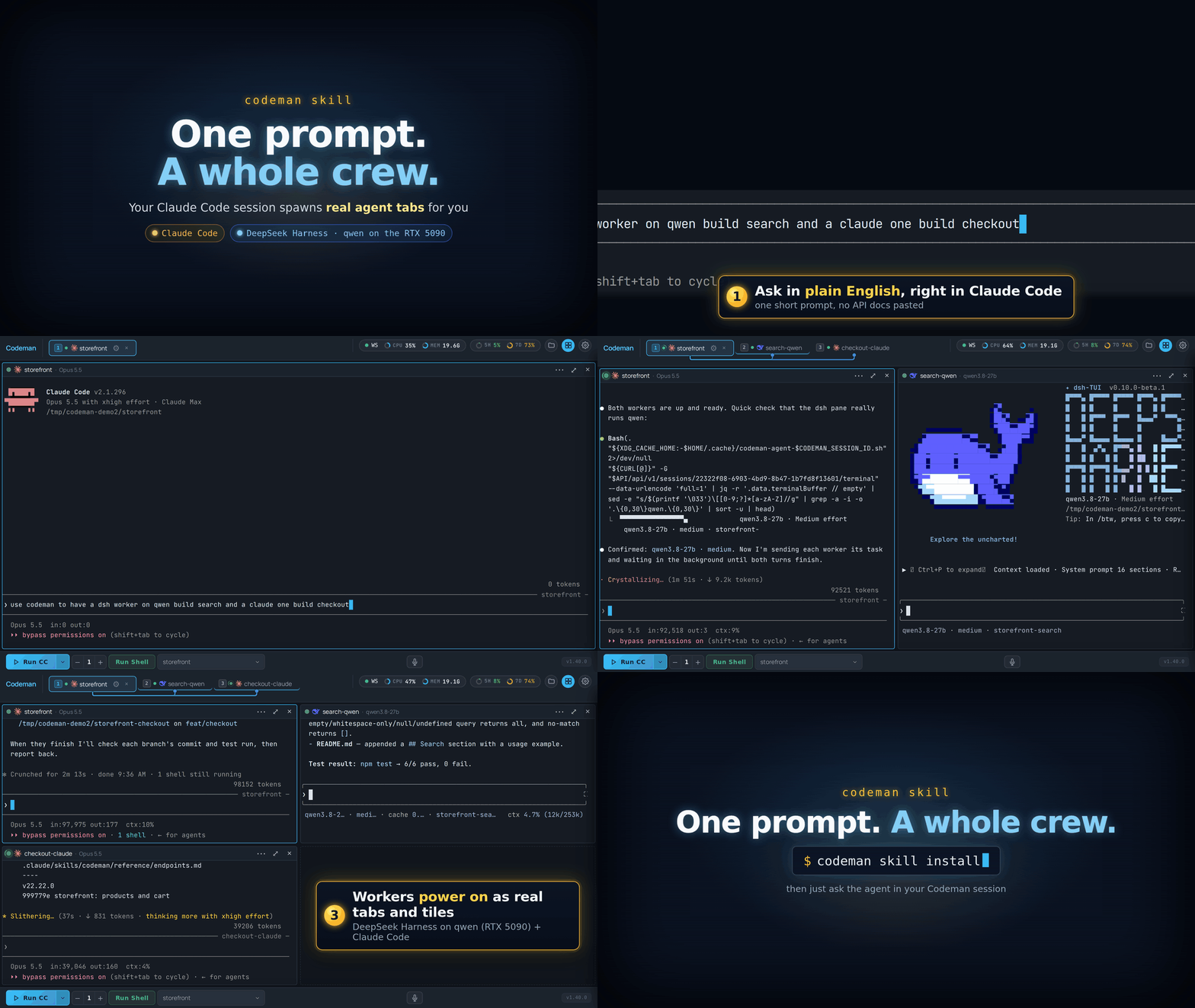
|
||||
|
||||
## Install it
|
||||
|
||||
Pick one route. The skill only acts inside a Codeman session, so a global install is safe.
|
||||
|
||||
| How | Command | Scope |
|
||||
| ------------------ | ------------------------------------------------------------------------------- | ----- |
|
||||
| Skills CLI | `npx skills add Ark0N/Codeman --skill codeman -g` | Global, any skills-aware agent. The way to give it to pi. |
|
||||
| Claude Code plugin | `/plugin marketplace add Ark0N/Codeman`, then `/plugin install codeman@codeman` | Global, through Claude Code's plugin manager. `/plugin update codeman` follows releases. |
|
||||
| Bundled CLI | `codeman skill install` | Global, at `~/.claude/skills/codeman`. |
|
||||
| Bundled CLI | `codeman skill install --case <name> [--mode <mode>]` | One case. `--mode codex` (or any other run mode) writes it where that CLI looks for skills. |
|
||||
| Web UI | **App Settings → Agents & CLIs → All agent CLIs → Codeman Agent Skill** | Injects it into each case when a session is created, where that session's CLI looks: `.claude/skills/` for Claude Code, `.agents/skills/` for Codex, Gemini CLI, OpenCode, Antigravity, Grok, DeepSeek and OMP. Off by default. |
|
||||
|
||||
Use the plugin **or** `codeman skill install`, not both: a Claude Code with both lists the
|
||||
skill twice (`codeman` and `codeman:codeman`).
|
||||
|
||||
The web UI route skips pi, because a project skill makes pi ask to trust the folder at
|
||||
startup. A pi or plain shell session uses the [`codeman agent`
|
||||
commands](Driving-Codeman-From-An-Agent#the-codeman-agent-commands) instead, which are the
|
||||
same verbs as shell commands.
|
||||
|
||||
### Remove it
|
||||
|
||||
`codeman skill uninstall [--case <name>]` reverses the CLI installs (with `--case`, every
|
||||
Codeman-managed copy in that case, whichever CLI's directory it sits in). It never touches a
|
||||
`skills/codeman` you wrote yourself.
|
||||
|
||||
Turning the web UI setting back off **does not remove copies it already injected**, because
|
||||
a sweep at session start would pull the skill out from under other live sessions sharing
|
||||
that directory. Remove them per case with `codeman skill uninstall --case <name>`.
|
||||
|
||||
## Then just ask
|
||||
|
||||
These prompts work as written:
|
||||
|
||||
| You say | What happens |
|
||||
| ----------------------------------------------------------------------------------------- | ------------ |
|
||||
| "What sessions are running right now?" | Lists them with name, mode and status. Read-only. |
|
||||
| "Use codeman to start 5 claude workers, one per TODO item." | One worker per item, each handed its task, answers gathered as they finish. |
|
||||
| "Start a shell worker on the `myapp` case, run the test suite, tell me if it passes." | Spawns, waits on a completion marker, reads the exit code, cleans up. |
|
||||
| "Spin up 3 workers for lint, typecheck and tests, run them in parallel, report failures." | One session per task, all started first, then gathered as each finishes. |
|
||||
| "Have a claude worker summarize `src/session.ts`, then close it." | Spawns, waits until the worker is ready, sends and waits, reads the answer, deletes the session. |
|
||||
| "Have a DeepSeek Harness worker build search and a claude worker build checkout." | A mixed fleet: one worker per CLI, started in one go. |
|
||||
| "Watch session w4 and tell me if it gets stuck on a permission prompt." | Blocks on the `blocked` signal and brings the question to **you**. |
|
||||
|
||||
Sessions the agent creates are deleted when it is done, so you can watch the tabs appear and
|
||||
disappear in the dashboard while it works.
|
||||
|
||||
### A run, start to finish
|
||||
|
||||
> **You:** spin up 3 shell workers, run lint / typecheck / the frontend syntax check in
|
||||
> parallel, and tell me which failed.
|
||||
|
||||
```text
|
||||
lint -> 9f2d8e5f dispatched
|
||||
typecheck -> aff9c691 dispatched 3 tabs appear in the dashboard
|
||||
syntax -> be9f1f15 dispatched
|
||||
|
||||
lint DONE_lint_17909 rc=0
|
||||
typecheck DONE_typecheck_3409 rc=0 gathered as each one finishes
|
||||
syntax DONE_syntax_18501 rc=0
|
||||
|
||||
deleted 9f2d8e5f, aff9c691, be9f1f15 tabs disappear
|
||||
```
|
||||
|
||||
The `DONE_<task>_<random>` strings are the
|
||||
[split-marker trick](Driving-Codeman-From-An-Agent#the-split-marker-trick): a shell session
|
||||
has no "turn finished" signal, so the skill waits for a marker in the output, typed in two
|
||||
halves so that only the command's real output ever contains the joined string.
|
||||
|
||||
## Which workers it can drive
|
||||
|
||||
Any run mode installed on the machine can be a worker. Claude Code and DeepSeek Harness are
|
||||
the two with real completion signals (Claude's from its hooks, DeepSeek's from the harness),
|
||||
so the skill can wait for "turn finished" and read the answer as clean text. Every other CLI
|
||||
and plain shell sessions are synchronized on an output marker instead, which works the same
|
||||
from your side. See [Agent CLIs](Agent-CLIs) for the run modes.
|
||||
|
||||
With Claude Code workers, where the installed Claude Code supports it, the lead can also
|
||||
message a worker directly instead of typing into its terminal.
|
||||
|
||||
## What it will and will not do
|
||||
|
||||
- **It self-gates.** Outside a Codeman session (`CODEMAN_MUX` unset) it refuses to act and
|
||||
never guesses an API URL, so a global install costs an unrelated agent session nothing.
|
||||
- **Unprompted, it may only** start sessions, prompt them, and delete the ones **it created
|
||||
in that conversation, by exact id**, behind a guard that refuses to delete the agent's own
|
||||
session.
|
||||
- **It will not** answer another session's permission prompt on your behalf. It brings the
|
||||
question to you instead.
|
||||
- **Only when you ask, naming the target:** deleting a case (which erases a real directory
|
||||
of your code), bulk kills, respawn, Ralph, cron, the orchestrator, and settings changes.
|
||||
|
||||
## When the agent is Codex
|
||||
|
||||
Two things to know:
|
||||
|
||||
- Codex's default sandbox blocks network access, even to this machine, so the skill needs
|
||||
**Bypass approvals and sandbox** (App Settings, Codex).
|
||||
- Codex 0.162 runs its commands in a shared background process, whose Codeman variables can
|
||||
belong to the session that started it.
|
||||
|
||||
The skill checks for both and says so instead of acting.
|
||||
|
||||
## What is in the skill
|
||||
|
||||
| File | Contents |
|
||||
| ---- | -------- |
|
||||
| [`SKILL.md`](https://github.com/Ark0N/Codeman/blob/master/skills/codeman/SKILL.md) | Safety rules, the fast path (start N workers, task them, collect the answers) and the verb index. Always loaded. |
|
||||
| [`reference/verbs.md`](https://github.com/Ark0N/Codeman/blob/master/skills/codeman/reference/verbs.md) | Every verb in detail: readiness, send-and-wait, markers, interrupts, cleanup. Loaded on demand. |
|
||||
| [`reference/recipes.md`](https://github.com/Ark0N/Codeman/blob/master/skills/codeman/reference/recipes.md) | Worked flows: claude, DeepSeek Harness and shell workers, fan-out, watching a blocked worker, messaging. Loaded on demand. |
|
||||
| [`reference/endpoints.md`](https://github.com/Ark0N/Codeman/blob/master/skills/codeman/reference/endpoints.md) | Endpoint tables, error codes, the signals each mode emits, capacity limits. Loaded on demand. |
|
||||
| [`reference/messaging.md`](https://github.com/Ark0N/Codeman/blob/master/skills/codeman/reference/messaging.md) | Talking to claude workers directly through Claude Code's cross-session messaging. Loaded on demand. |
|
||||
|
||||
Only `SKILL.md` sits in the agent's context; the references load when a job needs them, so a
|
||||
quick run stays quick.
|
||||
|
||||
## Read next
|
||||
|
||||
- [Driving Codeman From An Agent](Driving-Codeman-From-An-Agent) - the `codeman agent`
|
||||
commands, the MCP server, and the raw HTTP rules the skill is built on.
|
||||
- [Tile Grid](Tile-Grid) - watching several workers side by side.
|
||||
- [The Dashboard](The-Dashboard) - tabs, lineage lines and status dots.
|
||||
- [Watching Agents Work](Watching-Agents-Work) - the subagents inside each session.
|
||||
@@ -42,29 +42,17 @@ npm run typecheck
|
||||
npm run lint
|
||||
npm run format:check
|
||||
npm run check:frontend-syntax
|
||||
npm run check:browser-excludes
|
||||
npm test # the gate, exactly what CI runs
|
||||
npm test -- test/<file>.test.ts # one file
|
||||
npm test -- test/<file>.test.ts # one file, the normal way
|
||||
npm run test:ci # the full CI sweep
|
||||
```
|
||||
|
||||
`npm install` installs a `pre-push` git hook that runs the static checks above (about 10-40s,
|
||||
machine-dependent) and blocks a push that would fail them. It skips itself when you push
|
||||
something other than the checked-out HEAD, or when the tree has uncommitted changes the
|
||||
checks would read. Skip it once with `CODEMAN_SKIP_PREPUSH=1 git push`; a
|
||||
`pre-push` hook of your own is never overwritten.
|
||||
|
||||
`npm test` runs the same suite CI runs, so a green run locally means a green run there. It
|
||||
leaves out three suites that cannot pass on an arbitrary machine, each with its own command:
|
||||
`npm run test:browser` (Playwright, Chromium and a live server), `npm run test:mobile` (the
|
||||
same plus environment-specific screenshot baselines) and `npm run test:perf` (wall-clock
|
||||
benchmarks for an otherwise idle machine). Expect those to fail where the machine cannot
|
||||
provide what they need; that means "not runnable here", not a regression.
|
||||
**Never run bare `npm test`.** The default configuration includes browser-driven Playwright
|
||||
suites that need a live server, Chromium, and environment-specific baselines; they hang or
|
||||
fail on a normal machine. `test:ci` is the honest "run everything".
|
||||
|
||||
Tests are tmux-safe by design: under vitest the tmux layer becomes an in-memory mock, so
|
||||
tests cannot touch real sessions. If you add a test that binds a port, bind port 0
|
||||
(`new WebServer(0, …)` + `server.boundPort`, or `listen({ port: 0 })` + `address().port`),
|
||||
or use `app.inject()` when no socket is needed. Mobile tests call `createTestServer()` and
|
||||
read `server.boundPort`. Never 3000.
|
||||
tests cannot touch real sessions. If you add a test that binds a port, pick a unique one at
|
||||
3150 or above, and never 3000.
|
||||
|
||||
## Finding your way around
|
||||
|
||||
@@ -120,7 +108,7 @@ Conventions for wiki pages:
|
||||
- Images are referenced from the main repository over raw URLs rather than being copied into
|
||||
the wiki.
|
||||
- Say what the default is, especially when it is off. Most of Codeman is opt-in.
|
||||
- Label Claude-only behaviour every time it appears. Ten of the eleven run modes are not
|
||||
- Label Claude-only behaviour every time it appears. Six of the seven run modes are not
|
||||
Claude.
|
||||
|
||||
## Conduct
|
||||
|
||||
@@ -15,25 +15,17 @@ Codeman-side configuration:
|
||||
- Per-case toggles (Agent Teams, 1M Opus context).
|
||||
- Where it runs, if it is not the local filesystem: see [Location overlays](#location-overlays).
|
||||
|
||||
Three ways to get one, all under **New or link a case…** at the bottom of the case picker
|
||||
(the case dropdown in the bottom toolbar; on a phone, the case sheet's **Create New Case**):
|
||||
Three ways to get one, all under **+** next to the case picker:
|
||||
|
||||
| How | Result |
|
||||
| ----------------- | ------------------------------------------------------------------------------------------------------ |
|
||||
| **Create New** | A fresh `~/codeman-cases/<name>` with a scaffolded `CLAUDE.md`, or with **Create in a custom folder**, a new folder inside a parent you choose, scaffolded the same way and registered in place like a linked case. |
|
||||
| **Clone Repo** | A repo cloned into `~/codeman-cases/<name>` and registered as a case. Private repos need this machine's own git credentials (see below). |
|
||||
| **Create New** | A fresh `~/codeman-cases/<name>` with a scaffolded `CLAUDE.md`. |
|
||||
| **Clone Repo** | A public repo cloned into `~/codeman-cases/<name>` and registered as a case. |
|
||||
| **Link Existing** | An existing folder anywhere on disk, registered in place. Nothing is copied or moved. |
|
||||
|
||||
Linked cases keep living where they are. Deleting a case in Codeman removes the
|
||||
registration, and for a linked case that is all it removes.
|
||||
|
||||
**Clone Repo never asks for credentials.** It uses whatever the server's own git already has:
|
||||
an ssh key, or a credential helper such as `gh auth setup-git`. The Docker image can include
|
||||
helpers for GitHub (`gh`) and Azure DevOps (`az`), turned on in `docker-compose.override.yml`;
|
||||
then signing those CLIs in once from a shell session is enough. See the private repositories
|
||||
section of `docker/README.md`. Without credentials a private repo fails straight away with an
|
||||
authentication error.
|
||||
|
||||
**Cases created from scratch are the only copy of that code.** Uninstalling Codeman does not
|
||||
delete `~/codeman-cases/`, but treat that directory as real work, not scratch space.
|
||||
|
||||
@@ -46,8 +38,7 @@ case. Each has a stable id, and that id is what the API, the wait primitives, an
|
||||
event use.
|
||||
|
||||
Several sessions can share one case. That is the normal way to parallelize: three workers
|
||||
in the same repo, three tabs, one case. They then also share one folder; when the workers
|
||||
edit and commit in parallel, give each its own checkout with [Git Worktrees](Git-Worktrees).
|
||||
in the same repo, three tabs, one case.
|
||||
|
||||
A session carries state the case does not:
|
||||
|
||||
@@ -59,10 +50,10 @@ A session carries state the case does not:
|
||||
## Run mode
|
||||
|
||||
The **run mode** is which CLI the session runs: `claude`, `opencode`, `codex`, `gemini`,
|
||||
`antigravity`, `pi`, `grok`, `deepseek`, `omp`, `jcode`, or `shell`. It is chosen at start and does not change afterwards; to
|
||||
`antigravity`, `pi`, or `shell`. It is chosen at start and does not change afterwards; to
|
||||
switch, start another session.
|
||||
|
||||
Claude is the reference mode. Ten of the eleven are not Claude, and a number of Codeman
|
||||
Claude is the reference mode. Six of the seven are not Claude, and a number of Codeman
|
||||
features are Claude-only for structural reasons rather than missing effort: they depend on
|
||||
Claude Code's hook system or on parsing its terminal output. Every such feature is labelled
|
||||
Claude-only where it appears, and [Agent CLIs](Agent-CLIs) lists them in one place.
|
||||
@@ -77,8 +68,8 @@ Where a case runs is **separate from** which CLI it runs. There are three locati
|
||||
| **Docker** | One long-lived container per case; sessions `docker exec` into it. See [Docker Cases](Docker-Cases). |
|
||||
| **Remote SSH** | A durable tmux server on the remote host, fronted by a local pane running `ssh`. See [Remote SSH Sessions](Remote-SSH-Sessions). |
|
||||
|
||||
This matters because it is a common source of confusion: Docker is **not** an eleventh run
|
||||
mode. All eleven run modes work in all three locations. A case is docker-backed or
|
||||
This matters because it is a common source of confusion: Docker is **not** an eighth run
|
||||
mode. All seven run modes work in all three locations. A case is docker-backed or
|
||||
ssh-backed; a session is claude or codex or shell.
|
||||
|
||||
**Web tabs** are the other thing that is not a session. A saved dashboard URL renders as a
|
||||
@@ -164,11 +155,9 @@ report events back: a permission prompt appeared, the turn finished, the agent w
|
||||
task completed. Those events drive tab alerts, the Approvals Inbox, notifications, and the
|
||||
wait primitives.
|
||||
|
||||
This is why some features are Claude-only. The one partial exception is DeepSeek Harness,
|
||||
whose terminal front door reports idle, working and blocked to Codeman over the harness's
|
||||
own supervisor contract, so it gets the hook-driven signals without a hook file. The other
|
||||
CLIs have no equivalent, so for them Codeman falls back to watching terminal output, which
|
||||
is coarser: it can see that something happened, not what it was.
|
||||
This is why some features are Claude-only. The other CLIs have no equivalent hook system,
|
||||
so for them Codeman falls back to watching terminal output, which is coarser: it can see
|
||||
that something happened, not what it was.
|
||||
|
||||
See [Hooks And Integrations](Hooks-And-Integrations).
|
||||
|
||||
@@ -178,7 +167,7 @@ See [Hooks And Integrations](Hooks-And-Integrations).
|
||||
| --------------- | ---------------------------------------------------------------------------- |
|
||||
| **Case** | Named working directory. |
|
||||
| **Session** | One CLI in one tmux session. |
|
||||
| **Run mode** | Which CLI: claude, opencode, codex, gemini, antigravity, pi, grok, deepseek, omp, jcode, shell. |
|
||||
| **Run mode** | Which CLI: claude, opencode, codex, gemini, antigravity, pi, shell. |
|
||||
| **Respawn** | Restarting the CLI on idle to keep an unattended run going. |
|
||||
| **Ralph loop** | An autonomous single-session task loop. |
|
||||
| **Orchestrator**| A phased plan driven across multiple agents. |
|
||||
@@ -189,6 +178,6 @@ See [Hooks And Integrations](Hooks-And-Integrations).
|
||||
## Read next
|
||||
|
||||
- [The Dashboard](The-Dashboard) - what the UI is showing you.
|
||||
- [Agent CLIs](Agent-CLIs) - the eleven run modes in detail.
|
||||
- [Agent CLIs](Agent-CLIs) - the seven run modes in detail.
|
||||
- [Keeping Agents Running](Keeping-Agents-Running) - respawn, idle detection, usage limits.
|
||||
- [`docs/architecture-invariants.md`](https://github.com/Ark0N/Codeman/blob/master/docs/architecture-invariants.md) - the mechanisms behind all of this, for contributors.
|
||||
@@ -4,8 +4,8 @@ Saved, named jobs that start a session and send it a prompt on a schedule. Cron
|
||||
sessions: *every weekday at 03:00, open a Claude session in `~/proj` and tell it to update
|
||||
dependencies and open a PR.*
|
||||
|
||||
The ⏰ **Cron** button in the bottom toolbar is opt-in. Turn it on under
|
||||
**App Settings → Header & Panels → Scheduling**.
|
||||
The ⏰ **Cron** header button is opt-in. Turn it on in
|
||||
**App Settings → Header & Panels**.
|
||||
|
||||
## Creating a job
|
||||
|
||||
@@ -96,19 +96,11 @@ The skip policy has the details you would want it to have:
|
||||
|
||||
Every fire is recorded per job, with a status:
|
||||
|
||||
| Status | Meaning |
|
||||
| ----------------- | ----------------------------------------------------------------- |
|
||||
| `created` | The run record was created; the session has not started yet. |
|
||||
| `session_started` | The session started; prompt delivery is still pending. |
|
||||
| `prompt_sent` | The prompt was sent to the session. |
|
||||
| `skipped` | The concurrency policy blocked it. Not counted as a run. |
|
||||
| `failed` | Prompt resolution, session launch, or prompt delivery failed. |
|
||||
|
||||
History records whether the session started and the prompt was delivered, **not whether
|
||||
the agent's task succeeded**. `prompt_sent` is not a task-completion signal.
|
||||
If the session is closed during the readiness wait or the server restarts before
|
||||
delivery, a run can remain `session_started` indefinitely with `finishedAt: null`;
|
||||
clients must not poll forever waiting for a terminal status.
|
||||
| Status | Meaning |
|
||||
| --------- | -------------------------------------------------------------------- |
|
||||
| `created` | The run started and a session was created. |
|
||||
| `skipped` | The concurrency policy blocked it. Not counted as a run. |
|
||||
| `failed` | The prompt could not be resolved, or the working directory was gone. |
|
||||
|
||||
The schedule is advanced **before** the session launches, so a slow start cannot cause the
|
||||
same job to re-trigger.
|
||||
|
||||
@@ -1,189 +0,0 @@
|
||||
# Custom Model Endpoints
|
||||
|
||||
Point a harness at your own OpenAI-compatible server instead of its native cloud backend, for
|
||||
one session at a time. "Custom endpoint" covers **local** hardware (llama.cpp, Ollama, vLLM,
|
||||
a home GPU rig, DGX Spark, Strix Halo) and **cloud** services (Azure AI Foundry's
|
||||
OpenAI-compatible endpoint, OpenRouter, a company gateway) alike, anything answering
|
||||
`GET /v1/models` and `POST /v1/chat/completions` in the standard shape.
|
||||
|
||||
**Off by default.** Turn it on in App Settings → Models → **Custom model endpoints**.
|
||||
|
||||
## Adding an endpoint
|
||||
|
||||
Still in App Settings → Models → Custom model endpoints:
|
||||
|
||||
1. **+ Add endpoint** — give it an id, a label, and the base URL (`http://192.168.1.50:8080`,
|
||||
say). An API key is optional; most local servers don't check one.
|
||||
2. **Discover** — fetches the endpoint's own model list over `GET /v1/models` and stores it.
|
||||
3. Pick a **default model** from what was discovered. This is the model the Run-menu entry
|
||||
applies directly when only one model is discovered; with two or more, it's just the one
|
||||
pre-marked in the picker dialog described below, not a silent default.
|
||||
|
||||
Endpoint management is admin-only in multi-user mode, the same as remote hosts and Docker
|
||||
hosts — these are machine-level infra, not a per-user setting.
|
||||
|
||||
**Model lists refresh themselves.** Every saved endpoint is re-discovered automatically every
|
||||
5 minutes in the background, so a model the server starts serving later — or stops serving —
|
||||
shows up without another manual click of **Discover**. One endpoint being unreachable on a
|
||||
given cycle (powered off, wrong network) never blocks the others from refreshing.
|
||||
|
||||
**Context length is picked up automatically where it can be, safely.** Against a
|
||||
llama.cpp/llama-swap server, discovery also learns each _currently loaded_ model's real
|
||||
context window and applies it to the launched session (Claude Code today — see below), so
|
||||
the harness stops assuming a large default window for a model name it doesn't recognise and
|
||||
overflowing a much smaller real one. It's deliberately never probed for a model that isn't
|
||||
already loaded, since asking a llama-swap server about an unloaded model can trigger an
|
||||
actual, slow model swap as a side effect — a model just not currently loaded keeps whatever
|
||||
context length an earlier cycle already learned for it instead.
|
||||
|
||||
## Running a session against one
|
||||
|
||||
With the setting on and at least one endpoint carrying a discovered model, the **Run**
|
||||
dropdown grows a **Custom Endpoints** section: one entry per harness that can redirect to a
|
||||
custom endpoint, per saved endpoint, e.g. "Claude Code (llama.cpp)". Picking one starts a
|
||||
session on that harness exactly the way its own entry would. It is a one-off "try this
|
||||
endpoint" action, not a sticky mode — the plain **Run** button still means "this harness,
|
||||
native cloud" afterward, and a fresh session never inherits whatever the last one was
|
||||
pointed at.
|
||||
|
||||
**Which model it uses depends on how many the endpoint has discovered.** With exactly one,
|
||||
the session launches straight away on that model — nothing to choose. With two or more, a
|
||||
small dialog asks which one to use for this launch before starting the session; the
|
||||
endpoint's default model, if set, is marked but not auto-picked, so a launch can deliberately
|
||||
use a different one without changing the saved default. The list is not raw discovery order
|
||||
either: the model llama-swap reports loaded and ready is moved to the top and tagged
|
||||
**Currently loaded**, and when nothing is loaded, the model you last launched on this harness
|
||||
and endpoint pair is moved up instead and tagged **Last used** (a per-device browser value, so
|
||||
another device starts from its own history). The default model keeps its own **Default** pill
|
||||
in both cases, and nothing is ever auto-chosen: the promoted row is simply the one under your
|
||||
thumb.
|
||||
|
||||
**For opencode, Codex, Gemini, Pi, Grok, DeepSeek and OMP, picking an entry launches
|
||||
straight onto the endpoint** — no restart, because the endpoint is applied before the
|
||||
session's process ever starts. **Claude still restarts the harness's process in place** —
|
||||
same tab, same conversation (`--resume`) — after a normal native launch, since that restart
|
||||
is far less jarring for Claude than for the other seven, whose own TUI can fully
|
||||
reinitialize on a restart. Either way, every supported harness reads its endpoint config at
|
||||
process start, never per turn, so there is no live hot-swap while a turn is running.
|
||||
|
||||
Picking an entry that launches a **brand-new** Claude session waits (up to 20 seconds) for it to
|
||||
finish its own startup before applying — a freshly started CLI reports itself as busy for its
|
||||
boot sequence, and applying to a genuinely busy session is refused so a real, in-progress
|
||||
turn is never interrupted out from under you. A session that is still busy after that wait
|
||||
(a very slow-starting CLI, or one you started typing into right away) surfaces that refusal
|
||||
as an ordinary error, which now stays on screen with a close button instead of vanishing
|
||||
after a few seconds — read it, it names the actual reason rather than a generic failure.
|
||||
|
||||
Entries are hidden entirely for a session in a **remote (SSH) or Docker case** — support for
|
||||
redirecting those hasn't landed yet, see below. The picker also only appears in the desktop
|
||||
**Run** dropdown; the phone home screen builds its own run picker separately and does not
|
||||
currently offer these entries.
|
||||
|
||||
**Against llama-swap, applying a selection also starts the actual model load, rather than
|
||||
waiting on your first prompt to do it.** llama-swap has no "switch model" button of its own
|
||||
— the only thing that starts a swap is a real request naming the model, and confirmed live:
|
||||
just applying a selection never reached llama-swap's own logs at all until something asked
|
||||
it to load. Picking an entry now also sends the smallest real request that will trigger
|
||||
that load, in the background, the moment the target model isn't already loaded and ready.
|
||||
|
||||
**The centred loading banner has no countdown and no automatic timeout — it waits as long as
|
||||
it takes, and tells you so.** When it knows the model's discovered file size (its GB figure,
|
||||
when llama-swap states one) it's shown too, e.g. "Loading qwen3.8-27b (16.4 GB) on
|
||||
llama-swap — this can take a while depending on your hardware and the model size." An
|
||||
earlier version tried to estimate and enforce a time limit, but real load time depends on
|
||||
hardware this feature has no way to know, so a fixed number was always a guess — worse, one
|
||||
that could kill a genuinely slow load partway through. If it really is taking too long, a
|
||||
**Cancel** button right on the banner ends the wait and **closes the session that load was
|
||||
for**, on your own call rather than a guessed deadline.
|
||||
|
||||
**The banner also shows a real, live second line of what llama.cpp itself is doing** — not
|
||||
a made-up progress phase, the actual next line the `llama-server` process printed, e.g.
|
||||
"llama.cpp: load_model: loading model '/models/.../Qwen3.8-27B.gguf'" then later
|
||||
"llama.cpp: llama_server: model loaded". It comes straight from llama-swap's own event
|
||||
feed, filtered down to just the backend process's own output (not llama-swap's own request
|
||||
logging), and stays on whatever it last said once the load goes quiet, rather than
|
||||
clearing back to nothing.
|
||||
|
||||
**You'll also be told if a session's model gets swapped out from under it later, not just
|
||||
at launch.** The conflict warning above only fires at the moment you launch or apply a
|
||||
model — llama.cpp only runs one model at a time, so if a DIFFERENT session using the same
|
||||
endpoint later triggers its own load, whatever was loaded before (including a session you
|
||||
already had running) gets silently evicted, with no warning at that instant since nothing
|
||||
conflicted when it was first set up. A background check (every 20 seconds) catches this
|
||||
after the fact and shows a toast naming which session lost its model and what's loaded now
|
||||
— so you know before typing into that session that it's about to reload (and, in turn,
|
||||
evict whatever displaced it).
|
||||
|
||||
**Claude Code specifically gets three extra fixes applied automatically:**
|
||||
|
||||
- Its discovered context length (see above) is passed through as
|
||||
`CLAUDE_CODE_MAX_CONTEXT_TOKENS`, so it doesn't send a full-size prompt against a much
|
||||
smaller real local context and overflow it.
|
||||
- Its session runs with an isolated `CLAUDE_CONFIG_DIR`, so the injected API key never sits
|
||||
in the same directory as a stored claude.ai login — that combination is harmless for actual
|
||||
requests (the API key wins) but the CLI still prints a "both claude.ai and
|
||||
ANTHROPIC_API_KEY set" warning about it, which this avoids entirely. The isolated directory
|
||||
keeps a link back to your real session history so the response viewer and similar features
|
||||
still work for that session. That isolated directory starts with no prior approvals of its
|
||||
own, so Codeman also pre-approves the injected key the same way answering Claude Code's own
|
||||
"Detected a custom API key" prompt once would — without it, that prompt would otherwise
|
||||
reappear on every single launch with nobody there to answer it.
|
||||
- **That same fresh isolated directory also looks like a brand-new Claude Code profile**, so
|
||||
without this fix it replayed the WHOLE first-run sequence every single launch: the theme
|
||||
picker, the security-notes screen, the "trust this folder?" dialog, and a one-time warning
|
||||
about running with permissions bypassed — none of which a real, already-used profile shows
|
||||
again. Codeman now pre-seeds that same "already been through this once" state (onboarding
|
||||
completed, this session's own project marked trusted, the bypass-permissions warning
|
||||
acknowledged) so a custom-model launch reaches the actual conversation exactly as fast as a
|
||||
native cloud one does, instead of stopping at a wizard with nobody there to click through it.
|
||||
|
||||
**If a model's real context is too small for Claude Code to even get started, you get a
|
||||
warning instead of a confusing failure.** Claude Code's own system prompt and tools take up
|
||||
roughly 40K tokens on their own, before you've typed anything — a small local model with a
|
||||
smaller real context than that fails outright on the very first message, no matter what
|
||||
context size Codeman tells it to expect (raising the declared context only changes when
|
||||
Claude Code trims _conversation history_, and there is none yet on message one). Picking
|
||||
such a model now shows an in-app dialog naming the model, its discovered context and what's
|
||||
needed, before anything launches or restarts, with the fix spelled out: reconfigure
|
||||
llama-swap to give that model (or a smaller one) an explicit larger context instead of
|
||||
relying on auto-fit (`--fit-ctx`), which sizes the context around fitting the biggest model
|
||||
rather than the biggest context — for example adding `-c 65536` to that model's llama-swap
|
||||
entry. "Launch anyway" is still there if you want to try regardless.
|
||||
|
||||
## Which harnesses actually work
|
||||
|
||||
| Harness | Status |
|
||||
| ---------------------------------------- | -------------------------------------------------------------------------------------------------------------------------------------------------------------------------------------------------------------------- |
|
||||
| **Claude Code, opencode, Pi, Grok, OMP** | Verified end-to-end against a real local server. |
|
||||
| **Codex** | Config is correct, and plain chat can work against a server that speaks the Responses API — but a real tool-call attempt comes back as inert text instead of running, so it's still not usable for real coding work. |
|
||||
| **Gemini** | Fails with an auth error gemini-cli raises once redirected. Unresolved; don't rely on it yet. |
|
||||
| **DeepSeek** | The original 404 is root-caused and fixed (DeepSeek Harness's own code was missing a `/v1` most local servers require) — not yet re-run against a real `dsh` install to confirm end-to-end. |
|
||||
| **Antigravity** | No known custom-endpoint mechanism at all. Not offered. |
|
||||
|
||||
Which harnesses show up in the Run-menu picker is read live off Codeman's own CLI registry,
|
||||
not a fixed list here, so this table can go stale before this page does — a greyed-out or
|
||||
missing entry is the more current answer.
|
||||
|
||||
## What it does not do
|
||||
|
||||
- **No remote or Docker sessions yet.** Both restart their agent differently under the hood
|
||||
(reattaching a durable tmux session rather than relaunching the process), so redirecting
|
||||
them needs its own plumbing that hasn't been built.
|
||||
- **No live hot-swap mid-conversation.** Applying a selection always restarts the process.
|
||||
- **No button to un-point a session from the UI yet.** Clearing back to native cloud is an
|
||||
HTTP call (`POST .../custom-model {"clear": true}`) or deleting the session; the settings
|
||||
panel manages saved endpoints, not what a running session is currently pointed at.
|
||||
- **Nothing is shared with your real cloud credentials.** The endpoint's own key, if any,
|
||||
never touches your Anthropic/OpenAI/Google login — a custom endpoint is a separate,
|
||||
explicit choice per session.
|
||||
|
||||
## Security
|
||||
|
||||
An endpoint's base URL can't point at a link-local or cloud-metadata address (both at save
|
||||
time and against the address it actually resolves to), the same guard Web Tabs uses for
|
||||
saved dashboards. Endpoint records and any per-session config files a harness needs are
|
||||
written with owner-only permissions. See
|
||||
[custom-model-endpoints-plan.md](https://github.com/Ark0N/Codeman/blob/master/docs/custom-model-endpoints-plan.md)
|
||||
in the repository for the full design reasoning, including why this feature closed a
|
||||
pre-existing gap in how session environment overrides were guarded rather than opening a new
|
||||
one.
|
||||
@@ -4,7 +4,7 @@ Run a case inside its own container instead of directly on your host: for isolat
|
||||
reproducible toolchain, and for the ability to pick the whole environment up and move it to
|
||||
another machine.
|
||||
|
||||
A docker case is a **location overlay**, not a run mode. All eleven run modes work inside a
|
||||
A docker case is a **location overlay**, not a run mode. All seven run modes work inside a
|
||||
container. See [Core Concepts](Core-Concepts).
|
||||
|
||||
## One-time setup: the base image
|
||||
@@ -26,7 +26,7 @@ A zero exit code proves the layers ran, not that the toolchain works. Verify:
|
||||
|
||||
```bash
|
||||
docker run --rm codeman/agent:base bash -lc \
|
||||
'for c in claude codex gemini opencode agy pi grok dsh omp jcode; do printf "%-9s " $c; $c --version 2>&1 | head -1; done'
|
||||
'for c in claude codex gemini opencode agy pi; do printf "%-9s " $c; $c --version 2>&1 | head -1; done'
|
||||
```
|
||||
|
||||
The image is secret-free. Credentials are delivered at runtime, never baked in, so exports
|
||||
@@ -79,25 +79,6 @@ Exactly one long-lived container per case, shared by every session in it.
|
||||
conversation** from the bind-mounted transcript.
|
||||
- Deleting the case removes the container. The workspace on the host survives.
|
||||
|
||||
## Attaching to a container you already run
|
||||
|
||||
Tick **Attach to an existing container** on **Add Case → Docker** to link a case to a
|
||||
container that already exists instead of creating one. Codeman only `exec`s into it and
|
||||
never creates, starts, stops, restarts or removes it, so a container that is missing or
|
||||
stopped fails with a message rather than being fixed for you. Drift detection does not
|
||||
apply (the container carries no Codeman configuration label). The full-image export is
|
||||
refused, since it would `docker commit` someone else's container, and the workspace export
|
||||
skips the pause that keeps an owned container consistent during the capture.
|
||||
|
||||
One adopted container can back several cases at different in-container directories, and
|
||||
**copy an existing case** pre-fills the form from a sibling on the same container. An exact
|
||||
twin (the same container and the same directory) is refused, as is a container another
|
||||
user adopted.
|
||||
|
||||
Adoption is **admin-only in multi-user mode**. Linking creates Codeman's own container
|
||||
with one bind mount that has already been checked; an adopted container's mounts belong to
|
||||
whoever started it, and one that mounts `/` hands the adopter the host.
|
||||
|
||||
## Credentials
|
||||
|
||||
Your existing host logins work inside the container without logging in again. Credentials
|
||||
@@ -111,49 +92,10 @@ the container instead.
|
||||
|
||||
Bind mounts are excluded from image capture, so exports stay secret-free.
|
||||
|
||||
One consequence worth knowing: Pi, Grok and OMP credentials are seeded per file rather than
|
||||
as whole directories, because those directories also hold sessions, extensions, downloads and
|
||||
installed packages, which can be gigabytes. So in-container Pi and Grok sessions are
|
||||
invisible from the host (`pi -c` and `grok -c` inside a docker case see only that
|
||||
container's history). OMP's `sessions/` is the exception and is shared read-write, because
|
||||
Codeman reads it host-side for history and resume. jcode's credentials are not seeded at all
|
||||
(`~/.jcode` keeps its OAuth tokens beside its builds, sessions and caches): sign in to jcode
|
||||
inside the container.
|
||||
|
||||
**Git hosts.** The agent image can also include the GitHub CLI (`gh`) and the Azure CLI (`az`,
|
||||
with the `azure-devops` extension), off by default, and its git then uses them as credential
|
||||
helpers for github.com and Azure DevOps. When the matching switch is on, their sign-ins are
|
||||
seeded like everything else, file by file: `~/.config/gh/hosts.yml` and `config.yml`, and the
|
||||
sign-in files from `~/.azure` (not its logs or extensions). With a switch off they are never
|
||||
copied in, even if the files exist. So once a switch is on and `gh auth login` / `az login`
|
||||
have been run where Codeman runs, agents in a Docker case can clone and push private repos on
|
||||
those hosts. Two limits:
|
||||
|
||||
- A token held in a desktop keyring or an encrypted token cache (Windows, macOS) is not
|
||||
inside those files and does not carry in. Sign in inside the container instead. The Docker
|
||||
server image and a headless Linux host keep it in the files, so they carry.
|
||||
- The sign-ins are mounted when a case container is **created**, so an existing container
|
||||
never picks them up. After turning a switch on, signing in, or rebuilding the agent image,
|
||||
**recreate the case container**: remove it, and the next session in that case creates a
|
||||
fresh one. (Or sign in inside the existing container instead.)
|
||||
|
||||
This hands a GitHub token and an Azure sign-in to every agent in a seeded Docker case, the
|
||||
same trust you already give it with Claude, Codex or gcloud. Turn seeding off for a case that
|
||||
should not have them.
|
||||
|
||||
Both CLIs are opt-in. To build the agent image with them, set
|
||||
`CODEMAN_AGENT_IMAGE_INSTALL_GH=1` and/or `CODEMAN_AGENT_IMAGE_INSTALL_AZ=1` where the image
|
||||
is built: in front of `node scripts/build-agent-image.mjs`, or in the Codeman server's
|
||||
environment for the image it builds automatically (in the Docker deployment, `environment:`
|
||||
in `docker-compose.override.yml`), then rebuild the image with `--no-cache`.
|
||||
`docker/README.md` ("Private repositories") has the details and the matching switches for
|
||||
the server image.
|
||||
|
||||
To give agents a fixed Git commit identity, set `CODEMAN_AGENT_IMAGE_GIT_USER_NAME` and
|
||||
`CODEMAN_AGENT_IMAGE_GIT_USER_EMAIL` together in that same environment (in the Docker
|
||||
deployment, set `GIT_USER_NAME` and `GIT_USER_EMAIL` in `docker/.env` instead, which feeds
|
||||
both images). An existing `codeman/agent:base` only picks it up after a `--no-cache` rebuild
|
||||
and recreated case containers; `docker/README.md` ("Git commit identity") has the details.
|
||||
One consequence worth knowing: Pi's credentials are seeded per file rather than as a whole
|
||||
directory, because that directory also holds sessions, extensions, and installed packages,
|
||||
which can be gigabytes. So in-container Pi sessions are invisible from the host, and `pi -c`
|
||||
inside a docker case sees only that container's history.
|
||||
|
||||
## Isolation
|
||||
|
||||
|
||||
@@ -4,106 +4,56 @@ Everything the dashboard does is HTTP, so an agent can do it too. This page is f
|
||||
that makes Codeman interesting: **Claude Code running inside a Codeman session, spawning and
|
||||
supervising other sessions.**
|
||||
|
||||
Three routes. Start with the skill, whichever CLI the agent is. Where the skill does not
|
||||
reach (a pi or shell session), use the `codeman agent` commands. Raw HTTP is there for
|
||||
everything else.
|
||||
Two routes. Start with the skill.
|
||||
|
||||
## The agent skill
|
||||
|
||||
A skill in the `SKILL.md` format that Claude Code, Codex, Gemini CLI, OpenCode, Grok, OMP
|
||||
and most other agent CLIs read. It teaches the agent the whole API, so you ask in plain
|
||||
English instead of pasting endpoint documentation into prompts:
|
||||
A Claude Code skill that teaches the agent the whole API, so you ask in plain English
|
||||
instead of pasting endpoint documentation into prompts.
|
||||
|
||||
```bash
|
||||
codeman skill install # or: npx skills add Ark0N/Codeman --skill codeman -g
|
||||
```
|
||||
### Install it
|
||||
|
||||
Then ask the agent in a Codeman session something like *"use codeman to start 5 claude
|
||||
workers, one per TODO item"*. It starts the workers, hands each one its task, gathers the
|
||||
answers and deletes the sessions it created.
|
||||
| How | Command | Scope |
|
||||
| ------------ | ----------------------------------------------------------- | ----------------------------------------------------------- |
|
||||
| Skills CLI | `npx skills add Ark0N/Codeman --skill codeman -g` | Global, any skills-aware agent. |
|
||||
| Bundled CLI | `codeman skill install` | Global, at `~/.claude/skills/codeman`. |
|
||||
| Bundled CLI | `codeman skill install --case <name>` | One case. |
|
||||
| Web UI | **App Settings → Agents & CLIs → Claude → Agent Skill** | Injects into each case when a Claude session is created. Off by default. |
|
||||
|
||||
**[The Codeman Skill](Codeman-Skill)** has the rest: recordings of real runs, every install
|
||||
route (Claude Code plugin, skills CLI, per case, the web UI setting), prompts that work as
|
||||
written, what it will and will not do on its own, and the notes for Codex. It drives
|
||||
DeepSeek Harness workers the same way it drives Claude ones (`spawn_workers alpha
|
||||
beta:deepseek` is a mixed fleet in one call), since those are the two modes with real
|
||||
completion signals.
|
||||
`codeman skill uninstall [--case <name>]` reverses the CLI installs, and never touches a
|
||||
`skills/codeman` you wrote yourself.
|
||||
|
||||
## The `codeman agent` commands
|
||||
### Then just ask
|
||||
|
||||
The skill drives the API with `curl` and `jq`. Where it does not reach (a pi or shell
|
||||
session, a machine without `jq`), the agent runs in the same environment, so `codeman agent`
|
||||
packages the same verbs as shell commands. It is a thin client over the endpoints in
|
||||
[the manual path](#the-manual-path), so auth and ownership apply unchanged, and it refuses to
|
||||
act outside a Codeman session. One line in a case's `AGENTS.md` is enough: *"other sessions:
|
||||
`codeman agent --help`"*.
|
||||
| You say | What happens |
|
||||
| --------------------------------------------------------------------------------------- | ------------------------------------------------------------------------------------------ |
|
||||
| "What sessions are running right now?" | Lists them with name, mode, and status. Read-only. |
|
||||
| "Start a shell worker on the `myapp` case, run the test suite, tell me if it passes." | Spawns, waits on a completion marker, reads the exit code, cleans up. |
|
||||
| "Spin up 3 workers for lint, typecheck and tests, run them in parallel, report failures." | One session per task, all started first, then gathered as each finishes. |
|
||||
| "Have a claude worker summarize `src/session.ts`, then close it." | Spawns, runs the readiness ladder, sends and waits, reads the answer, deletes the session. |
|
||||
| "Watch session w4 and tell me if it gets stuck on a permission prompt." | Blocks on the `blocked` signal and surfaces the question to **you**. |
|
||||
|
||||
```bash
|
||||
codeman agent ls # sessions; * marks this one
|
||||
SID=$(codeman agent spawn scratch-1 --mode claude) # quick-start + wait for the composer where the mode has a ready mark
|
||||
codeman agent send "$SID" 'review src/, then say DONE' --until stop,exit --timeout 300000
|
||||
codeman agent read "$SID" # last answer (as the server reads it for that mode)
|
||||
codeman agent read "$SID" --tail 3000 # terminal tail, ANSI stripped (every mode)
|
||||
codeman agent send "$SID" 'run the tests, then print WORKDONE followed by _4711' # hook-less modes: the marker in halves …
|
||||
codeman agent wait "$SID" --match WORKDONE_4711 # … and the wait on the joined form
|
||||
codeman agent interrupt "$SID" # a bare ESC, conversation intact
|
||||
codeman agent rm "$SID" # any session except this one
|
||||
```
|
||||
Sessions the agent creates get deleted when it is done. You can watch the tabs appear and
|
||||
disappear in the dashboard while it works.
|
||||
|
||||
- **Ids** may be the 8-character form `ls` prints. Anything shorter refuses, and so does an
|
||||
ambiguous prefix.
|
||||
- **`send`** takes ONE quoted argument of printable text and presses Enter. A prompt that
|
||||
starts with `-` goes after `--`: `codeman agent send "$SID" -- "- fix the bug"`.
|
||||
- **Markers** follow [the split-marker trick](#the-split-marker-trick): the echo of your own
|
||||
prompt is output too, so ask for the marker in halves and wait on the joined form.
|
||||
- **Exit codes** are the same for every verb: `0` done, `1` error, `2` timeout, `3` the
|
||||
worker exited, `4` refused. `--json` prints the response's `data`.
|
||||
### What it will and will not do
|
||||
|
||||
## The MCP server
|
||||
- **It self-gates.** Outside a Codeman session it refuses to act and does not guess an API
|
||||
URL, so a global install costs an unrelated Claude Code session nothing.
|
||||
- **Unprompted, it may only** spawn sessions, prompt them, and delete ones **it created in
|
||||
that conversation, by exact id**, behind a guard that refuses to delete the agent's own
|
||||
session.
|
||||
- **It will not** answer another session's permission prompt on your behalf. It surfaces the
|
||||
question instead.
|
||||
- **Deleting a case** (which erases a real directory of your code), bulk kills, respawn,
|
||||
Ralph, cron, orchestrator, and settings writes all require you to ask, naming the target.
|
||||
|
||||
`codeman mcp` is a [Model Context Protocol](https://modelcontextprotocol.io) server, so any MCP
|
||||
client (Claude Code, Claude Desktop, Codex, Gemini CLI, Cursor) can drive Codeman, from
|
||||
inside a Codeman session or from an assistant on your desktop. It is a client of the same
|
||||
HTTP API, with seven tools: `list_sessions`, `start_session`, `send_prompt`,
|
||||
`wait_for_session`, `read_output`, `interrupt_session` and `delete_session`.
|
||||
Turning the setting back off **does not remove already-injected copies**, because a
|
||||
create-time sweep would yank the skill out from under other live sessions sharing that
|
||||
directory. Remove them per case with `codeman skill uninstall --case <name>`.
|
||||
|
||||
```bash
|
||||
# Claude Code
|
||||
claude mcp add codeman -e CODEMAN_API_URL=https://127.0.0.1:3000 -- codeman mcp
|
||||
```
|
||||
|
||||
```json
|
||||
{
|
||||
"mcpServers": {
|
||||
"codeman": {
|
||||
"command": "codeman",
|
||||
"args": ["mcp"],
|
||||
"env": { "CODEMAN_API_URL": "https://127.0.0.1:3000" }
|
||||
}
|
||||
}
|
||||
}
|
||||
```
|
||||
|
||||
```toml
|
||||
# Codex (~/.codex/config.toml): raise the 60 s default tool timeout for long waits
|
||||
[mcp_servers.codeman]
|
||||
command = "codeman"
|
||||
args = ["mcp"]
|
||||
env = { CODEMAN_API_URL = "https://127.0.0.1:3000" }
|
||||
env_vars = ["CODEMAN_MUX", "CODEMAN_SESSION_ID"] # Codex passes MCP servers a minimal env; these let it know the Codeman session it runs in
|
||||
tool_timeout_sec = 120
|
||||
```
|
||||
|
||||
The JSON form is what Claude Desktop, Cursor and Gemini CLI take. Add `CODEMAN_PASSWORD` to
|
||||
`env` when the server has a password.
|
||||
|
||||
- **It never guesses a server.** Without `CODEMAN_API_URL` (or `--url`) every call says how
|
||||
to configure it.
|
||||
- **Only its own sessions.** Prompting, interrupting and deleting are limited to sessions it
|
||||
started; listing, reading and waiting work on everything. `codeman mcp
|
||||
--allow-any-session` lifts that, for an assistant that should drive your existing tabs.
|
||||
- **Waits are short by default** (45 s, at most 600 s), so they fit a client's tool
|
||||
timeout. A `timed_out` answer means call again.
|
||||
The skill ships with the verb index always loaded, plus on-demand references for the verbs,
|
||||
worked multi-worker recipes, endpoint tables, and cross-session messaging.
|
||||
|
||||
## The manual path
|
||||
|
||||
@@ -141,20 +91,16 @@ Read these before writing any code. Each one has cost somebody an afternoon.
|
||||
5. **Wait instead of polling, and a timeout is not an error.** The wait endpoints answer
|
||||
`200` with `wait.timedOut: true`. Loop over short waits rather than one long call, because
|
||||
tunnels cut idle connections.
|
||||
6. **Only `claude` and `deepseek` sessions emit `stop`; `blocked` also fires for `codex`.**
|
||||
Claude's come from Claude Code hooks, DeepSeek's from the harness reporting its state to
|
||||
Codeman, and Codex's `blocked` from Codeman reading its approval, question and trust
|
||||
dialogs off the screen (a wait that asks for `blocked` while such a dialog is already up
|
||||
answers at once). Shell and the other external CLIs accept only `idle`, `working`, and
|
||||
`exit`; asking for `stop` explicitly there (codex included) is a `400`, while omitting
|
||||
`until` is always safe. On a shell session
|
||||
6. **Only `claude` sessions emit `stop` and `blocked`.** They come from Claude Code hooks.
|
||||
Shell and the external CLIs accept only `idle`, `working`, and `exit`; asking for `stop`
|
||||
explicitly there is a `400`, while omitting `until` is always safe. On a shell session
|
||||
`idle` fires **once at startup and never again**, so synchronize hook-less sessions with an
|
||||
output marker instead.
|
||||
7. **Nothing reports "ready", so wait for it explicitly.** A new session answers
|
||||
`{"signal":"exit","immediate":true}` until its PID exists, and that means *not started*,
|
||||
not *crashed*. A Claude worker in a fresh case then sits on the CLI's trust dialog, whose
|
||||
highlighted option is `No, exit`: prompt it there and your Enter quits the CLI. Codeman
|
||||
holds `idle` while the dialog is on screen, but that is not a readiness signal either.
|
||||
not *crashed*. A Claude worker in a fresh case then sits on the CLI's trust dialog; prompt
|
||||
it there and the wait resolves on idle in about two seconds looking exactly like a finished
|
||||
turn, while your text sits stuck in the dialog.
|
||||
|
||||
### Recipes
|
||||
|
||||
@@ -183,10 +129,7 @@ curl -s -X POST "$API/api/sessions/$ID/input" \
|
||||
# Or wait for a marker in the output, which works on shell sessions too
|
||||
curl -s "$API/api/sessions/$ID/wait-output?contains=DONE_17909&from=buffer" | jq
|
||||
|
||||
# Read the last answer as clean text (claude, codex, deepseek sessions)
|
||||
curl -s "$API/api/sessions/$ID/last-response" | jq -r '.data.text'
|
||||
|
||||
# Or read the terminal back
|
||||
# Read the terminal back
|
||||
curl -s "$API/api/sessions/$ID/terminal?tail=4000" | jq -r '.data.output'
|
||||
|
||||
# Clean up, by exact id
|
||||
@@ -213,13 +156,7 @@ Make it unique per call, because tmux repaints replay old screen text.
|
||||
|
||||
### Reading output
|
||||
|
||||
For `claude`, `codex` and `deepseek` sessions, read the answer from the transcript rather
|
||||
than the screen: `GET /api/sessions/:id/last-response` returns the last reply as clean text
|
||||
with no TUI frames or repaint noise. Poll it briefly rather than reading once, because the
|
||||
transcript lands slightly after the `stop` signal, so a read immediately after send-and-wait
|
||||
returns often comes back empty.
|
||||
|
||||
For everything else, use `terminal?tail=`, not `/output`. The latter's text field is empty for every tmux-backed
|
||||
Use `terminal?tail=`, not `/output`. The latter's text field is empty for every tmux-backed
|
||||
session, which is every interactive session. `tail` counts **bytes**, and what comes back is
|
||||
terminal data with ANSI sequences included.
|
||||
|
||||
@@ -238,14 +175,13 @@ followed by a wait races, and reports the previous turn's state.
|
||||
## Lineage
|
||||
|
||||
A create request can name the session that spawned it, through a body field or a header, and
|
||||
the dashboard then draws a lineage line from parent to child. The skill sets it automatically.
|
||||
the dashboard then draws a lineage arc from parent to child. The skill sets it automatically.
|
||||
|
||||
It is resolved rather than trusted: an unresolvable parent is dropped silently rather than
|
||||
failing the spawn, because a cosmetic field must never break a worker.
|
||||
|
||||
## Read next
|
||||
|
||||
- [The Codeman Skill](Codeman-Skill) - the skill in action, its install routes and its limits.
|
||||
- [HTTP API](HTTP-API) - the endpoint map and the envelope.
|
||||
- [Hooks And Integrations](Hooks-And-Integrations) - events flowing the other way.
|
||||
- [Watching Agents Work](Watching-Agents-Work) - seeing the fan-out in the UI.
|
||||
|
||||
@@ -21,12 +21,6 @@ No. Codeman drives agent CLIs you have already installed and logged in yourself.
|
||||
subscription or key that CLI uses is what pays for the tokens. Codeman never collects,
|
||||
stores, or refreshes your credentials.
|
||||
|
||||
### Which agent CLIs does it support?
|
||||
|
||||
Claude Code, OpenCode, Codex, Gemini, Antigravity, Pi, Grok Build, DeepSeek Harness, OMP
|
||||
and jcode, plus a plain shell, chosen per session. Claude is the reference mode and a few features
|
||||
are Claude-only; [Agent CLIs](Agent-CLIs) has the table.
|
||||
|
||||
### Does Codeman send my code or prompts anywhere?
|
||||
|
||||
No. There is no telemetry, no analytics, and no phone-home. The only network traffic
|
||||
@@ -207,13 +201,10 @@ cover them properly.
|
||||
### Can agents start and supervise other agents?
|
||||
|
||||
Yes. Codeman ships an agent skill that lets an agent inside a session drive the HTTP API:
|
||||
list sessions, spawn workers in any installed CLI, send prompts, and block until a worker's
|
||||
turn finishes. Install it once with `codeman skill install` or the Claude Code plugin, then
|
||||
ask in plain English, for example *"use codeman to start 5 claude workers, one per TODO
|
||||
item"*. The web UI setting that injects it into every new session's case is off by default.
|
||||
list sessions, spawn workers, send prompts, and block until a worker's turn finishes. It is
|
||||
off by default and enabled per case.
|
||||
|
||||
See [The Codeman Skill](Codeman-Skill), with recordings of real runs, and
|
||||
[Driving Codeman From An Agent](Driving-Codeman-From-An-Agent) for the other routes.
|
||||
See [Driving Codeman From An Agent](Driving-Codeman-From-An-Agent).
|
||||
|
||||
### Can I run a case in a container?
|
||||
|
||||
|
||||
@@ -1,73 +0,0 @@
|
||||
# Git Worktrees
|
||||
|
||||
Sessions in one case share its folder. That is fine for one agent, but three agents in the
|
||||
same checkout edit the same files, overwrite each other's builds, and commit each other's
|
||||
half-finished work. A **git worktree** gives each of them a checkout of its own: same
|
||||
repository, same history, a separate folder on a separate branch.
|
||||
|
||||
Codeman creates worktrees for a case whose folder is a git repository, starts sessions in
|
||||
them, and removes them again when the work is done.
|
||||
|
||||
## Where they live
|
||||
|
||||
`<case>/.claude/worktrees/<name>`, on a new branch `worktree-<name>`. That is exactly where
|
||||
Claude Code's own `claude --worktree <name>` puts them, so a worktree made in Codeman is one
|
||||
Claude Code recognizes, and the other way round. Codeman's Recent Sessions and Session Manager
|
||||
lists mark a session that runs in one with a `⑂ <name>` pill.
|
||||
|
||||
The main checkout does not show the worktrees as untracked: Codeman adds `/.claude/worktrees/`
|
||||
(and `/.claude/settings.local.json`, the hooks file it writes for every Claude session, plus the
|
||||
`codeman` folder it writes when **Codeman Agent Skill** is on) to the repository's local
|
||||
`.git/info/exclude` when git does not ignore them already. Without that, those files would make
|
||||
every worktree look modified and git would refuse to remove it. Your tracked `.gitignore` is
|
||||
never touched.
|
||||
|
||||
## Creating one and starting a session in it
|
||||
|
||||
1. Pick the case in the toolbar's case picker.
|
||||
2. Open the picker again and choose **Git worktrees…** (on a phone: the case sheet's
|
||||
**Worktrees** button).
|
||||
3. Under **New worktree**, type a name (letters, digits, `.`, `_`, `-`, up to 64 characters).
|
||||
4. Pick the CLI under **Start sessions with** (Claude Code, Codex, a shell, any installed run
|
||||
mode).
|
||||
5. **Create & start session**.
|
||||
|
||||
The worktree is created from the case's current commit, and the session opens in it as a tab
|
||||
named `w1-<name>`. Under **Branch and start point** you can name the branch yourself or start
|
||||
from another branch, tag or commit. An existing branch is never reused or reset: pick another
|
||||
name.
|
||||
|
||||
**Open** on a worktree's row starts another session in it, with the CLI chosen above.
|
||||
|
||||
## Removing one
|
||||
|
||||
Two ways, and both use `git worktree remove` **without** `--force`:
|
||||
|
||||
- **Remove…** on the worktree's row in the dialog.
|
||||
- Closing a session that runs in a worktree: the Close Session dialog offers **Kill & remove
|
||||
worktree**, which kills the session and then removes its worktree.
|
||||
|
||||
git refuses to remove a worktree that still holds uncommitted or untracked files, and Codeman
|
||||
shows that refusal as git worded it and leaves everything in place. Commit, stash or delete the
|
||||
work first, then remove again. A worktree a live session still runs in is refused too.
|
||||
|
||||
**Also delete its branch** deletes the branch with `git branch -d`, which keeps a branch whose
|
||||
commits are not merged yet. The worktree is still removed, and the message says the branch was
|
||||
kept.
|
||||
|
||||
If a worktree's folder was deleted by hand, its row says **missing** and offers only
|
||||
**Remove…**: that clears the record git keeps of it, so the name can be used for a new worktree.
|
||||
|
||||
## What is not supported
|
||||
|
||||
- **Docker cases and remote (SSH) cases.** A container can write to its workspace, and creating
|
||||
a worktree runs the repository's hooks and checkout filters on the Codeman machine, so git is
|
||||
never run there. A remote case's repository is on another machine. For the same reason a
|
||||
worktree that a Docker case uses as its workspace (or that holds one) is never removed from
|
||||
here: remove the Docker case first.
|
||||
- A case folder that is not the top of a repository (a subfolder of one), a bare repository, or
|
||||
an empty repository with no commit yet.
|
||||
- Worktrees outside `.claude/worktrees/` (made by hand with `git worktree add`) are listed, but
|
||||
Codeman neither starts sessions in them from the dialog nor removes them.
|
||||
|
||||
The HTTP endpoints are in the [HTTP API](HTTP-API) reference (`/api/cases/:name/worktrees`).
|
||||
@@ -66,14 +66,14 @@ self-signed certificate, add `-k`.
|
||||
|
||||
## Endpoint map
|
||||
|
||||
Roughly 235 handlers across 26 route modules. By domain:
|
||||
Roughly 200 handlers across 24 route modules. By domain:
|
||||
|
||||
| Domain | Handlers | Covers |
|
||||
| ------------------- | -------- | --------------------------------------------------- |
|
||||
| System | 56 | Status, settings, digest, updates, tunnel. |
|
||||
| Sessions | 34 | Create, input, terminal, wait, last response, kill. |
|
||||
| Cases | 37 | Create, link, clone, worktrees, remote and docker cases. |
|
||||
| Files | 17 | Preview, edit, raw, attachments, path picker. |
|
||||
| System | 45 | Status, settings, search, digest, updates. |
|
||||
| Sessions | 34 | Create, input, terminal, wait, kill. |
|
||||
| Cases | 29 | Create, link, clone, remote and docker cases. |
|
||||
| Files | 16 | Preview, edit, raw, attachments, path picker. |
|
||||
| Orchestrator | 10 | Plans and phases. |
|
||||
| Ralph | 9 | Loop control and configuration. |
|
||||
| Cron | 9 | Jobs and run history. |
|
||||
@@ -82,42 +82,14 @@ Roughly 235 handlers across 26 route modules. By domain:
|
||||
| Respawn | 7 | Respawn configuration and presets. |
|
||||
| Webviews | 6 | Saved dashboards, plus the proxy. |
|
||||
| Mux | 5 | tmux operations. |
|
||||
| Custom model endpoints | 5 | Saved OpenAI-compatible endpoints, and applying one to a session. |
|
||||
| Push | 4 | Web push subscriptions. |
|
||||
| Read My Mind | 4 | Intent profiles and prediction. |
|
||||
| Scheduled | 4 | The legacy scheduled-run concept. |
|
||||
| Approvals | 4 | The inbox, answering, acknowledging. |
|
||||
| Tab layout | 2 | Named tab groups per owner. |
|
||||
| Approvals | 3 | The inbox and answering. |
|
||||
| Teams, me, search, hooks, clipboard, telemetry, voice, ws | 1-2 each | |
|
||||
|
||||
Each route module documents its own endpoints in its file header.
|
||||
|
||||
## Cron jobs
|
||||
|
||||
Saved scheduled jobs are distinct from the legacy `/api/scheduled` loops. Their
|
||||
versioned endpoints are:
|
||||
|
||||
| Method | Path | Purpose |
|
||||
| --- | --- | --- |
|
||||
| GET | `/api/v1/cron/jobs` | List jobs |
|
||||
| POST | `/api/v1/cron/jobs` | Create a job |
|
||||
| GET | `/api/v1/cron/jobs/:id` | Read a job |
|
||||
| PUT | `/api/v1/cron/jobs/:id` | Update a job (partial body) |
|
||||
| DELETE | `/api/v1/cron/jobs/:id` | Delete a job |
|
||||
| PUT | `/api/v1/cron/jobs/:id/enabled` | Enable/disable with `{ enabled: boolean }` |
|
||||
| POST | `/api/v1/cron/jobs/:id/run` | Run now, without changing the schedule |
|
||||
| GET | `/api/v1/cron/jobs/:id/runs` | Read a job's run history |
|
||||
| GET | `/api/v1/cron/runs` | Read all accessible run history |
|
||||
|
||||
Responses use the envelope above: job lists/history have arrays in `data`, a
|
||||
single-job GET has the job itself, create/update/enable have `{ job }`, delete has
|
||||
`{}`, and Run Now has `{ run, activeAgents }`. Prompt delivery is asynchronous;
|
||||
`session_started` and `prompt_sent` describe launch/delivery, not task success.
|
||||
|
||||
The [cron API reference](https://github.com/Ark0N/Codeman/blob/master/docs/api-reference.md#cron-jobs)
|
||||
lists all request and response fields, validation, and ownership restrictions.
|
||||
[Creating a job](Cron-Jobs) covers the UI and schedule semantics.
|
||||
|
||||
## Long-polling instead of polling
|
||||
|
||||
Three calls block until something happens, so an agent driving Codeman from a shell can wait
|
||||
@@ -142,14 +114,12 @@ Three semantics that break callers who assume otherwise:
|
||||
`wait-output` matches a **literal substring, never a regex.** That is deliberate: no regex
|
||||
means no catastrophic backtracking on attacker-influenced output.
|
||||
|
||||
Only `claude` and `deepseek` sessions emit `stop`: Claude's come from Claude Code hooks,
|
||||
DeepSeek's from the harness reporting its state to Codeman. `blocked` fires for those two
|
||||
and for `codex`, whose approval, question and trust dialogs Codeman reads off the screen.
|
||||
Shell and the other external CLI sessions accept `idle`, `working`, and `exit`.
|
||||
Only `claude` sessions emit `stop` and `blocked`, because those come from Claude Code hooks.
|
||||
Shell and external CLI sessions accept `idle`, `working`, and `exit`.
|
||||
|
||||
## SSE
|
||||
|
||||
`GET /api/events` is the live event stream. 158 event names, kept in sync between server and
|
||||
`GET /api/events` is the live event stream. 156 event names, kept in sync between server and
|
||||
client with a test that fails on drift.
|
||||
|
||||
The heartbeat is a **named** `sse:heartbeat` event rather than an SSE comment, because
|
||||
@@ -171,14 +141,6 @@ curl -s "$API/api/sessions" | jq '.data[].name' # live sessions
|
||||
curl -s "$API/api/sessions/unified" | jq # live + historical, deduped
|
||||
curl -s "$API/api/subagents" | jq # background agents
|
||||
curl -s "$API/api/search?q=deploy" | jq # cross-session search
|
||||
curl -s "$API/api/mcp-sync" | jq # preview MCP server sync (opt-in: 403 until mcpSyncEnabled is on)
|
||||
curl -s -X POST "$API/api/mcp-sync" | jq # apply it: add missing servers to each CLI config, never edit/remove
|
||||
|
||||
# with ID set to a session id:
|
||||
curl -s "$API/api/sessions/$ID/last-response" | jq -r '.data.text' # last answer, from the transcript (claude, codex, deepseek)
|
||||
curl -s "$API/api/model-endpoints" | jq # saved custom OpenAI-compatible endpoints
|
||||
curl -s -X POST "$API/api/sessions/$ID/custom-model" -H 'Content-Type: application/json' \
|
||||
-d '{"endpointId":"local-llama","modelId":"qwen3-27b"}' | jq # restart the CLI on that endpoint; {"clear":true} undoes it
|
||||
```
|
||||
|
||||
## Limits
|
||||
|
||||
@@ -5,8 +5,8 @@
|
||||
<h3 align="center">Mission control for AI coding agents</h3>
|
||||
|
||||
Codeman runs your coding agents on your own machine and puts them behind one dashboard you
|
||||
can open from any device. It spawns Claude Code, OpenCode, Codex, Antigravity, Gemini, Pi,
|
||||
Grok, DeepSeek Harness, OMP, or jcode inside persistent tmux sessions, streams the real terminal to the browser, and keeps
|
||||
can open from any device. It spawns Claude Code, OpenCode, Codex, Antigravity, Gemini, or
|
||||
Pi inside persistent tmux sessions, streams the real terminal to the browser, and keeps
|
||||
working while you are away from the keyboard: it re-prompts idle agents, resumes when a
|
||||
subscription limit resets, runs jobs on a schedule, and shows every background subagent
|
||||
live.
|
||||
@@ -33,7 +33,7 @@ codeman web # then open http://localhost:3000
|
||||
|
||||
**Already running it**
|
||||
|
||||
- [Agent CLIs](Agent-CLIs) - the eleven run modes, their setup, and which features are Claude-only.
|
||||
- [Agent CLIs](Agent-CLIs) - the seven run modes, their setup, and which features are Claude-only.
|
||||
- [Mobile Guide](Mobile-Guide) - phone and tablet use, QR login, the touch keyboard bar.
|
||||
- [Remote Access](Remote-Access) - Tailscale, Cloudflare tunnel, LAN plus password, QR login.
|
||||
- [Keeping Agents Running](Keeping-Agents-Running) - idle detection, respawn cycling, auto-resume on usage limits.
|
||||
@@ -41,8 +41,7 @@ codeman web # then open http://localhost:3000
|
||||
|
||||
**Driving it from code**
|
||||
|
||||
- [The Codeman Skill](Codeman-Skill) - one prompt, a whole crew: an agent starting and supervising worker sessions.
|
||||
- [Driving Codeman From An Agent](Driving-Codeman-From-An-Agent) - the `codeman agent` commands, the MCP server, wait primitives.
|
||||
- [Driving Codeman From An Agent](Driving-Codeman-From-An-Agent) - the bundled skill, worker sessions, wait primitives.
|
||||
- [HTTP API](HTTP-API) - the envelope, auth, the endpoint map, SSE events.
|
||||
- [Hooks And Integrations](Hooks-And-Integrations) - events flowing back into Codeman.
|
||||
|
||||
@@ -63,11 +62,8 @@ codeman web # then open http://localhost:3000
|
||||
| Page | What it answers |
|
||||
| ------------------------------------------ | ---------------------------------------------------------- |
|
||||
| [The Dashboard](The-Dashboard) | What is the UI telling me? |
|
||||
| [Tile Grid](Tile-Grid) | How do I watch and drive several sessions side by side? |
|
||||
| [Agent CLIs](Agent-CLIs) | Which agent should this session run, and how do I set it up? |
|
||||
| [Custom Model Endpoints](Custom-Model-Endpoints) | How do I point a session at my own OpenAI-compatible endpoint? |
|
||||
| [Working With Files](Working-With-Files) | How do I read, edit, and attach files? |
|
||||
| [Git Worktrees](Git-Worktrees) | How do several agents work on one repository without sharing a folder? |
|
||||
| [Input And Voice](Input-And-Voice) | How do I talk to an agent, including by voice? |
|
||||
| [Mobile Guide](Mobile-Guide) | How well does this work on a phone? |
|
||||
| [Keyboard Shortcuts](Keyboard-Shortcuts) | What can I drive from the keyboard? |
|
||||
@@ -103,7 +99,6 @@ codeman web # then open http://localhost:3000
|
||||
|
||||
| Page | What it answers |
|
||||
| ----------------------------------------------------------------- | -------------------------------------------- |
|
||||
| [The Codeman Skill](Codeman-Skill) | How do I get an agent to start and run workers for me? |
|
||||
| [Driving Codeman From An Agent](Driving-Codeman-From-An-Agent) | How does an agent spawn and drive workers? |
|
||||
| [HTTP API](HTTP-API) | What can I call, and what comes back? |
|
||||
| [Hooks And Integrations](Hooks-And-Integrations) | How do I wire Codeman into something else? |
|
||||
@@ -127,7 +122,7 @@ codeman web # then open http://localhost:3000
|
||||
| OS | macOS or Linux. Windows works through WSL2. |
|
||||
| Node.js | 22 or newer. |
|
||||
| tmux | Required. Sessions live in tmux, which is what makes them survive restarts. |
|
||||
| An agent CLI | At least one of Claude Code, OpenCode, Codex, Gemini, Antigravity, Pi, Grok Build, DeepSeek Harness, OMP, jcode. Plain shell sessions need none. |
|
||||
| An agent CLI | At least one of Claude Code, OpenCode, Codex, Gemini, Antigravity, Pi. Plain shell sessions need none. |
|
||||
| Network | Binds to `127.0.0.1` by default. Reaching it from another device is a deliberate step: see [Remote Access](Remote-Access). |
|
||||
|
||||
Codeman is MIT licensed, self-hosted, and sends no telemetry. Everything runs on your
|
||||
|
||||
@@ -19,14 +19,9 @@ terminal into something that can notify you.
|
||||
| `teammate_idle` | An agent-team member goes idle. | Team surfaces. |
|
||||
| `task_completed` | A task finishes. | Task tracking, run summary. |
|
||||
|
||||
This is why several Codeman features are Claude-only. The one partial exception is DeepSeek
|
||||
Harness, whose terminal front door reports idle, working and blocked to Codeman over the
|
||||
harness's own supervisor contract, so it gets the hook-driven surfaces without any hook
|
||||
file. Codex gets one of them from its screen: Codeman reads its approval, question and
|
||||
trust dialogs off the pane and raises the same red "needs you" alert a `permission_prompt`
|
||||
hook raises (see [Agent CLIs](Agent-CLIs#codex)). The other CLIs have no equivalent, so for
|
||||
them Codeman watches terminal output, which reveals that something happened but not what it
|
||||
was.
|
||||
This is why several Codeman features are Claude-only. The other CLIs have no hook system, so
|
||||
for them Codeman watches terminal output, which reveals that something happened but not what
|
||||
it was.
|
||||
|
||||
### How hooks get installed
|
||||
|
||||
@@ -72,7 +67,7 @@ sit beside the agents with no code at all. See [Web Tabs](Web-Tabs).
|
||||
### 2. SSE events
|
||||
|
||||
`GET /api/events` streams everything Codeman knows: session lifecycle, output, agent
|
||||
activity, approvals, cron runs. 158 named events, stable under semantic versioning.
|
||||
activity, approvals, cron runs. 155 named events, stable under semantic versioning.
|
||||
|
||||
This is the seam for anything that reacts. A bot that pings your chat channel when an agent
|
||||
needs a human is a short script over this stream.
|
||||
|
||||
@@ -27,15 +27,6 @@ The result is the property you want on a phone: a connection that drops mid-prom
|
||||
loses the prompt and never delivers it twice. Two browser tabs on the same session coexist,
|
||||
and only a reconnect from the *same* tab supersedes the old connection.
|
||||
|
||||
## Selecting and copying
|
||||
|
||||
Agent CLIs hold the mouse: clicks and drags are reported into the transcript rather than
|
||||
selecting text. `Shift+drag` starts a selection anyway, right-click copies it (with nothing
|
||||
selected the native context menu is left alone), and `Ctrl+Shift+C` copies without ever
|
||||
interrupting. **Auto Copy Selection** in **App Settings → Terminal & Input**, off by
|
||||
default, copies the moment you release the mouse. On phones, long-press selects; see
|
||||
[Mobile Guide](Mobile-Guide).
|
||||
|
||||
## Zero-lag local echo
|
||||
|
||||
On touch devices, keystrokes are painted in the terminal immediately and sent when you press
|
||||
@@ -64,8 +55,6 @@ reconcile against the real buffer and only apply while the cursor is on the comp
|
||||
Chinese, Japanese, and Korean input needs an IME, and an IME needs a real text field.
|
||||
Turning on CJK input in **App Settings → Terminal & Input** puts an always-visible textarea
|
||||
below the terminal that owns composition, then delivers the composed text to the session.
|
||||
Ctrl- and Alt-modified navigation keys typed through it reach the CLI as the modified
|
||||
sequences, so word jumps and history keys keep working.
|
||||
|
||||
## Voice dictation
|
||||
|
||||
|
||||
@@ -9,7 +9,7 @@ Getting Codeman onto a machine, verifying it works, updating it, and removing it
|
||||
| **macOS or Linux** | Windows works through WSL2. See [Windows](#windows-wsl) below. |
|
||||
| **Node.js 22+** | The installer offers to install it if missing. |
|
||||
| **tmux** | Not optional. Sessions live inside tmux, which is what makes them survive a server restart, a dropped connection, or a closed laptop. |
|
||||
| **An agent CLI** | At least one of [Claude Code](https://docs.anthropic.com/en/docs/claude-code), [OpenCode](https://opencode.ai), [Codex](https://developers.openai.com/codex/cli), [Antigravity](https://antigravity.google), [Gemini CLI](https://github.com/google-gemini/gemini-cli), [Pi](https://pi.dev), [Grok Build](https://github.com/xai-org/grok-build), [DeepSeek Harness](https://github.com/deepseek-ai/deepseek-harness), [OMP](https://github.com/can1357/oh-my-pi), [jcode](https://jcode.sh). Plain shell sessions need none. See [Agent CLIs](Agent-CLIs). |
|
||||
| **An agent CLI** | At least one of [Claude Code](https://docs.anthropic.com/en/docs/claude-code), [OpenCode](https://opencode.ai), [Codex](https://developers.openai.com/codex/cli), [Antigravity](https://antigravity.google), [Gemini CLI](https://github.com/google-gemini/gemini-cli), [Pi](https://pi.dev). Plain shell sessions need none. See [Agent CLIs](Agent-CLIs). |
|
||||
|
||||
Codeman itself sends no telemetry and phones no home. The only network traffic is your
|
||||
browser to your server, and whatever the agent CLI you chose does on its own.
|
||||
@@ -20,26 +20,17 @@ browser to your server, and whatever the agent CLI you chose does on its own.
|
||||
curl -fsSL https://getcodeman.com/install | bash
|
||||
```
|
||||
|
||||
This installs Node.js, tmux and a build toolchain if they are missing (node-pty ships no
|
||||
Linux prebuild, so it compiles from source), clones Codeman into `~/.codeman/app`, and
|
||||
builds it.
|
||||
This installs Node.js and tmux if they are missing, clones Codeman into `~/.codeman/app`,
|
||||
and builds it.
|
||||
|
||||
It starts by printing what it found (git, Node, tmux, build tools, agent CLIs, Tailscale,
|
||||
an existing install), then asks everything it needs up front, then does the work
|
||||
unattended. You can leave while it builds. What it asks you:
|
||||
What it asks you:
|
||||
|
||||
1. **One consent for the missing packages.** Git, Node.js, tmux and (on Linux) the build
|
||||
toolchain are installed after a single yes, and sudo asks for your password once for
|
||||
the whole run. Nothing is installed silently. If no agent CLI is found, a menu offers
|
||||
to install any of them (DeepSeek excepted: its npm package installs only a launcher
|
||||
with no runnable profile), or you skip and install one yourself later.
|
||||
1. **Permission for every system change.** Package installs and agent CLI downloads are
|
||||
prompted individually. Nothing is installed silently.
|
||||
2. **How the dashboard should be reachable.** Three choices:
|
||||
- **Tailscale** (recommended for phone access): keeps the loopback bind, installs
|
||||
Tailscale if needed, logs in, enables the tailnet HTTPS toggle (it opens the admin
|
||||
page for you and waits; Ctrl+C there skips Tailscale for this run), then configures `tailscale serve` after the build and
|
||||
verifies the result end to end. If another app already owns `:443` on your node,
|
||||
you choose between a sub-path (`https://<machine>.<tailnet>.ts.net/codeman`, the
|
||||
default), a second port, replacing the other mapping, or skipping.
|
||||
- **Tailscale** (recommended for phone access): keeps the loopback bind and walks you
|
||||
through `tailscale serve`, including the tailnet HTTPS toggle, then verifies the result
|
||||
end to end.
|
||||
- **Your local network** (`0.0.0.0`): prompts for a password. Skipping the password takes
|
||||
an explicit confirmation and ends on a loud warning.
|
||||
- **This machine only** (`127.0.0.1`): the safest option, and the default for a bare
|
||||
@@ -50,54 +41,26 @@ unattended. You can leave while it builds. What it asks you:
|
||||
Tailscale. An existing loopback install defaults to keeping loopback, or to Tailscale when
|
||||
a serve mapping for Codeman is already there. A bare Enter never pulls in new software,
|
||||
and a non-interactive run always keeps the safe loopback default.
|
||||
3. **What to call this machine on your tailnet** (Tailscale route only). By default the URL
|
||||
uses the machine's existing name. Answer yes to rename it `codeman-<hostname>`; the
|
||||
default is no, because the tailnet name is also what SSH and everything else on that
|
||||
machine are reached by.
|
||||
4. **Whether to run Codeman in the background.** Enter installs a systemd user service or a
|
||||
macOS LaunchAgent that starts on boot; answering no offers to start it in this terminal
|
||||
instead, or not at all.
|
||||
|
||||
It ends on a screen with the URL (your tailnet, your network, or this machine), a QR code to
|
||||
scan with your phone, and the two commands you need to manage the service.
|
||||
3. **What to do when it finishes.** Run in this terminal, install as a background service
|
||||
that starts on boot, or do nothing yet.
|
||||
|
||||
Re-running the same one-liner **updates an existing install in place**. Local changes in
|
||||
`~/.codeman/app` are stashed rather than discarded, a running service is restarted and
|
||||
verified, and your existing network binding is preserved. An interrupted first install
|
||||
resumes instead of restarting.
|
||||
|
||||
Other entry points:
|
||||
Two other entry points exist:
|
||||
|
||||
```bash
|
||||
install.sh status # print the URLs, the QR code and the manage commands again
|
||||
install.sh update # update only
|
||||
install.sh uninstall # remove (offers to undo a rename it performed)
|
||||
install.sh uninstall # remove
|
||||
install.sh tailscale # retrofit Tailscale access onto an existing install
|
||||
install.sh name [<n>] # rename this machine on your tailnet (default codeman-<hostname>)
|
||||
install.sh cloudflared # install cloudflared for the in-app Cloudflare tunnel
|
||||
```
|
||||
|
||||
**Flags** answer the questions from the command line and pipe through `bash -s --`:
|
||||
|
||||
```bash
|
||||
curl -fsSL https://getcodeman.com/install | bash -s -- --tailscale --service
|
||||
curl -fsSL https://getcodeman.com/install | bash -s -- --lan --password 'x' --service
|
||||
curl -fsSL https://getcodeman.com/install | bash -s -- --local --run
|
||||
```
|
||||
|
||||
`--tailscale` / `--lan` / `--local` answer the access question, `--name <n>` / `--no-rename`
|
||||
the name, `--service` / `--run` / `--no-start` the last one. `--yes` takes every default
|
||||
(it still waits on a Tailscale login URL, and a network bind still asks for a password).
|
||||
`--port <n>` moves Codeman off 3000; the service file and the serve mapping follow it. On an
|
||||
existing install, `--port` and `--password` re-run the setup so the service file picks them up,
|
||||
and a re-run with `--lan` or `--tailscale` keeps the password the service already has.
|
||||
|
||||
**Automation and CI**: with no terminal attached, any step that would change the system
|
||||
aborts with instructions instead of running silently. Set `CODEMAN_NONINTERACTIVE=1` to
|
||||
approve those steps. `CODEMAN_TAILSCALE=1` preselects the Tailscale answer, and never
|
||||
installs Tailscale itself non-interactively; a non-interactive run never renames the
|
||||
machine and never starts a service. Everything the unattended steps print goes to
|
||||
`~/.codeman/install.log`, and the last lines of it are shown when a step fails.
|
||||
installs Tailscale itself non-interactively.
|
||||
|
||||
## Route B: npm
|
||||
|
||||
@@ -138,21 +101,6 @@ at server start, so markup changes need a restart.
|
||||
|
||||
See [Contributing](Contributing) for the rest of the development loop.
|
||||
|
||||
## Route D: Docker Compose
|
||||
|
||||
Codeman itself can run in a container and spawn Docker cases as sibling containers through
|
||||
the host's Docker socket. Copy `docker/.env.example` to `docker/.env`, set
|
||||
`CODEMAN_PASSWORD`, then:
|
||||
|
||||
```bash
|
||||
bash docker/Start-Codeman.sh
|
||||
```
|
||||
|
||||
Run the script again after updating rather than a plain `docker compose up`, so the rebuilt
|
||||
image, the refreshed volumes and the entrypoint arrive together. The full guide, including
|
||||
storage and networking options, is
|
||||
[`docker/README.md`](https://github.com/Ark0N/Codeman/blob/master/docker/README.md).
|
||||
|
||||
## Installing an agent CLI
|
||||
|
||||
Codeman drives CLIs, it does not bundle them. Install at least one:
|
||||
@@ -165,10 +113,6 @@ Codeman drives CLIs, it does not bundle them. Install at least one:
|
||||
| **Antigravity** | See [antigravity.google](https://antigravity.google) | Google's successor to the consumer Gemini CLI. |
|
||||
| **Gemini CLI** | See [github.com/google-gemini/gemini-cli](https://github.com/google-gemini/gemini-cli) | Enterprise only since Google's June 2026 consumer cutover. |
|
||||
| **Pi** | See [pi.dev](https://pi.dev) | No permission prompts and no sandbox by design. Read [Agent CLIs](Agent-CLIs) before using it on a repo you care about. |
|
||||
| **Grok Build** | `curl -fsSL https://x.ai/cli/install.sh \| bash` | xAI. Lands in `~/.grok/bin`; `grok login --device-auth` for headless hosts. |
|
||||
| **DeepSeek Harness** | `npm i -g @deepseek-ai/dsh pnpm`, then a terminal profile | The npm package is only a launcher. Codeman's Run menu installs the community terminal profile for you. See [Agent CLIs](Agent-CLIs). |
|
||||
| **OMP** | `curl -fsSL https://omp.sh/install \| sh` | Oh My Pi. Run it once by hand to finish its own onboarding. |
|
||||
| **jcode** | `curl -fsSL https://jcode.sh/install \| bash` | Run it once by hand to finish (or skip) its onboarding wizard. |
|
||||
|
||||
Log each CLI in once, by hand, before pointing Codeman at it. Codeman never collects or
|
||||
stores your CLI credentials.
|
||||
@@ -217,7 +161,6 @@ Full detail, including logs and the self-updater, is in
|
||||
| Installer | Re-run the one-liner, or **App Settings → System → Updates** in the UI. |
|
||||
| npm | `npm update -g aicodeman` |
|
||||
| git clone | `git pull && npm install && npm run build`, then restart. |
|
||||
| Docker Compose | Re-run `Start-Codeman.sh`. The in-app updater works too, and refuses a release that changes the container definition until you re-run the script. |
|
||||
|
||||
The in-app updater covers git-clone installs supervised by systemd or launchd. It restarts
|
||||
the process that is running it, so the actual work happens in a detached script and the
|
||||
|
||||
@@ -27,12 +27,9 @@ keystroke echo. Idle now lands a few seconds after a turn genuinely ends.
|
||||
There are several layers stacked on that: a completion message from the CLI, an AI check,
|
||||
output silence, and token stability.
|
||||
|
||||
**For the other CLIs** it depends on what the CLI tells Codeman. Codex declares its own
|
||||
prompt glyph and working line, so it gets the same screen check Claude does (before 1.26.1
|
||||
every Codex session reported idle for its whole life). DeepSeek Harness reports idle,
|
||||
working and blocked to Codeman itself, which is as precise as hooks. Everything else is
|
||||
output stabilization: the session is idle when output stops changing. Coarser, and it is
|
||||
why the features further down this page are Claude-only.
|
||||
**For every other CLI**, there are no hooks to lean on, so detection is output
|
||||
stabilization: the session is idle when output stops changing. Coarser, and it is why the
|
||||
features further down this page are Claude-only.
|
||||
|
||||
## The Respawn Controller
|
||||
|
||||
@@ -99,31 +96,22 @@ limit-paused. Without that, the next cycle would fire `/clear` and wipe the conv
|
||||
are waiting to resume. This is the single most useful setting for overnight runs on a
|
||||
subscription plan.
|
||||
|
||||
## The prompt cache readout
|
||||
|
||||
**Claude only.** On the Respawn tab, above the loop controls.
|
||||
|
||||
Claude Code bills a turn against the cached conversation while that cache is warm, and lets the cache expire after a fixed idle time: one hour on a subscription within plan usage, five minutes on an API key, a cloud provider or extra-usage credits. The first turn after a longer break re-processes the whole context at the cache-write rate, which is why coming back to a big session after lunch costs more than the turns around it.
|
||||
|
||||
Claude Code 2.1.251 and newer reports the cache state on the statusline after every response, and Codeman's statusline exporter keeps it per session. The row shows **Warm until HH:MM** with the lifetime and the tokens that would be re-cached if it went cold, or **Cold** with the size of the re-cache the next turn pays. When Claude reports them it also shows the session's cache hit rate and the cause of the last cache miss (for example `ttl_expired_1h` or `tools_changed`), so a surprise miss has a reason next to it. If the conversation is compacted while it stays warm (Claude Code now does this on its own on large idle sessions, a manual `/compact` does it too, and so does a clearing of old tool results), the row notes **Context compacted at HH:MM** until the next turn: Claude Code reports no re-cache size until then. None of this raises an alert. The row refreshes live and flips to cold on its own when the lifetime passes, and the last state is kept across a Codeman restart so it is not blank until the session's next turn. Sessions without a statusline of their own also get a short `cache:until HH:MM` or `cache:cold` group in the terminal footer. The readout rides the plan usage chip's telemetry collection, which is on by default on desktop.
|
||||
|
||||
## The plan usage chip
|
||||
|
||||
**Claude only.** A header chip showing live subscription usage, on by default on desktop and
|
||||
off on phones.
|
||||
|
||||
It works through a status line exporter that Codeman hands to `claude` as an ephemeral
|
||||
setting when it spawns the session, never written to disk, which posts Claude's own rate
|
||||
limit data back to Codeman. Your own status line (project-local, project, then
|
||||
`~/.claude/settings.json`) is wrapped and printed through, and a `claude` you run by hand
|
||||
outside Codeman sees nothing of it. Workspaces an older Codeman wrote the exporter into are
|
||||
cleaned up the first time a session starts there. Codex limits come from a read-only poll of
|
||||
its own app-server. Known limit: sessions inside a Docker case do not feed the chip yet.
|
||||
It works by installing a status line exporter into each managed repo's
|
||||
`.claude/settings.local.json`, which posts Claude's own rate limit data back to Codeman. The
|
||||
exporter is marker-identified, so it only ever touches a status line Codeman installed, never
|
||||
one you wrote yourself. A repo's status line outranks the one in `~/.claude/settings.json`,
|
||||
so the exporter also runs the status line it shadows and prints that instead of its own
|
||||
footer: your global status line keeps rendering in managed repos, and in a repo with no
|
||||
status line of your own you get Codeman's compact session footer. Turning the chip off takes
|
||||
the exporter back out of the repos of your live sessions.
|
||||
|
||||
The chip and the exporter are the same setting. Turning the chip on without the exporter
|
||||
would leave it showing a dash forever, so resolve it in one place: **App Settings**. A
|
||||
device writes the switch only when it flips the chip, so a phone (chip off by default)
|
||||
saving its font size cannot switch collection off for your desktop.
|
||||
would leave it showing a dash forever, so resolve it in one place: **App Settings**.
|
||||
|
||||
## Circuit breakers
|
||||
|
||||
|
||||
@@ -9,16 +9,13 @@ Press `Ctrl+?` in the app for the same list in a floating overlay.
|
||||
| Shortcut | Action |
|
||||
| ------------------------------- | --------------------------------------------------------------- |
|
||||
| `Ctrl+K` (also `Cmd+K`, `Alt+K`)| Find an open session or start a new one. |
|
||||
| `Ctrl+W` | Kill the active session. |
|
||||
| `Ctrl+Tab` | Next session. |
|
||||
| `Alt+[` / `Alt+]` | Previous / next tab. |
|
||||
| `Alt+1` to `Alt+9` | Switch to tab N. Physical keys, so macOS Option layouts work. |
|
||||
| `Ctrl+Shift+{` / `Ctrl+Shift+}` | Move the active tab left / right. |
|
||||
| `Alt+B` | Collapse / expand the session sidebar, when that layout is on. |
|
||||
|
||||
`Ctrl+W` is not a Codeman shortcut: it goes to the terminal, where shells and agent CLIs
|
||||
use it to delete the previous word. **Close Session** has no key by default; close a session
|
||||
from its tab, or bind a key to it in App Settings → Shortcuts.
|
||||
|
||||
## Terminal
|
||||
|
||||
| Shortcut | Action |
|
||||
@@ -33,27 +30,6 @@ from its tab, or bind a key to it in App Settings → Shortcuts.
|
||||
| `Ctrl+Shift+R` | Restore terminal size. |
|
||||
| `Ctrl` `+` / `Ctrl` `-` | Font size. |
|
||||
| `Shift+Wheel` | Scroll the local buffer, even where the wheel is forwarded to the CLI. |
|
||||
| `Shift+drag` | Start a selection in a pane whose mouse events go to the CLI. |
|
||||
| Right-click | Copy the selection. With nothing selected the native menu is left alone. |
|
||||
| `Ctrl+Z` | Swallowed in agent sessions so a running CLI cannot be suspended. Normal job control in a shell. |
|
||||
|
||||
Anything you copy is cleaned on the way to the clipboard: each line loses the padding spaces a full-screen program paints across the rest of the row. Leading indentation is left exactly as it is, so indented code, a `git log` message body and `git diff` context lines paste back the way they looked on screen. An `Alt+drag` rectangular selection is copied exactly as it looks, so its columns stay lined up.
|
||||
|
||||
## Tile grid
|
||||
|
||||
| Shortcut | Action |
|
||||
| --------------------------- | ------------------------------------------------------------ |
|
||||
| `Ctrl+Shift+G` | Open or close the tile grid (needs the Tiles setting on). |
|
||||
| `Alt+Shift+Arrows` | Focus the tile to the left, right, above or below. |
|
||||
| `Ctrl+Shift+Arrows` | Move the focused tile one place: into an empty slot, or swap. |
|
||||
| Drag a tile's header | Move the tile: onto another tile they swap, onto an empty slot it moves there. |
|
||||
| `Alt+Shift+Enter` | Zoom the focused tile, or restore the grid. |
|
||||
| `Ctrl`+click / `Cmd`+click a tab | Add that session to the grid. |
|
||||
| Right-click the Tiles button | Choose how many tiles: 2, 4 or 6 (remembered). |
|
||||
|
||||
While the grid is open, `Ctrl+Tab` and `Alt+[` / `Alt+]` cycle through the tiles, and the
|
||||
terminal shortcuts above act on the focused tile. **Remove Focused Tile** has no key by
|
||||
default. See [Tile Grid](Tile-Grid).
|
||||
|
||||
## Everything else
|
||||
|
||||
@@ -67,13 +43,6 @@ default. See [Tile Grid](Tile-Grid).
|
||||
|
||||
**App Settings → Shortcuts.** Bindings live in a registry with per-user overrides, so a
|
||||
rebind is stored as an override on top of the default rather than replacing the table.
|
||||
Previous Session (`Alt+[`) and Next Session (alternate, `Alt+]`) are rows like any other,
|
||||
so they can be rebound too.
|
||||
|
||||
A chord another action already uses is refused, and the message names that action. The same
|
||||
check runs when you re-enable a disabled shortcut and when you press Reset: if its chord was
|
||||
given to something else in the meantime, it stays as it was. `Alt+1` to `Alt+9`,
|
||||
`Shift+Enter`/`Ctrl+Enter` and `Ctrl+V`/`Cmd+V` are reserved.
|
||||
|
||||
Two things are deliberately not rebindable:
|
||||
|
||||
@@ -86,11 +55,8 @@ Two things are deliberately not rebindable:
|
||||
|
||||
The terminal sees keystrokes before the app does. Any chord the app claims has to also be
|
||||
swallowed at the terminal layer, or xterm writes the control byte into the session as well
|
||||
as triggering the action. A chord **you** rebind an action to is kept out of the terminal
|
||||
too, so rebinding Previous Session to `Alt+J` switches the session and sends nothing to the
|
||||
CLI. The built-in defaults are deliberately not held back this way: `Ctrl+L` clears the
|
||||
screen and also reaches the CLI, which redraws on it. Binding an action back onto its own
|
||||
default behaves like the default.
|
||||
as triggering the action. If you rebind something to a chord the terminal cares about
|
||||
(`Ctrl+D`, say), expect the CLI to see it too.
|
||||
|
||||
`Alt+1` through `Alt+9` are matched on **physical key position** rather than the character
|
||||
produced, so macOS Option layouts that produce `¡™£` still switch tabs.
|
||||
|
||||
@@ -30,12 +30,8 @@ require a secure context.
|
||||
| Toolbar | Bottom: Run, Stop, **Enter**, case picker, voice, settings. |
|
||||
| Keyboard bar | Above the on-screen keyboard when it is open. |
|
||||
|
||||
The phone layout applies up to 599px of viewport width, so the Plus and Pro Max iPhones,
|
||||
the Pixel Pro and a folded Z Fold get it too; wider devices get the tablet layout. Layout
|
||||
respects notch and home-indicator safe areas, touch targets are 44px, and the case picker is
|
||||
a bottom sheet rather than a dropdown. On a folding phone (iPhone Duo) dialogs stay clear of
|
||||
the hinge, and opening or closing the device is treated as the device changing shape, never
|
||||
as the keyboard appearing.
|
||||
Layout respects notch and home-indicator safe areas, touch targets are 44px, and the case
|
||||
picker is a bottom sheet rather than a dropdown.
|
||||
|
||||
**Swipe left and right** on the terminal to switch sessions.
|
||||
|
||||
@@ -60,21 +56,12 @@ On by default; it can be turned off in settings.
|
||||
|
||||
A row of keys above the virtual keyboard, and what it contains depends on the session.
|
||||
|
||||
**Agent sessions** get quick actions: `/init`, `/clear`, `/compact`, a Compose key, `Esc`,
|
||||
a path picker, and 🧠 when Read My Mind is on. Compose opens a multiline editor with
|
||||
autocorrect: Enter adds a new line, and only Send delivers the text, as one paste followed
|
||||
by Enter, so your line breaks reach the agent intact. Anything already typed on the terminal
|
||||
prompt moves into the editor when it opens. Drafts are kept per session and in memory only,
|
||||
so switching tabs keeps them and a page reload forgets them; a dot on the key shows a draft
|
||||
is parked. The editor's Attach button attaches photos, videos or documents and puts their paths
|
||||
into the draft.
|
||||
Destructive commands need a double press, so you cannot fire `/clear` with a stray thumb. On
|
||||
Codex sessions the bar also shows `⇧←` and `⇧→`, the Shift-modified arrows Codex binds to
|
||||
editing the last queued message and walking the prompt stack.
|
||||
**Agent sessions** get quick actions: `/init`, `/clear`, `/compact`, a clipboard key, `Esc`,
|
||||
a path picker, an image key, and 🧠 when Read My Mind is on. Destructive commands need a
|
||||
double press, so you cannot fire `/clear` with a stray thumb.
|
||||
|
||||
**Shell sessions** automatically swap it for terminal controls: `Ctrl`, `Esc`, `Tab`, four
|
||||
arrows, a direct Paste key (shell input is not an agent prompt, so there is no Compose
|
||||
there), and dismiss. Your normal preference is remembered and restored when you
|
||||
arrows, paste, and dismiss. Your normal preference is remembered and restored when you
|
||||
switch back to an agent session, so a settings change during a shell session cannot strip
|
||||
the bar away permanently.
|
||||
|
||||
@@ -101,41 +88,13 @@ looks exactly like a dead button.
|
||||
On phones this button replaces the desktop's **Run Shell** control; starting a shell moved
|
||||
into the Run dropdown.
|
||||
|
||||
## The Attach button
|
||||
|
||||
The toolbar's **Attach** button (the picture icon beside the mic) is the keyboard-down way to
|
||||
hand the agent a photo, a video or a document. One tap opens the system's sheet (camera,
|
||||
photo library, or a file from Files or a cloud drive), nothing else: no editor, no keyboard.
|
||||
The chosen files upload and their paths land on the prompt, so you then tap the terminal,
|
||||
write the rest of your message and press Enter. Videos (mp4, webm, mov, m4v, ogv)
|
||||
upload as recorded, up to 1 GB each by default (`CODEMAN_MAX_PASTE_VIDEO_BYTES` on the
|
||||
server changes it), so a long 4K clip takes a moment on the way up. Documents are PDFs,
|
||||
Office files (docx, pptx, xlsx), zips and plain-text formats such as txt, md, csv and json;
|
||||
a document keeps the plain-letters part of its name in the saved file, so the agent and you
|
||||
can tell the uploads apart. See [Working With Files](Working-With-Files) for where they land and how long they
|
||||
stay.
|
||||
|
||||
If the keyboard was up when you tapped Attach, iOS closes it to show the photo sheet and does
|
||||
not bring it back, so the tap on the terminal is how you get it again. That is the system's
|
||||
behaviour around its own picker rather than a Codeman setting.
|
||||
|
||||
The paths go onto the prompt as unsent text, exactly like something you typed, which means
|
||||
they travel with it. Tap **Compose** afterwards and the editor opens holding the paths *and*
|
||||
anything you had already typed, so you can write in front of a path, fix a word, and Send.
|
||||
**Use terminal keyboard** hands a single-line message back the other way, onto the prompt,
|
||||
so neither surface holds a half of your message. A multi-line message cannot make that trip
|
||||
(the prompt is a single line), so it stays parked as a draft and the dot on the Compose key
|
||||
shows it is waiting. The Compose editor's own Attach button remains for the times you are
|
||||
already writing in the editor.
|
||||
|
||||
## Tapping, links and copying
|
||||
|
||||
- **Tap a link** in terminal output and it opens in a new tab. Same for a link in an agent's
|
||||
answer in the response viewer — it opens a tab rather than navigating the dashboard away,
|
||||
which on a phone would unload the whole session view.
|
||||
- **Tap a file path** an agent printed and the file-preview overlay opens (Markdown rendered,
|
||||
HTML as a page); a log or other plain-text path opens the log viewer. Works in scrolled-up
|
||||
transcript too.
|
||||
- **Tap a file path** an agent printed and the file-preview overlay opens; a log path opens the
|
||||
log viewer. Works in scrolled-up transcript too.
|
||||
- A tap on the prose *beside* a link still places the cursor as usual, and a tap on a dialog's
|
||||
numbered choice still answers the dialog even when the row contains a path — the dialog wins,
|
||||
because on a phone it is the only interaction that matters.
|
||||
@@ -187,7 +146,7 @@ enough to fix a typo an agent introduced while you are away from your desk.
|
||||
enforces it.
|
||||
- The Approvals bell. Phones get the NEEDS YOU strips on the home screen instead.
|
||||
- The desktop home tab rail, which needs a wide window.
|
||||
- Lineage lines, which are a desktop overlay.
|
||||
- Lineage arcs, which are a desktop overlay.
|
||||
|
||||
## Gotchas
|
||||
|
||||
|
||||
@@ -60,36 +60,6 @@ Admins see everything.
|
||||
Ownership threads through every list endpoint, the session lookup helper, the WebSocket
|
||||
layer, and file previews. A user cannot address another user's session even by id.
|
||||
|
||||
## Server-wide settings are admin only
|
||||
|
||||
There is one set of server settings (`~/.codeman/settings.json`) for everyone: the feature
|
||||
switches, the run mode, respawn presets, the case order, the Cloudflare tunnel, the default
|
||||
models. Every user can **read** them, but only an **admin** can change them. For a regular
|
||||
user the settings write routes answer `403 FORBIDDEN` (see the
|
||||
[HTTP API](HTTP-API) and [`docs/api-reference.md`](https://github.com/Ark0N/Codeman/blob/master/docs/api-reference.md)).
|
||||
A regular user reads them without what is the admin's: the Deepgram key an admin saved for
|
||||
voice dictation, and the admin's case names (case order, last used case).
|
||||
|
||||
In the browser this means:
|
||||
|
||||
- **App Settings → Save** still keeps a regular user's per-device settings (skin, fonts,
|
||||
header buttons, keyboard bar and the rest of the per-device keys) on that device. If they
|
||||
also changed a server-wide setting, one notice says it can only be changed by an admin,
|
||||
and the setting keeps the server's value.
|
||||
- A regular user's run-mode pick and respawn presets are their own: kept in that browser
|
||||
under their name, not sent to the server, and still theirs on the next visit (over what
|
||||
an admin set). Their last used case is not recorded server-wide.
|
||||
- Reordering cases and switching the tunnel on or off are admin actions.
|
||||
- If the page could not tell yet who is signed in (a slow or failed sign-in check), the
|
||||
server's refusal is read the same way: the same notice, and nothing more is sent.
|
||||
|
||||
The operations that act on the whole server are admin actions too: updating Codeman,
|
||||
opening the multi-display window, regenerating the tunnel QR code (it clears every user's
|
||||
pending QR login) and cleaning up stale session state. **Revoke All** signs a regular user
|
||||
out of their own logins only, and the tunnel panel lists only their own.
|
||||
|
||||
Per-user server settings are not part of this version.
|
||||
|
||||
## Safer defaults for regular users
|
||||
|
||||
Non-admins get tighter defaults, and lifting them is an explicit per-user grant:
|
||||
|
||||
@@ -6,16 +6,15 @@ opening the session.
|
||||
|
||||
## The signals, cheapest first
|
||||
|
||||
| Surface | Reaches you | Default |
|
||||
| ------------------------------ | ------------------------------------------------ | ------- |
|
||||
| Tab alert | While the dashboard is open | On |
|
||||
| Browser title flash | Another tab in the same browser | On |
|
||||
| Desktop notification | Another window on the same machine | Opt-in |
|
||||
| Push notification | Anywhere, even with no tab open | Opt-in |
|
||||
| Webhook (ntfy, Slack, Discord) | Anywhere, with no browser or subscription at all | Opt-in |
|
||||
| Approvals Inbox | One queue across every session | Opt-in |
|
||||
| Phone overview | Phone home screen, NEEDS YOU section | On |
|
||||
| Away Digest | Afterwards, as a summary | Opt-in |
|
||||
| Surface | Reaches you | Default |
|
||||
| ---------------------- | ------------------------------------------------- | ------- |
|
||||
| Tab alert | While the dashboard is open | On |
|
||||
| Browser title flash | Another tab in the same browser | On |
|
||||
| Desktop notification | Another window on the same machine | Opt-in |
|
||||
| Push notification | Anywhere, even with no tab open | Opt-in |
|
||||
| Approvals Inbox | One queue across every session | Opt-in |
|
||||
| Phone overview | Phone home screen, NEEDS YOU section | On |
|
||||
| Away Digest | Afterwards, as a summary | Opt-in |
|
||||
|
||||
## Tab alerts
|
||||
|
||||
@@ -34,11 +33,8 @@ reloading the dashboard while a permission dialog is blocking a session does not
|
||||
with a normal-looking tab.
|
||||
|
||||
For Claude sessions, these come from Claude Code's hooks and are precise about *why* the
|
||||
session stopped; DeepSeek Harness sessions report the same states themselves. Codex has no
|
||||
hooks, but its dialogs are distinctive enough to read off the screen, so a Codex session
|
||||
waiting on an approval, a question or the "Trust this folder?" prompt turns red too, and
|
||||
clears a few seconds after you answer. For the other CLIs there are no hooks, so you get the
|
||||
coarser output-based signal.
|
||||
session stopped. For other CLIs there are no hooks, so you get the coarser output-based
|
||||
signal.
|
||||
|
||||
## Window title and OS notifications
|
||||
|
||||
@@ -64,57 +60,9 @@ Setup:
|
||||
|
||||
Once subscribed, a blocking prompt reaches your phone even from a locked screen.
|
||||
|
||||
## Webhooks: ntfy, Slack, Discord
|
||||
|
||||
**Opt-in, off by default. One channel for the whole server.**
|
||||
|
||||
Push needs a browser that subscribed once. A webhook needs nothing on the client side: the
|
||||
server itself posts each alert to an ntfy topic, a Slack or Discord incoming webhook, or any
|
||||
URL as plain JSON. That makes it the option for a headless box nobody has opened in a browser,
|
||||
and for a team channel.
|
||||
|
||||
It carries the same events as push: permission prompts, questions, idle sessions, session
|
||||
errors, blocked respawns, a stopped crash loop and Ralph task completion. "Response complete"
|
||||
is included only when **Which events** is set to **Everything**; the default, **Needs
|
||||
attention**, skips it. A session that is watching its own work stays quiet here too.
|
||||
|
||||
Setup, in **App Settings → Notifications → Webhook**:
|
||||
|
||||
1. Pick the **Service**. ntfy gets a title, a priority and a tag per urgency; Slack and
|
||||
Discord get a bold title line; **Generic JSON** posts `{ event, title, body, urgency,
|
||||
sessionId, sessionName, host, at }`.
|
||||
2. Paste the **Webhook URL** and turn on **Send alerts to a webhook**.
|
||||
3. Press **Save**, either the group's own button or the main Settings Save, then **Send test**.
|
||||
Send test saves anything you changed first, so it always tests what is on screen.
|
||||
|
||||
The status line under the group shows the last delivery: when it worked, or why it did not
|
||||
(an HTTP status, a timeout, a refused connection).
|
||||
|
||||
Behaviour worth knowing:
|
||||
|
||||
- **The URL is a secret.** Anyone holding a Slack or Discord webhook URL can post as it, and
|
||||
anyone who knows an ntfy topic can read it. Codeman keeps it in its own file,
|
||||
`~/.codeman/webhook.json` (readable by its owner only), never in the shared settings, and
|
||||
never shows it again: once saved, the box is empty and the hint shows only the scheme and
|
||||
host. Paste a new URL to replace it, or press **Remove URL** to delete it from the server
|
||||
(which also turns the channel off).
|
||||
- **On public ntfy.sh, pick a long random topic.** Topics there are not private; the name is
|
||||
the only thing keeping strangers out.
|
||||
- **Local targets work.** A self-hosted ntfy on your LAN or on the same machine is fine.
|
||||
Link-local and cloud-metadata addresses are refused, both when you save and when the
|
||||
message is sent, and redirects are not followed.
|
||||
- **Repeats are folded.** The same event for the same session within three seconds is sent
|
||||
once, so a flapping prompt cannot flood a channel.
|
||||
- **Multi-user mode: admins only, and it sees everything.** Only an admin can see or change
|
||||
the webhook, and it receives every user's session events (session names, tool names, error
|
||||
text). Point it somewhere every user would be comfortable with.
|
||||
|
||||
## The Approvals Inbox
|
||||
|
||||
**Opt-in, off by default. Claude sessions, plus DeepSeek Harness sessions, whose terminal
|
||||
front door reports its prompts to Codeman, and Codex sessions, whose dialogs Codeman reads
|
||||
off the screen.** DeepSeek and Codex cards are alerts: they say "Answer in the terminal" and
|
||||
carry no answer buttons, because Codeman cannot verify a keystroke into those dialogs.
|
||||
**Opt-in, off by default. Claude sessions only.**
|
||||
|
||||
One queue of every prompt currently waiting on a human, across all your sessions, answerable
|
||||
in place. When you have eight workers running, this is the difference between checking eight
|
||||
@@ -154,34 +102,6 @@ locked phone and the agent continues.
|
||||
With the inbox off, the buttons are stripped from the notification payload entirely rather
|
||||
than being shown and failing.
|
||||
|
||||
## When a session is watching its own work
|
||||
|
||||
An agent that starts a monitor, puts a shell in the background or hands a task to a cloud
|
||||
session is told by its CLI to end the turn and wait to be notified. The pane then goes
|
||||
quiet, and the CLI's idle notification arrives about a minute later — for a session that
|
||||
wants nothing from you.
|
||||
|
||||
Codeman reads what the CLI prints about its own background work and treats that prompt
|
||||
differently. It raises no tab alert, no desktop notification and no push, the session stays
|
||||
out of NEEDS YOU on every surface, and the row wears a blue **watching** badge instead. Hover
|
||||
it, or read it on a phone through your screen reader, and it says what is running: "1
|
||||
monitor", "2 shells", "1 background terminal".
|
||||
|
||||
The prompt itself is not thrown away. It sits in the Approvals drawer as an ordinary card,
|
||||
still answerable, with a line reading "quiet, watching 1 monitor" where a card you had
|
||||
already looked at would say nothing. The next time that session goes quiet for an ordinary
|
||||
reason, it alerts you exactly as before.
|
||||
|
||||
Two limits are worth knowing. A permission prompt or a question dialog still goes red
|
||||
whatever else the agent started, because that one blocks it outright. A question asked in
|
||||
plain prose is not a dialog, so an agent that starts a monitor and then writes "which branch
|
||||
should I target?" is quiet along with the rest — check a watching session yourself if it has
|
||||
been quiet longer than the work it is waiting for should take.
|
||||
|
||||
An agent waiting for your comments on an artifact it published never counts as watching.
|
||||
Claude shows that as "1 Artifact comment monitor", but the agent hears nothing until you
|
||||
comment, so the session alerts you like any other quiet session.
|
||||
|
||||
## The phone overview
|
||||
|
||||
On phones, tapping the "C" logo gives a session overview with **NEEDS YOU** first, then
|
||||
@@ -203,8 +123,7 @@ It is the morning-after view for an overnight run. Enable its header button in
|
||||
## Recommended setup for unattended runs
|
||||
|
||||
1. HTTPS access, ideally Tailscale. See [Remote Access](Remote-Access).
|
||||
2. Push notifications subscribed, with Codeman installed to the home screen on iOS, or a
|
||||
webhook to ntfy if no browser will ever be open.
|
||||
2. Push notifications subscribed, with Codeman installed to the home screen on iOS.
|
||||
3. Approvals Inbox on.
|
||||
4. Auto-resume on usage limit on, for each session you leave running. See
|
||||
[Keeping Agents Running](Keeping-Agents-Running).
|
||||
@@ -214,13 +133,10 @@ from the lock screen.
|
||||
|
||||
## Gotchas
|
||||
|
||||
- **No push over plain HTTP.** It is a browser requirement, not a Codeman one. A webhook
|
||||
has no such requirement, since the server sends it.
|
||||
- **No push over plain HTTP.** It is a browser requirement, not a Codeman one.
|
||||
- **iOS needs the home screen install.** A Safari tab will never receive push.
|
||||
- **The bell is invisible at zero.** That is deliberate, not a broken setting.
|
||||
- **Approvals need real signals.** They are built on hook events, which Claude emits and
|
||||
DeepSeek Harness reports itself, and on Codex's dialogs as its screen shows them; the
|
||||
other CLIs give neither.
|
||||
- **Approvals are Claude-only.** They are built on hook events the other CLIs do not emit.
|
||||
- **A stale menu answer is refused, not sent.** If you answer a card for a dialog that has
|
||||
since gone away, Codeman declines rather than typing a digit into the composer.
|
||||
|
||||
|
||||
@@ -42,8 +42,8 @@ To make a new one, click **+** next to the picker. The Add Case dialog has three
|
||||
|
||||
| Tab | Use it when |
|
||||
| ----------------- | ------------------------------------------------------------------------------------------------------------------ |
|
||||
| **Create New** | Starting a fresh project. Creates `~/codeman-cases/<name>` and scaffolds a `CLAUDE.md` into it. Tick **Create in a custom folder** to put it somewhere else instead. |
|
||||
| **Clone Repo** | Working on an existing repo: public, or private once this machine's git can authenticate (the Docker image can include `gh`/`az` helpers for this). Paste the URL; Codeman preflights it as you type, offers the repo's real branches and tags, and fills in the case name. |
|
||||
| **Create New** | Starting a fresh project. Creates `~/codeman-cases/<name>` and scaffolds a `CLAUDE.md` into it. |
|
||||
| **Clone Repo** | Working on an existing public repo. Paste the URL; Codeman preflights it as you type, offers the repo's real branches and tags, and fills in the case name. |
|
||||
| **Link Existing** | The code is already on disk. Point at the folder, with **Browse** if you would rather click than type. |
|
||||
|
||||
The gear next to the picker holds two per-case toggles: **Agent Teams** and
|
||||
@@ -67,10 +67,6 @@ one:
|
||||
| **Gemini** | Enterprise only since Google's consumer cutover. |
|
||||
| **Antigravity** | Google's successor to the consumer Gemini CLI. |
|
||||
| **Pi** | No permission prompts and no sandbox by design. |
|
||||
| **Grok Build** | xAI's CLI. |
|
||||
| **DeepSeek Harness** | Needs a terminal profile; the menu offers to install one. |
|
||||
| **OMP** | Oh My Pi, configured entirely through its own `~/.omp`. |
|
||||
| **jcode** | Configured through its own `~/.jcode`; no permission prompts. |
|
||||
| **Terminal / Shell** | A plain shell, no agent. Also the **Run Shell** button. |
|
||||
|
||||
The dropdown also lists any saved dashboard URLs ([Web Tabs](Web-Tabs)) and your recent
|
||||
@@ -132,7 +128,7 @@ the tmux server or rebooting the machine.
|
||||
| To do this | Do that |
|
||||
| ------------------------- | ------------------------------------------------------------------- |
|
||||
| Interrupt the current turn | `Ctrl+C` with nothing selected, or the **Stop** button. |
|
||||
| Close one session | The tab's close control (`Ctrl+W` is delete-word in the terminal). |
|
||||
| Close one session | `Ctrl+W`, or the tab's close control. |
|
||||
| Stop the server, keep agents | `codeman web --stop`. The tmux sessions stay alive. |
|
||||
| Stop everything | `tmux -L codeman kill-server`. |
|
||||
|
||||
|
||||